Jobs Lite is a free to use Jobs Page that you can use to display all of your "open" published jobs quickly and easily with no coding!
We have 3 options for job posting:
1. Jobs+ (Our premium job posting option): This is where Tracker will take on all the coding and work for website build out, match the look and feel of your website, manage the SEO, provide an ability to candidates to subscribe for alerts & more. Reach out to clientsupport@tracker-rms.com for this option.
2. Mid Tier Option: No cost, there will be coding required. Typically this will take a web developer between 4-6 hours to set up the web integration and allow you to push jobs out to the web.
3. Jobs Lite: No cost. We realize that some of our clients may not have the budget for a web developer, so we include Jobs Lite as a turnkey solution. There is no setup required for Jobs Lite, but you can update the Logo and Banner Color if you would like. Follow the video below to gain access:
Job Configuration
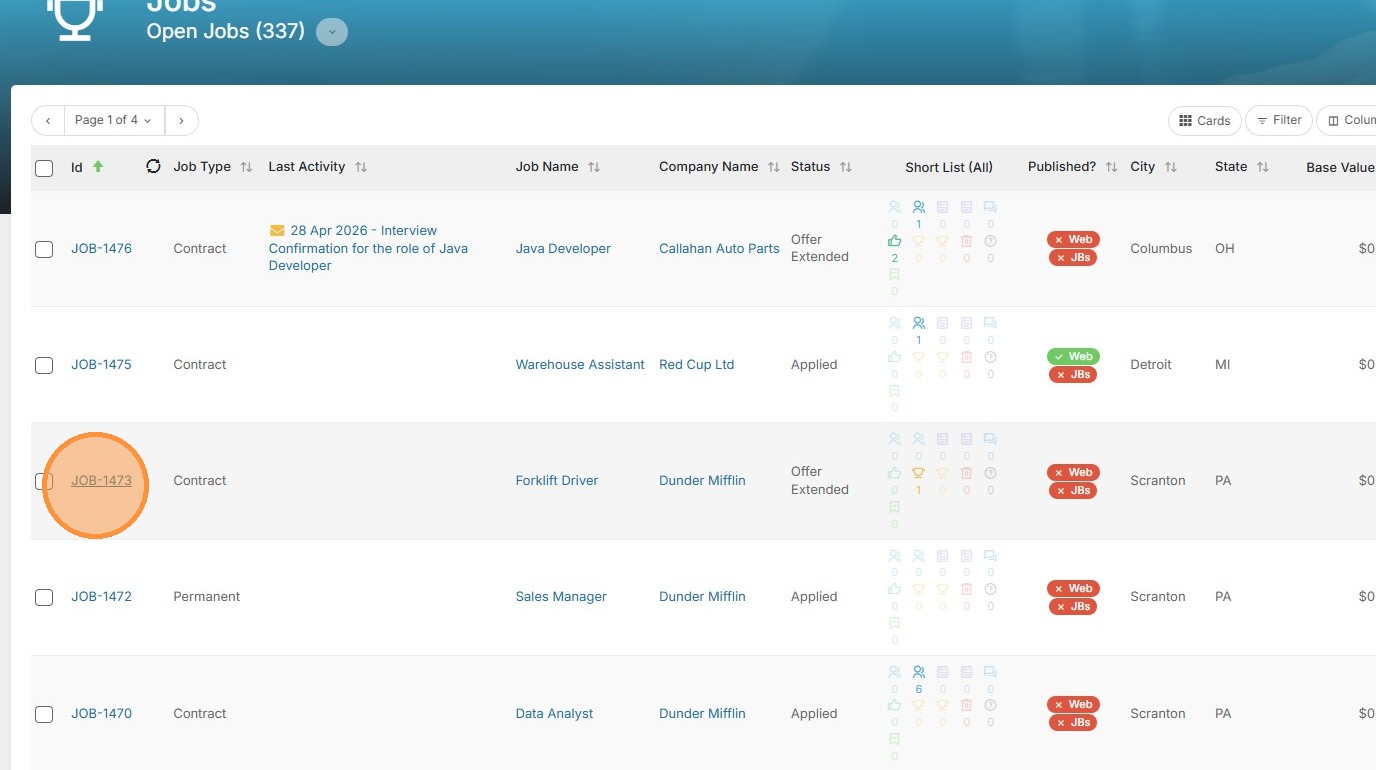
1. Click open a job.
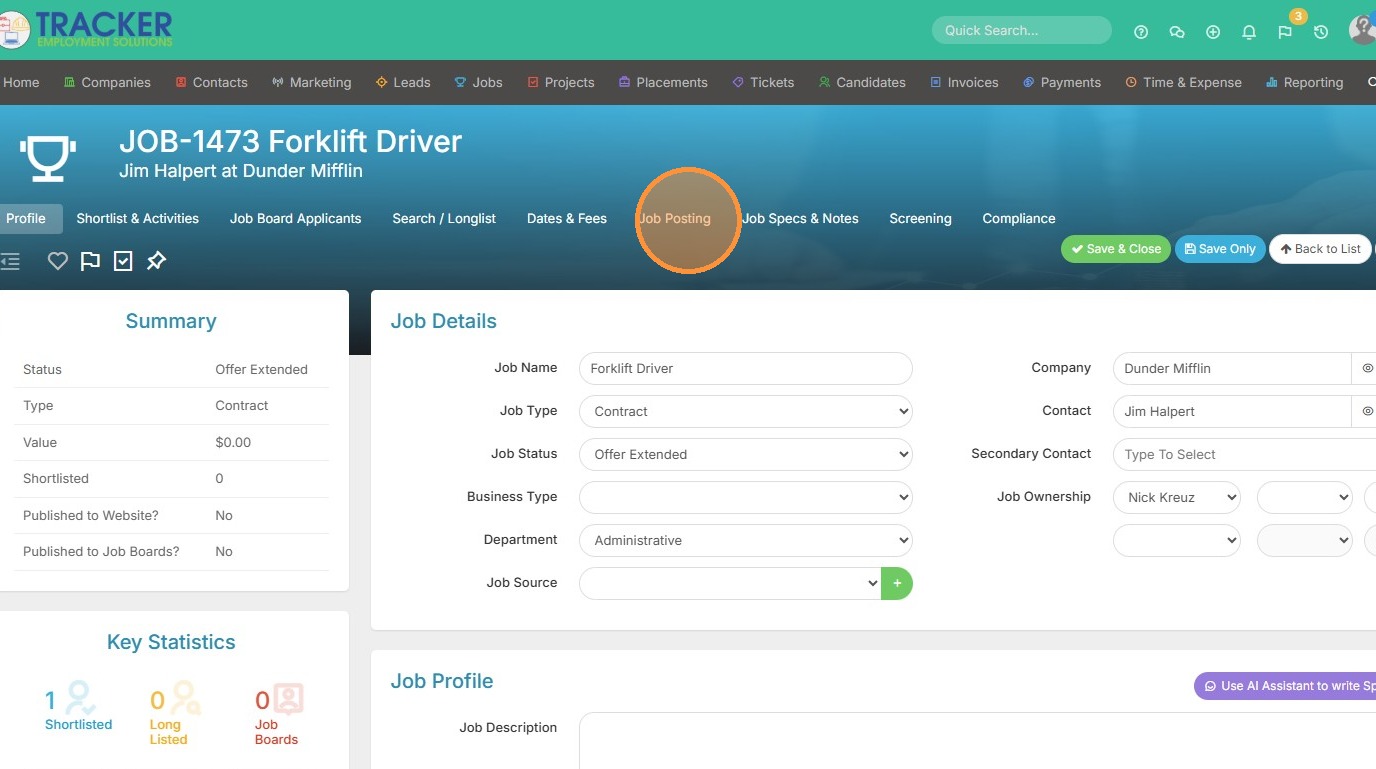
2. Click "Job Posting"
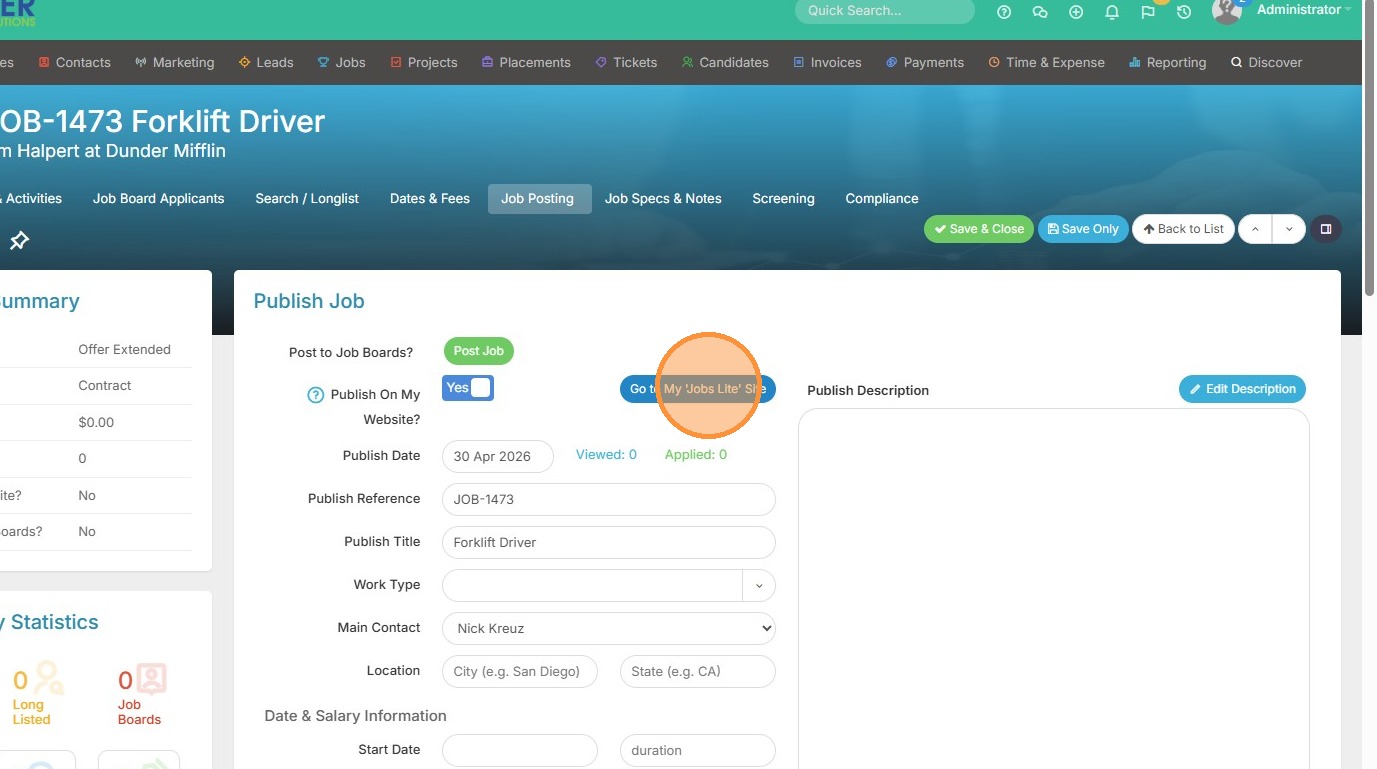
3. Toggle 'Publish On My Website' to Yes
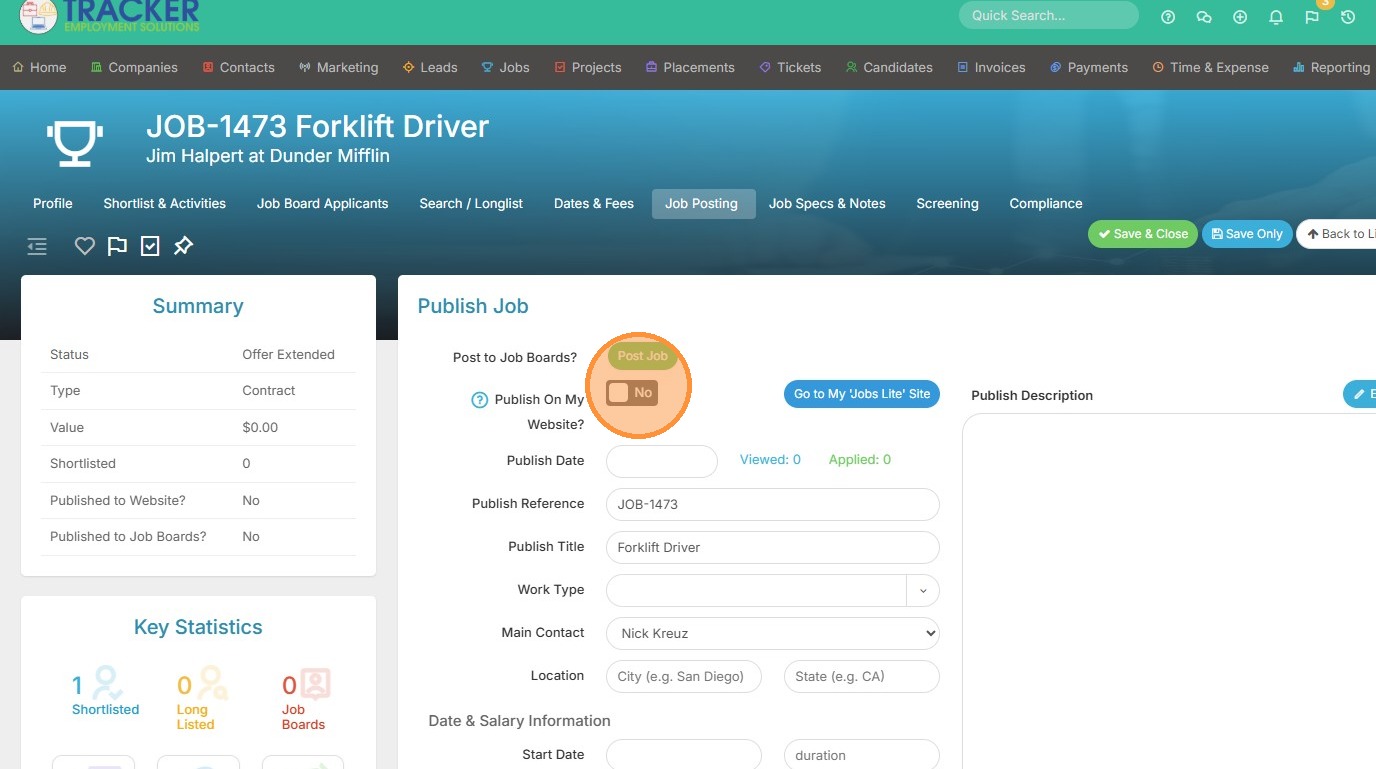
4. Click "Go to My 'Jobs Lite' Site"
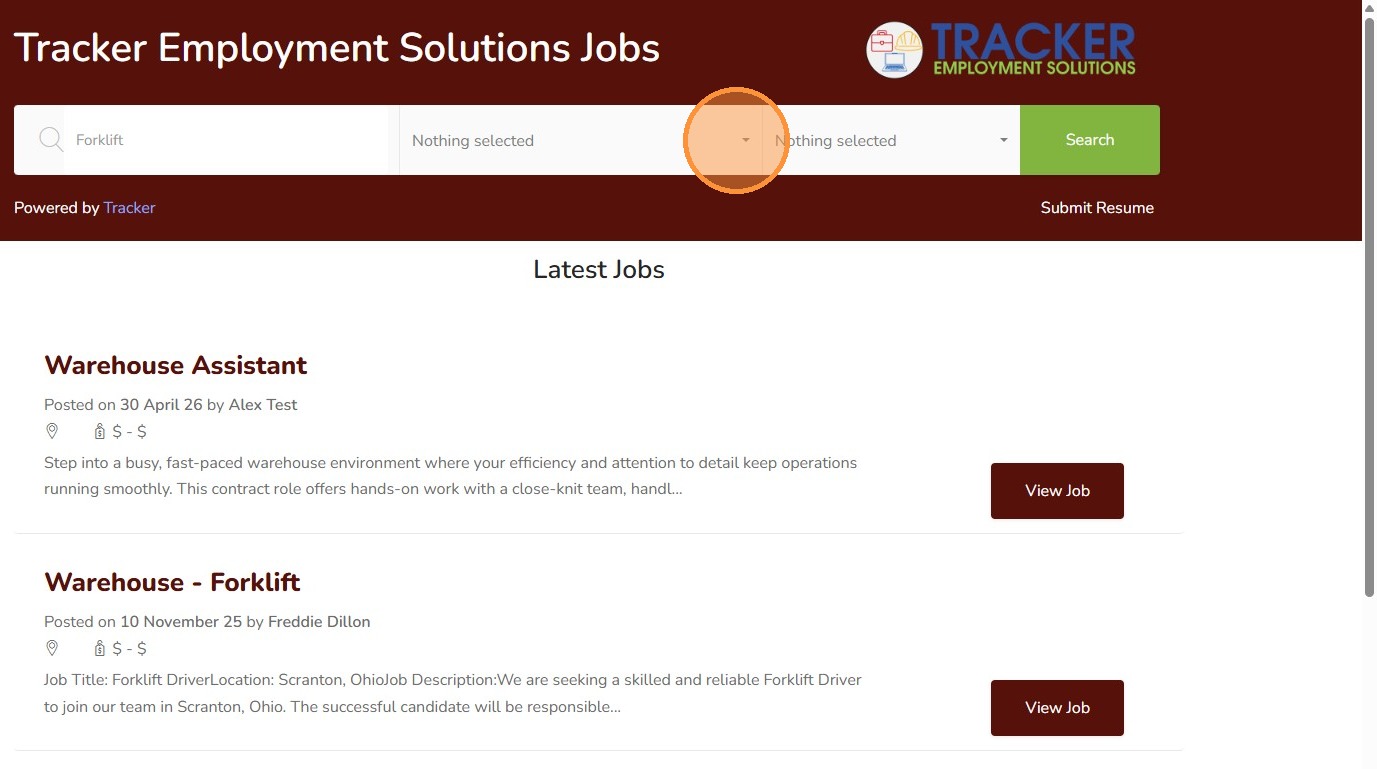
Candidate Portal Navigation
5. Here you can see the candidate can easily filter by a job name.
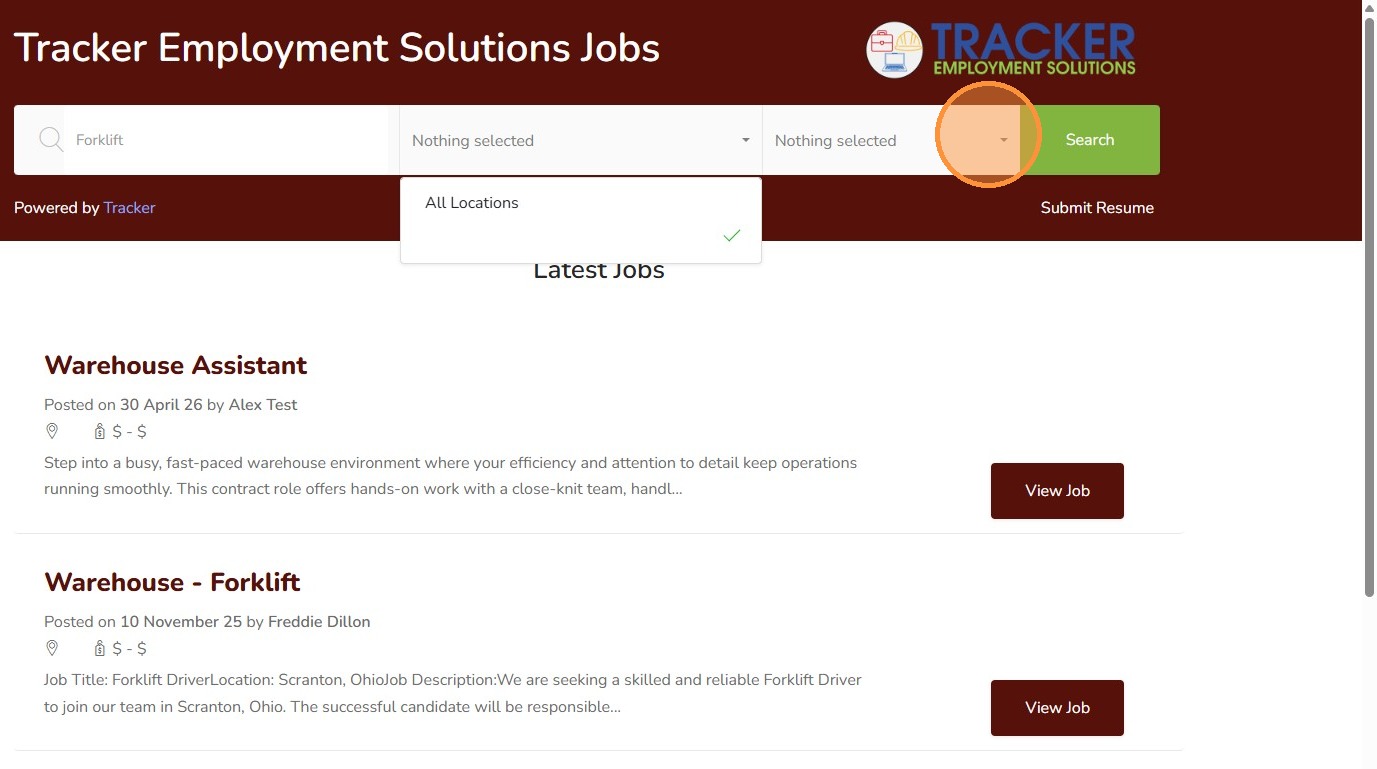
6. Or they can open the location filter dropdown, or job type (contract, perm etc.)
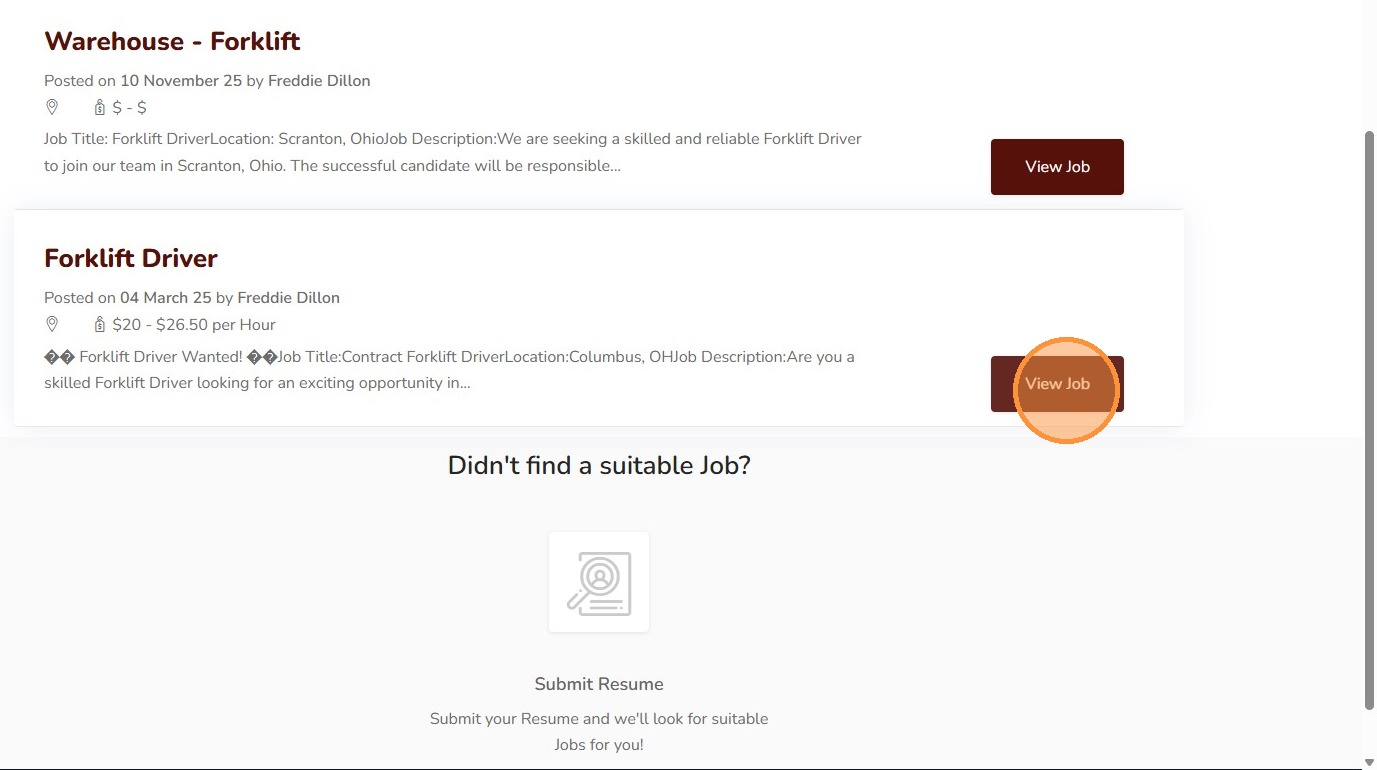
7. Click "View Job"
Job Application Process
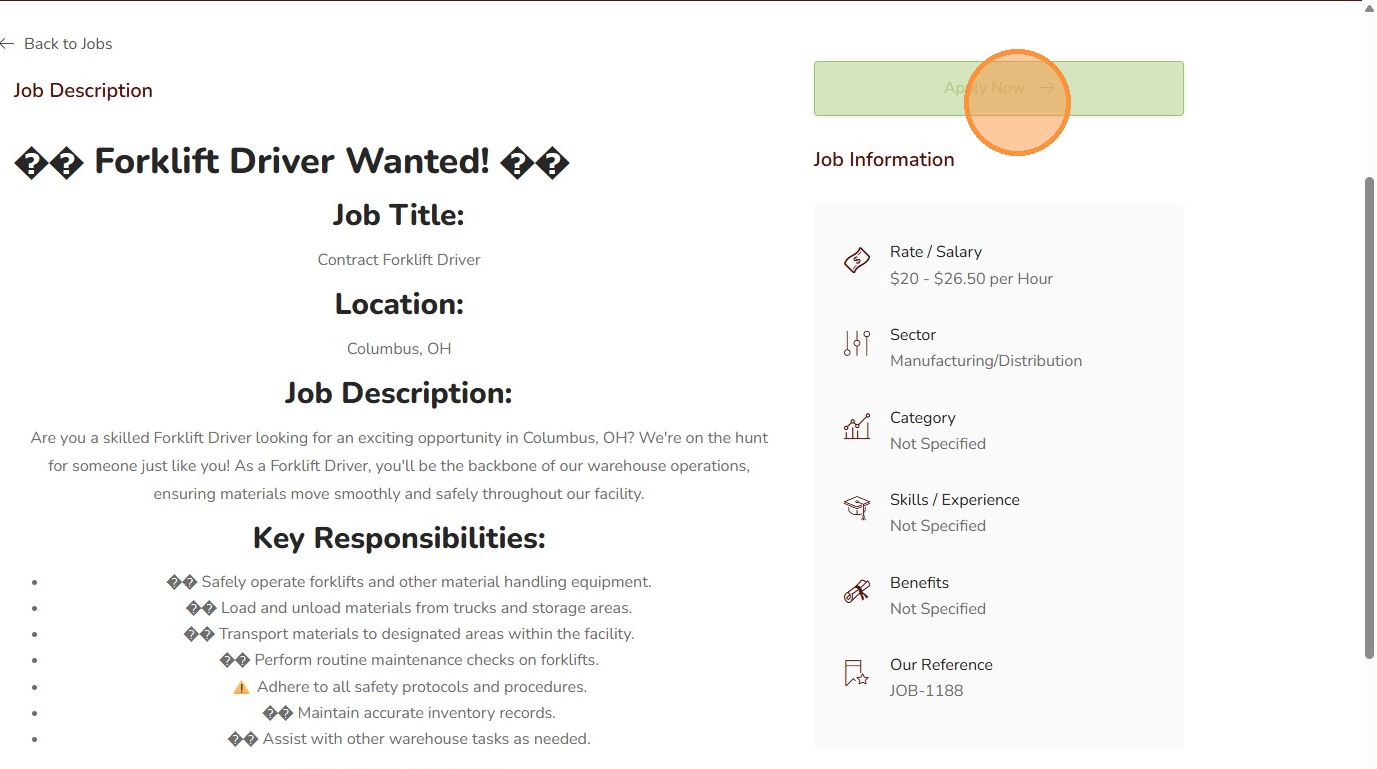
8. Here the candidates can view the job description you input on Tracker, as well as a map of the job and other information like salary, sector, etc. Click "Apply Now"
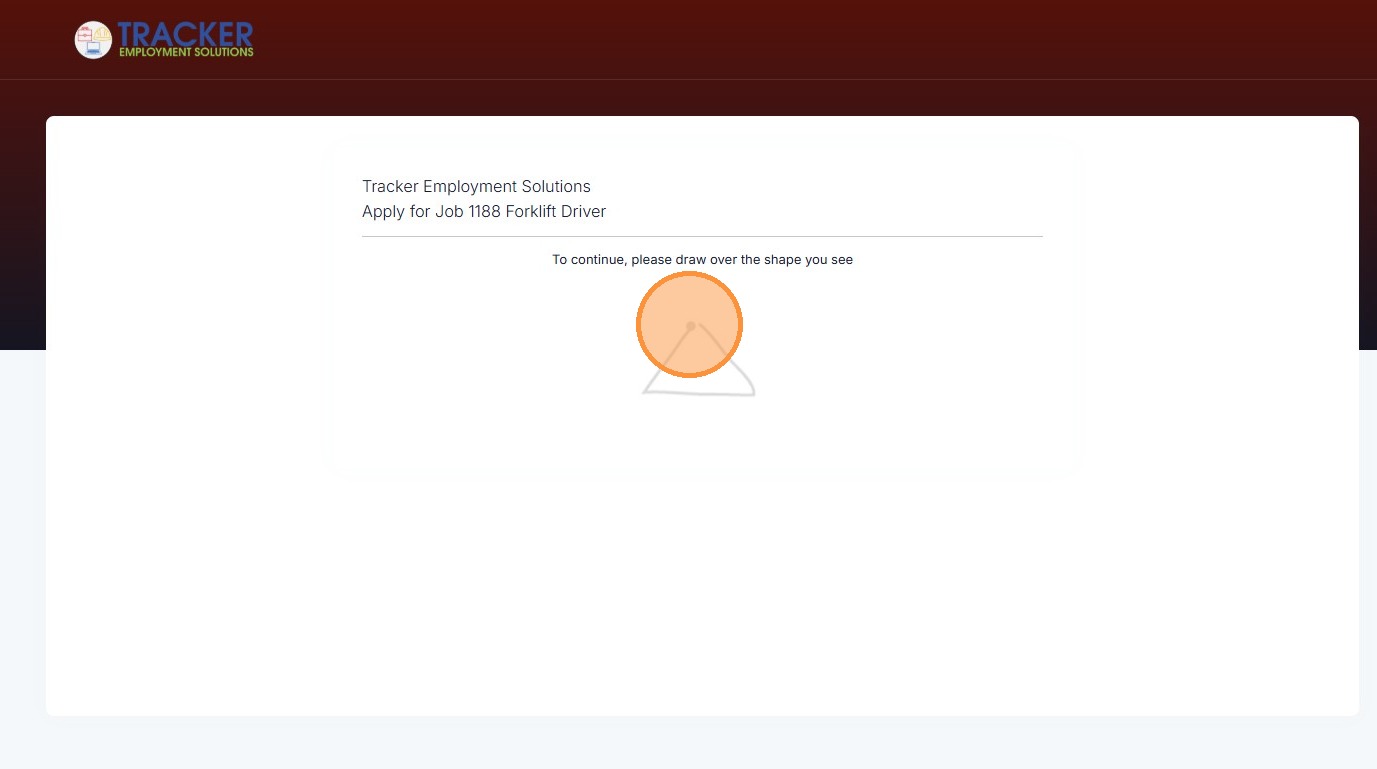
9. Complete security verification by drawing the required shape
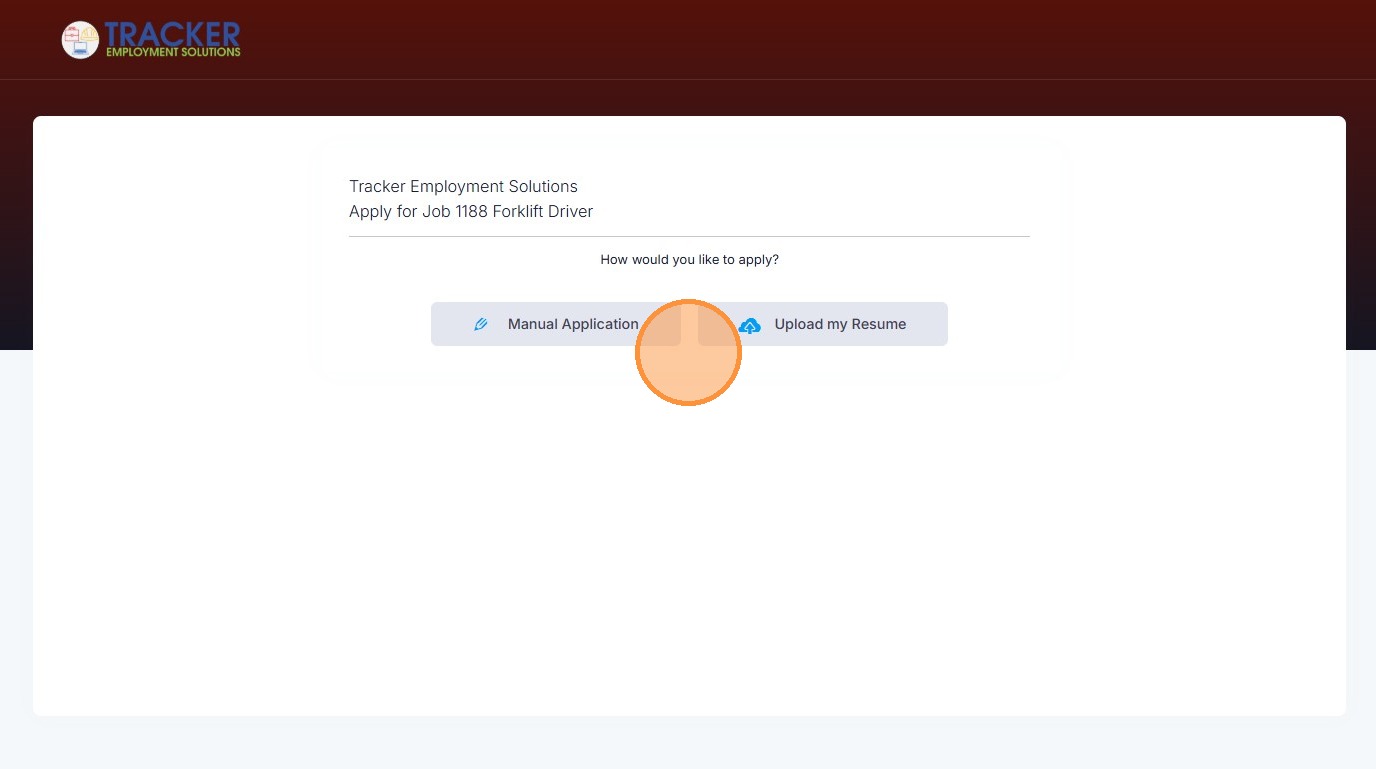
10. The candidate can then select preferred application method.
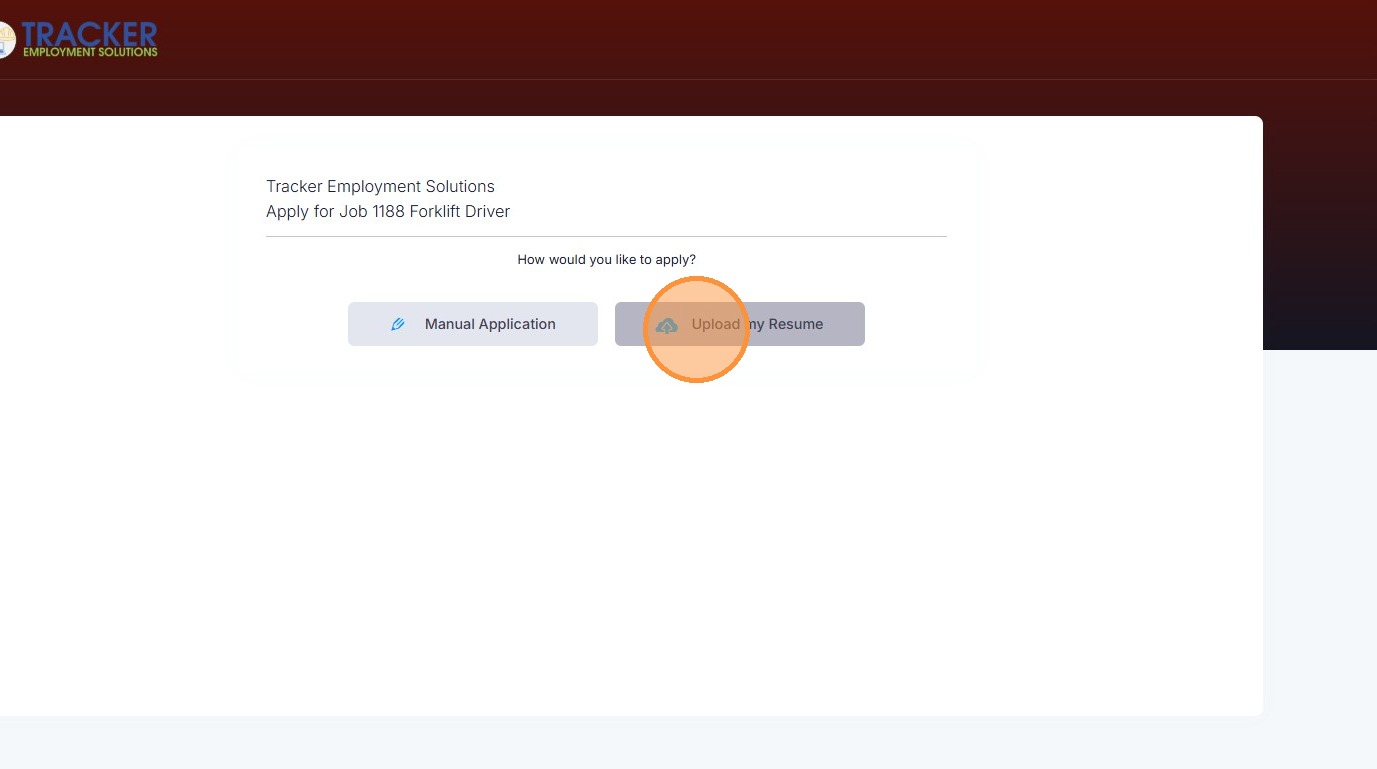
11. Click "Upload my Resume"
12. Then they can edit their resume details that auto-filled here.
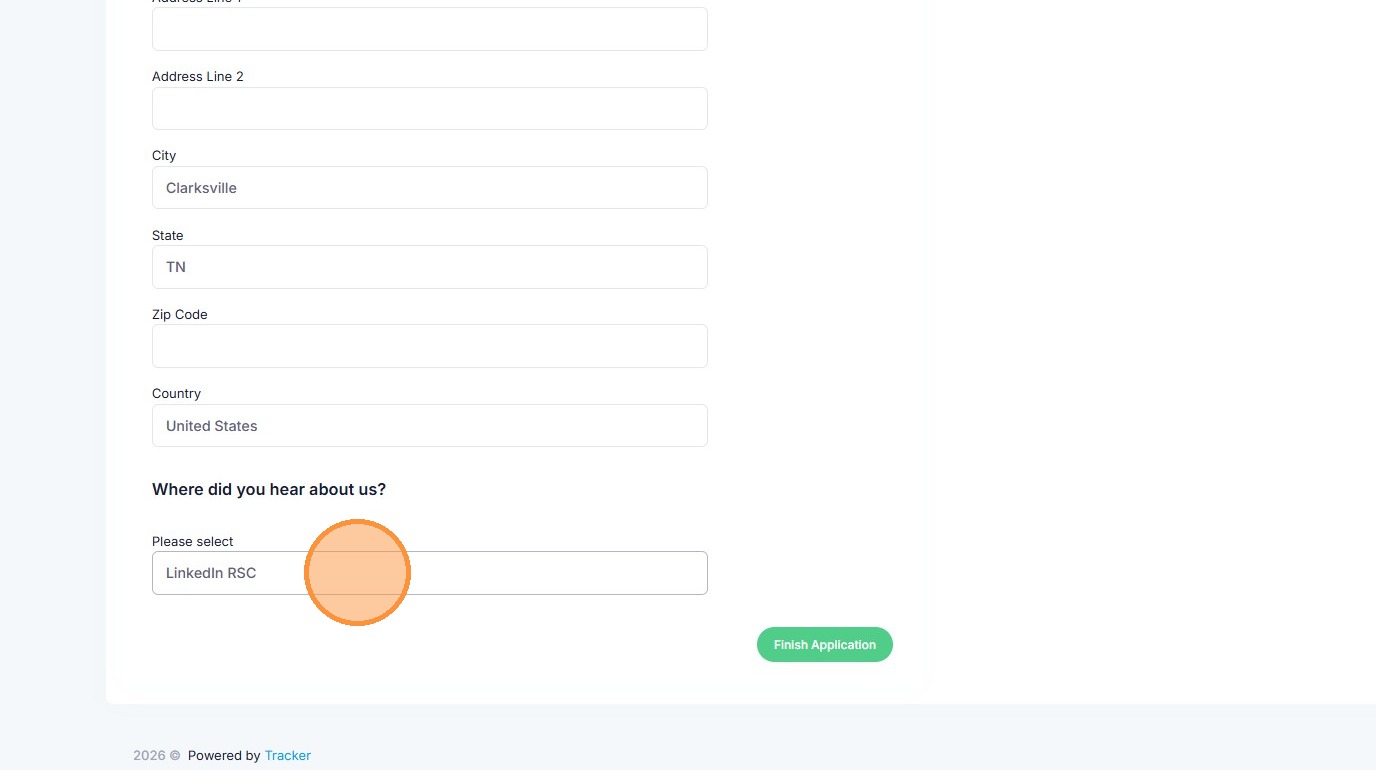
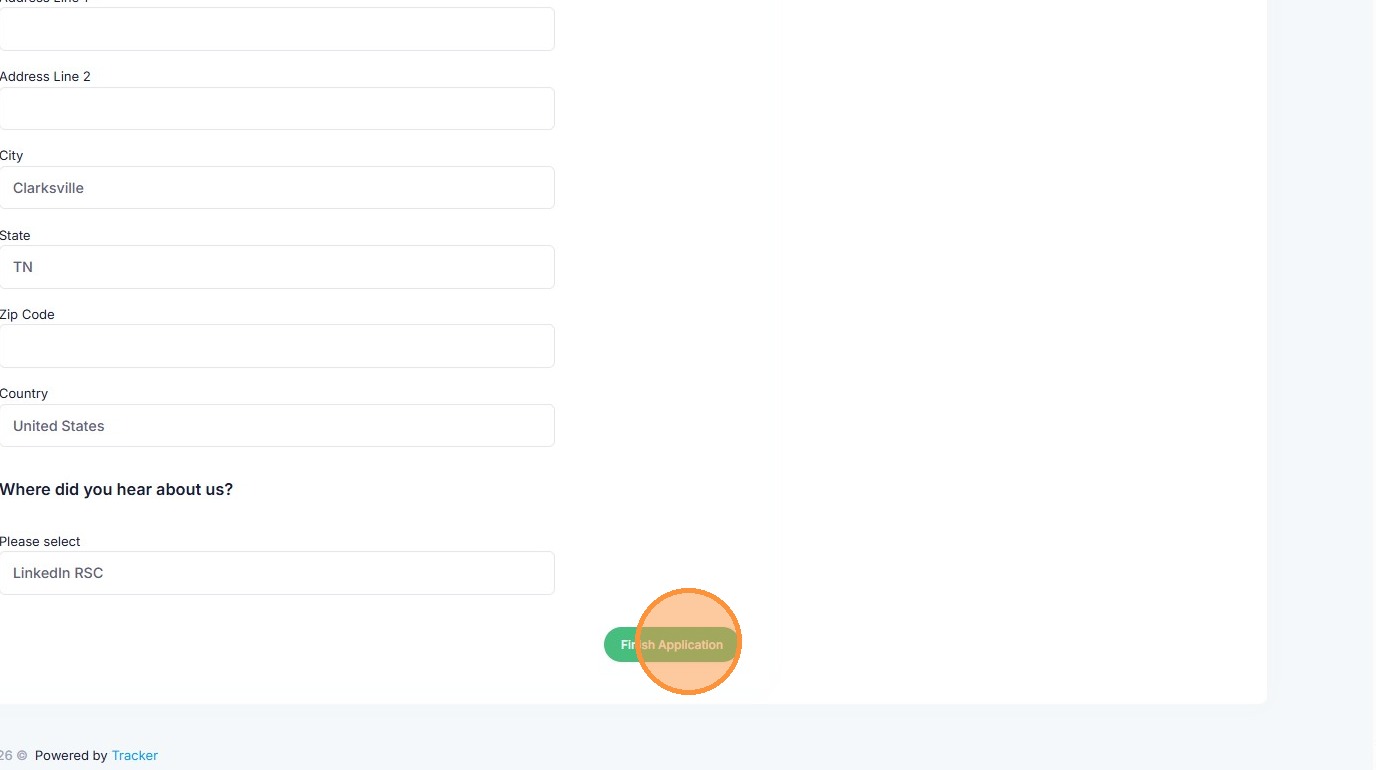
13. Click "Finish Application"
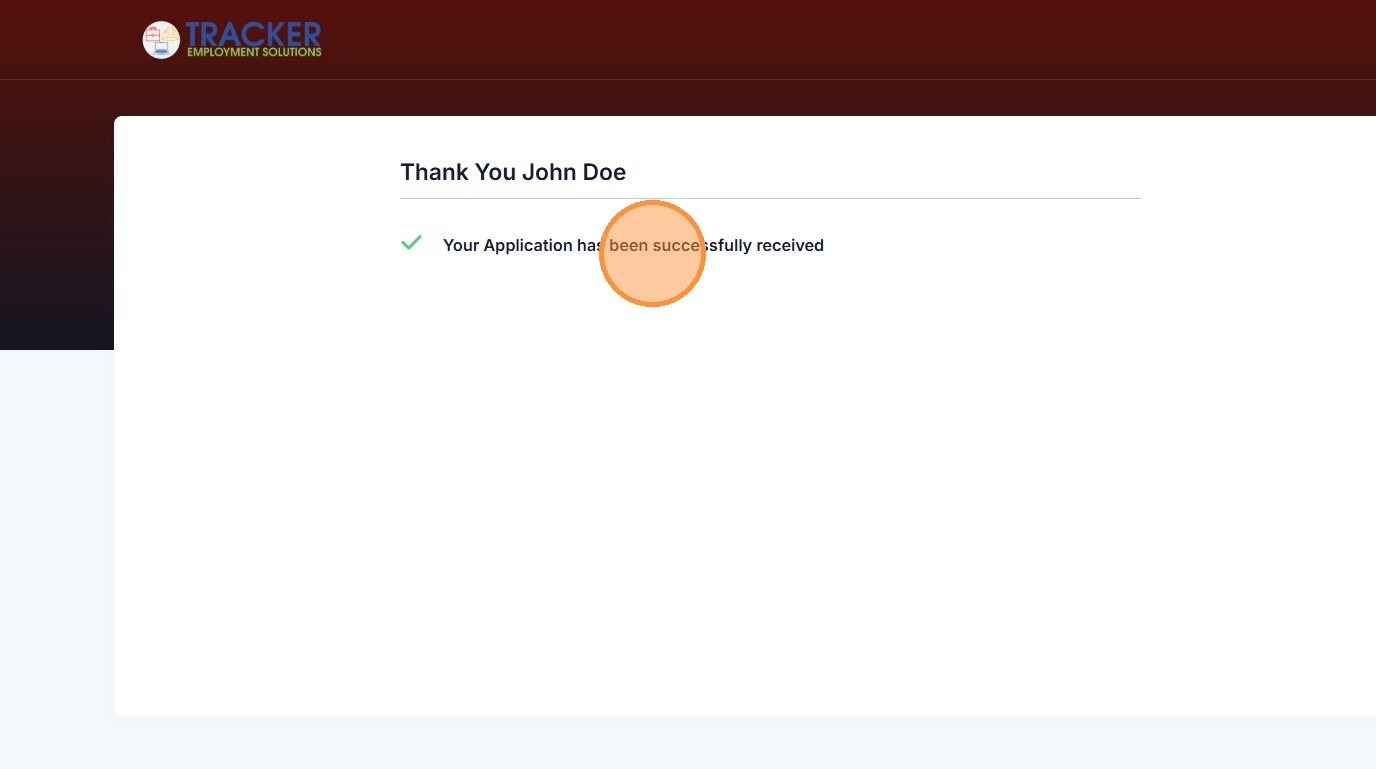
14. Then they will receive verification that their application has been received.
Candidate Outreach
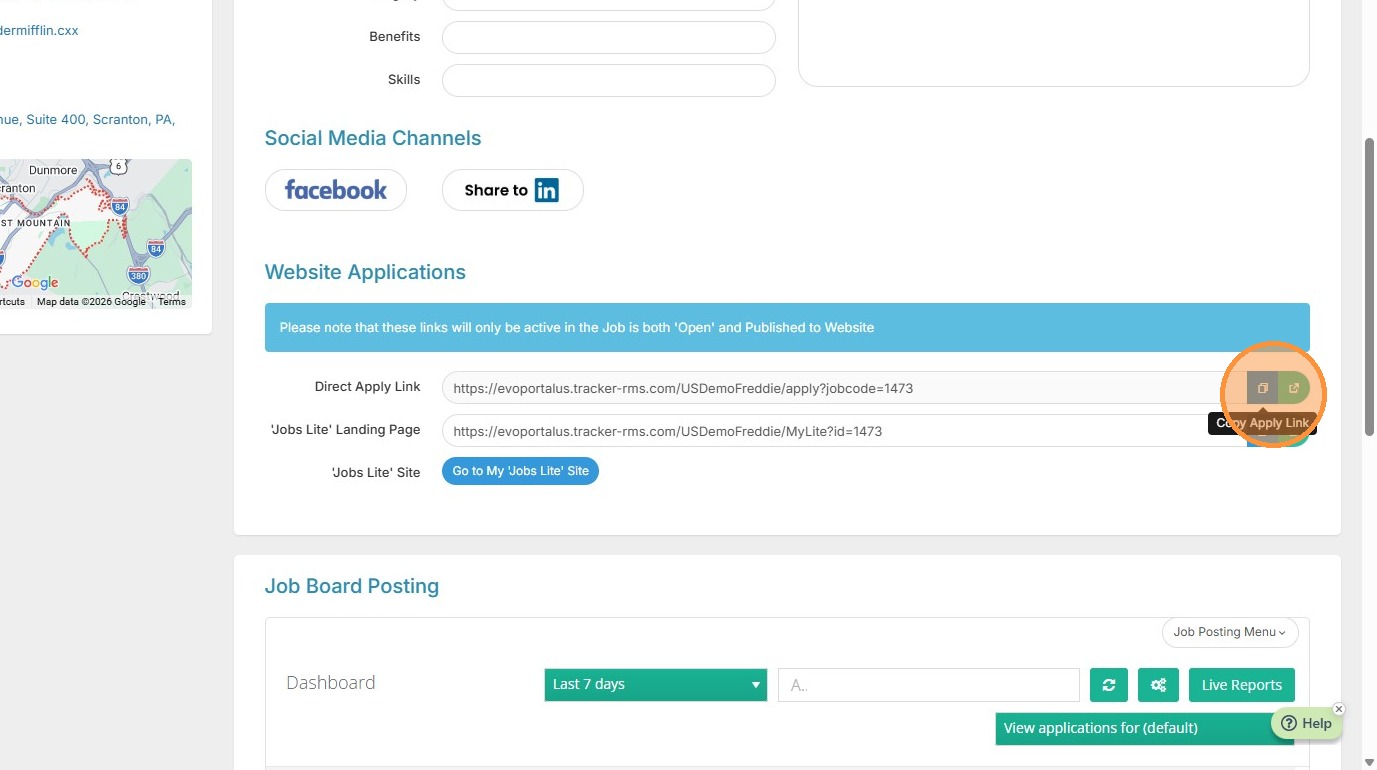
15. Back in the job record in Tracker, scroll down on the Job Posting page to select the Direct Apply Link. Click the Copy icon for the Direct Apply Link
16. Click "Search / Longlist"
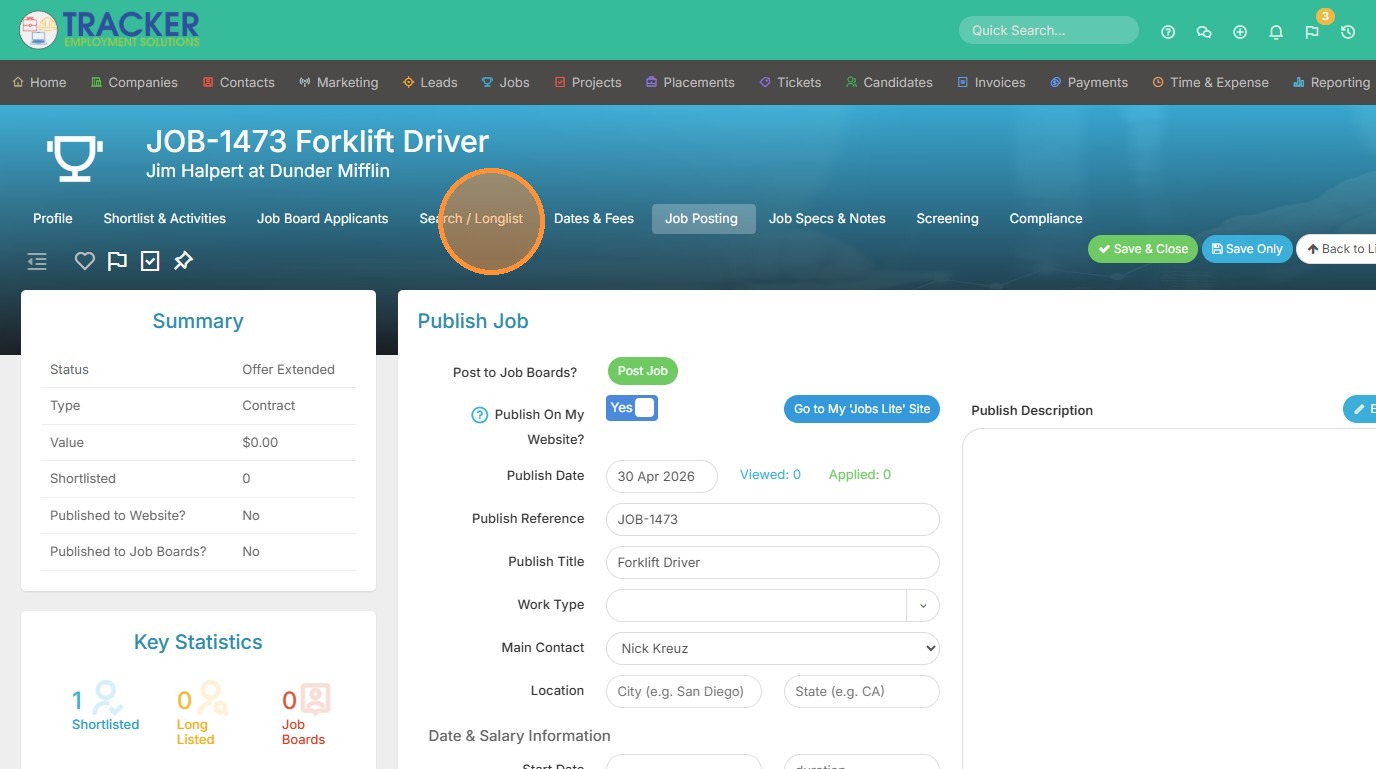
17. Select all candidates in the longlist that may be a good fit for this job.
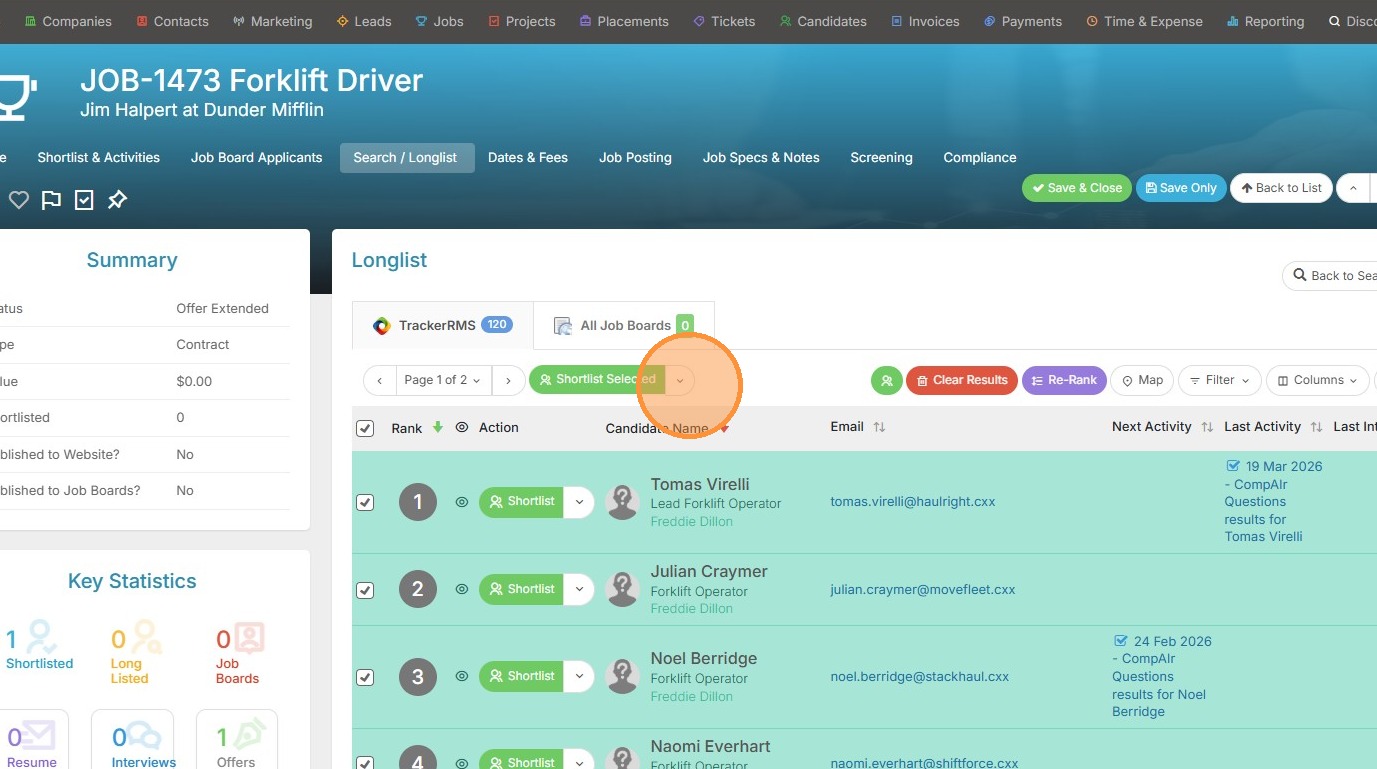
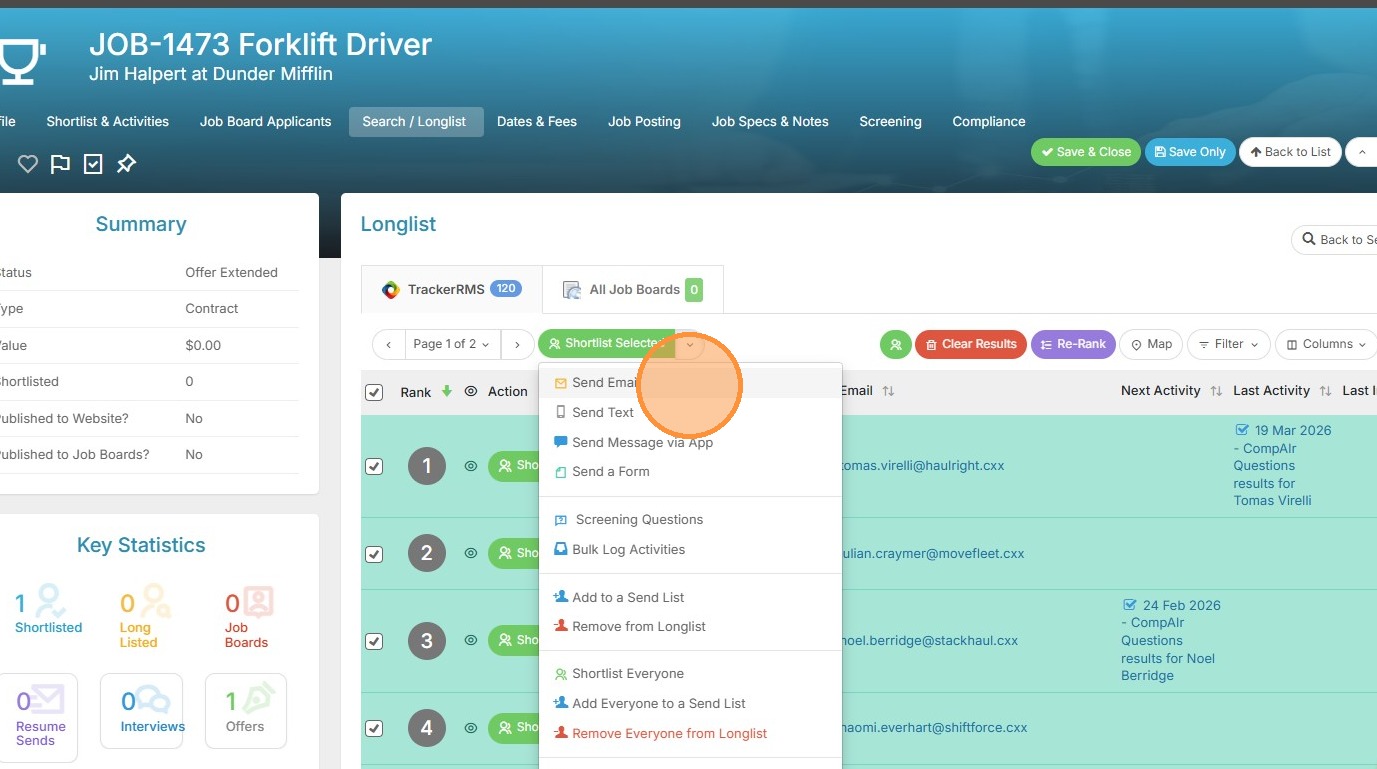
18. Click "Send Email"
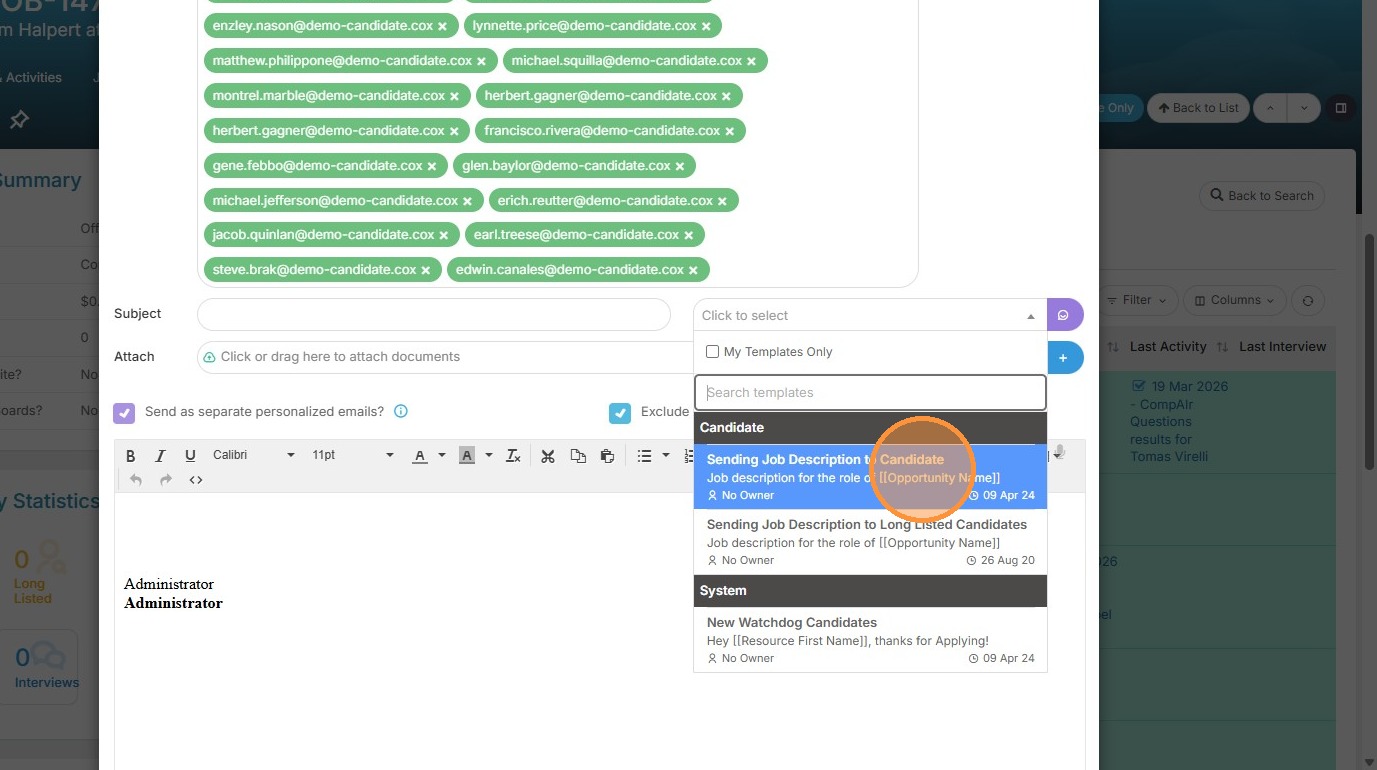
19. Click a template if you would prefer.
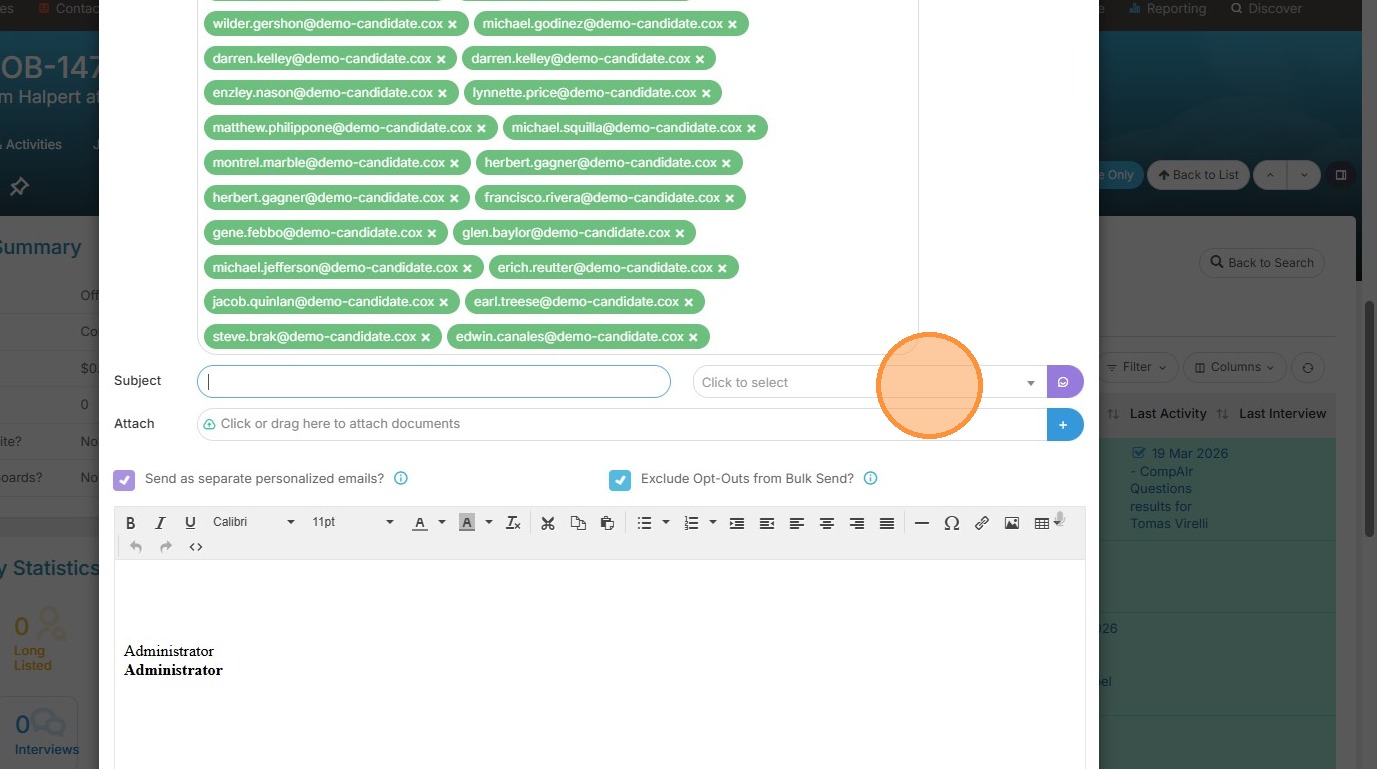
20. In this example, I have a job description template I can use.
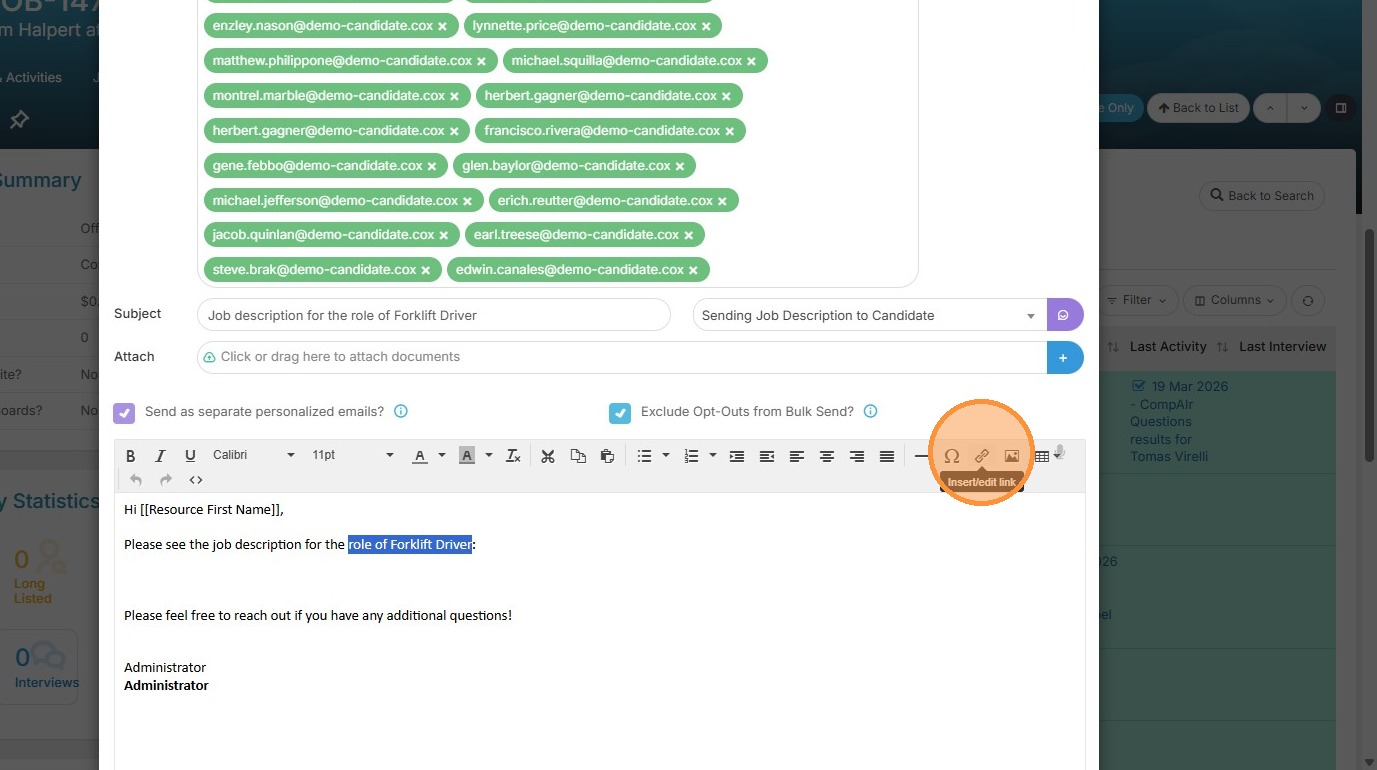
21. Click Insert/edit link icon

22. Paste that Direct Apply Link application URL and click Ok to insert the link
23. Click "Send". This is an easy and efficient way to reach a bunch of candidates at once that may have interest in this position.