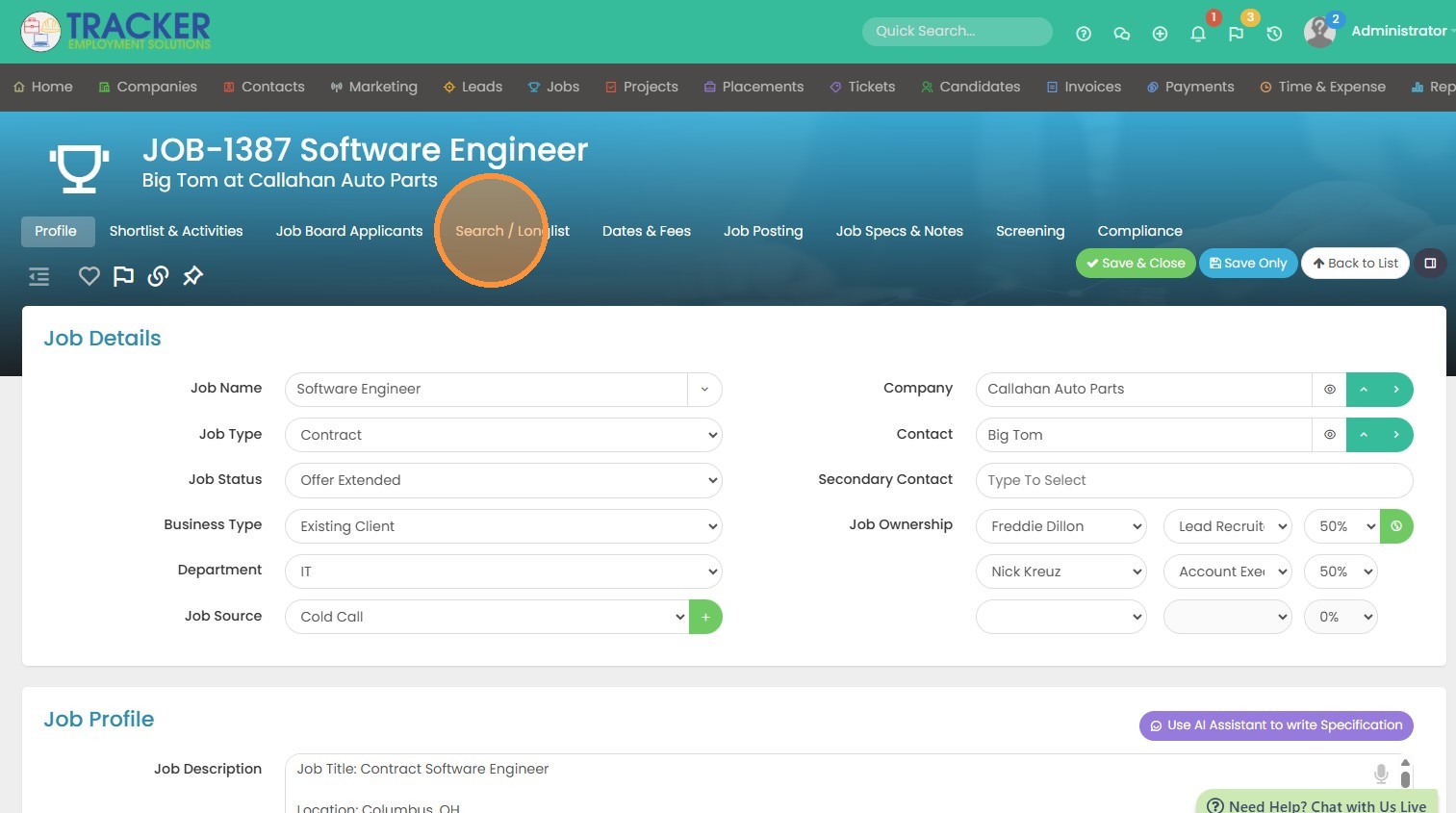
1. Click into your longlist to get started.
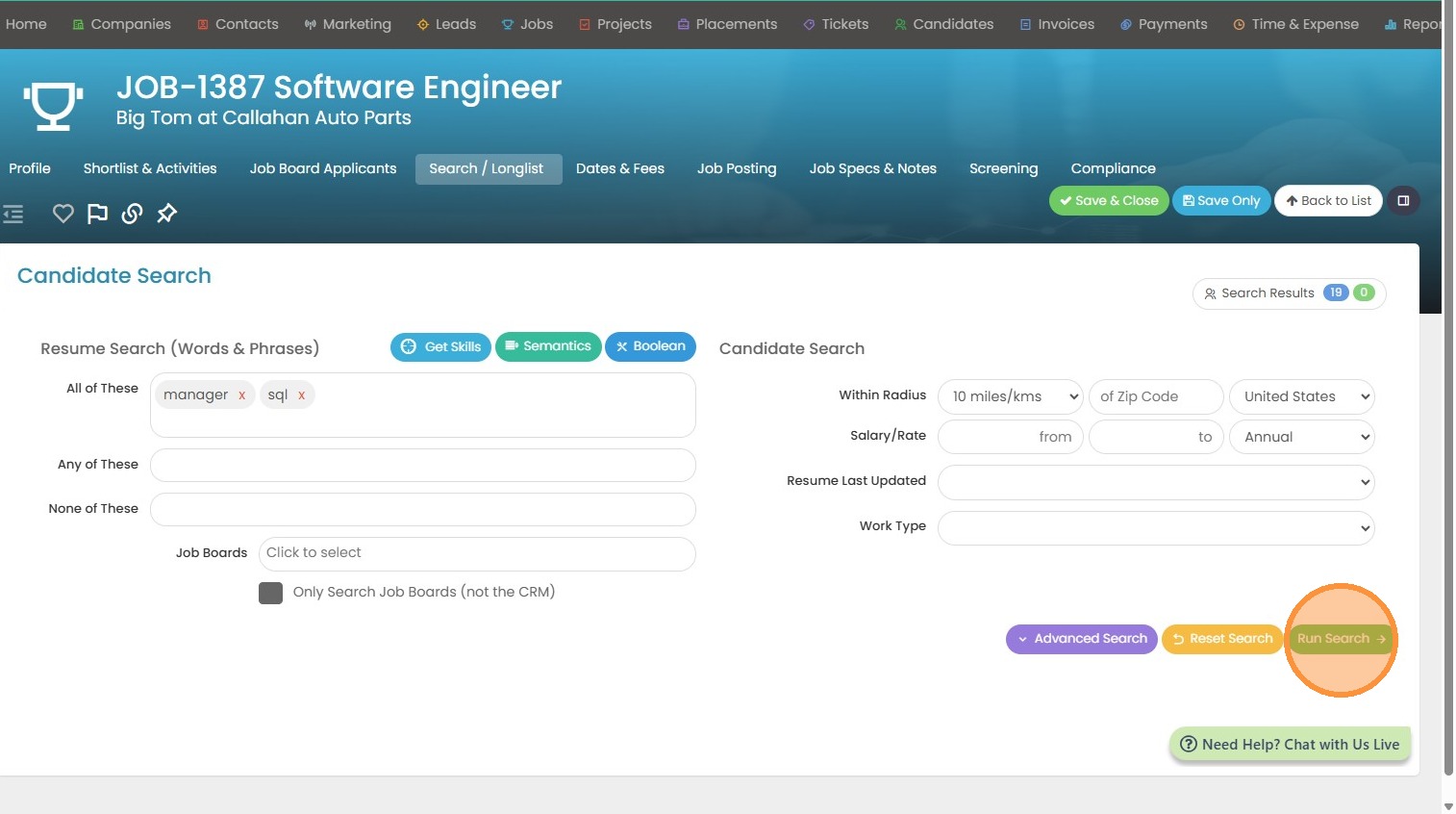
2. Click "Run Search" once you have input some criteria.
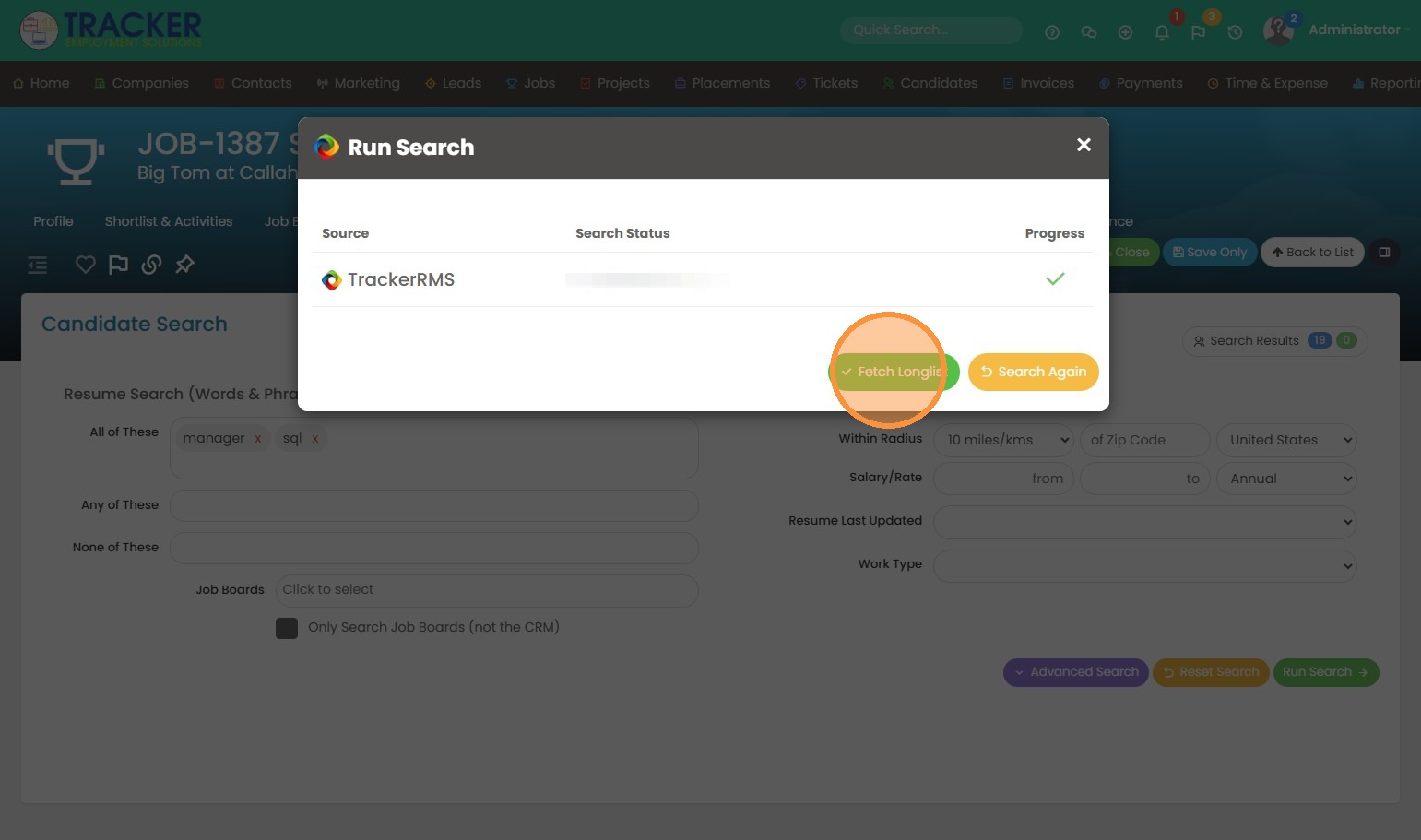
3. Click "Fetch Longlist" to open the list of candidates.
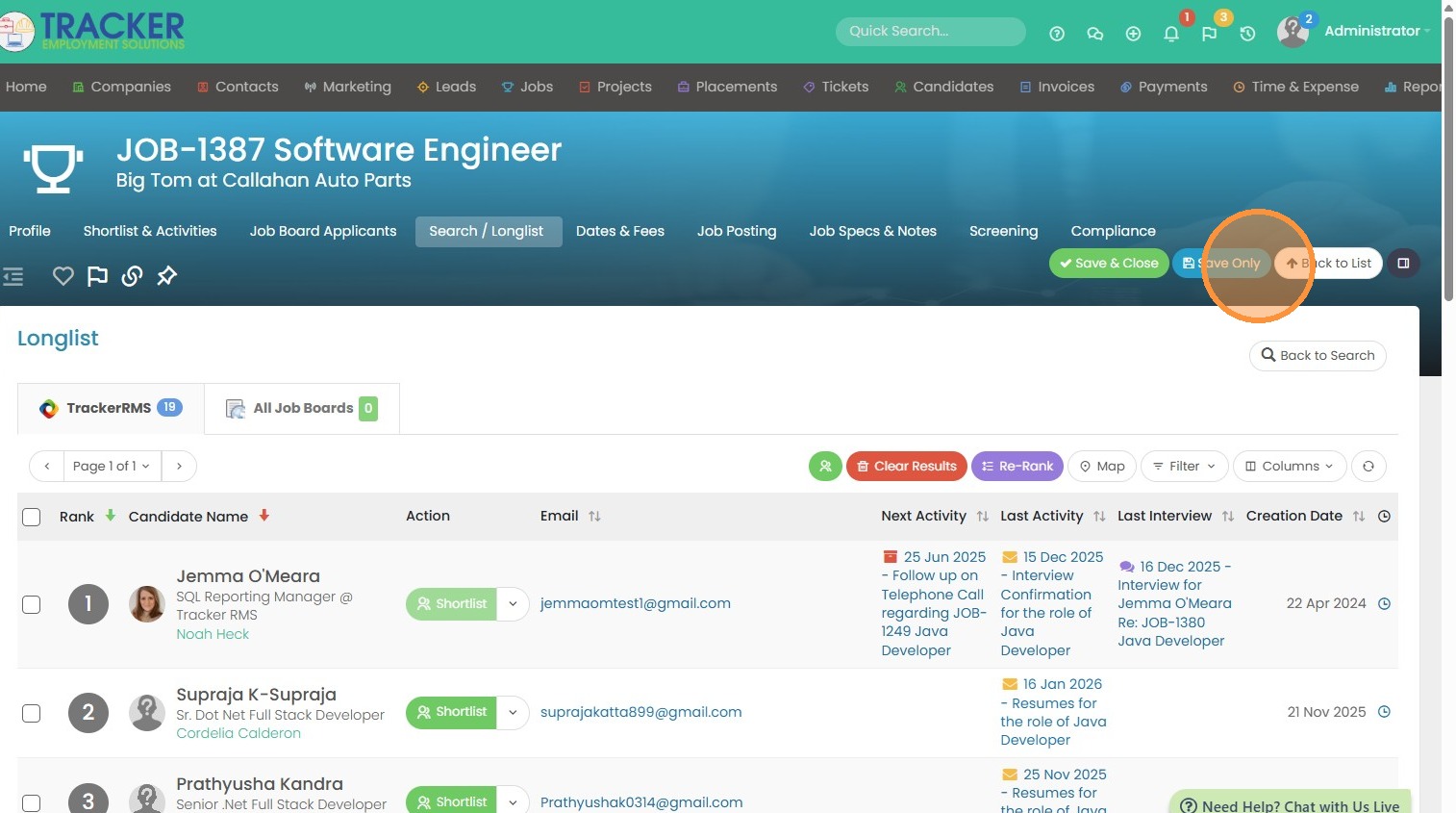
4. Click "Save Only".
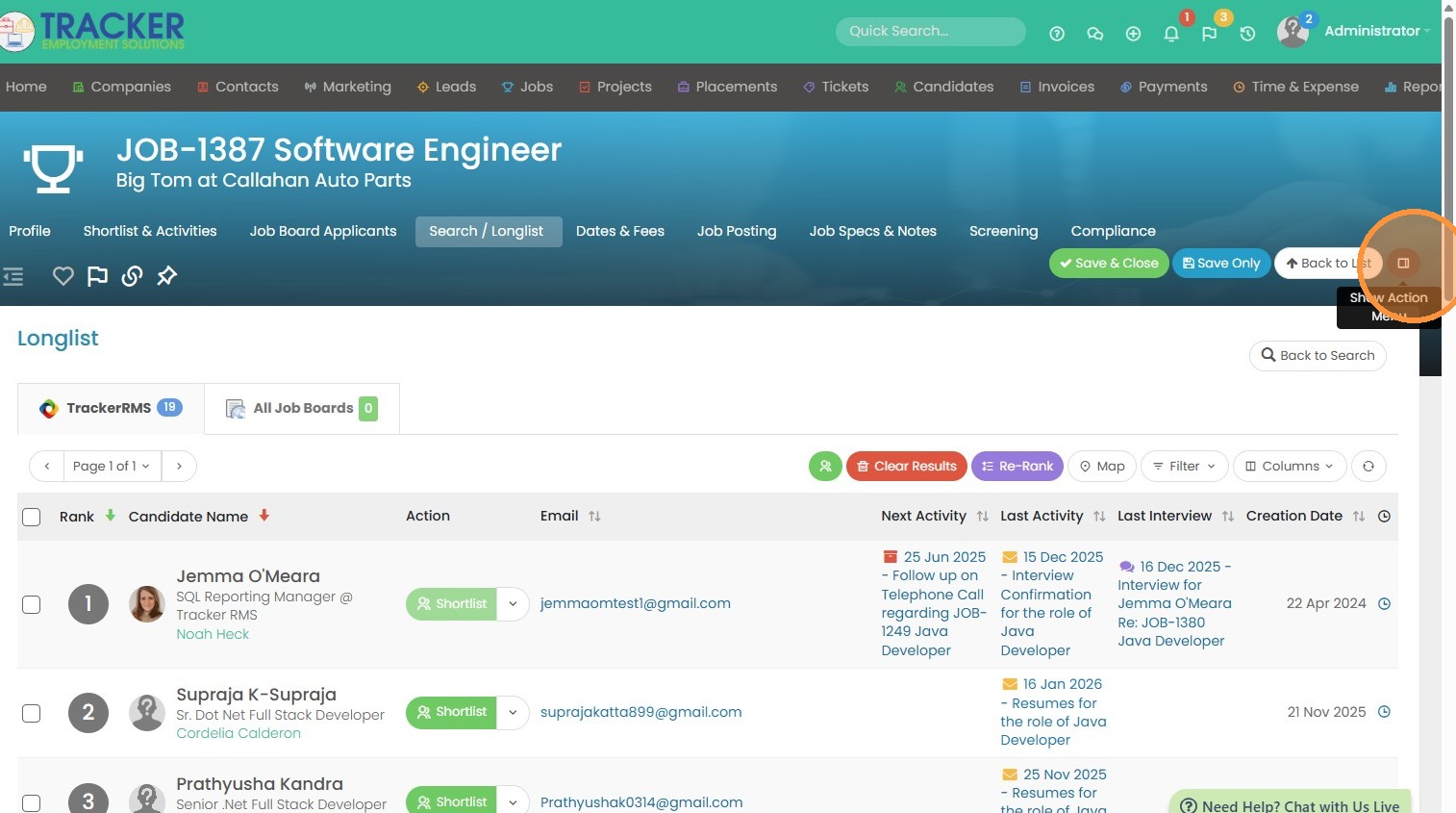
5. Click the action button.
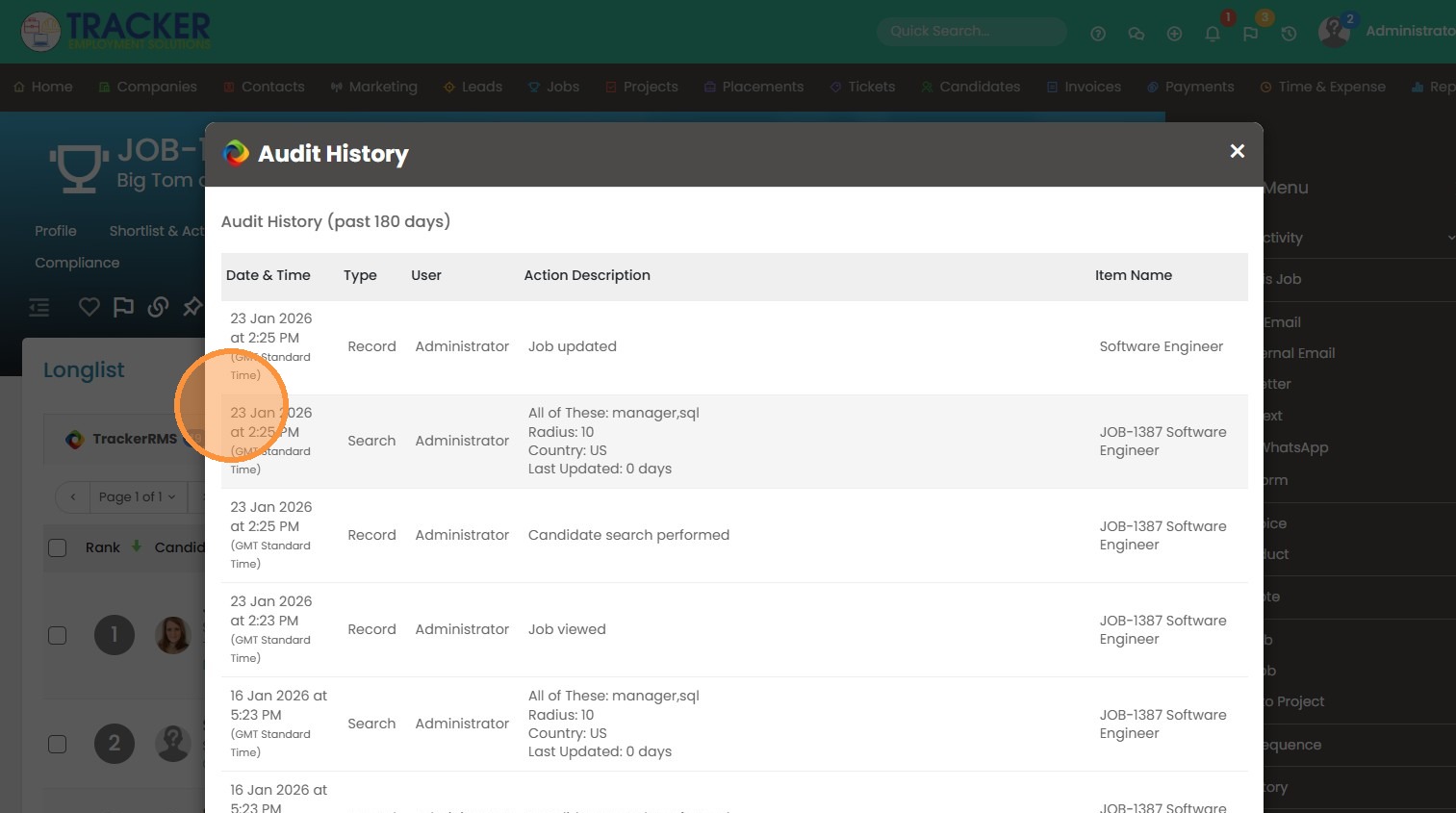
6. Click "Audit History".
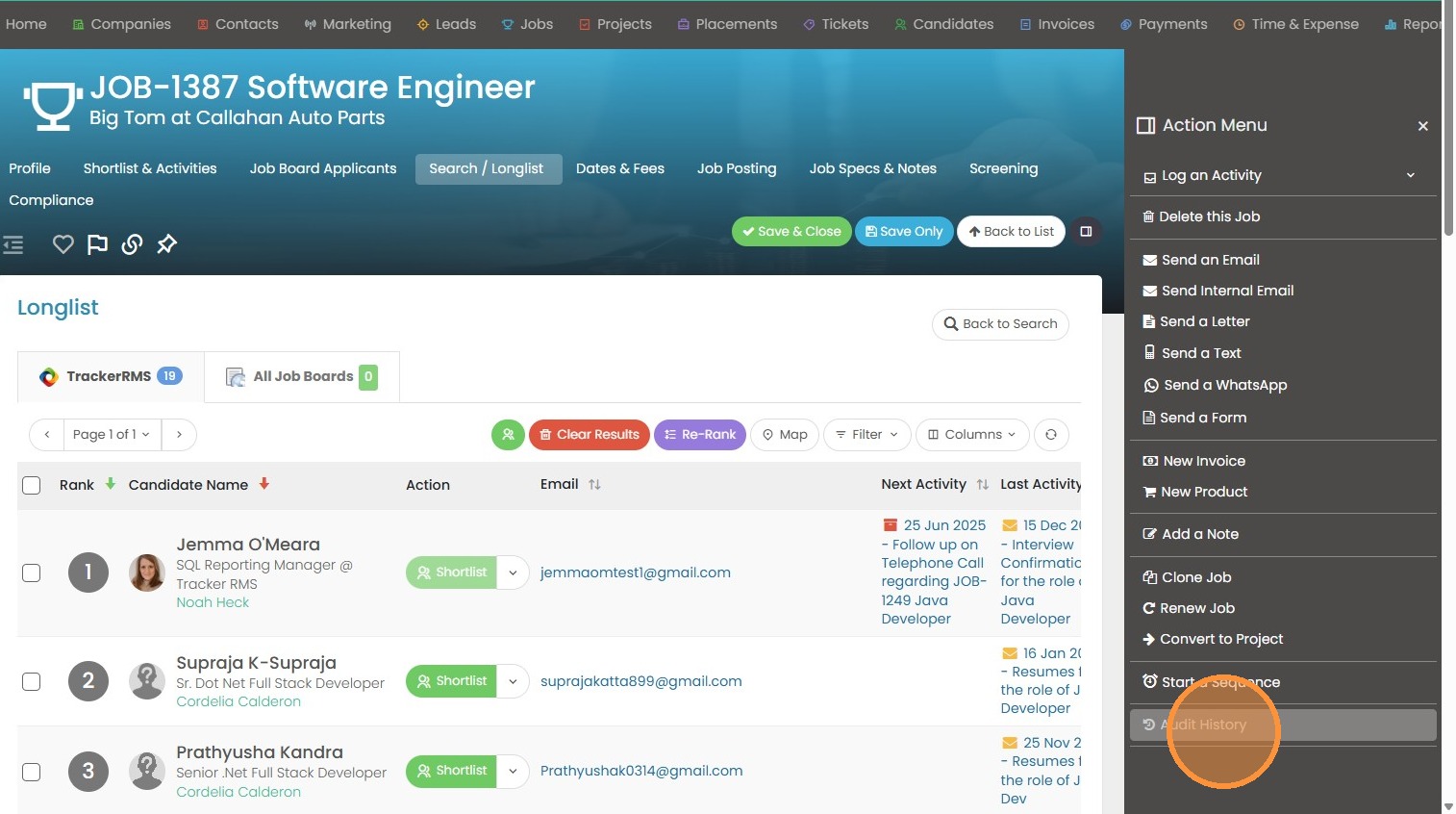
7. From here you can see the audit history search criteria, and whether the results were cleared (and by whom).