System Navigation
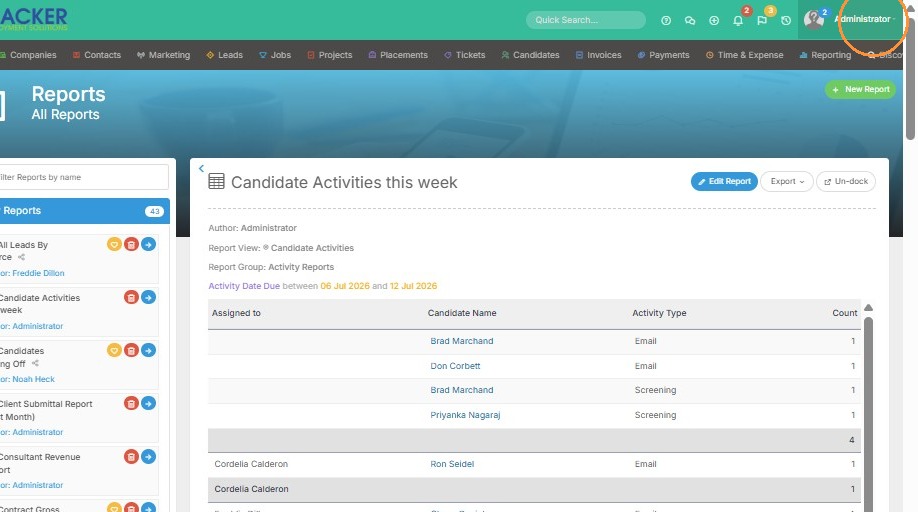
1. Click on your name to get started.
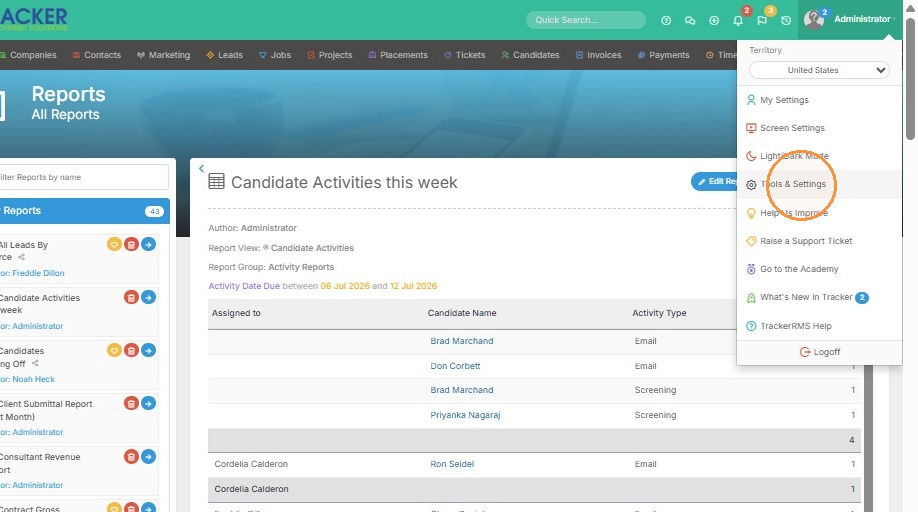
2. Click "Tools & Settings"
User Configuration
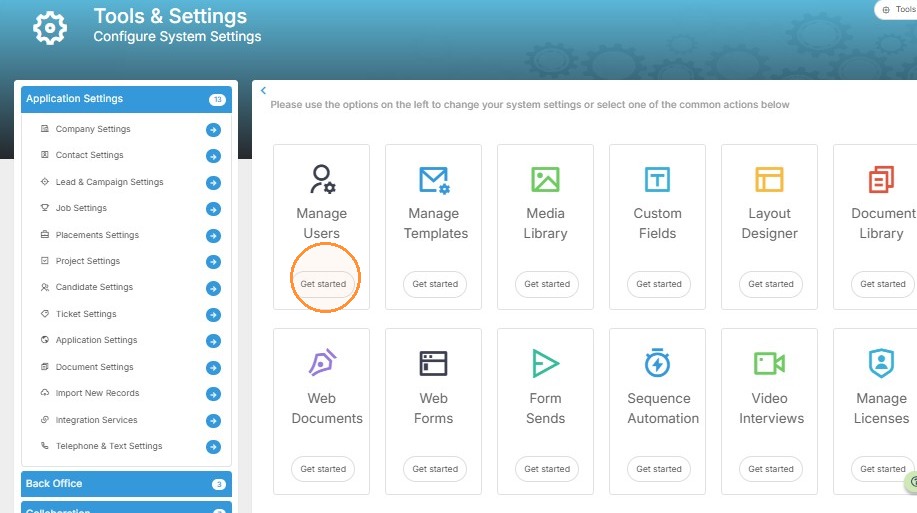
3. Click "Get started" under the Manage Users tile
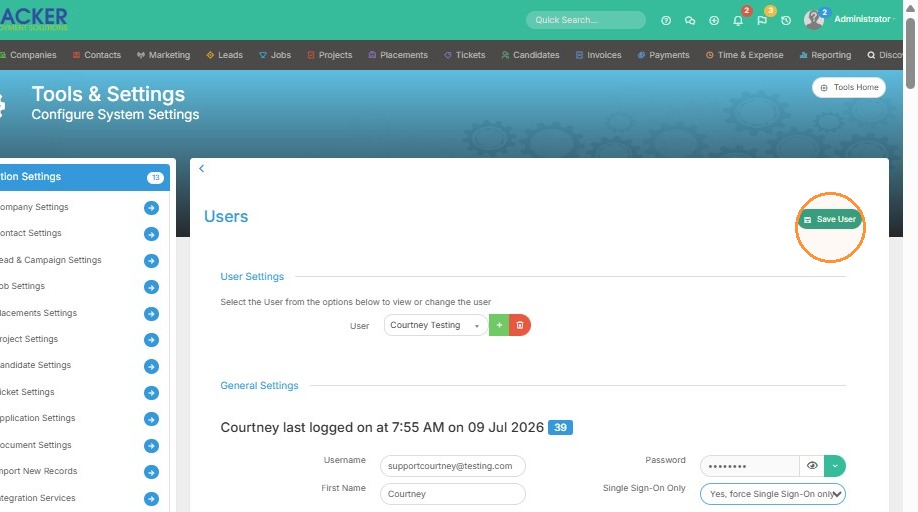
4. Select the user you would like to enforce single-sign on for ( you will need to do this for each user if you want everyone in the company to have it on).
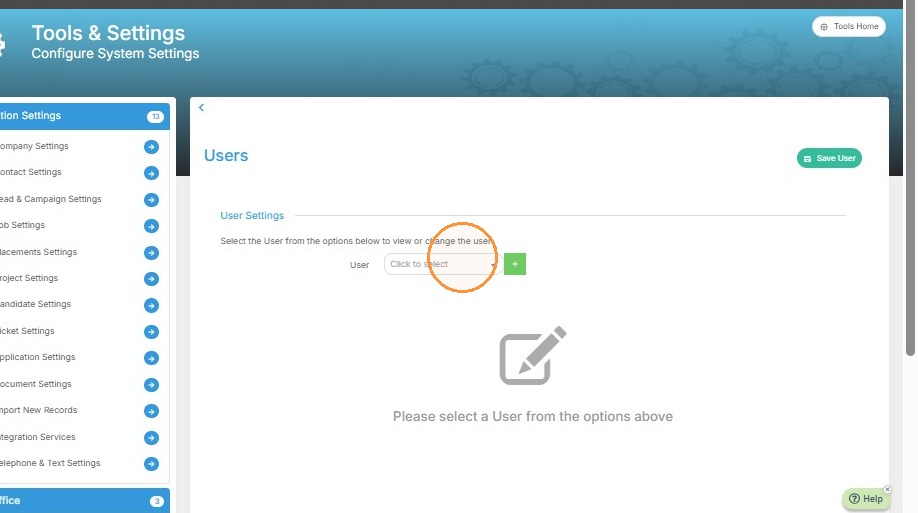
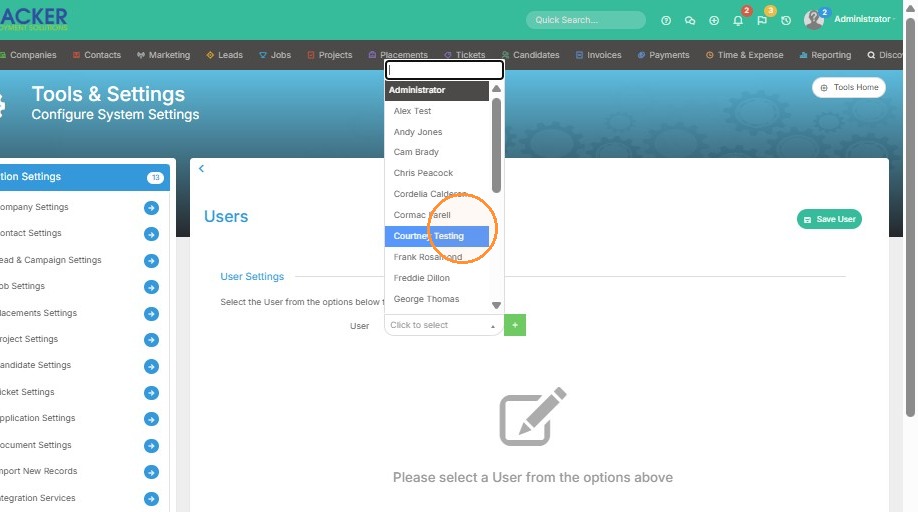
5. Set Single Sign-On Only to "Yes, force Single Sign-On only"
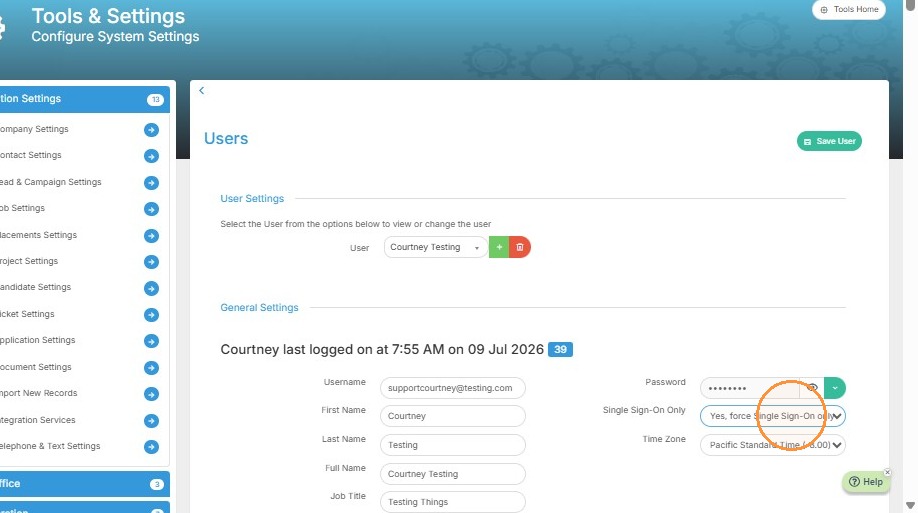
6. Click "Save User". Now your MFA will pickup.