Sending Spec Resumes/CV to Contact Records
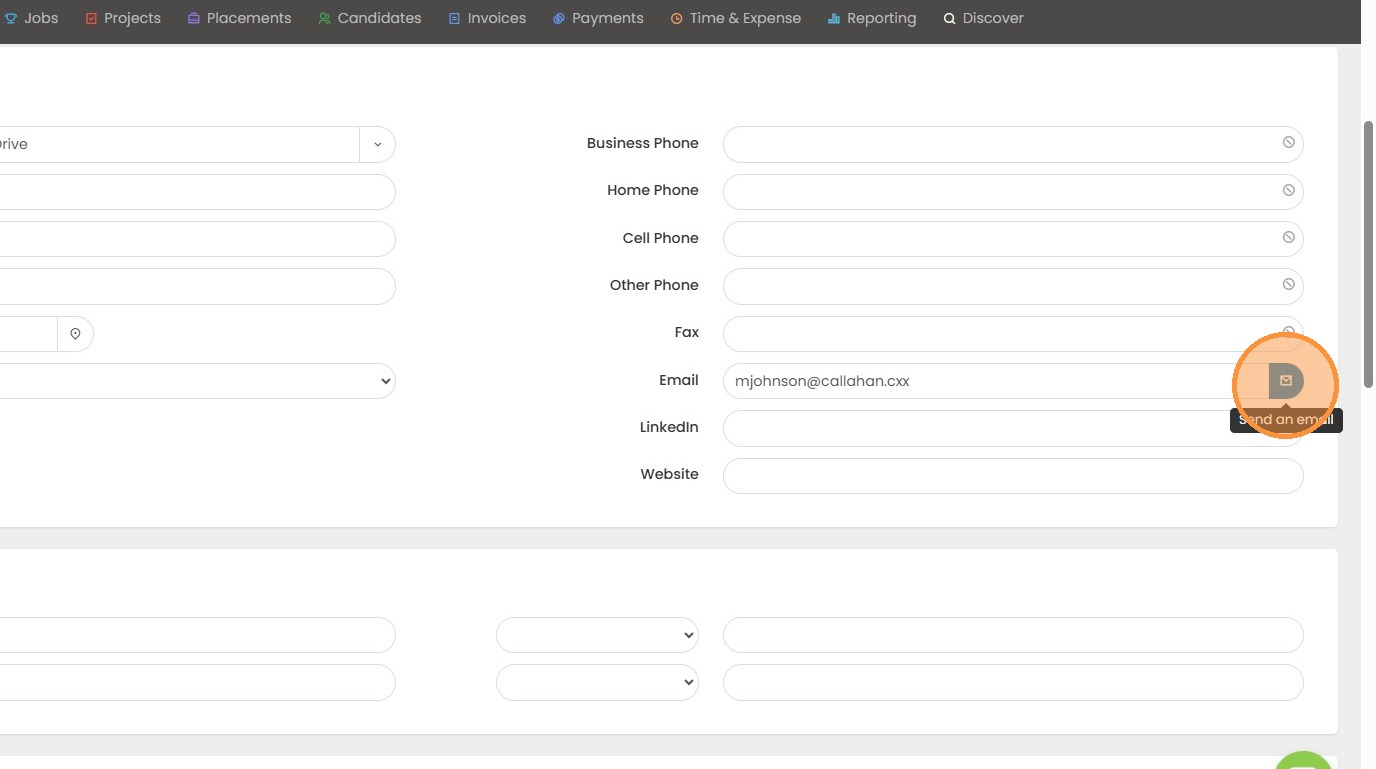
1. If you need to send a contact a candidate's resume, outside of a job record, follow these instructions. Go into the record and trigger an email.
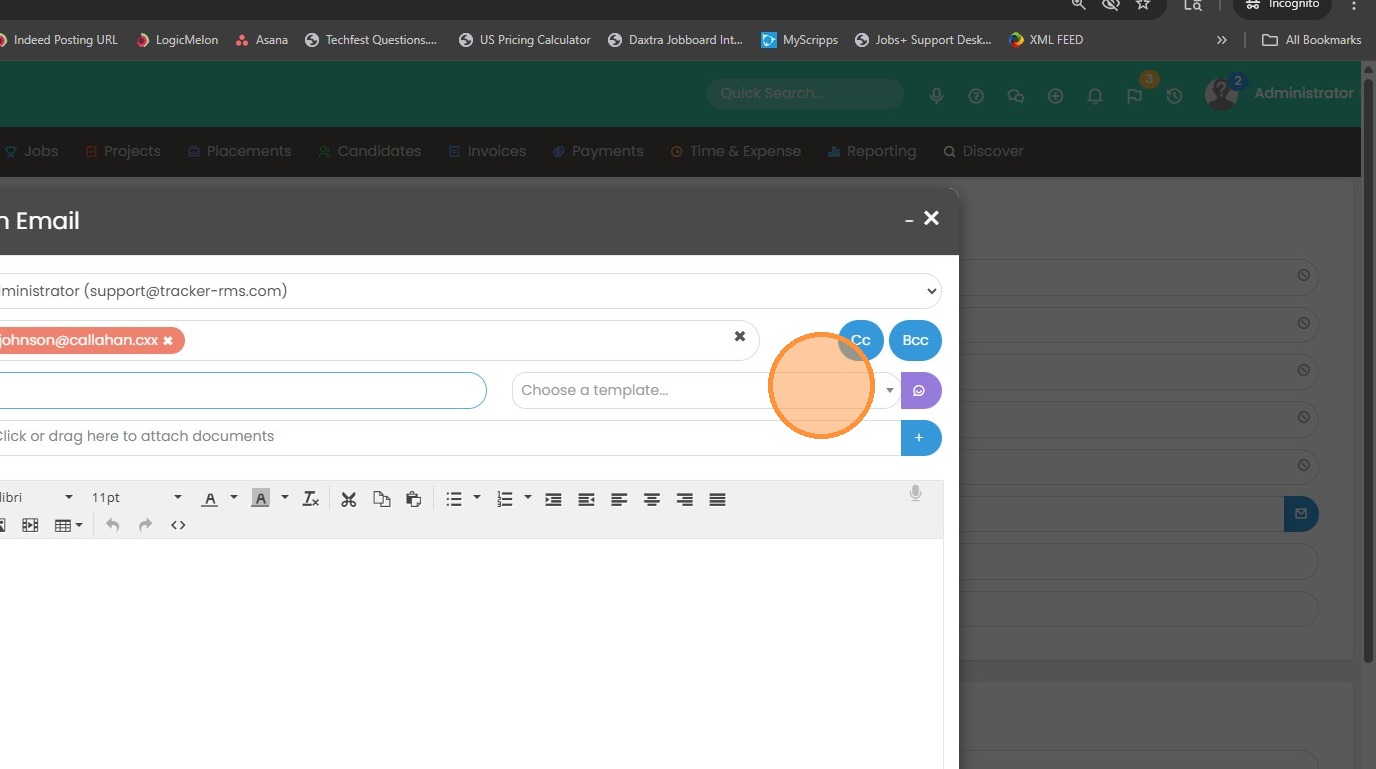
2. You can choose any template that you would like. When you're ready to add the resume, click the blue + button below the "Choose a Template" option.
3. Type in the name of the candidate whose resume you want to add.
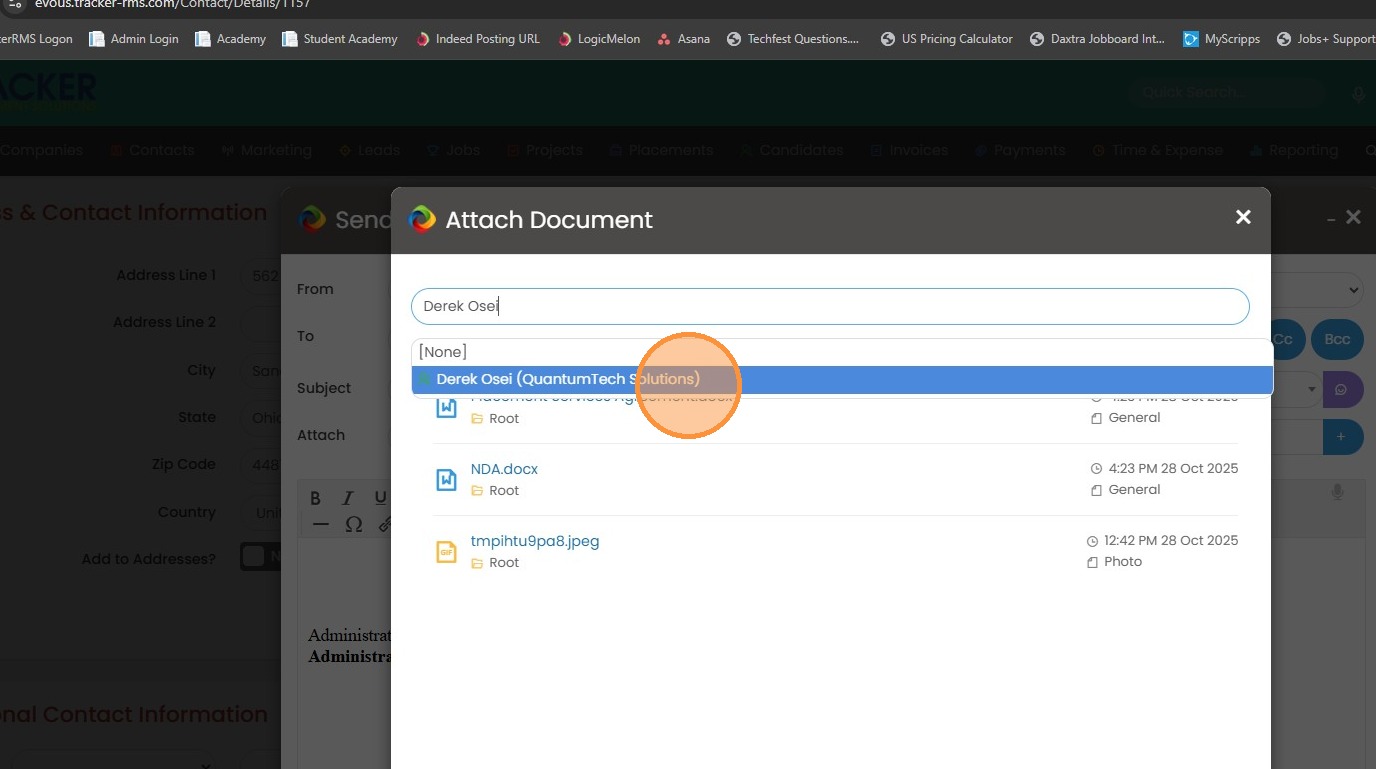
4. Click the resume to add.
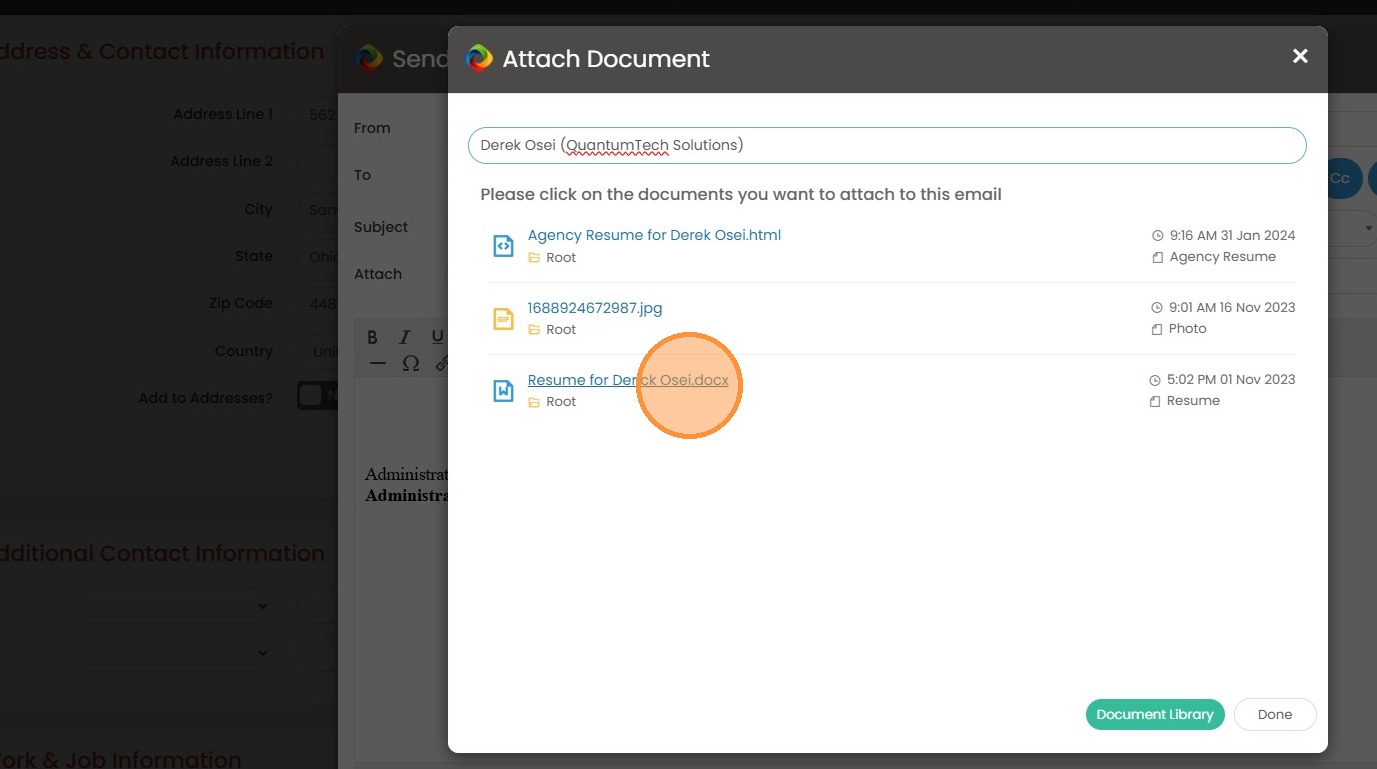
5. Click "Done"
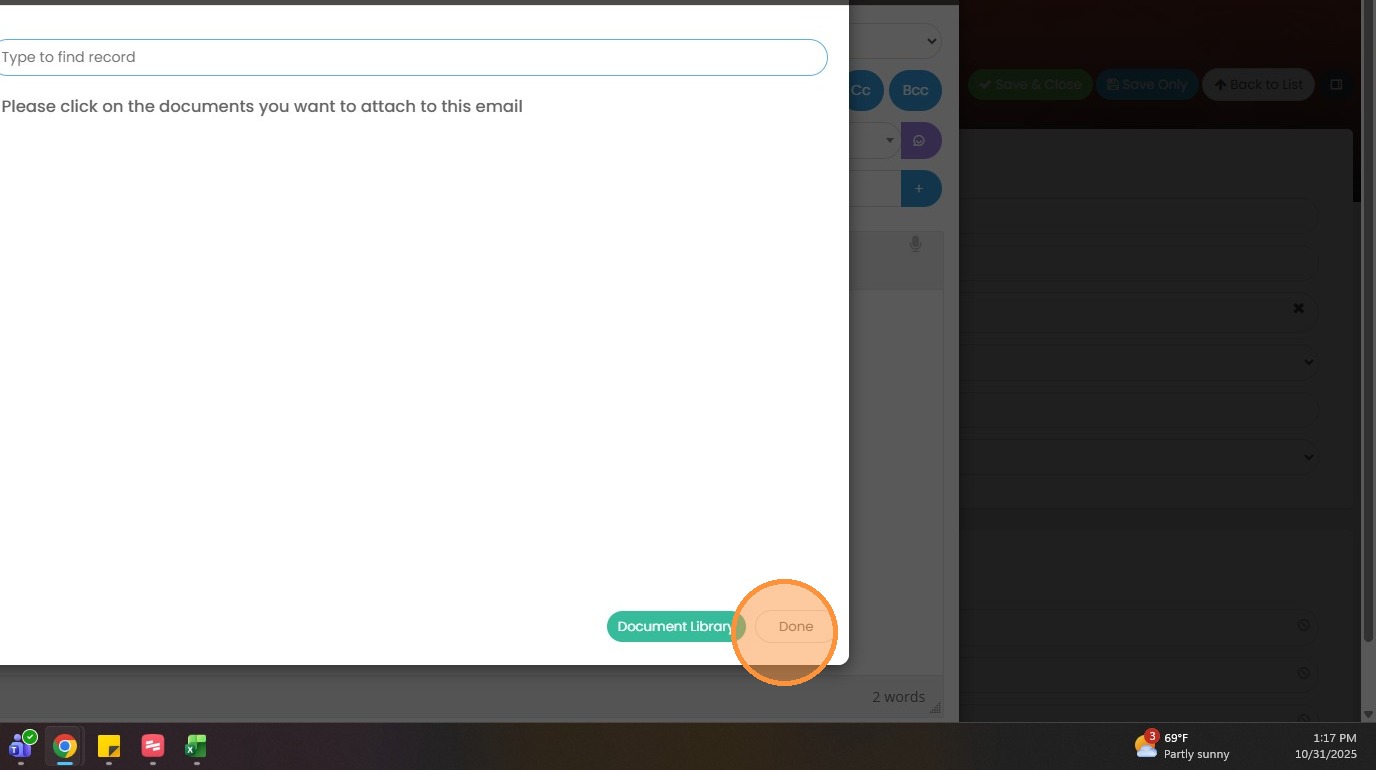
6. Once you send this resume off, you will get credit for a "spec resume sent" in your KPIs and targets, as well as your dashboard widget.
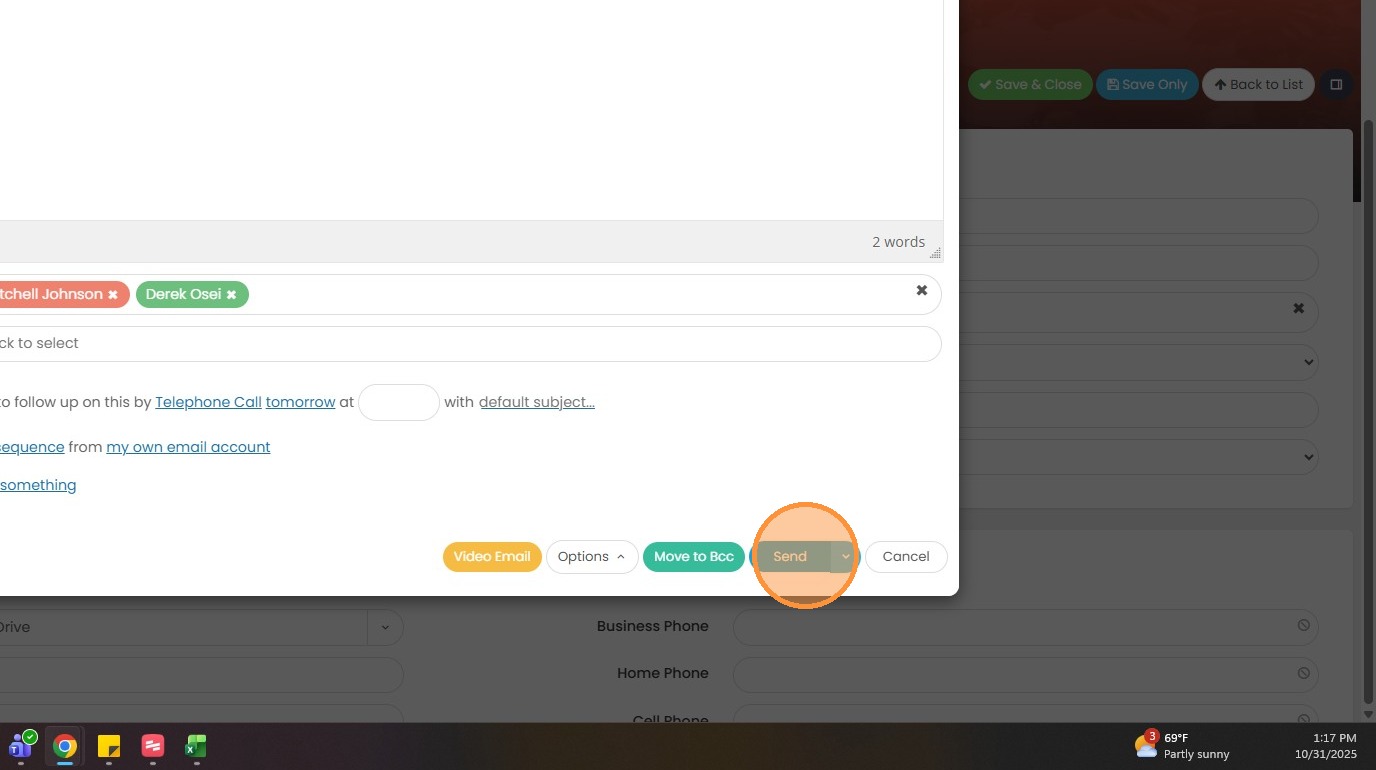
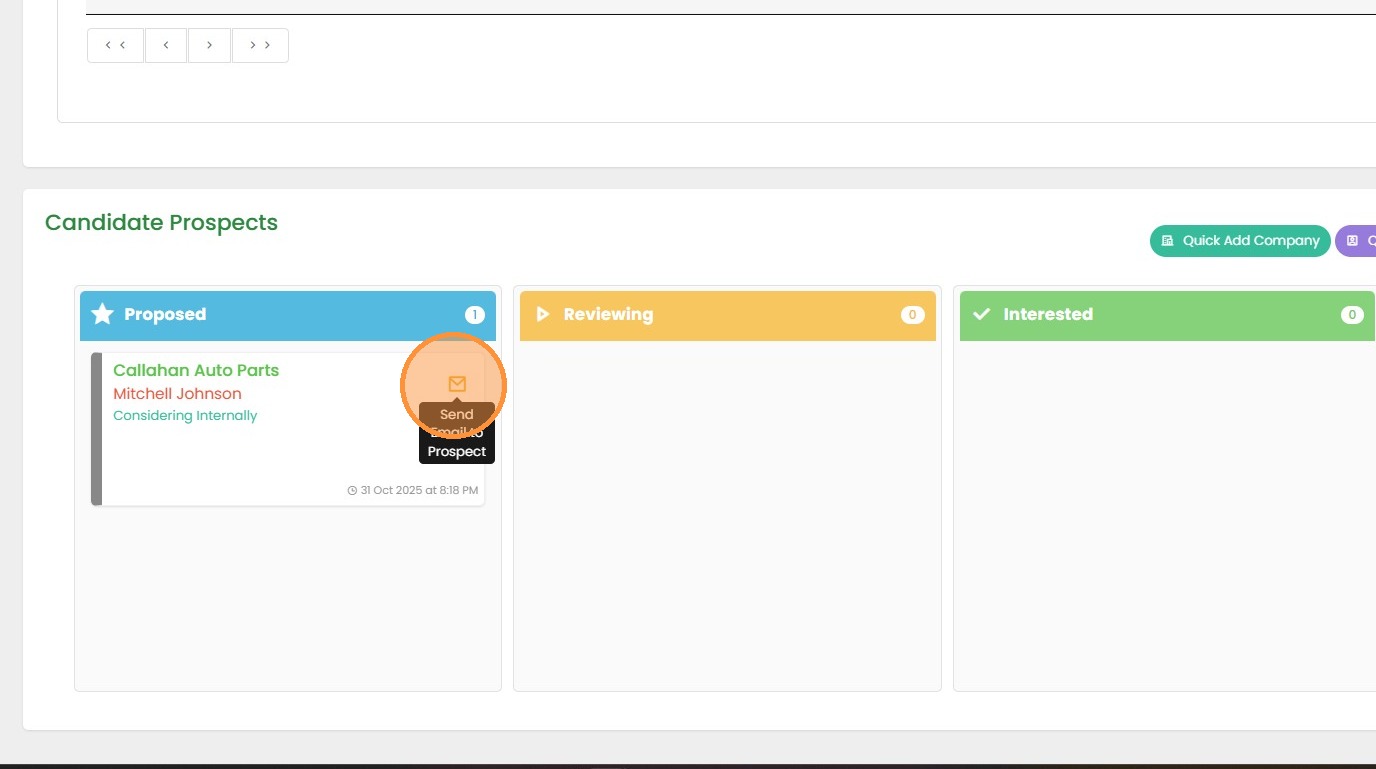
7. You can also send a spec resume from the candidate prospects section of the candidate record or the contact record matching the candidate based on the contact and candidate skills profile.
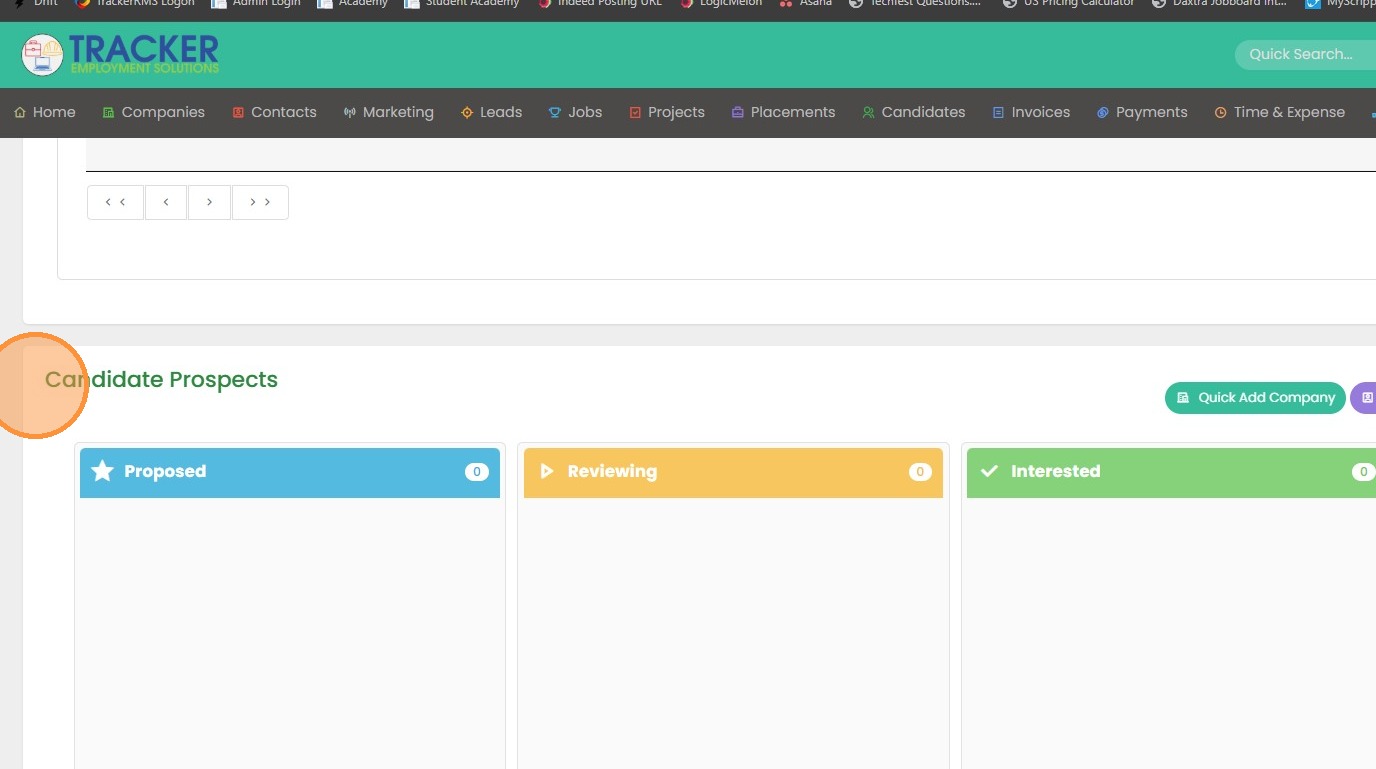
8. Click the purple "Find Contacts" button to see if any other contacts match this candidate based on their Skills.
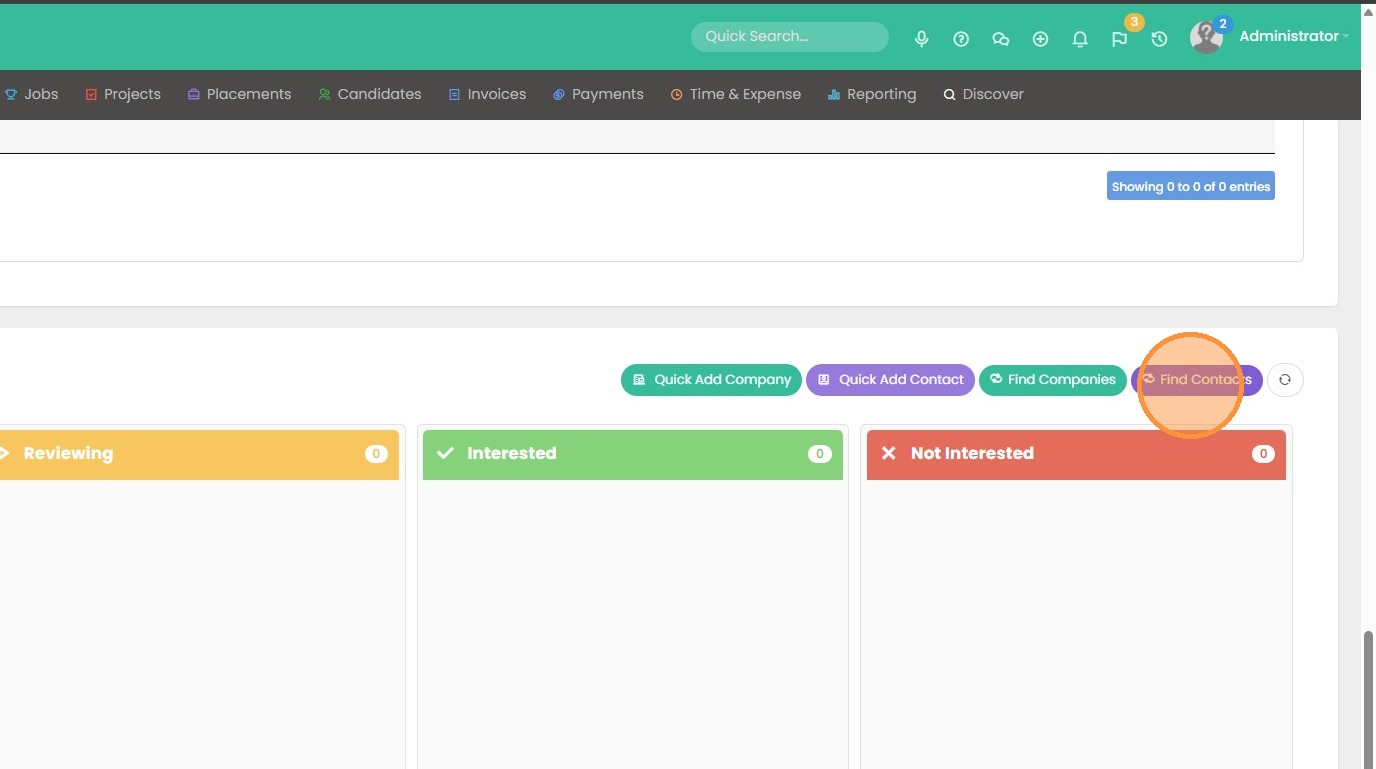
9. From there, you can choose the yellow envelope to trigger the email that automatically has the resume attached. Then choose the template you want to use and send this off.