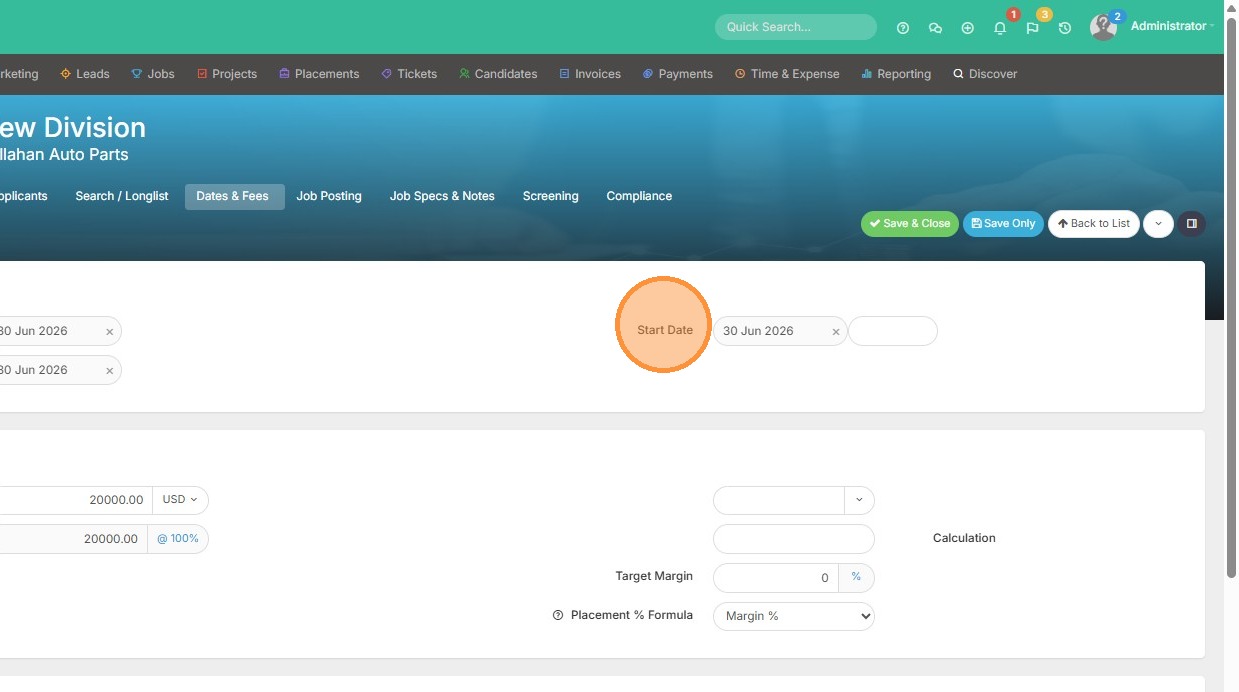
Placement Status Update
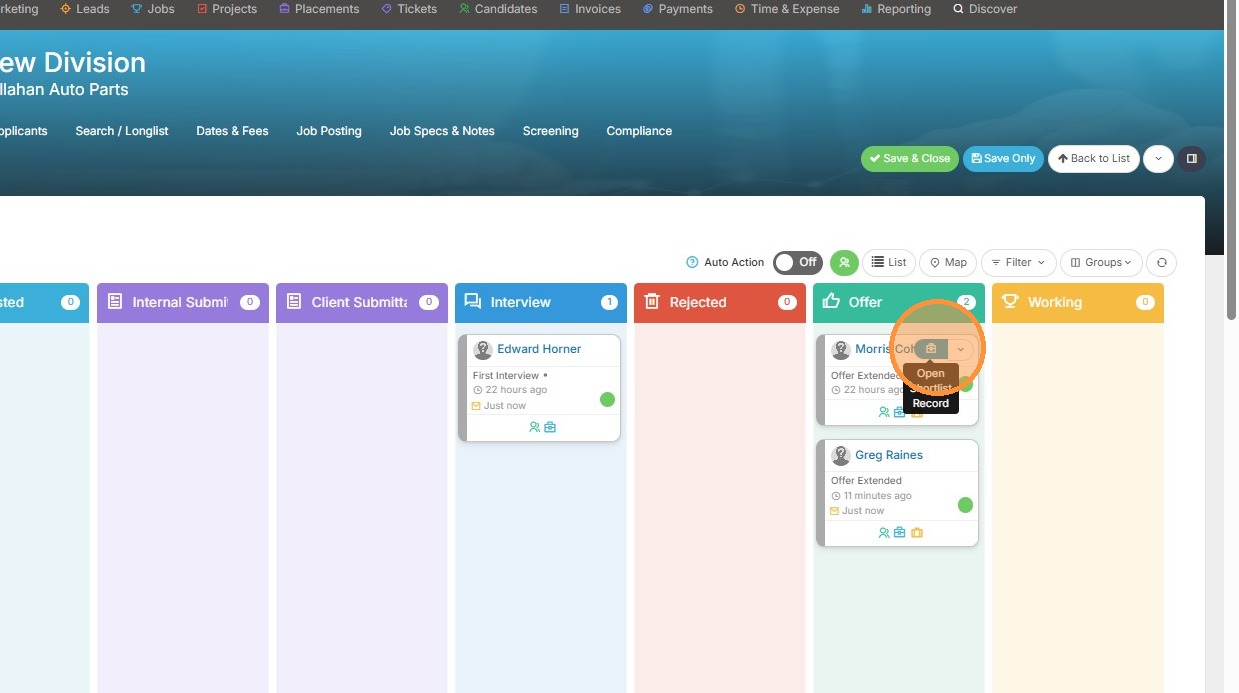
1. Open the placement record.
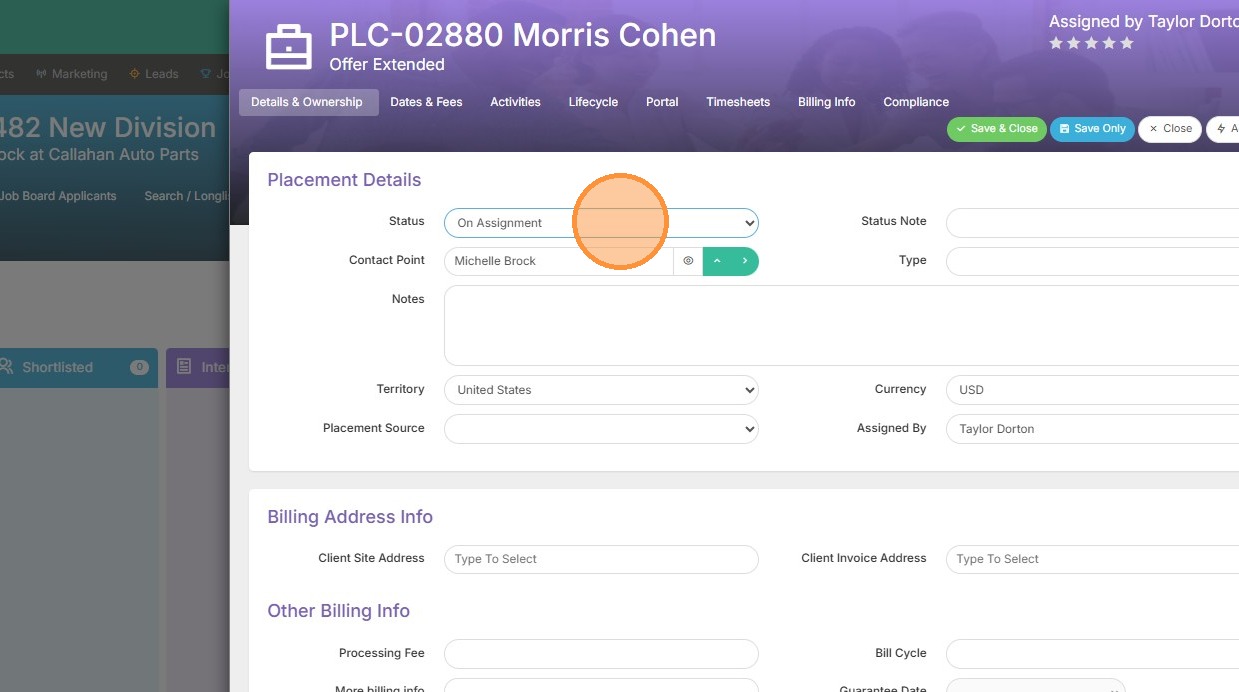
2. Update the candidate's placement status if needed.
3. Click "Dates & Fees"
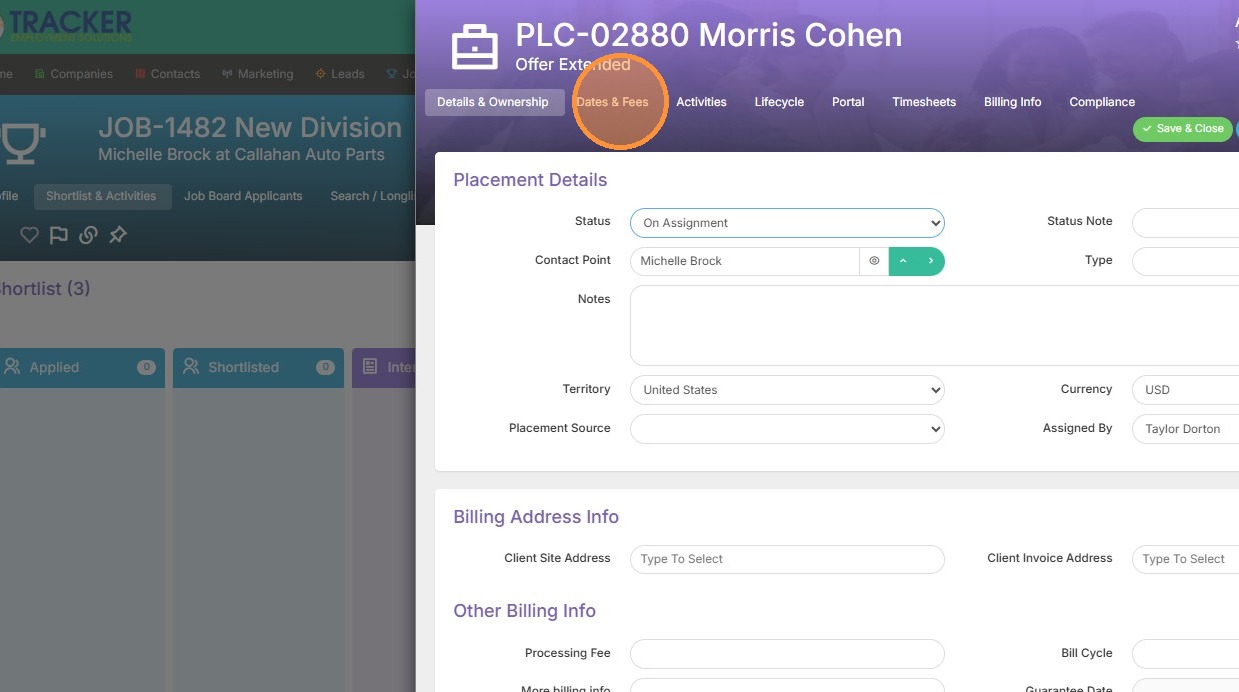
Placement Details Configuration

4. Set the placement Start and End dates.

5. Update the placement Pay and Charge rates.
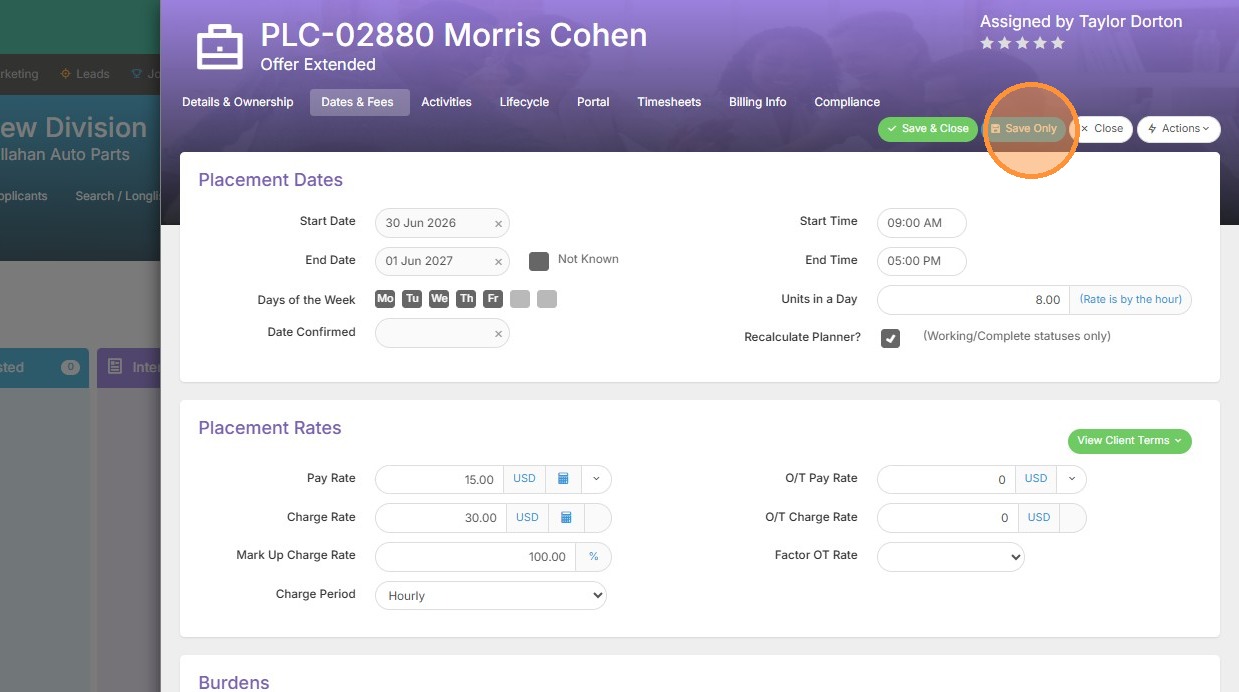
6. Click "Save Only"
Job Record Synchronization
7. Select the "Job Dates" tab on the job record, here you can see the job start date reflects something different than what we set in the placement record.
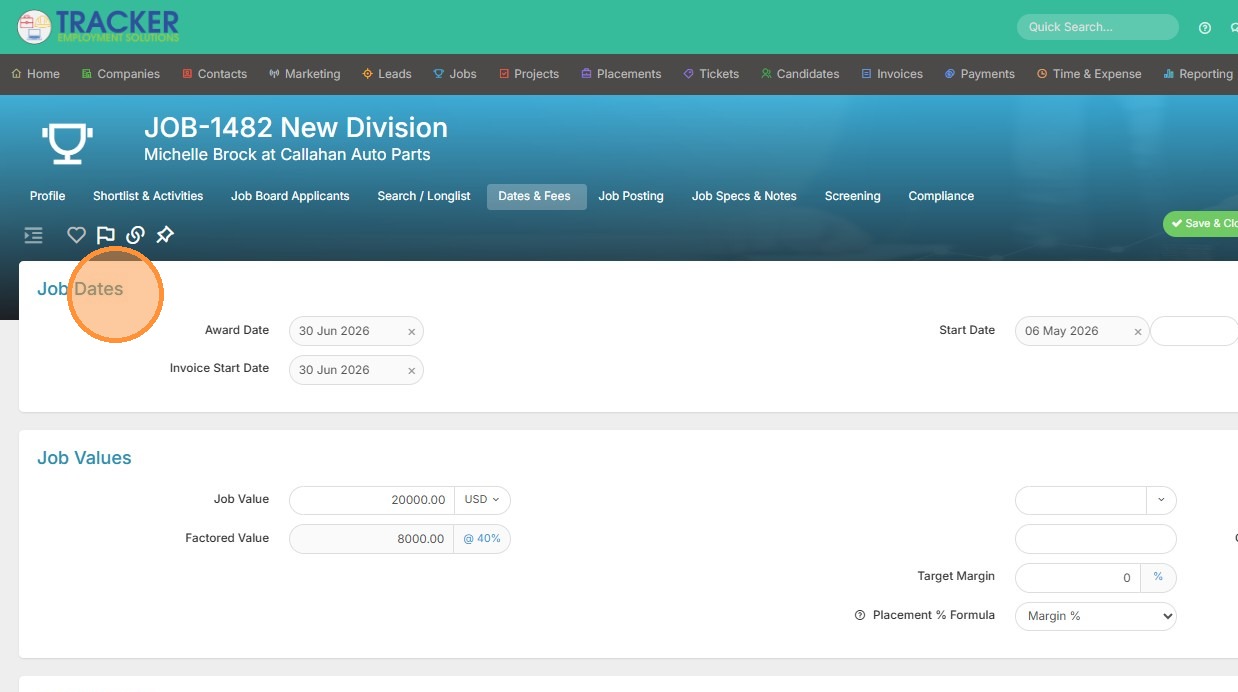
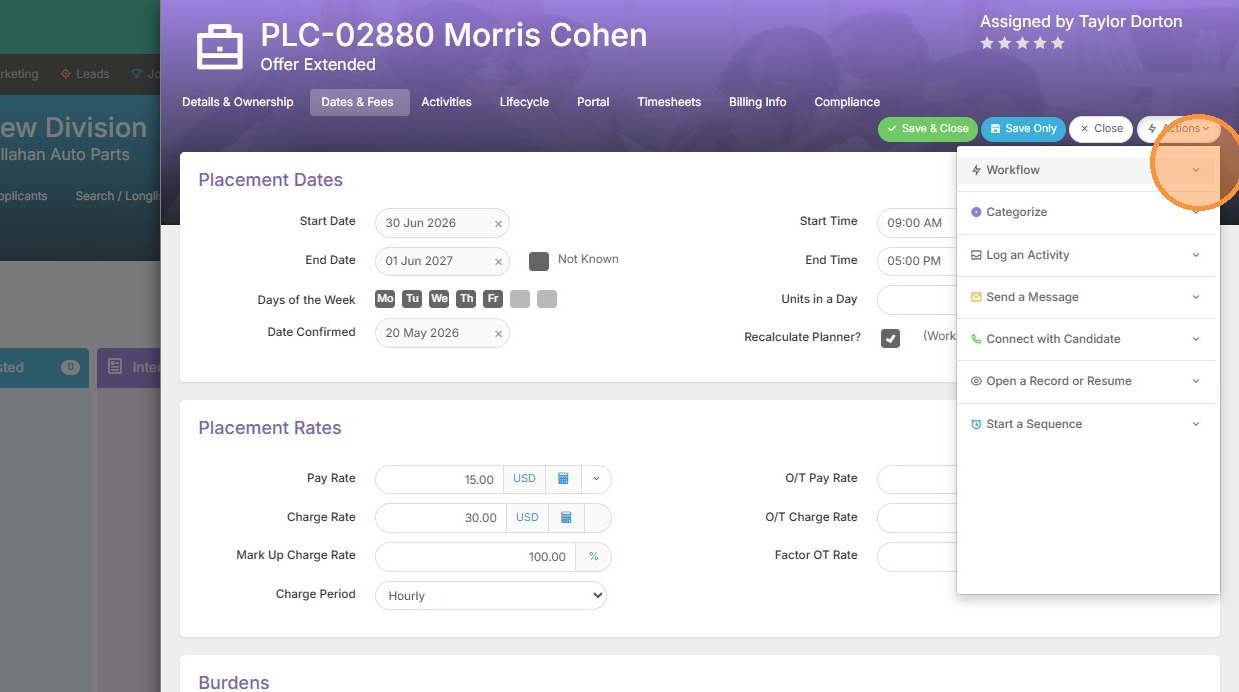
8. To easily update those job dates and fees to match the placement's current dates and fees, click the action button.
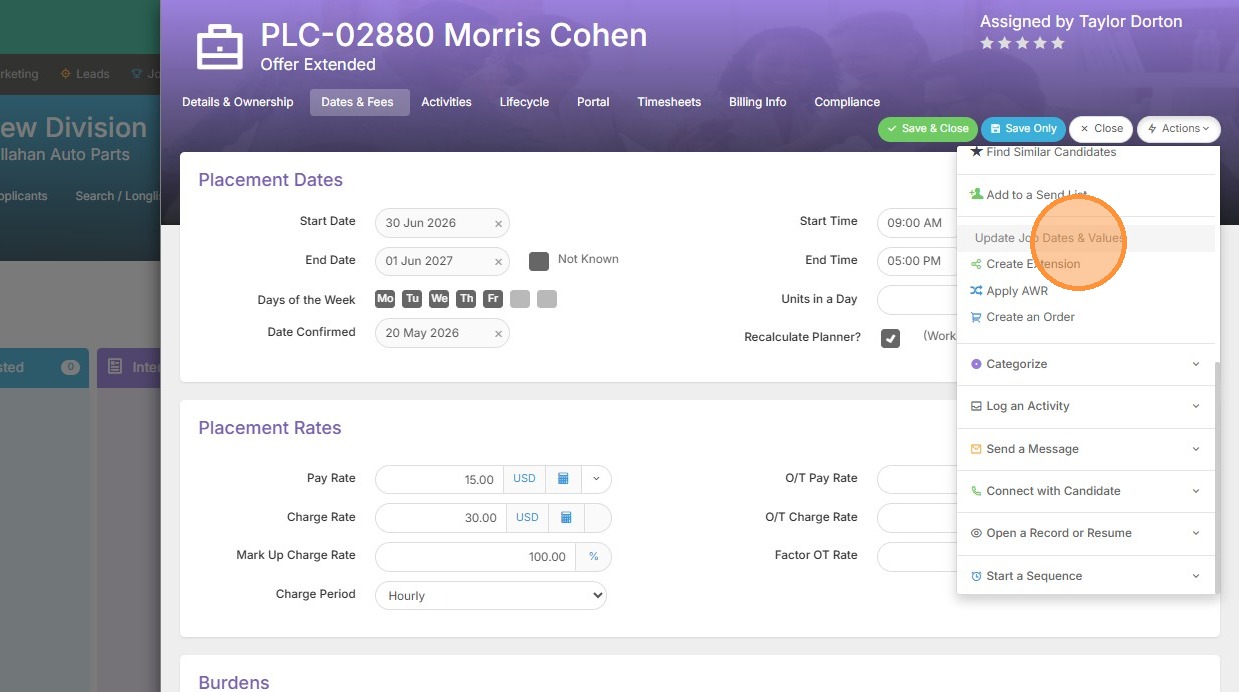
9. Click "Update Job Dates & Values"
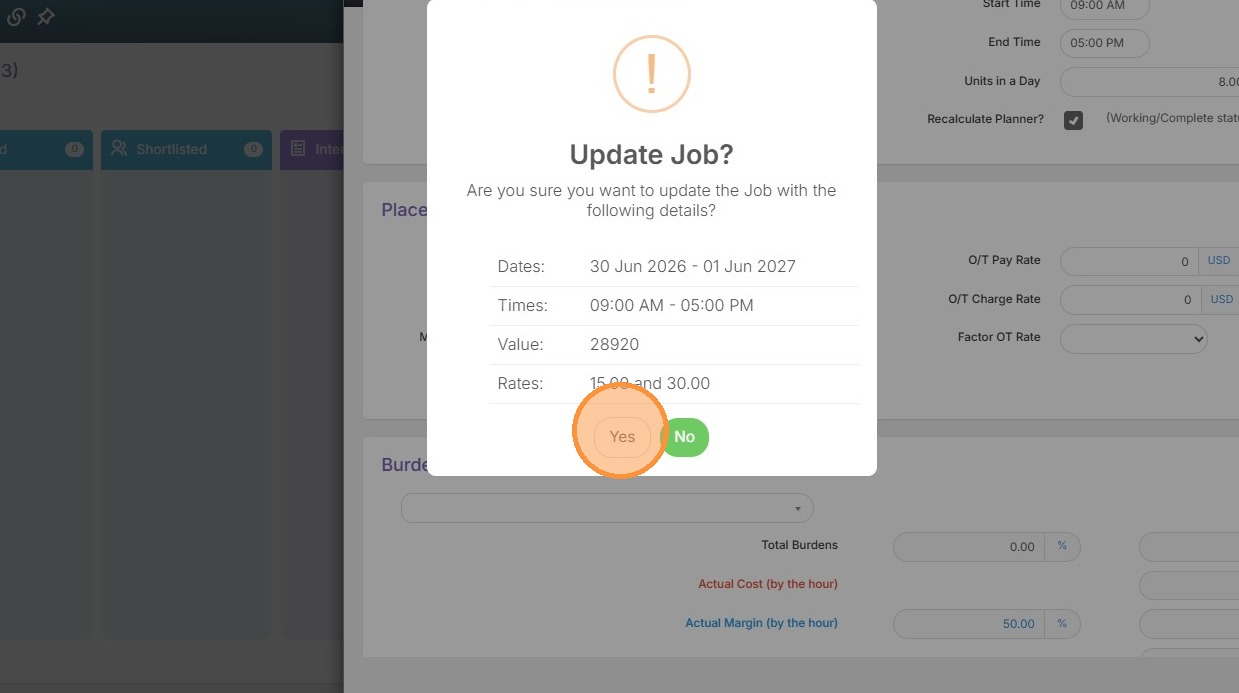
10. Click "Yes"
11. Click "OK"
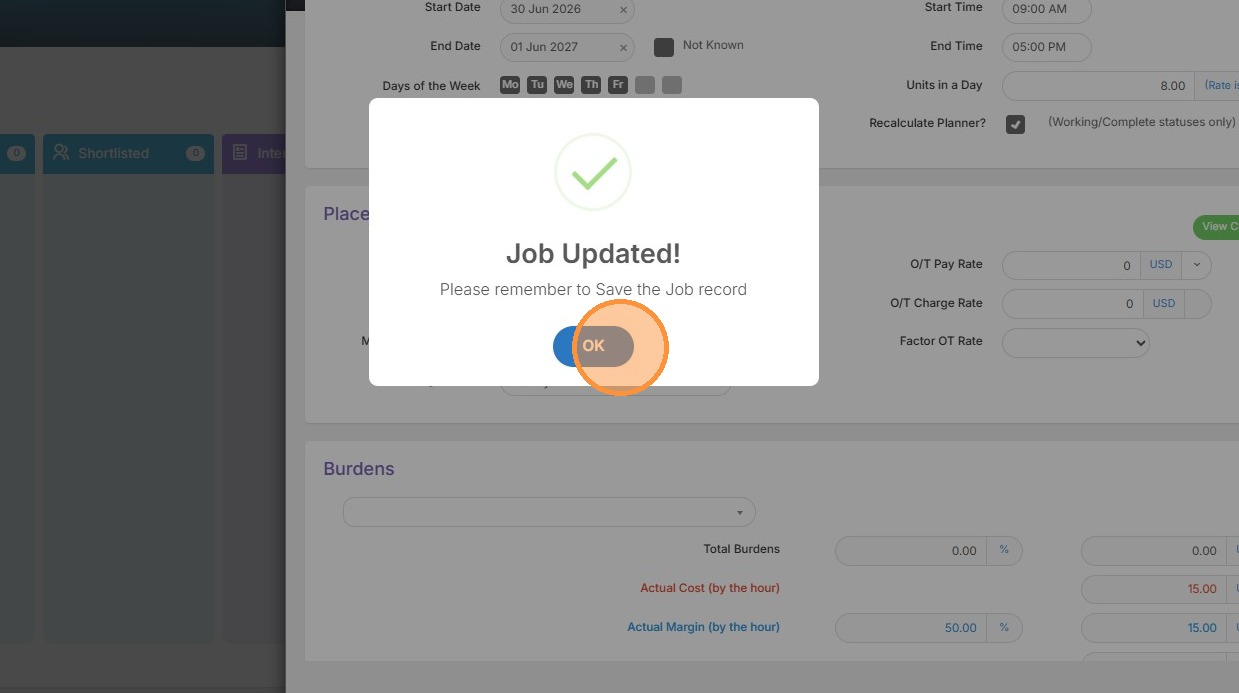
12. Now you can see the job dates and fees match our placement.