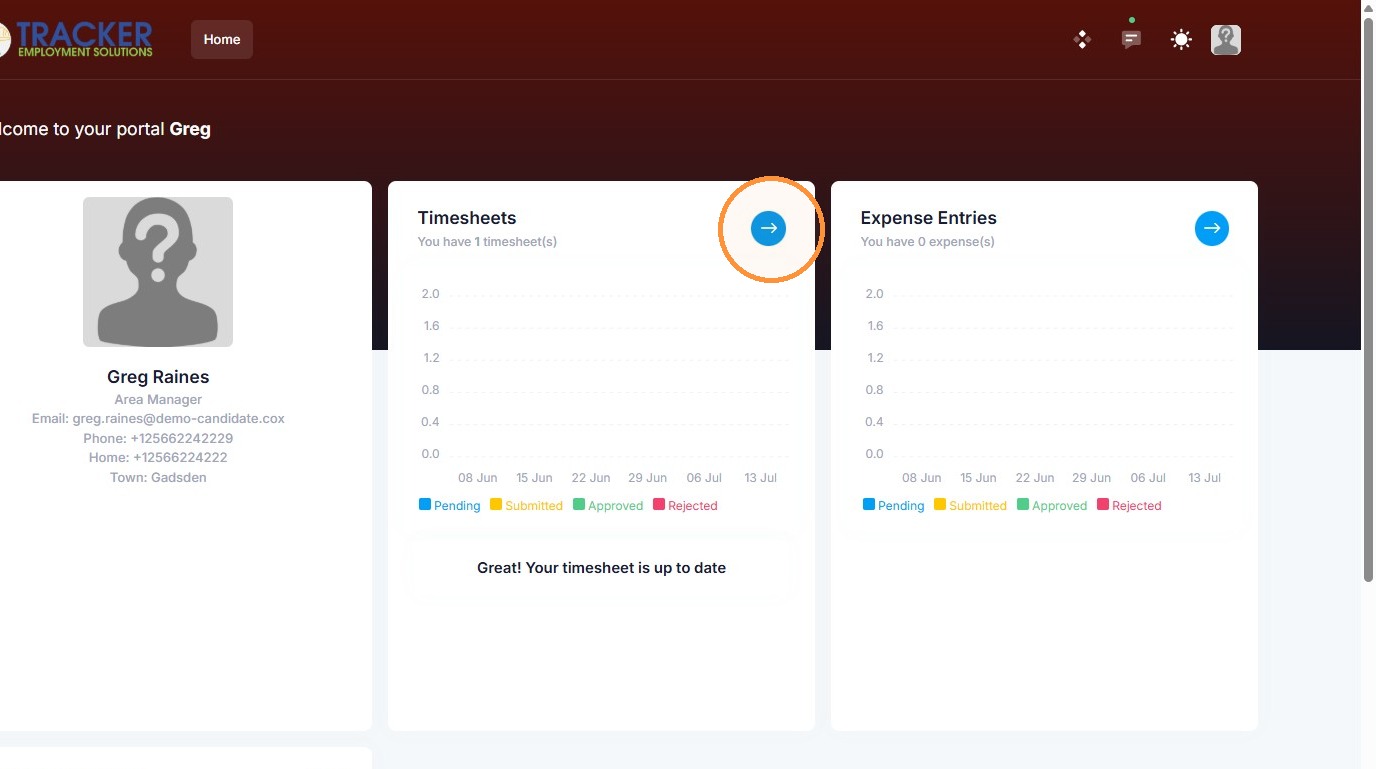
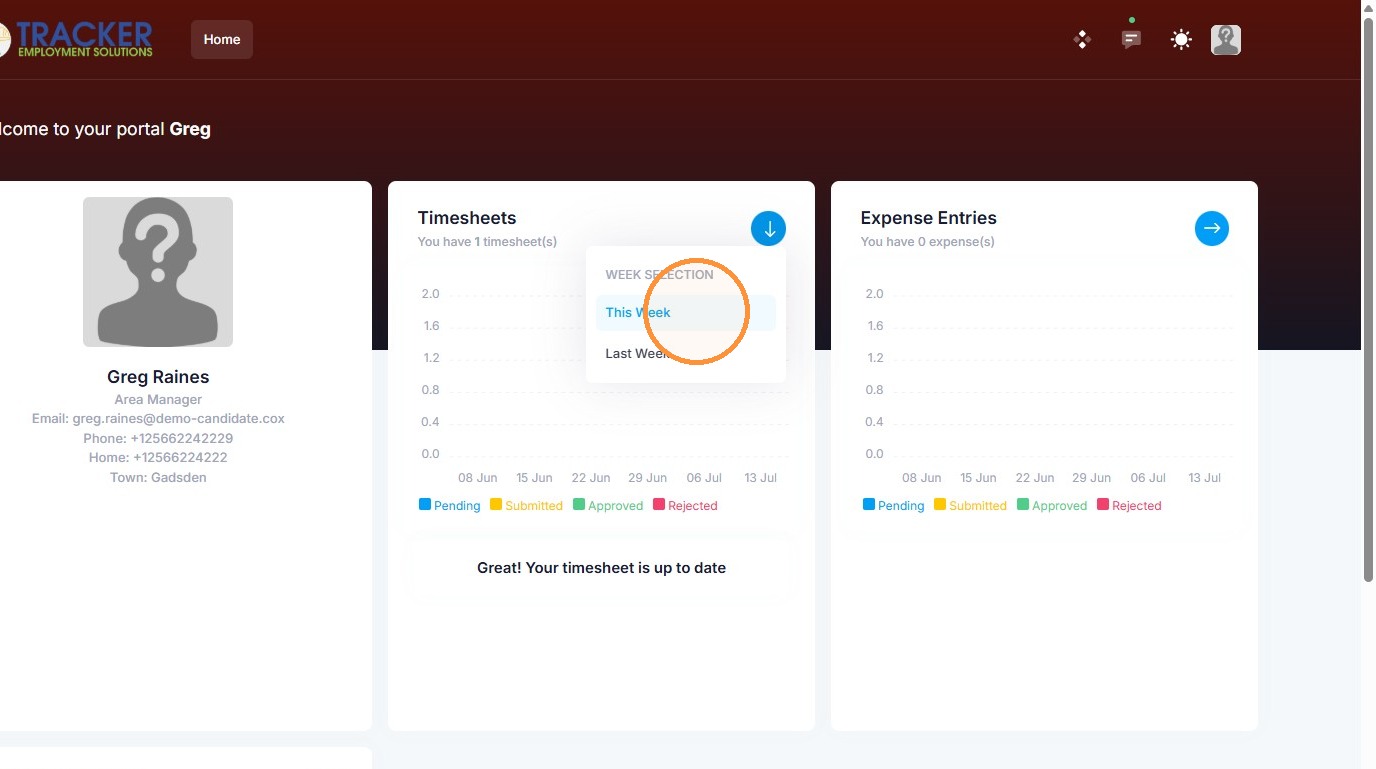
1. A candidate can upload documents through their timesheet portal if you give them access to (within their candidate record). Click on this arrow, and select the timesheet date.
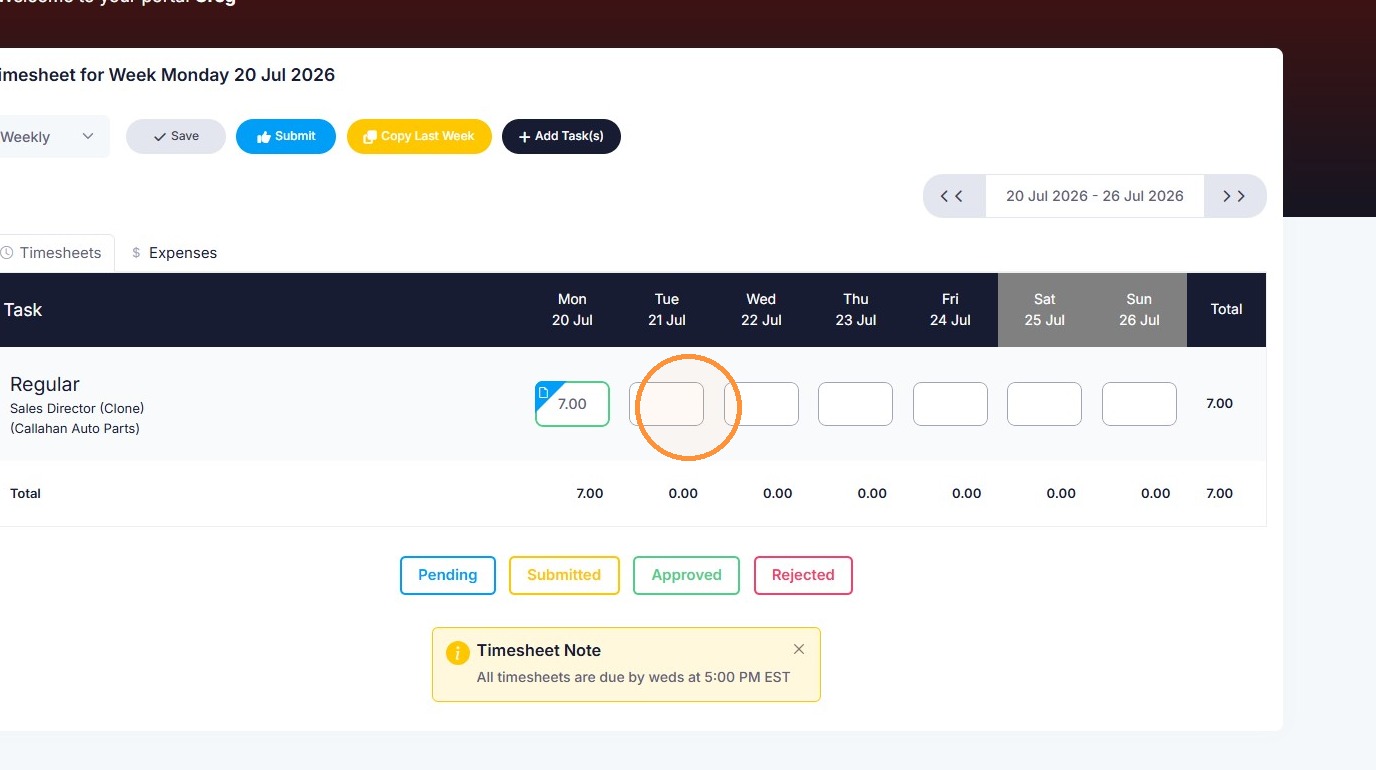
2. Click on any timesheet entry box to upload a document.
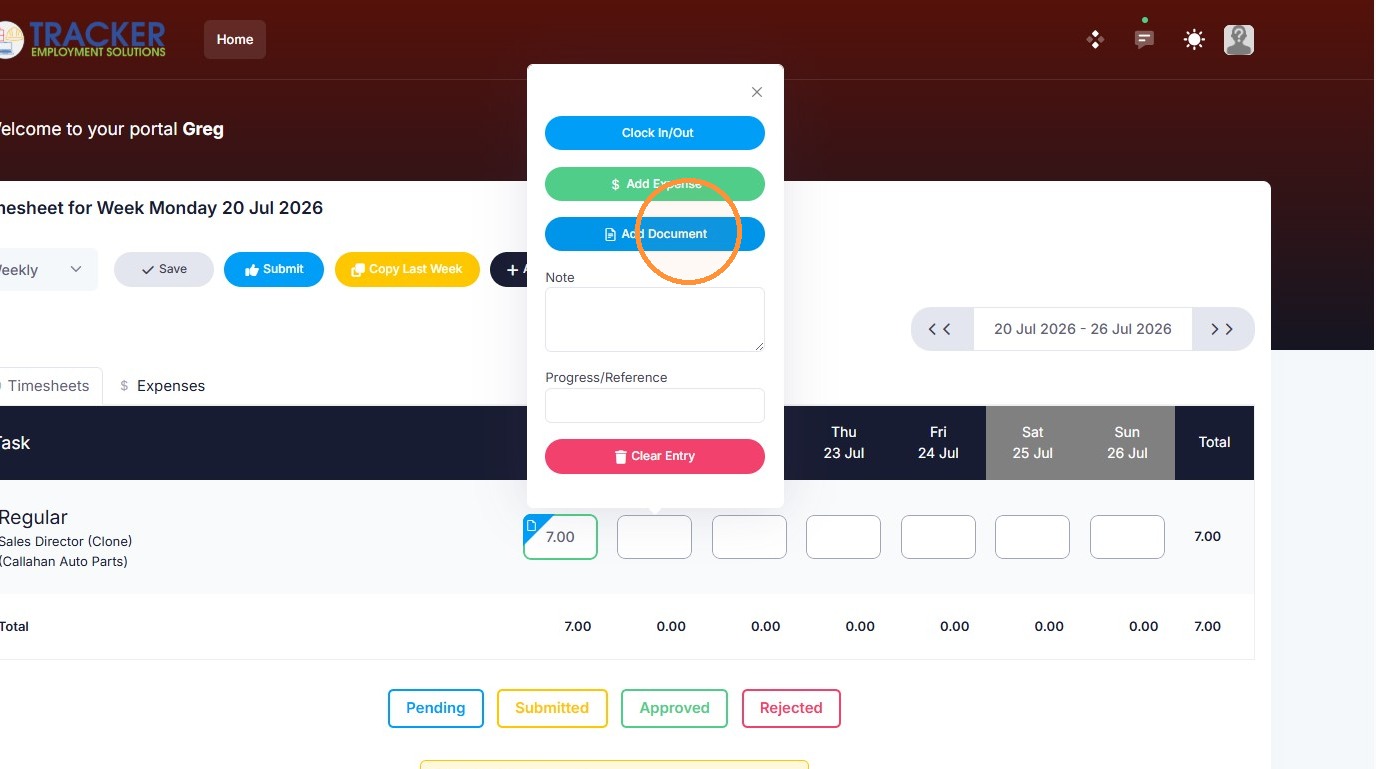
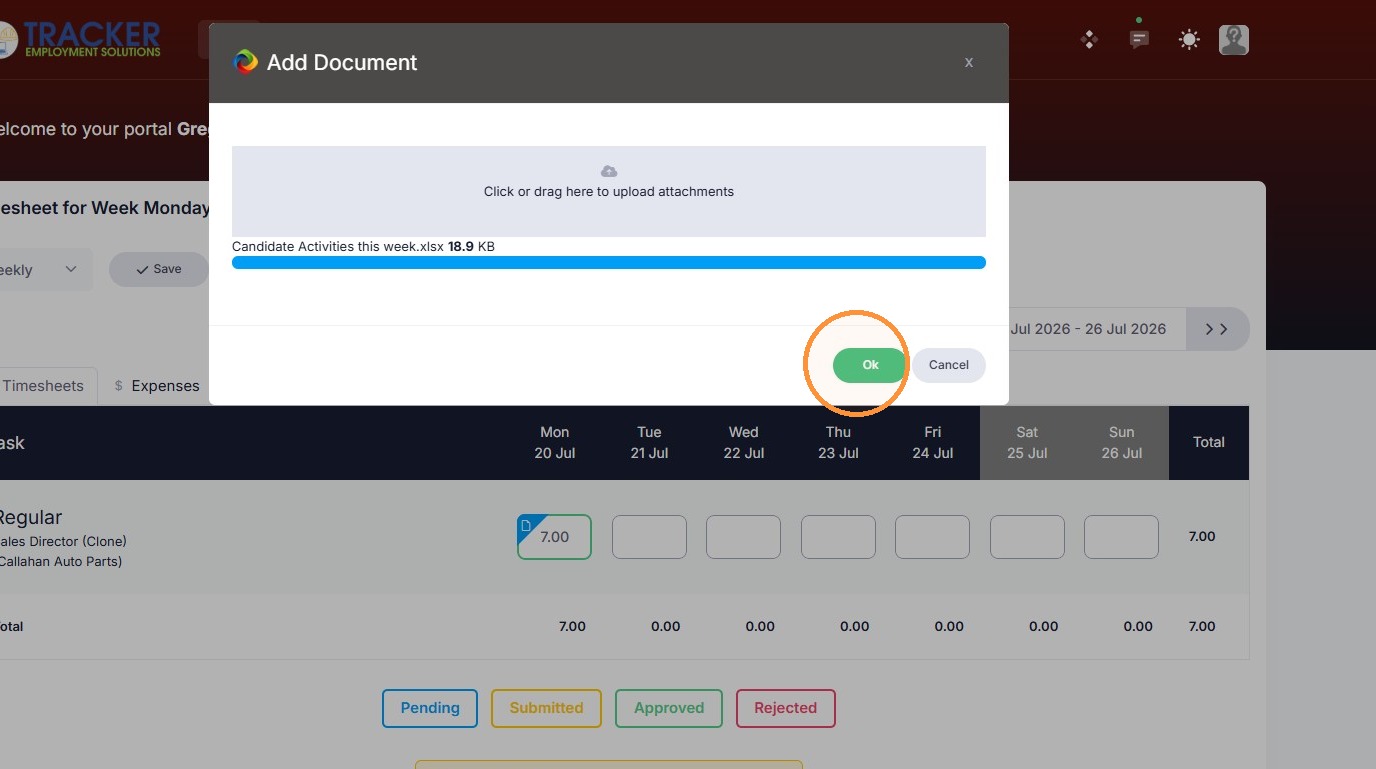
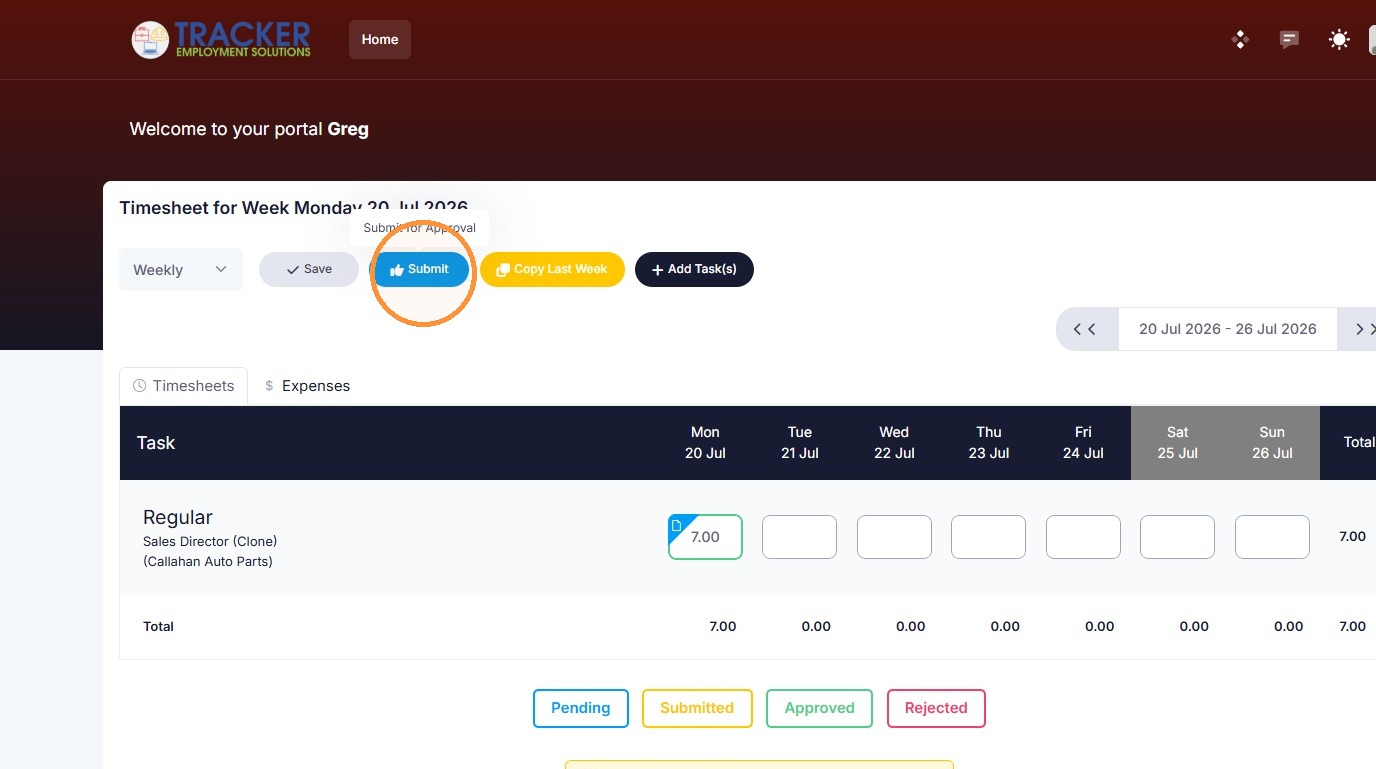
3. Click "Submit" to add that document to the candidate record.
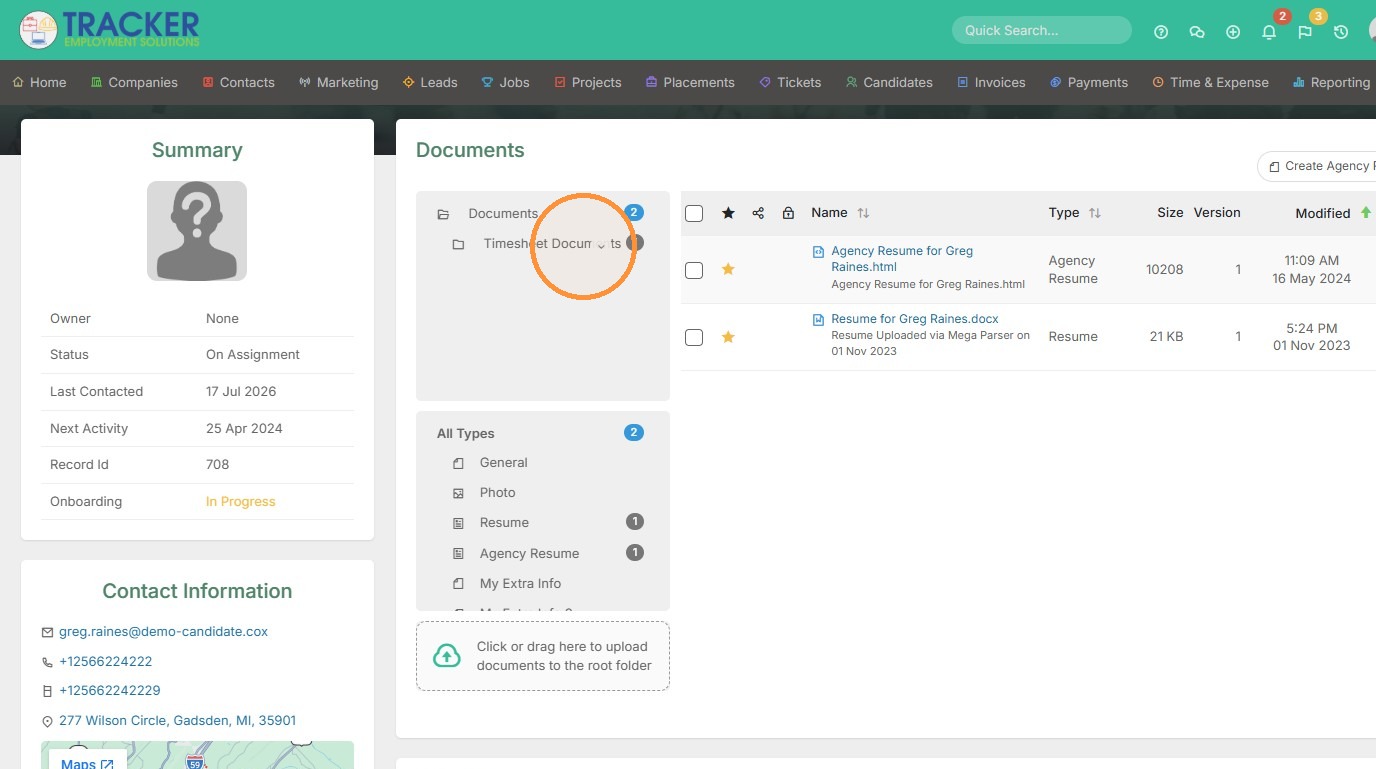
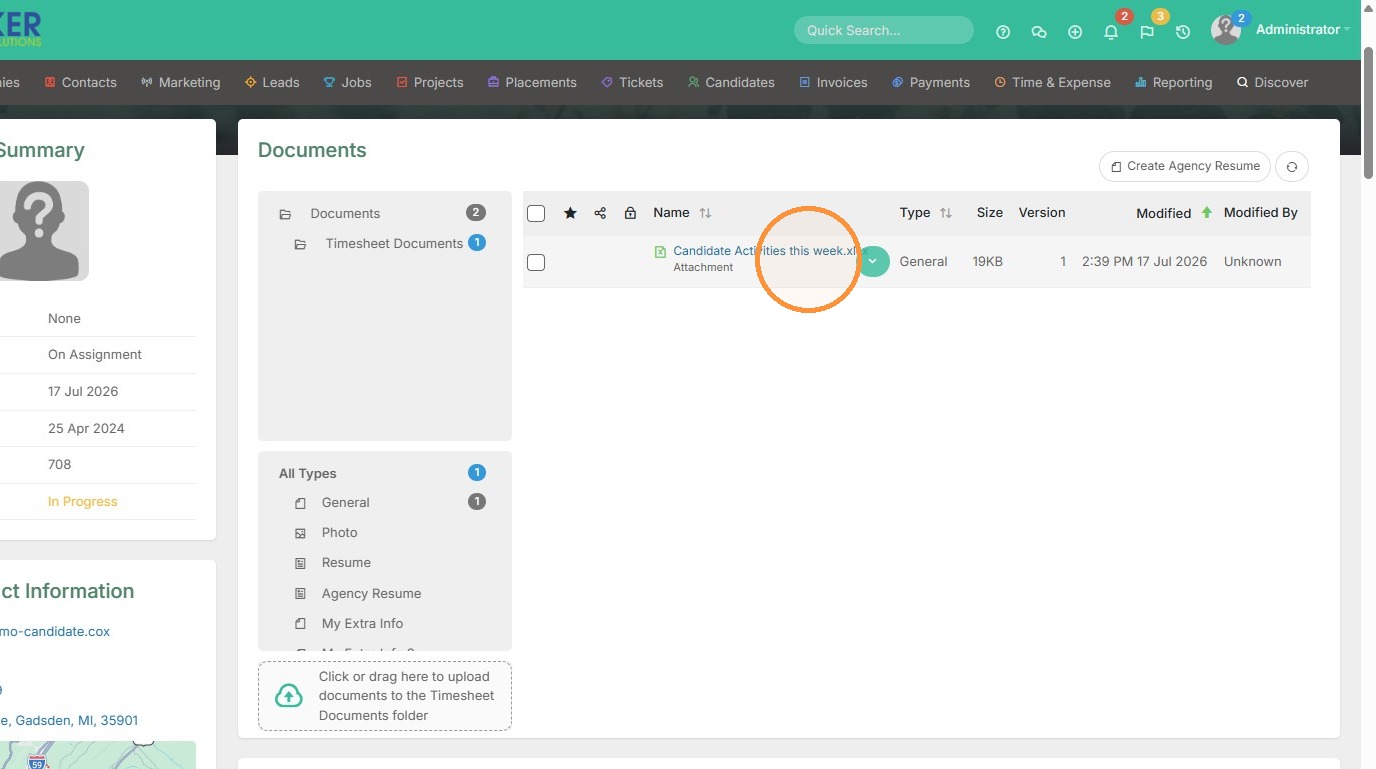
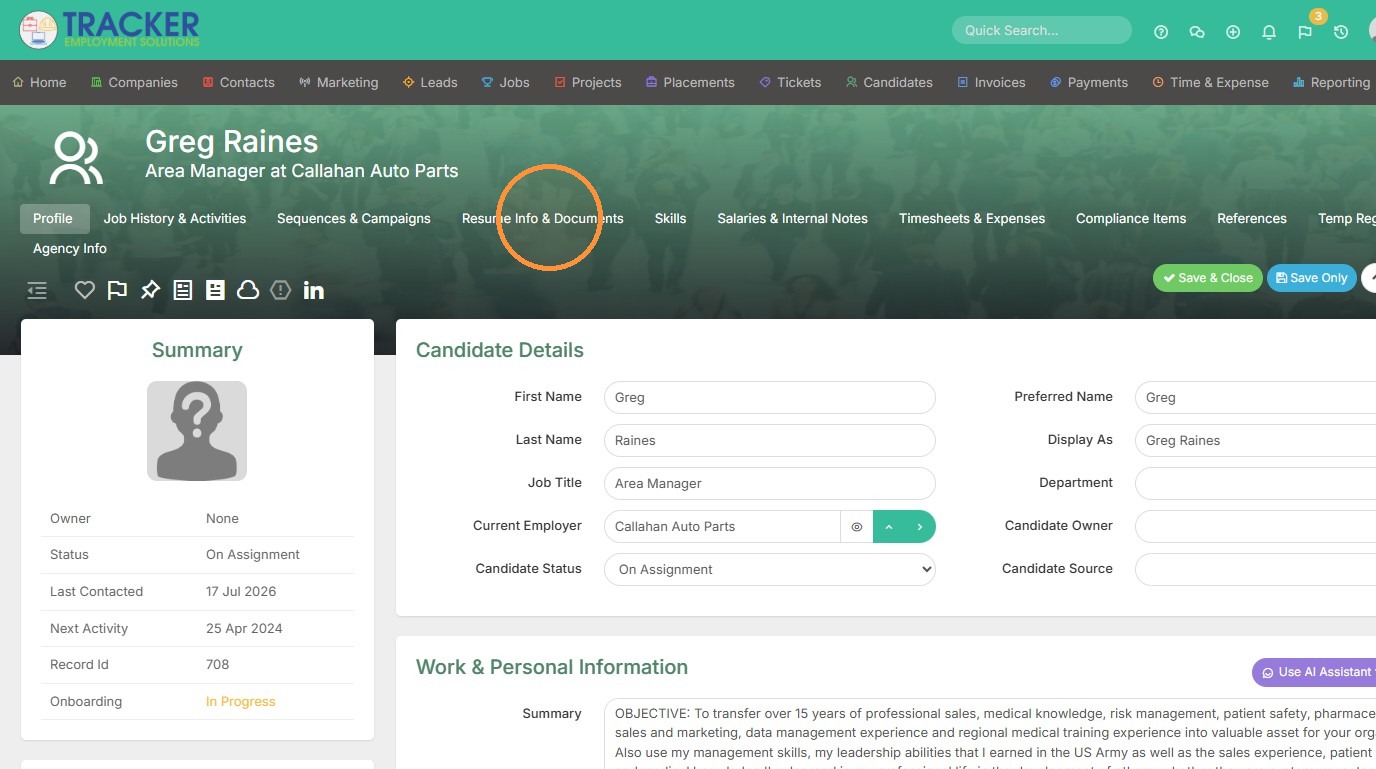
4. Navigate to the documents section to see that document in the candidate record.
5. Here you can see the document is under the Timesheets Documents folder.