Update via Job Shortlist
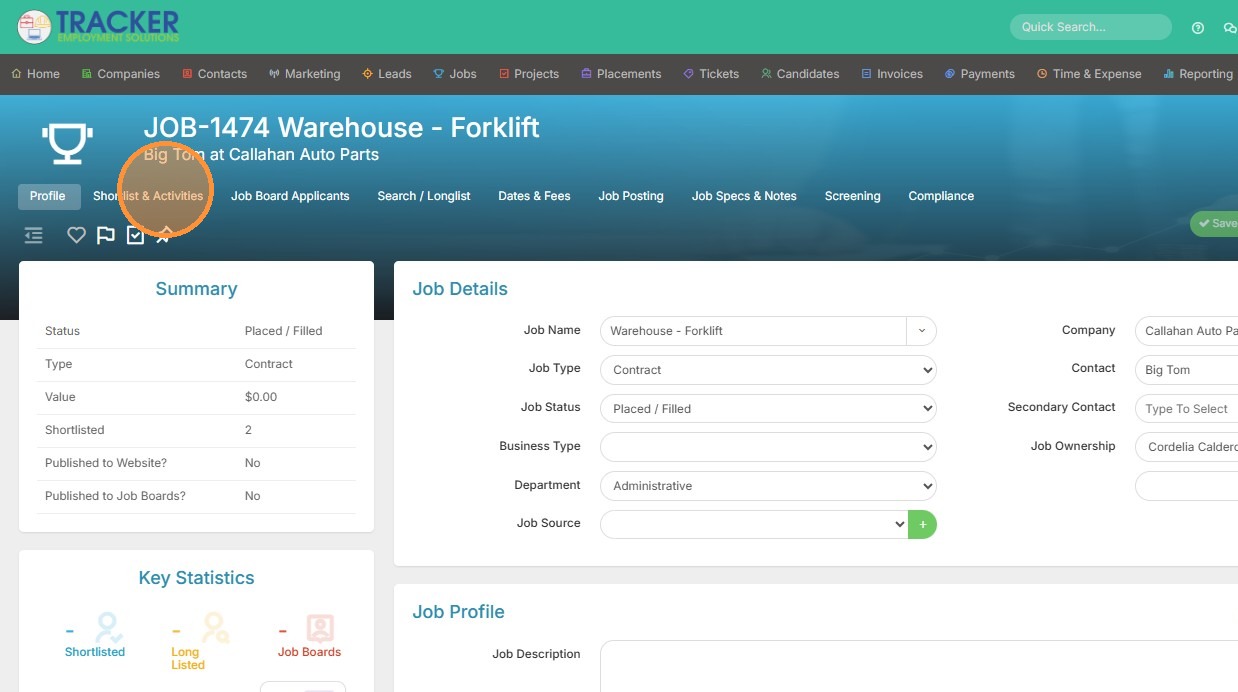
1. To bulk update the Assigned By user from within the Shortlist, open that up.
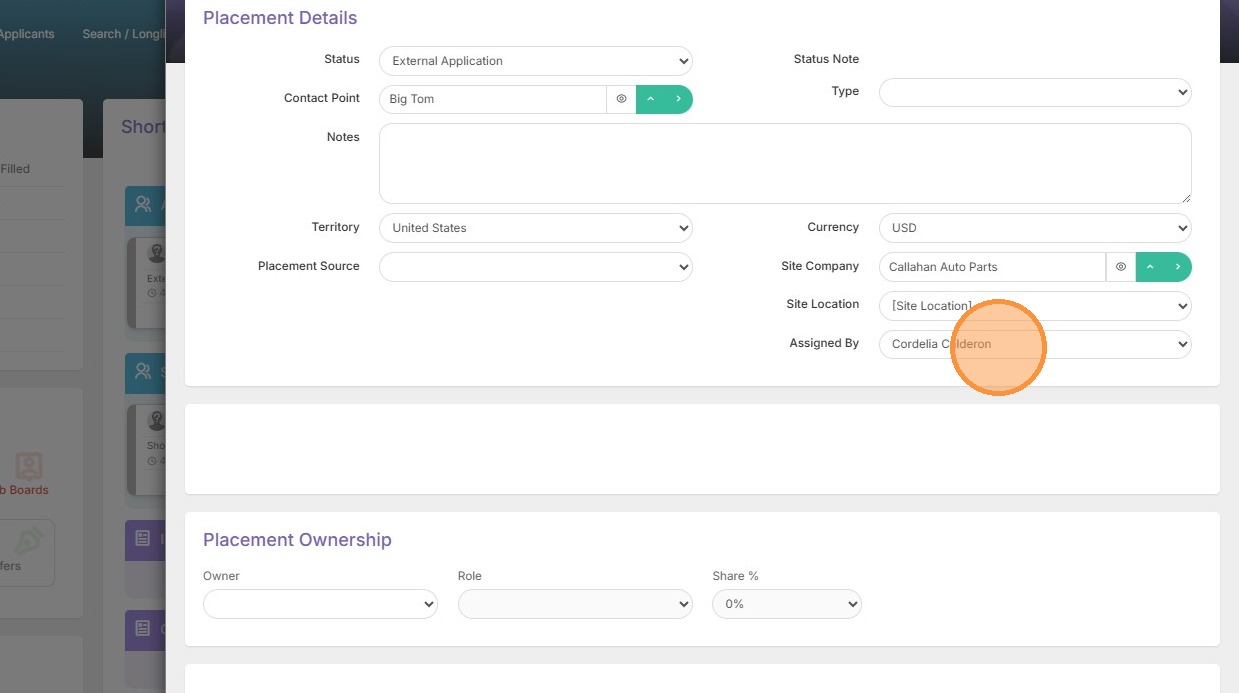
2. You can see the placement assigned by user within the Shortlist record. This is the user that added the candidate to the shortlist.
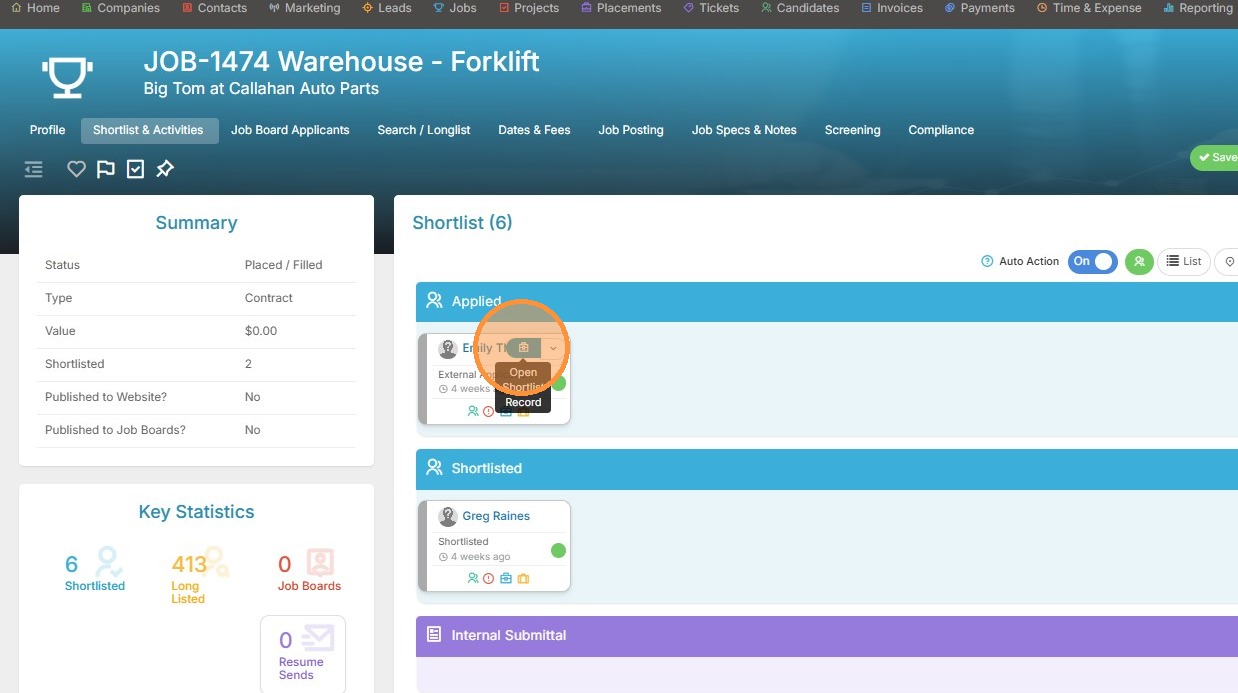
3. Here is an example.
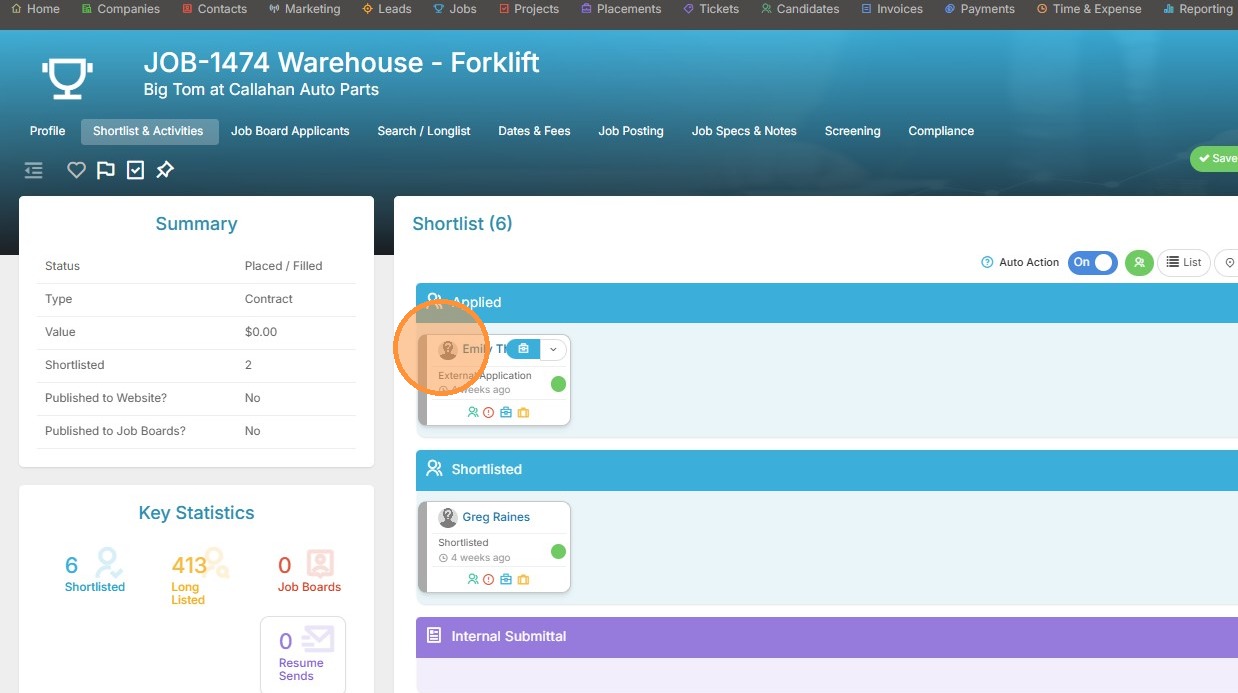
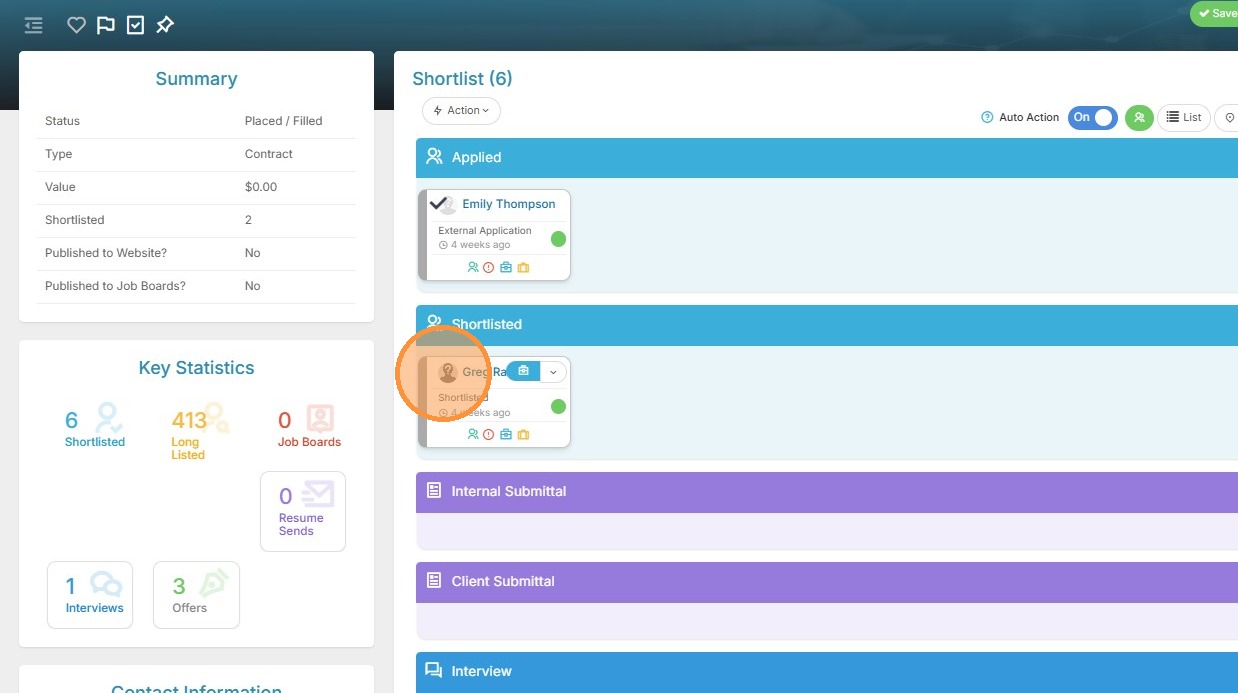
4. To change the Assigned by in bulk for the candidates on this Shortlist, select those candidates.
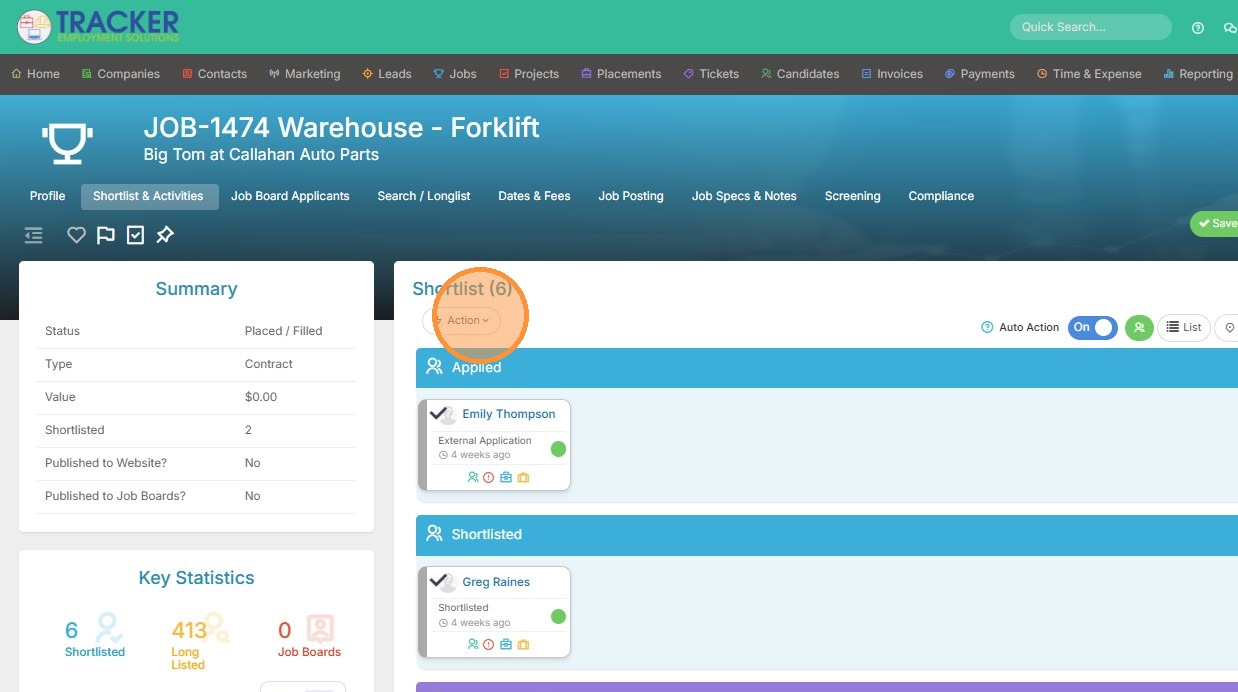
5. Then click the action button.
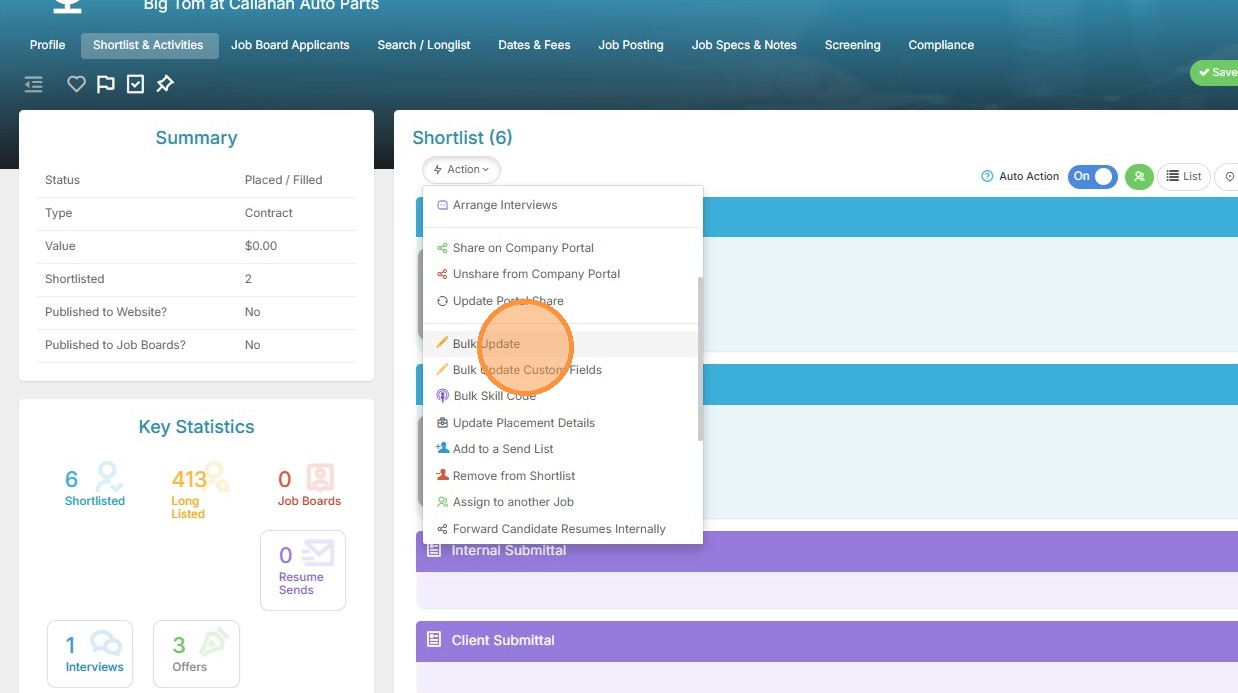
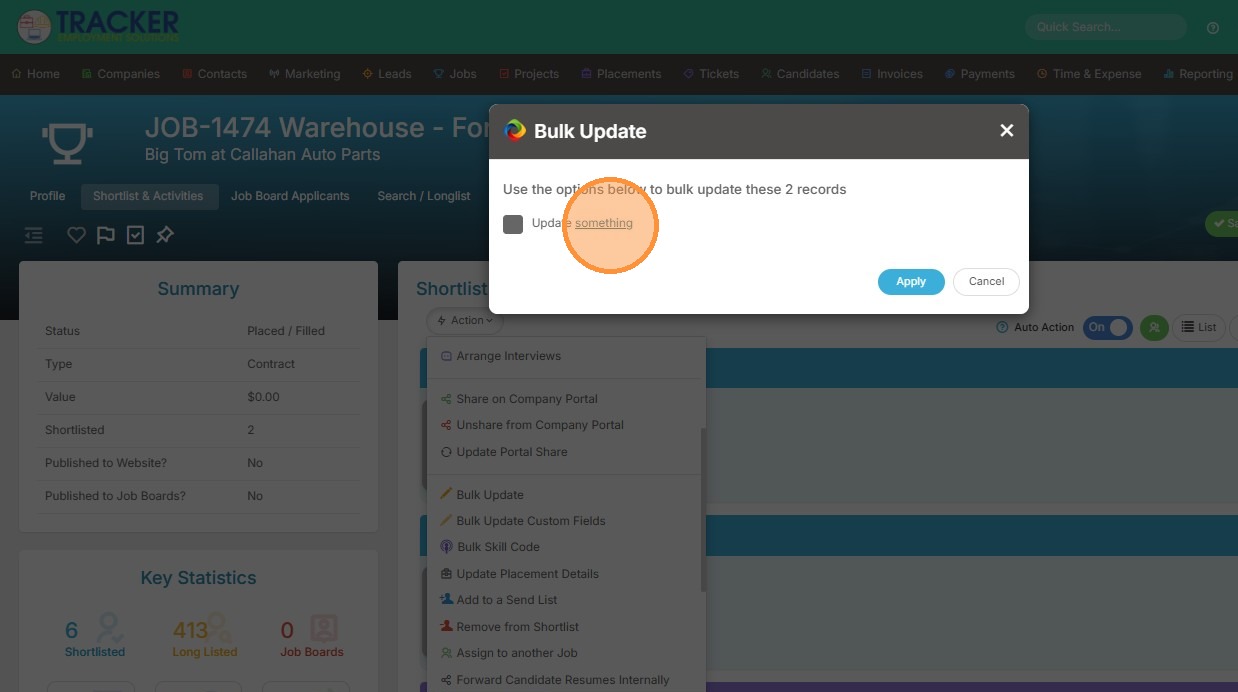
6. Click "Bulk Update"
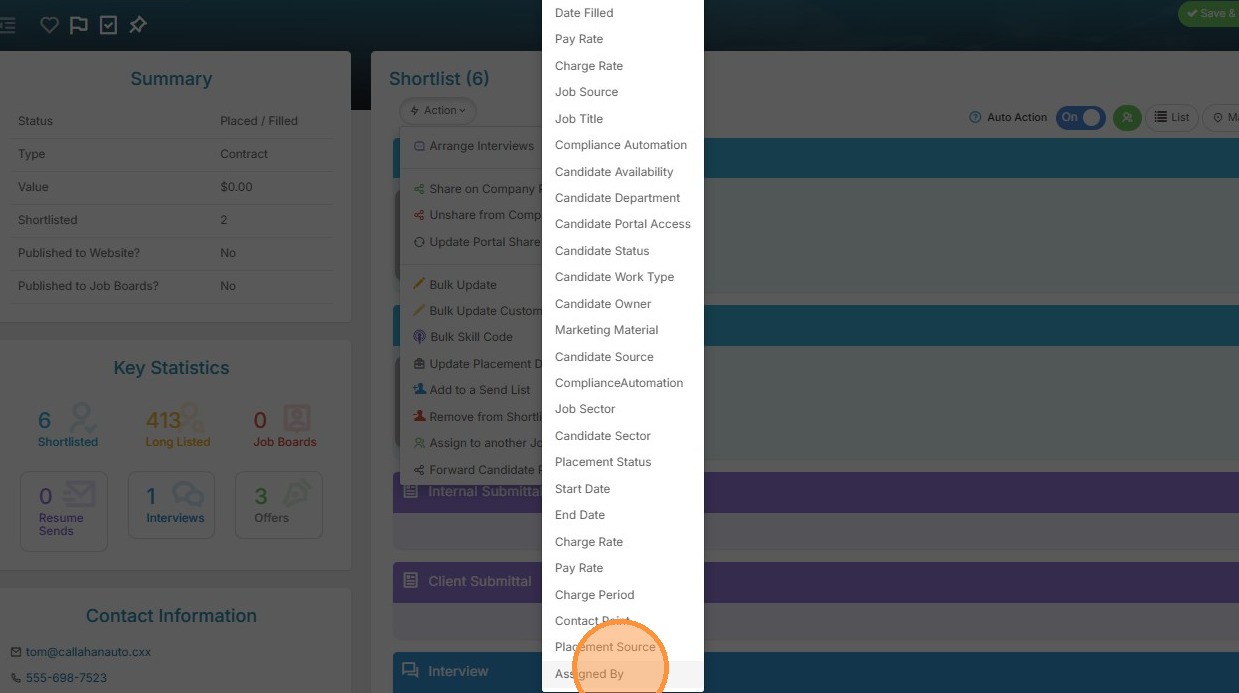
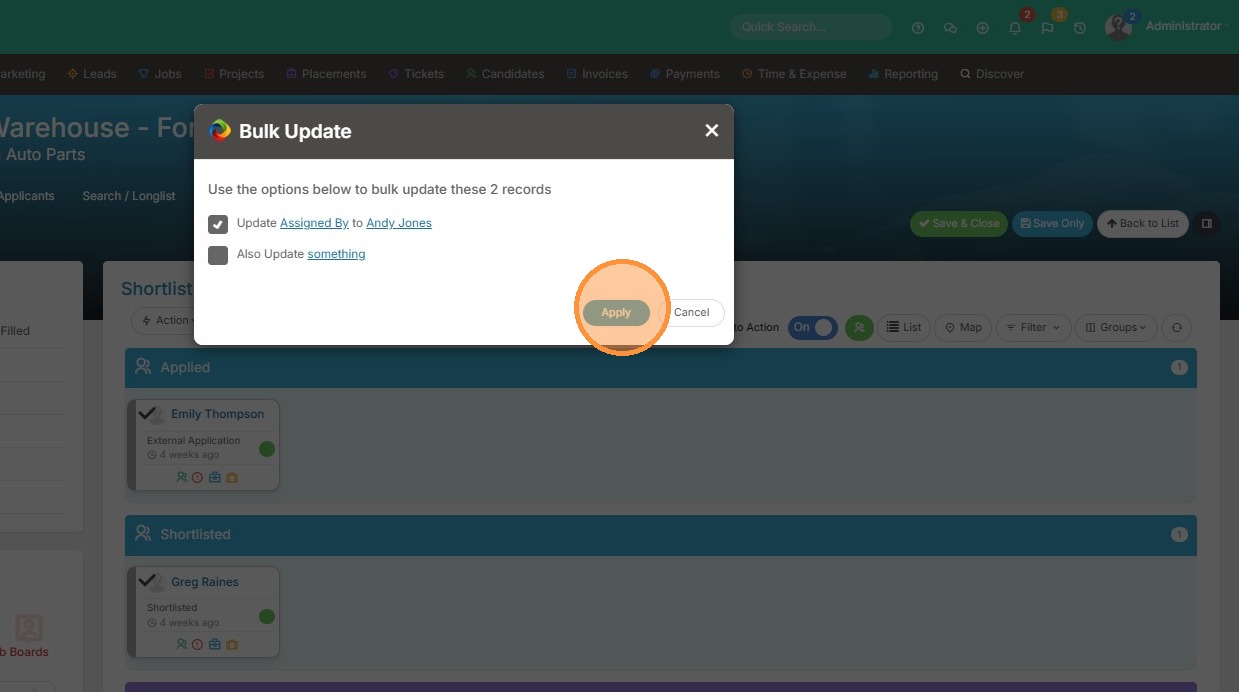
7. Select "Assigned By" in the field dropdown
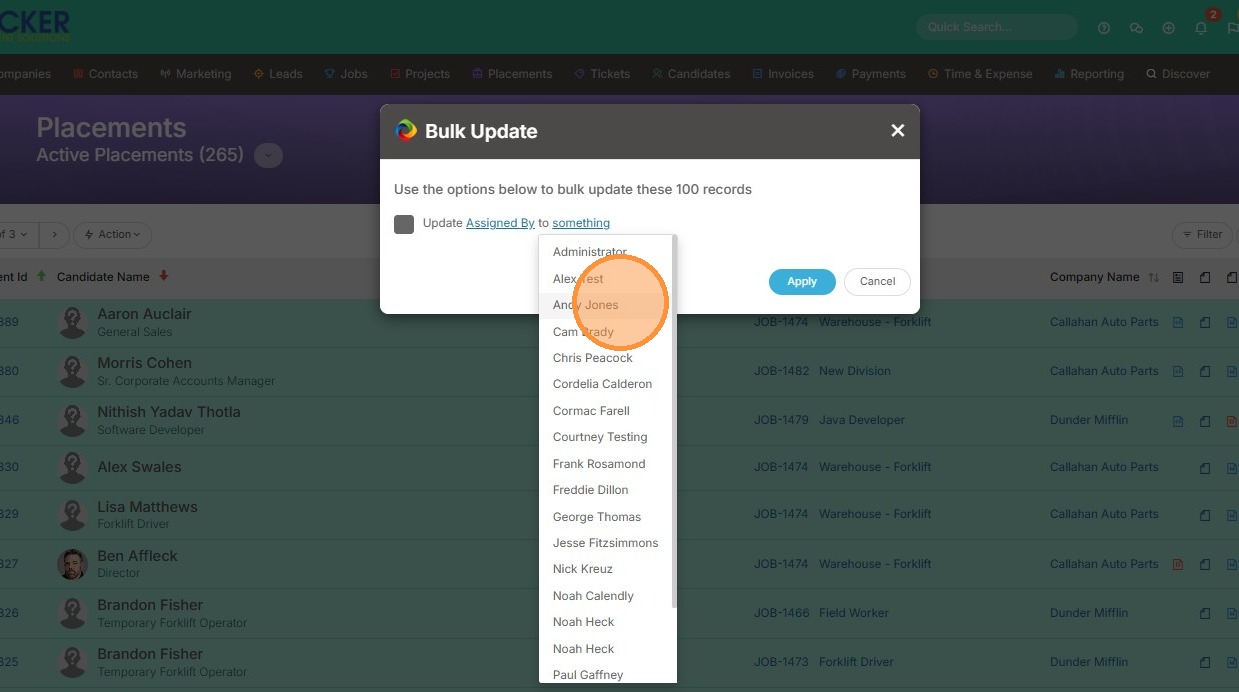
8. Select the user you want to change the Assigned By to in the value dropdown
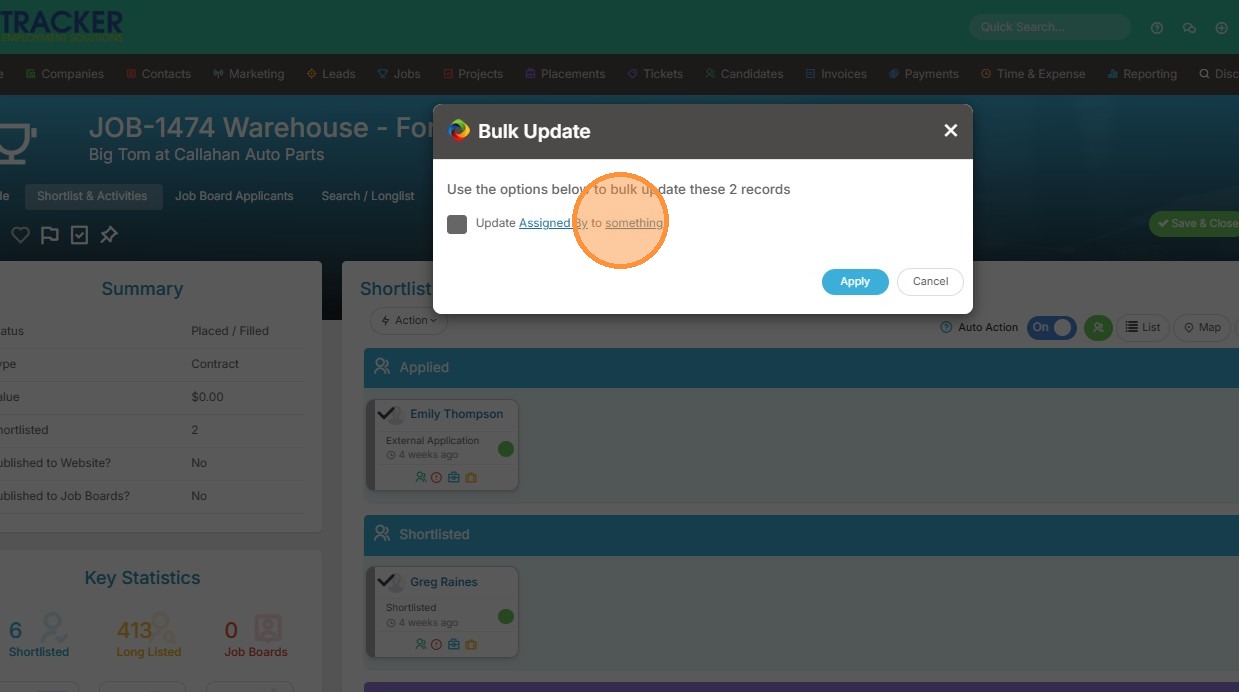
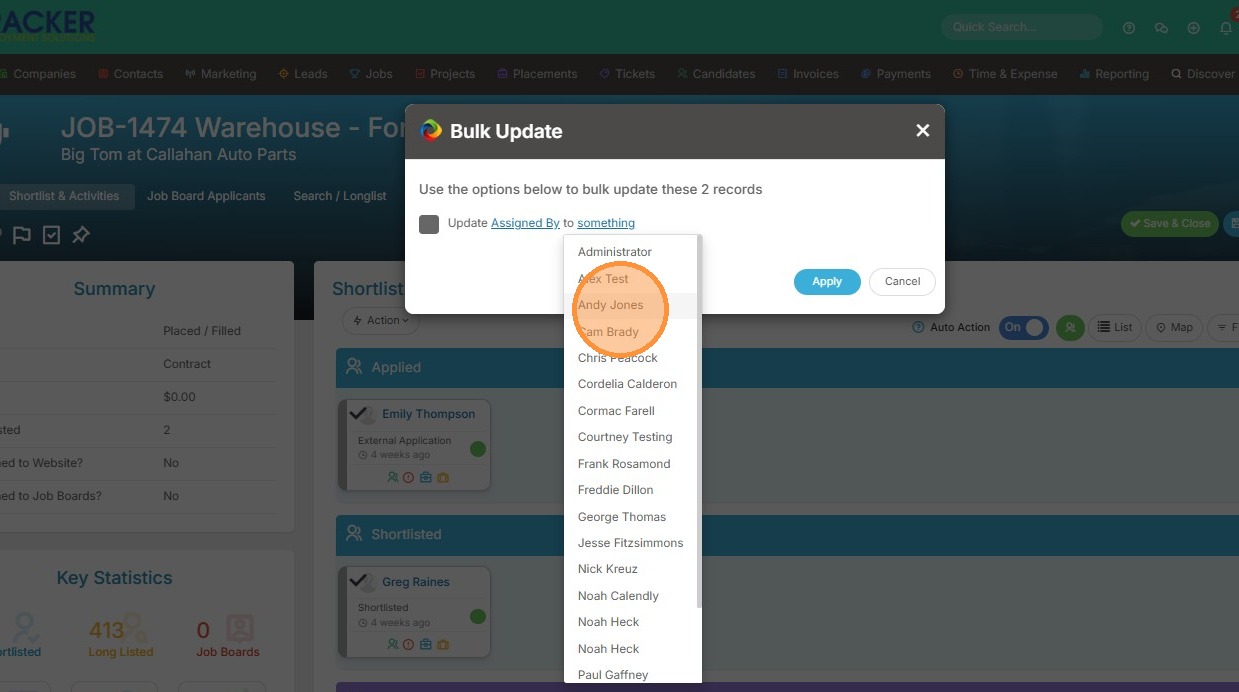
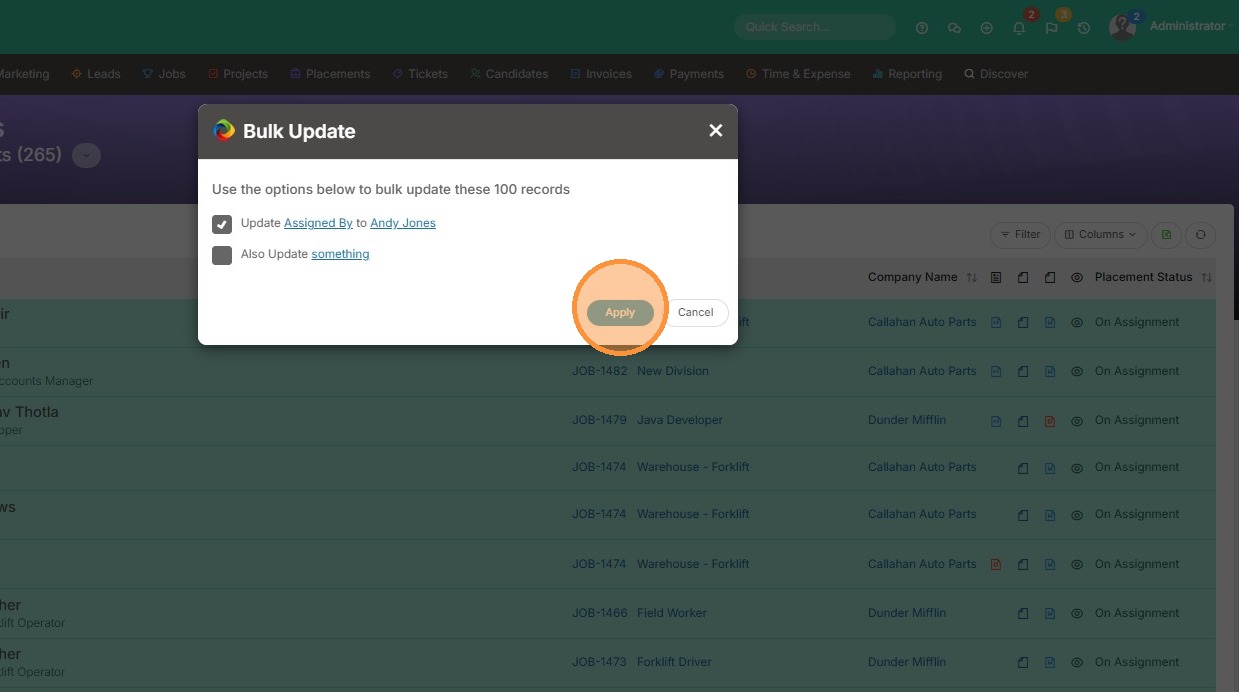
9. Click "Apply"
Update via Placements Module
10. Alternatively, you can bulk update the assigned by user from the Placements section.
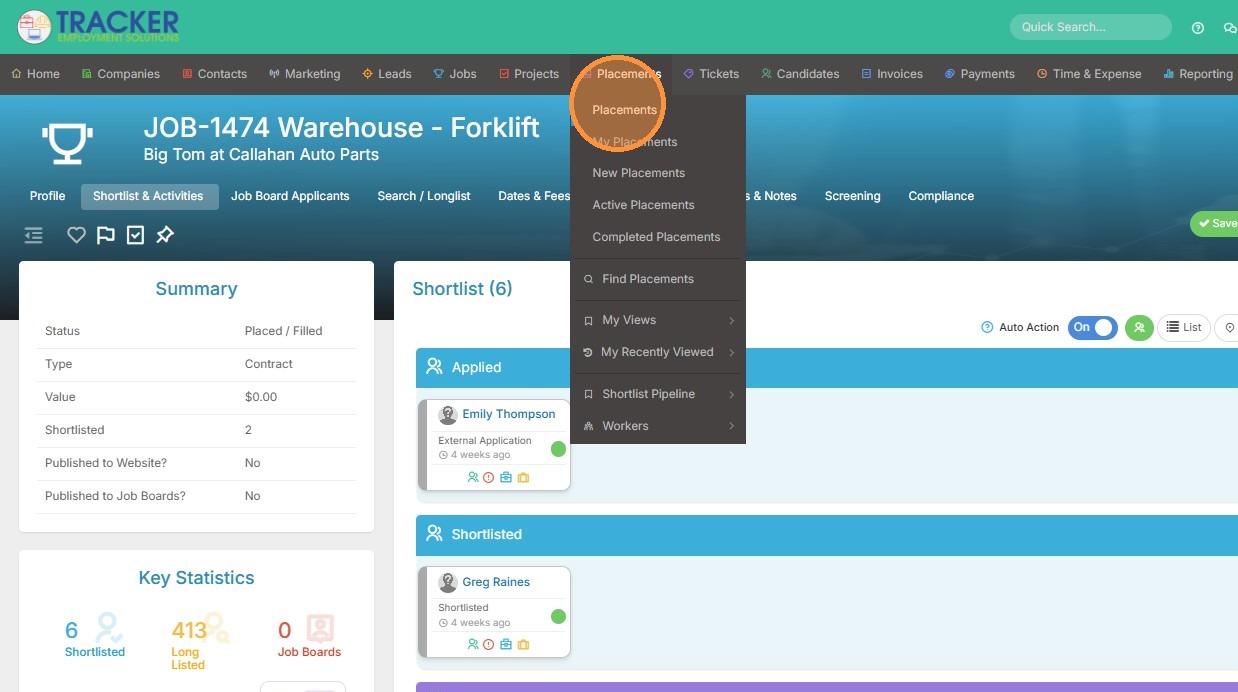
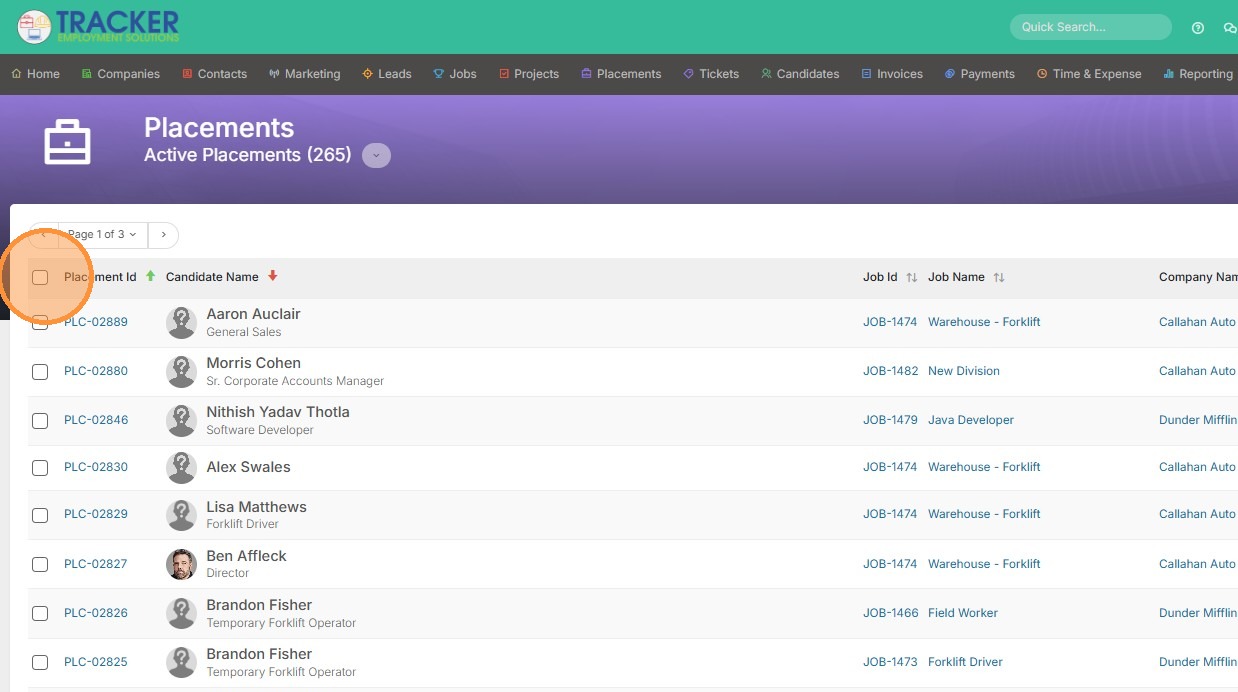
11. Select the placements by clicking the checkbox on the left.
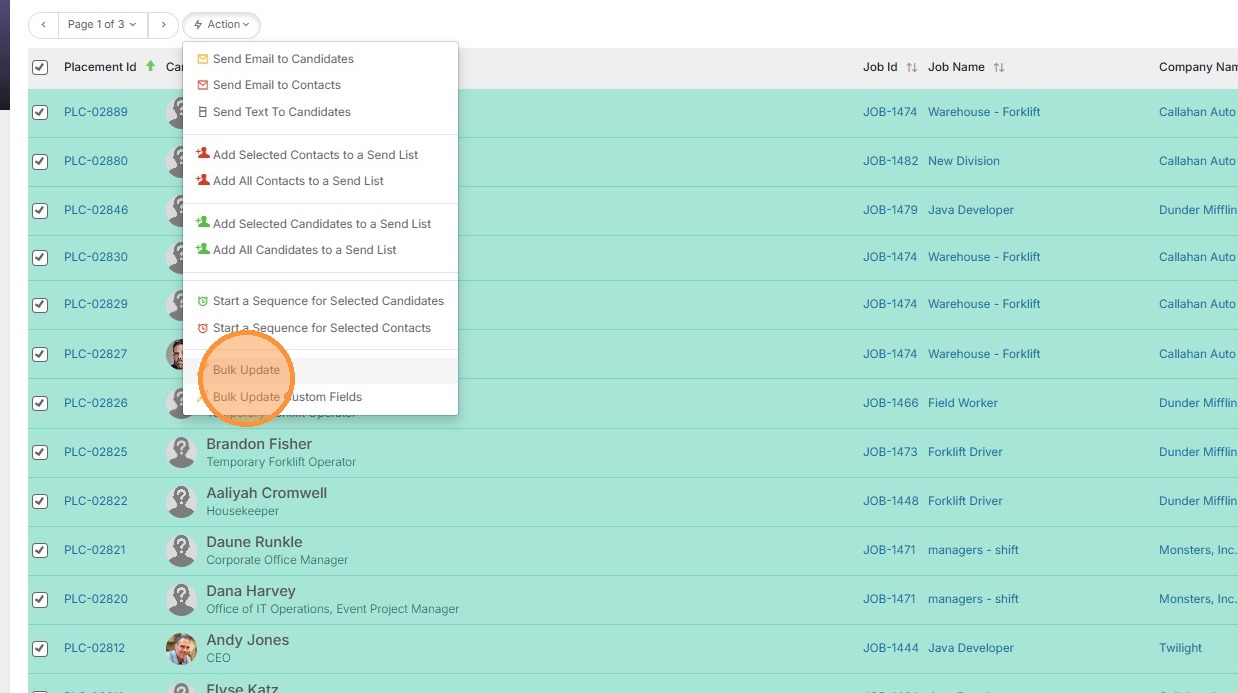
12. Click Action.
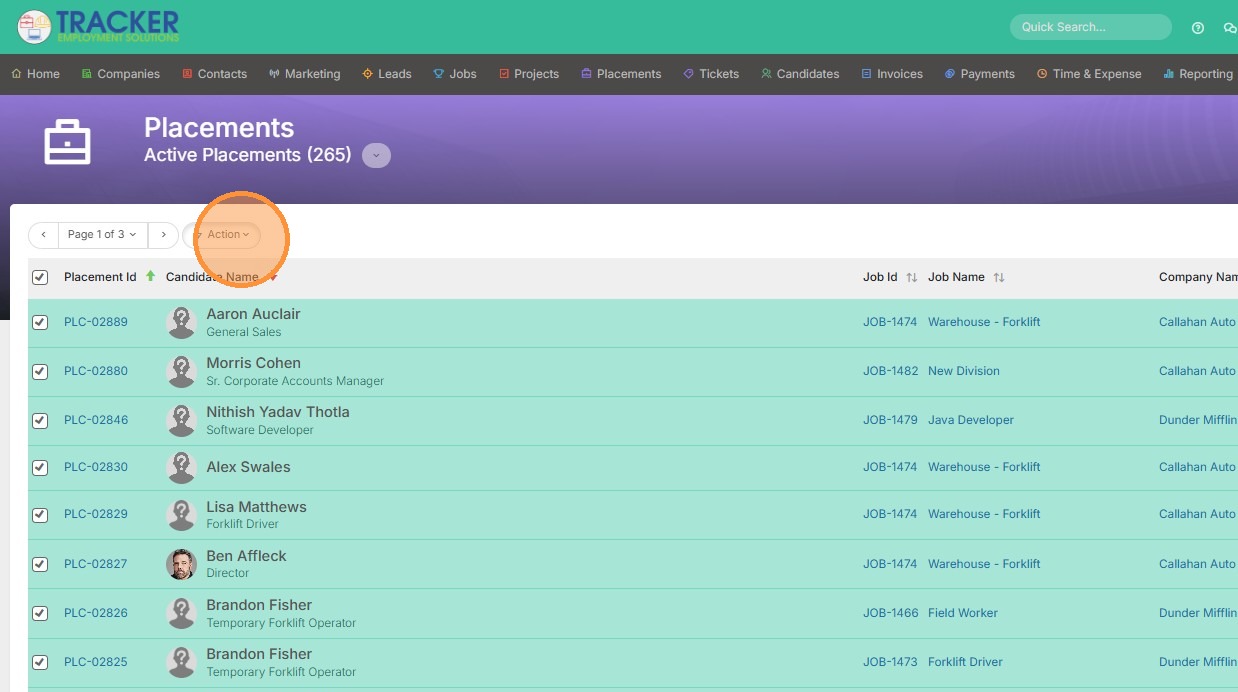
13. Click "Bulk Update"
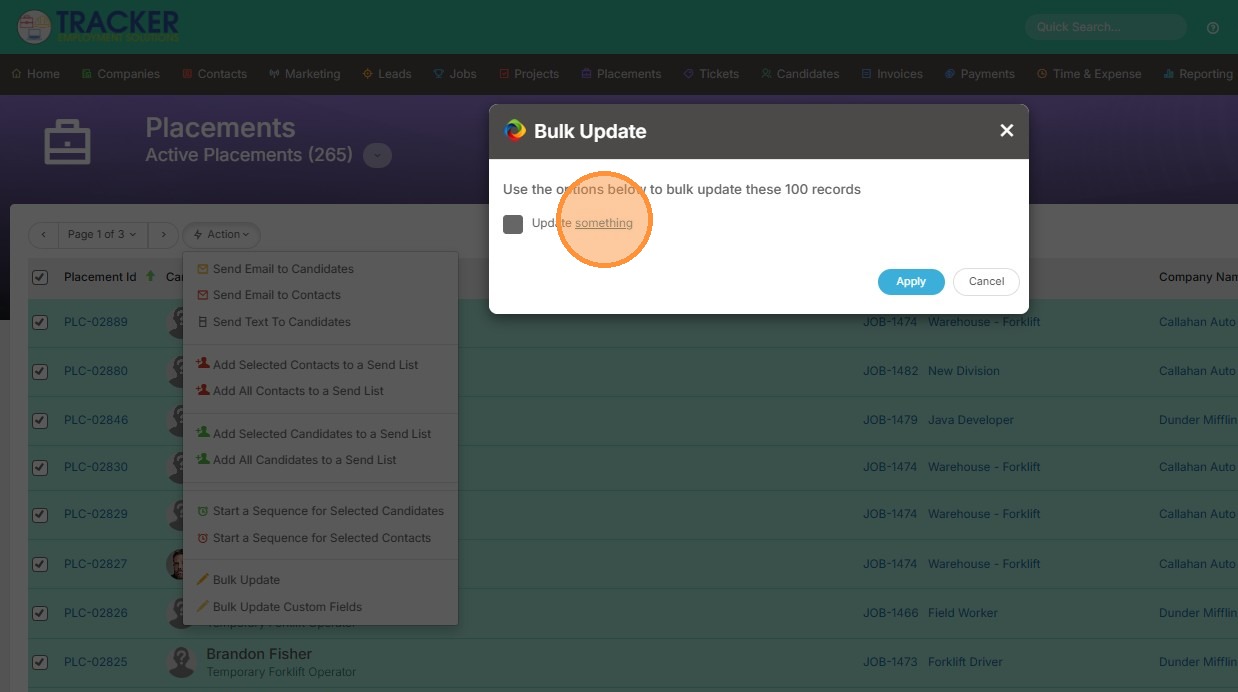
14. Select "Assigned By" in the field dropdown
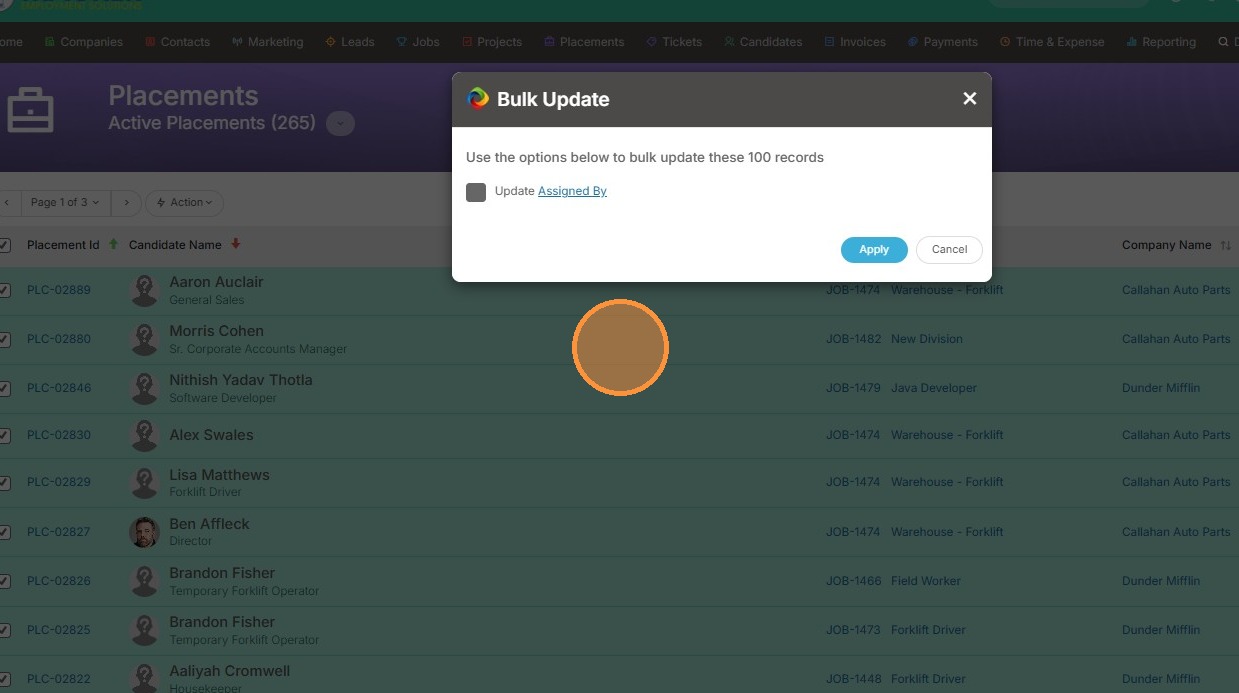
15. Select the user you want to bulk update the Assigned By user to in the value dropdown.
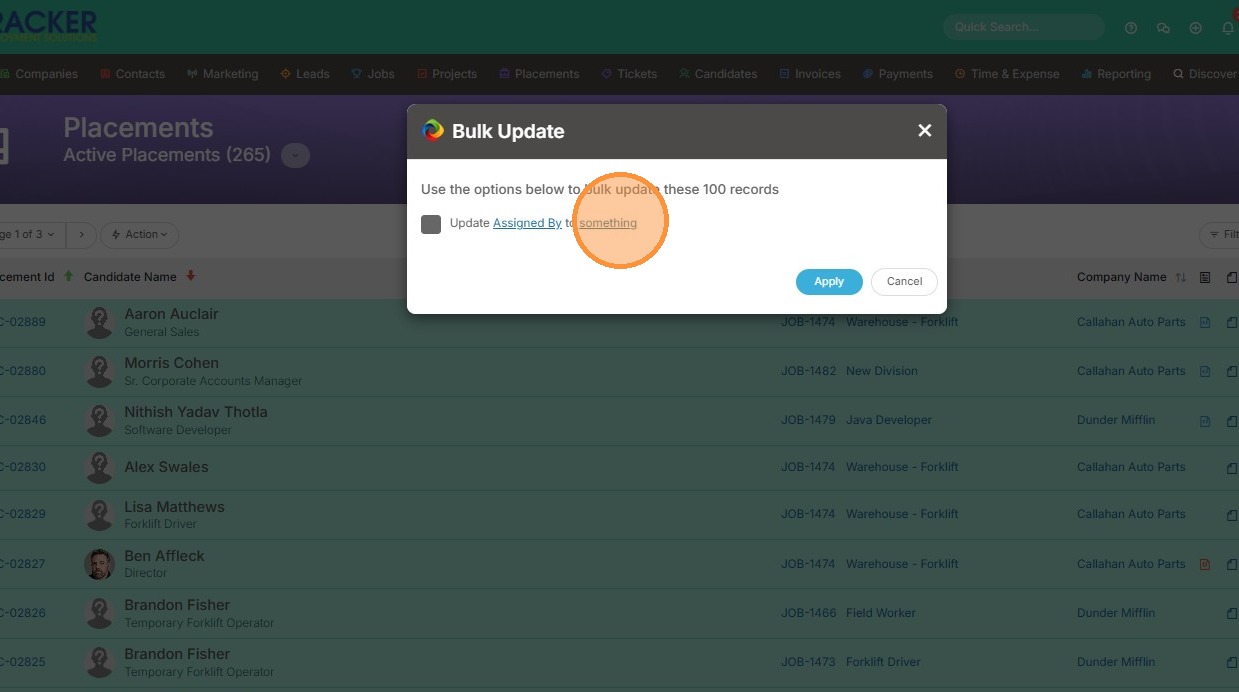
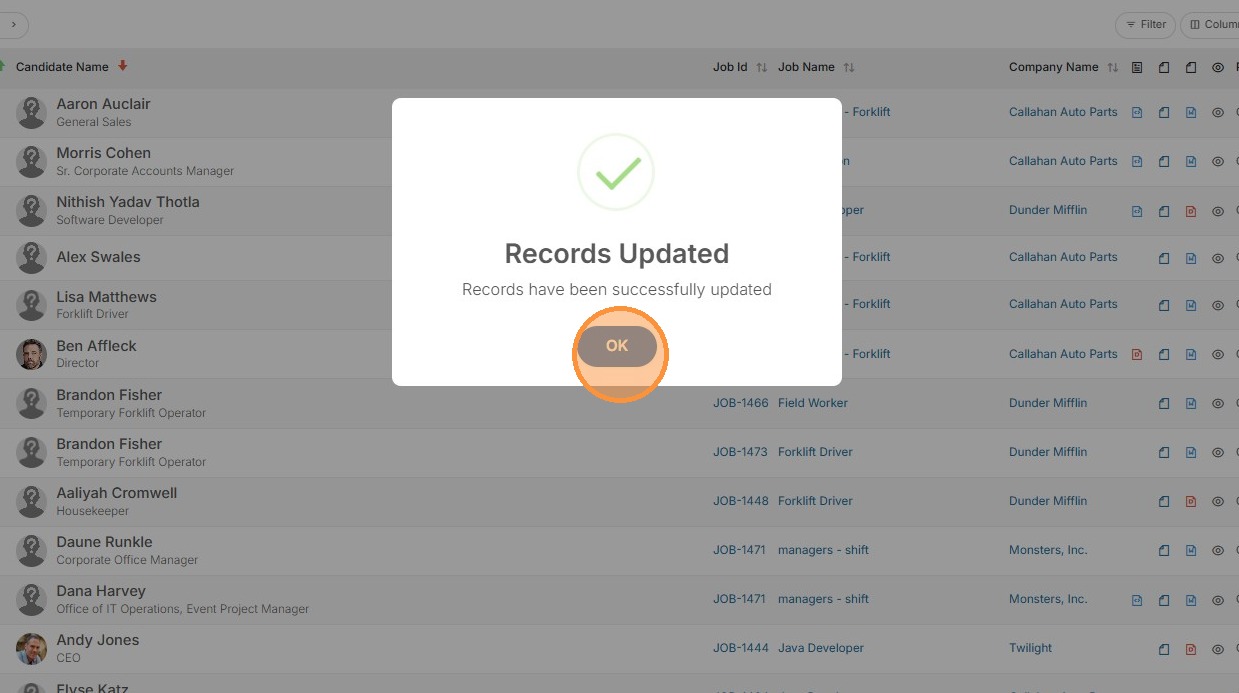
16. Click "Apply"
17. Click "OK"