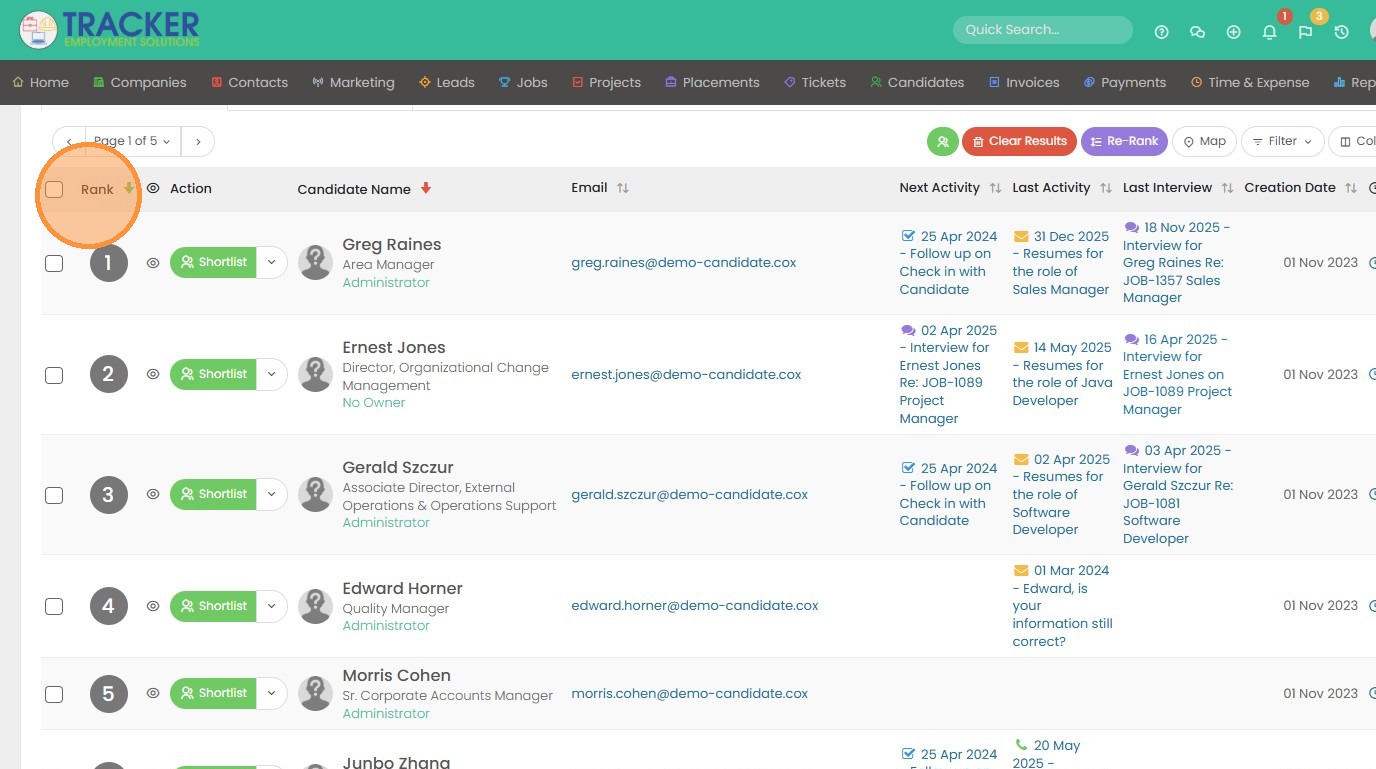
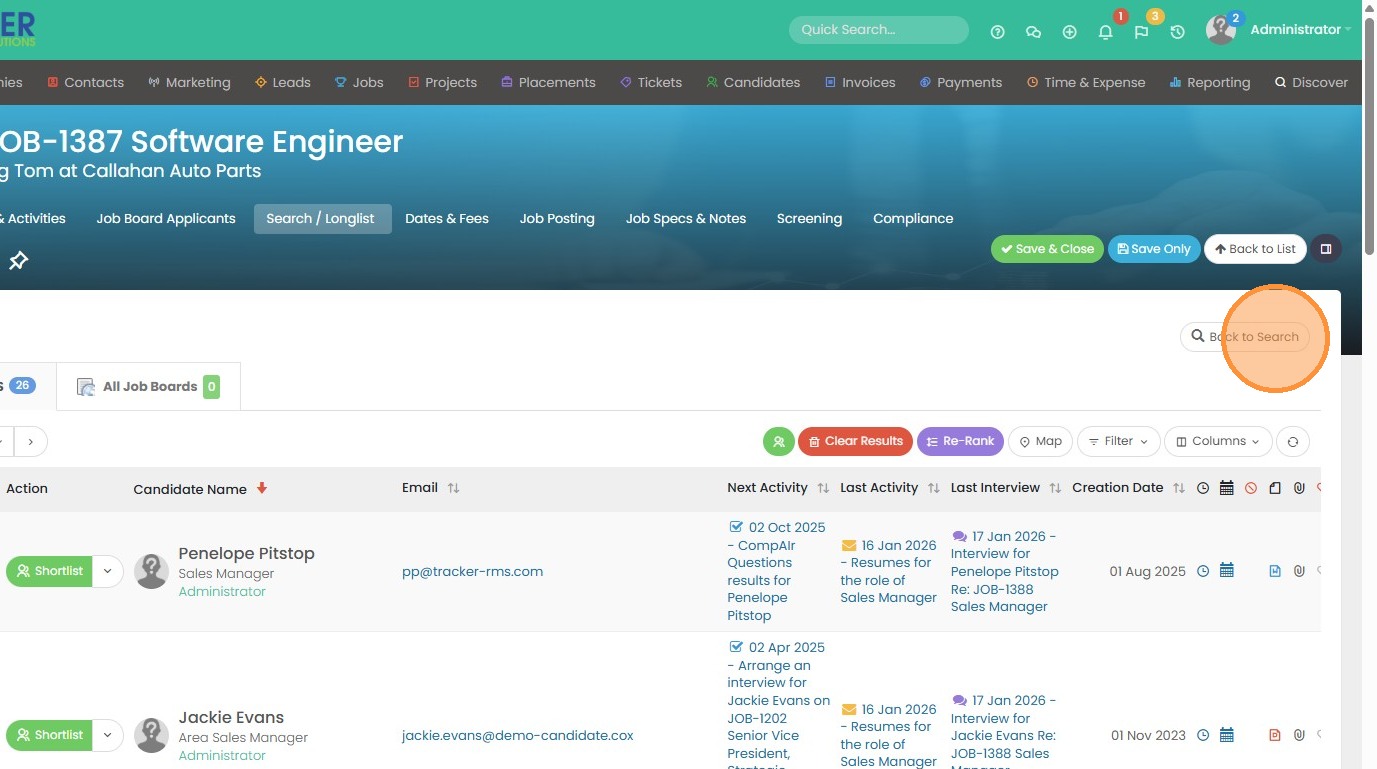
1. Here you can see I currently have some longlist results. I want to click "Back to Search" and re-run my results with some new search terms.
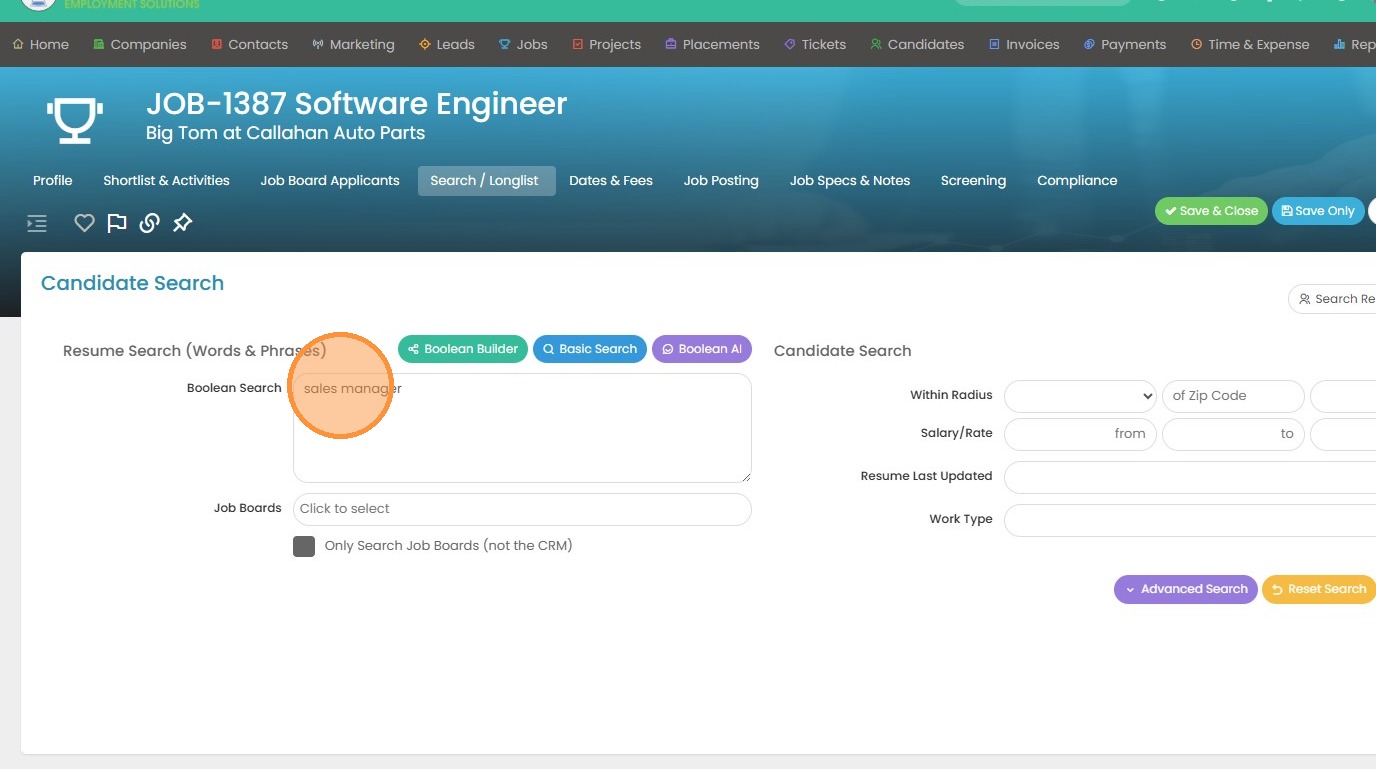
2. I'm going to edit my resume search terms.
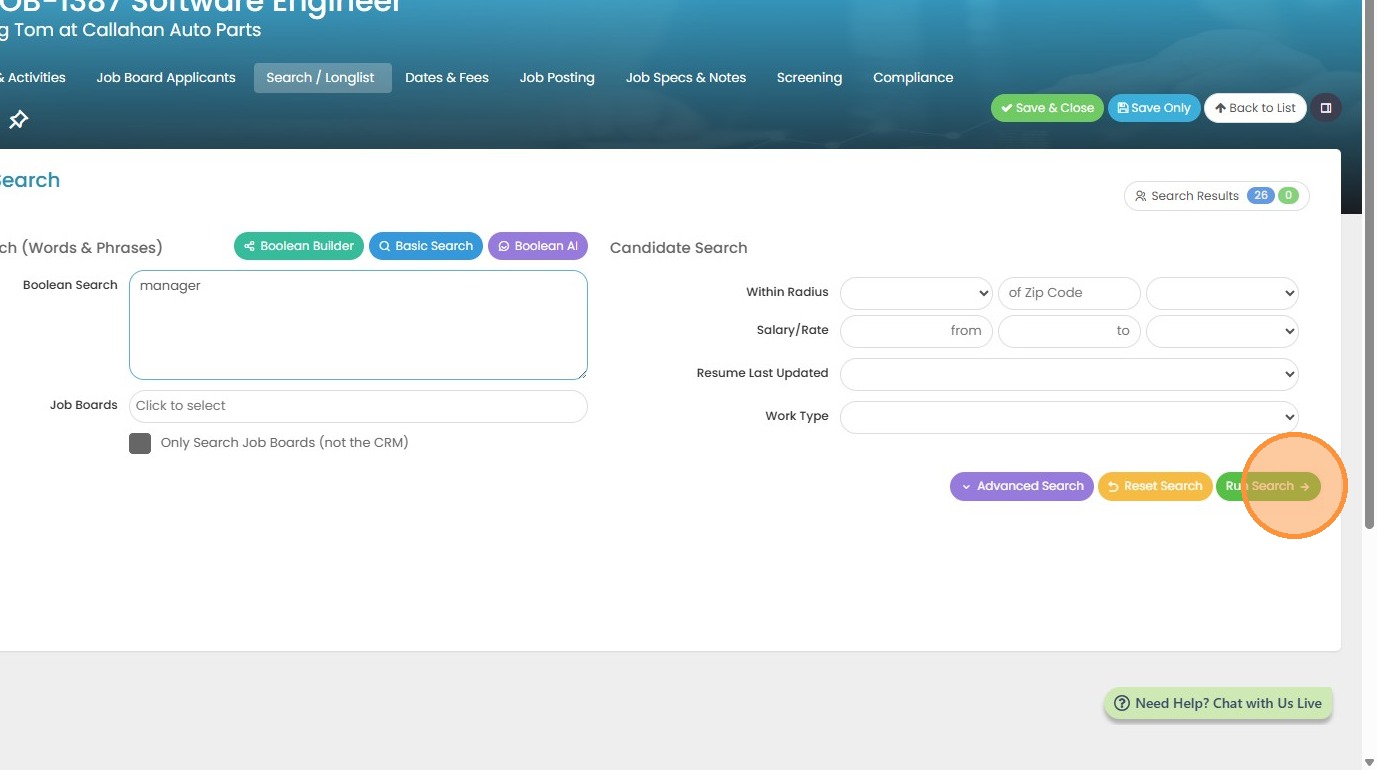
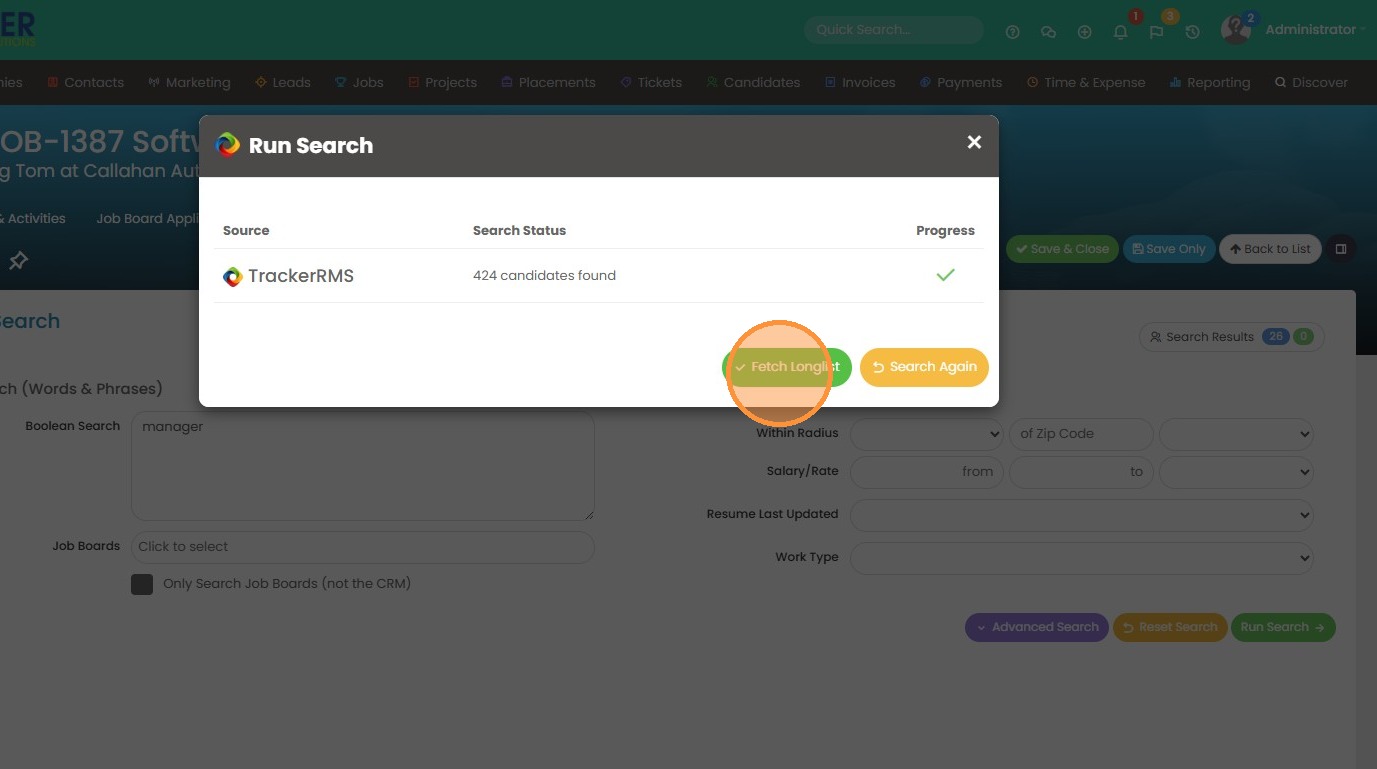
3. Click "Run Search" to re-run.
4. Click "Fetch Longlist" to add the 424 candidates to my current list of 26 candidates.
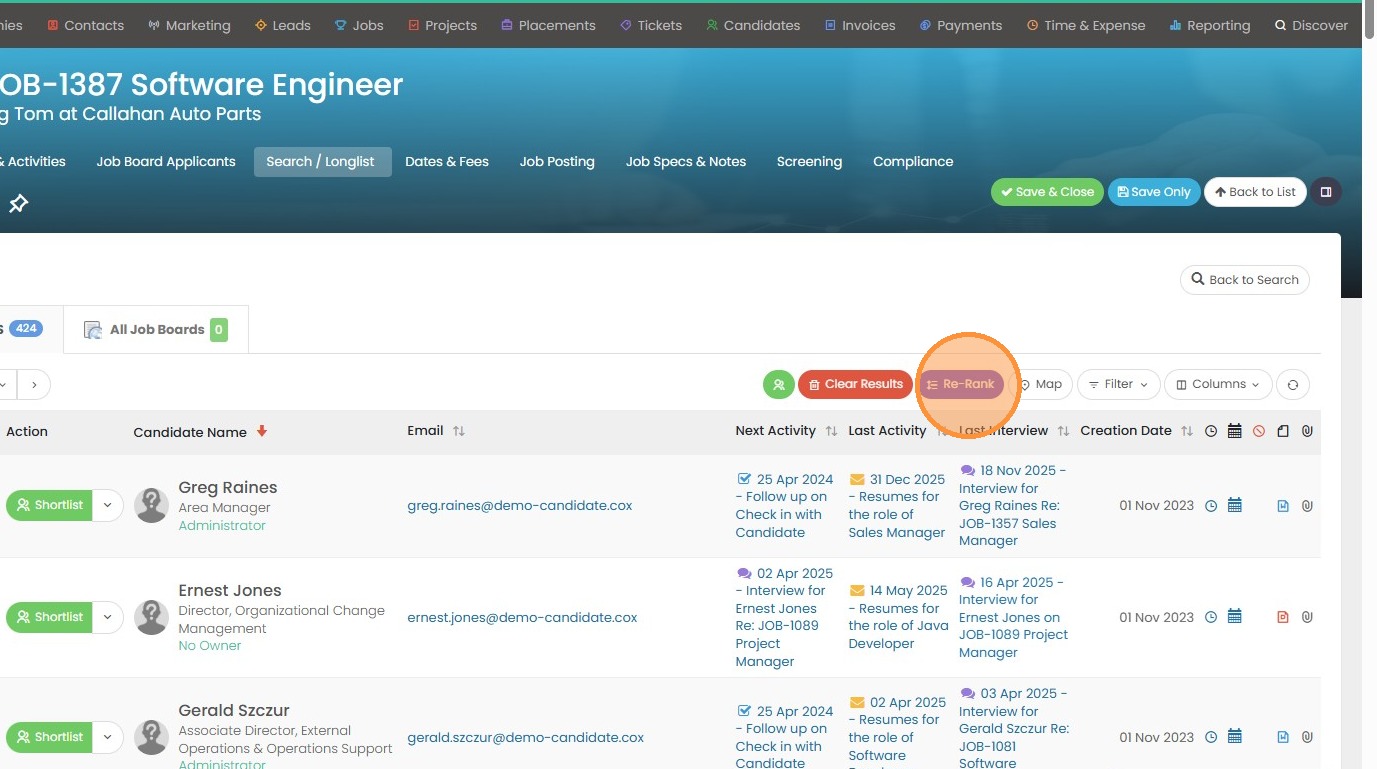
5. Click "Re-Rank" to merge your original search with the new one. This will rank the candidates using this criteria outlined here.
6. Click "Yes" if you're ready to do it.
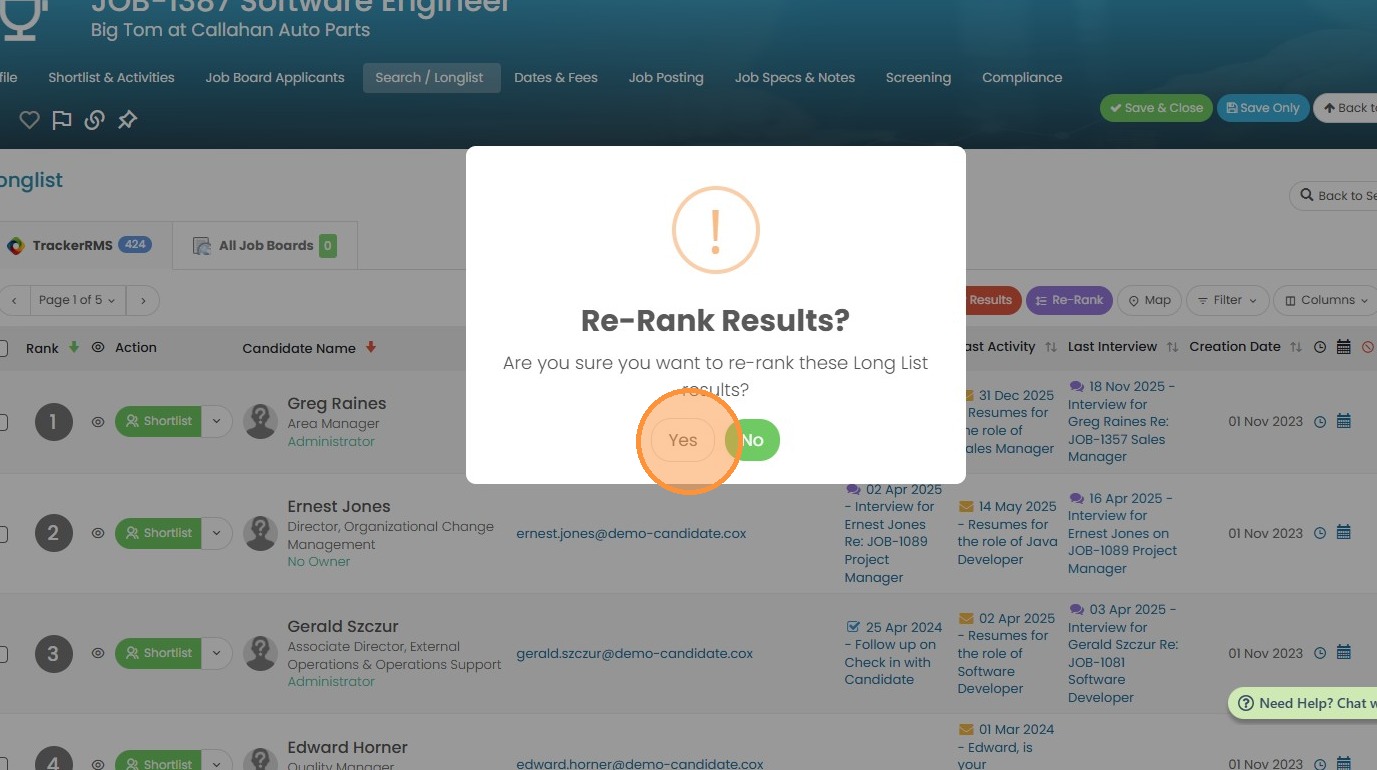
7. Now you can review your results.