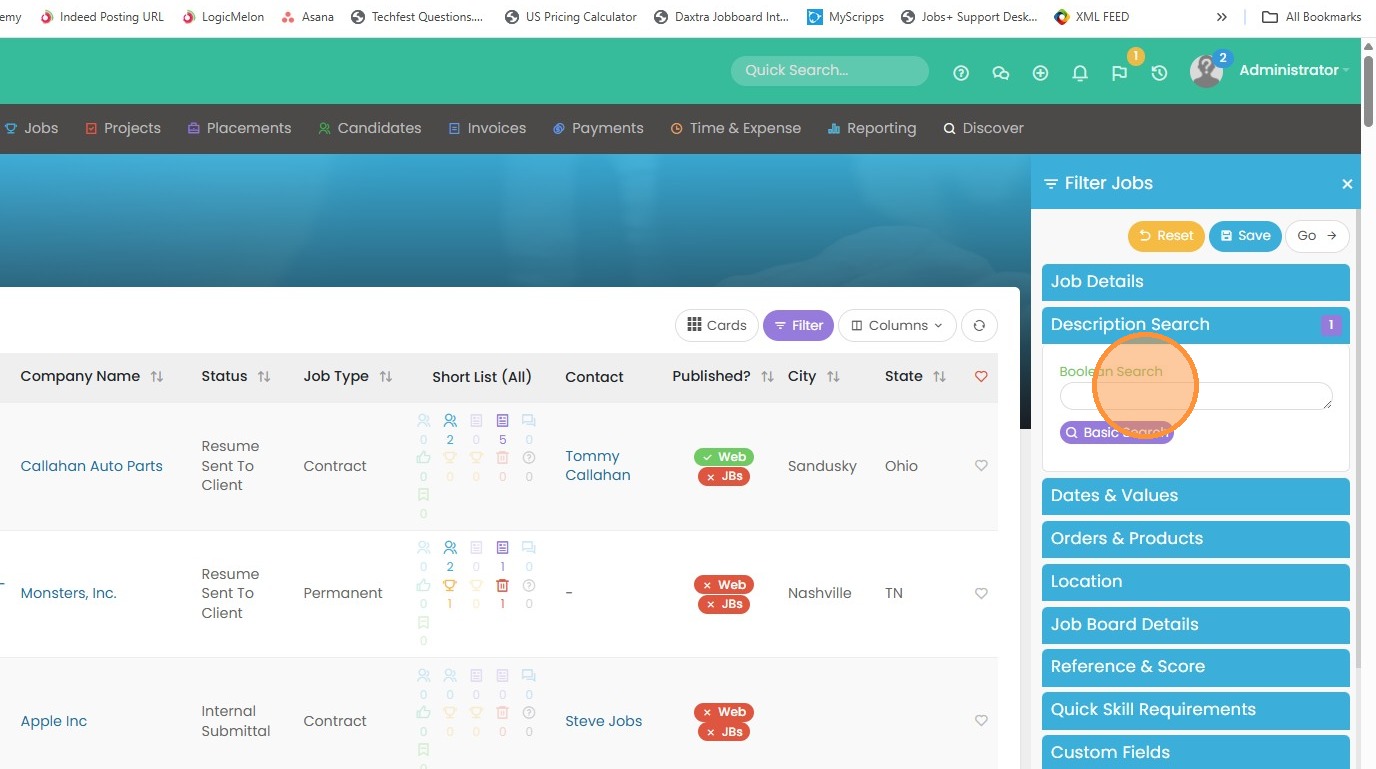
Boolean Search for Jobs
1. In the jobs main list view, there is an option under Filter that allows you to run a boolean search on job record's description field.
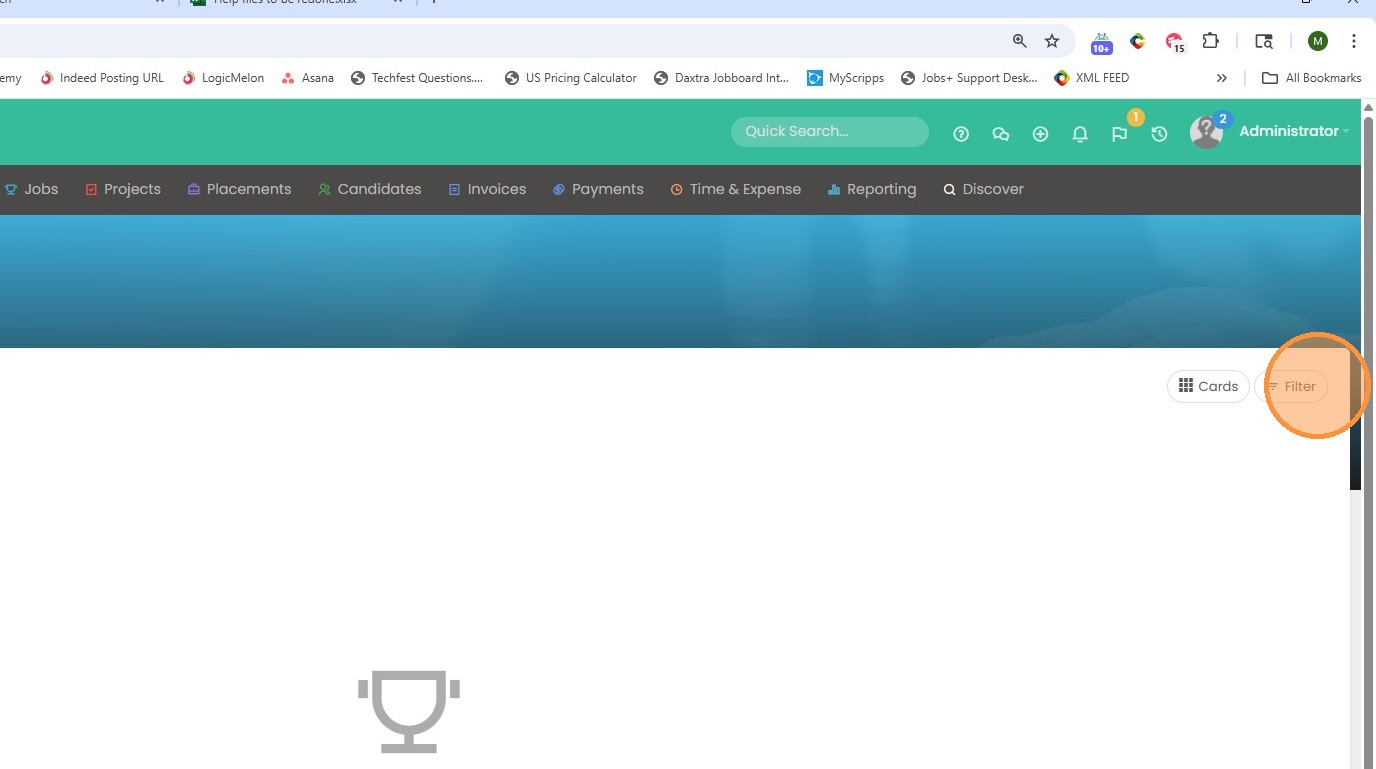
2. This is helpful if you need to filter jobs using a boolean search for certain keywords or phrases. For example, if you need to find candidates that were shortlisted in a job that had a specific job description using the keywords "java developer" in "Columbus, Ohio" this will help you find those specific candidates.
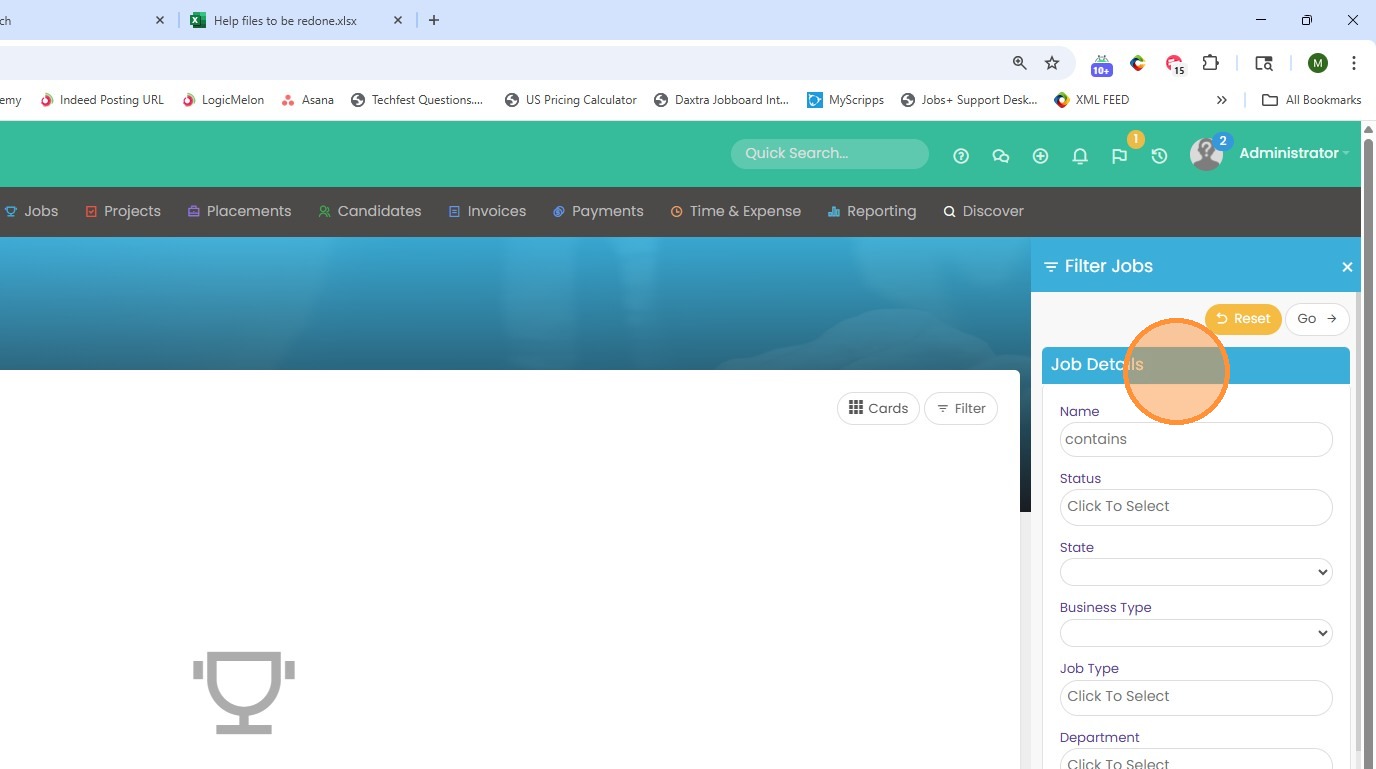
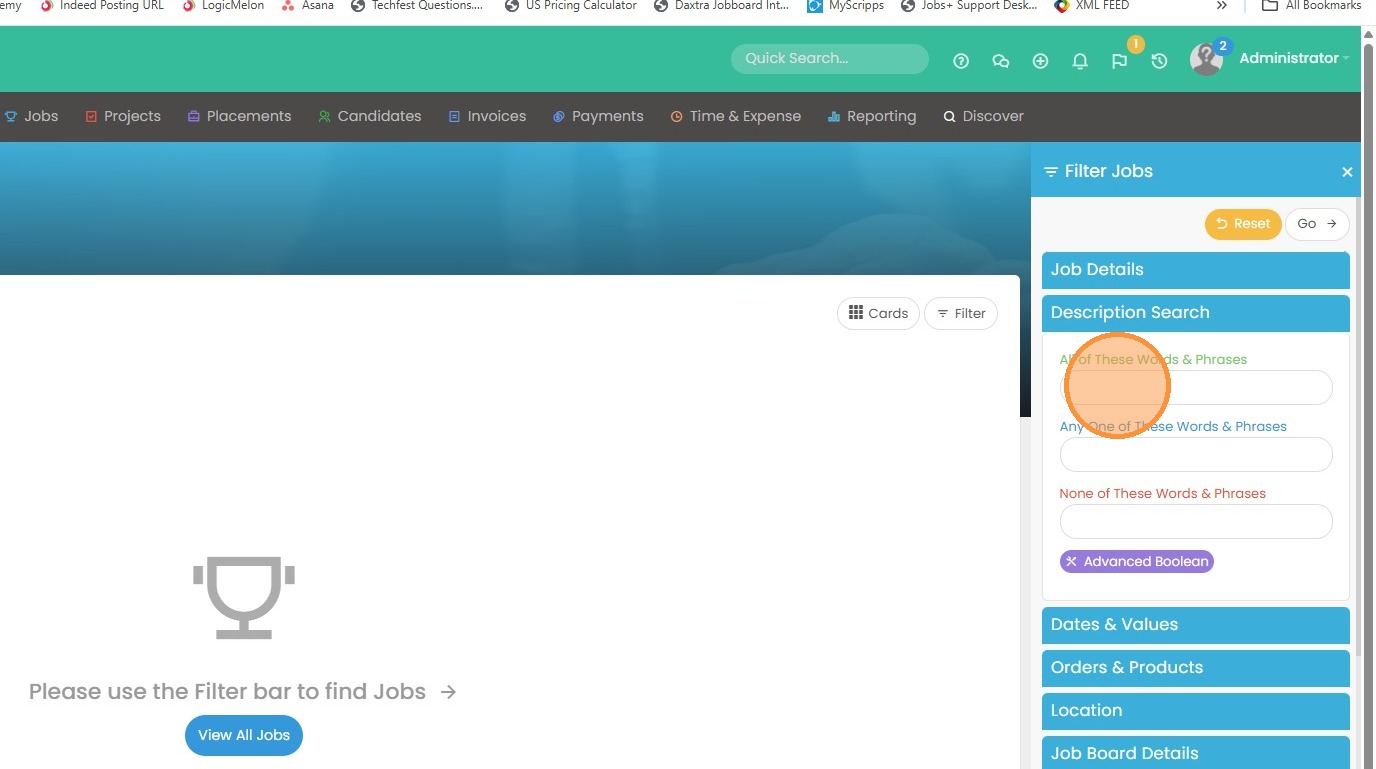
3. For example, if you click on description search, you'll notice a boolean style search section. We can type in keywords or terms that we'd like to find.
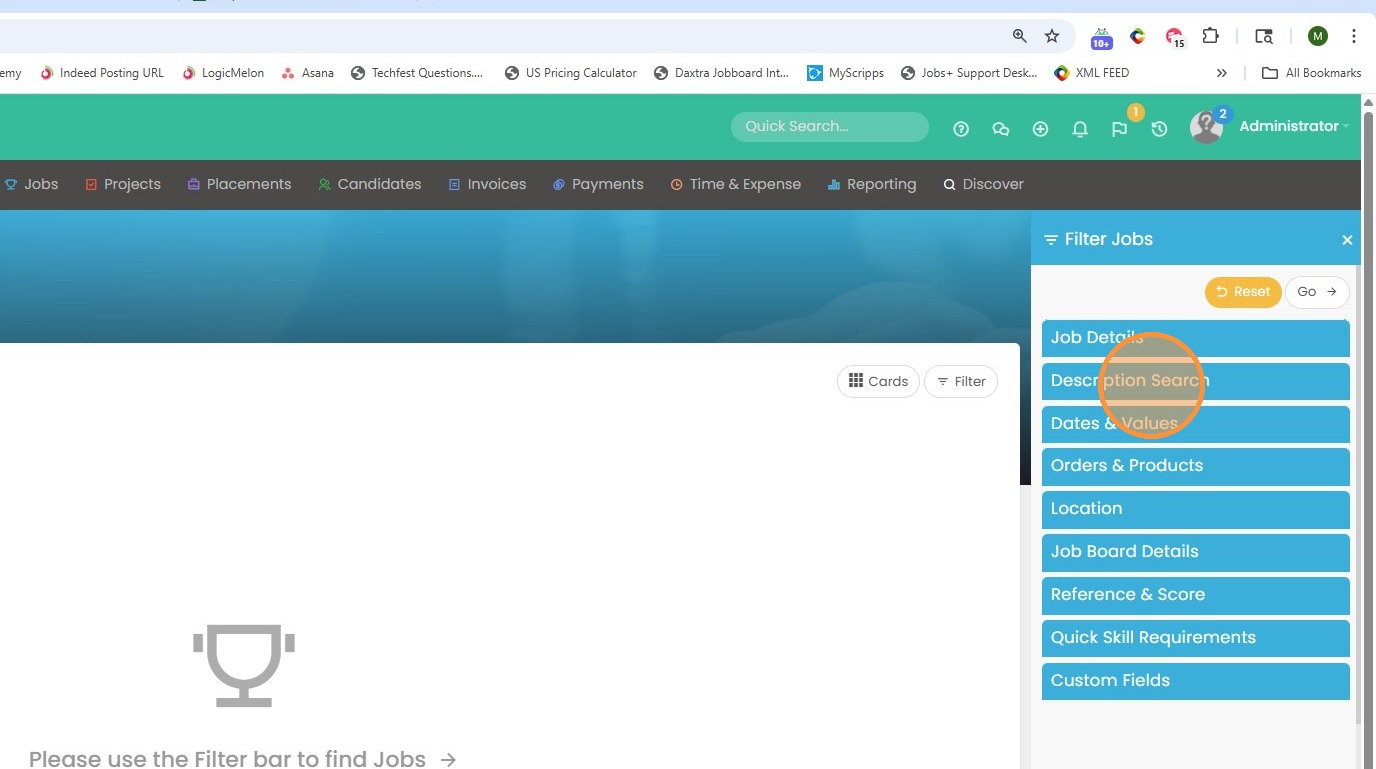
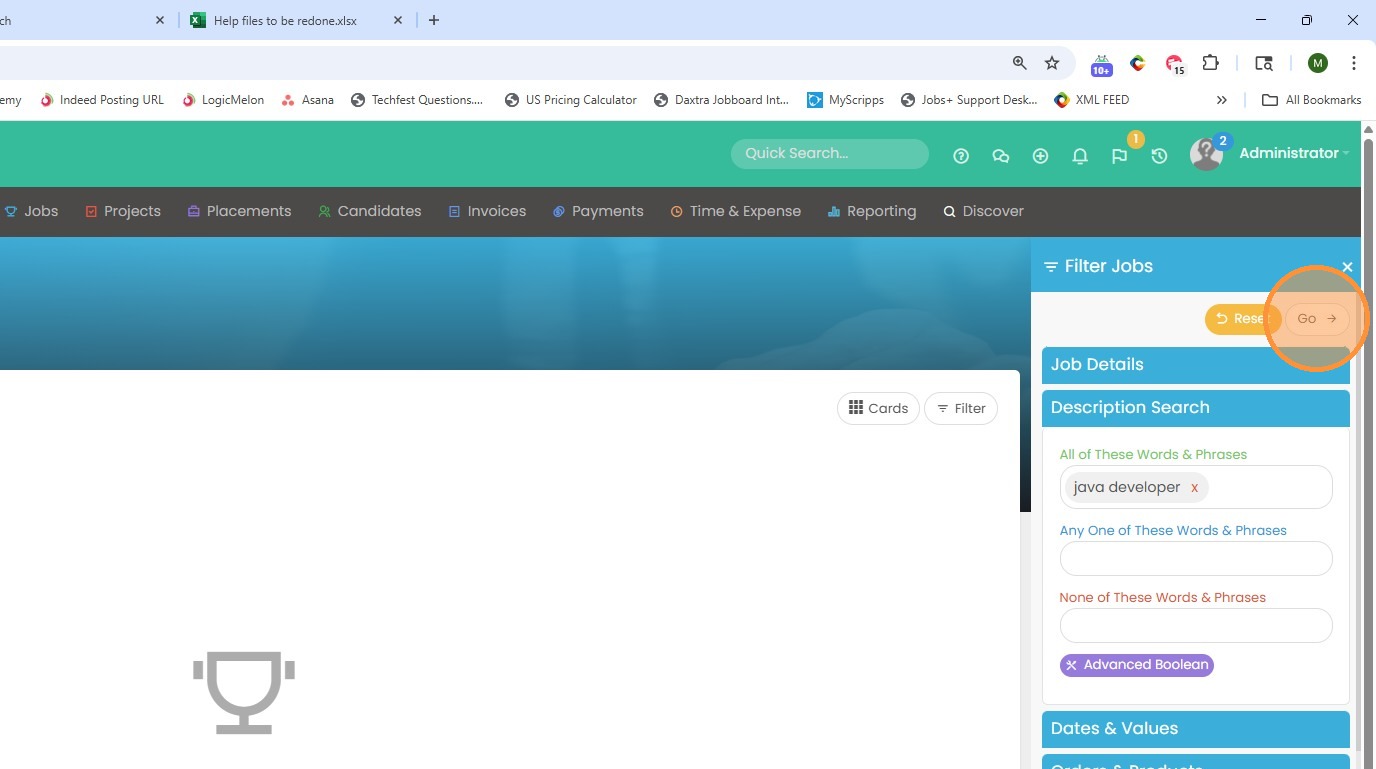
4. For example, if I type in Java developer in the "All of These Words & Phrases" field, it will pull any job that had those words in the job description field.
5. Click "Go" once you have your criteria entered.
6. View the results.
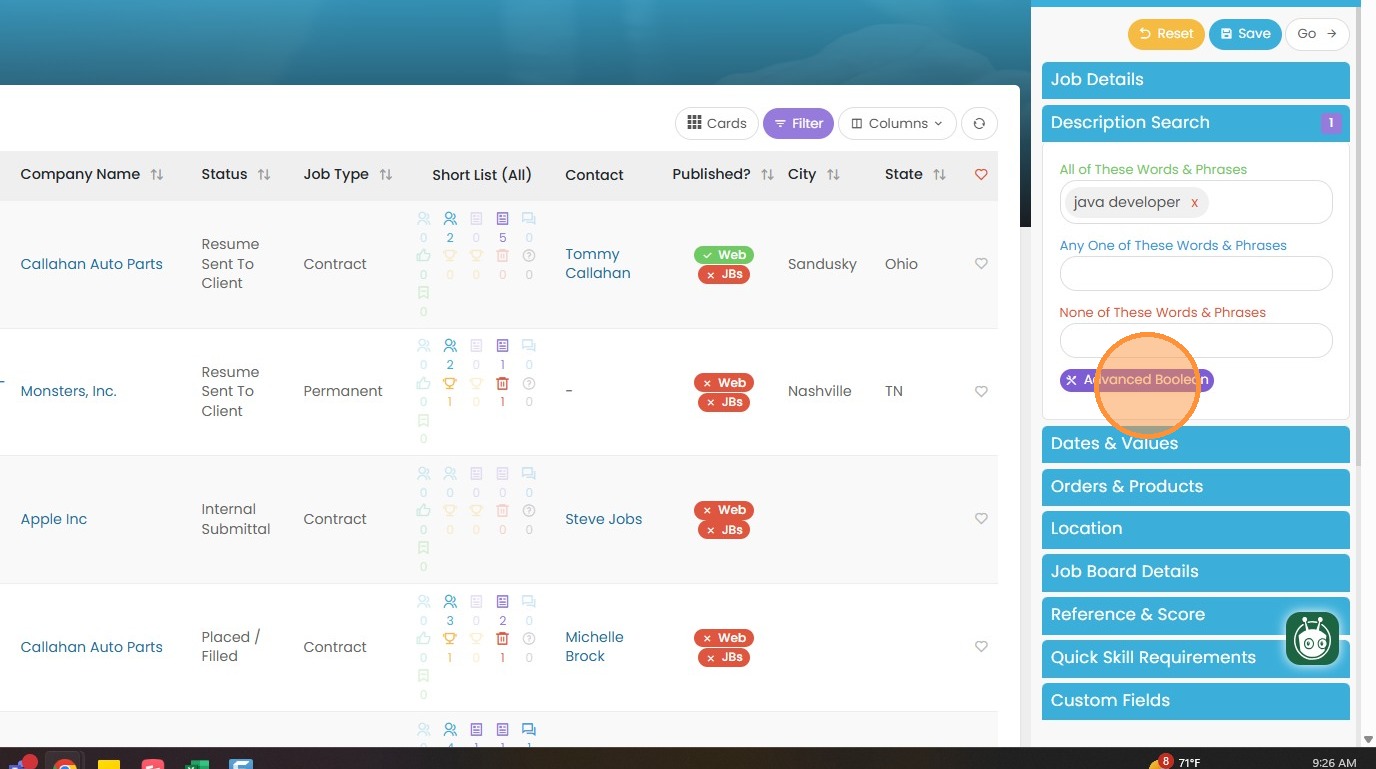
7. You can use the Basic Search option which breaks down a boolean in simpler terms: All of these (And), Any One of these (Or), and None of these (exclusion).
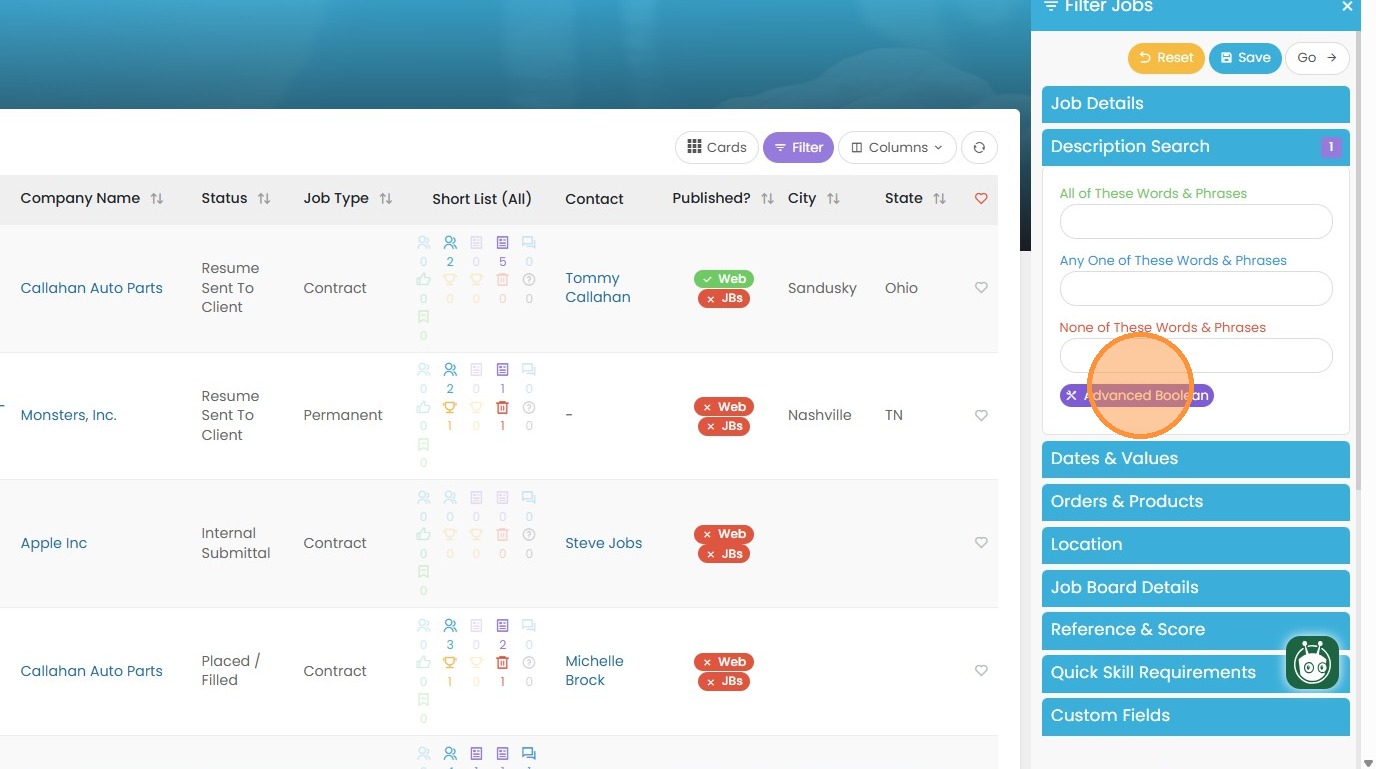
8. Or the Advanced Search option which allows you to build out your boolean string freely.