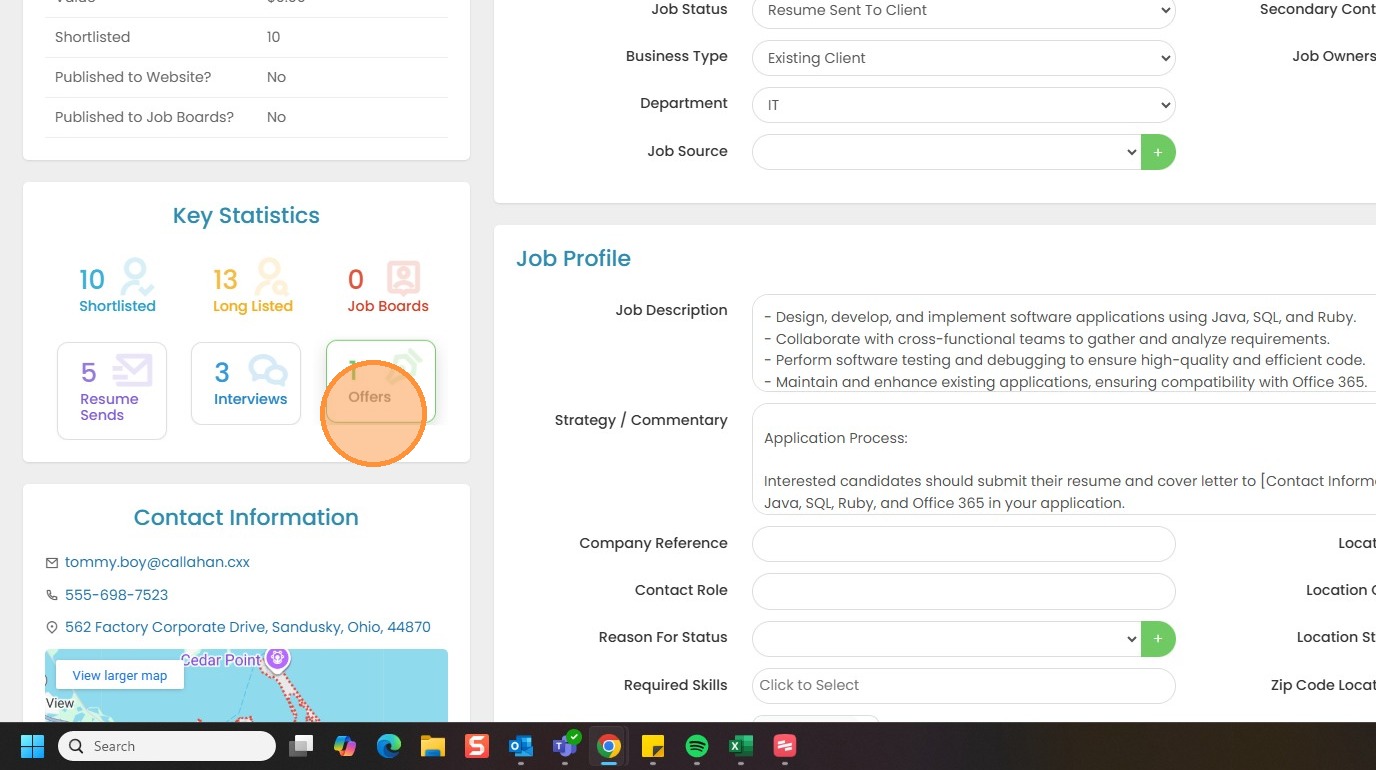
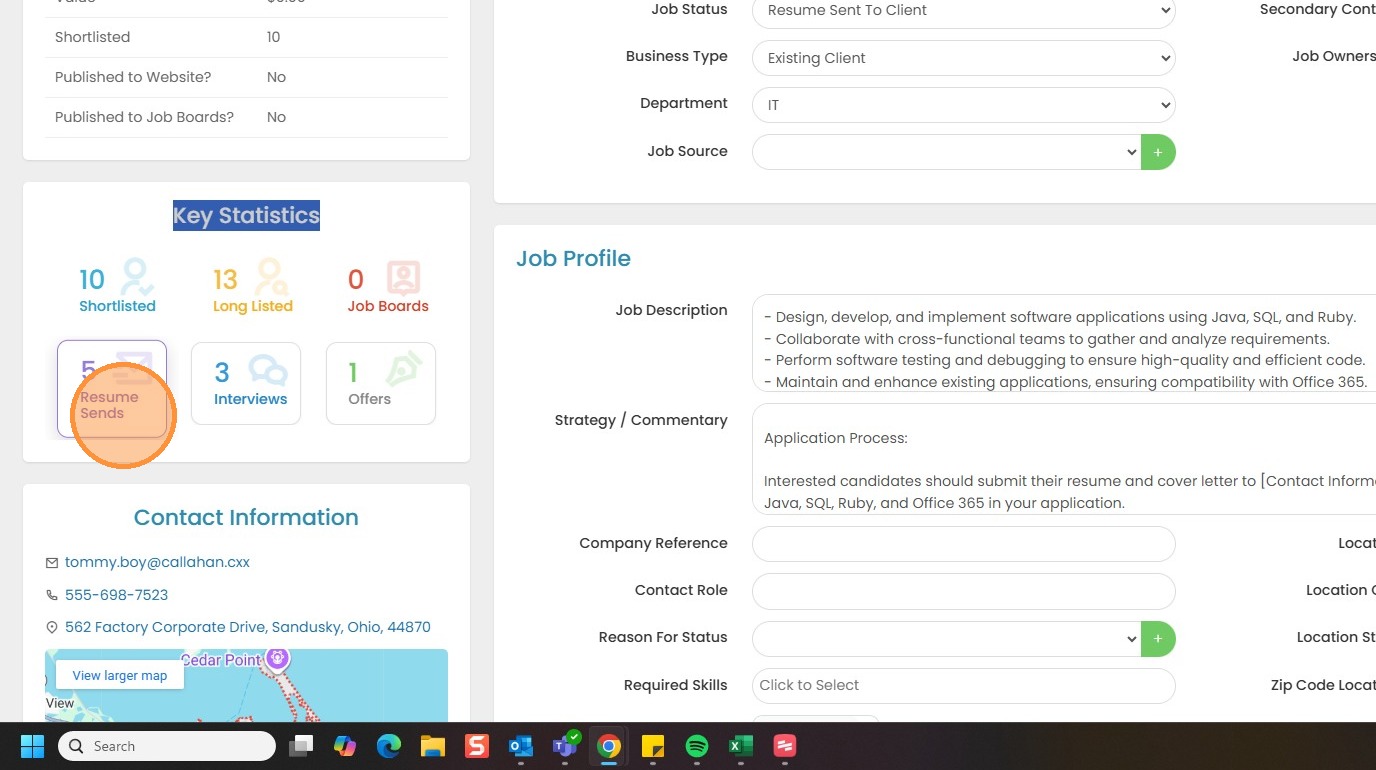
1. Within the job record there is a section under the summary tab that will show you key statistics about this job.
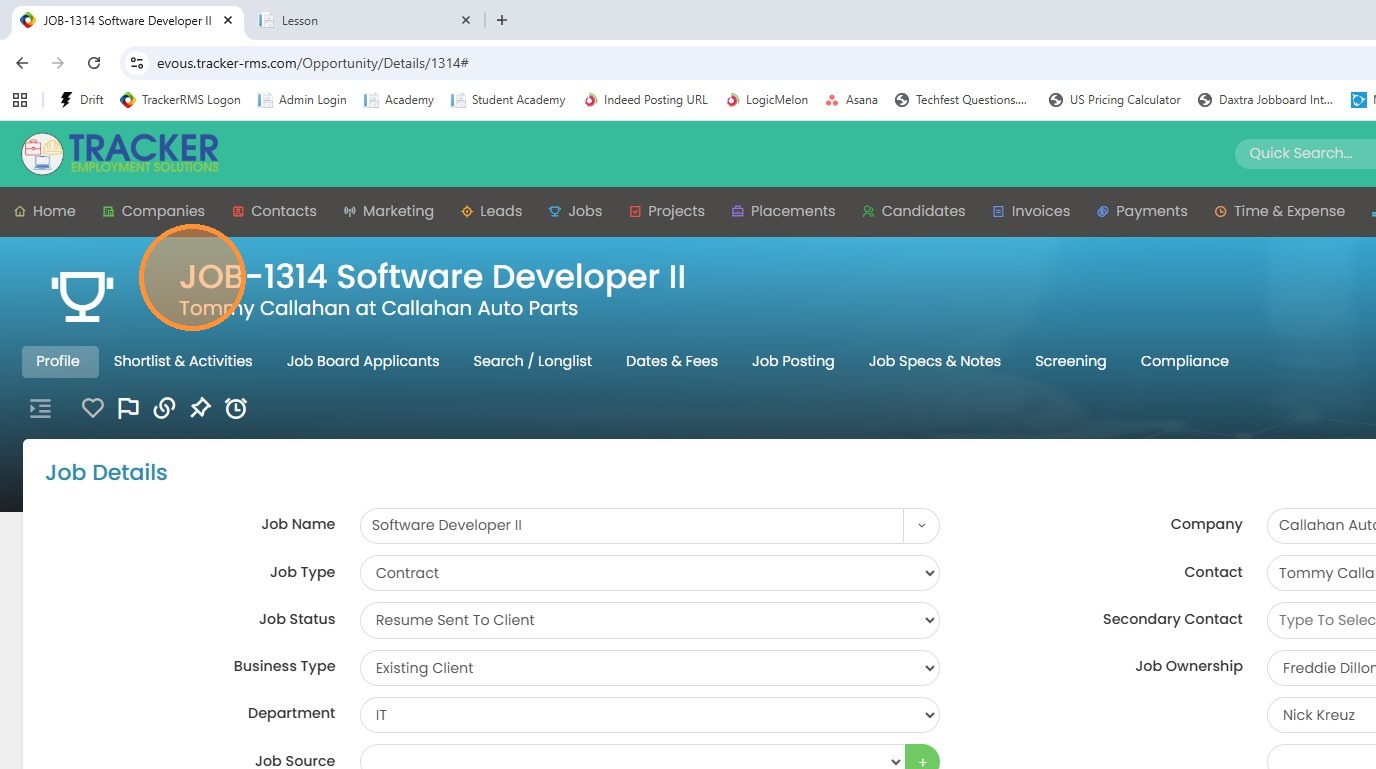
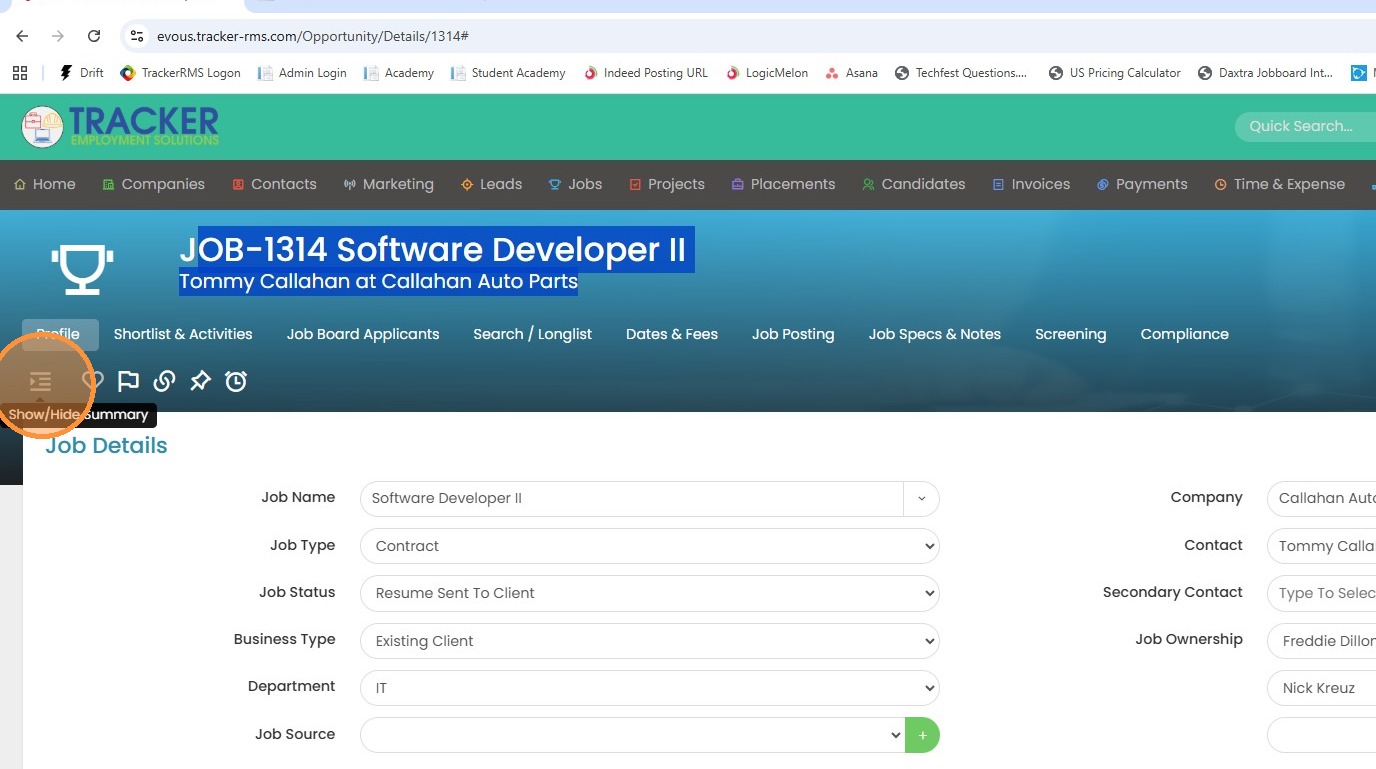
2. Click the summary tab open if you have it hidden.
3. Here you'll see the number of shortlisted and longlisted candidates, and the job boards that this position may have been posted to. On the second row we'll see resume sends, interviews and offers completed.
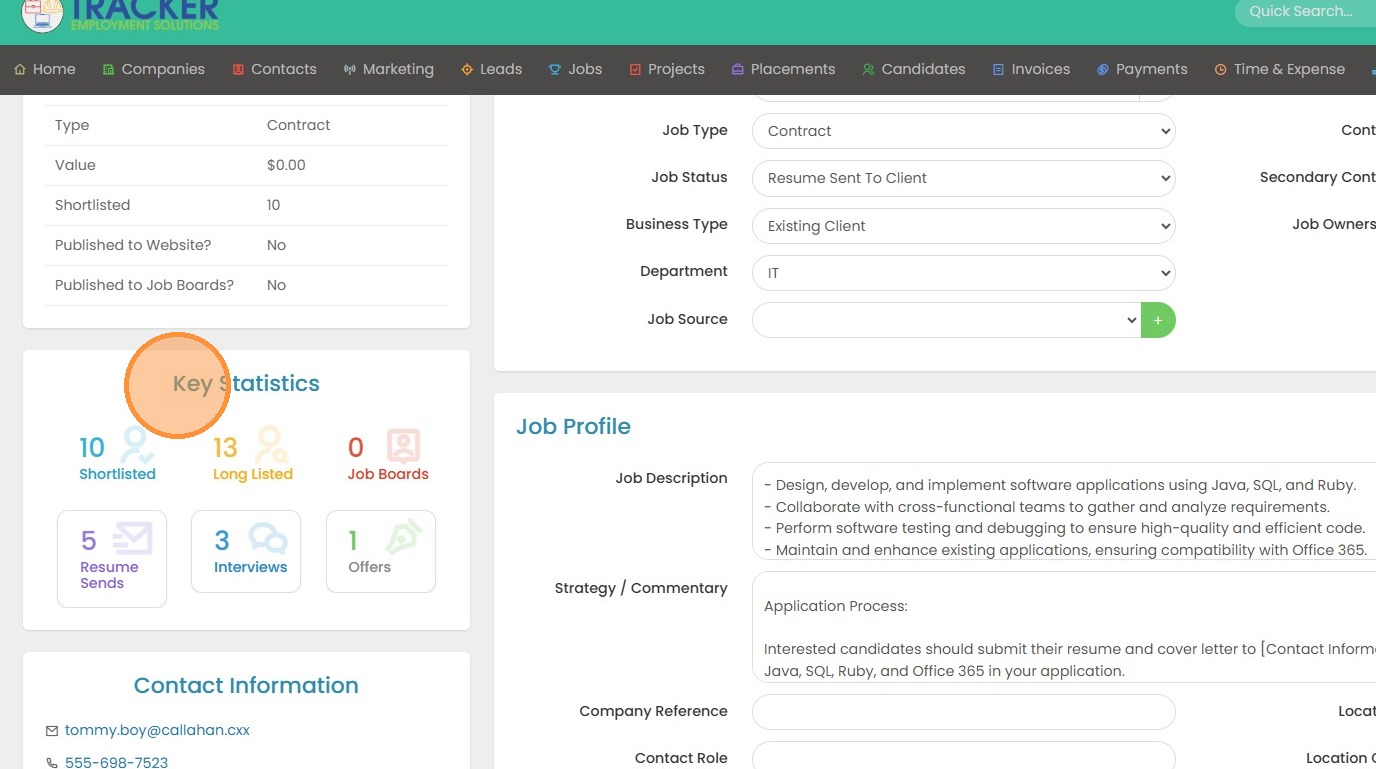
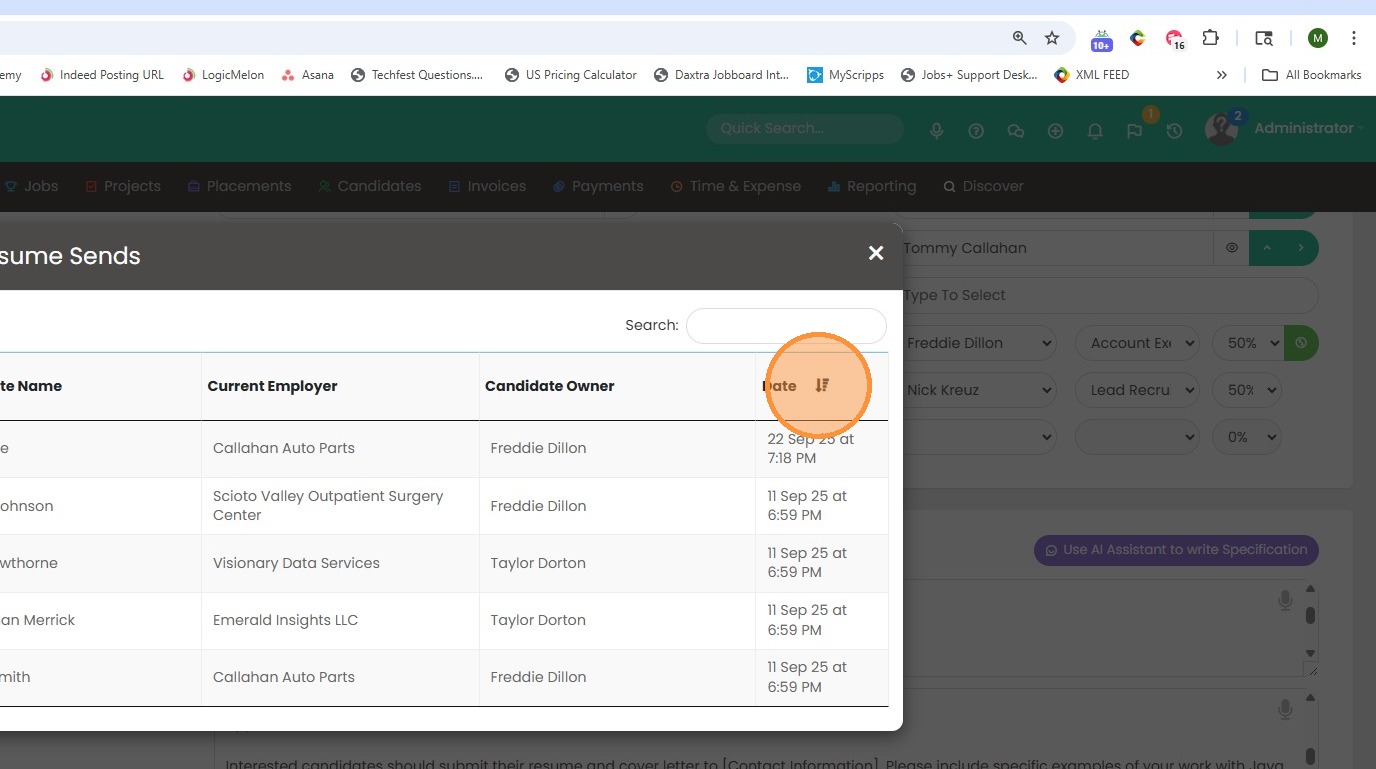
4. The unique part about the second row is that you can click on resume sends and it will show you exactly which candidate this occurred for.
5. You can rearrange the date and time over here on the right by clicking on this down arrow.
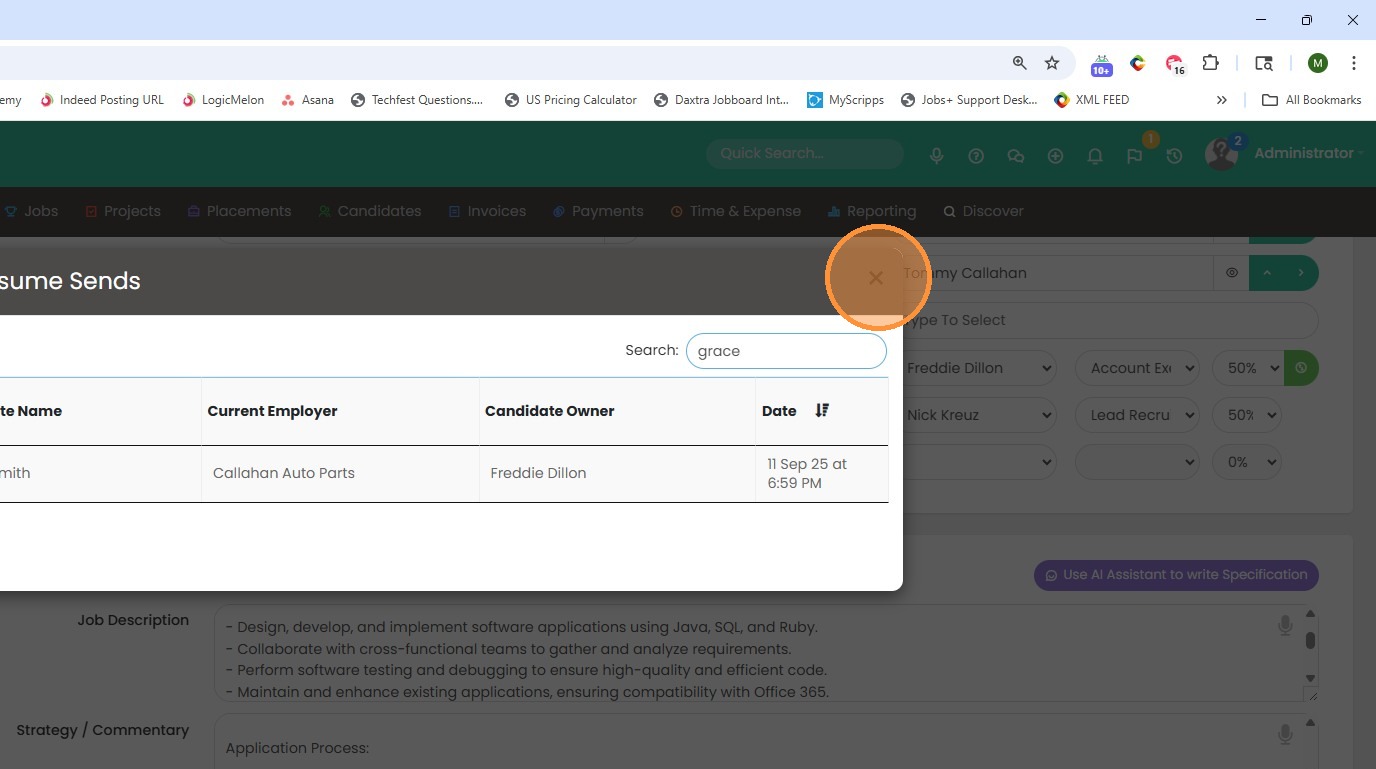
6. If you need to find a candidate quickly, say this list is fairly long, you can go ahead and start typing in their name and it'll filter out that candidate.
7. The same goes with the interviews completed.
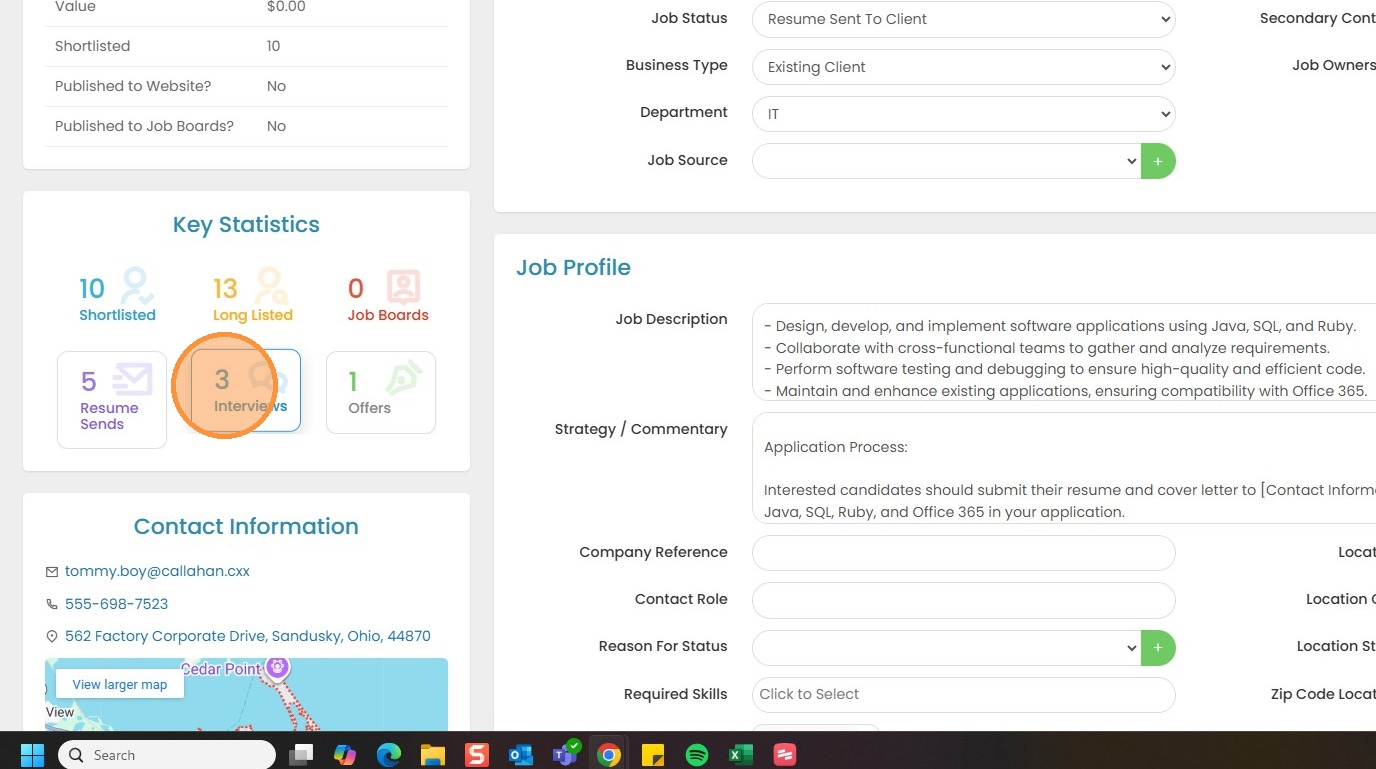
8. And the offers completed.