Filter Shift Planner for Compliance
This help file will show you how to filter candidates within your Shift Planner by Compliance items and status.
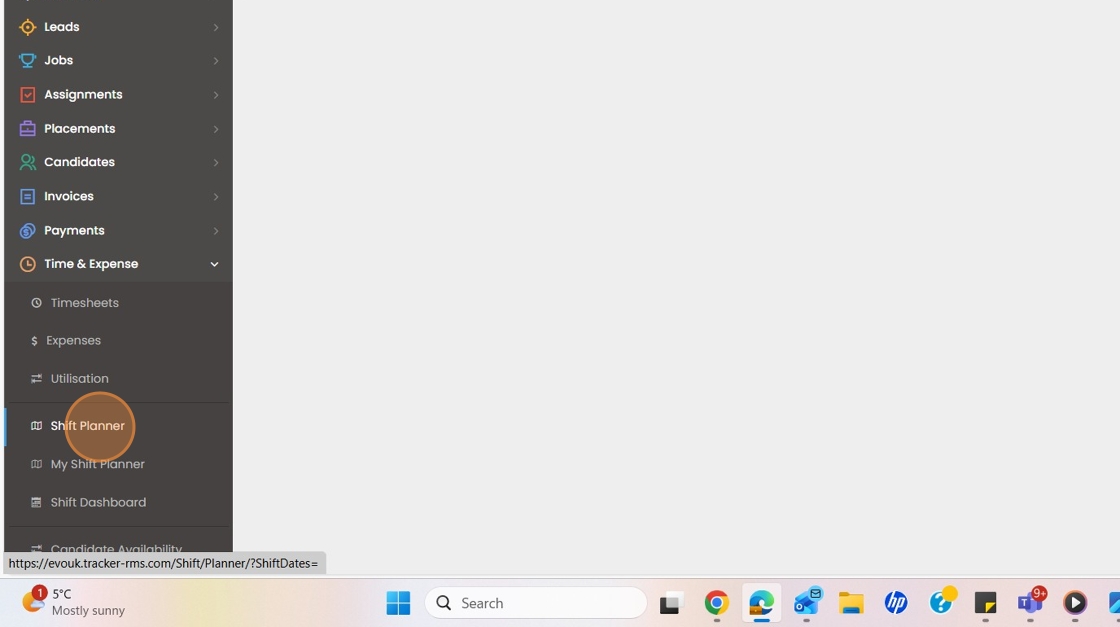
1. Click "Time & Expense"

2. Click "Shift Planner"
3. Click "Filter"

4. Click on "Compliance tab"

5. Click here on the compliant drop down field and select either fully compliant or partially compliant

6. Choose your Compliant State

7. Select your 1st compliance item

8. Set the next parameters for the filter you wish.
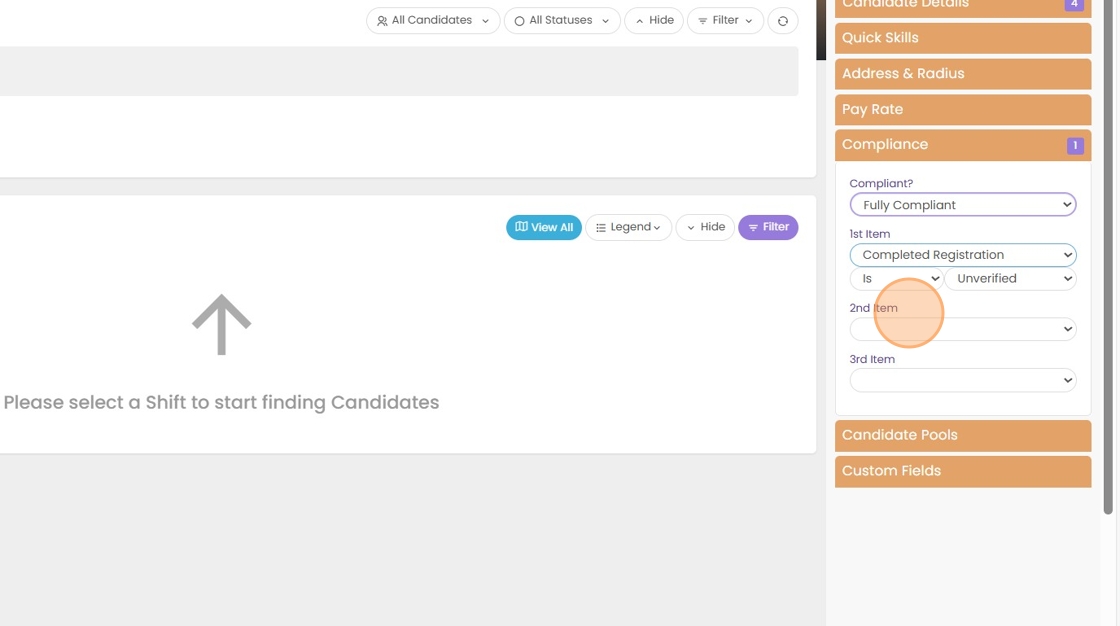
9. If you have a 2nd compliance item you would like to filter by, you can select that here.
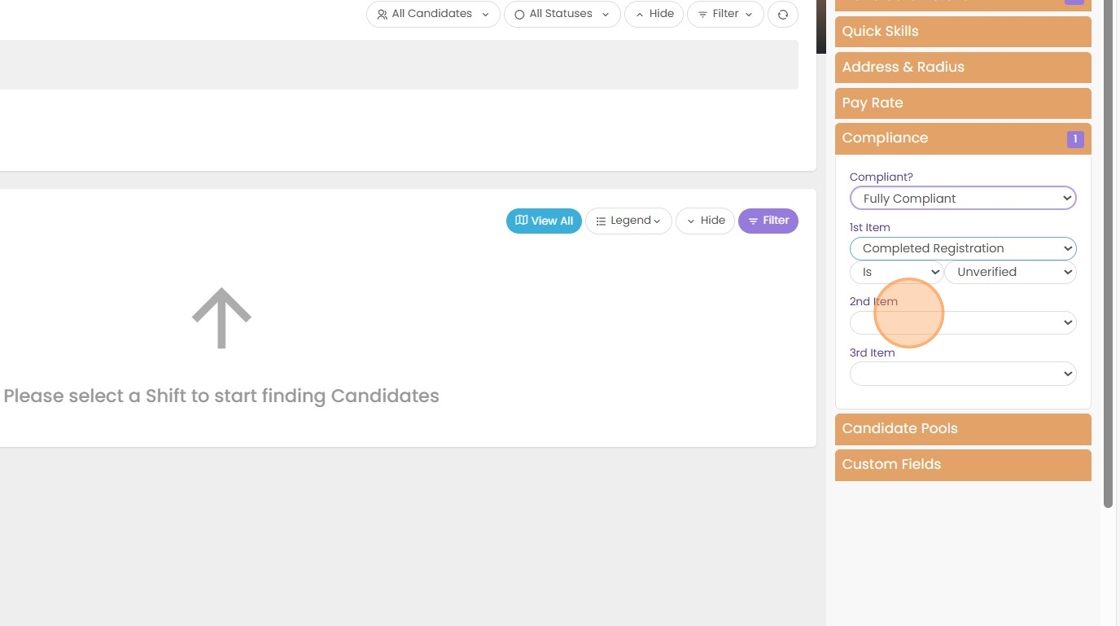
10. Select your 2nd compliance item.

11. If you have a 3rd compliance item you would like to filter by, you can choose that here.

12. Select your 3rd Compliance Item.

13.

14.Select the status of your compliance items

15. Click "Go and from here what ever you have set in the compliant field will pull results based on your filtered selection."
