LinkedIn Recruiter | Initial Set Up
Get your LinkedIn Recruiter integration up and running in minutes. Enable the plug-in (You can open a ticket through the ticketing portal or contact us directly to get this added) through My Settings, complete LinkedIn's onboarding widget, and let the system handle the rest. The integration performs a one-time historical sync of your last two years of data, then immediately starts connecting your - Tracker candidates with LinkedIn profiles—giving your entire team instant access to enriched candidate information.
LinkedIn Recruiter | Initial Set Up
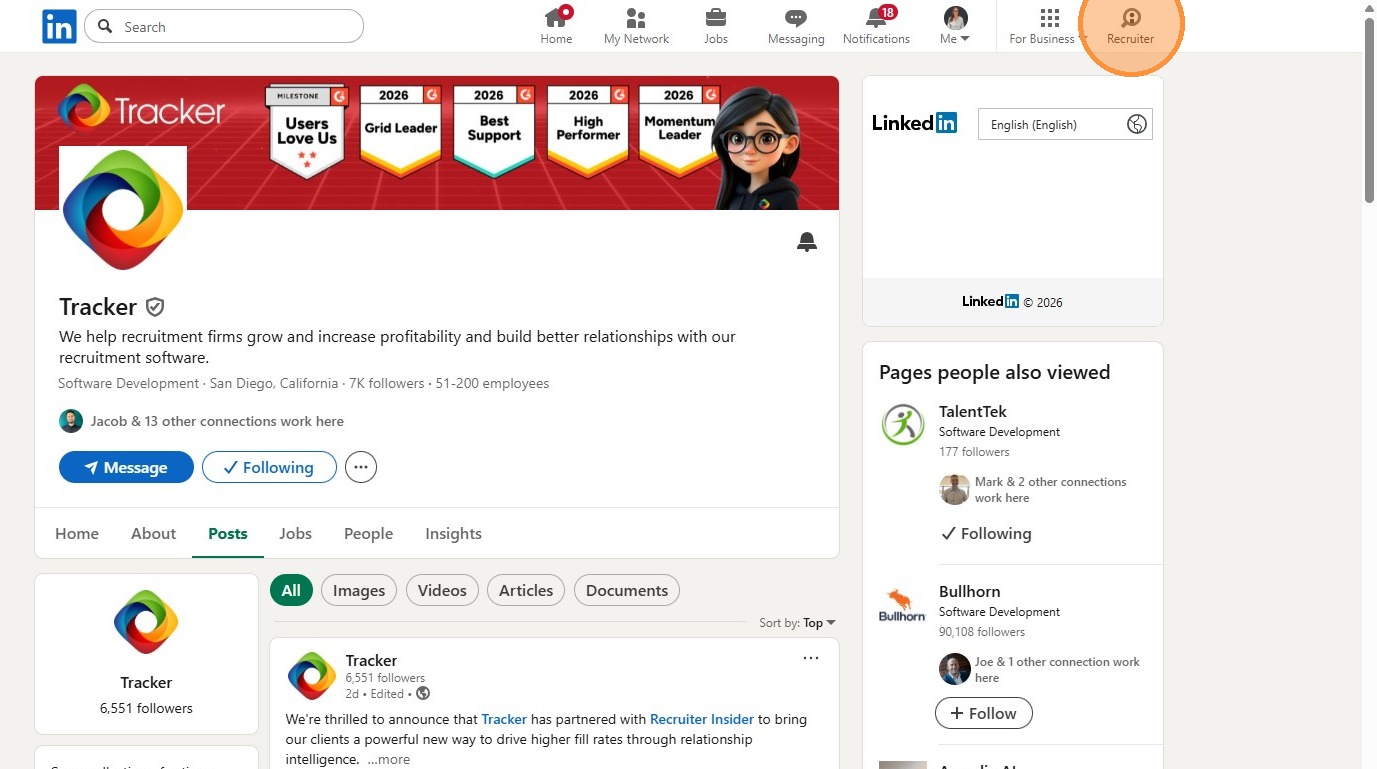
Get your LinkedIn Recruiter integration up and running in minutes. Enable the plug-in through My Settings, complete LinkedIn's onboarding widget, and let the system handle the rest. The integration performs a one-time historical sync of your last two years of data, then immediately starts connecting your - Tracker candidates with LinkedIn profiles—giving your entire team instant access to enriched candidate information.
Tips: In order to complete these steps you will need to be an Admin on your LinkedIn Recruiter account. It is also advised that you are logged into LinkedIn Recruiter within the same browser.
Tracker Settings
1. The starting point to enable the Integration is via your My Settings area which you can access via the Profile Menu.
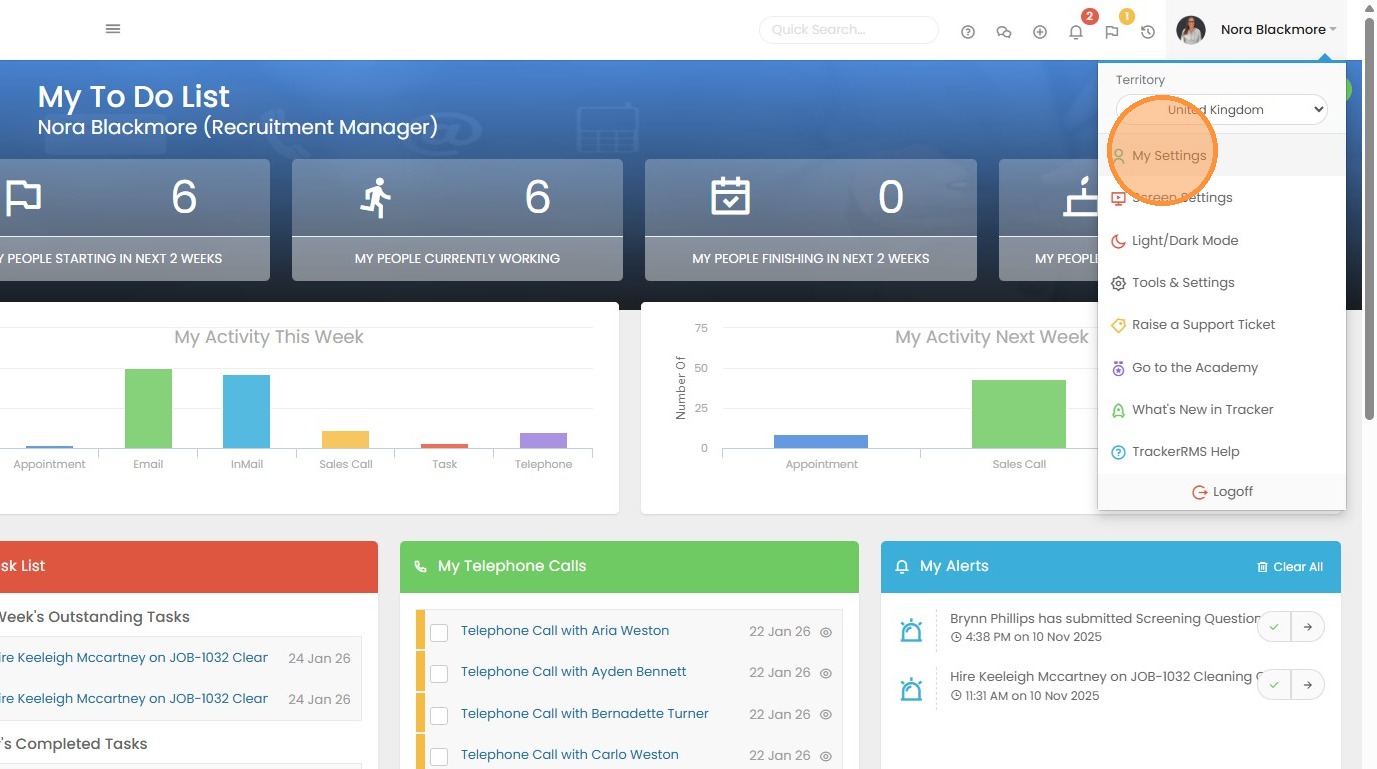
2. Here you can toggle on the Plug in for LinkedIn.
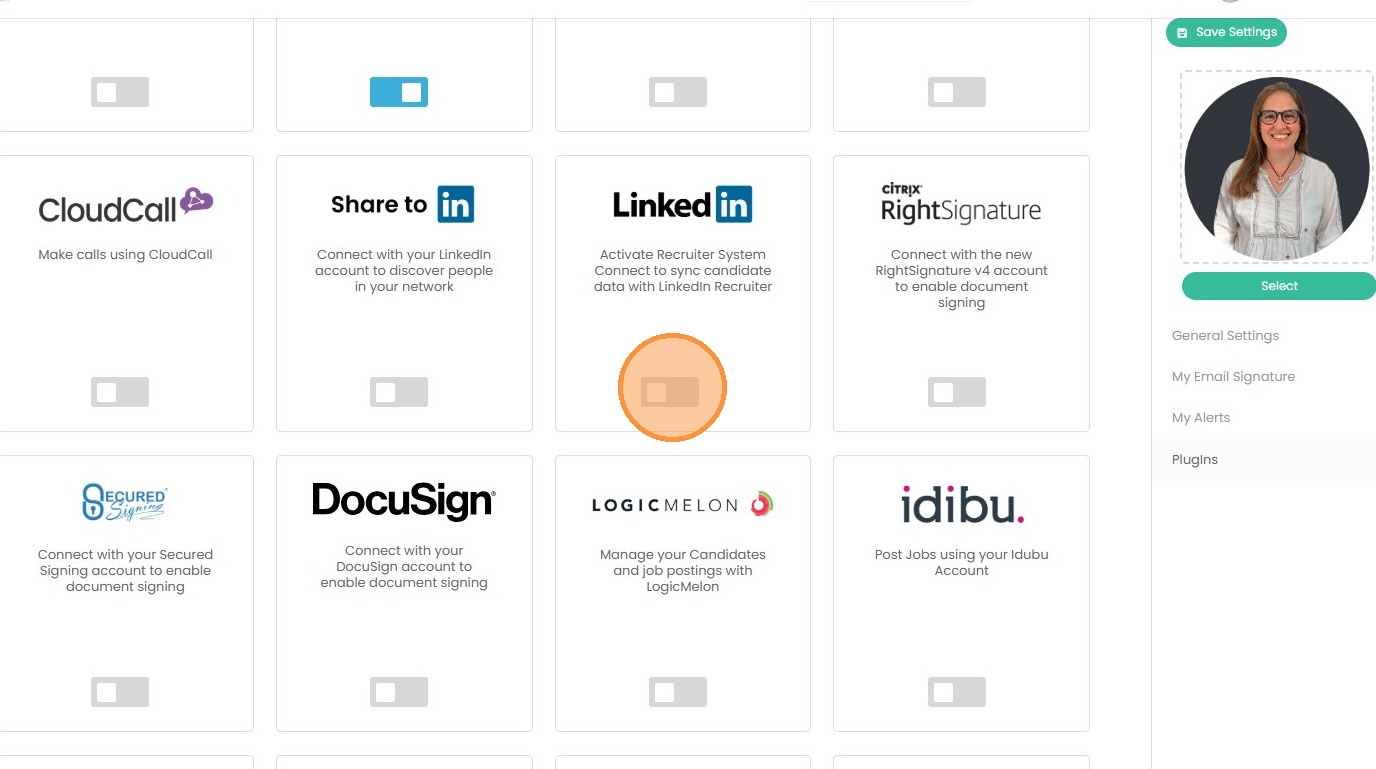
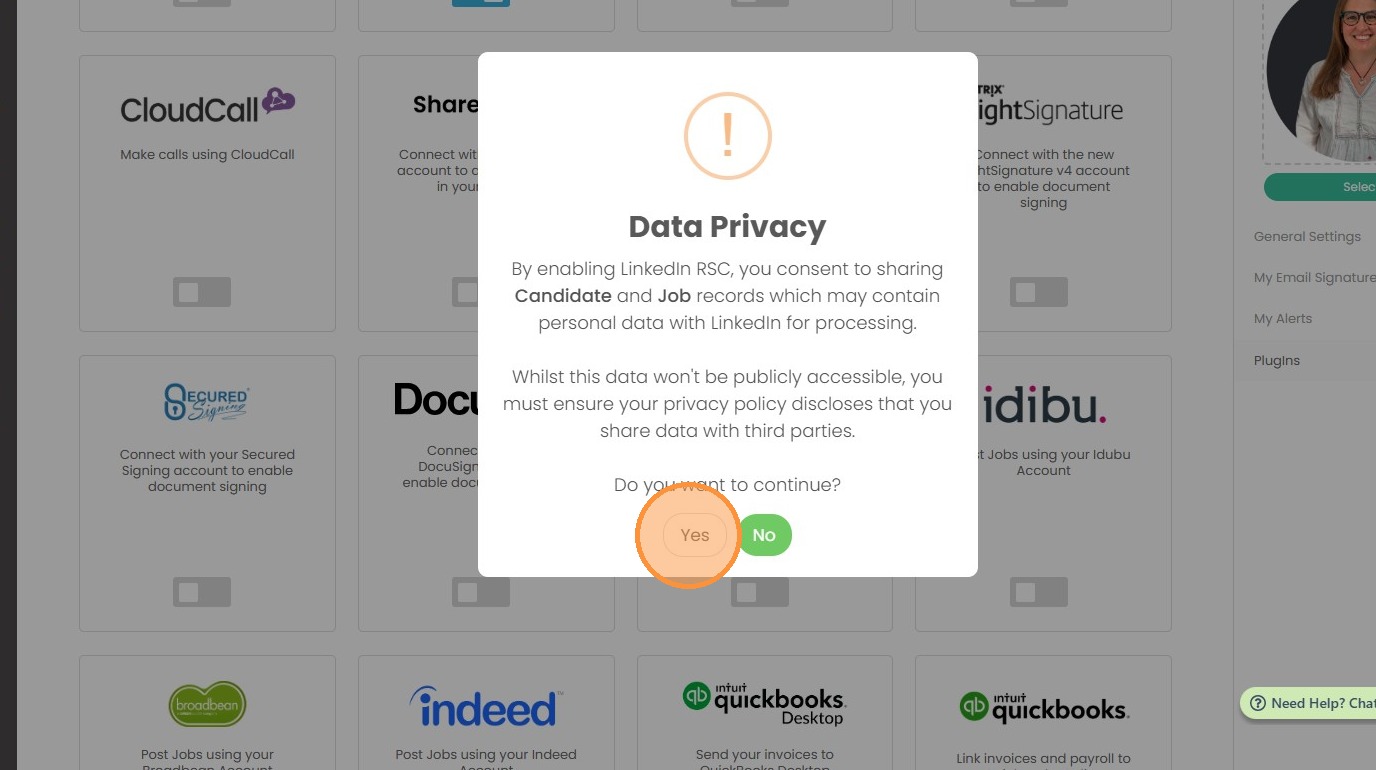
3. A Data Privacy warning will display, this is because as part of the sync between Tracker and LinkedIn you’ll be sharing Candidate and Job data that has been created or modified in last two years, therefore confirmation to proceed is required.
Click "Yes"
4. If you are asked to sign into LinkedIn complete the steps to do so.
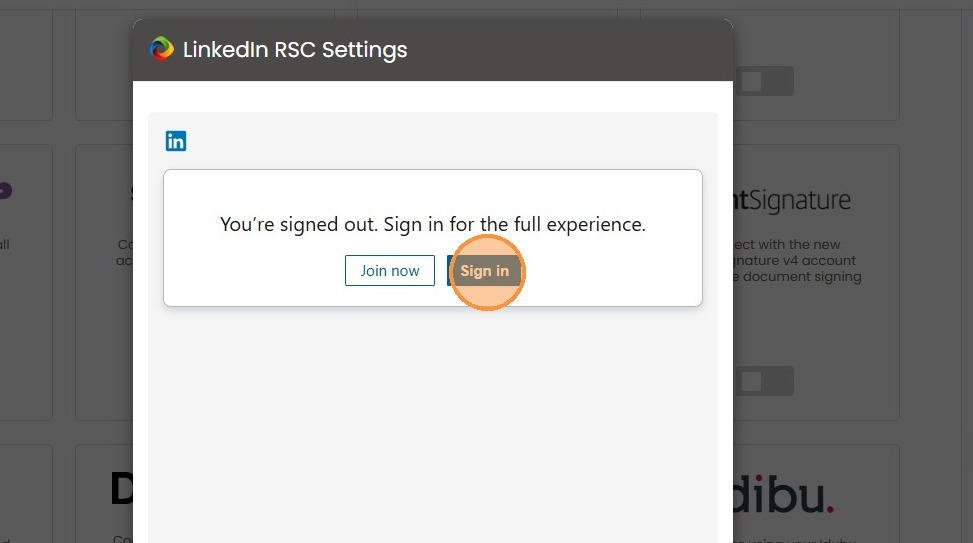
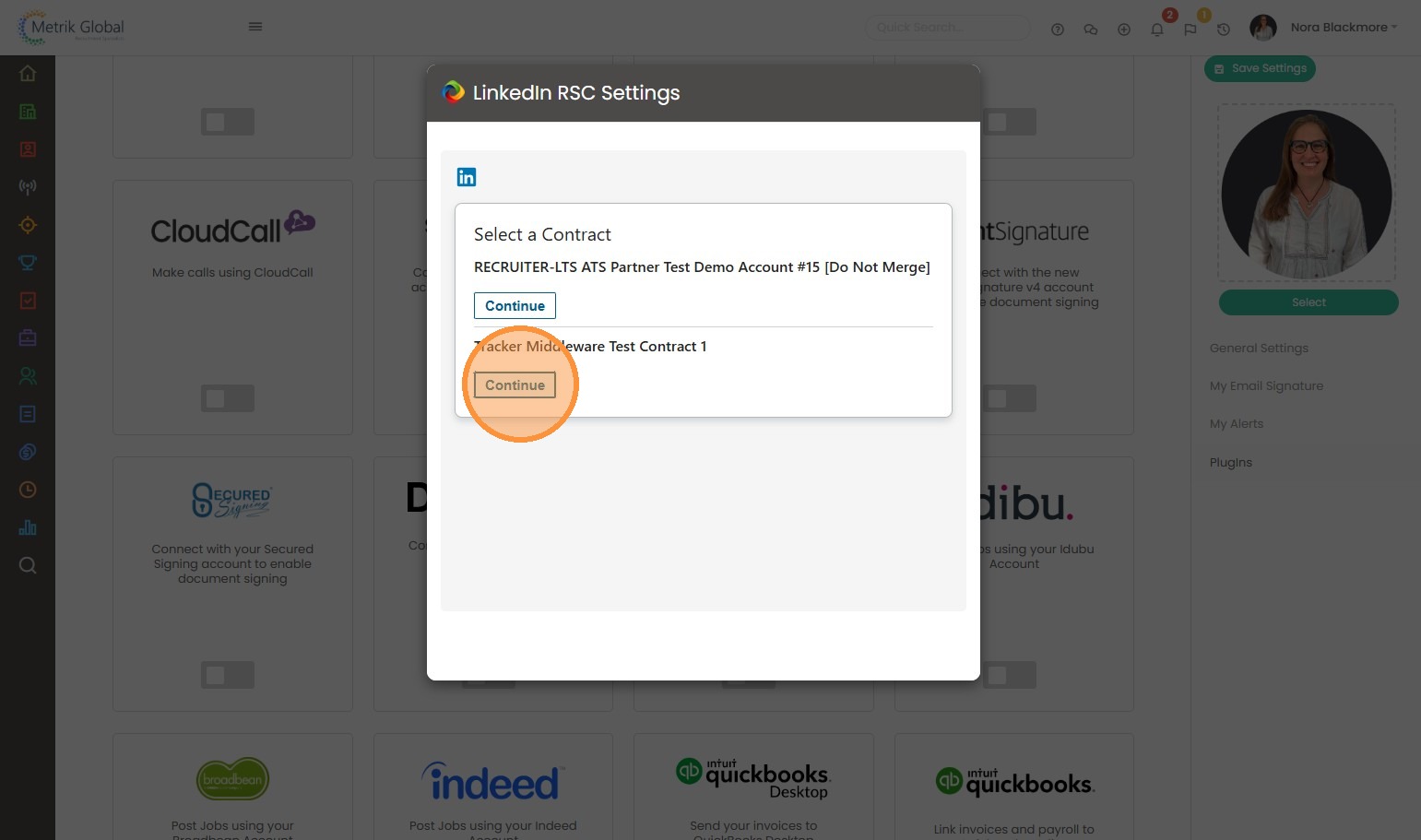
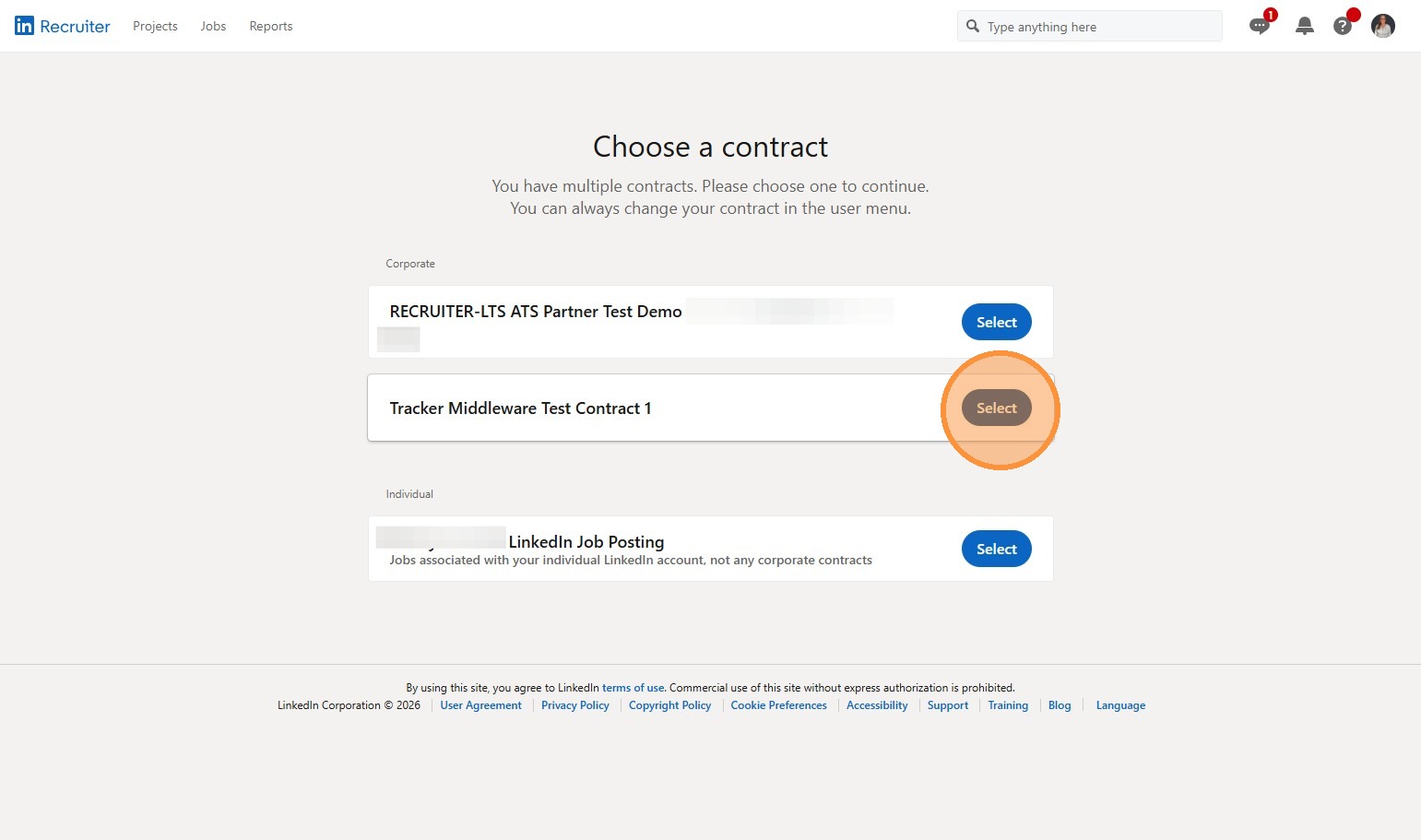
5. At this point you may be asked to “Choose a Contract”.
If you have multiple contracts you can choose the relevant one, otherwise choose the one listed under Corporate.
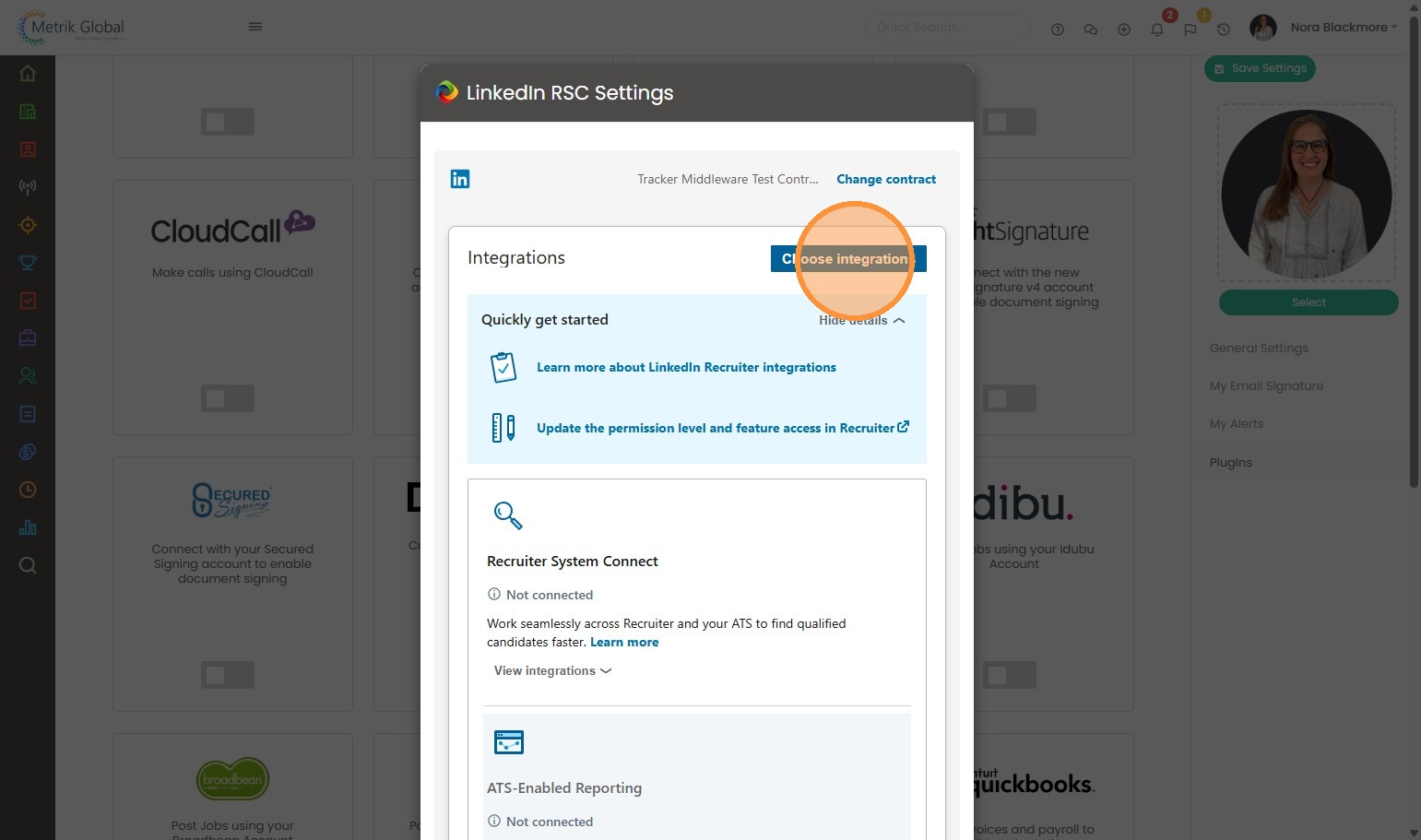
6. This next window is LinkedIn’s Onboarding widget, here as with before, if you have multiple contracts you can choose to change the Contract, and once the correct contract is displayed you’ll need to click Choose Integration.
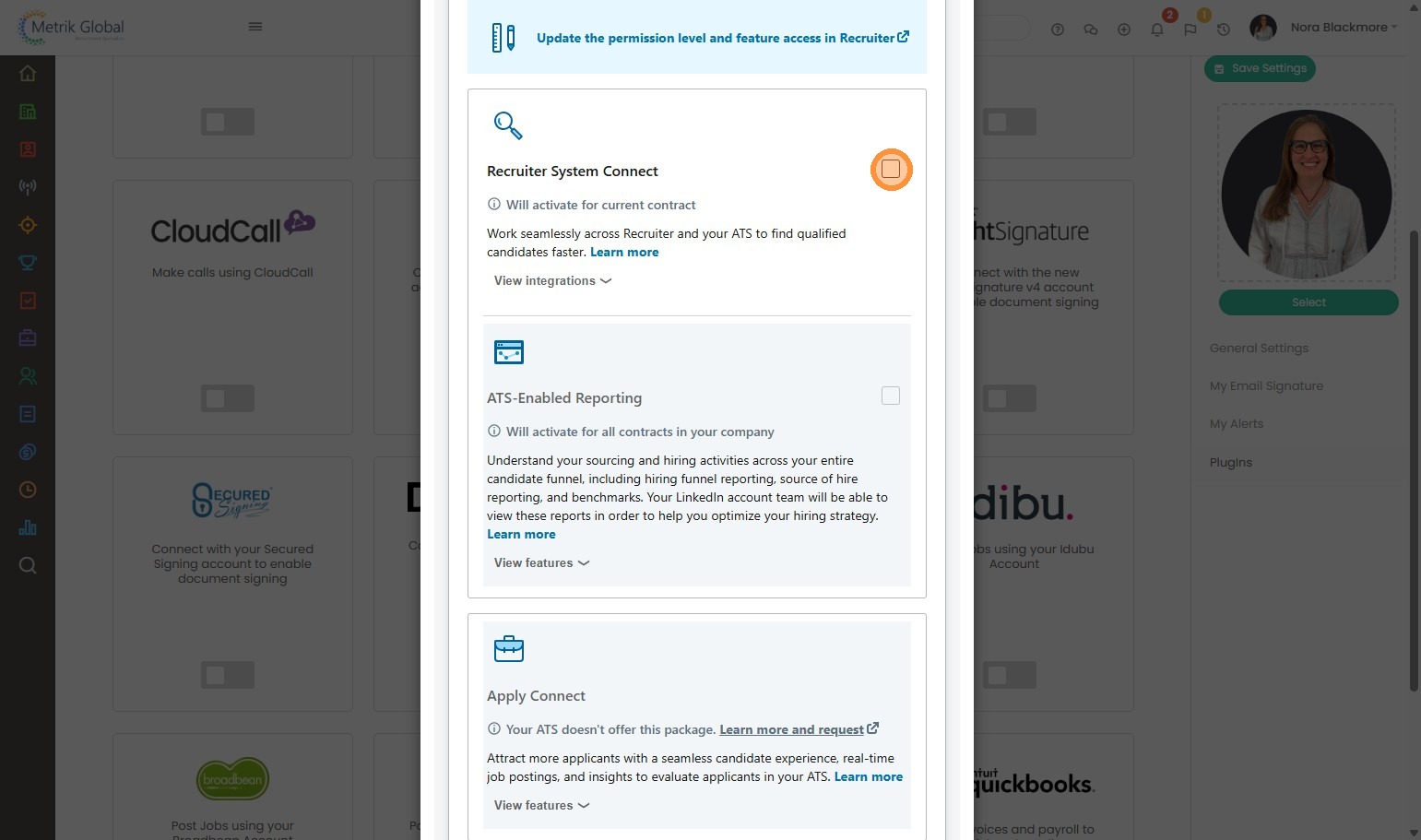
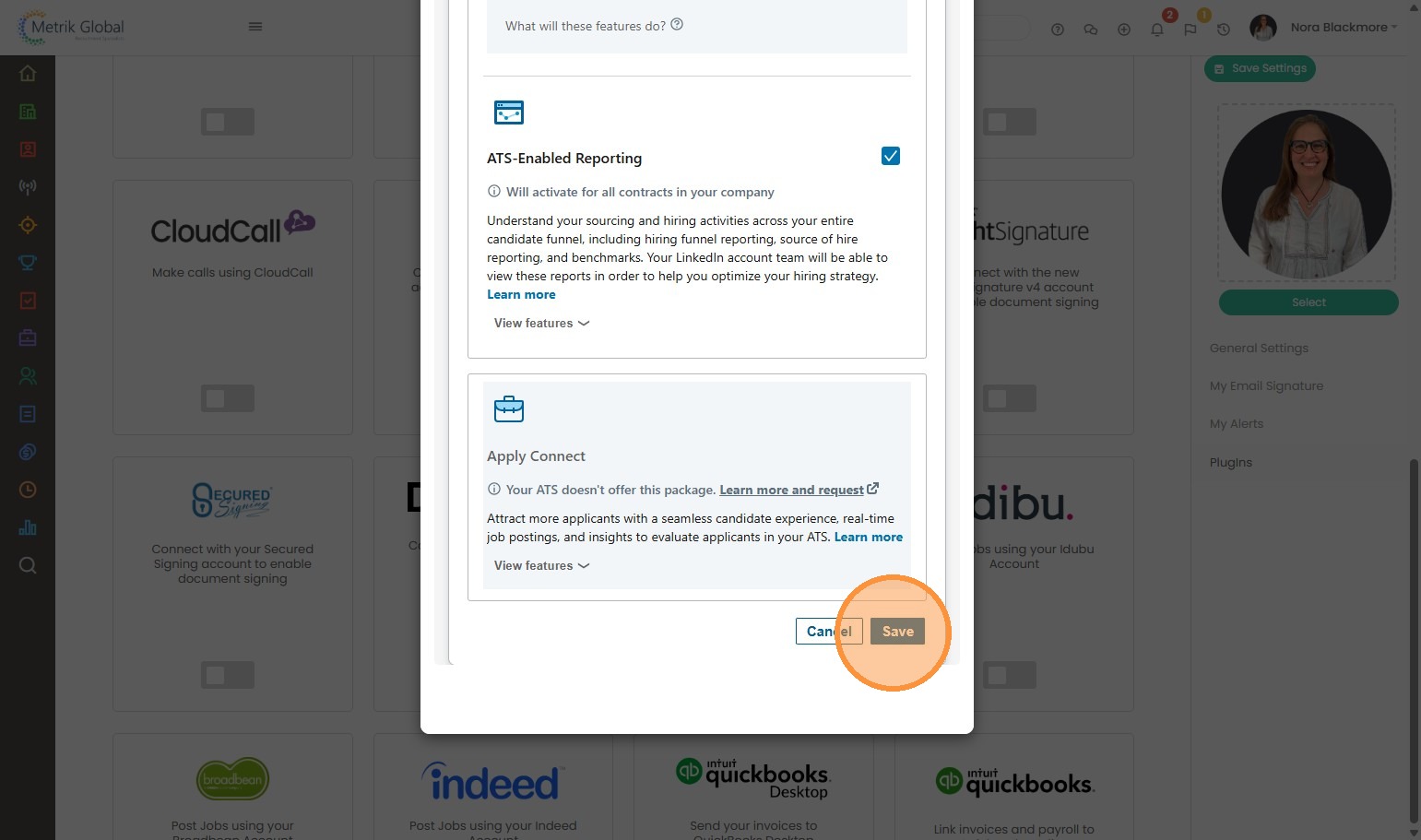
7. This will allow you to tick the box for Recruiter System Connect (this may also select ATS-Enabled Reporting, don’t worry if it does, this is just future proofing for possible future development from LinkedIn).
8. Click "Save".
This will begin the initial synchronisation of historic Tracker data to LinkedIn: Candidate, Job and Placement (e.g. from shortlist onwards) record data and Activities created and modified in the last 2 years.
Sync time will vary depending on the volume of data involved, and is a one-time action (e.g. users will not each have to do this).
When enabling the LinkedIn Recruiter integration, many of the integration’s features will be immediately available to you to start using, however, some require a background data synchronisation task to complete before being enabled, see the Feature Enablement Milestones section below for more details.
Clickable links are created between Tracker Candidate records and LinkedIn Profiles, however for Job and Placements this is purely an operational sync for tracking activity against the person (e.g. submissions and activities).
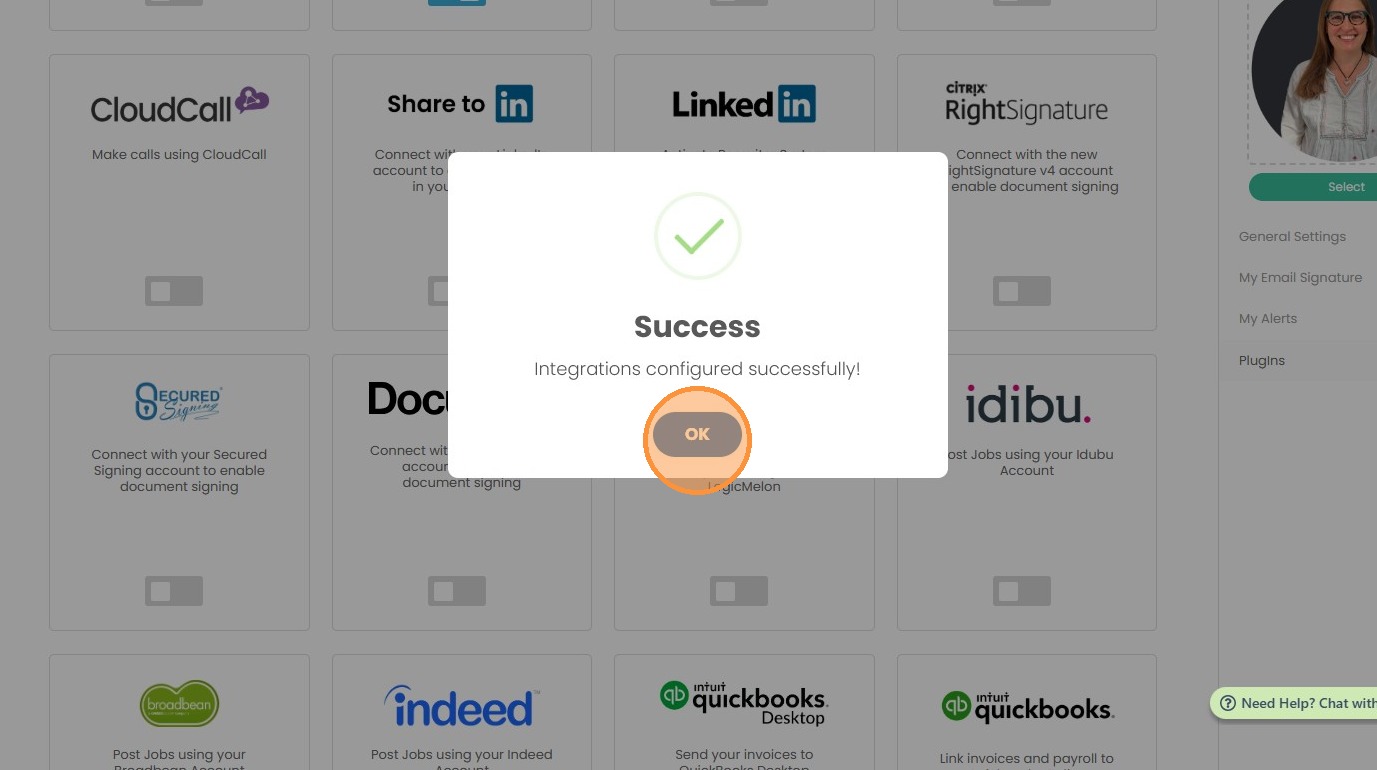
9. Back in Tracker under My Settings, click "OK".
LinkedIn Recruiter Settings
10. Once the integration is synchronised, from within the LinkedIn Recruiter account that has been invited to the LinkedIn Integration Contract you will need to ensure a couple of settings are enabled (you will only need one user to do this).
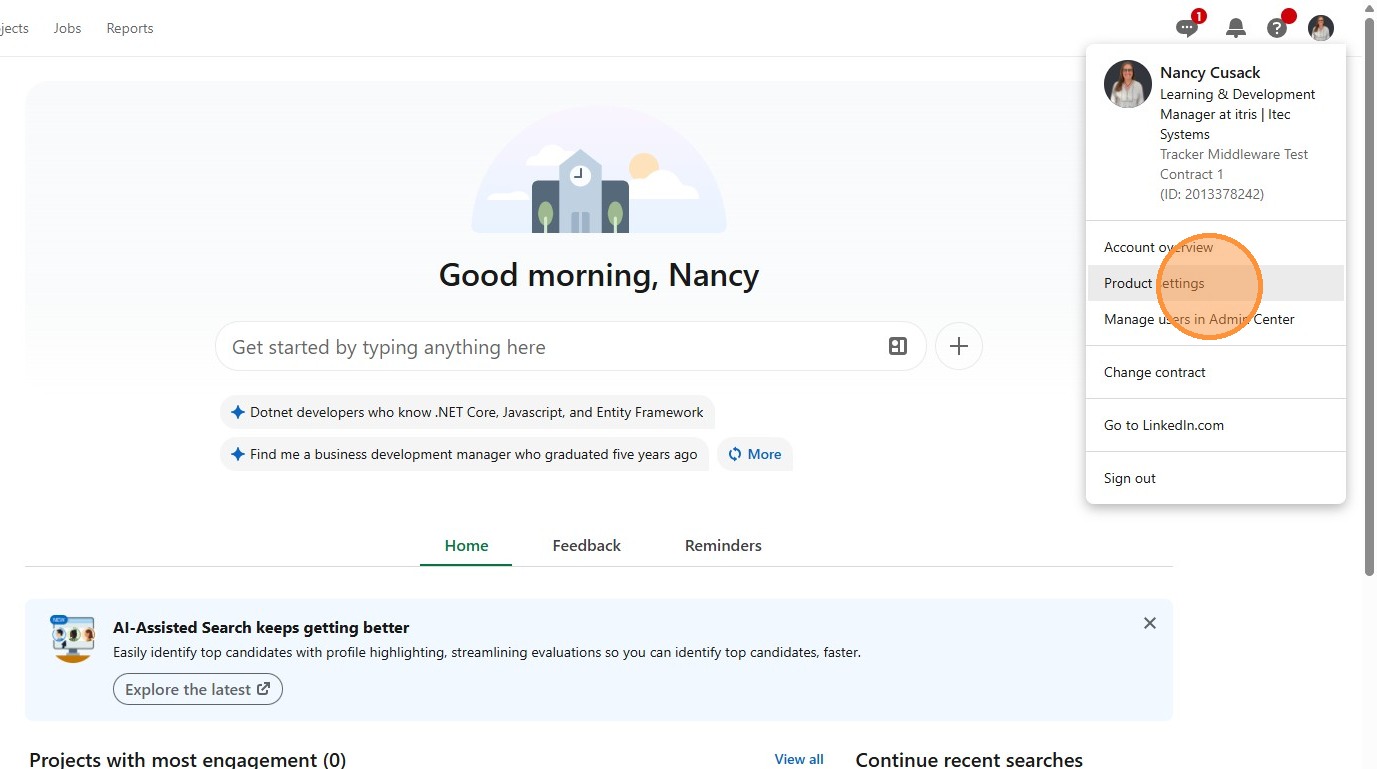
11. Under your profile menu click "Product settings".
12. If asked to do so "Select the Contract".
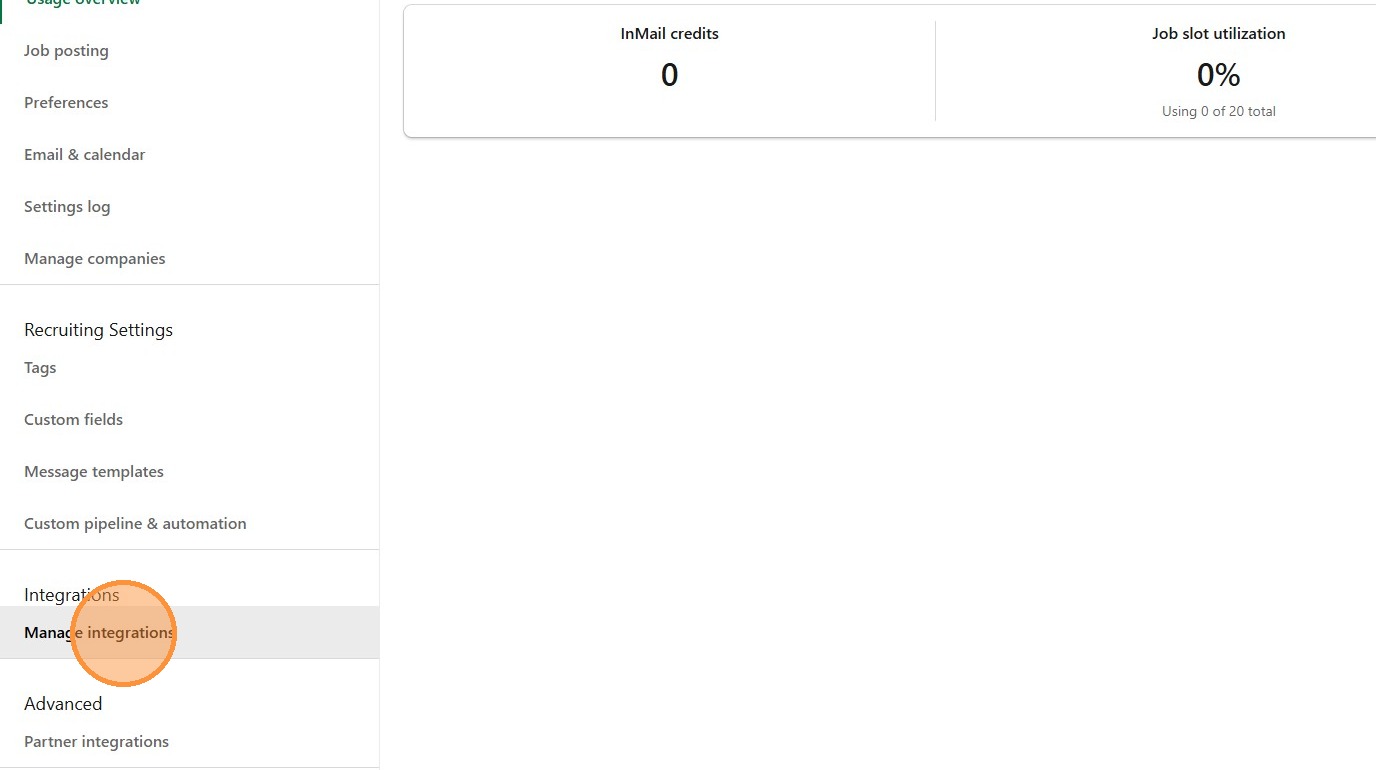
13. Under the left menu find and click on "Manage integrations".
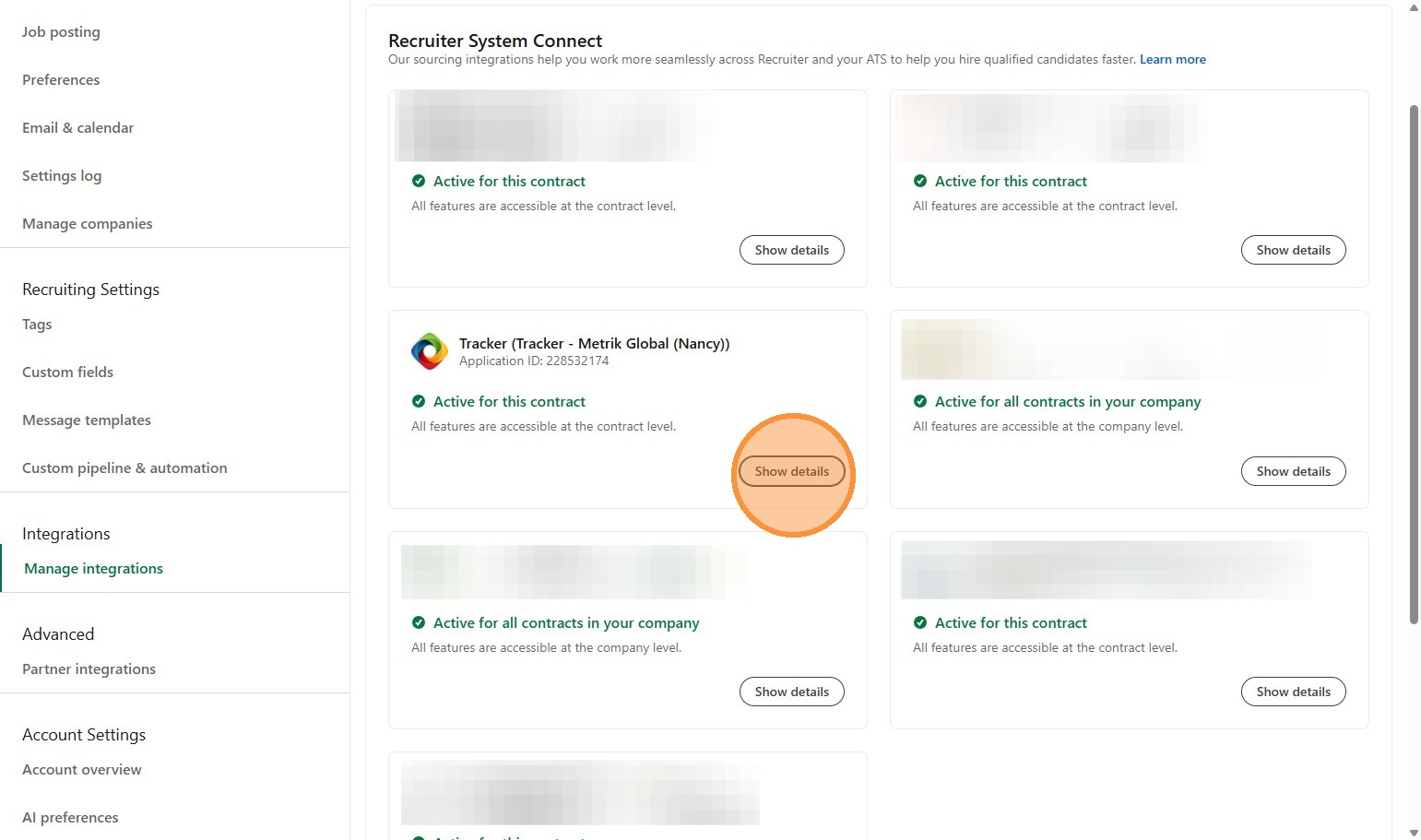
14. You’ll see your Tracker Integration listed, click "Show details"
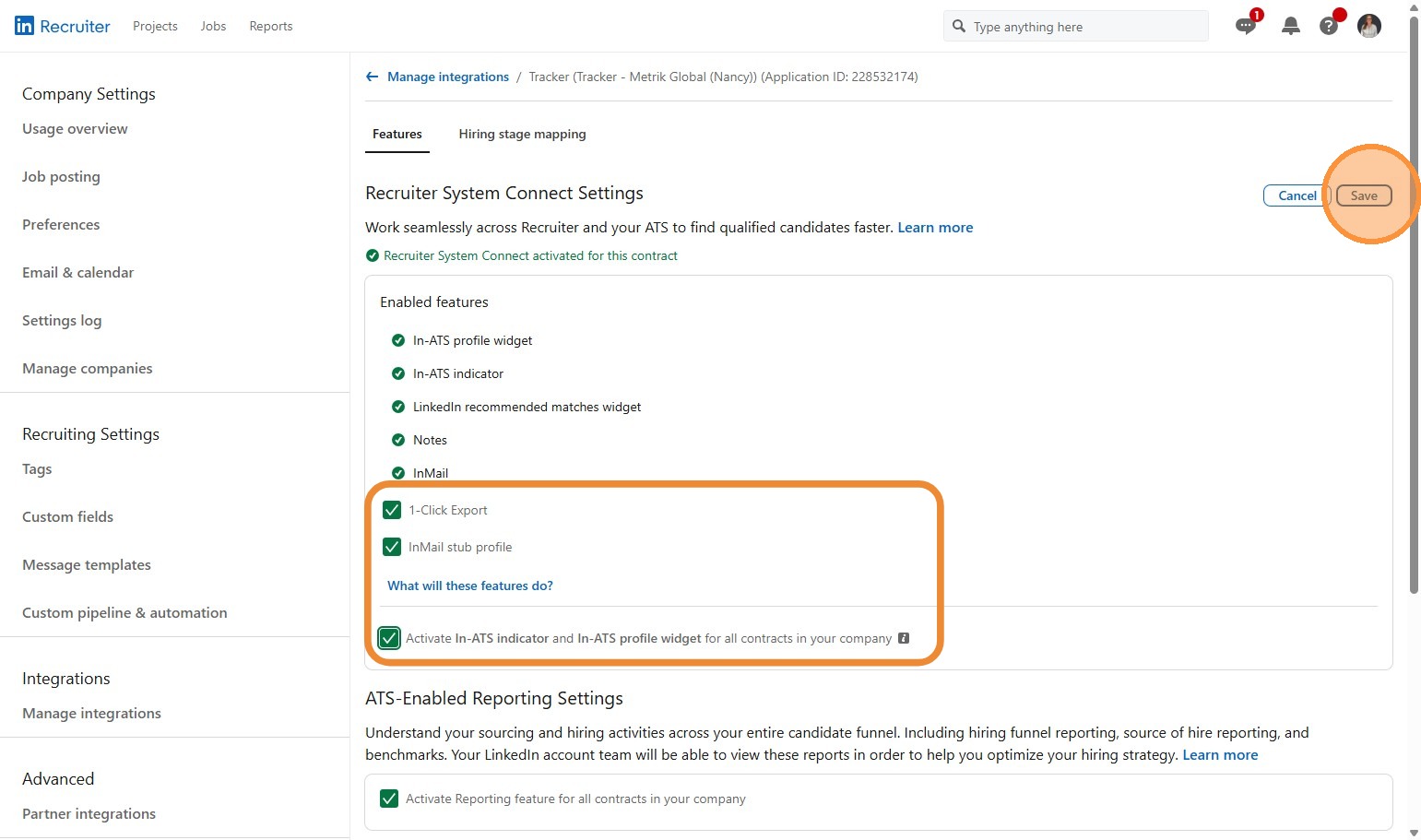
15. Click Edit to expand out the options and ensure the following are ticked:
- 1-Click Export
- InMail Stub Profile
- Activate In-ATS Indicator and In-ATS Profile Widget (this is optional, but advised for future proofing further developments)
Click "Save".
Feature Enablement Milestones
16. The background sync task can be broken down into a number of milestones. Each milestone enables new features.
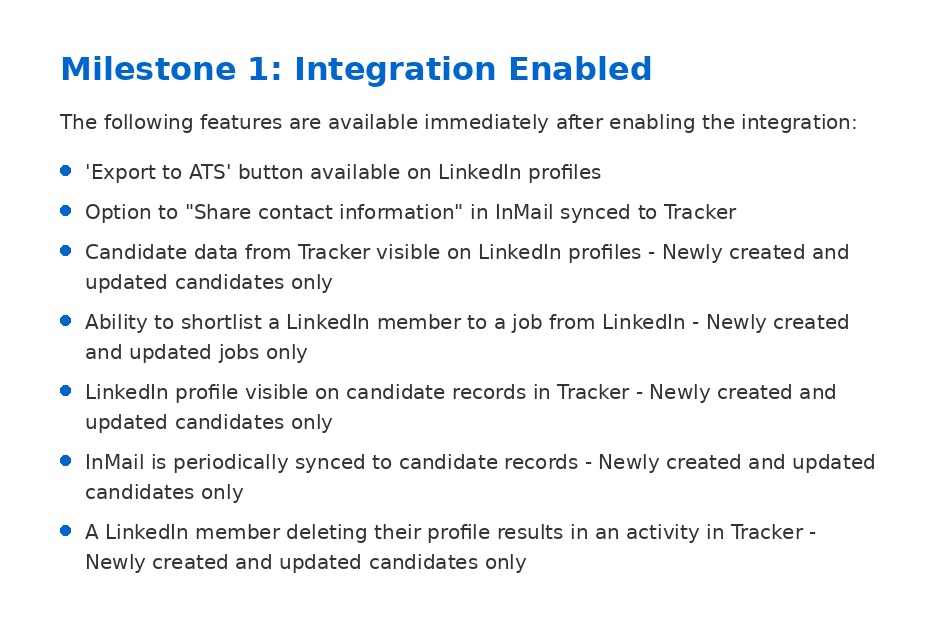
Milestone 1: Integration Enabled
The following features are available immediately after enabling the integration:
- ‘Export to ATS’ button available on LinkedIn profiles
- Option to “Share contact information” in InMail synced to Tracker
- Candidate data from Tracker visible on LinkedIn profiles - Newly created and updated candidates only
- Ability to shortlist a LinkedIn member to a job from LinkedIn - Newly created and updated jobs only
- LinkedIn profile visible on candidate records in Tracker - Newly created and updated candidates only
- InMail is periodically synced to candidate records - Newly created and updated candidates only
- A LinkedIn member deleting their profile results in an activity in Tracker - Newly created and updated candidates only
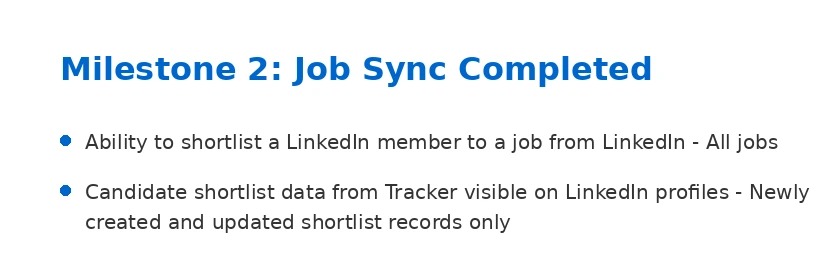
17. ### Milestone 2: Job Sync Completed
- Ability to shortlist a LinkedIn member to a job from LinkedIn - All jobs
- Candidate shortlist data from Tracker visible on LinkedIn profiles - Newly created and updated shortlist records only
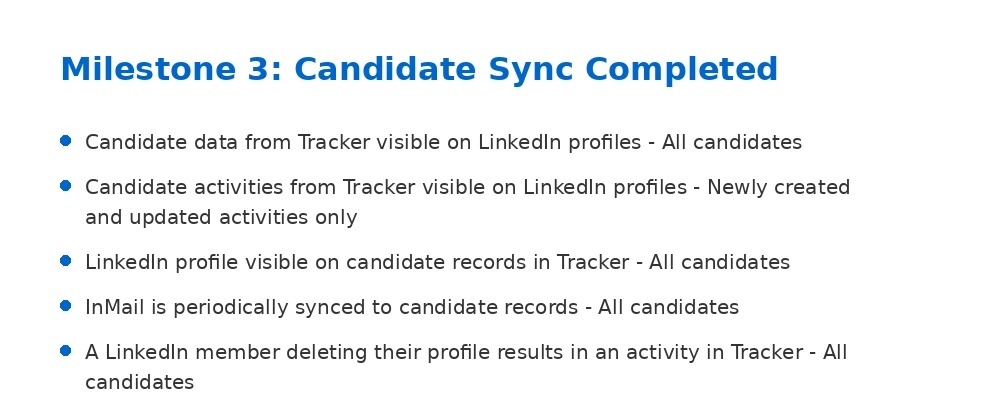
18. ### Milestone 3: Candidate Sync Completed
- Candidate data from Tracker visible on LinkedIn profiles - All candidates
- Candidate activities from Tracker visible on LinkedIn profiles - Newly created and updated activities only
- LinkedIn profile visible on candidate records in Tracker - All candidates
- InMail is periodically synced to candidate records - All candidates
- A LinkedIn member deleting their profile results in an activity in Tracker - All candidates
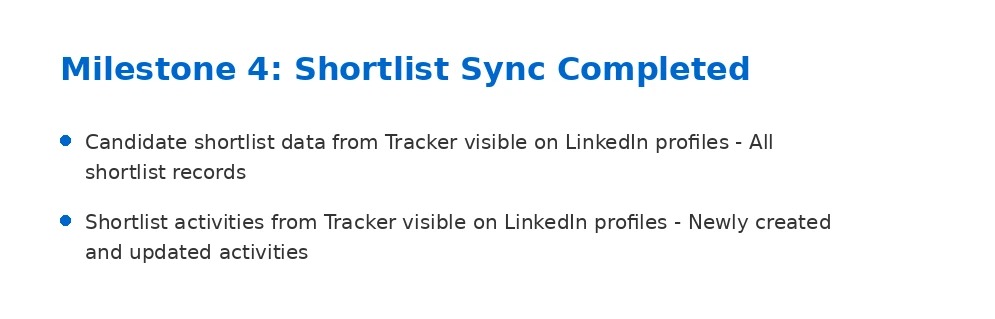
19. ### Milestone 4: Shortlist Sync Completed
- Candidate shortlist data from Tracker visible on LinkedIn profiles - All shortlist records
- Shortlist activities from Tracker visible on LinkedIn profiles - Newly created and updated activities
20. ### Milestone 5: Activity Sync Completed
- Candidate activities from Tracker visible on LinkedIn profiles - All activities
- Shortlist activities from Tracker visible on LinkedIn profiles - All activities