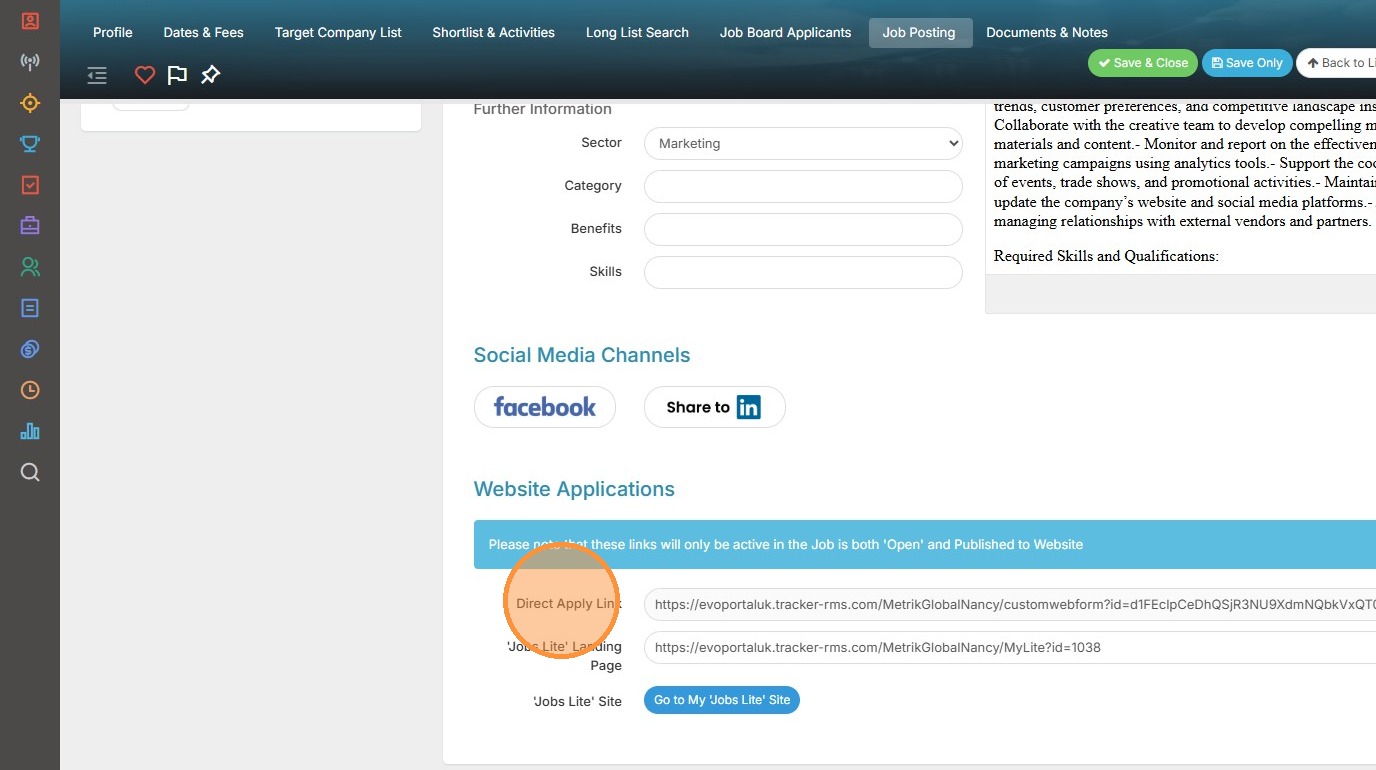
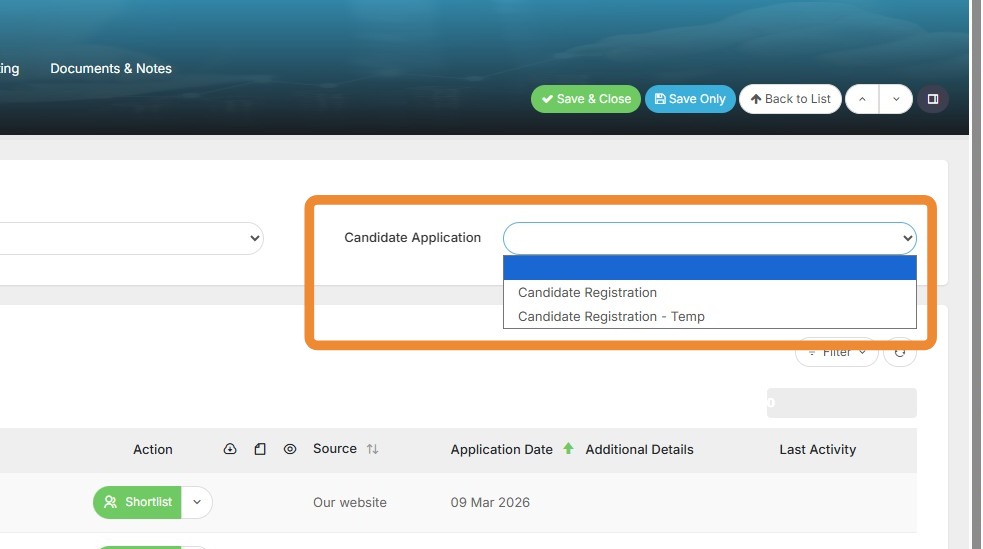
Choose a specific Web Form for Applicants to use to apply to jobs.
1. There are two settings on the Applicant Settings block available on Job Records, and these are related to how candidates who apply via job boards are handled.
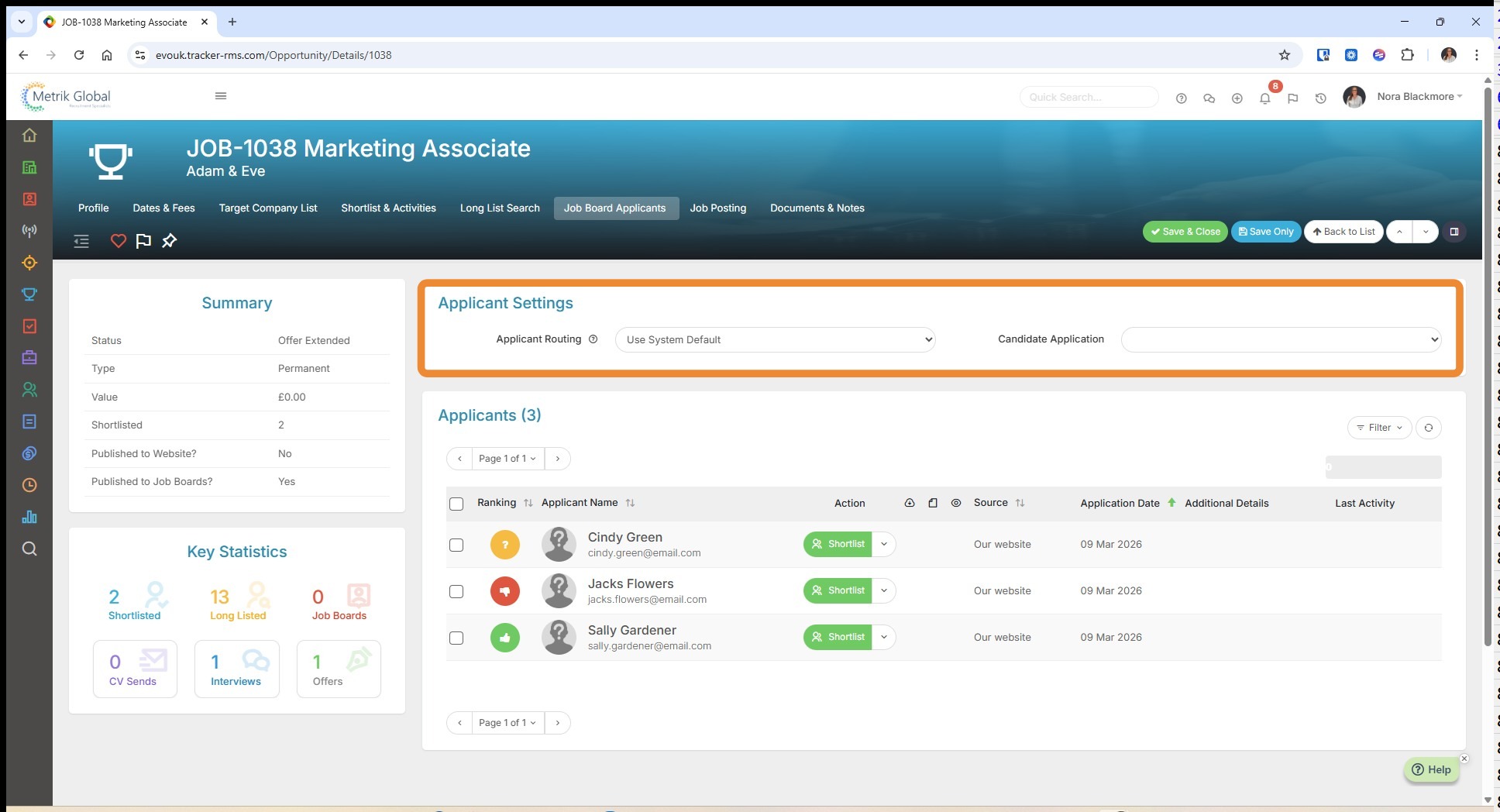
2. The first setting is Applicant Routing, and is related to Parsing Controls. When an application comes in, you can choose exactly what happens next.
You can set a System Default in Tools and Settings, but the controls here let you define the routing behaviour for applicants on this specific job.
Whether you're managing high-volume roles differently from niche searches, or simply want a cleaner workflow for speculative applications, this feature puts you in the driving seat.
There are four options here beyond the system default:
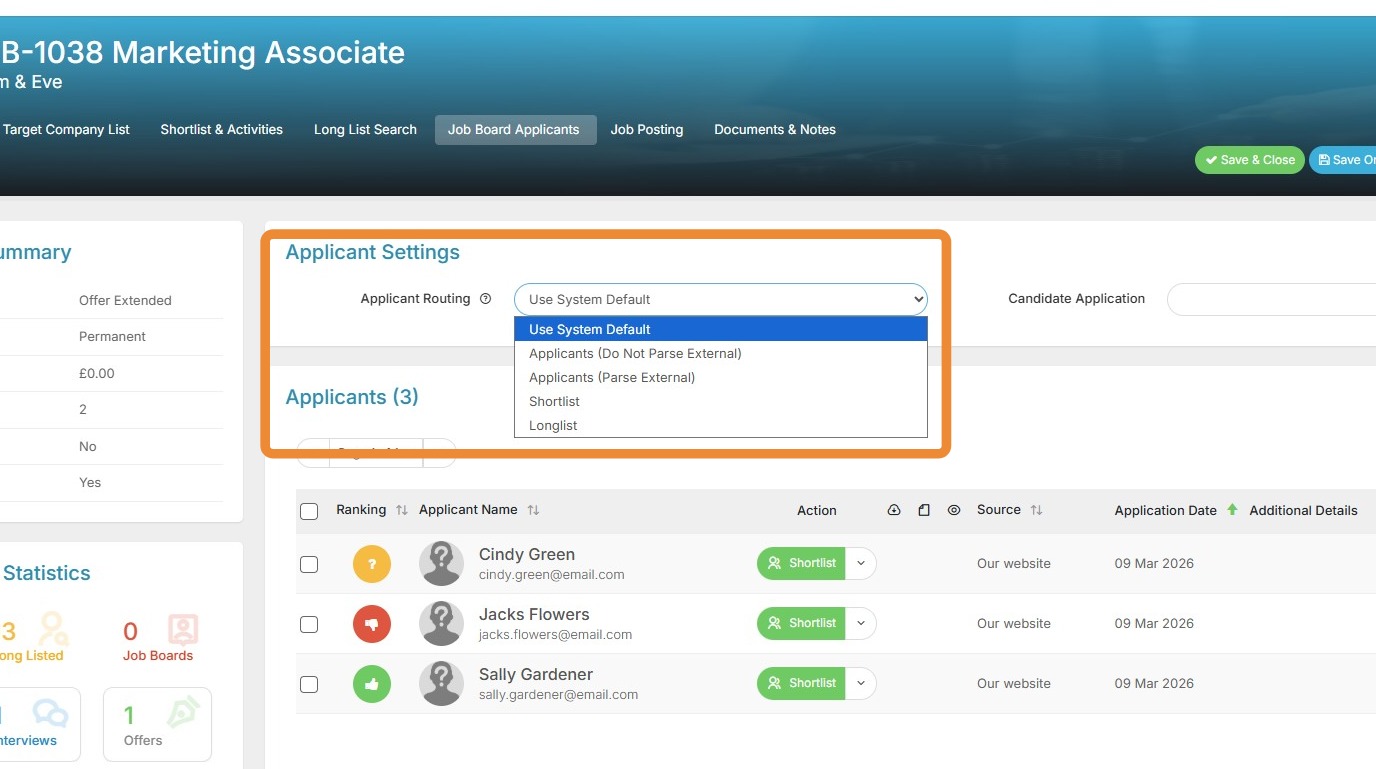
3. Do Not Parse External - the applicant appears on the Job Board Applicant block only, but no candidate record is created. This keeps your candidate database clean and uncluttered if you're not ready to bring them in.
Parse External - a candidate record is created automatically and they're linked to the job via the Job Board Applicants block, without being added to the shortlist or longlist. Perfect for keeping track of all applicants while deciding who to progress.
Shortlist - a candidate record is created and they're immediately added to the job's shortlist, so your most promising applicants are ready to review straight away.
Longlist - as with Shortlist, but candidates land on the longlist instead, giving you a structured way to capture wider applicant pools before narrowing down.
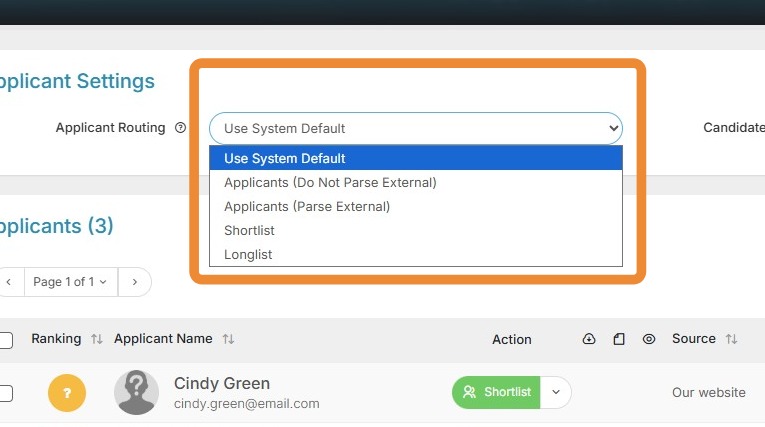
4. The second option in this block is Candidate Application.
This lets you choose a specific Web Form (with the association “Candidate”) for applicants to use when applying to a job.
If you need to capture specific or additional information upfront for this job beyond the standard form, this is a great way to do it, cutting down on time spent reviewing resumes or running initial screening calls.
5. If you select a web form under Candidate application, this setting will pull through to the Website Applications block, overriding the standard Apply form and automatically updating the Direct Apply link in the Job Posting tab.