Bulk Update Published and Date Published Job Fields
Learn how to efficiently manage your job listings by updating their website publication status and schedule in bulk. This guide simplifies the process to help you save time when configuring multiple postings simultaneously.
1. Via the Action Menu in a Job Record View you can bulk update "Publish on My Website" and the "Job Publish" date, no need to open records individually to achieve this.
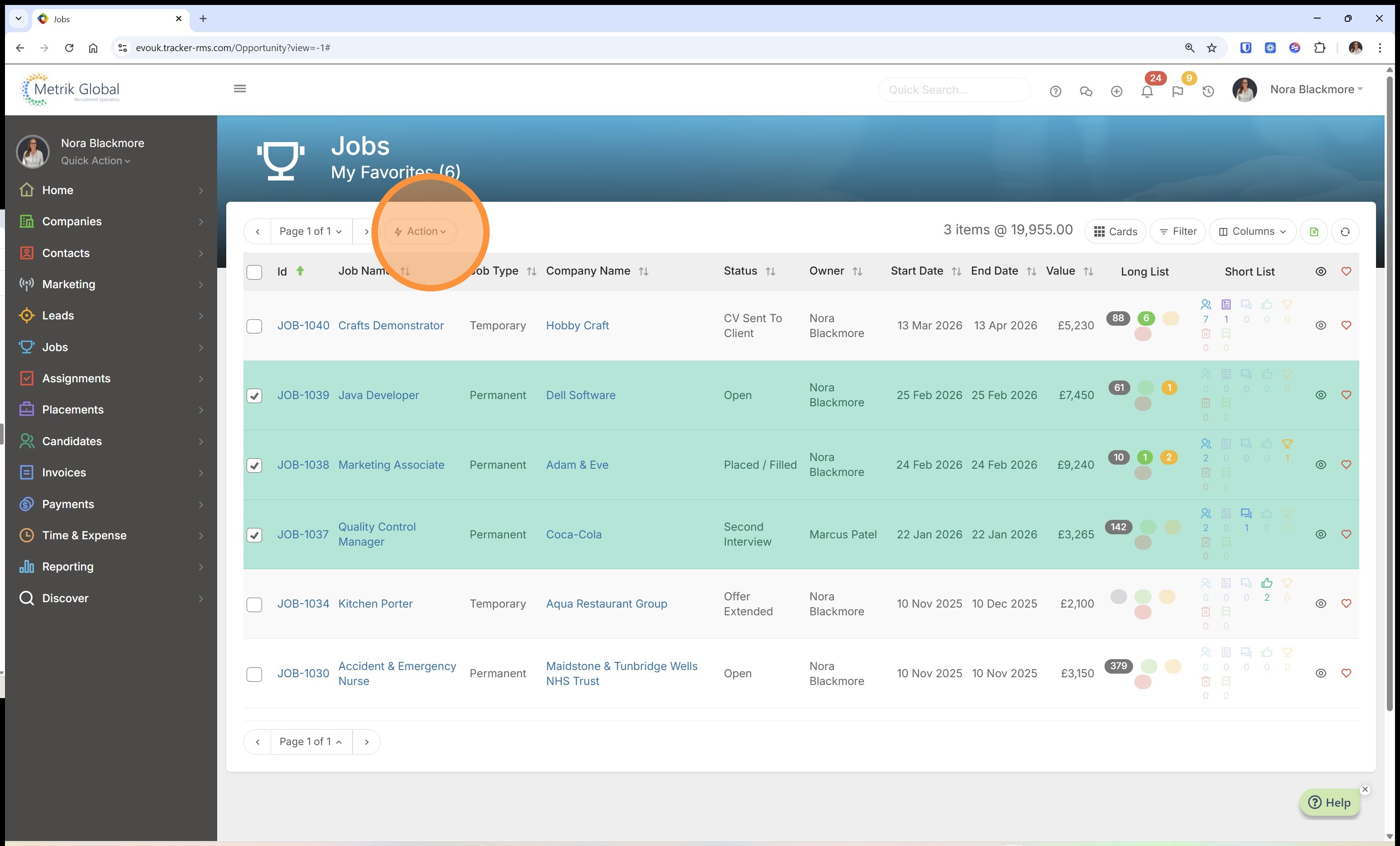
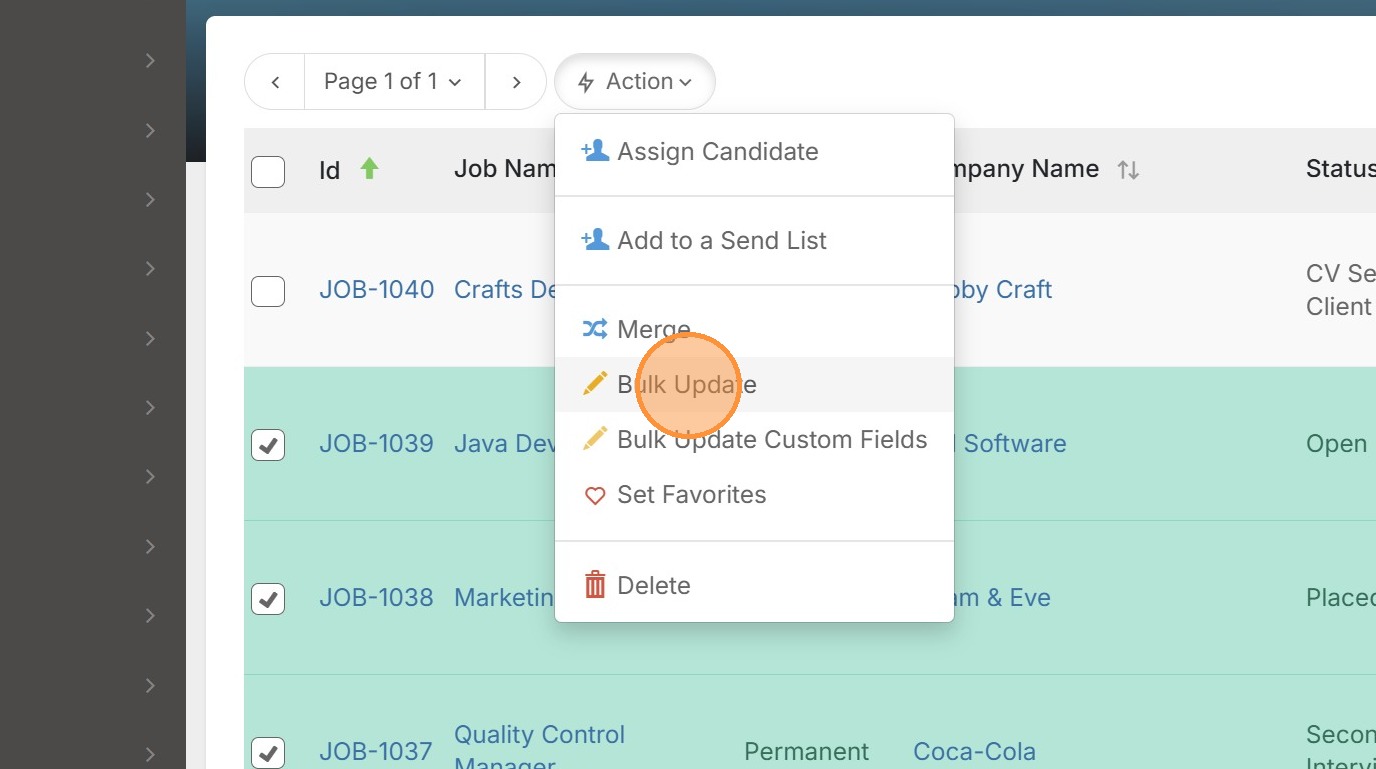
2. Under the Action menu first click "Bulk Update"
3. Clicking on the "something" option you are shown a list of possible actions.
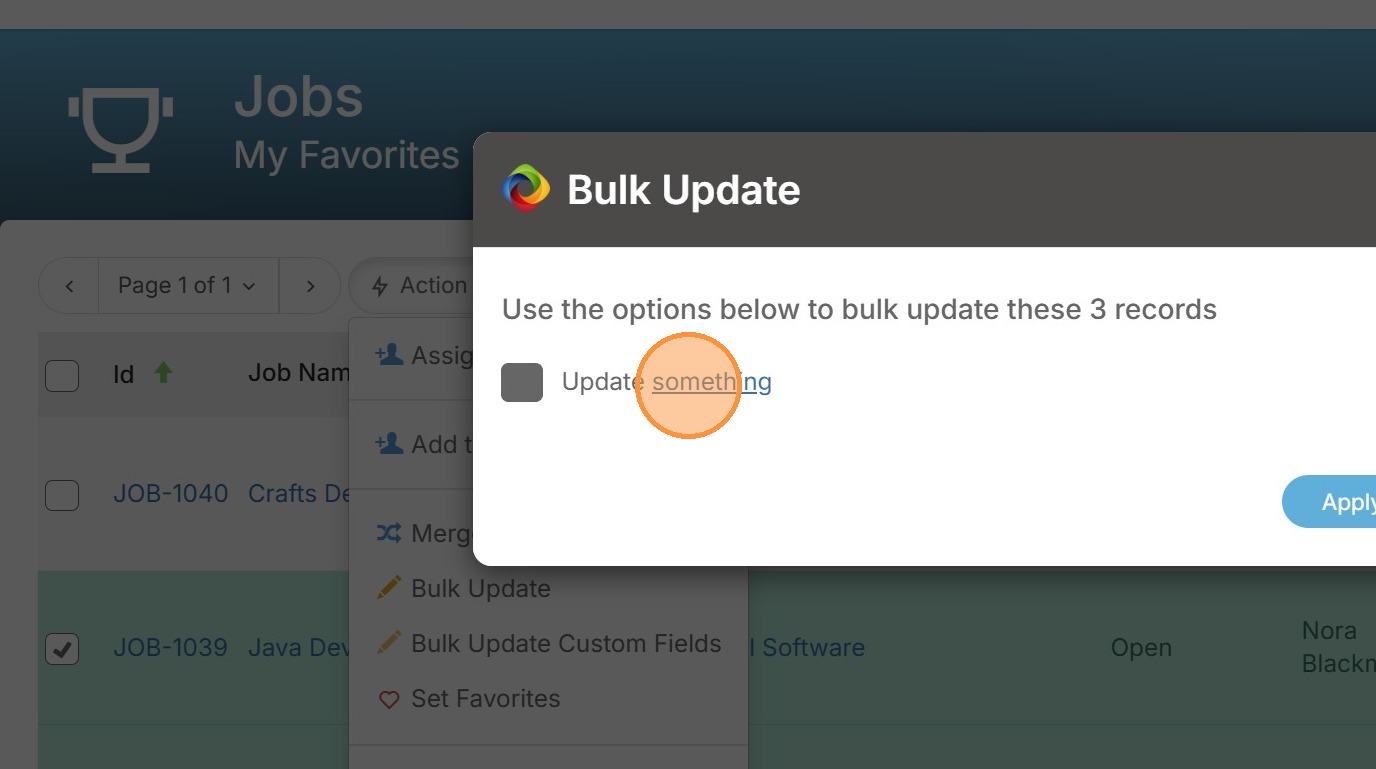
4. Here we can choose "Publish On My Website?"
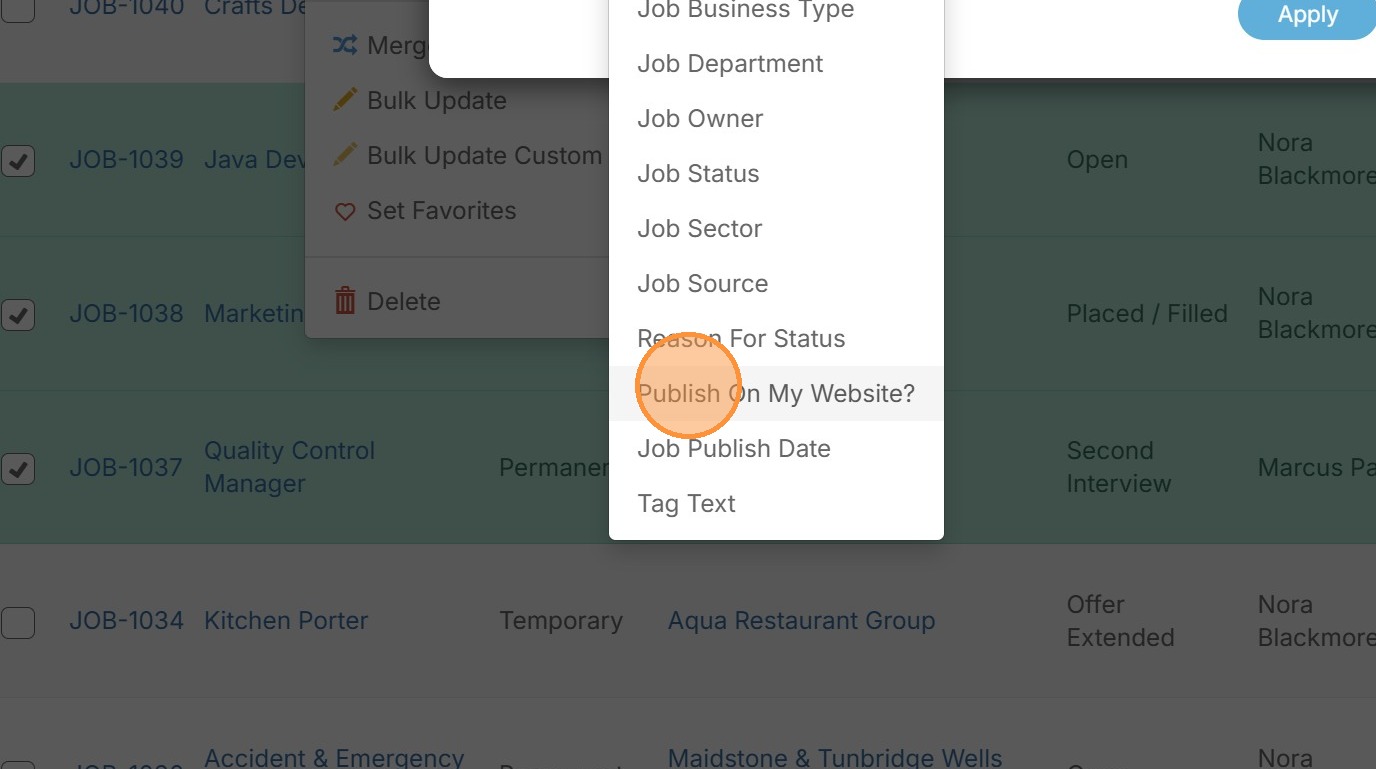
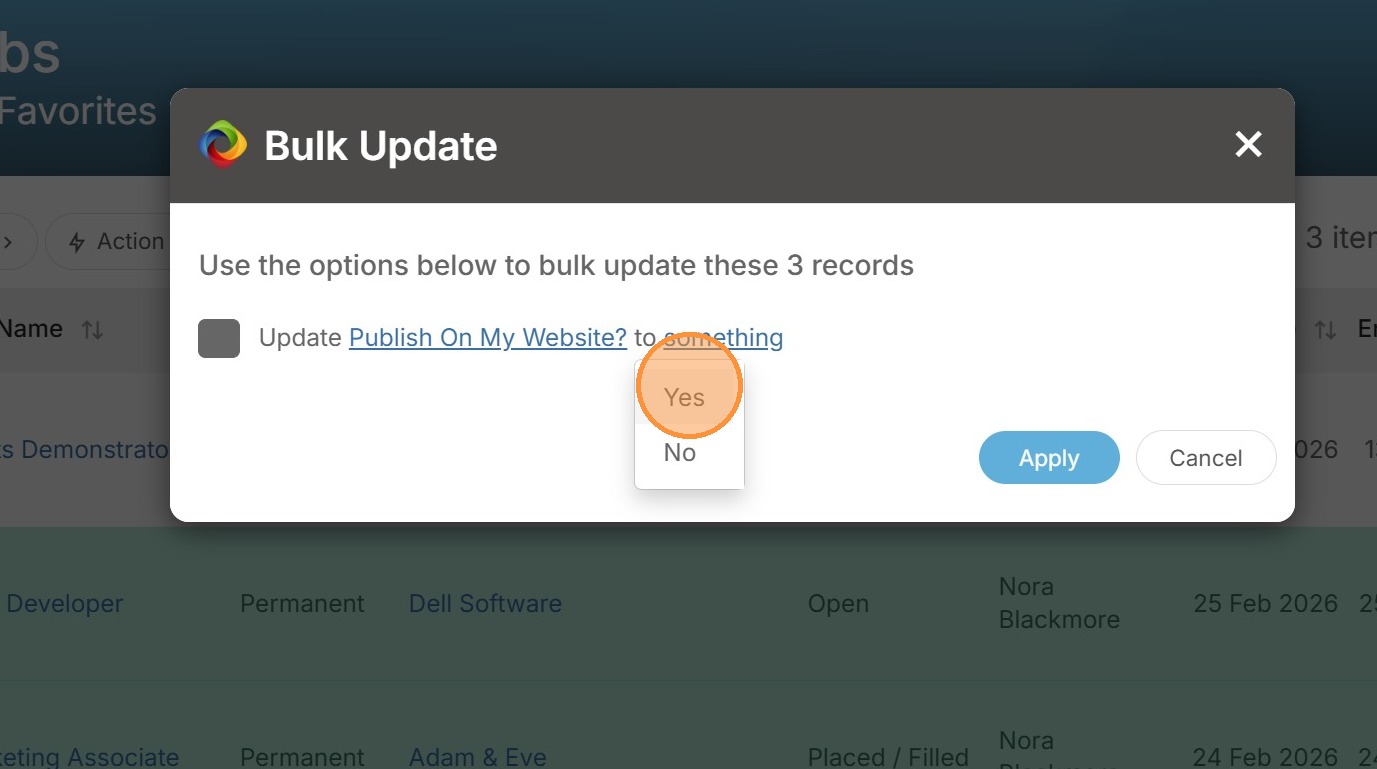
5. Under the subsequent "Something" option you can choose either "Yes" to publish on your website, or by choosing "No" you can unpublish those jobs.
If you're activating a batch of new roles or taking jobs offline at the end of a campaign, you can flip the website publish flag across multiple records in one quick and easy action.
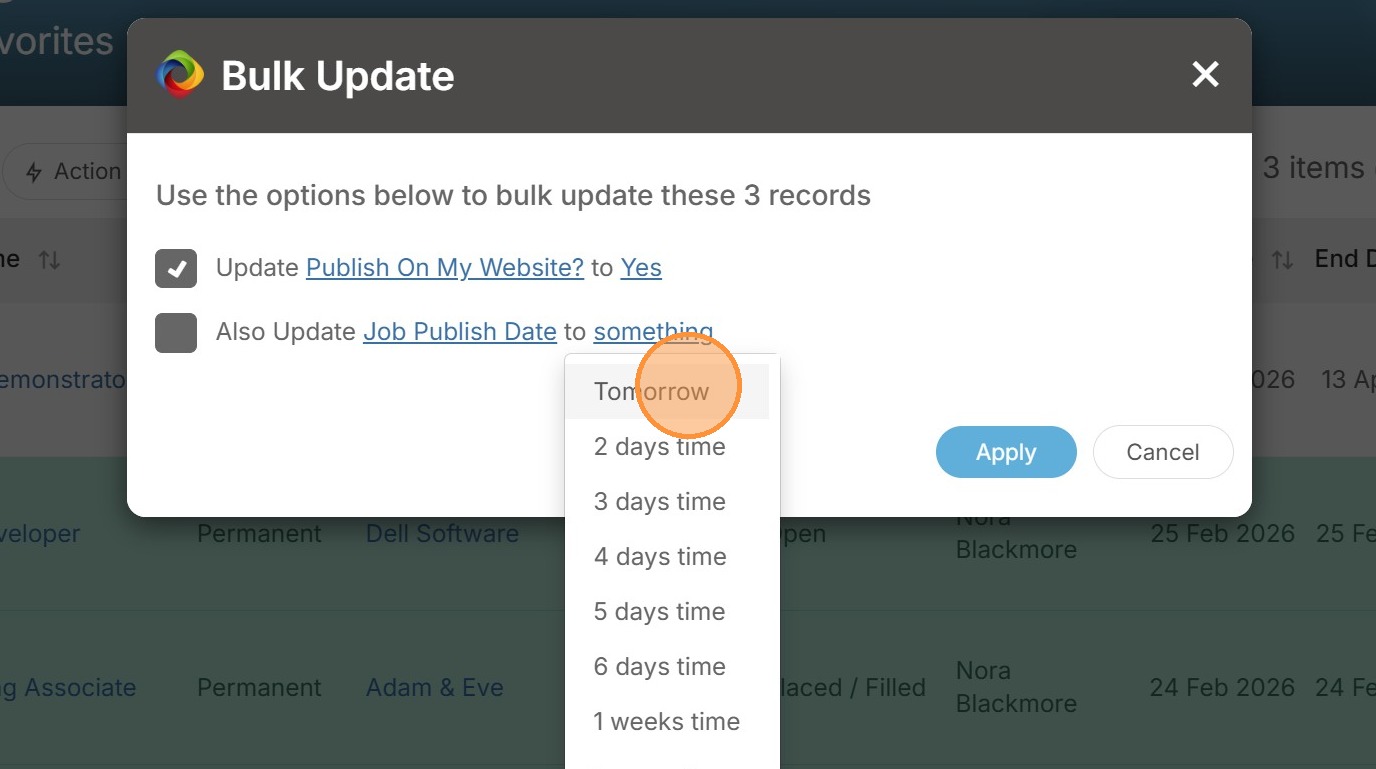
6. The second job publishing related option under "Something" is the ability to update the "Job Publish Date"
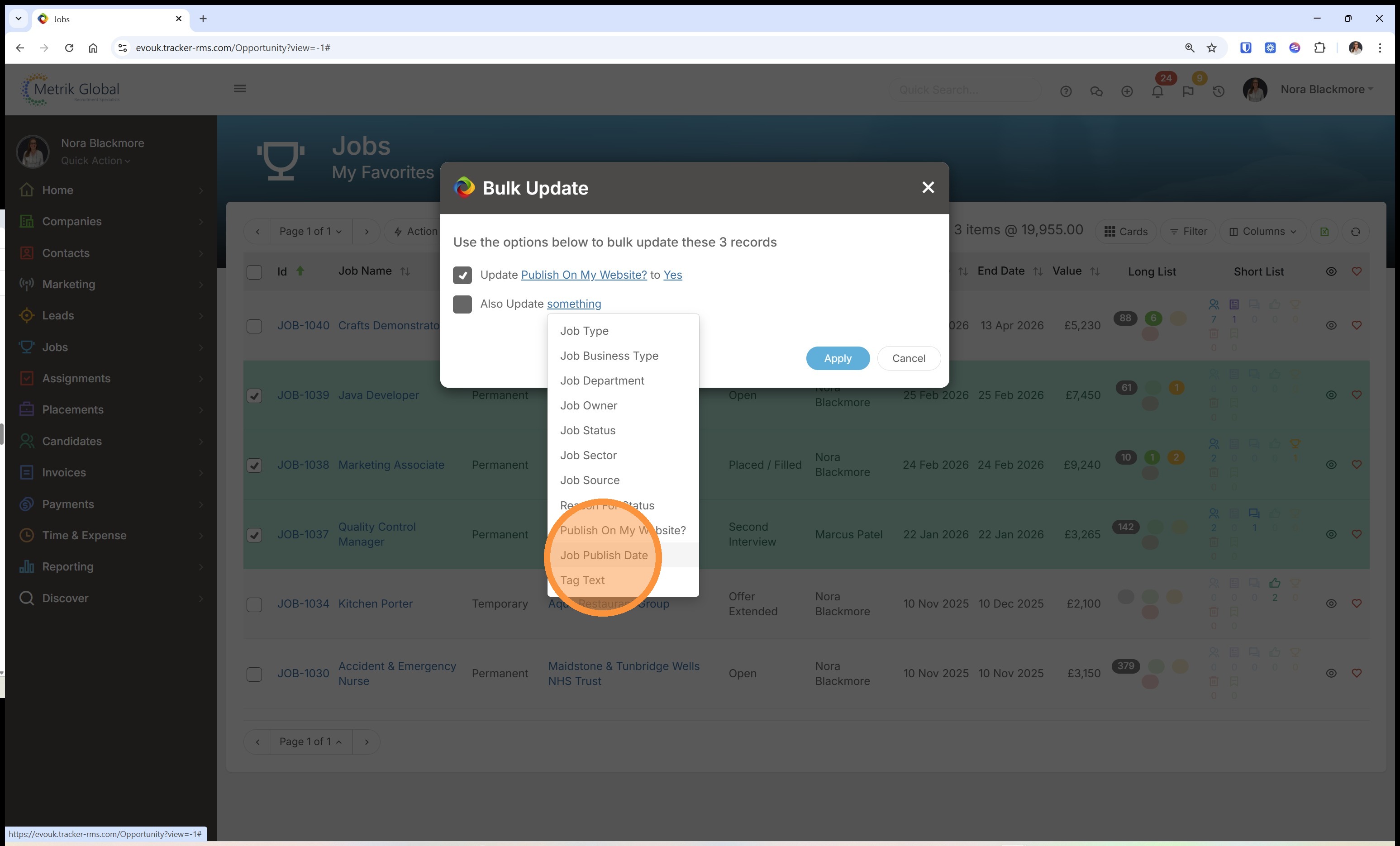
7. Here you've a number of pre-set date times or the ability to set a custom date. This provides a simple workflow to schedule a batch of roles to go live at the same time