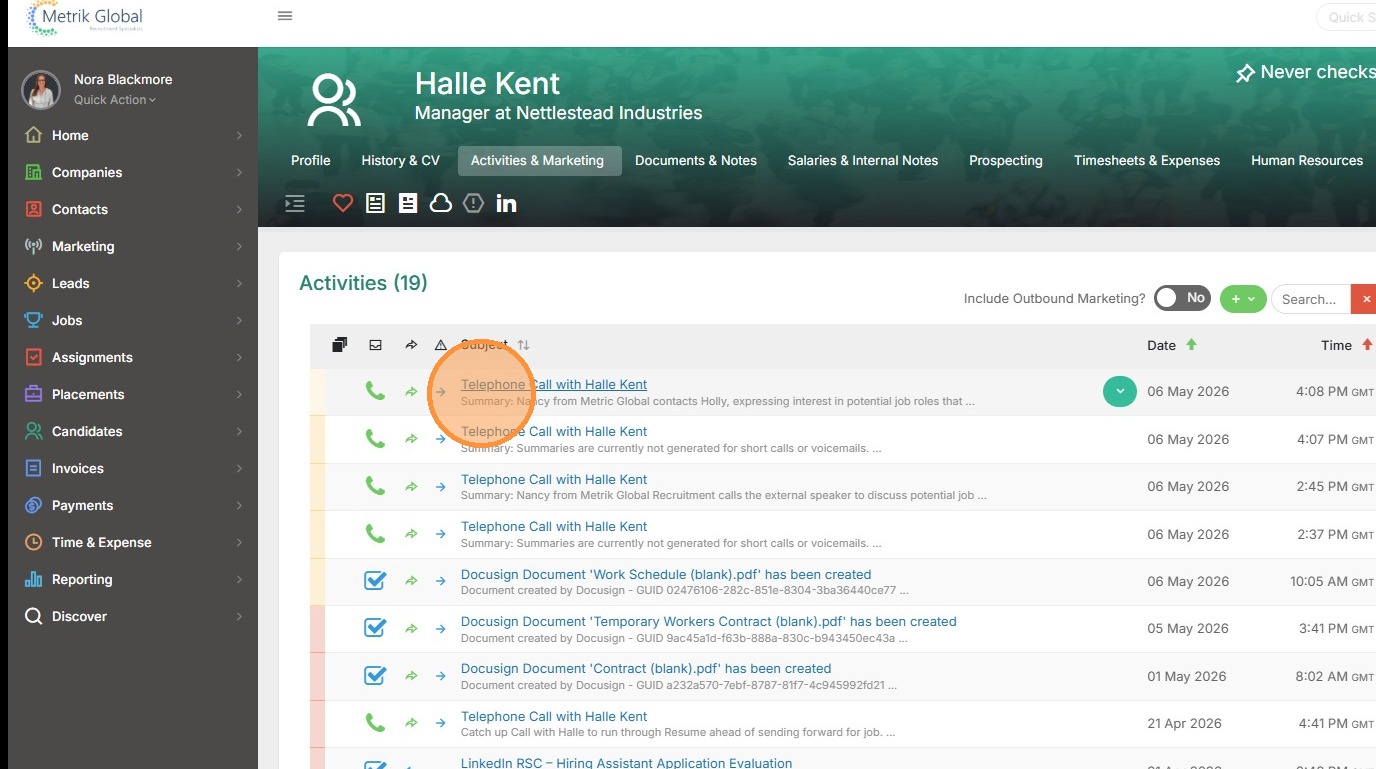
Making a Call with the Dialpad integration
Get your team calling smarter - connect Tracker with Dialpad to dial, log, and summarise calls without ever leaving the platform.
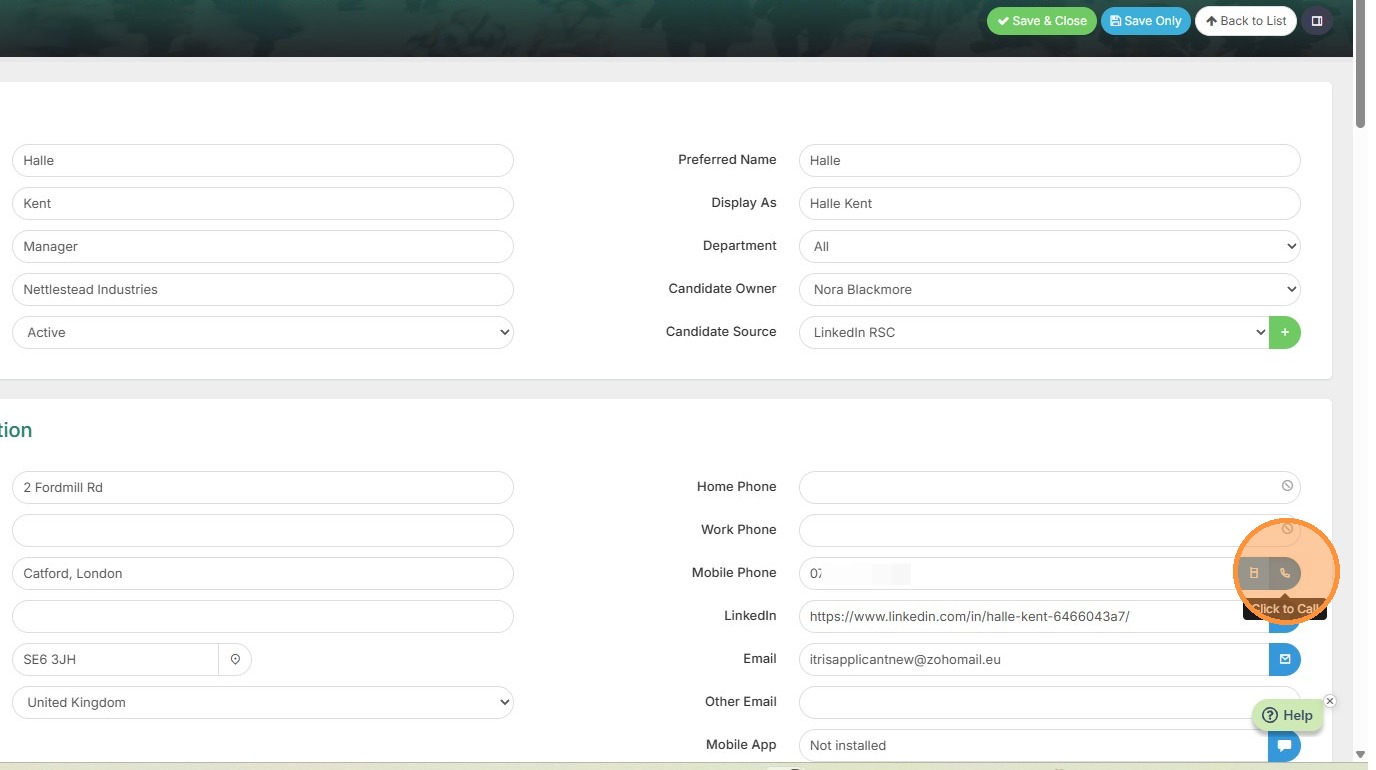
1. Soft phone calls can be started from a number of places, including by clicking the phone icon next to a phone number field.
Ensure Dialpad is configured and you have the Dialpad app open before starting the call.
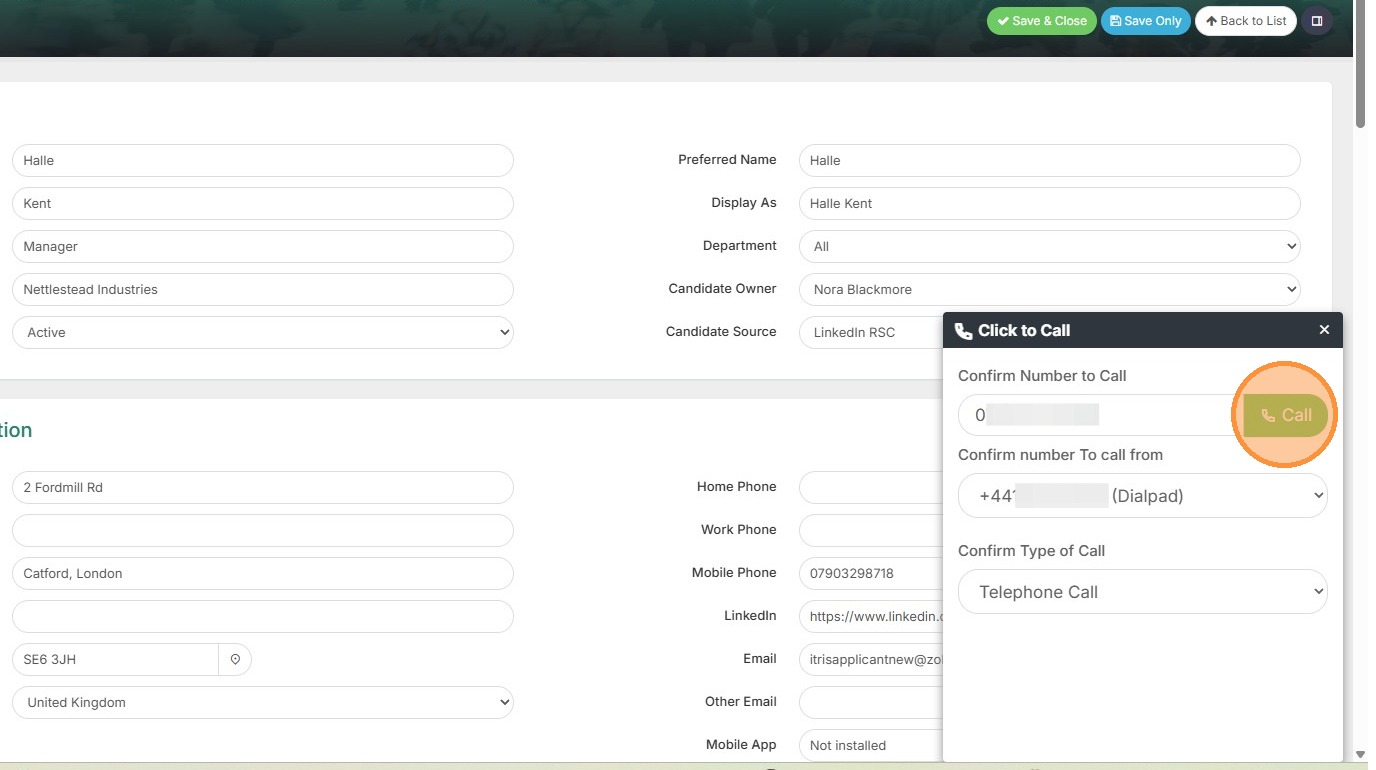
2. When using Dialpad and clicking a number to dial you will see this pop out box, showing the number you are calling, the Dialpad number you are calling from and an option to choose the (Tracker) Call Type this call Activity will be logged as, before clicking to start the call.
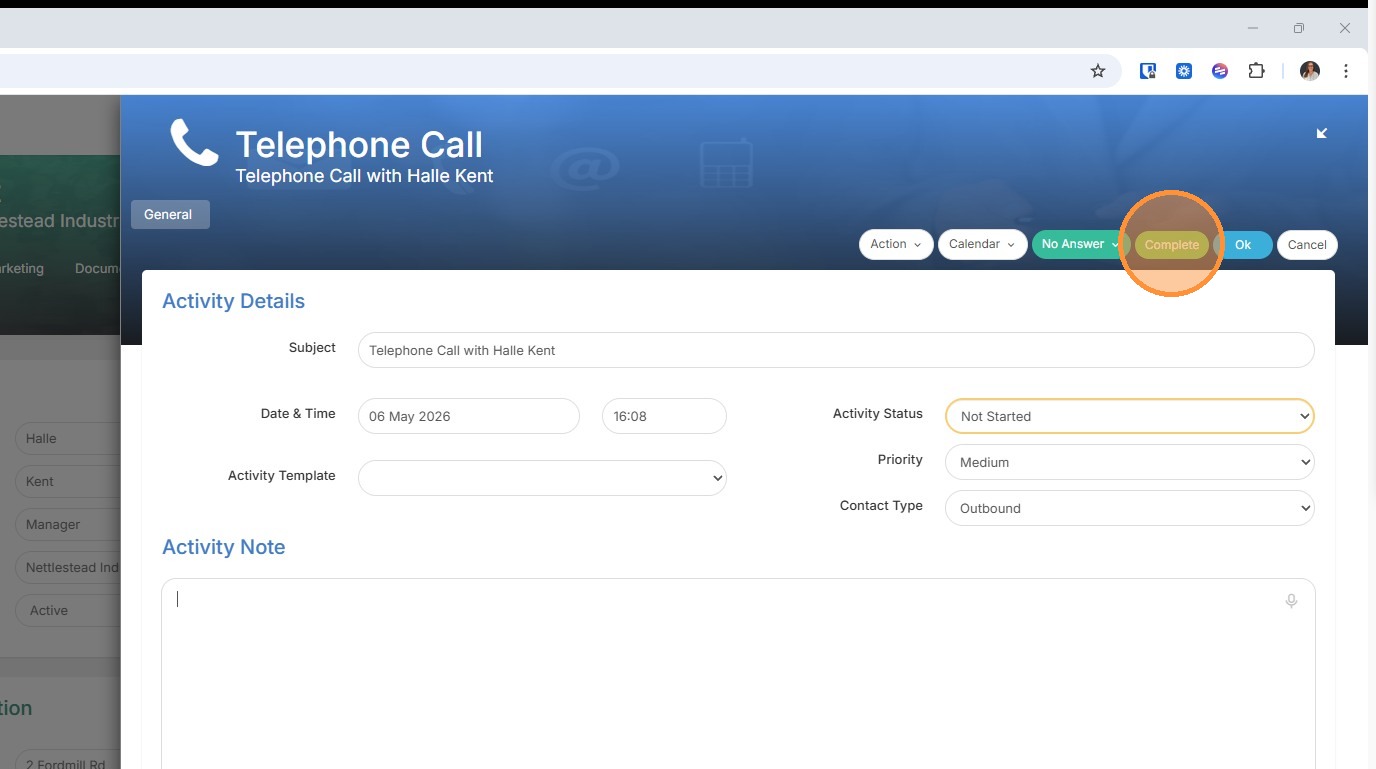
3. When you start a call an Activity pop out will open.
4. Once the call is completed and the AI Summary has been generated in Dialpad you can close the Activity window, which will then be populated with the AI Summary.