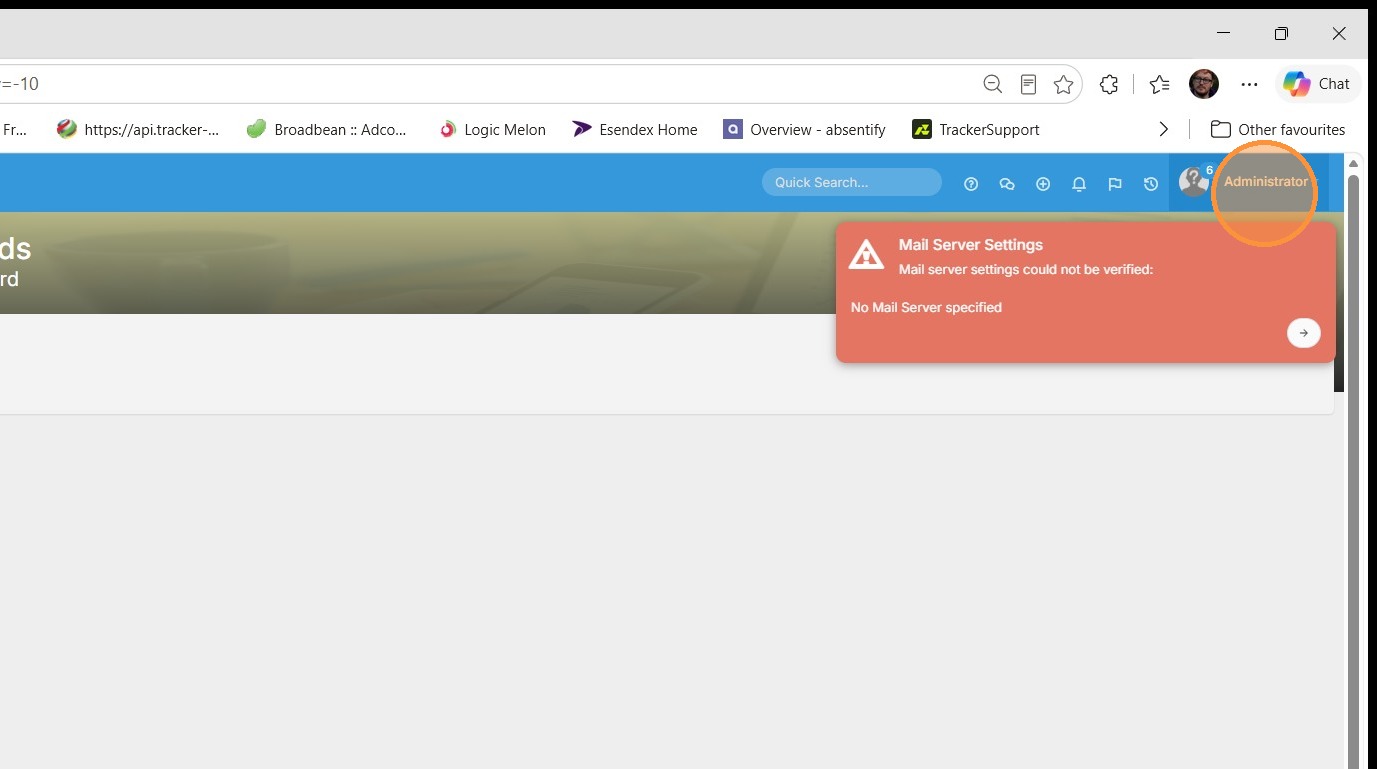
1. Click Administrator/Your name profile menu
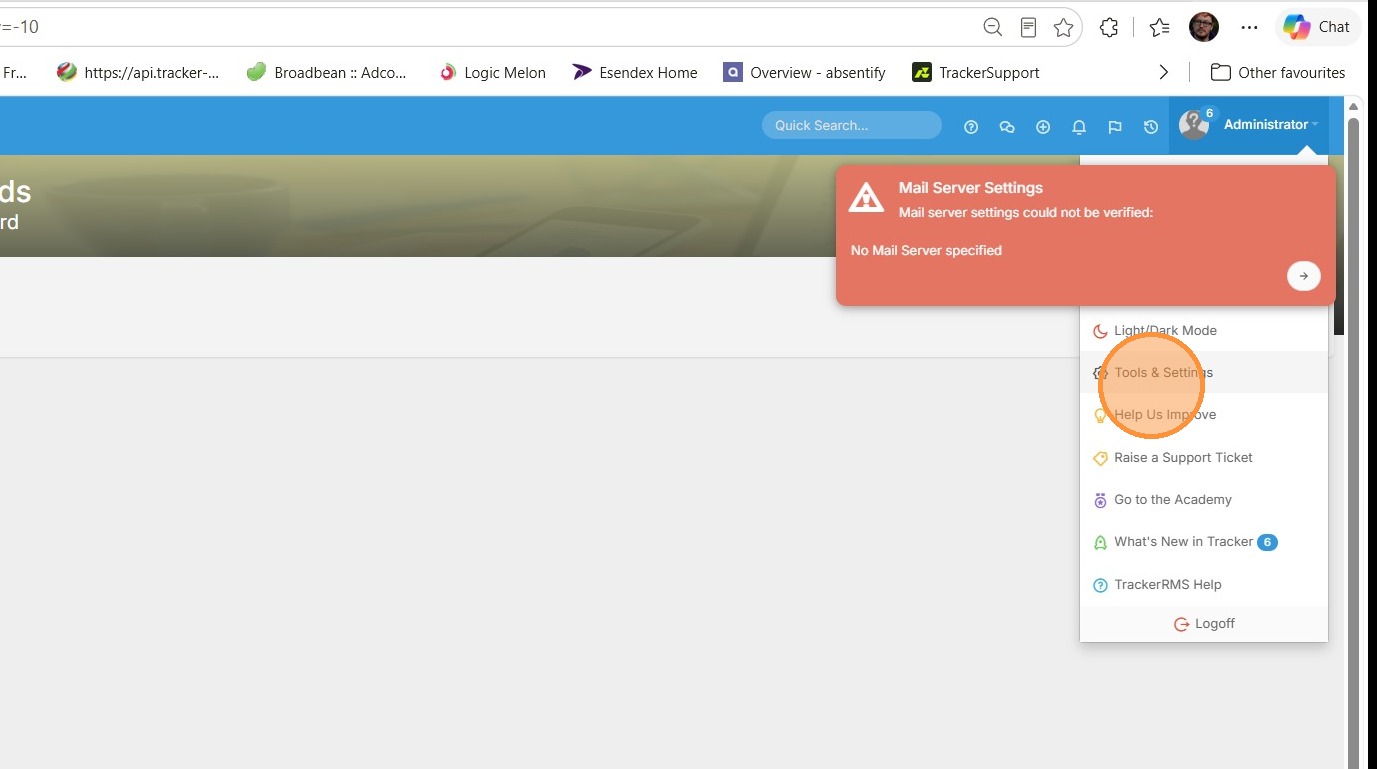
2. Select "Tools & Settings"
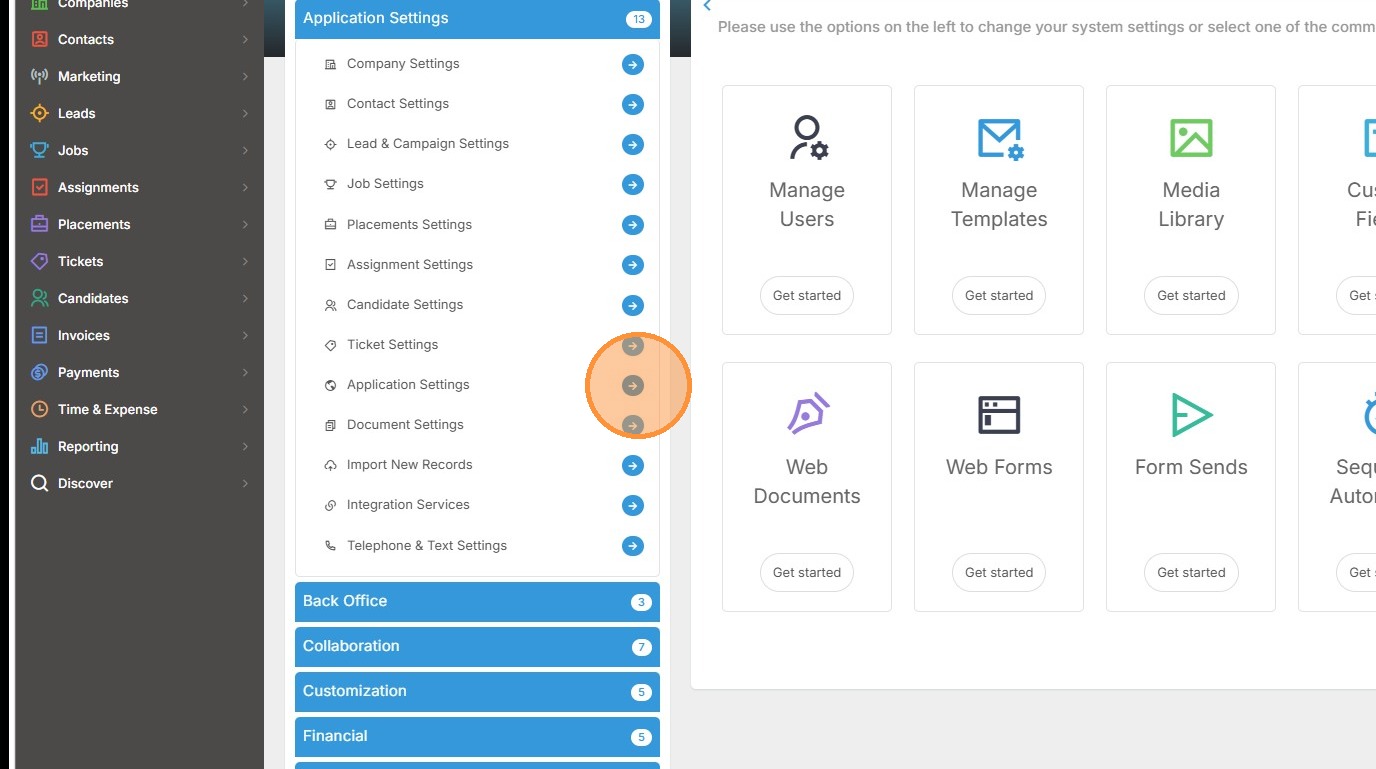
3. Click "Application Settings"
Adding a Currency
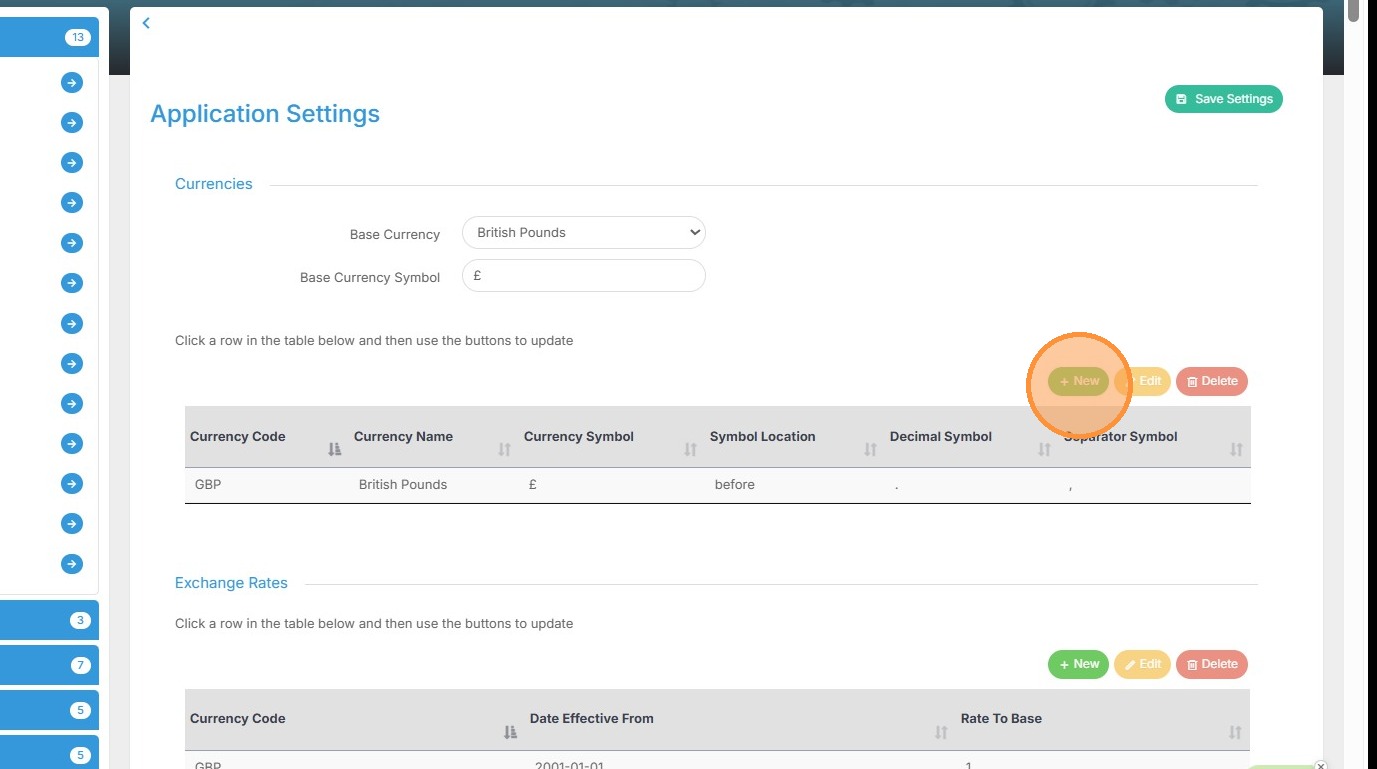
4. Click "+ New"
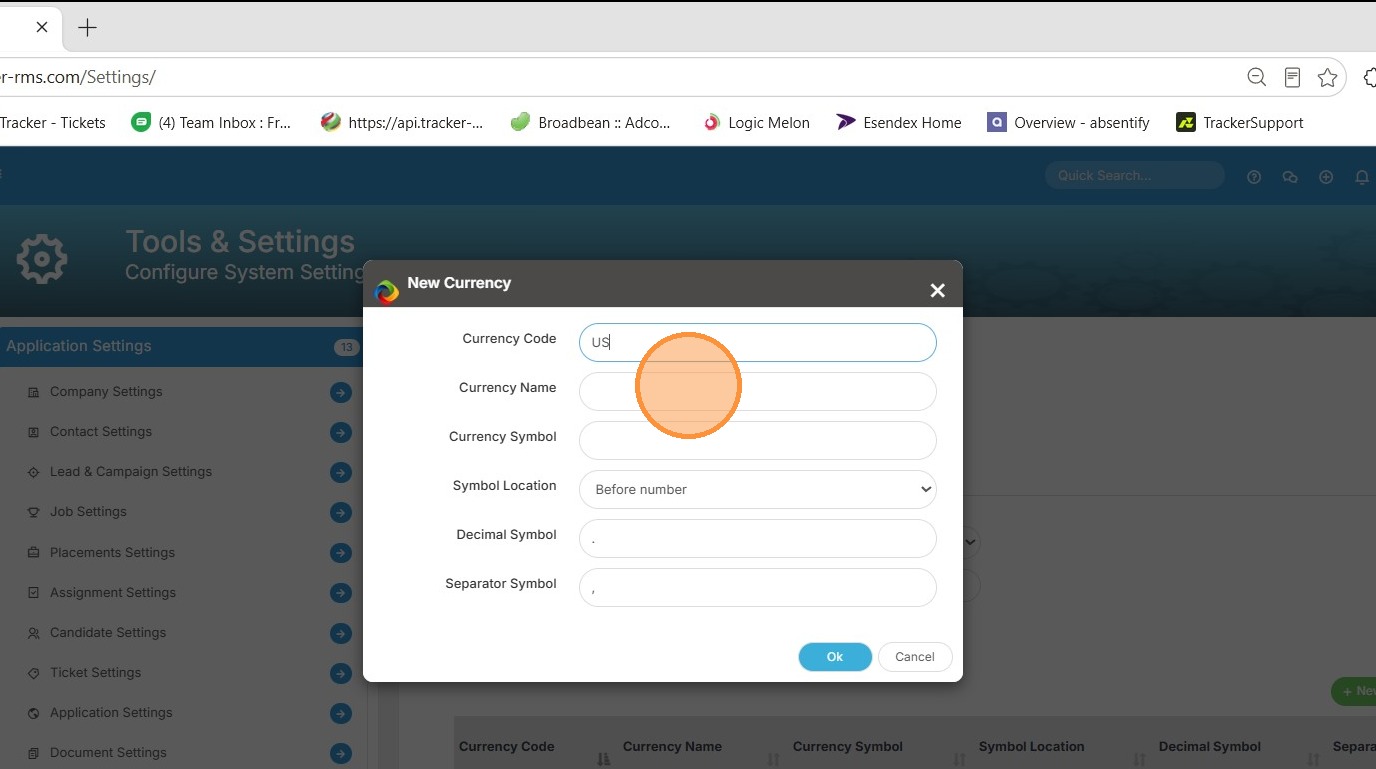
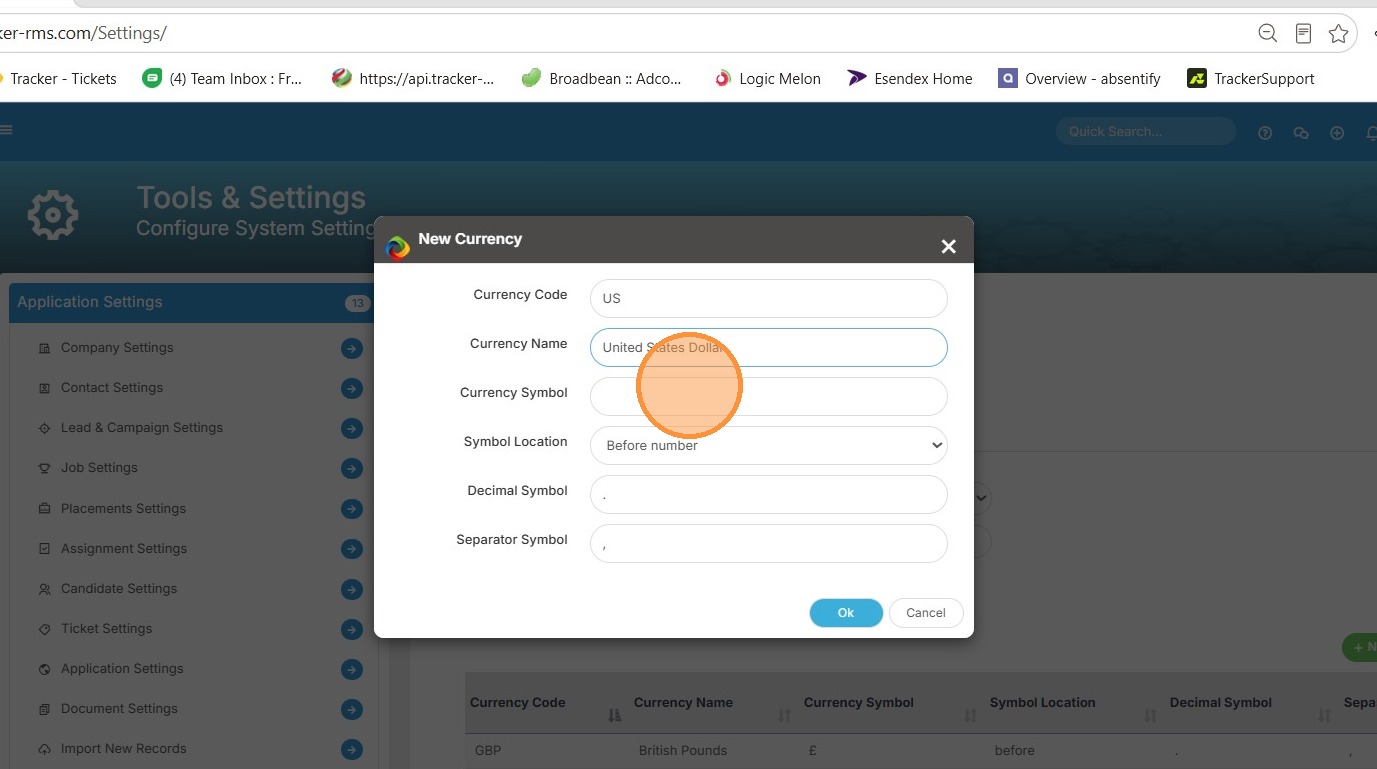
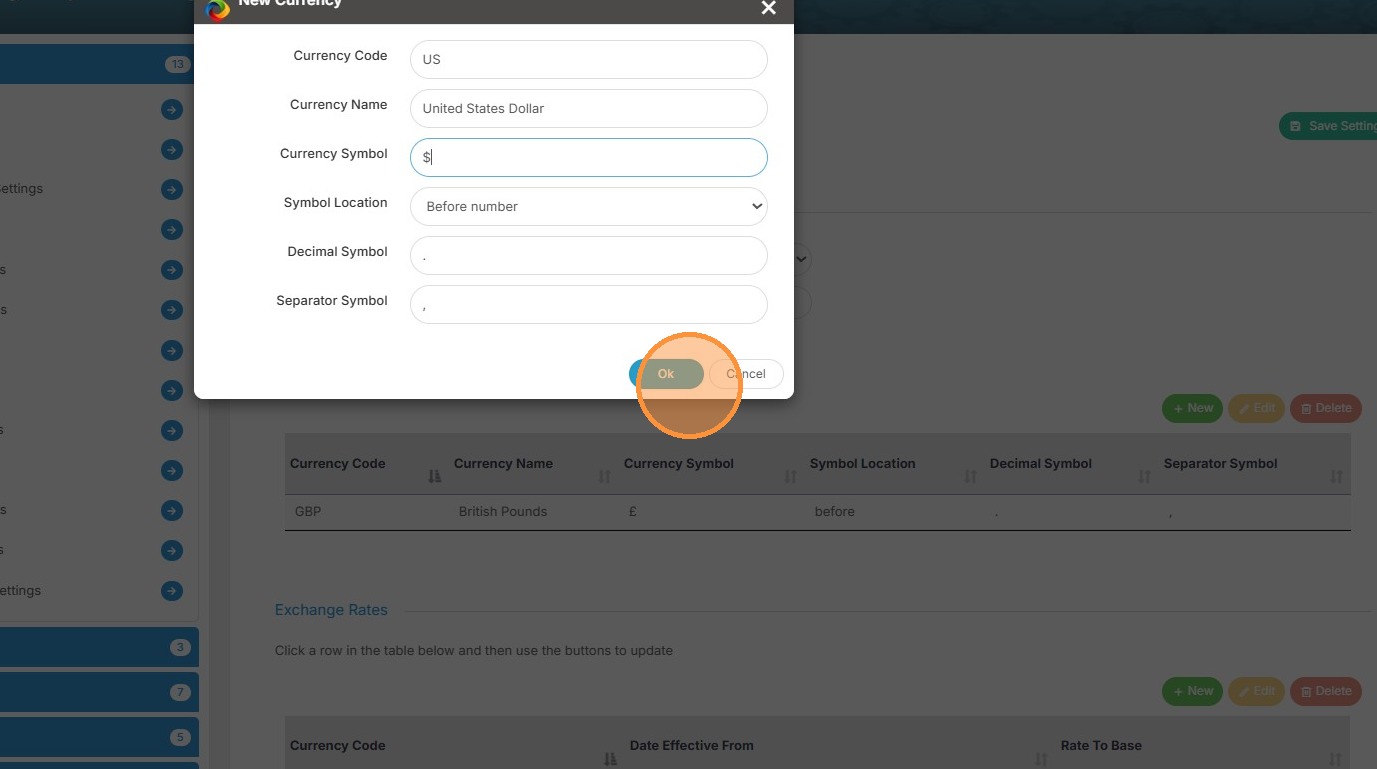
5. Enter currency details including Code, Name, and Symbol
Deleting a currency
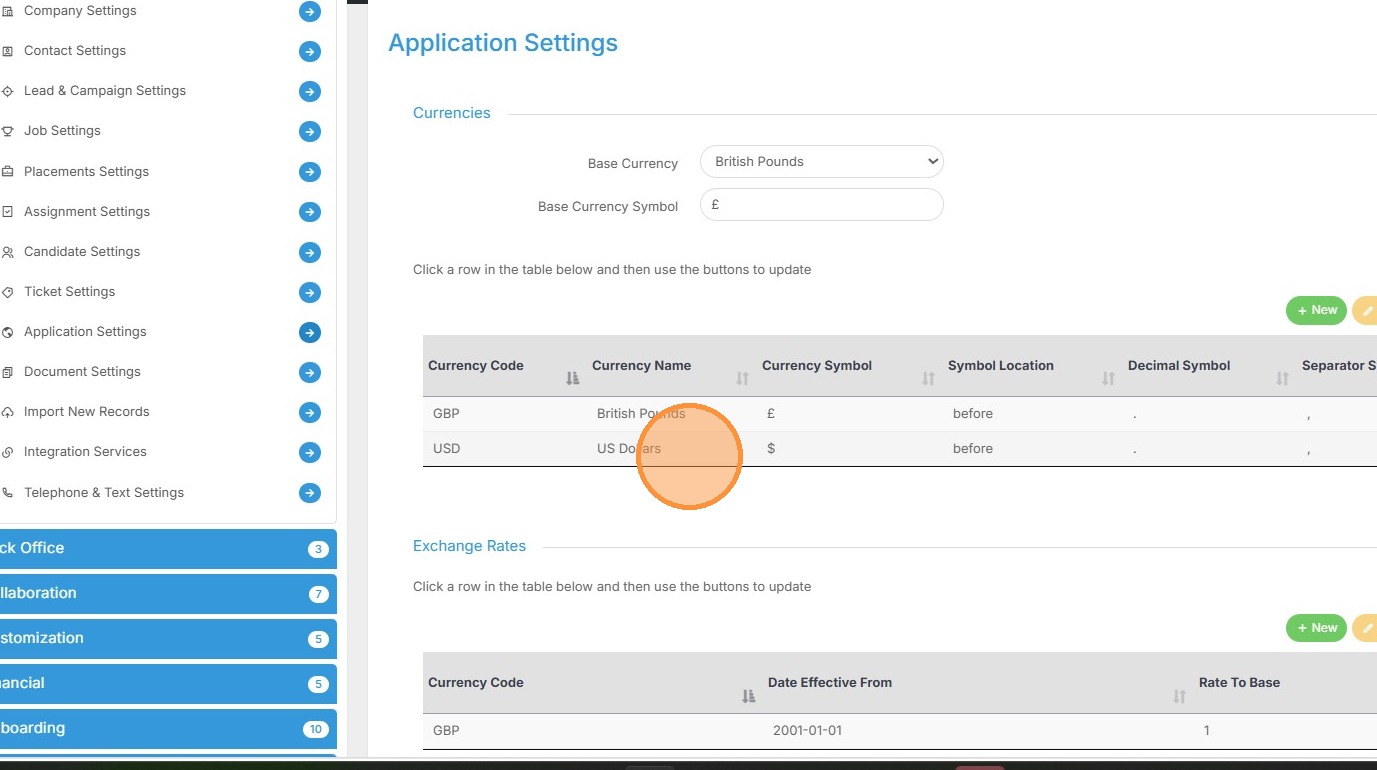
6. Select "US Dollars" row
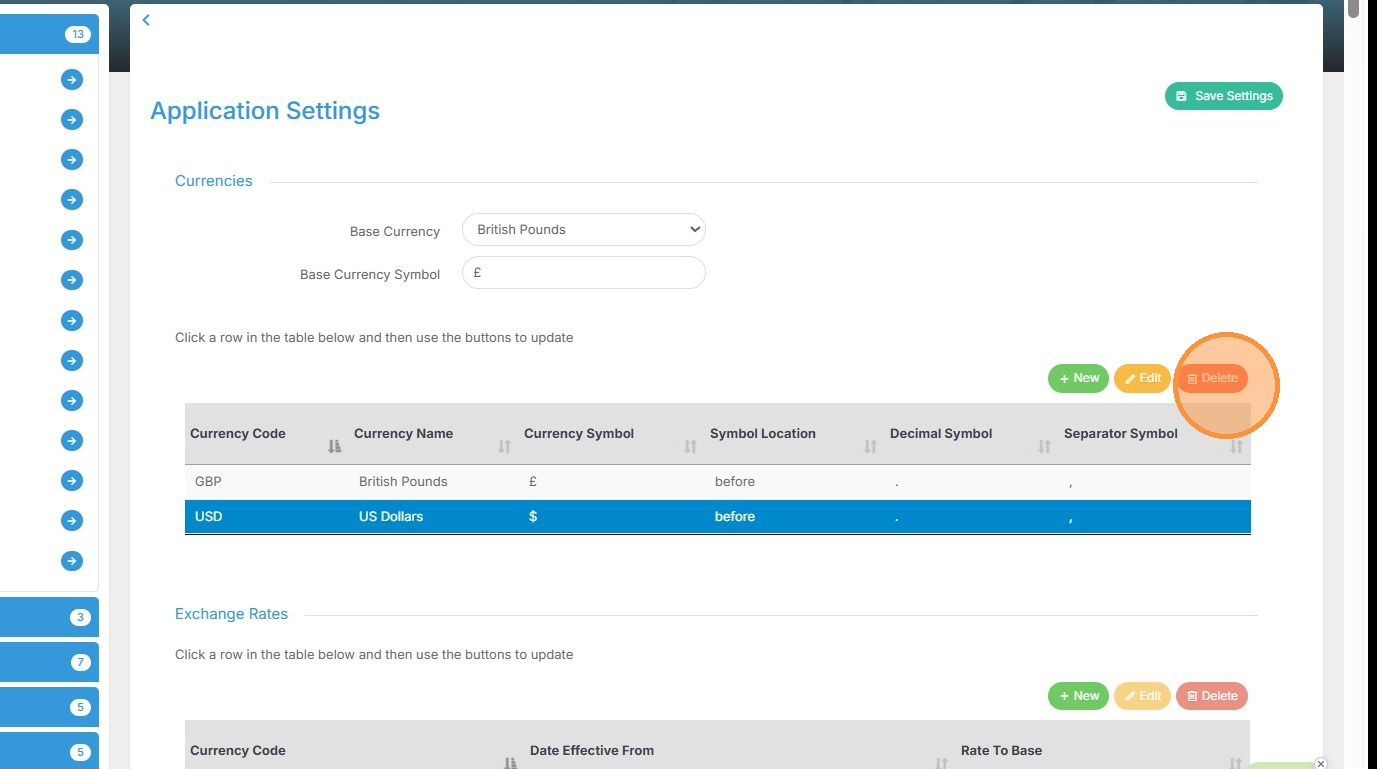
7. Click "Delete"
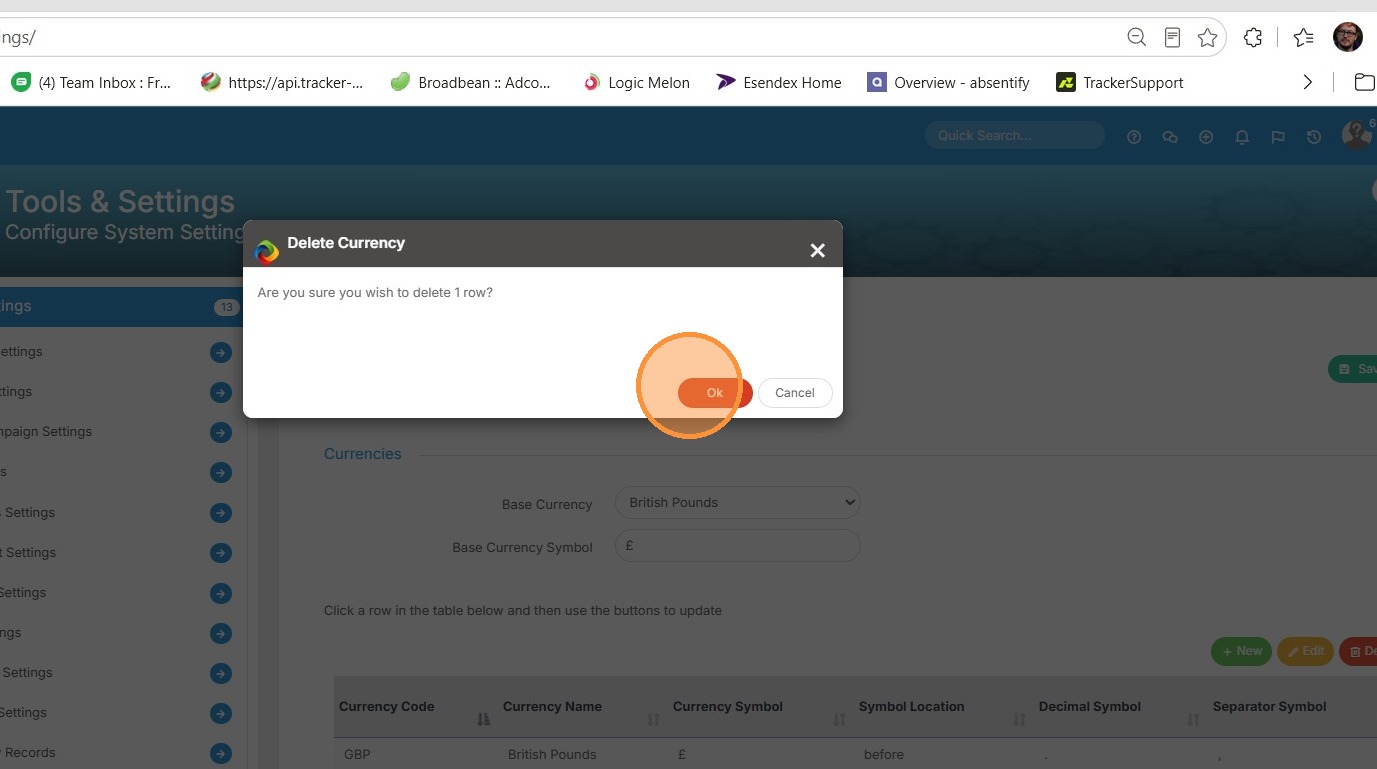
8. Click "Ok" to confirm deletion