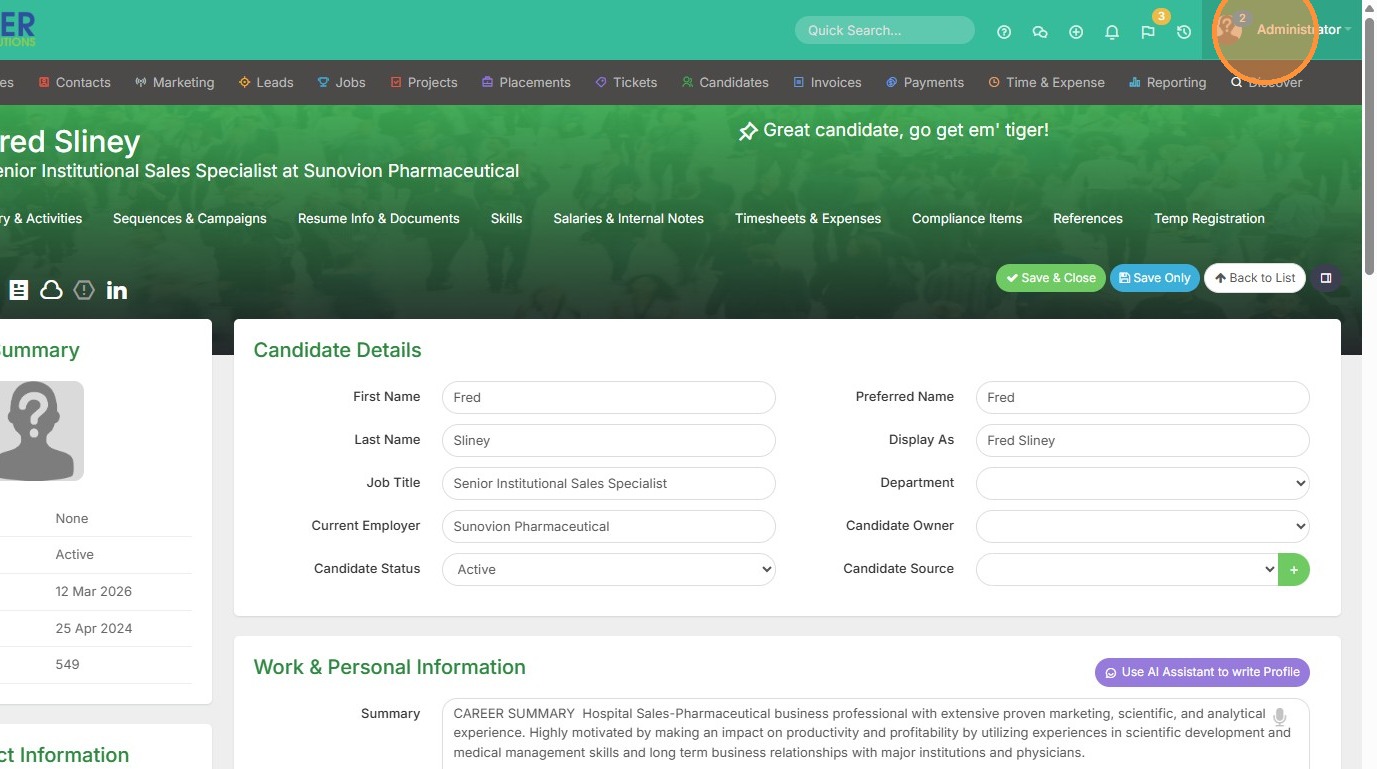
1. Click on your name in the top right corner.
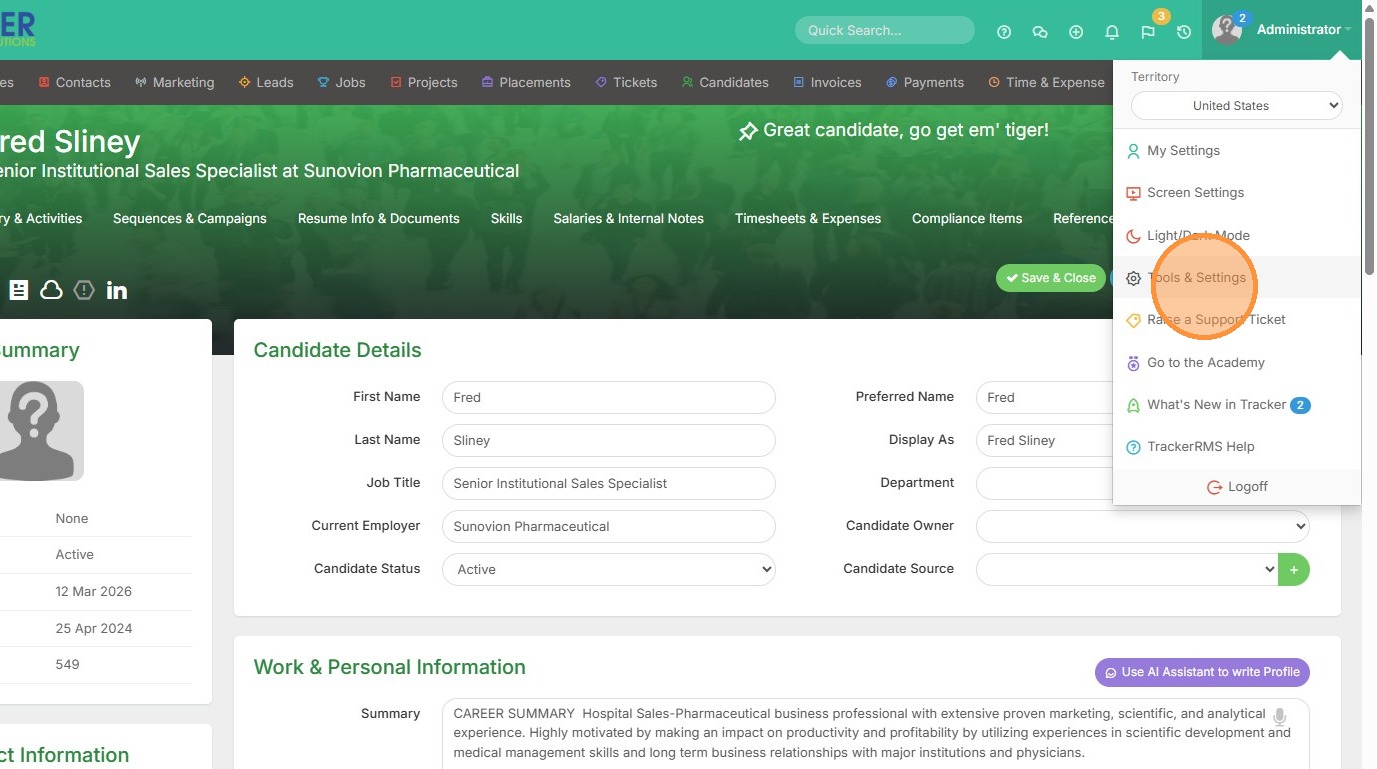
2. Click "Tools & Settings"
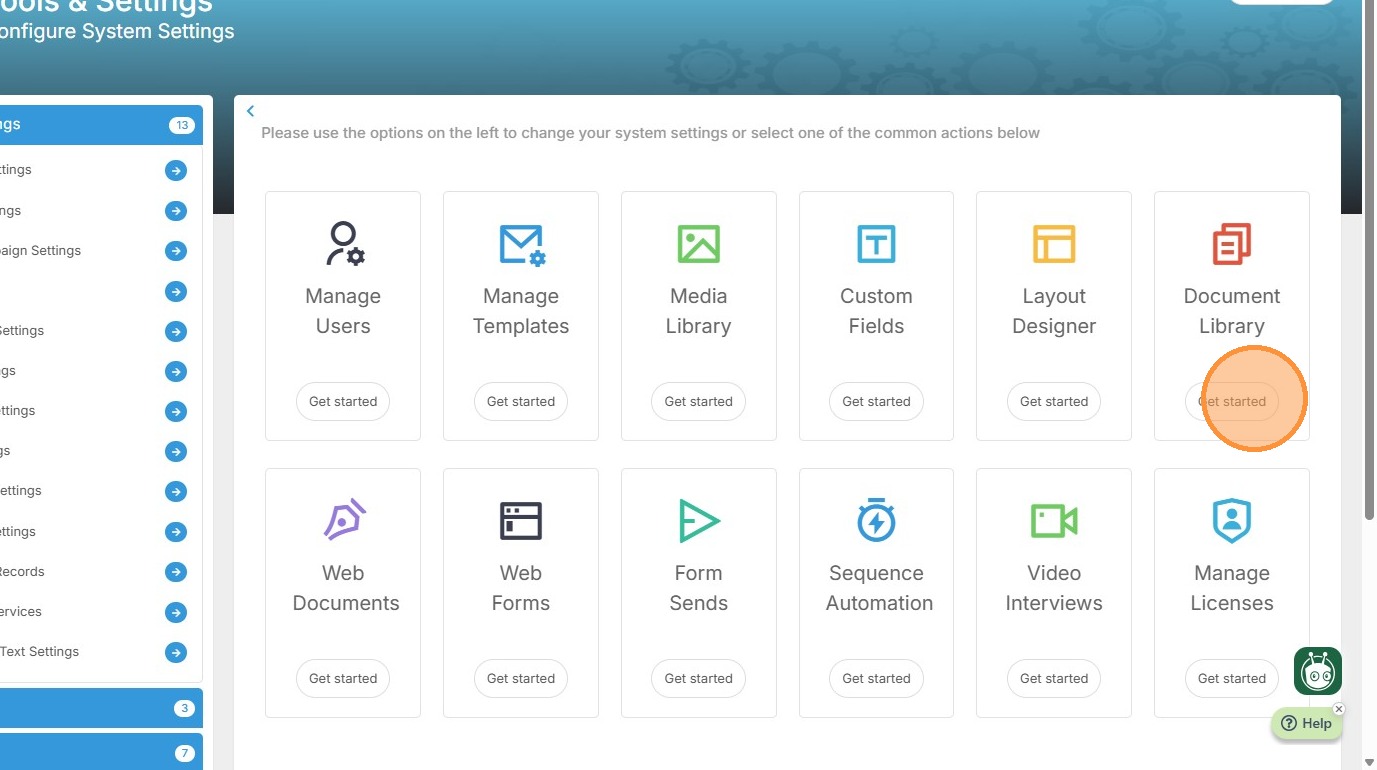
3. Click "Document Library"
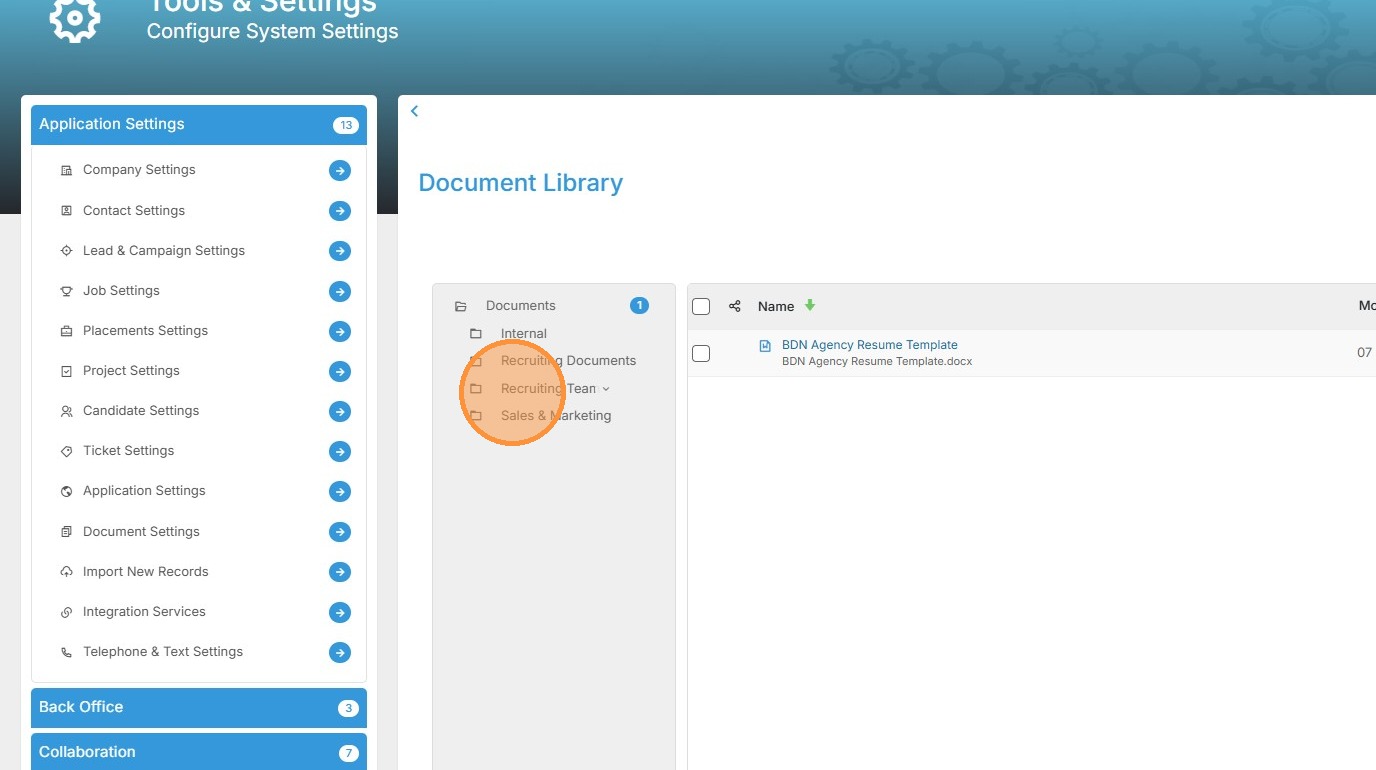
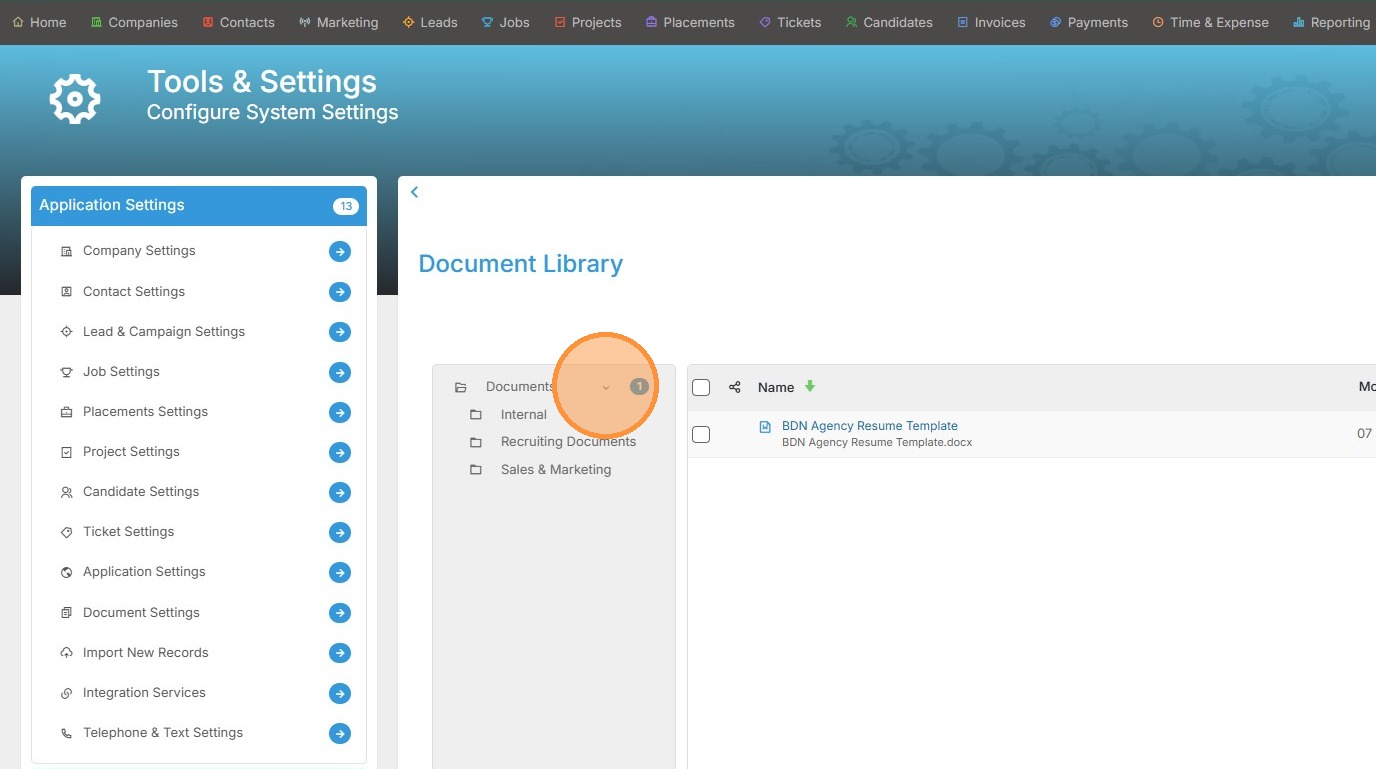
4. Hover over Documents, and click this dropdown arrow.
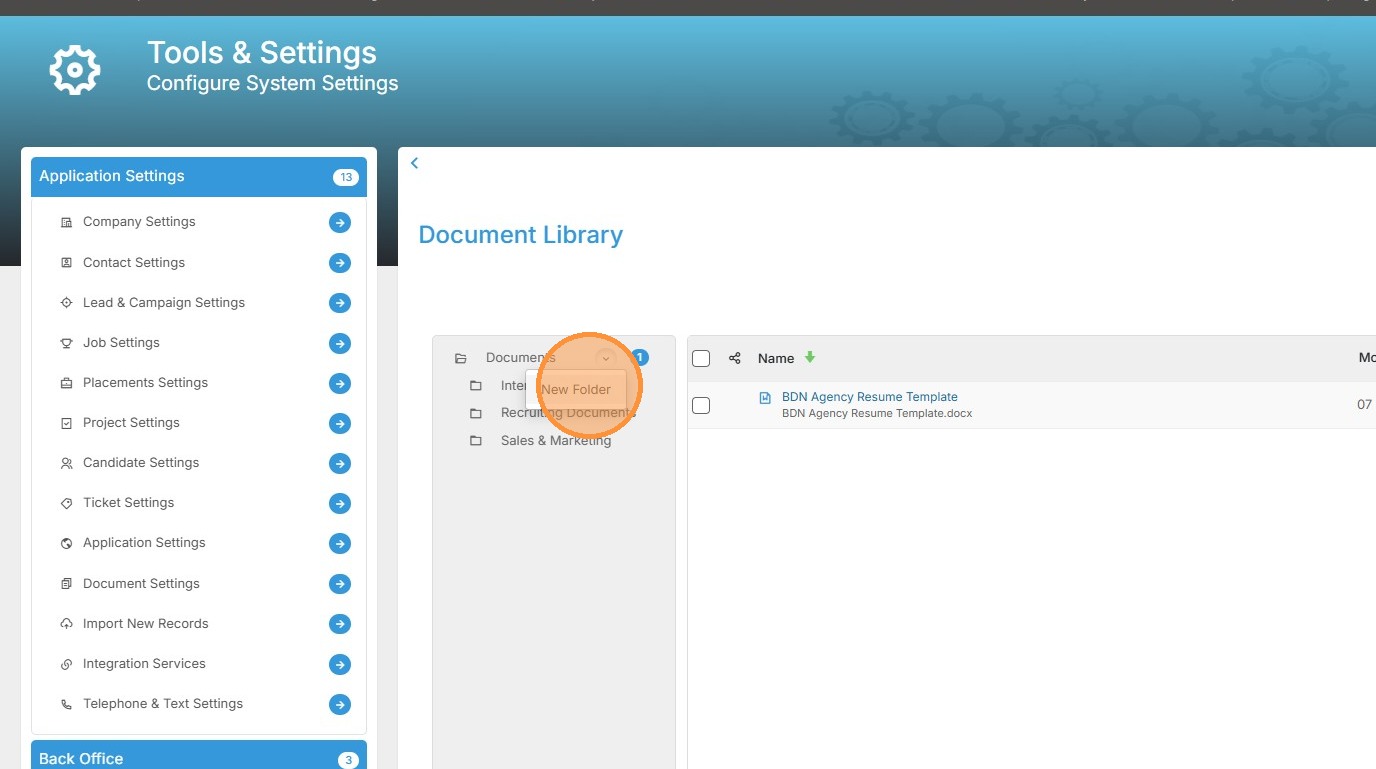
5. Click "New Folder"
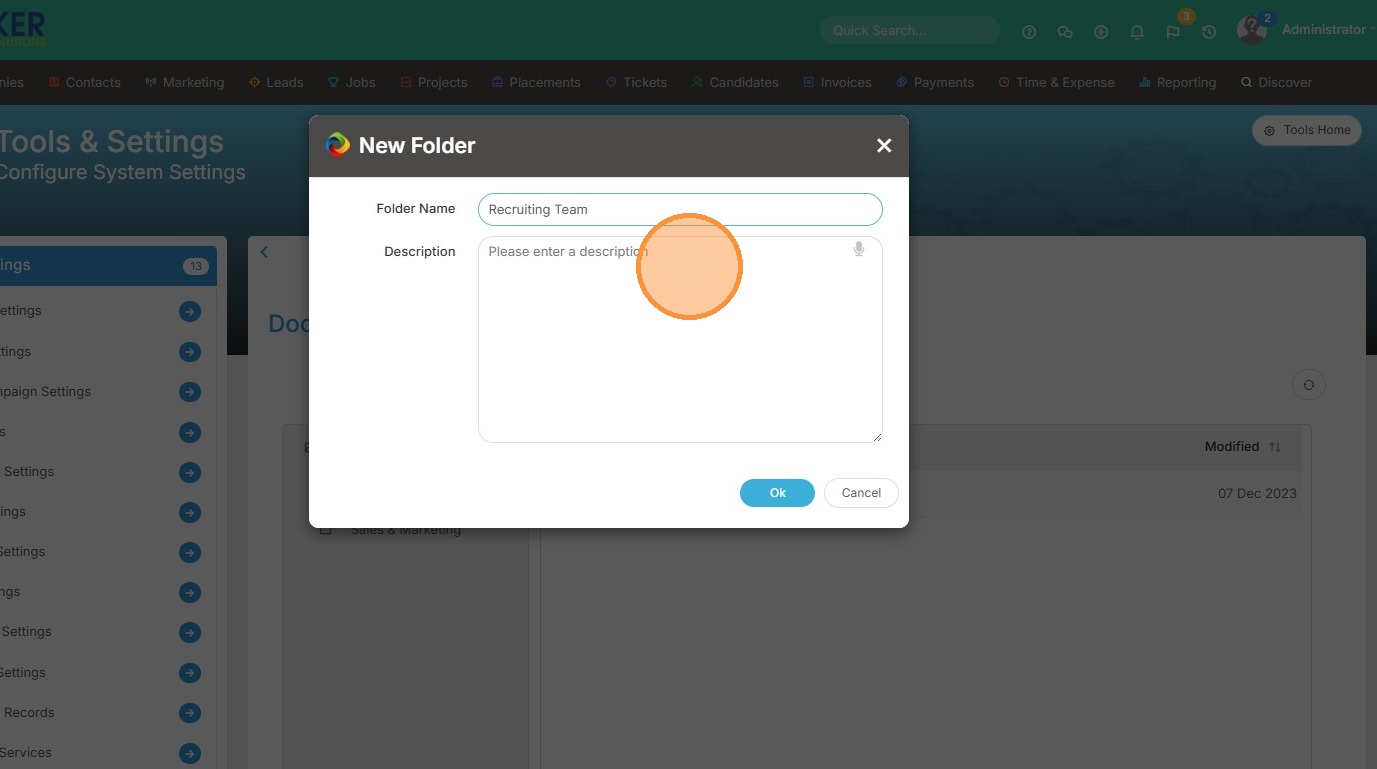
6. Type in the name of the new folder, and a description if you wish.
7. Click "Ok"
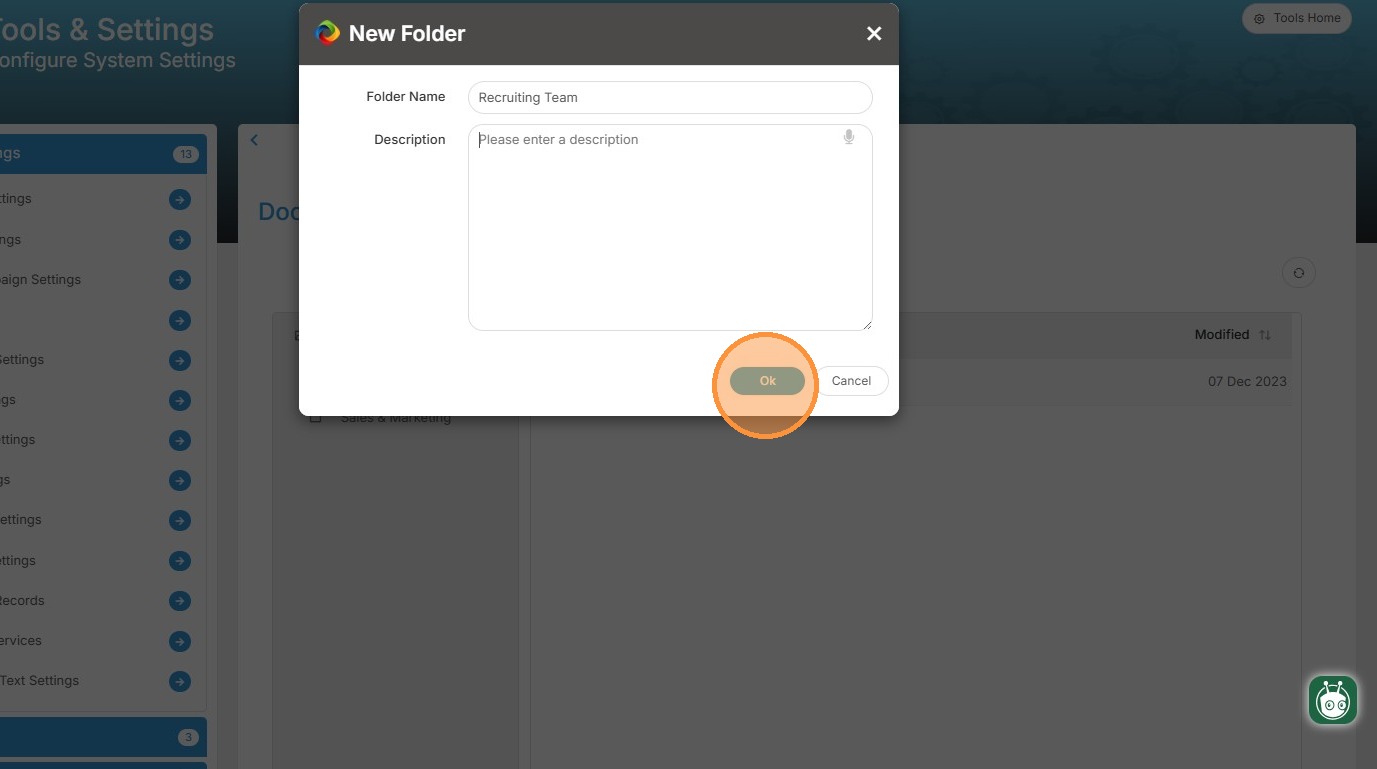
8. Now you can add documents to this folder.