1. From within a candidate record (for example - you can do this in any record with documents), go to your documents section.
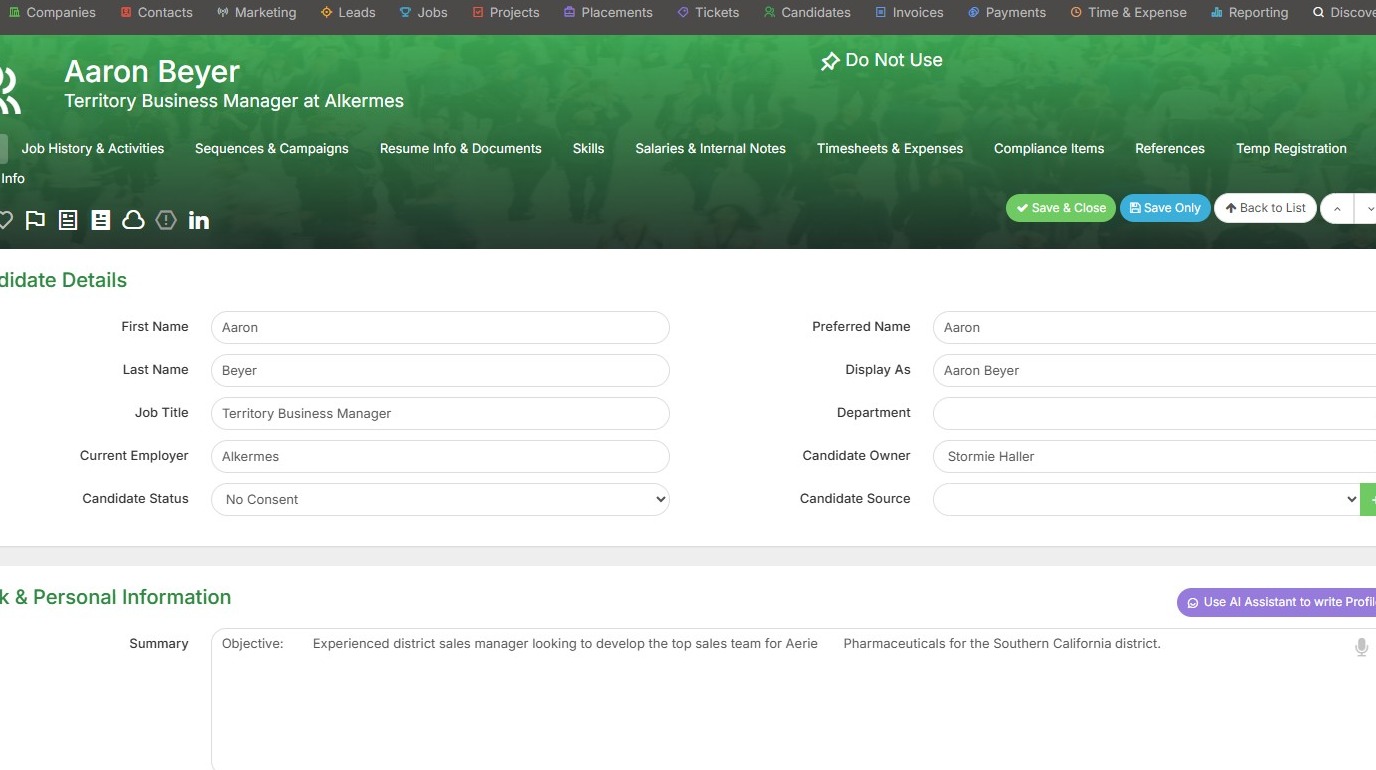
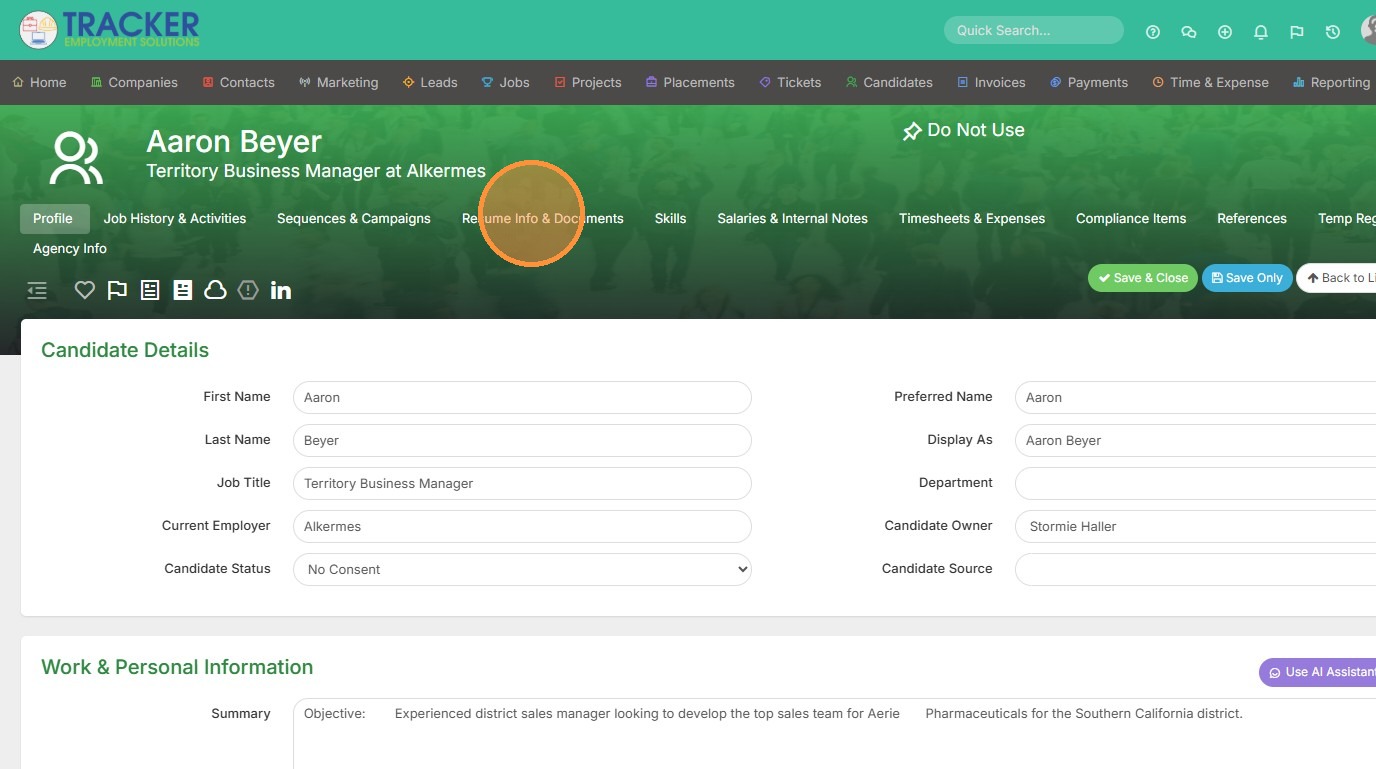
2. For example, mine is located under Resume Info & Documents.
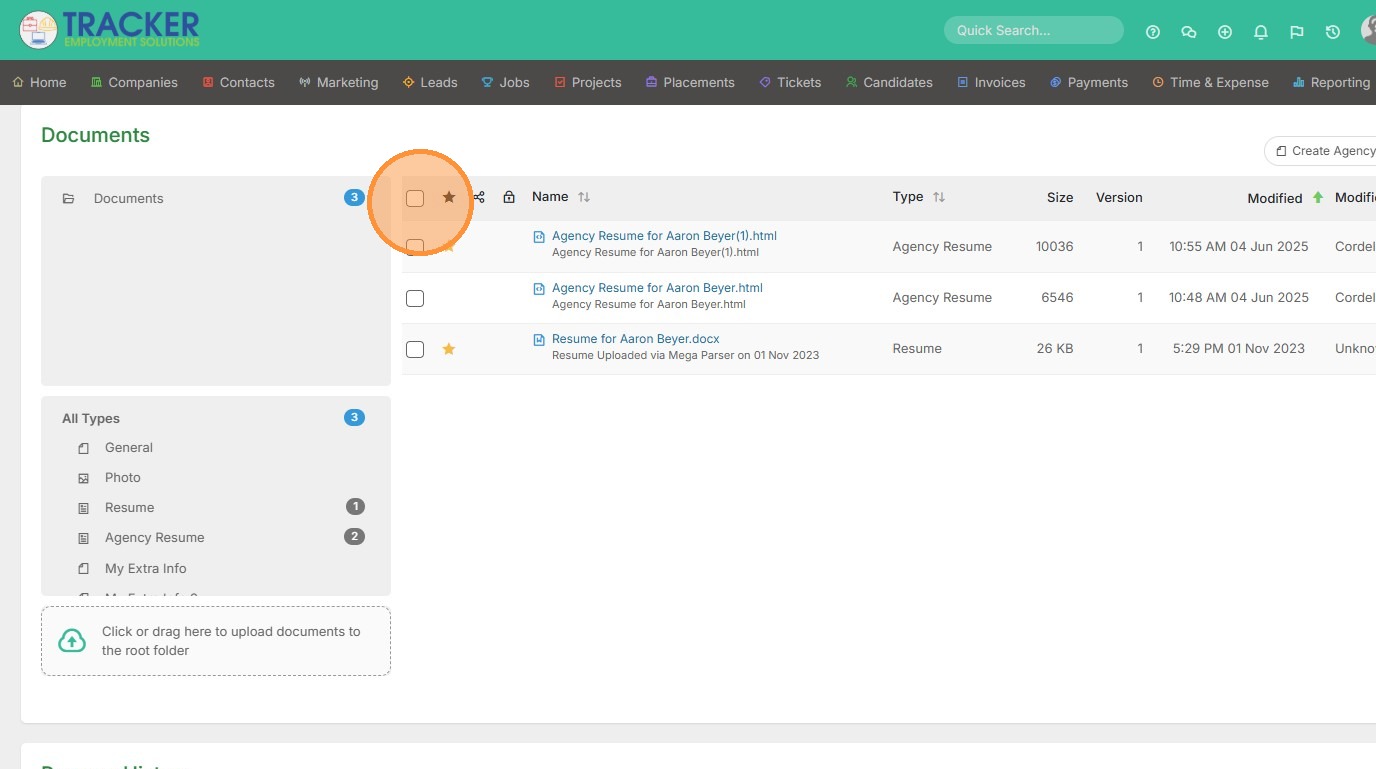
3. Select the documents you wish to bulk update by checking off the white boxes here.
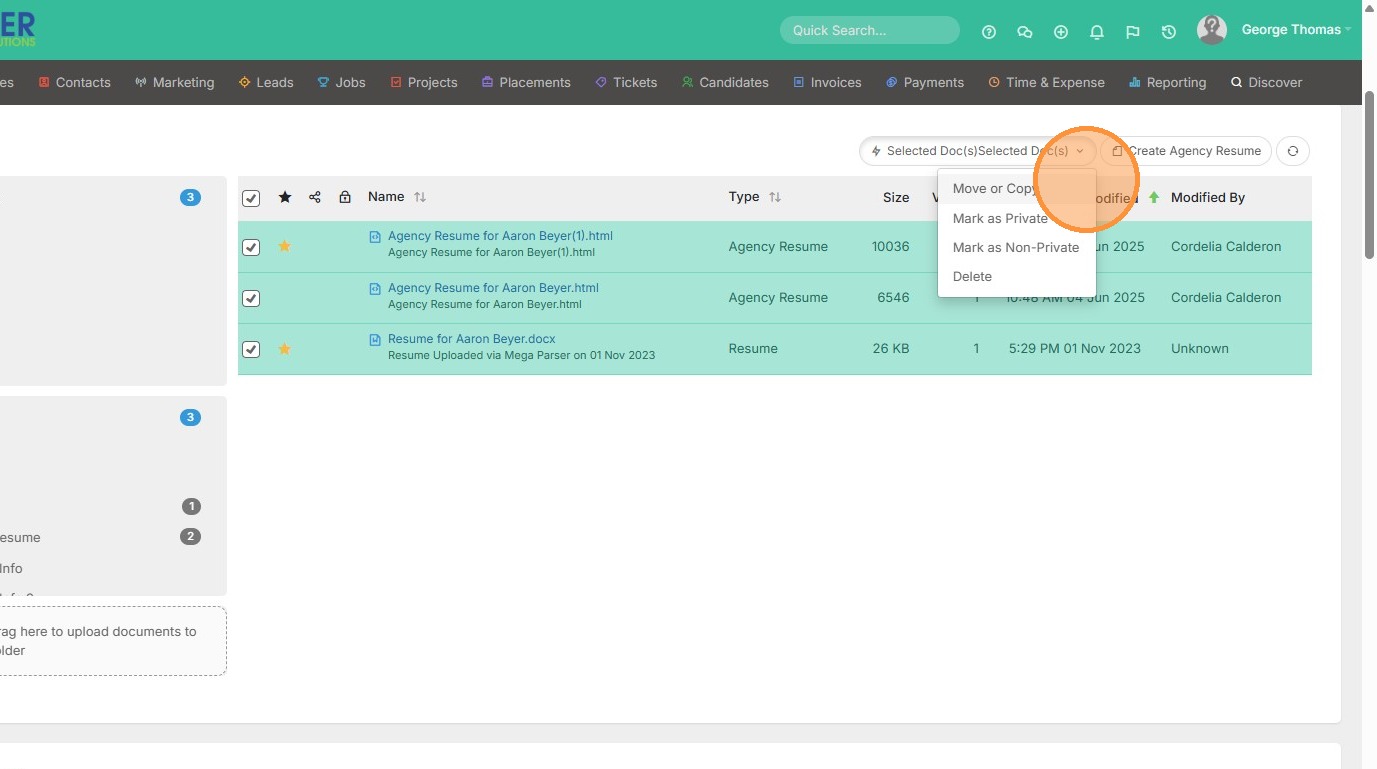
4. You will then see a "Selected Documents" option appear/
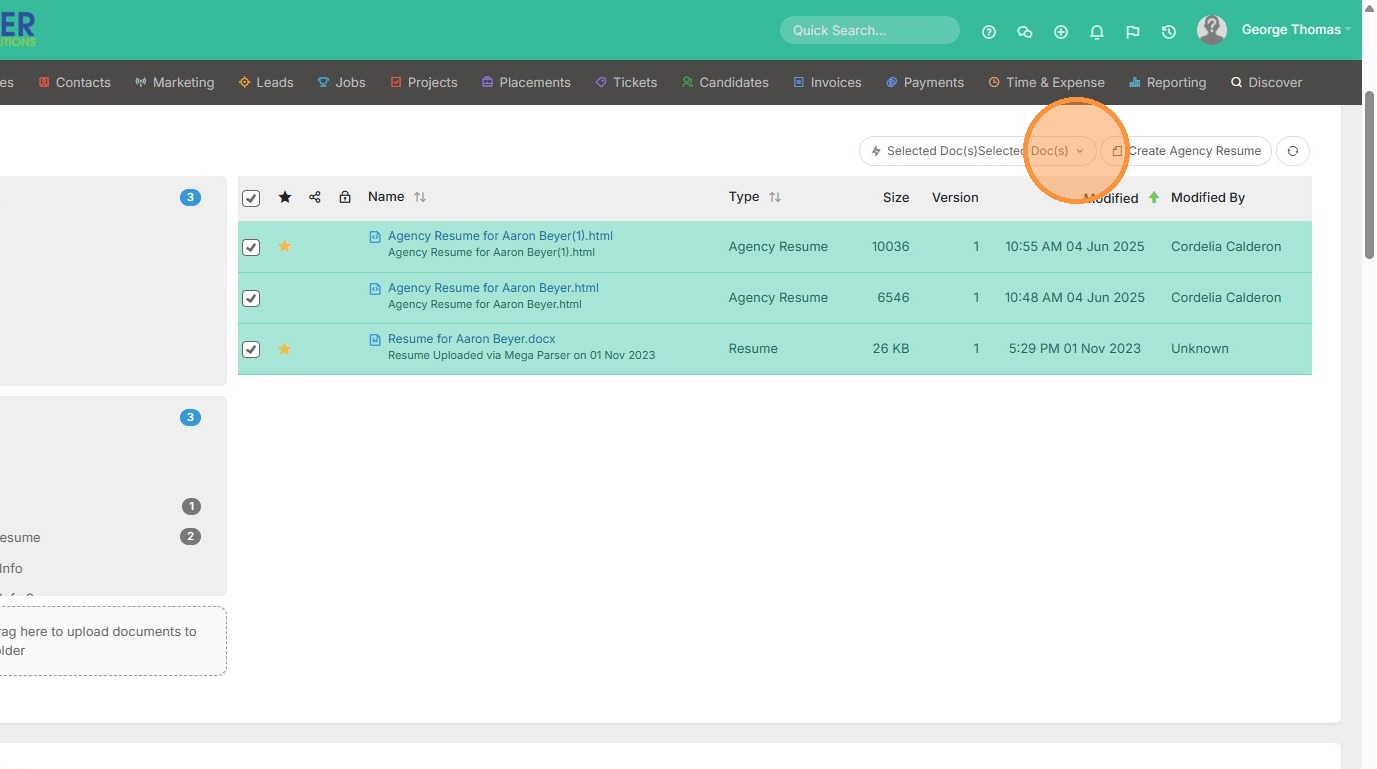
5. From here you can bulk move/copy, mark as photos, mark as private, or delete documents.