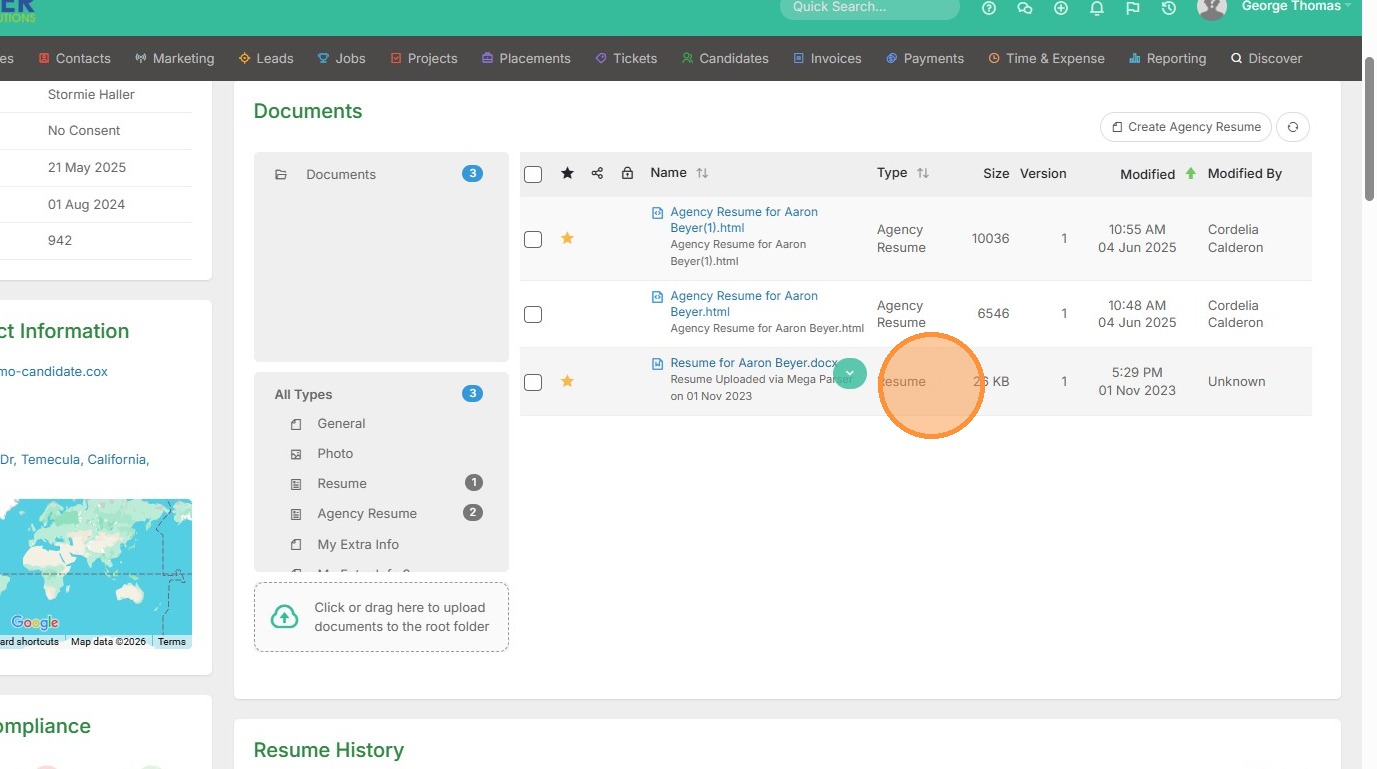
1. Click into your documents section within a candidate record.
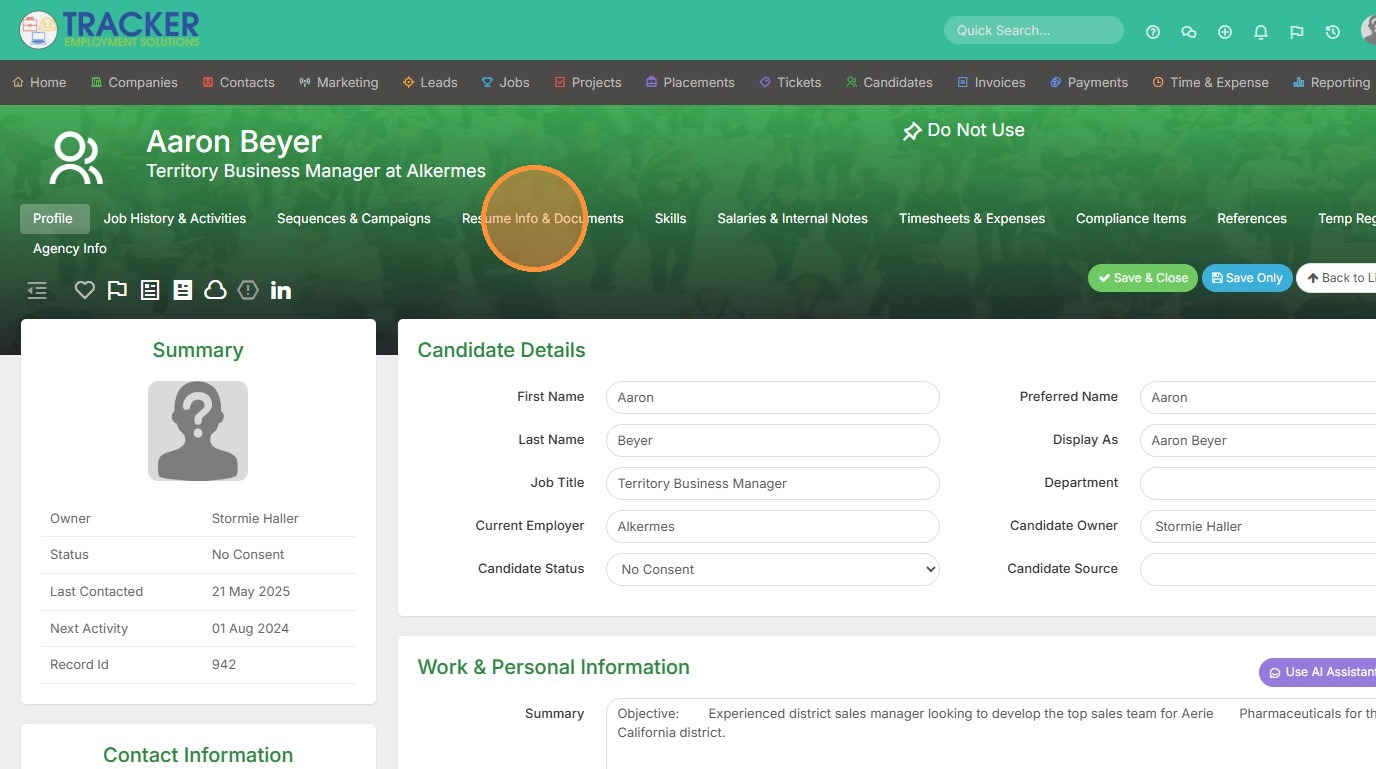
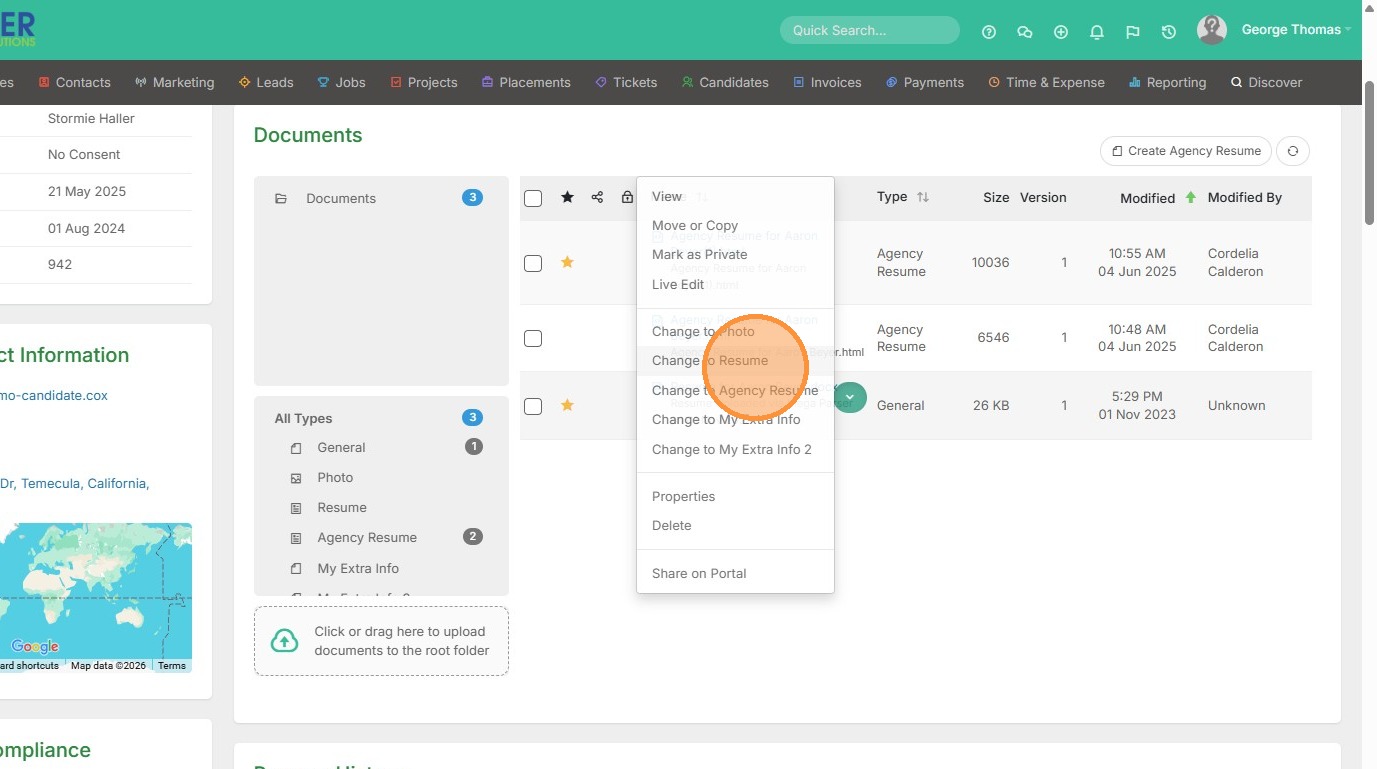
2. You will see this resume is marked as a General document, which means it won't be searchable in the Longlist or resume section of Tracker.
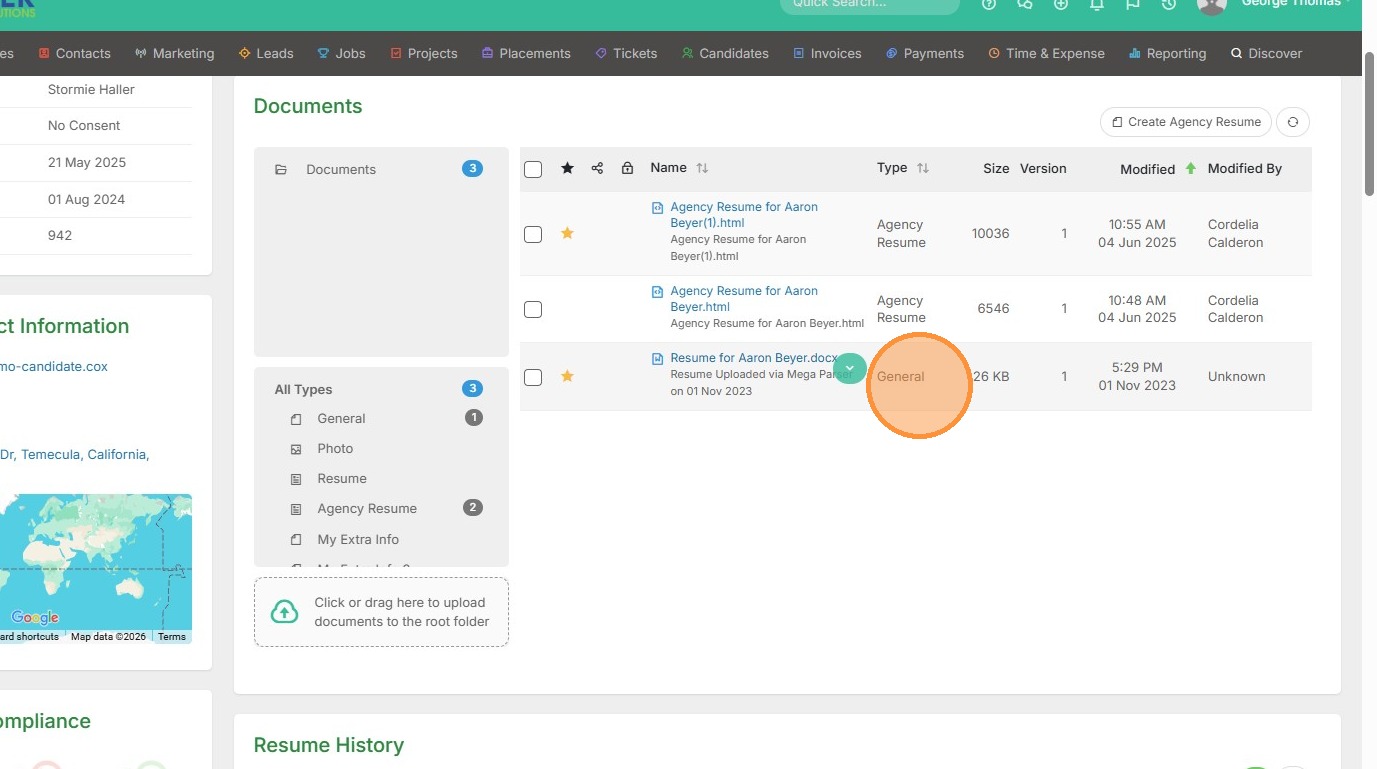
3. To change this, hover over the document and click this dropdown arrow.
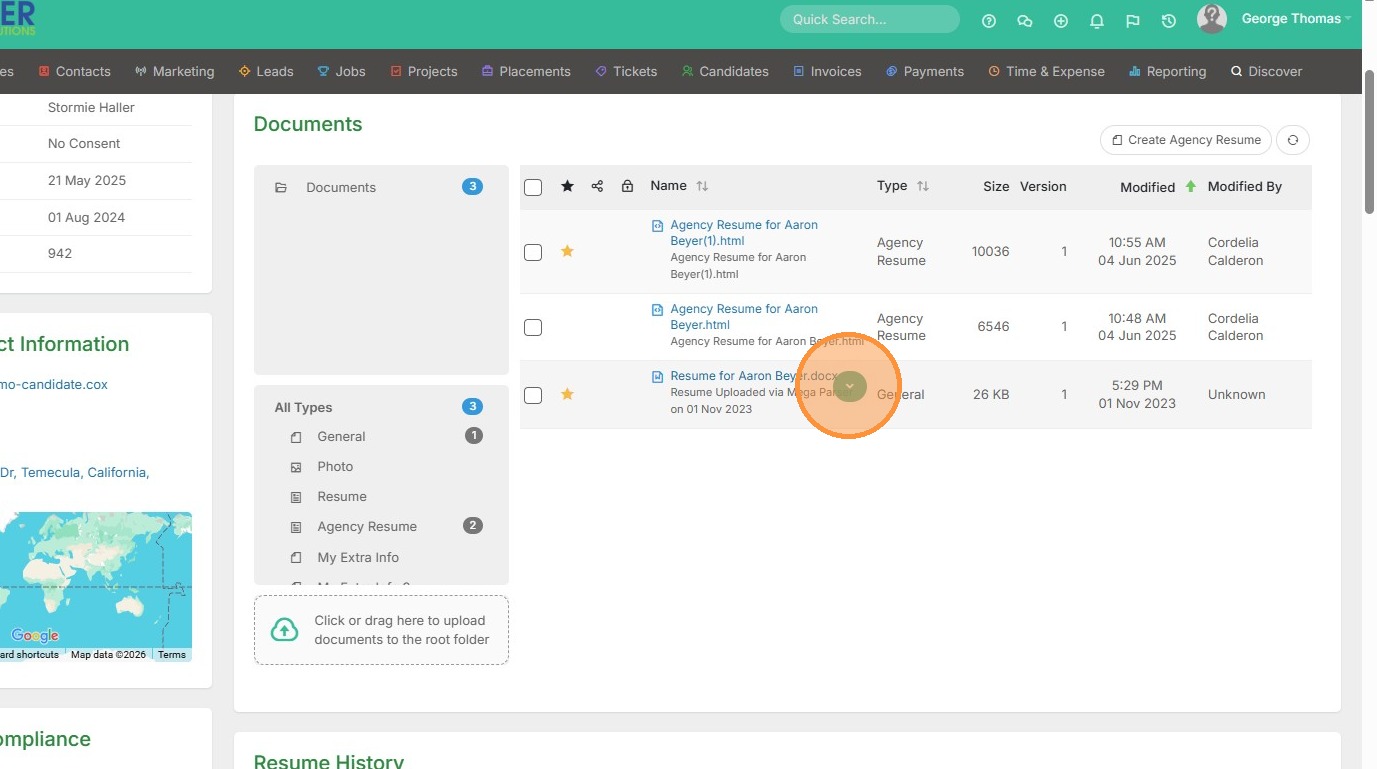
4. Click "Change to Resume"
5. Now this resume can be indexed/searchable in all areas of Tracker.