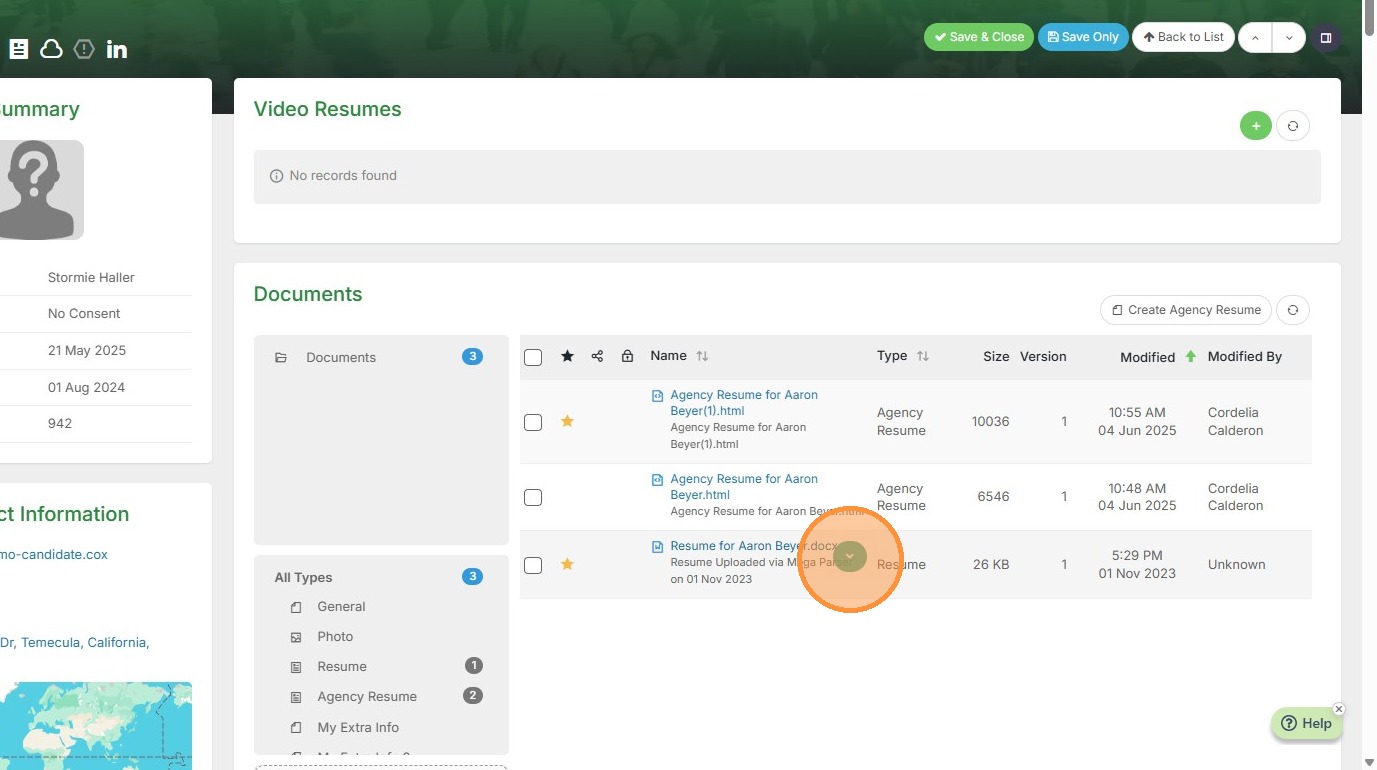
1. From within the documents section of any record, hover over the document you want to view. Click the green dropdown arrow.
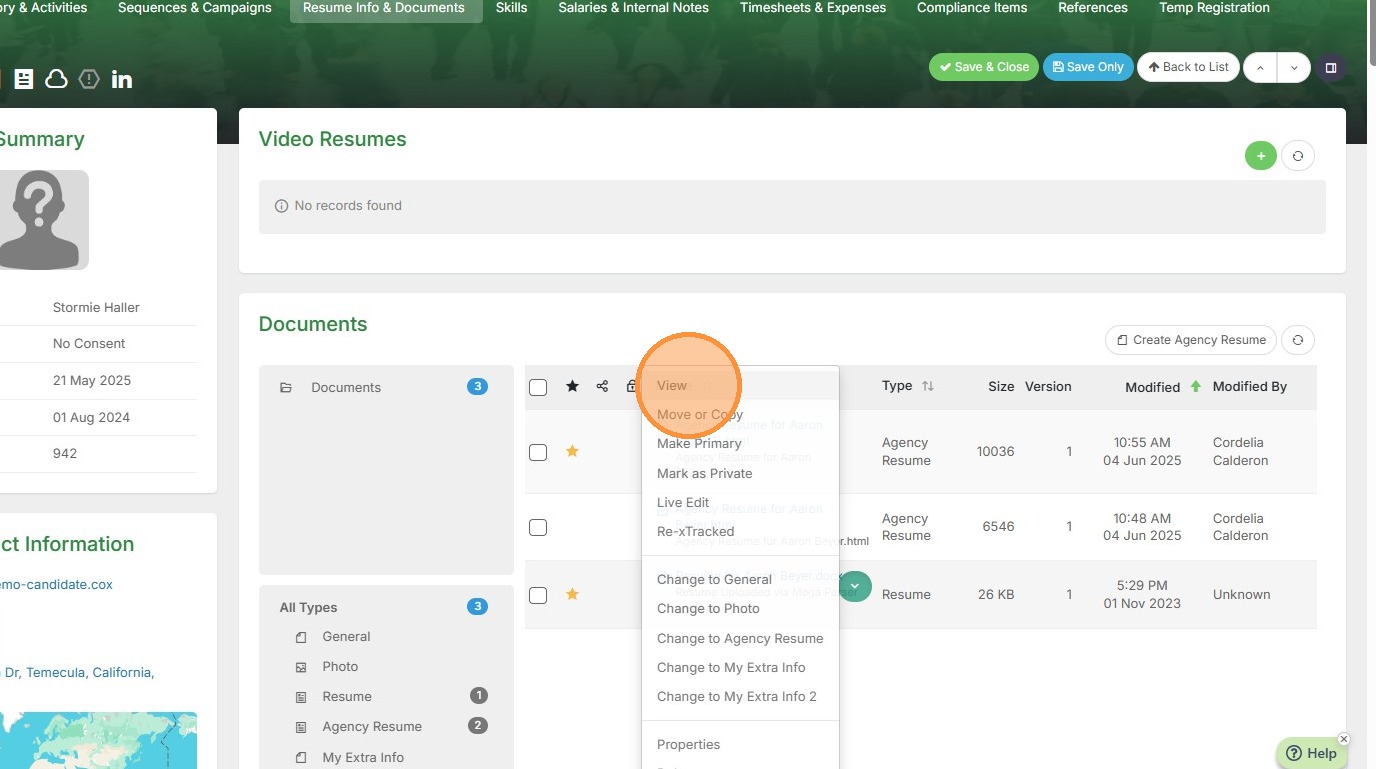
2. Click "View"
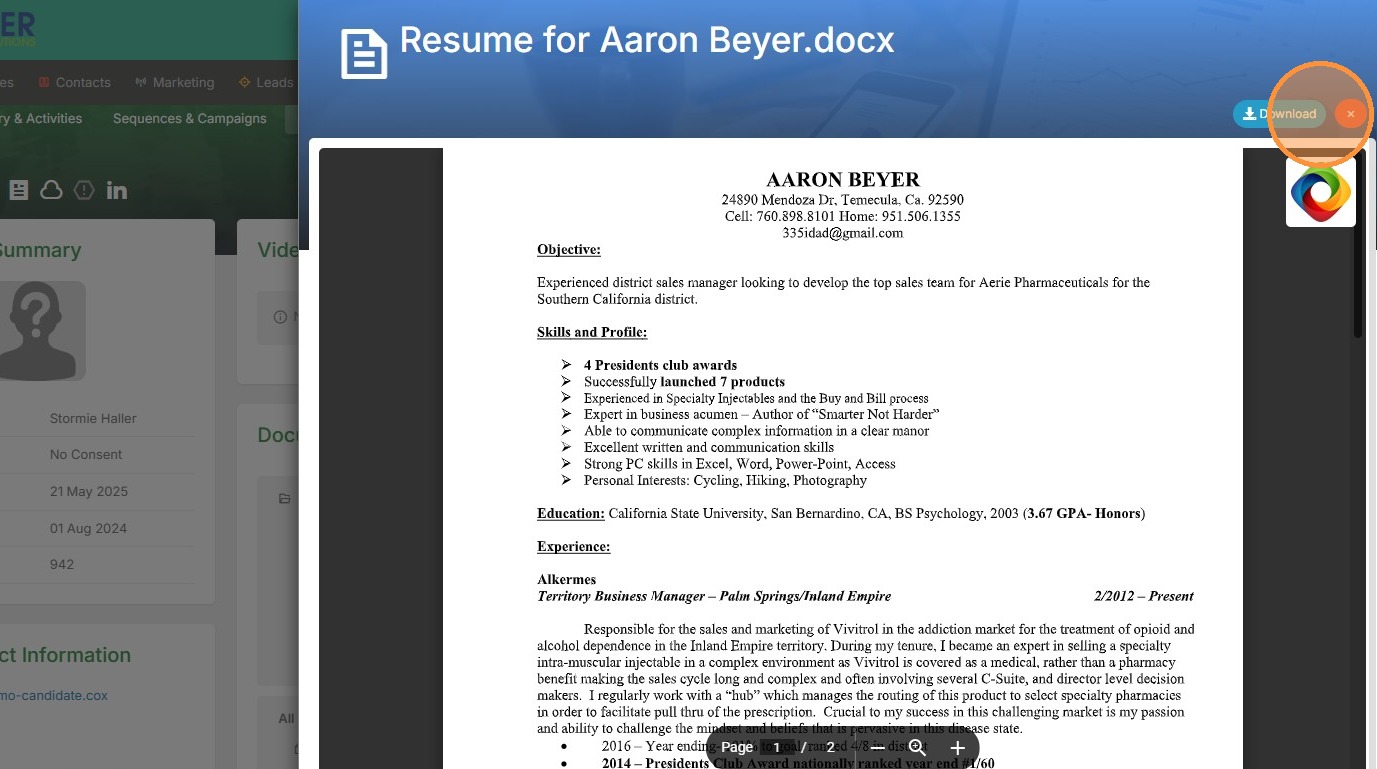
3. Now you can view the document without downloading.
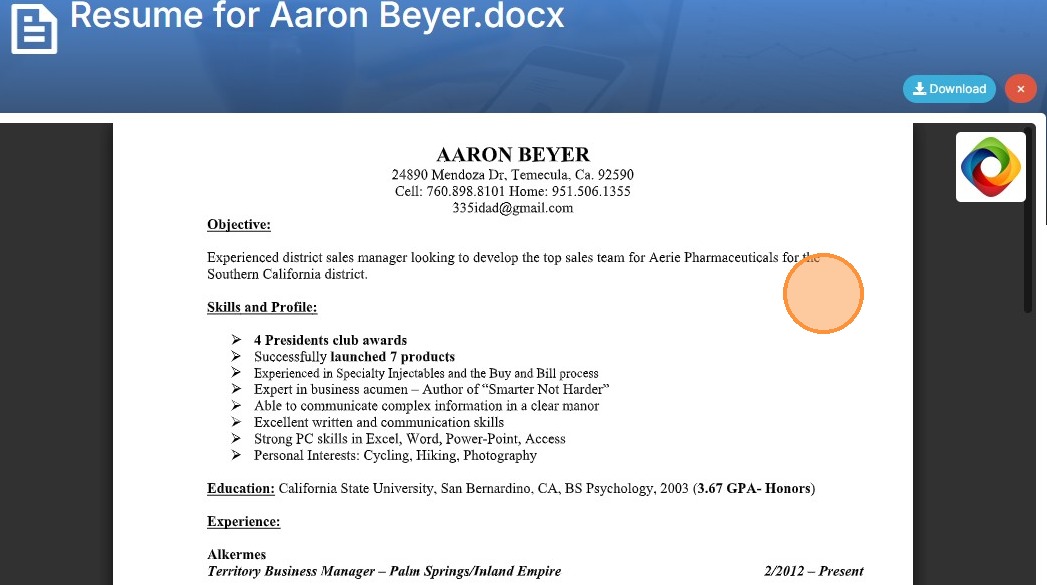
4. Click "Download" in the top right corner if you end up wanting to do so.