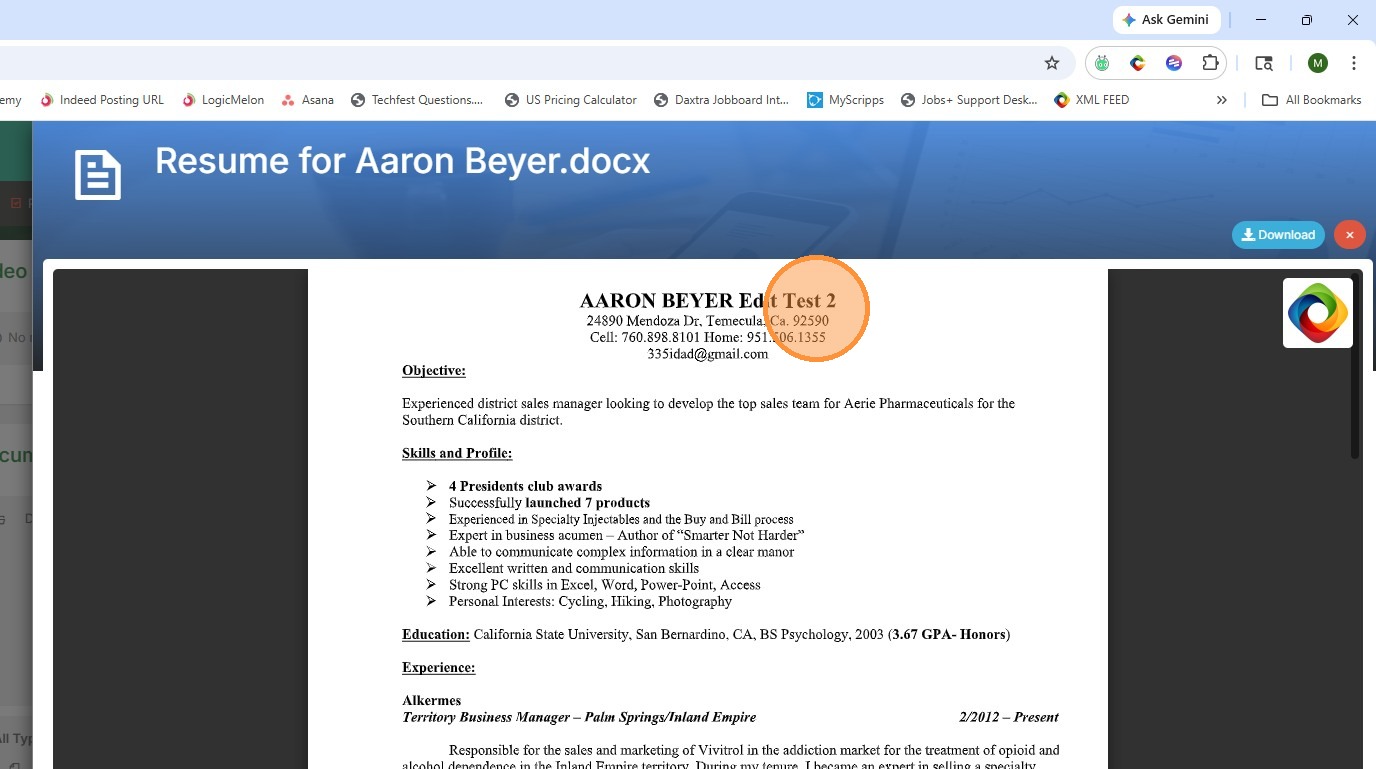
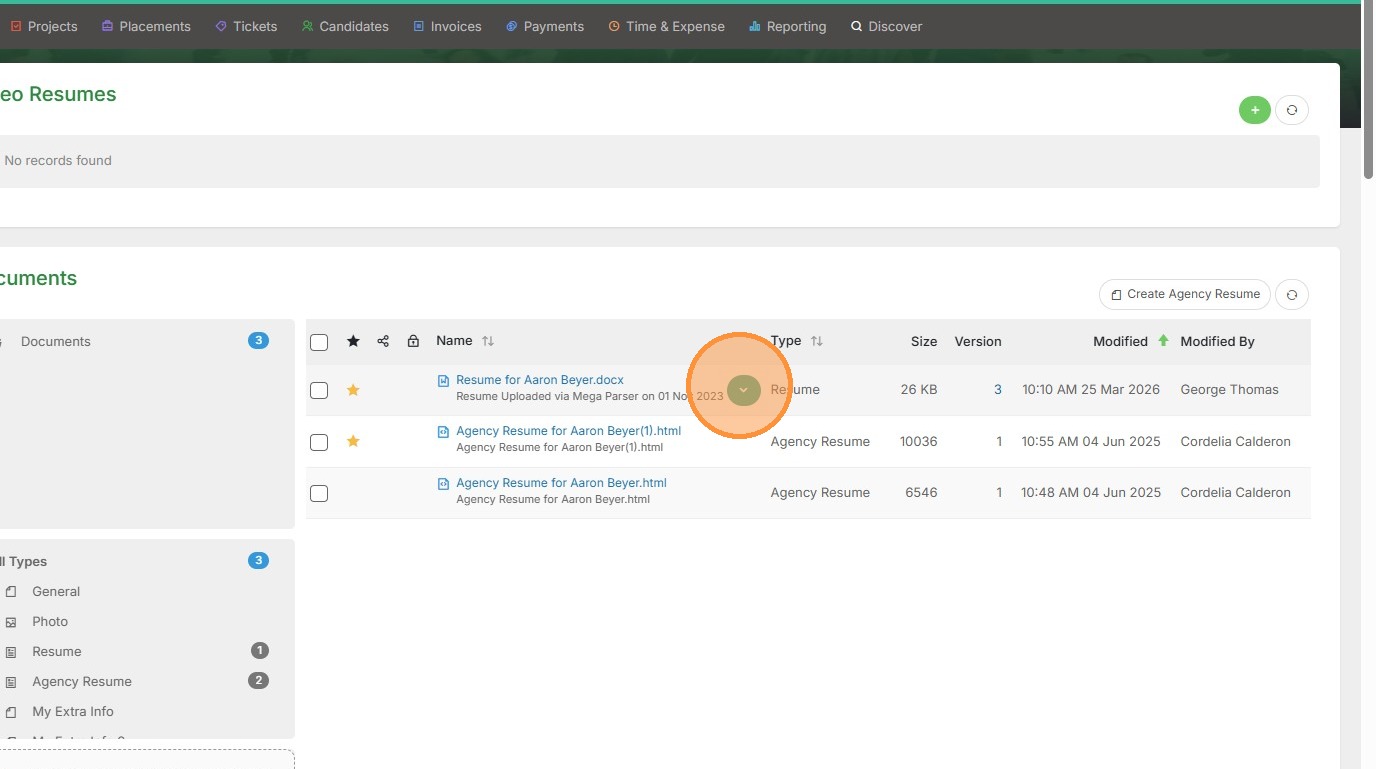
1. Click the dropdown arrow to make live edits to this document.
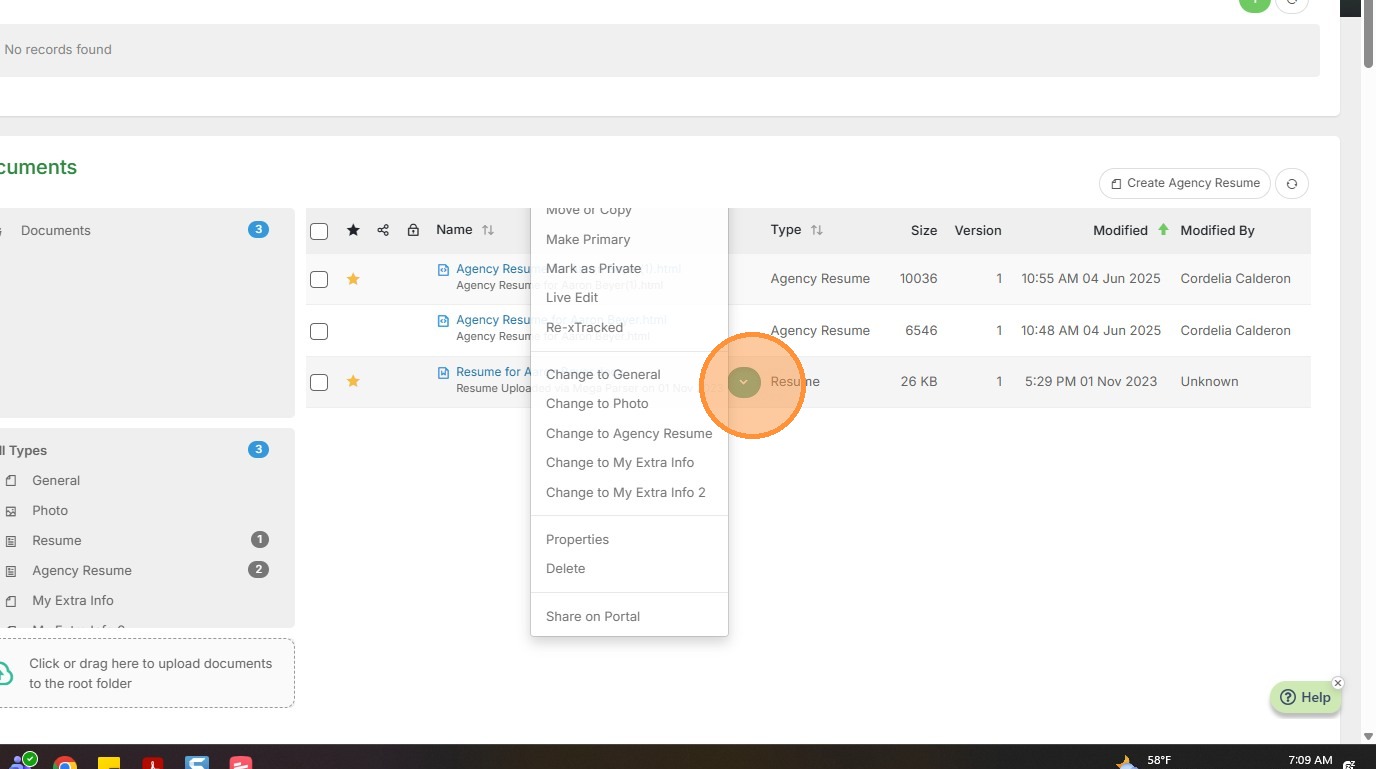
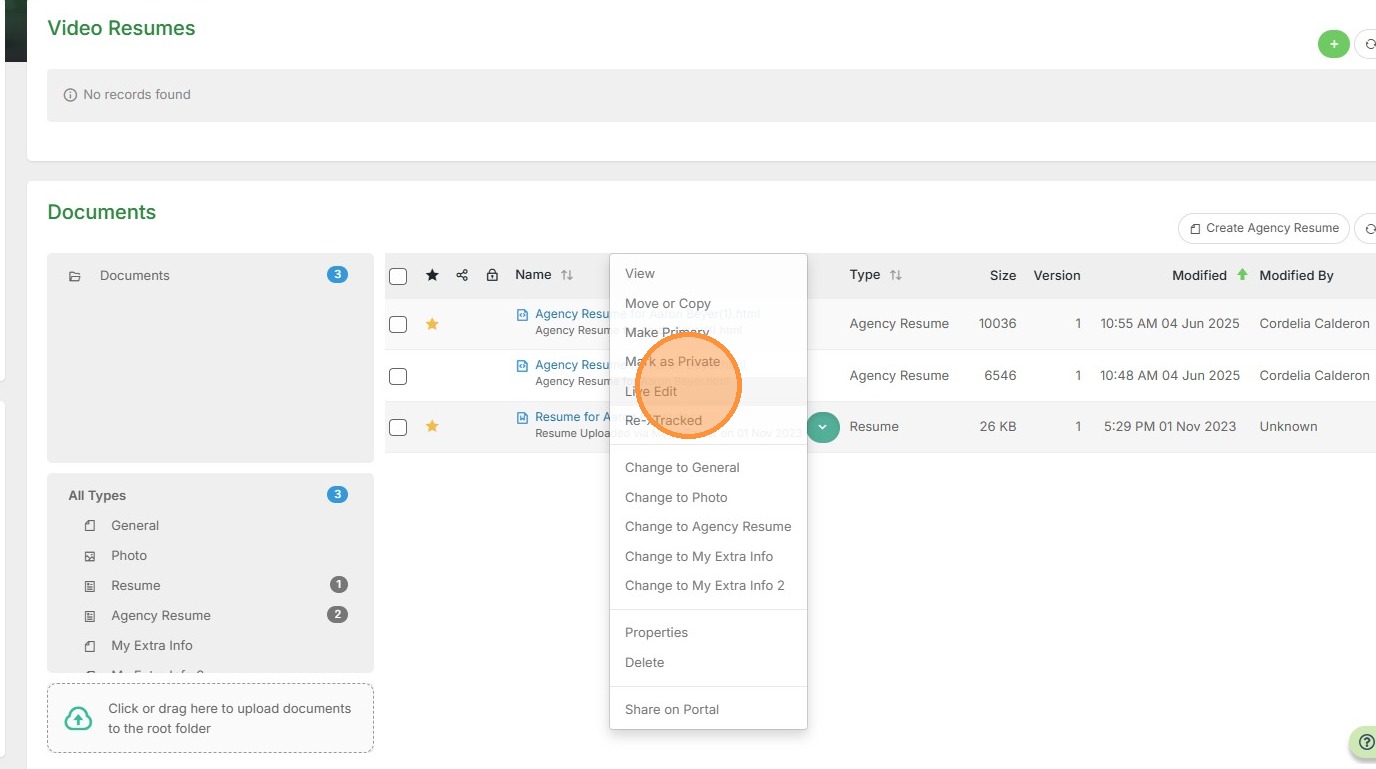
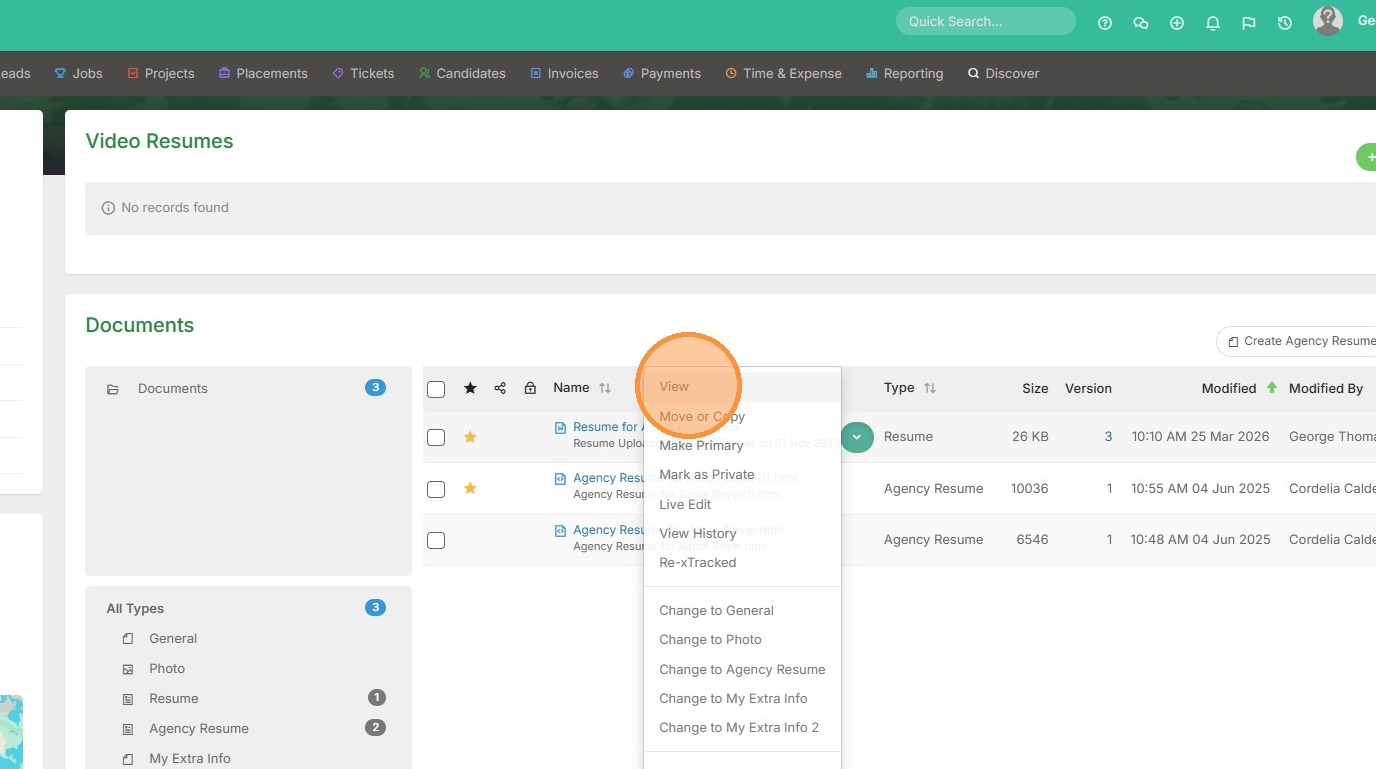
2. Select Live Edit.
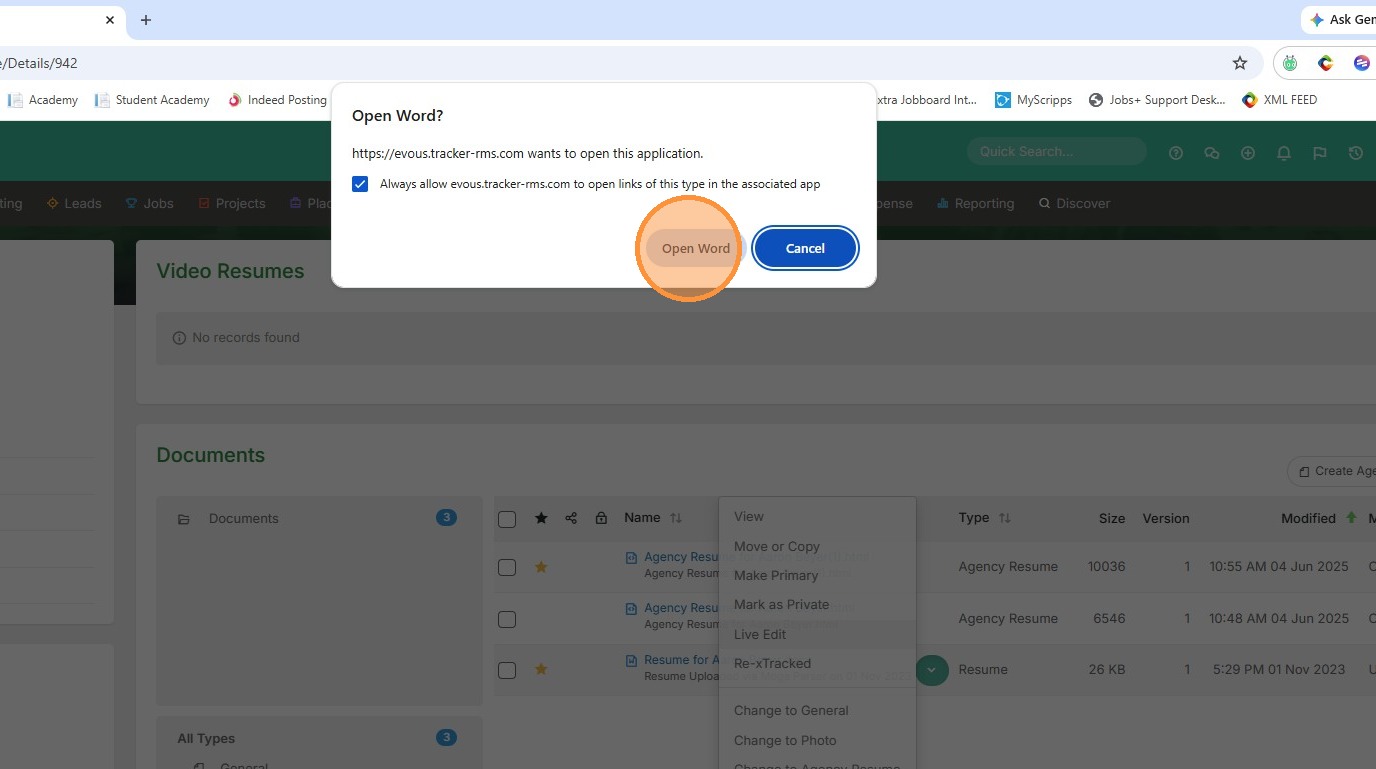
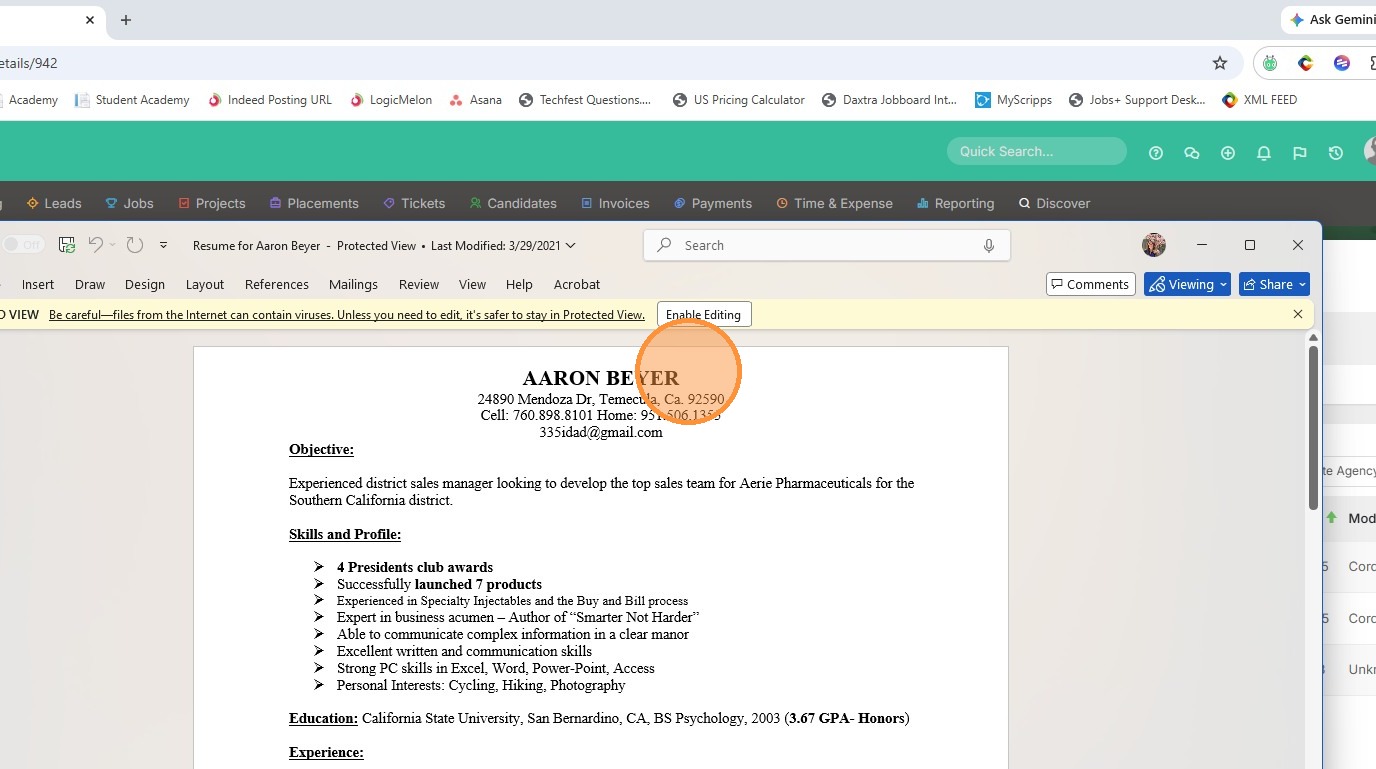
3. Open the document in word.
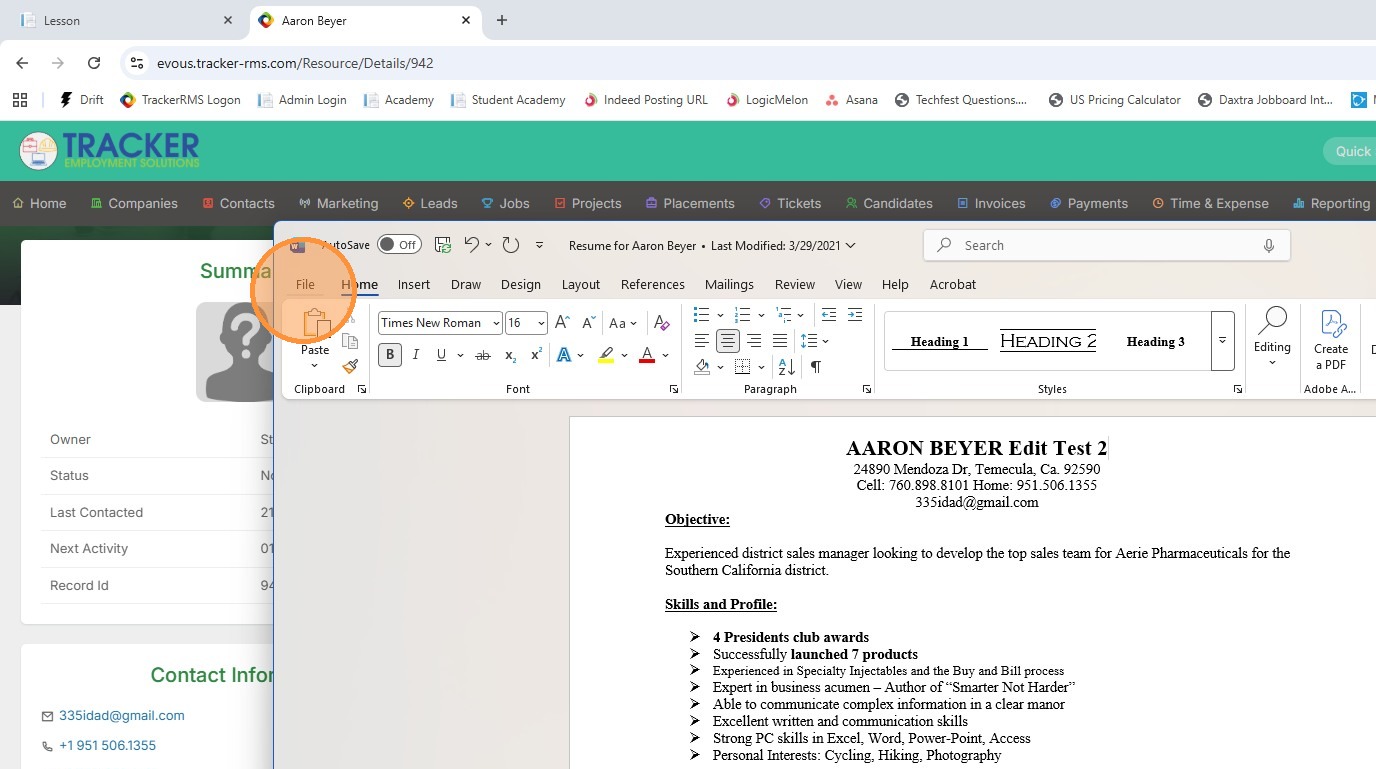
4. Make edits.
5. Save the word document as you normally would.
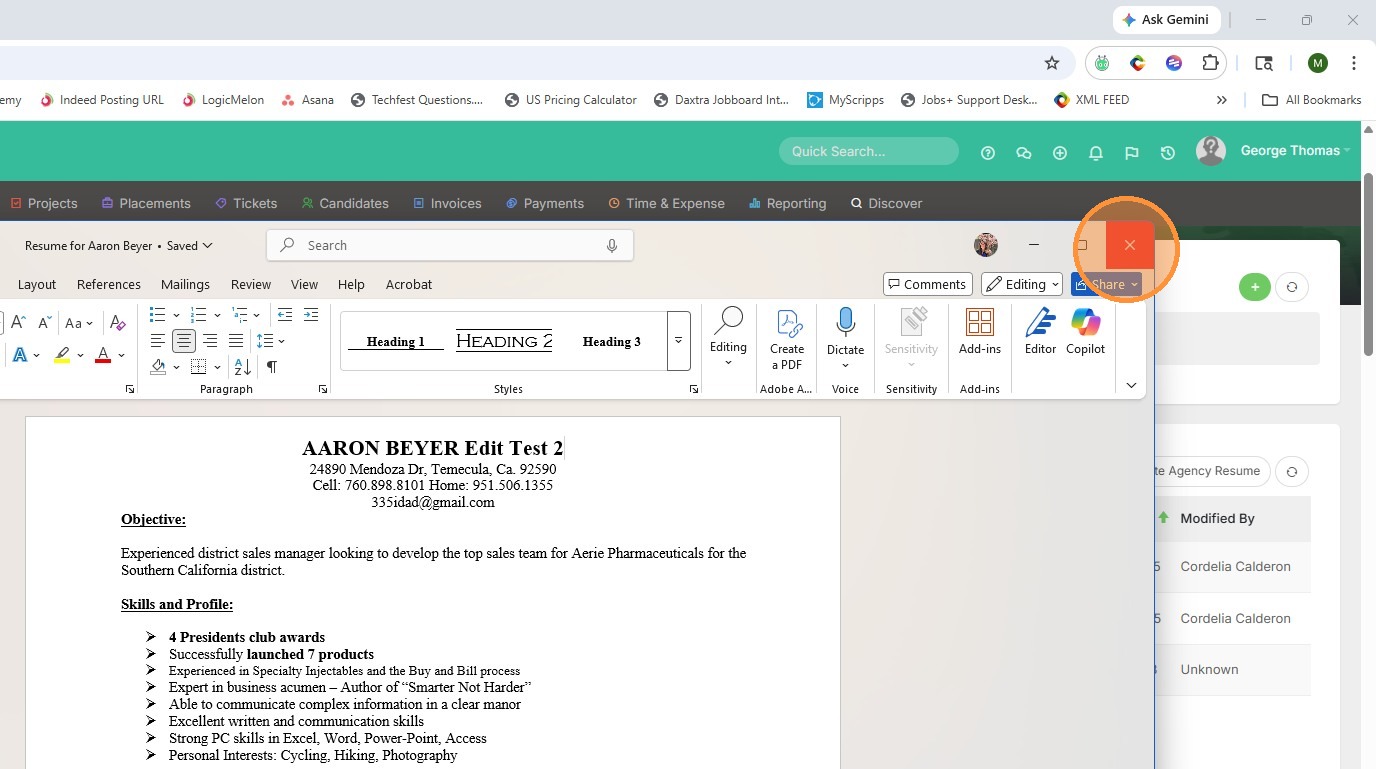
6. Click "Close"
7. Then refresh the documents screen.
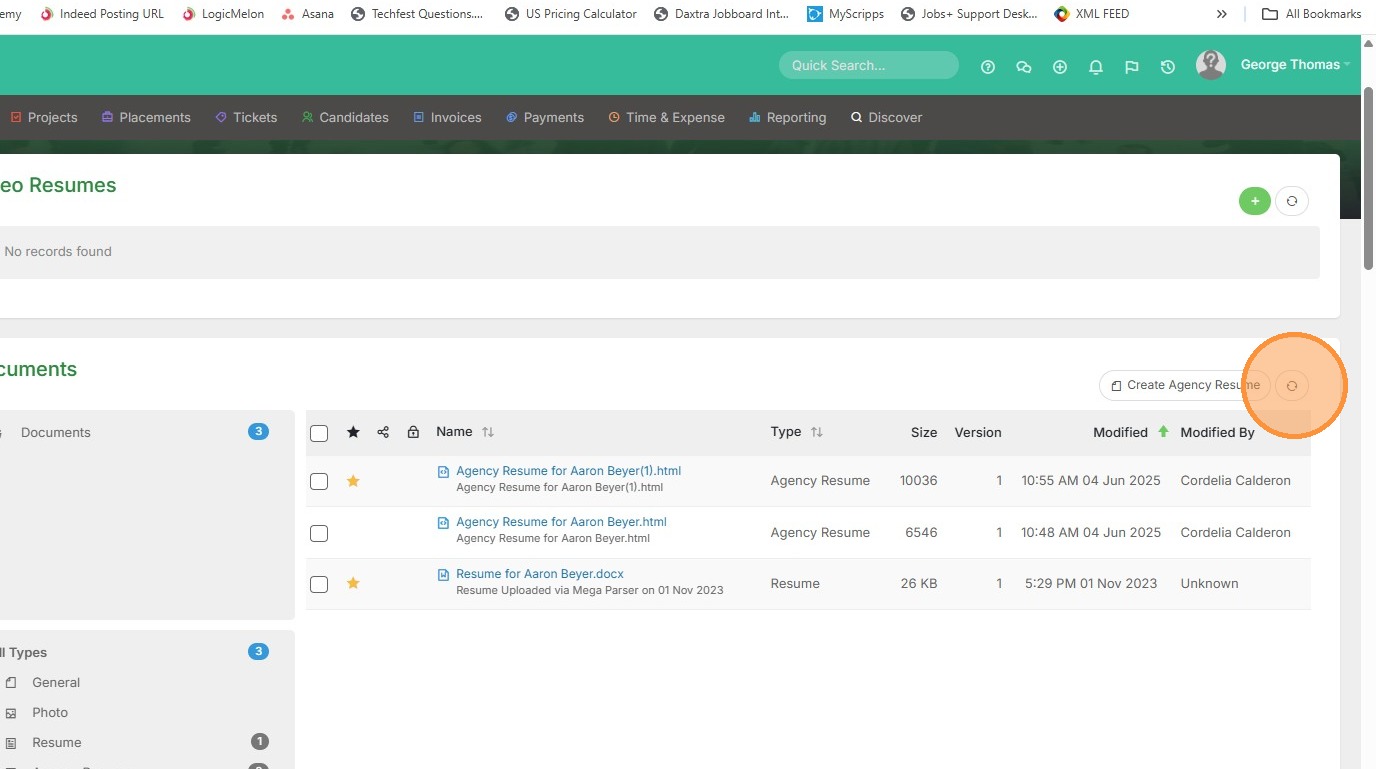
8. Click the dropdown arrow on that same document to check your work.
9. Click View.
10. Voila.