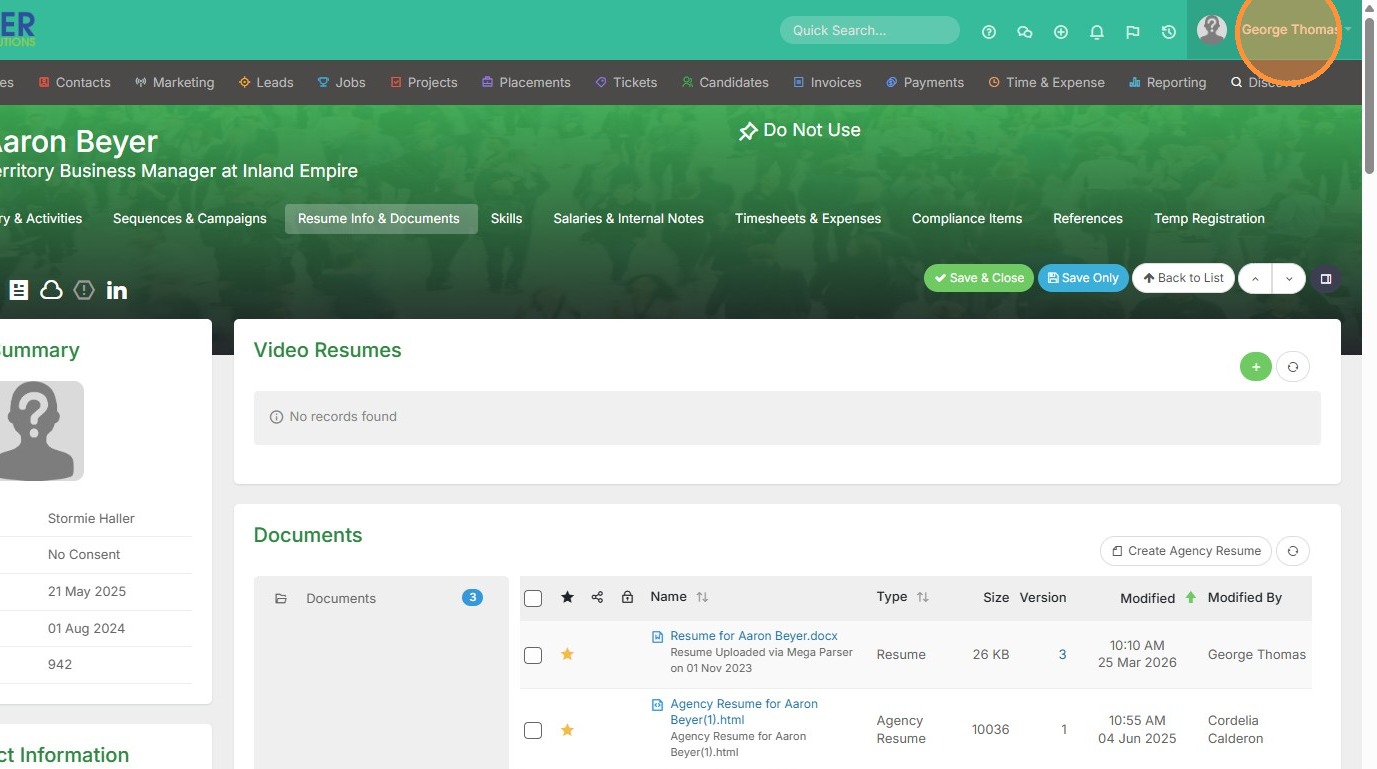
1. Click on your name in the top right corner of the screen.
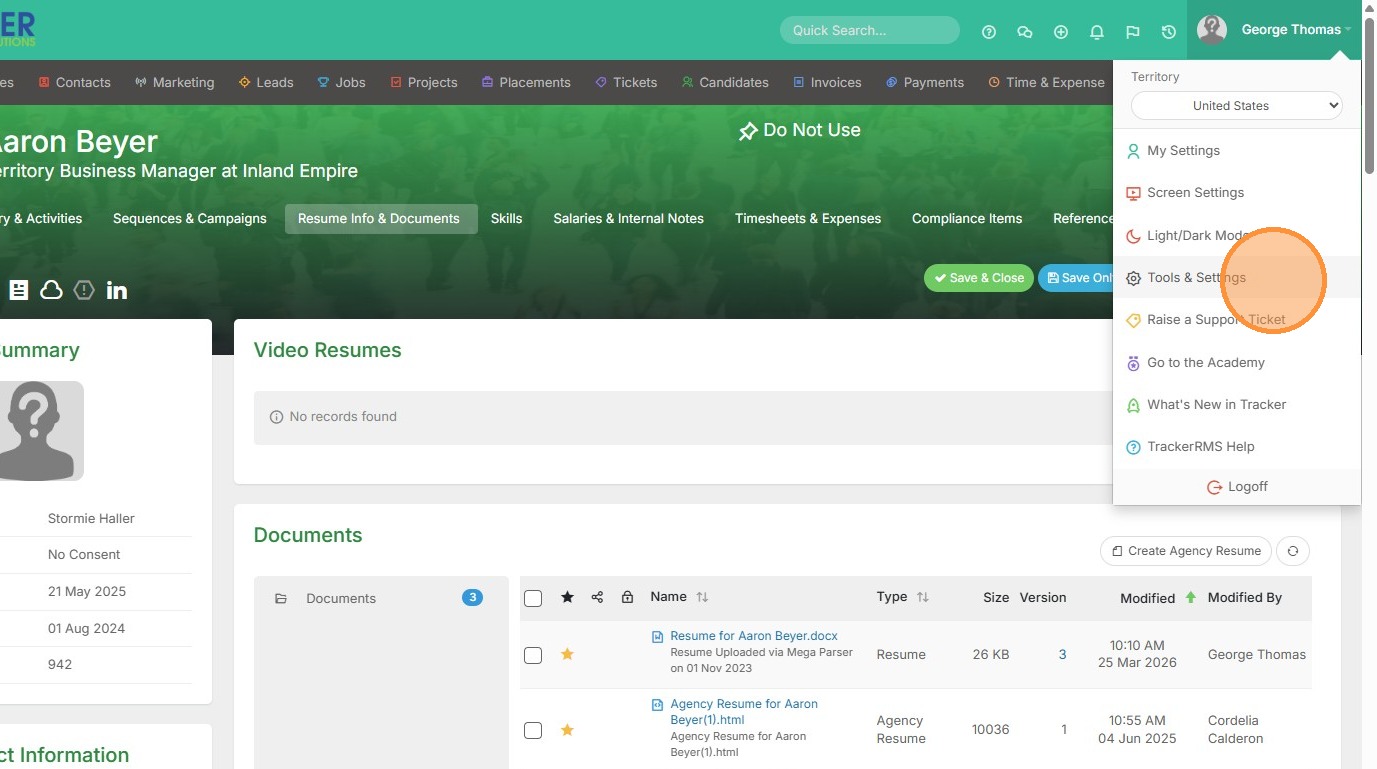
2. Click "Tools & Settings"
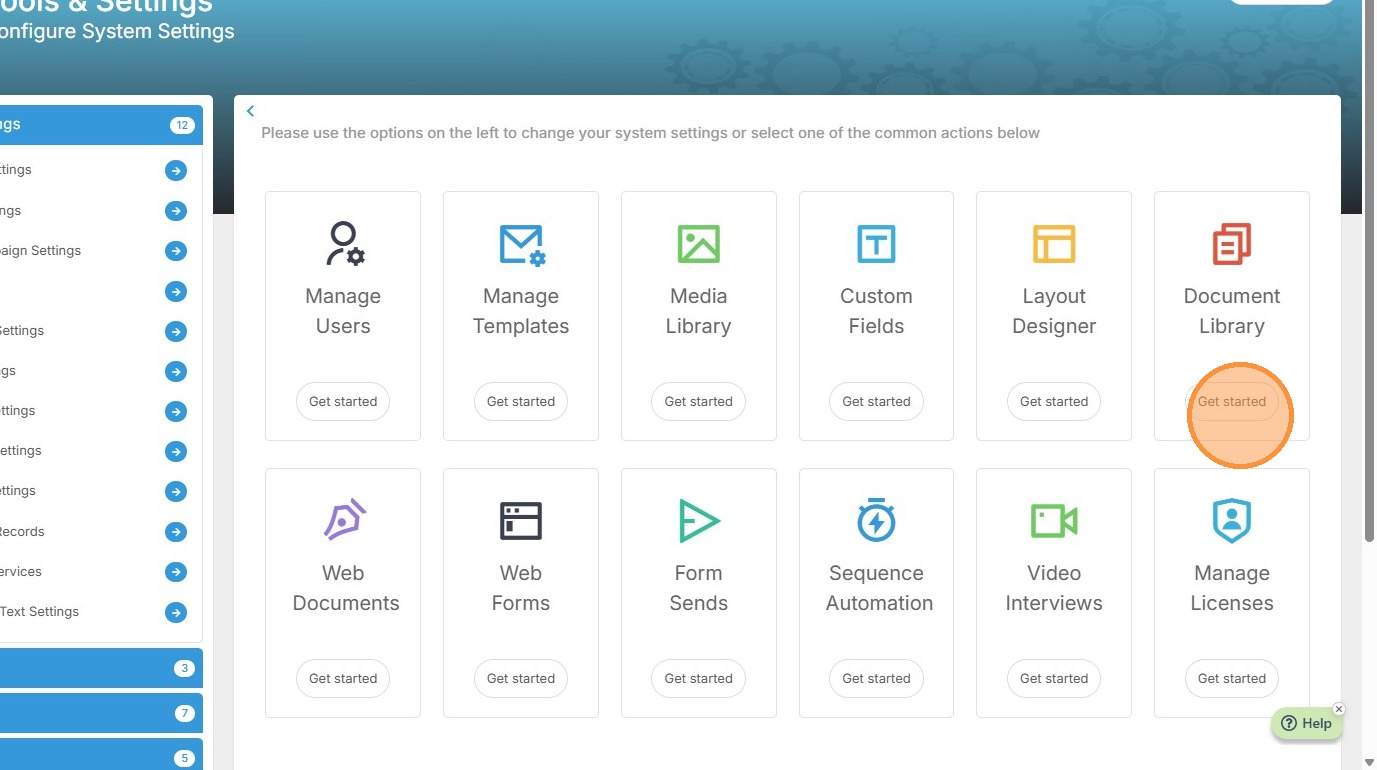
3. Click "Document Library"
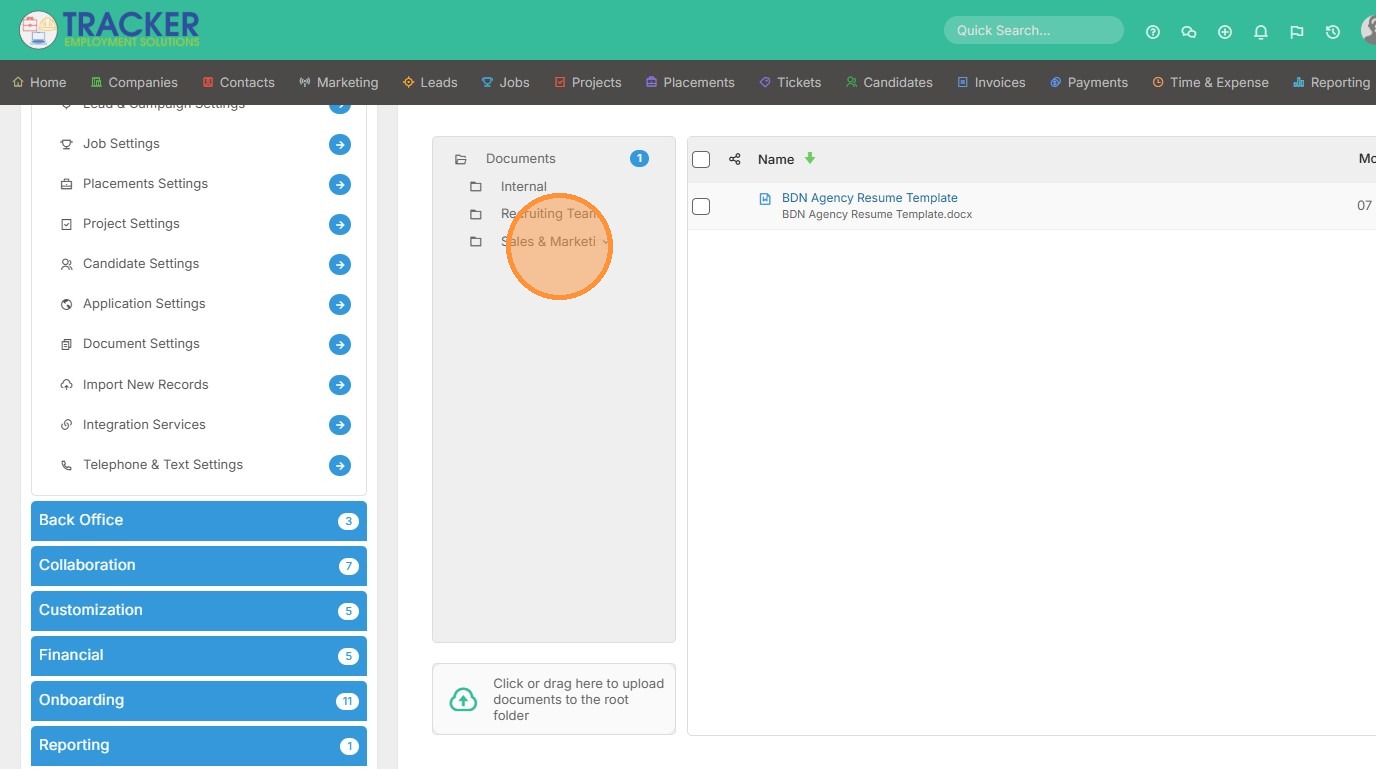
4. Select the folder you want to add the document to.
5. Click "Click or drag here to upload documents to the Sales & Marketing folder"
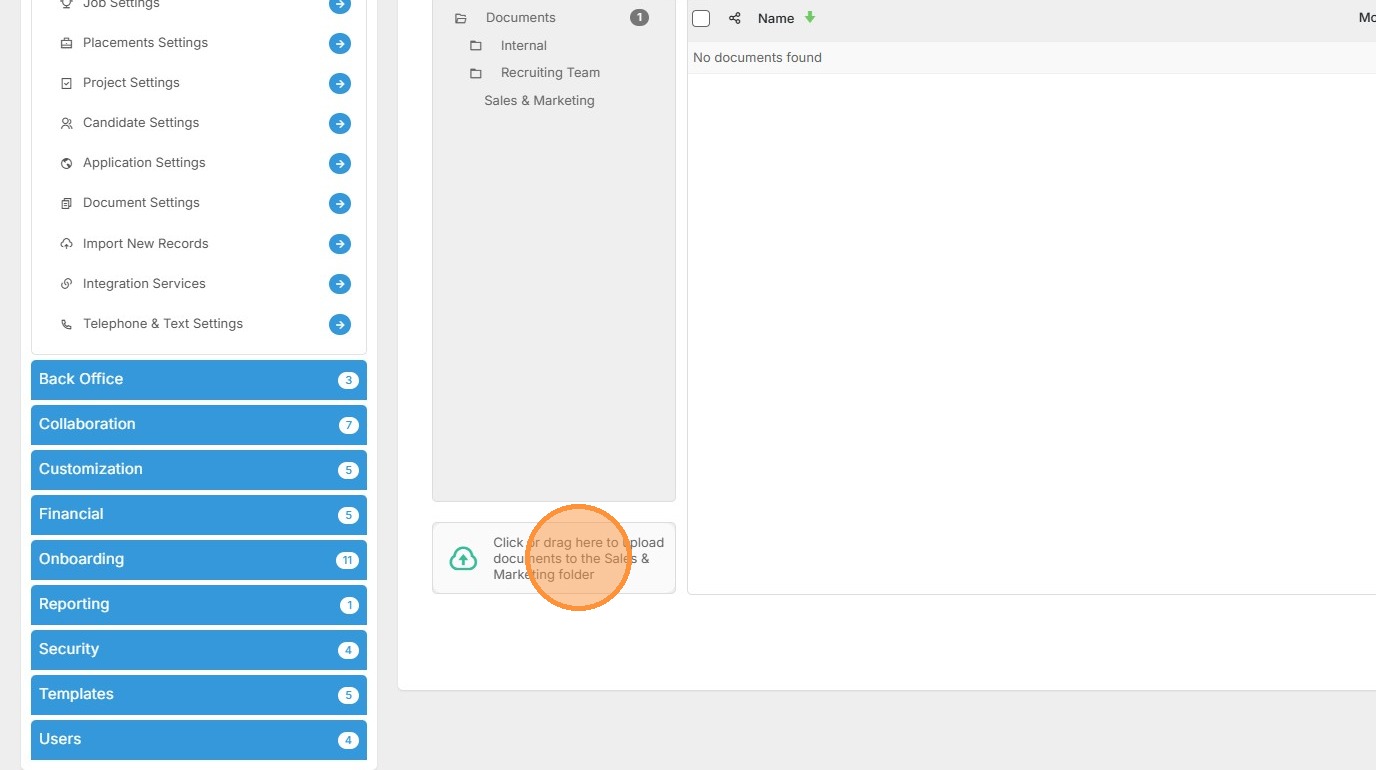
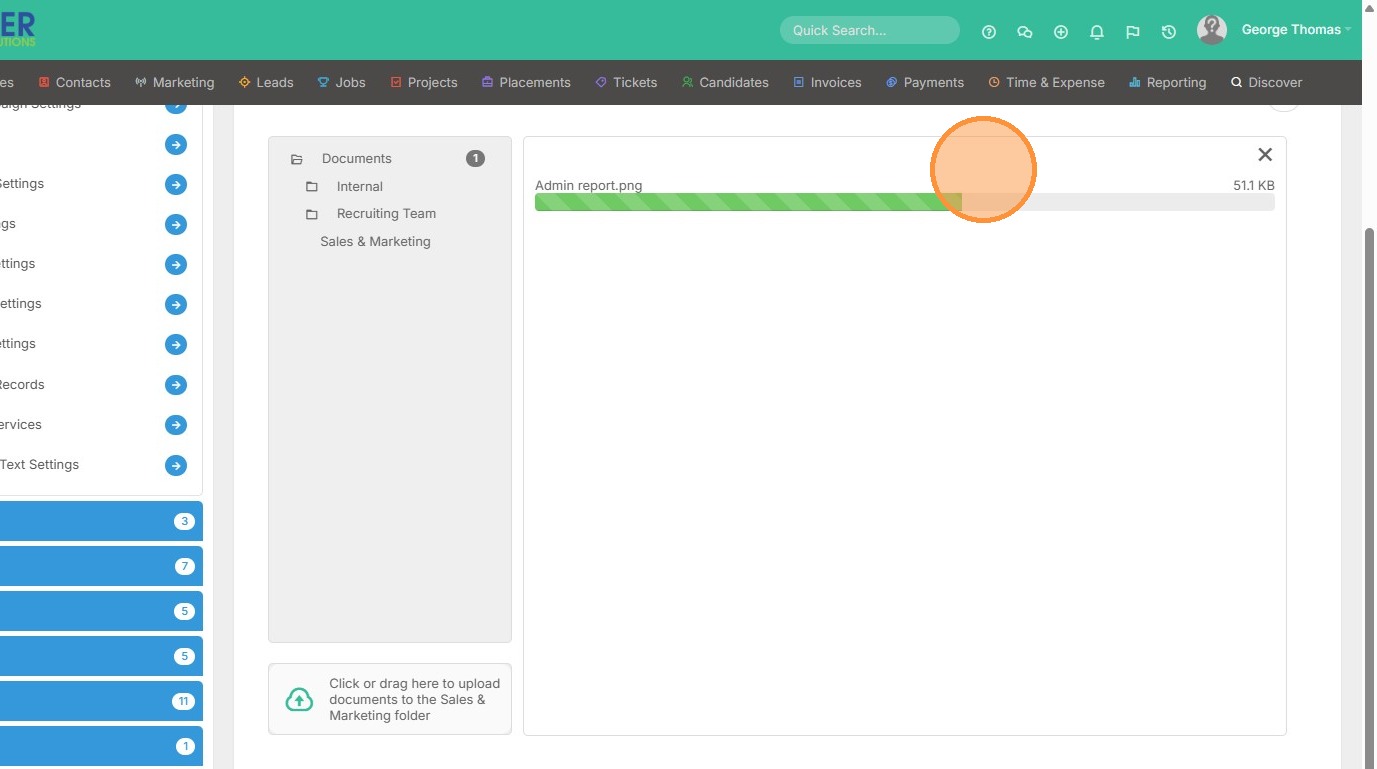
6. Once you select a document, it will start downloading. Once complete, the green bar will disappear and you will see the document loaded.