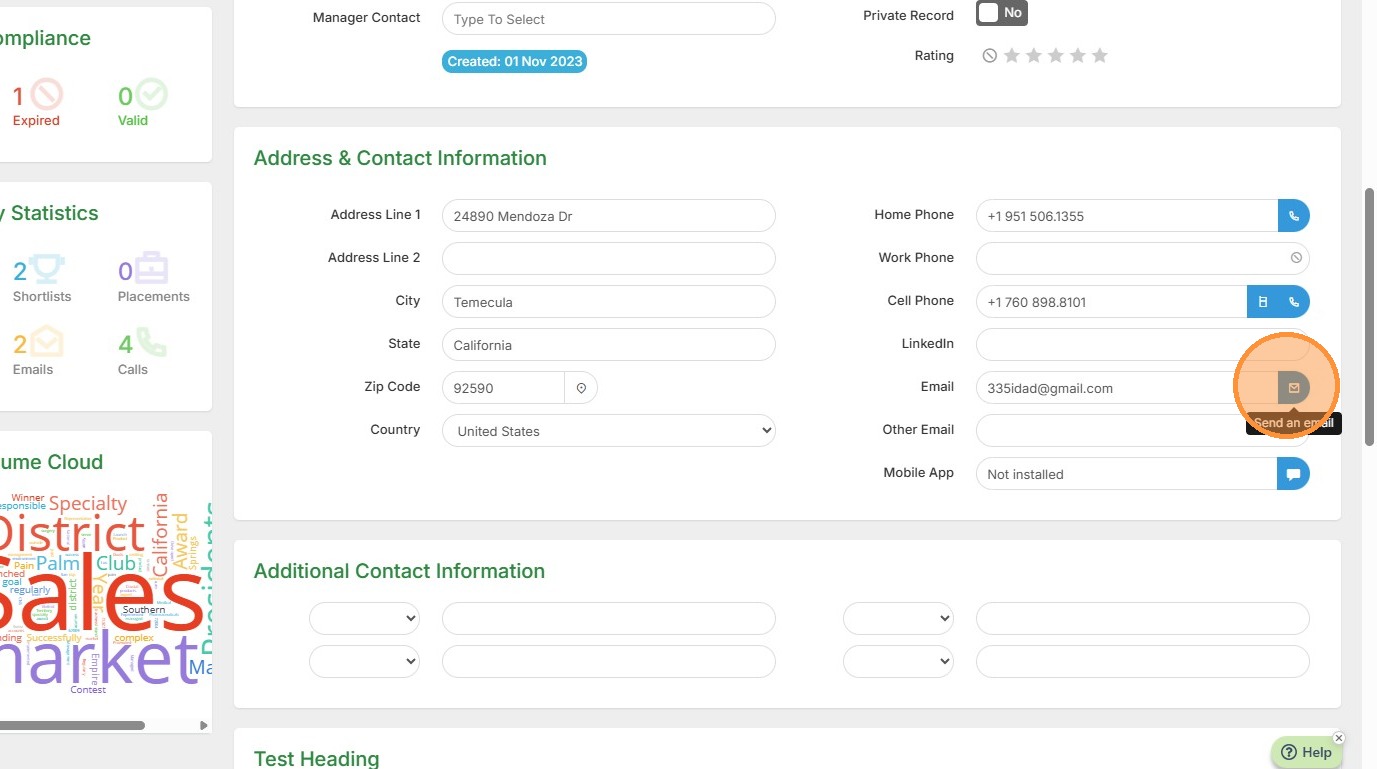
1. Select the email option to get started.
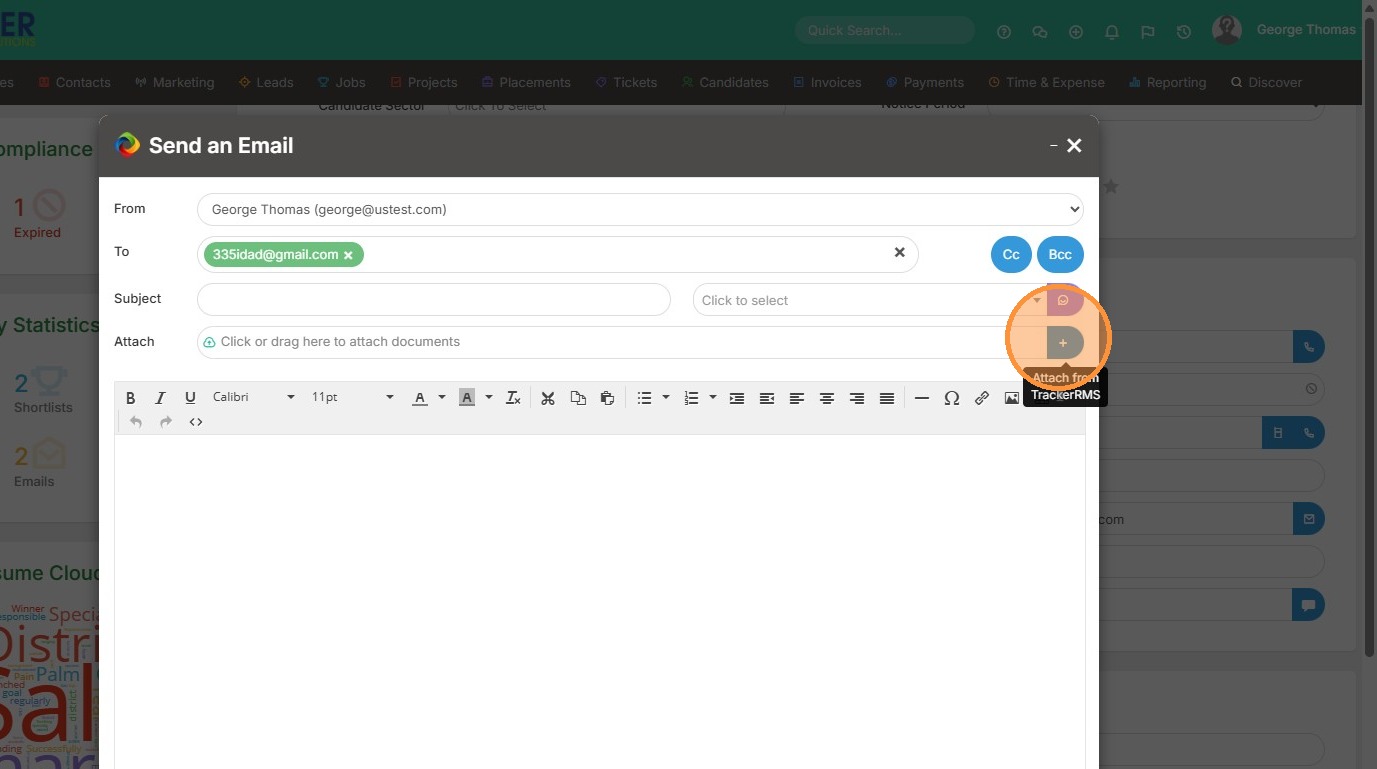
2. Click here to add an attachment from the document library.
3. Click "Document Library"
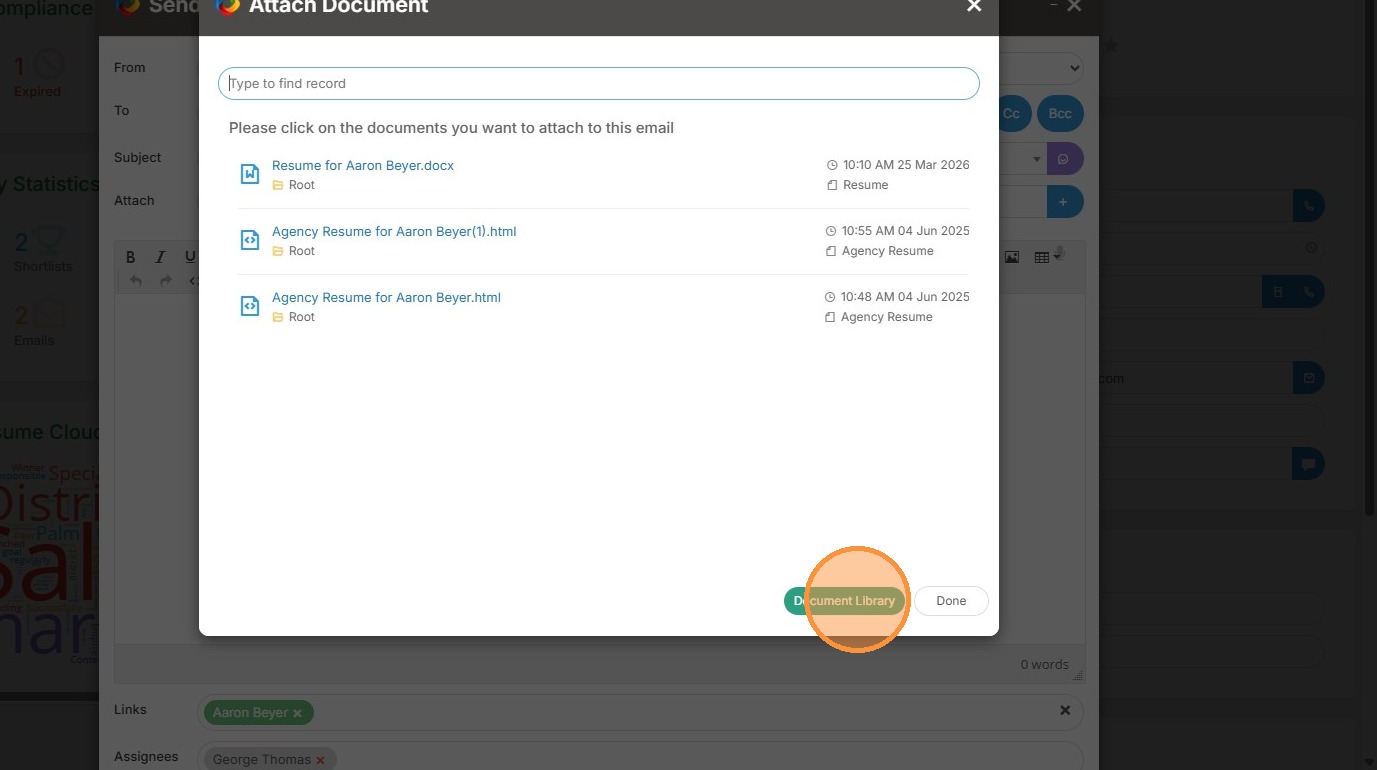
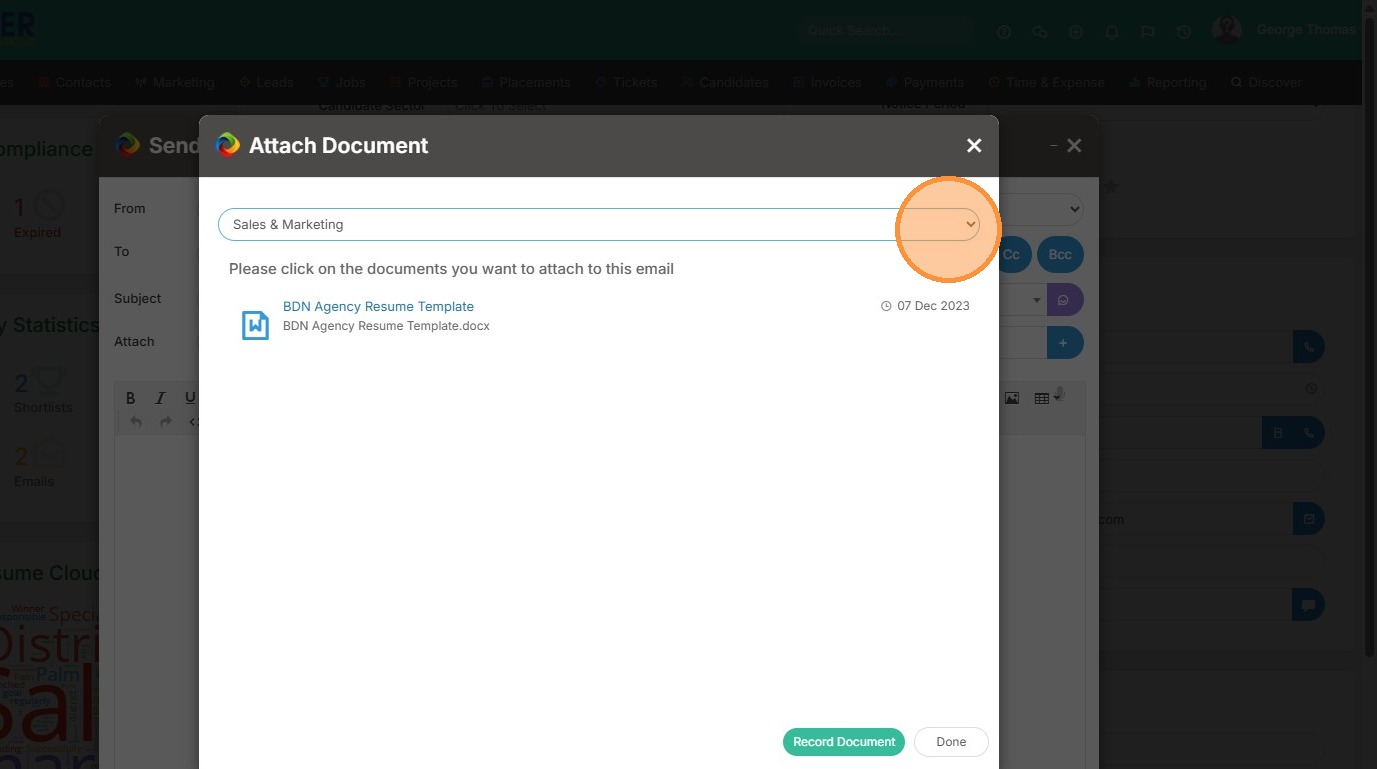
4. Select the folder your document is located in.
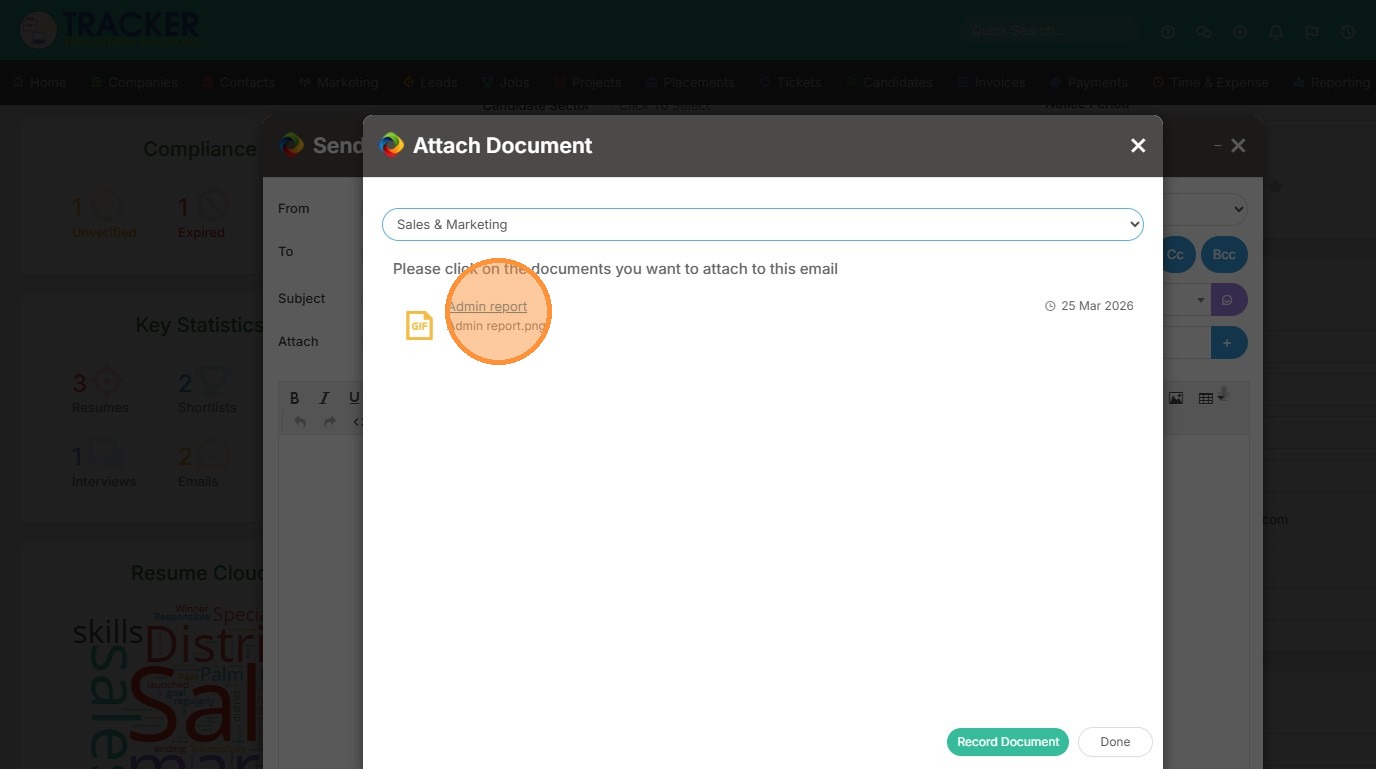
5. Select the document.
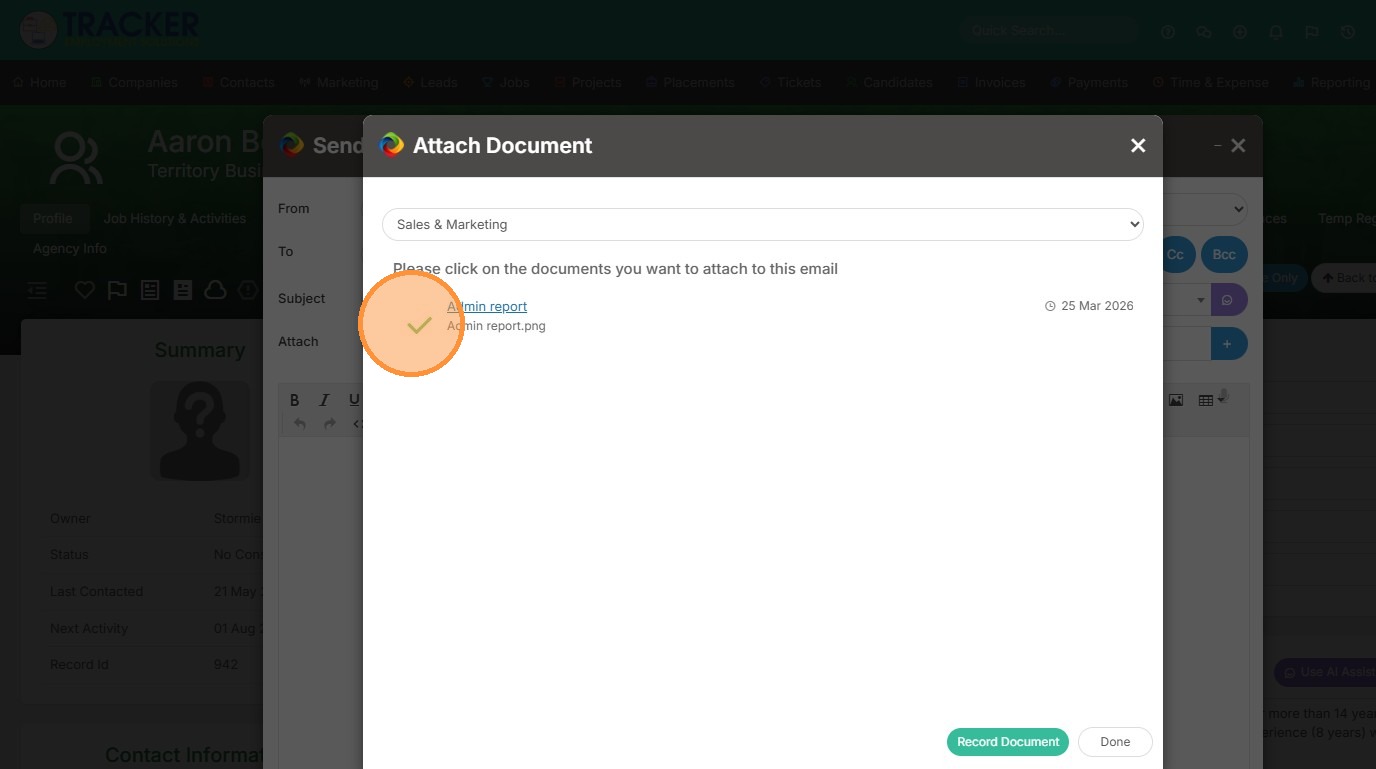
6. It will show a green check once selected.
7. Click "Done"
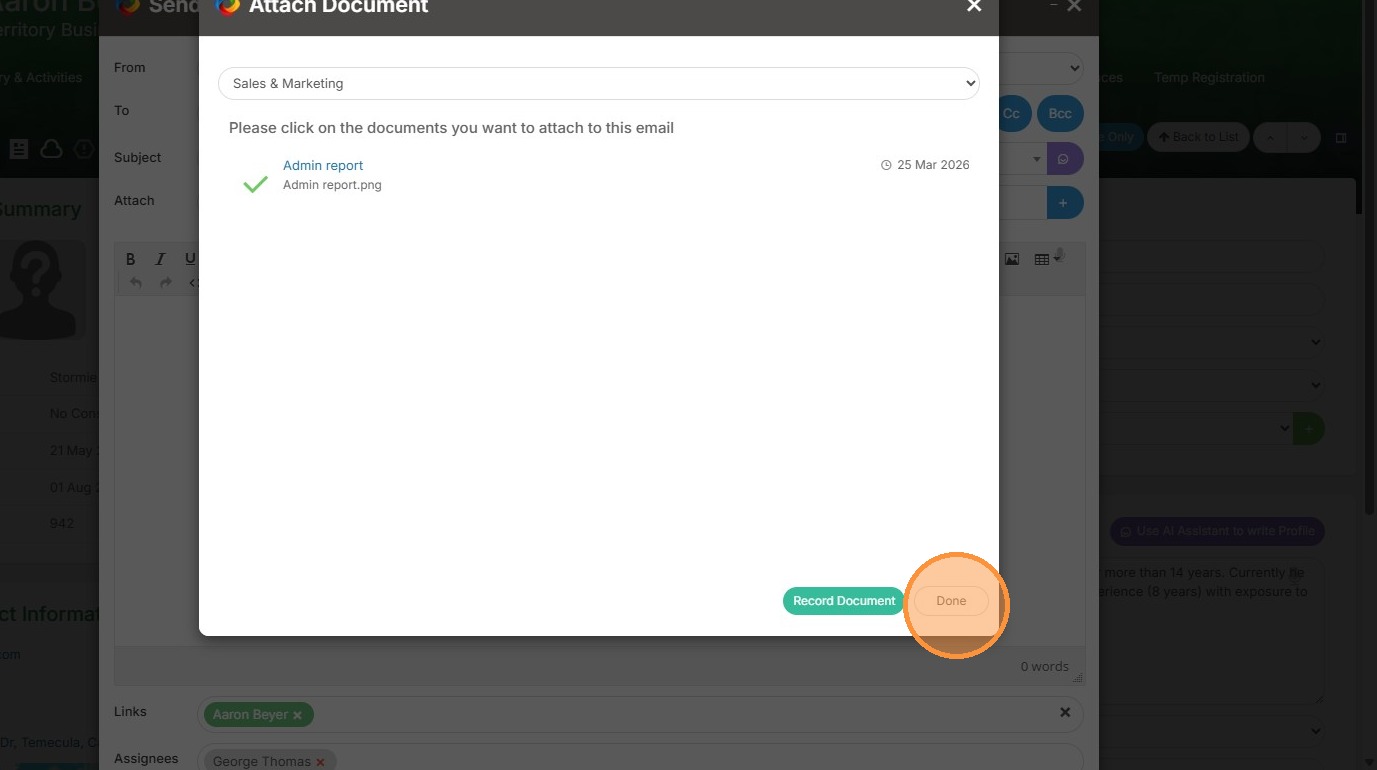
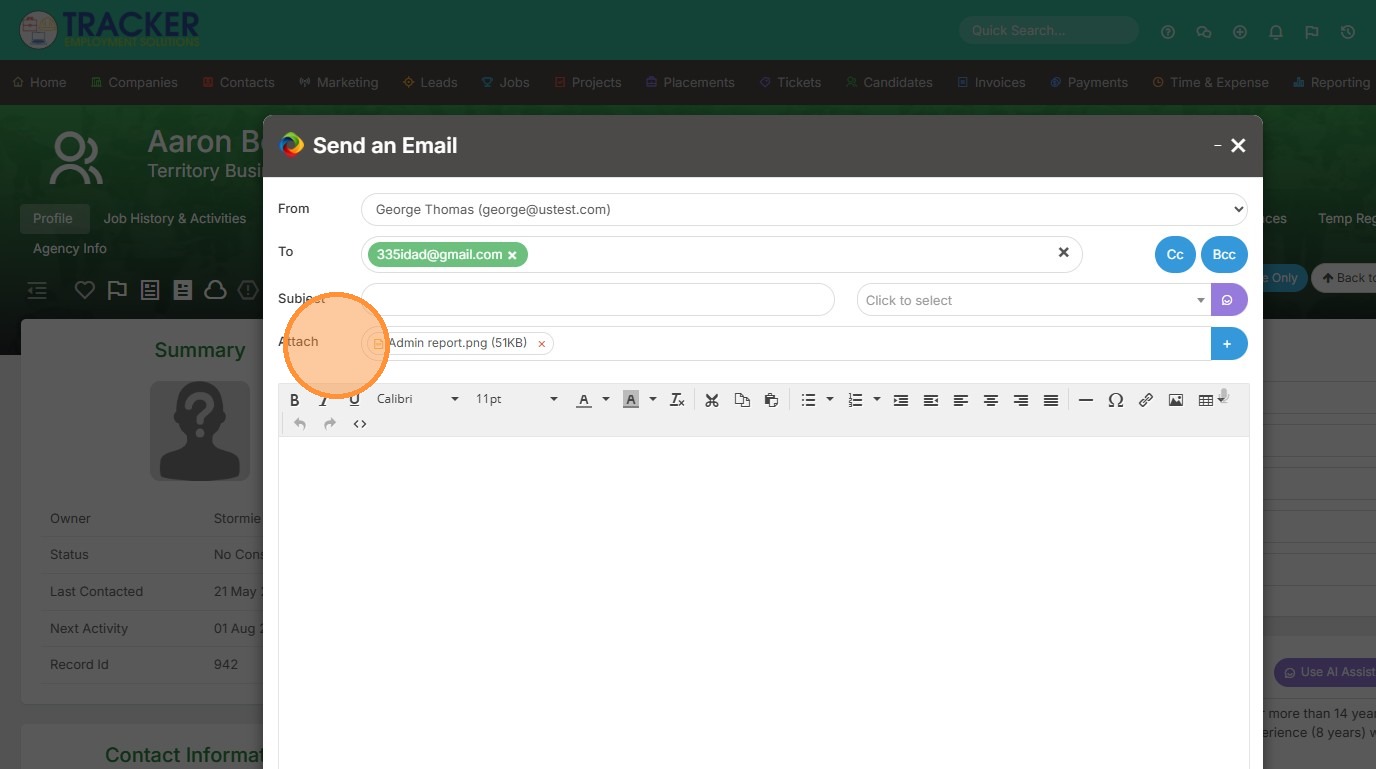
8. Now you can see the document has attached.