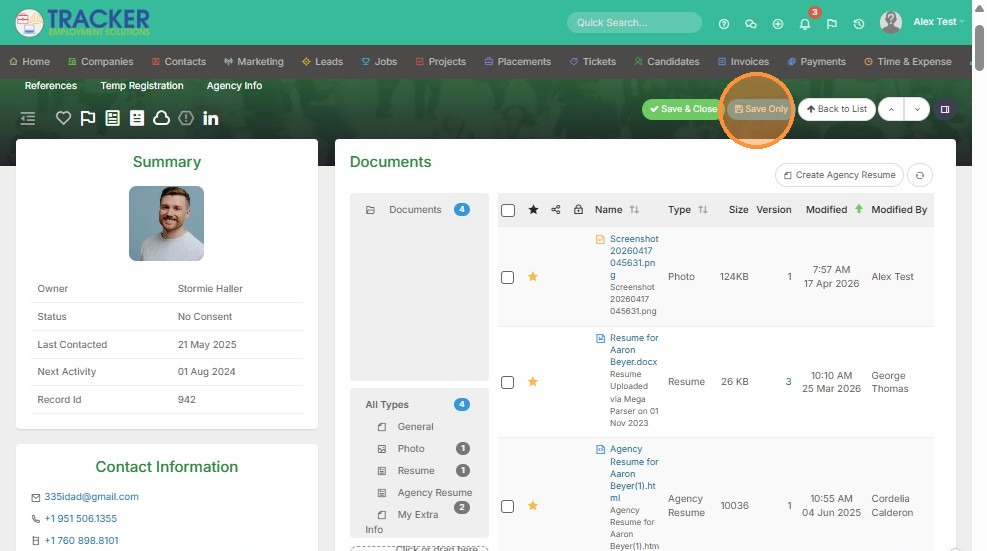
This lesson shows you how to Edit an Existing Image
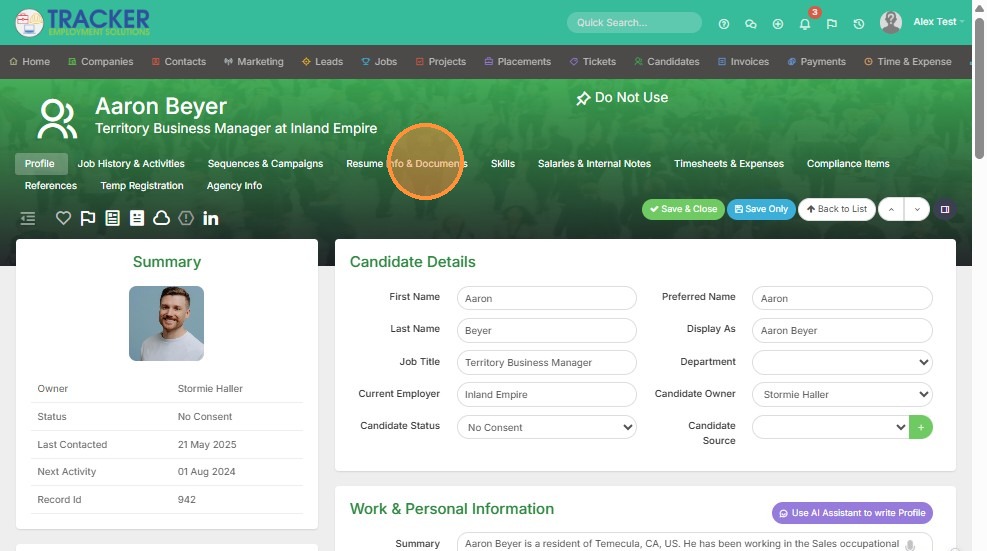
1. Click into the Documents section of the record you want to edit the image for.
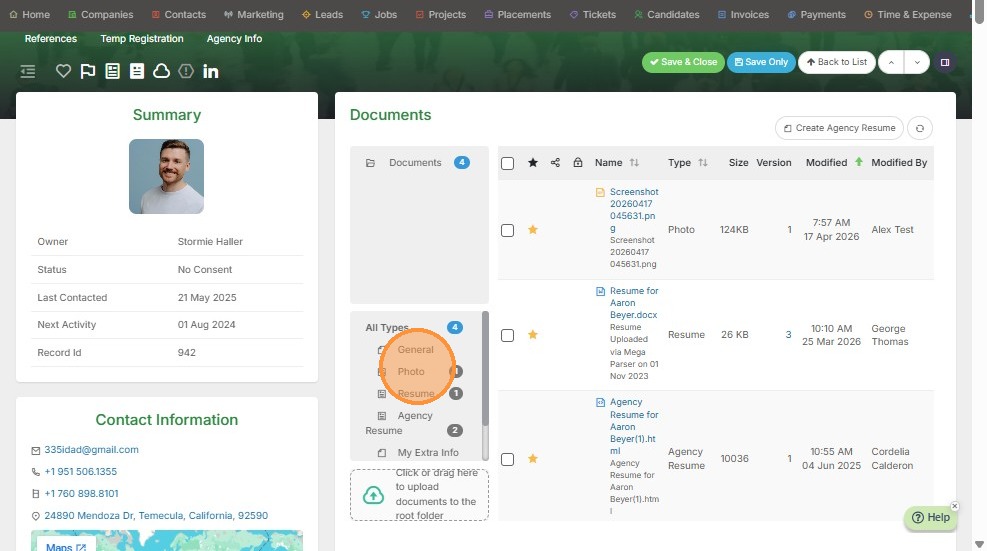
2. Click on the photo under All Types.
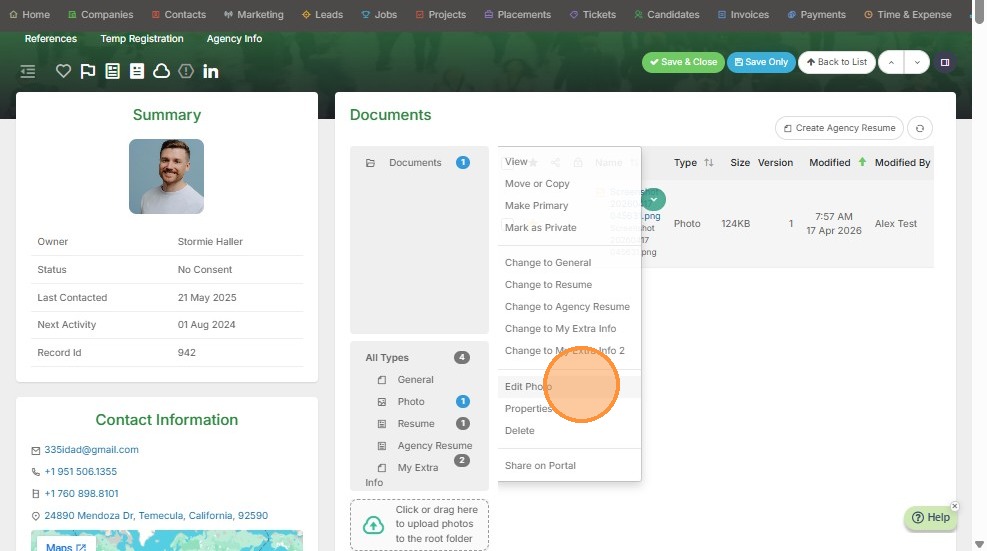
3. Select the green dropdown arrow.
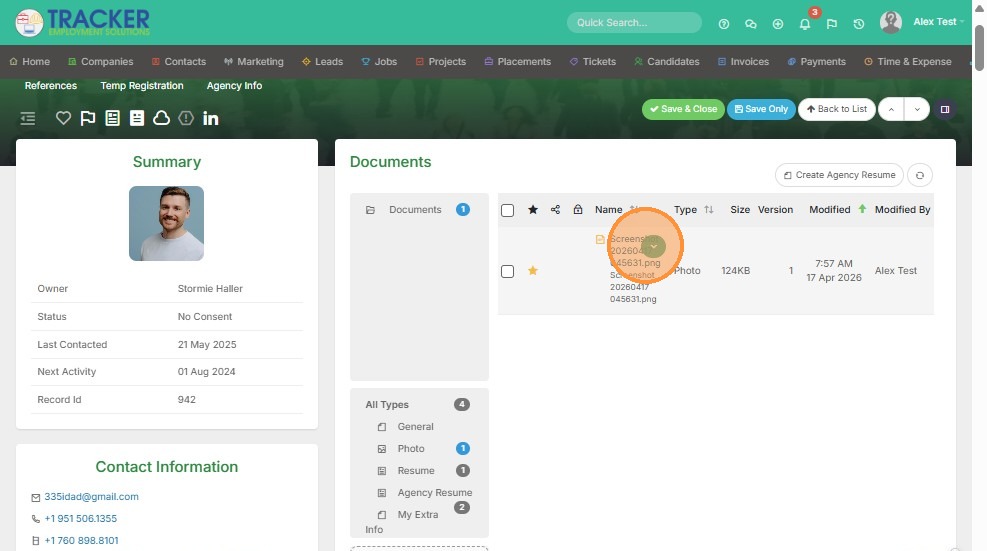
4. Click "Edit Photo"
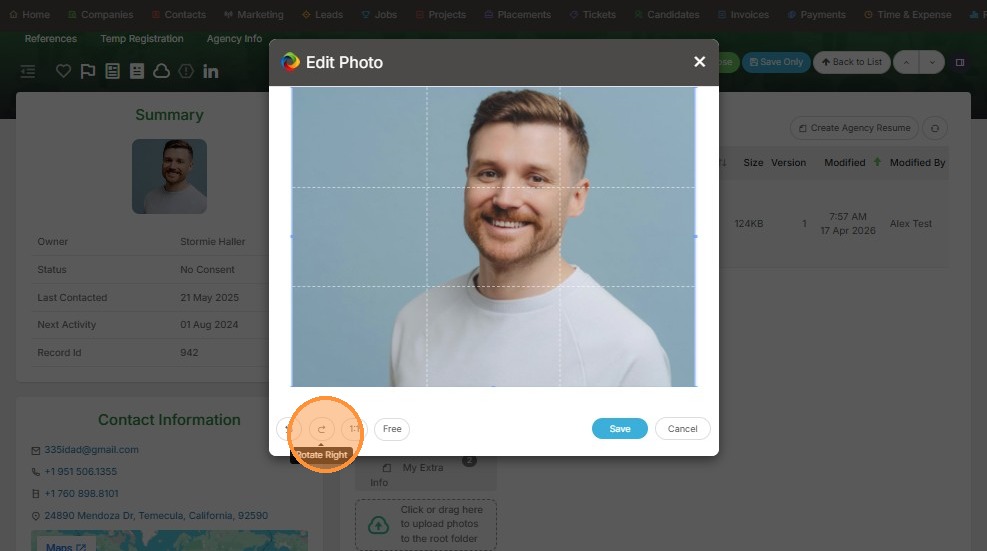
5. From here you can rotate the photo right.
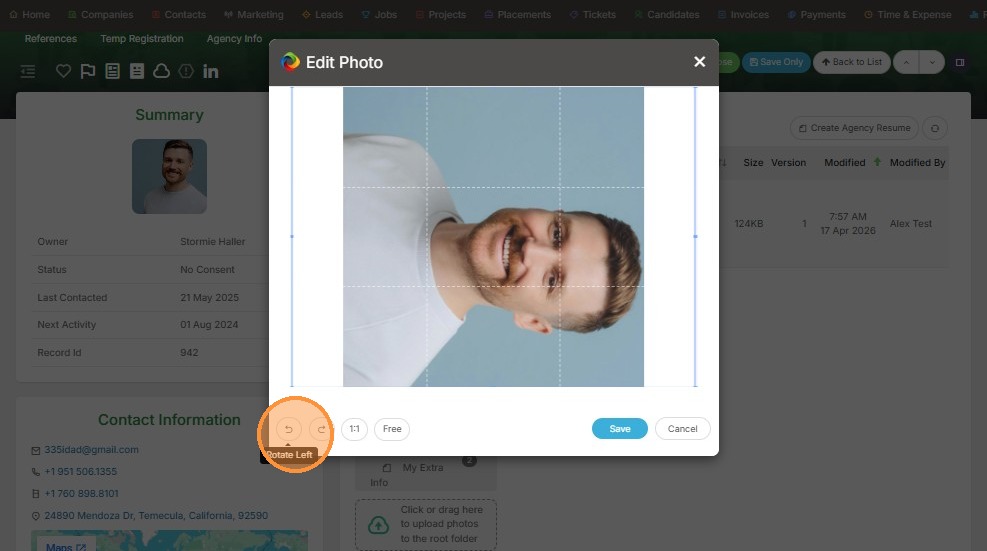
6. You can rotate the photo left.
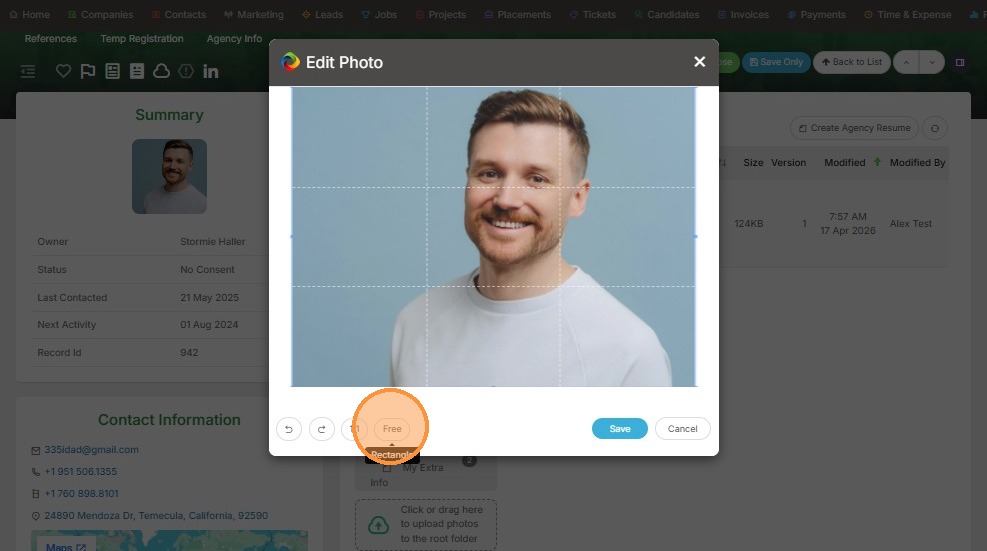
7. You can change the photo shape to a rectangle.
8. Or you can click on this corner of the photo and crop it by dragging the corner.
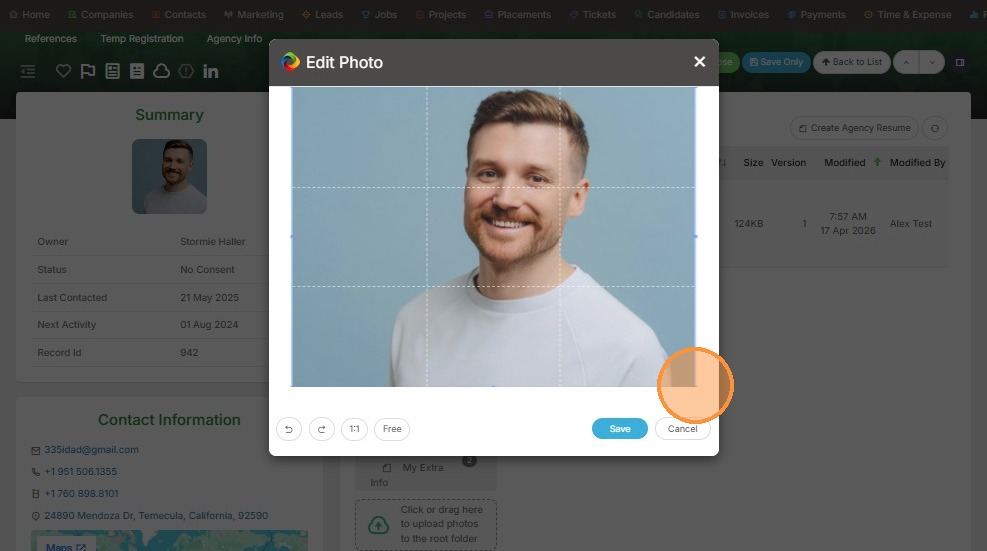
9. Like so.
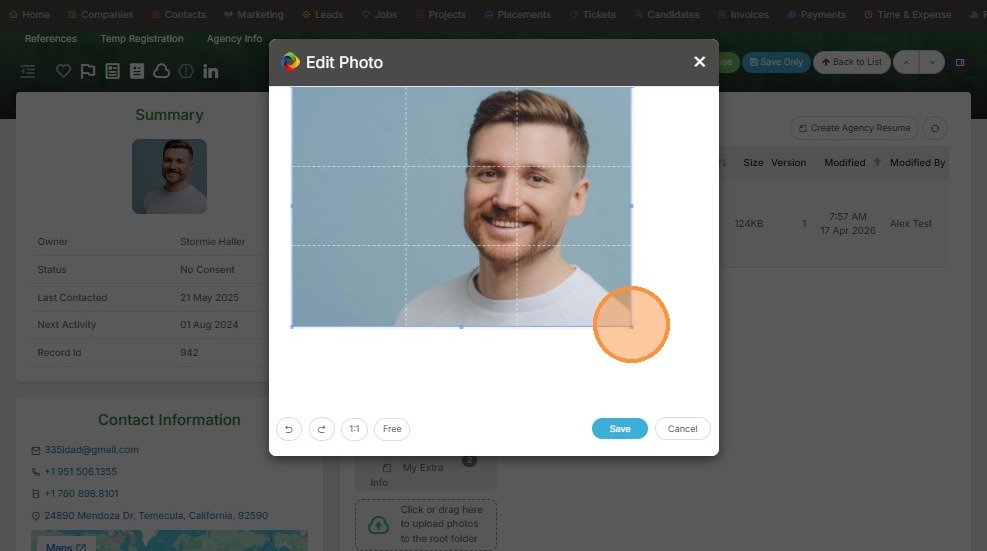
10. Click "Save"
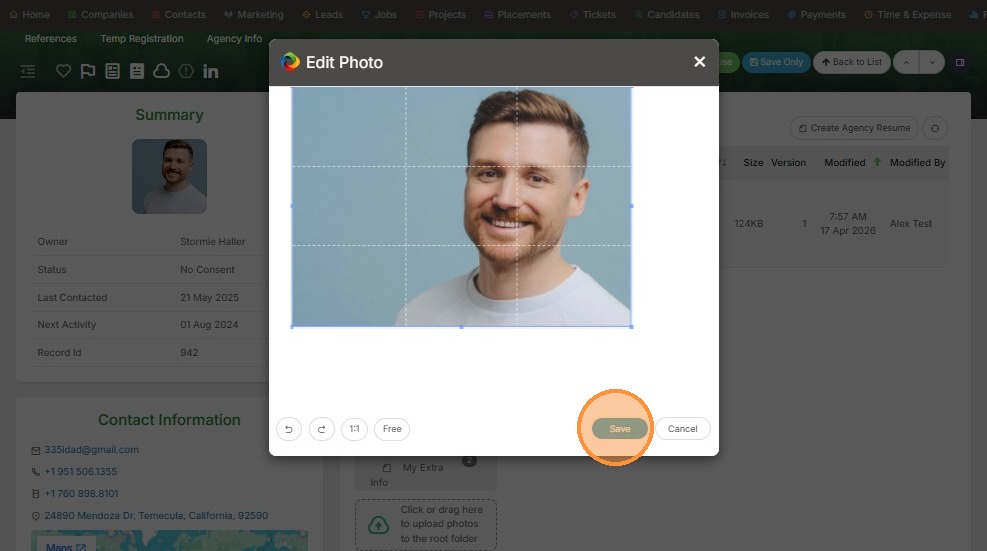
11. Click "Save Only"