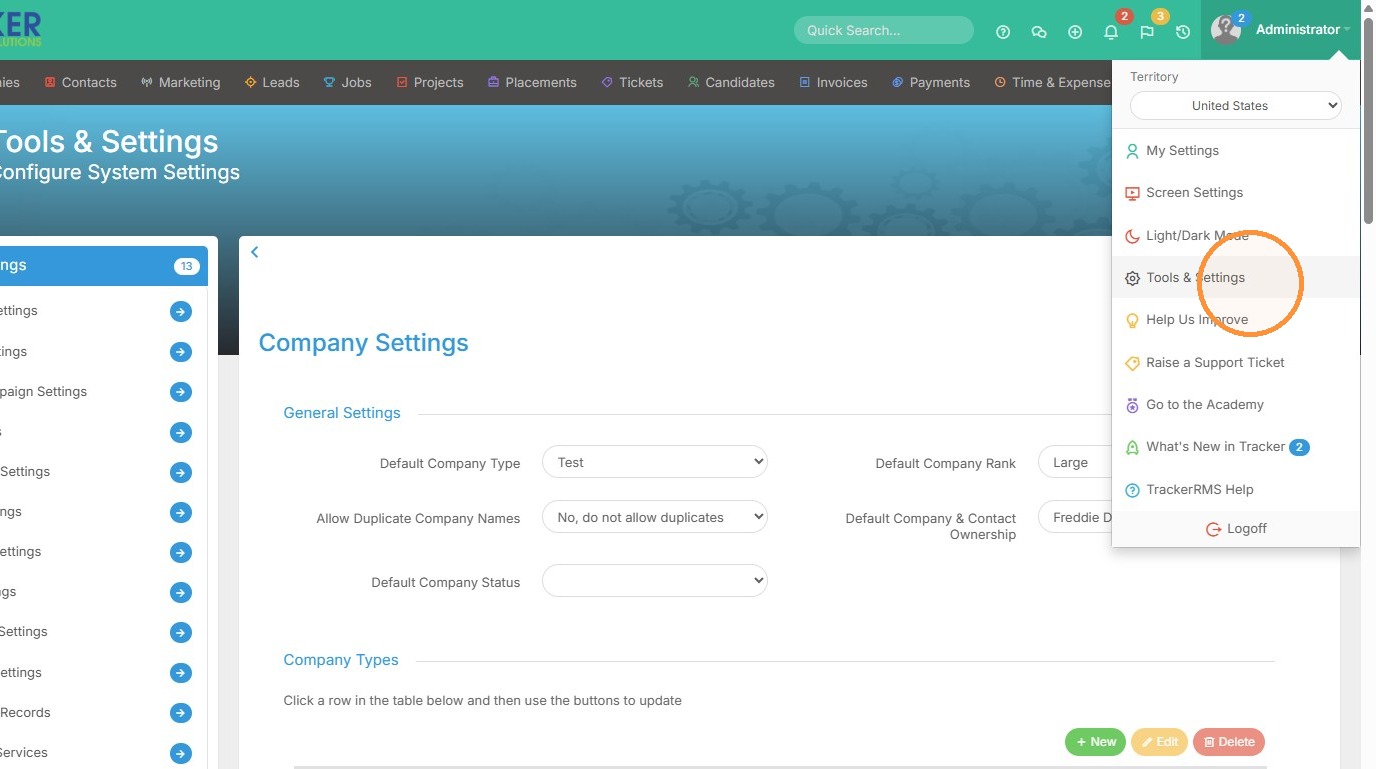
1. Click "Tools & Settings"
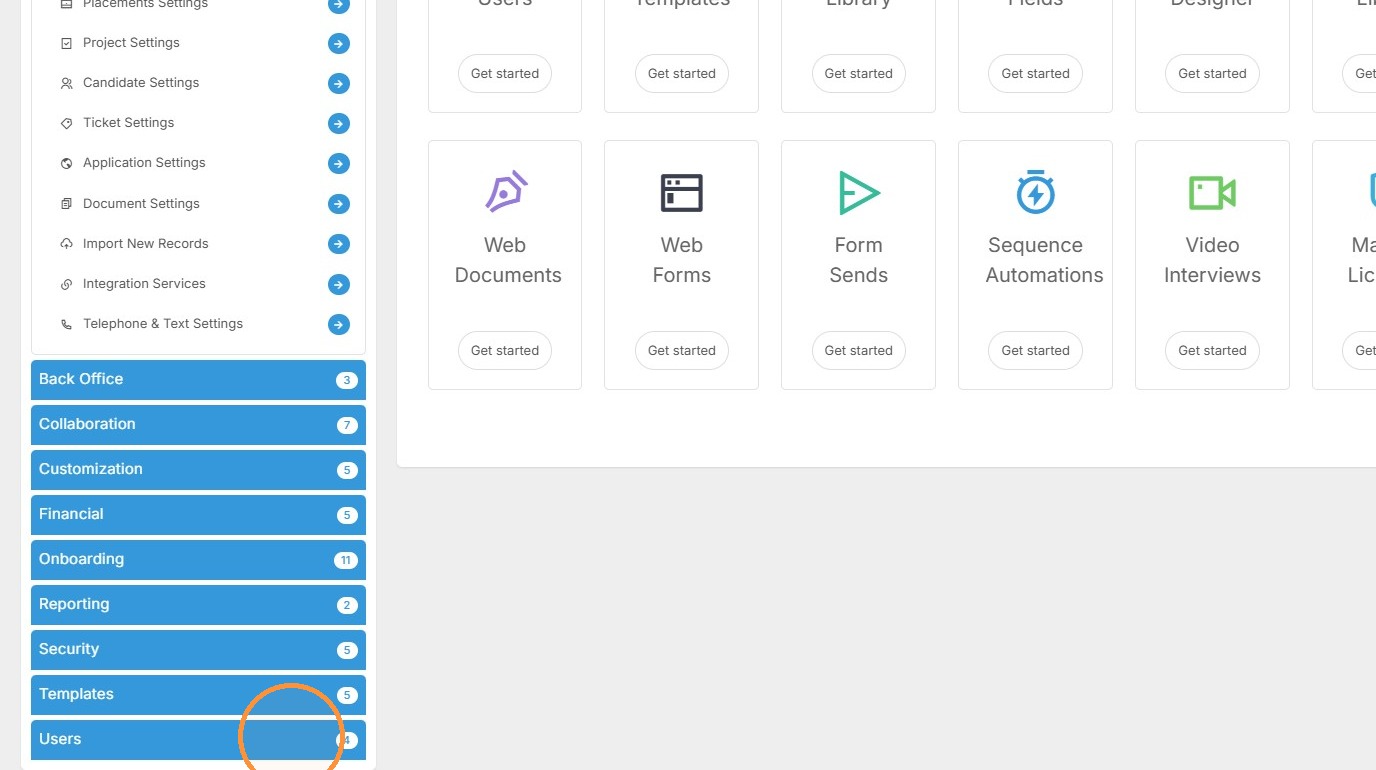
2. Click "Users"
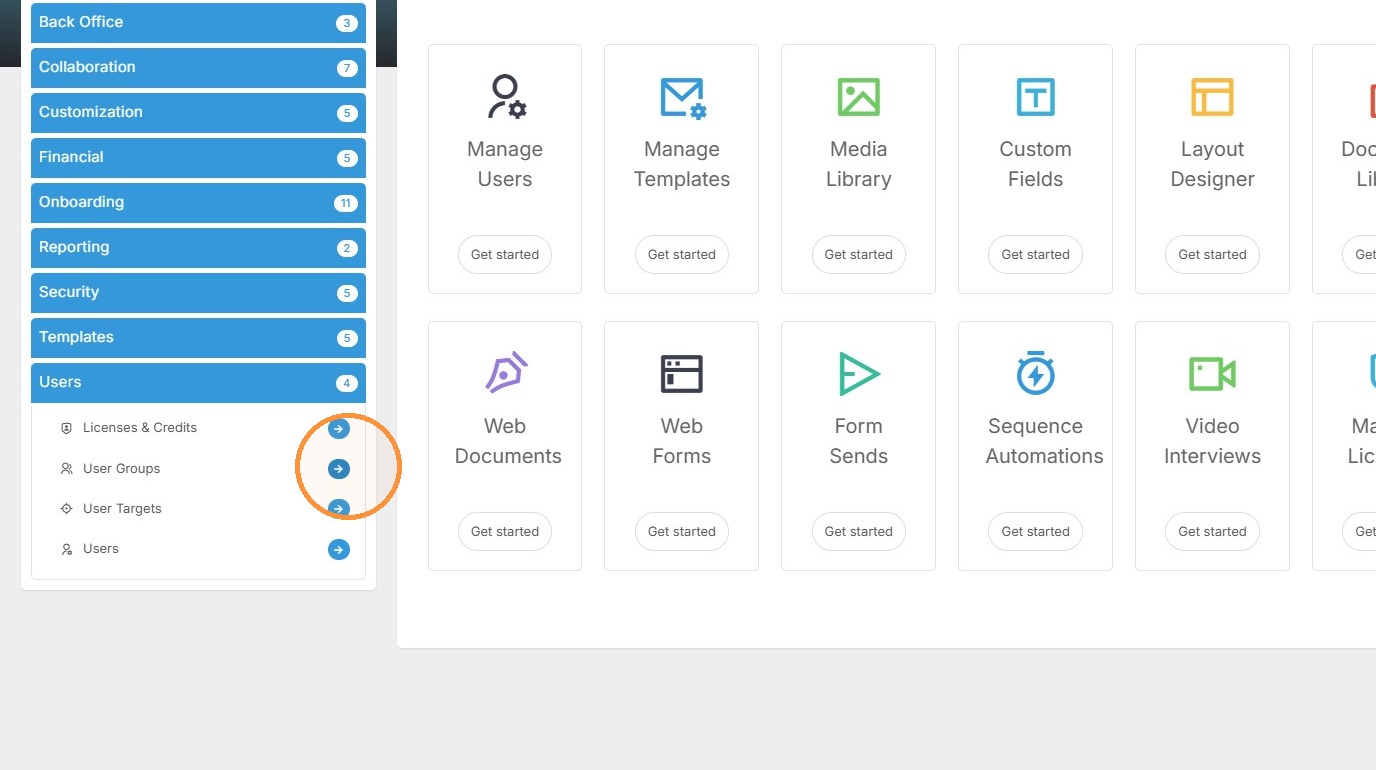
3. Click the User Groups arrow.
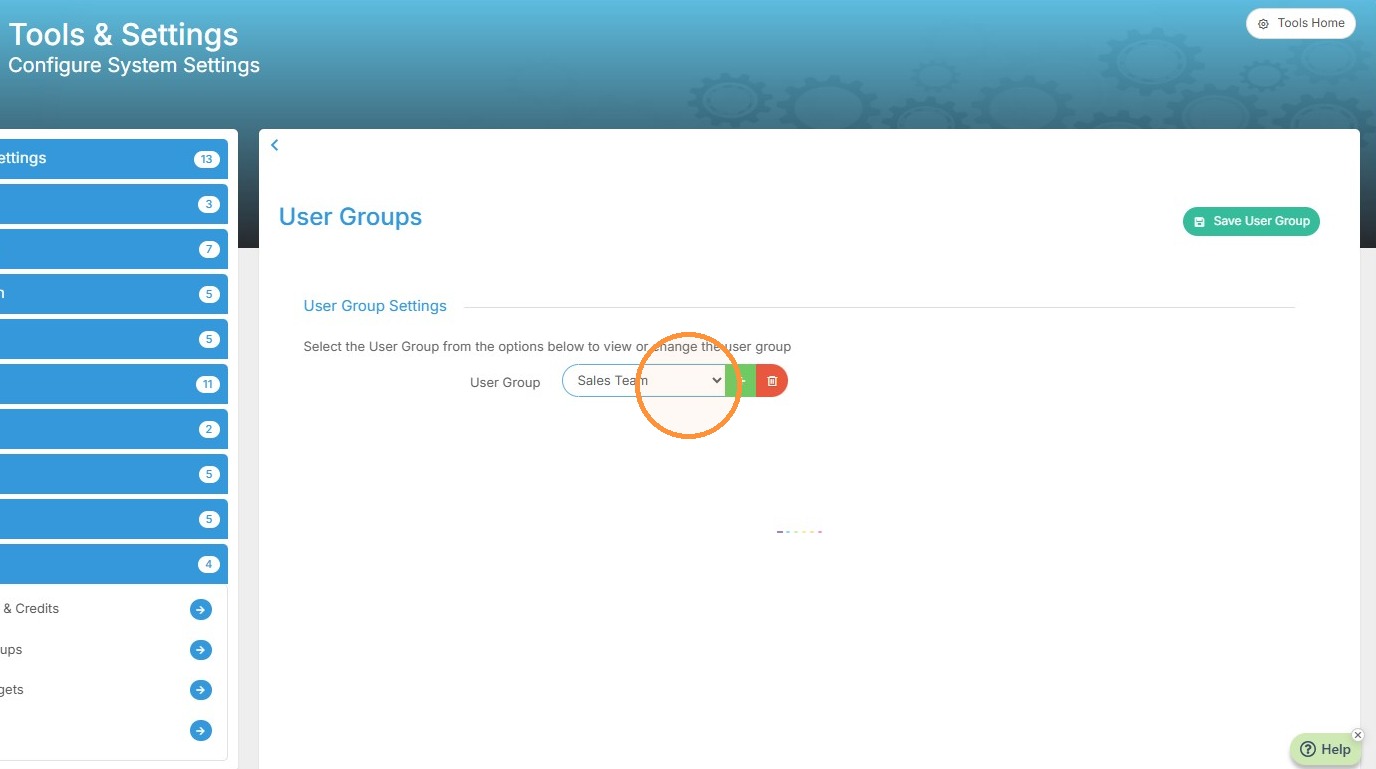
4. Select the user group you want to give access to.
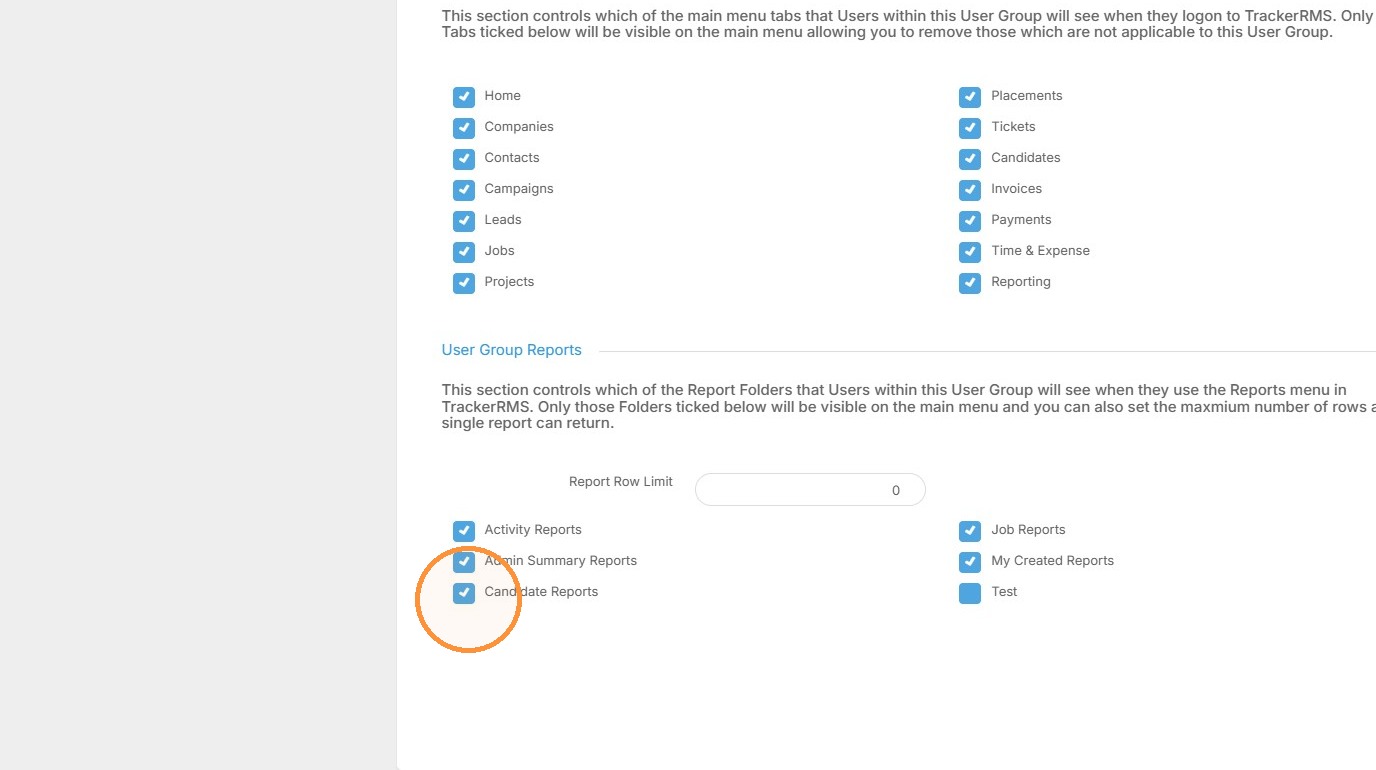
5. Scroll to the bottom of the user group privileges and you will see an option to check / uncheck report group folders.