Keep in mind, you do not need to use Tracker's email signature tool if you already have email signatures setup through your Outlook with your company.
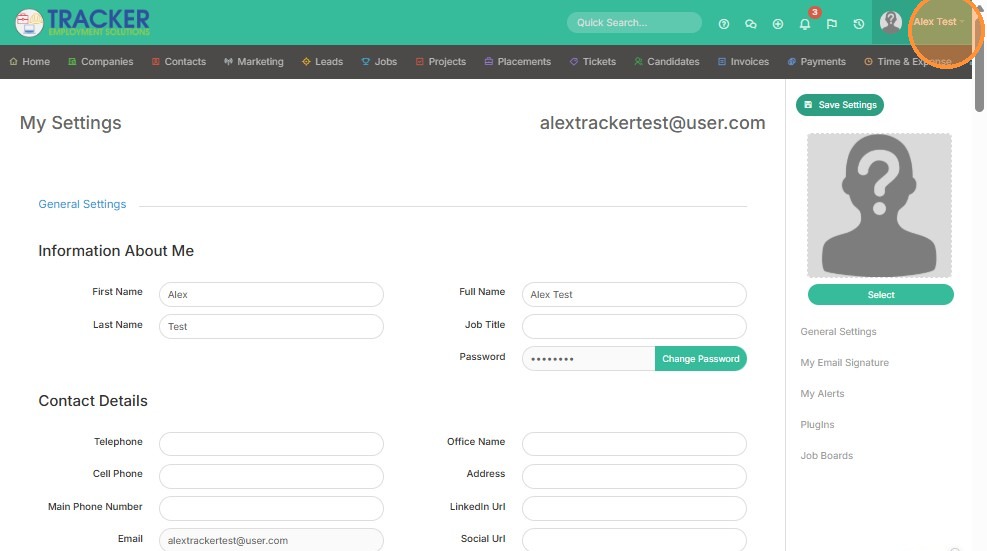
1. Click on your name to access Tools & Settings.
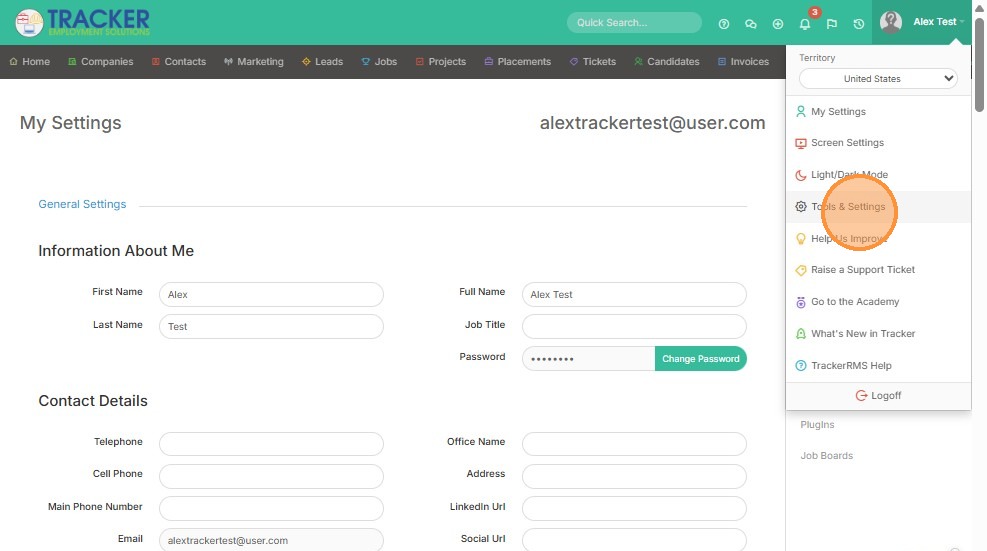
2. Click "Tools & Settings"
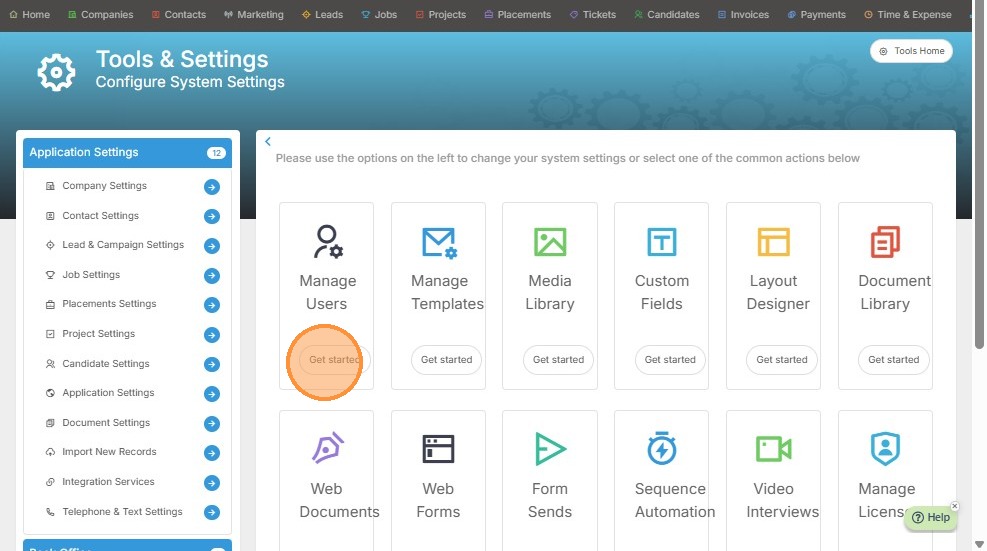
3. Click "Get started" under Manage Users.
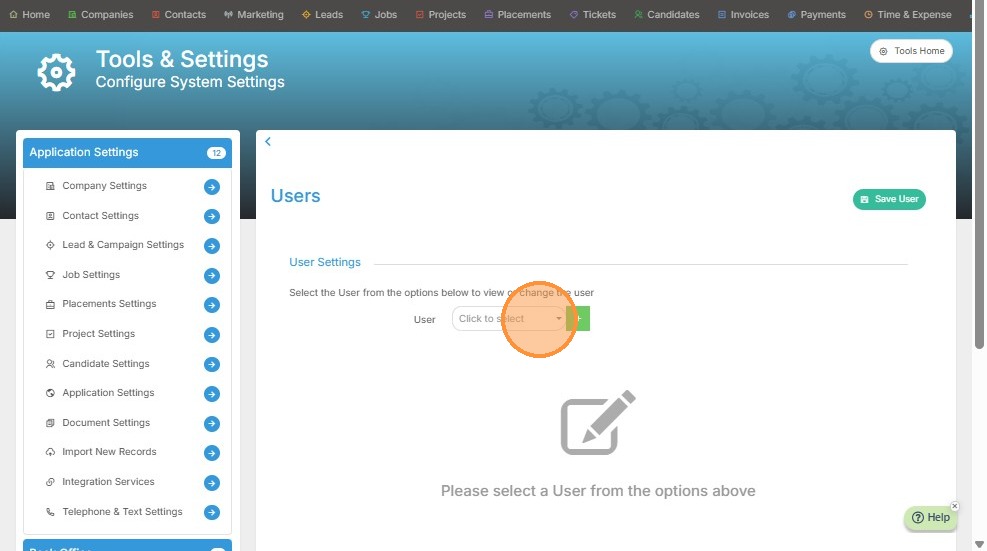
4. Click on this dropdown to select the user you want to apply the email signature template to.
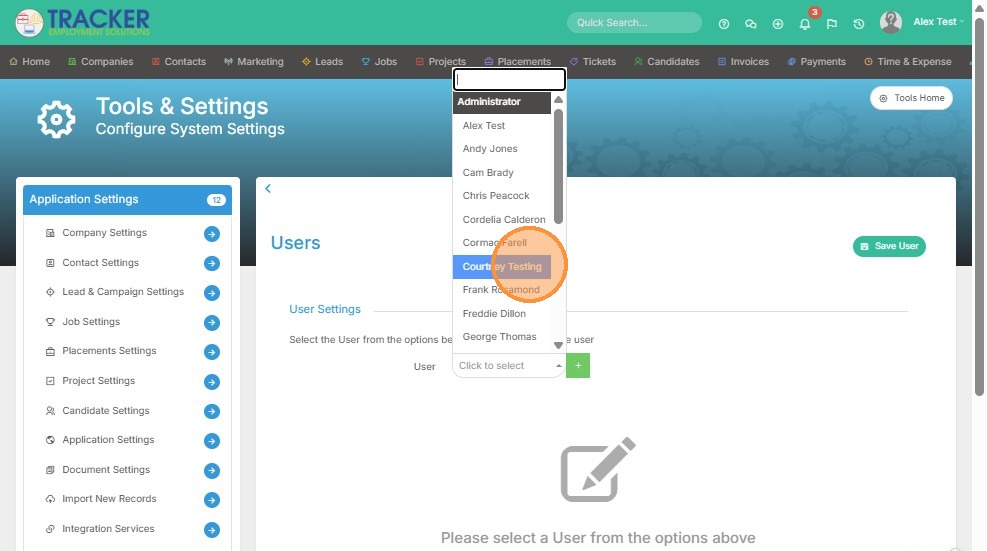
5. Select the user.
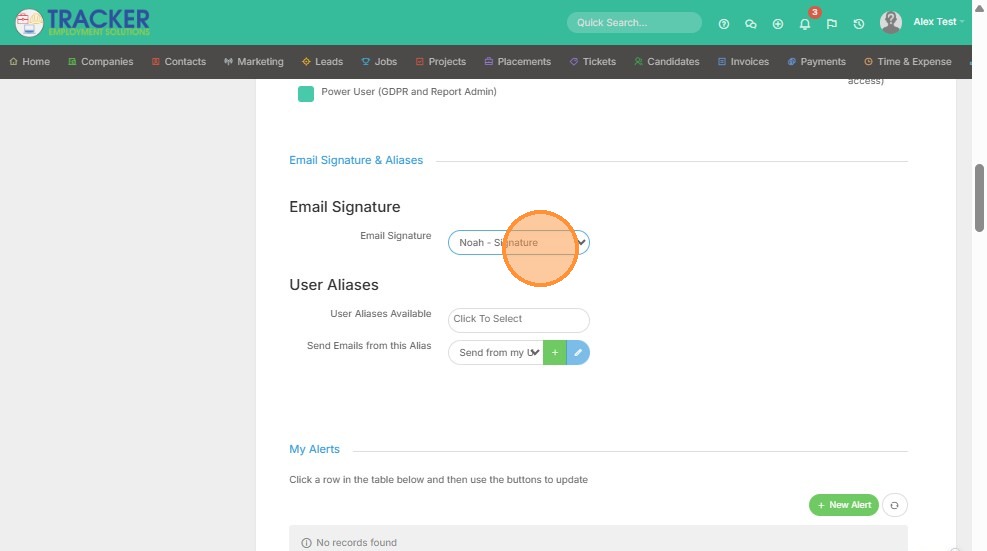
6. Scroll down to the Email Signature section, and select the signature template you created. If you haven't done so yet, go here.
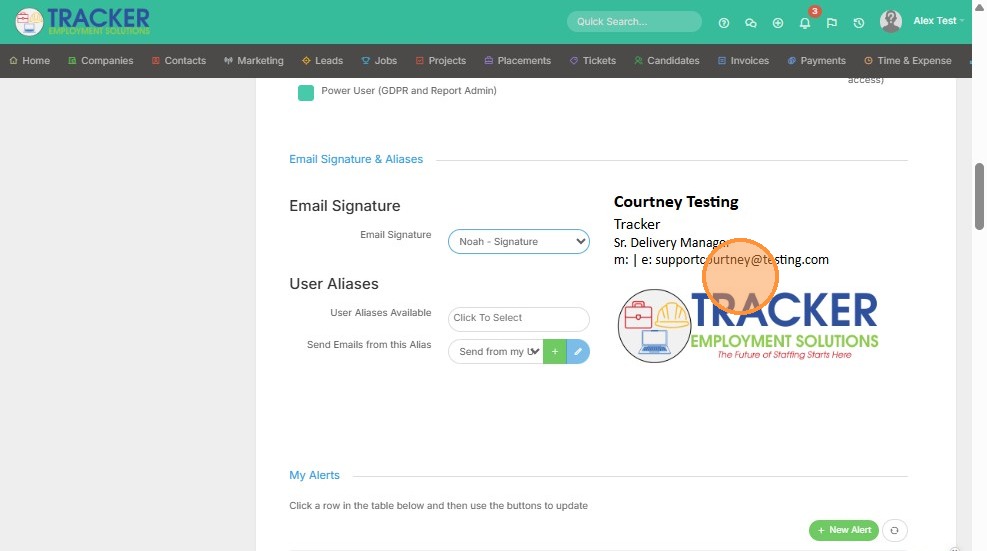
7. You will be able to preview the email signature before saving, to ensure it looks exactly the way you want with the proper information applied.
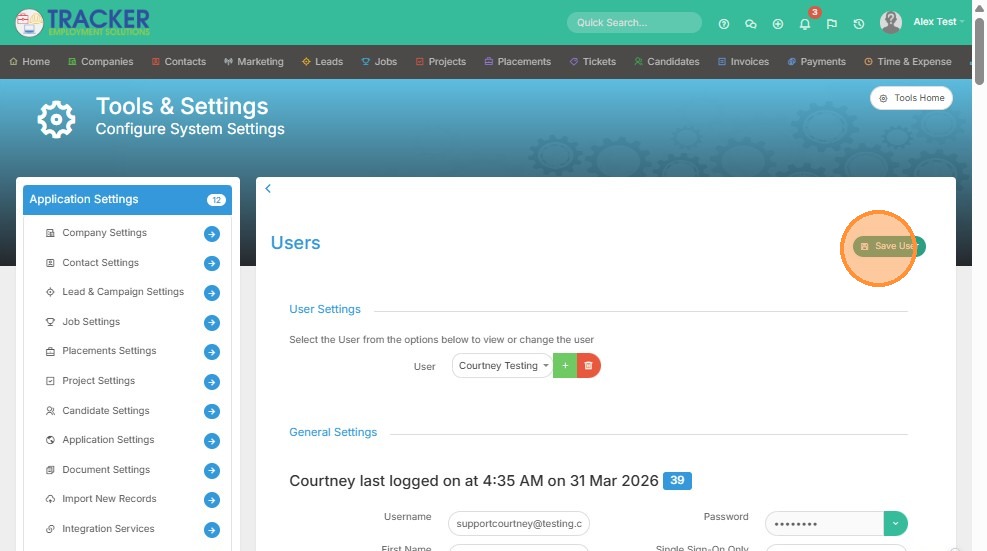
8. Click "Save User"