Frequenty Asked Questions
Q. My report is timing out when exporting
A. If your report has more than 1,000 rows to export then you may experience time-out. We suggest you use Report2Excel instead
Q. Why don't I see report2excel as an option?
A. Check to make sure you are the report owner.
Exporting to Excel
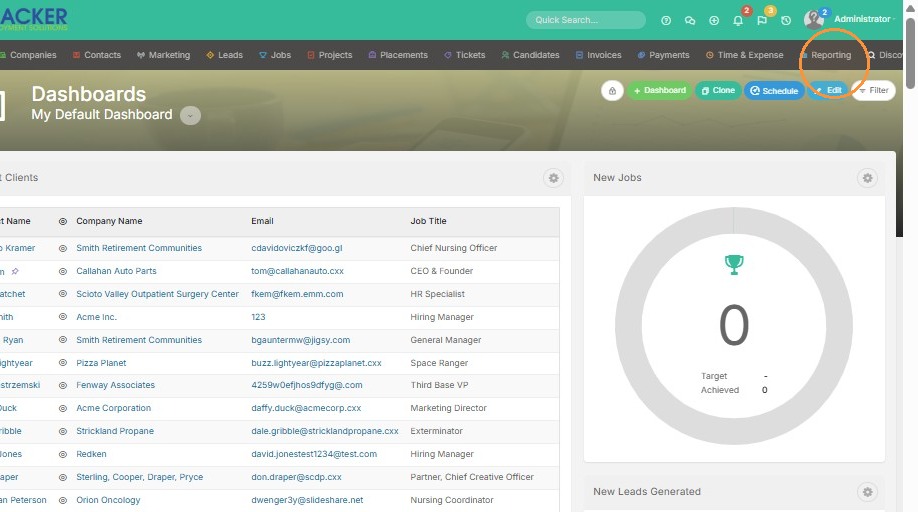
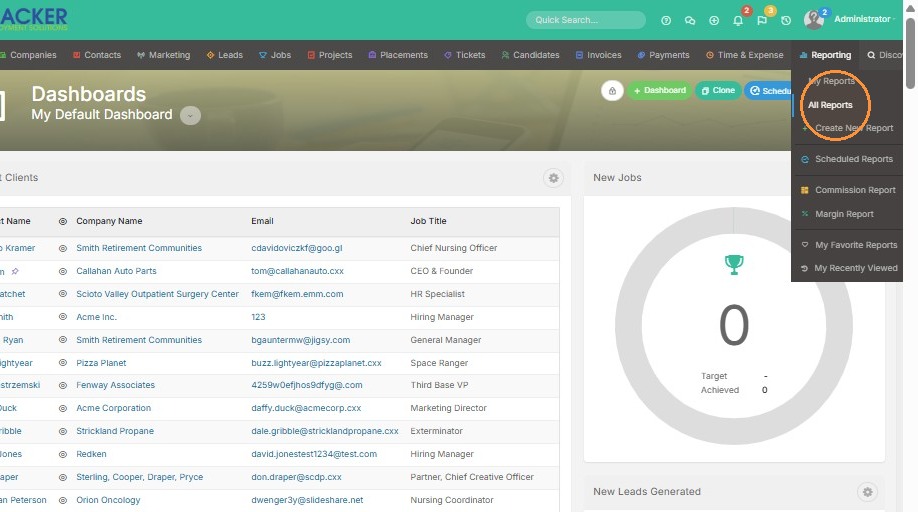
1. Navigate to All Reports via Reporting menu
2. Select the report you want to export to excel.
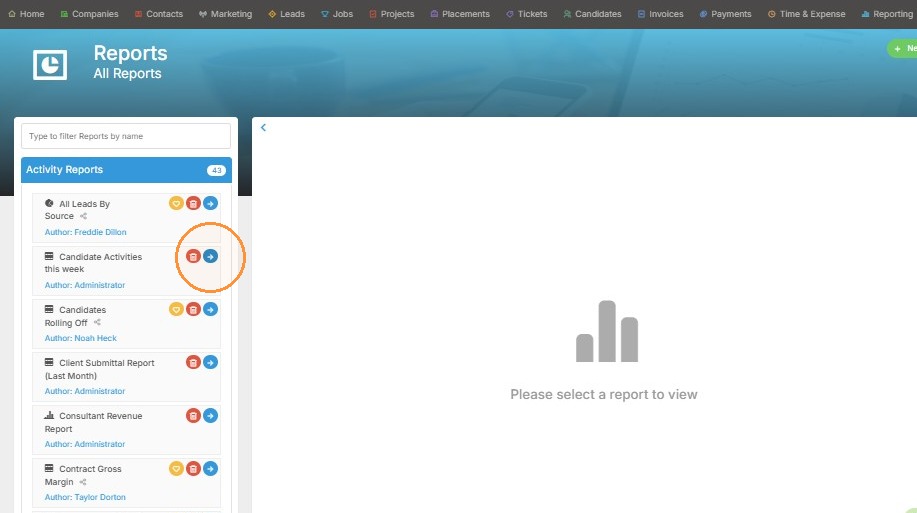
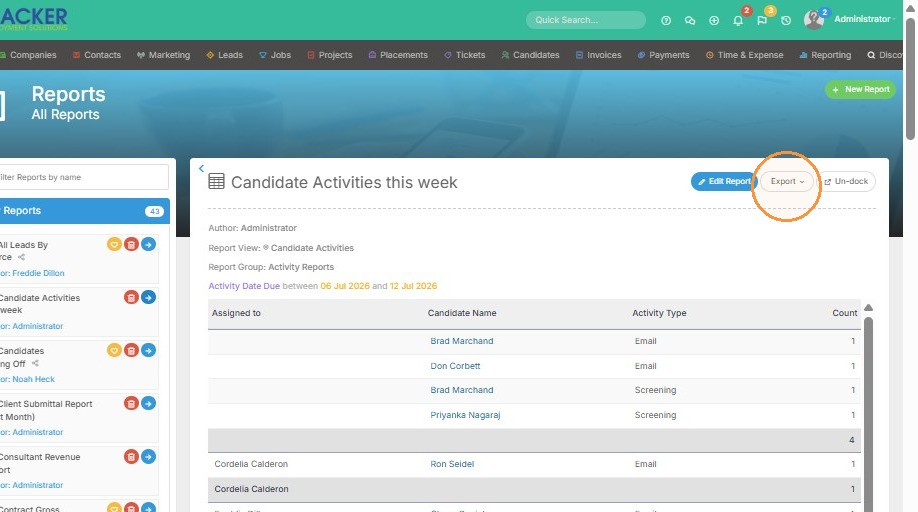
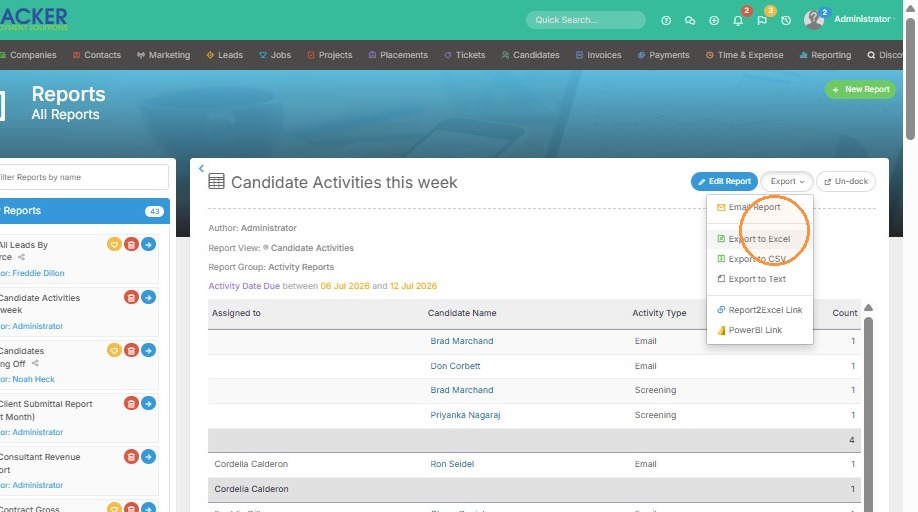
3. Export report to Excel. You will find the newly downloaded report in your downloads folder on your desktop.