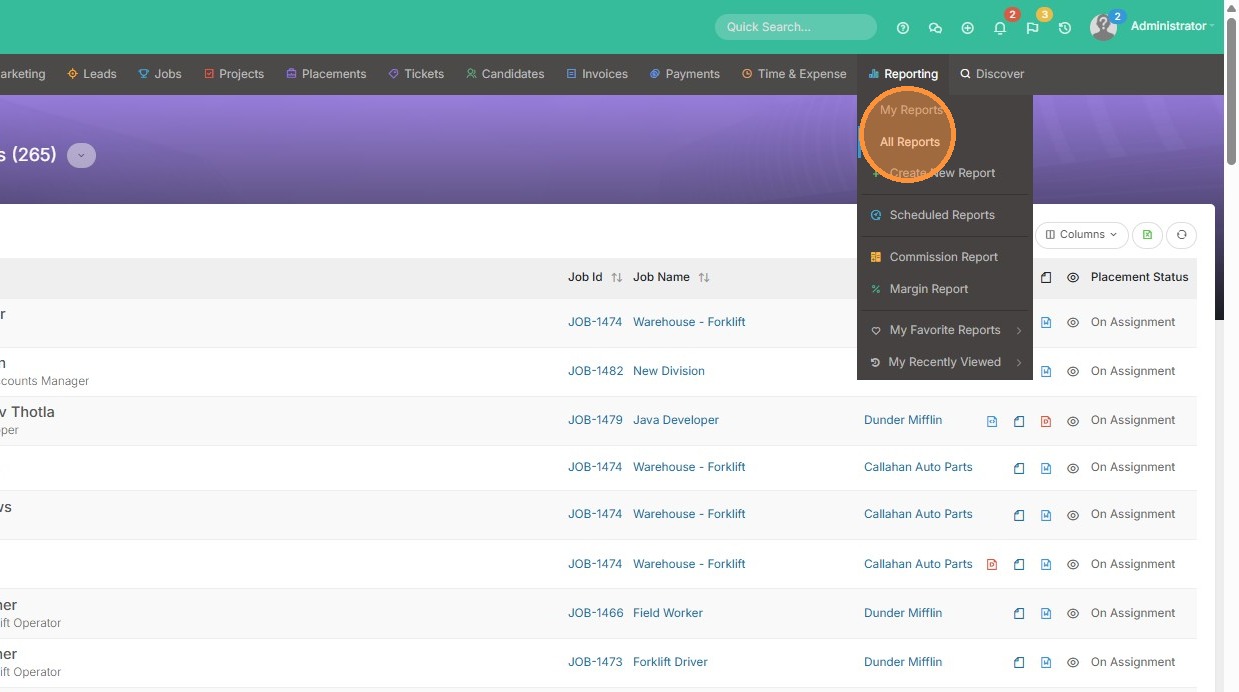
1. Click "All Reports" in the Reporting menu
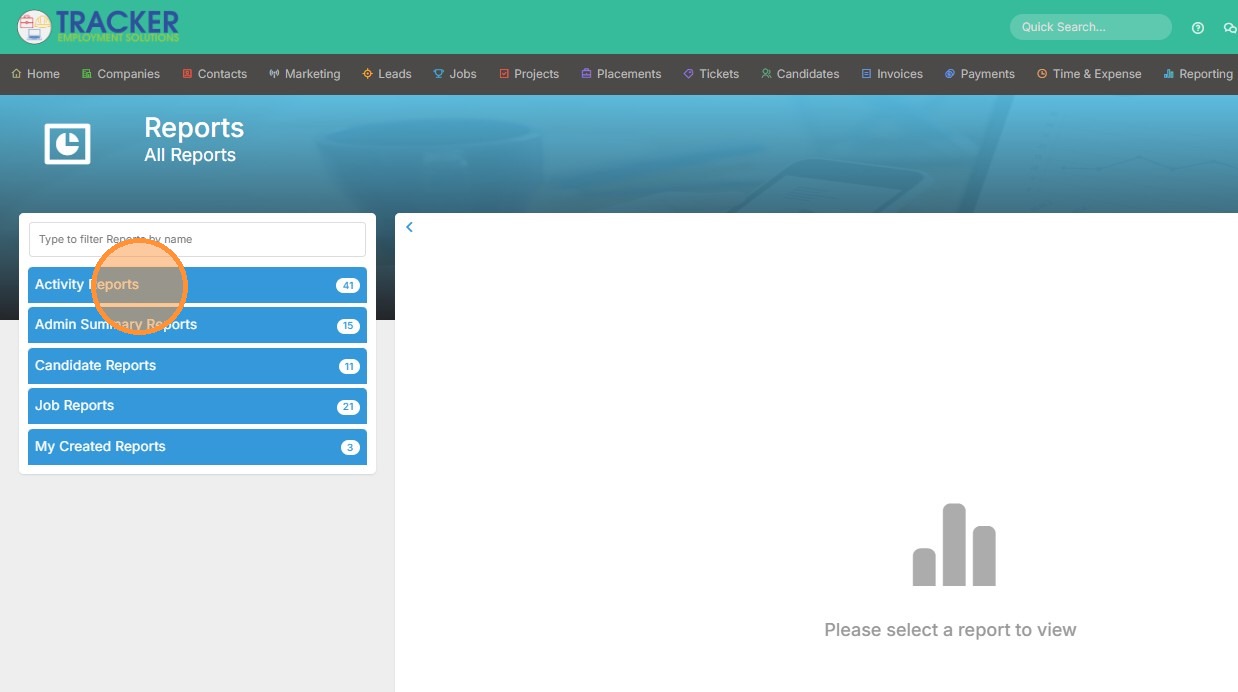
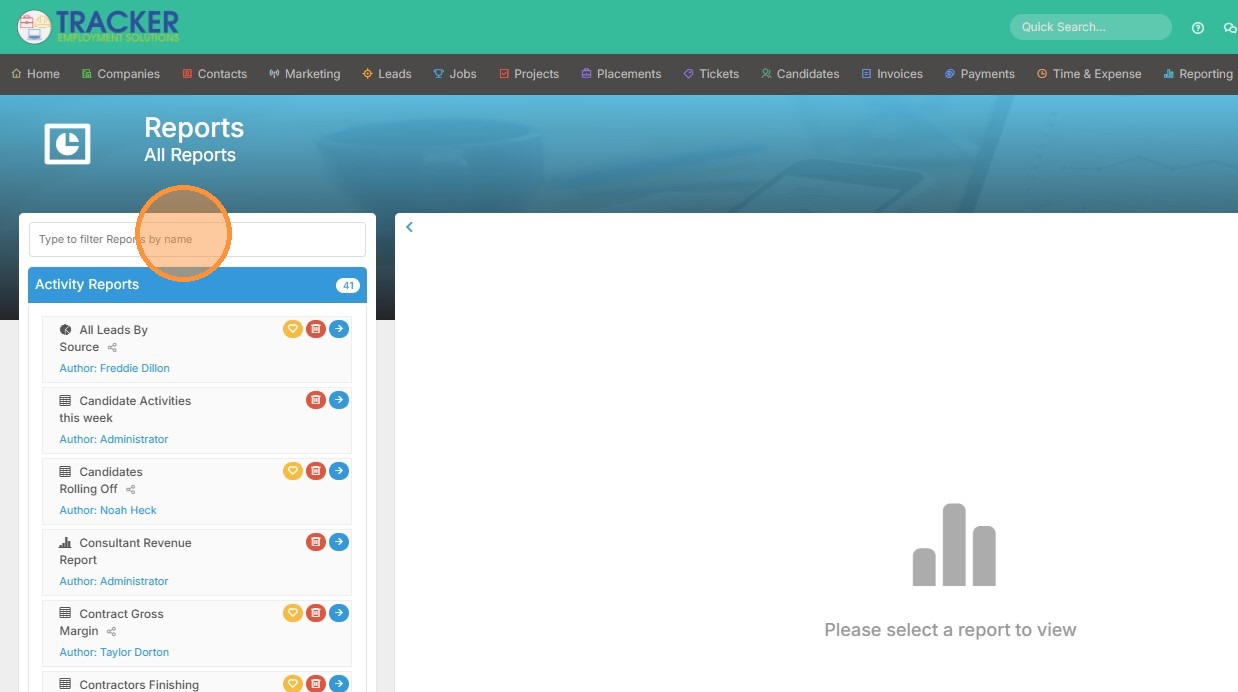
2. Here you can open any of your report folders to find the one you're searching for.
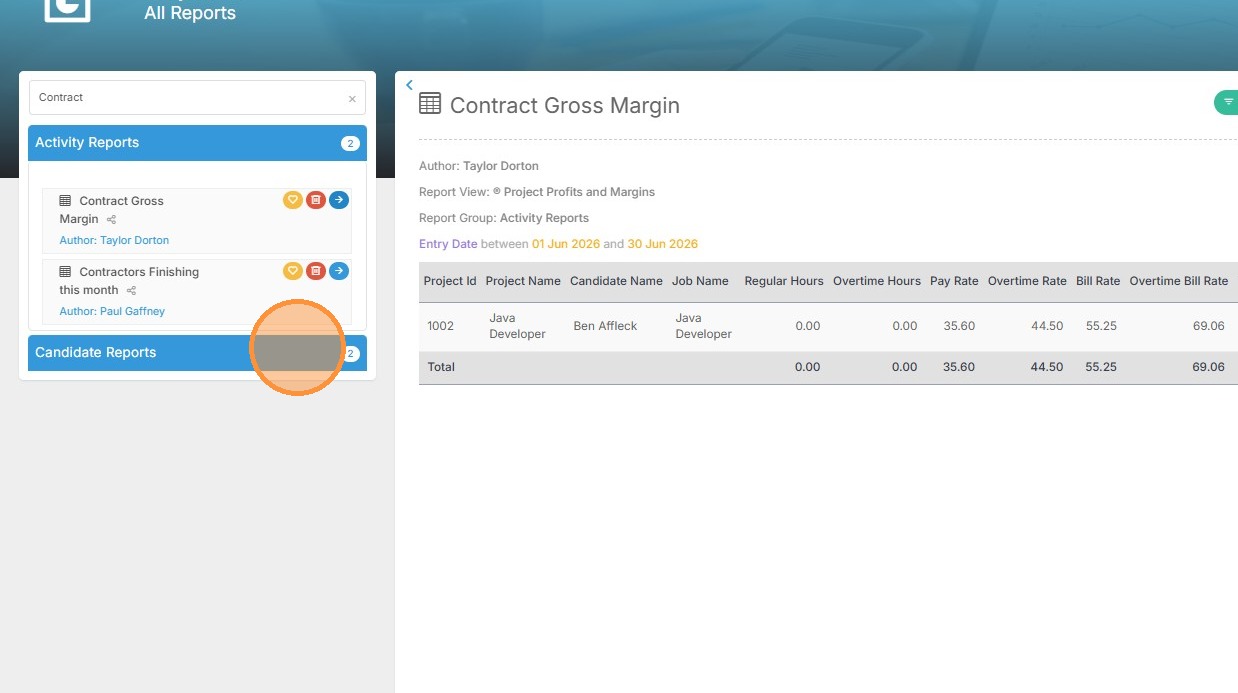
3. If you have a lot of reports, you can also type in the name of the report in the search bar to find it quicker.
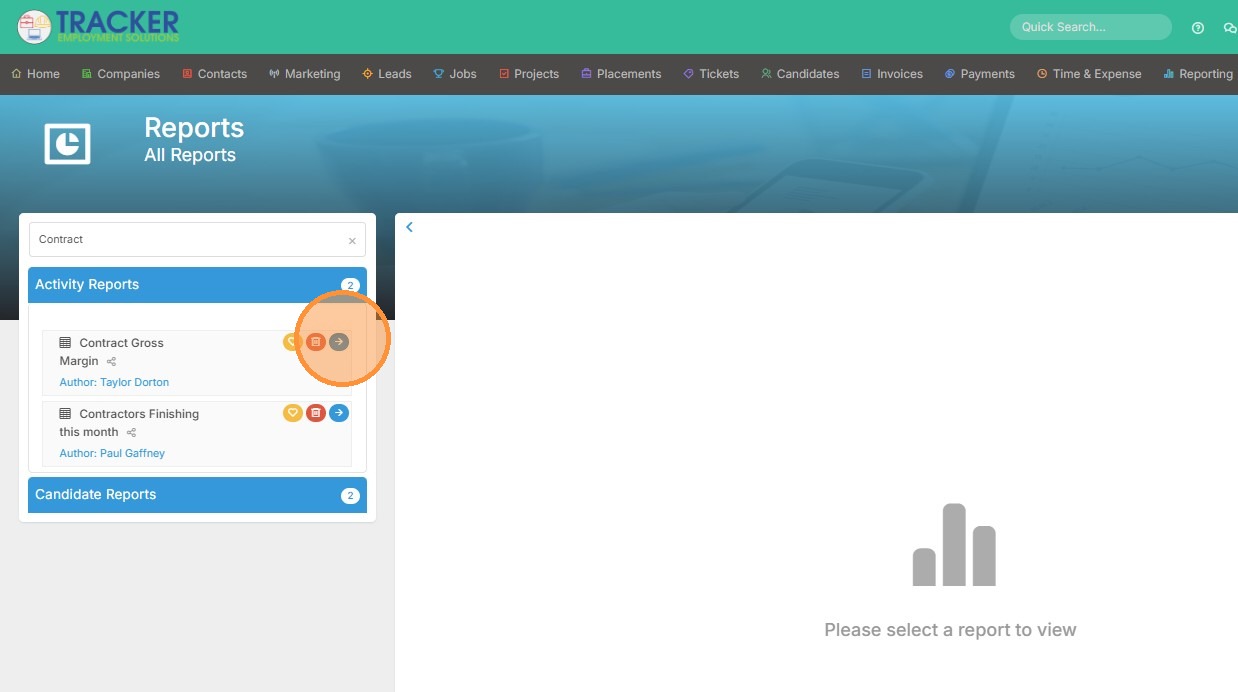
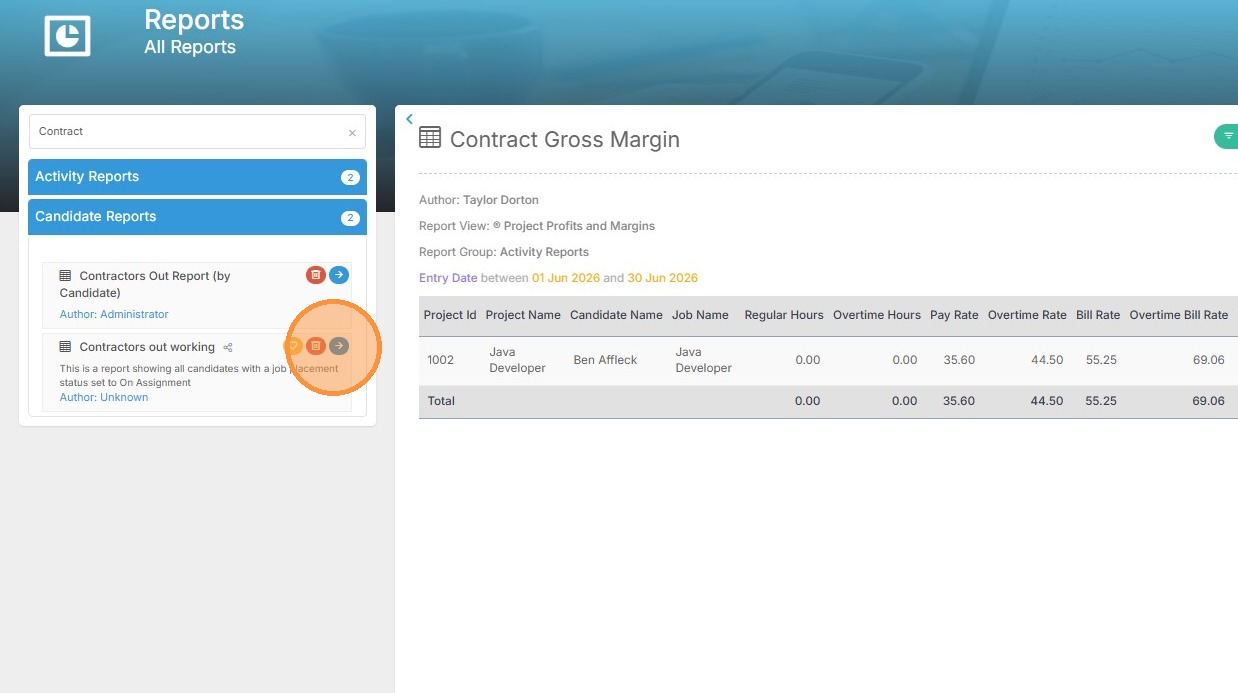
4. Select the report by clicking the blue arrow. To select another report, simply follow the same steps.