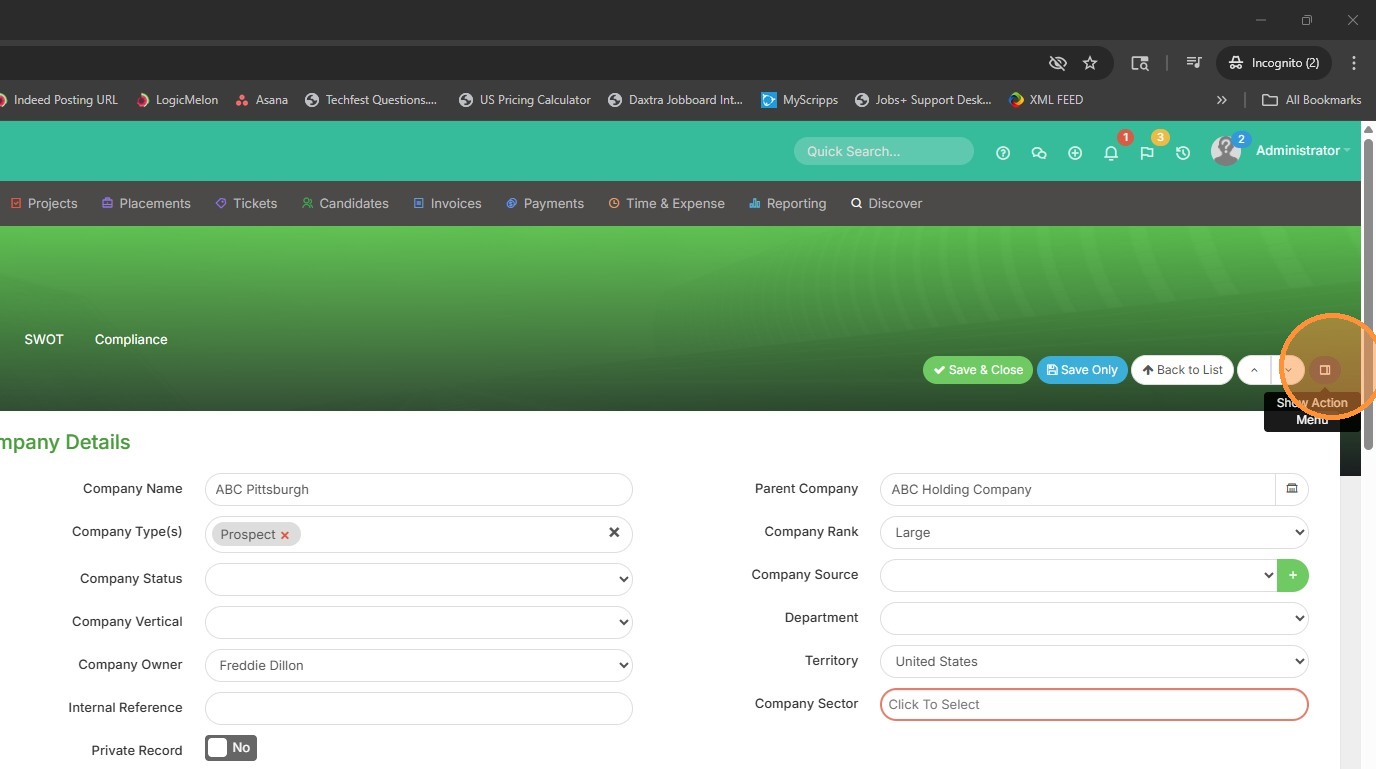
1. From within the client record, click the action menu button.
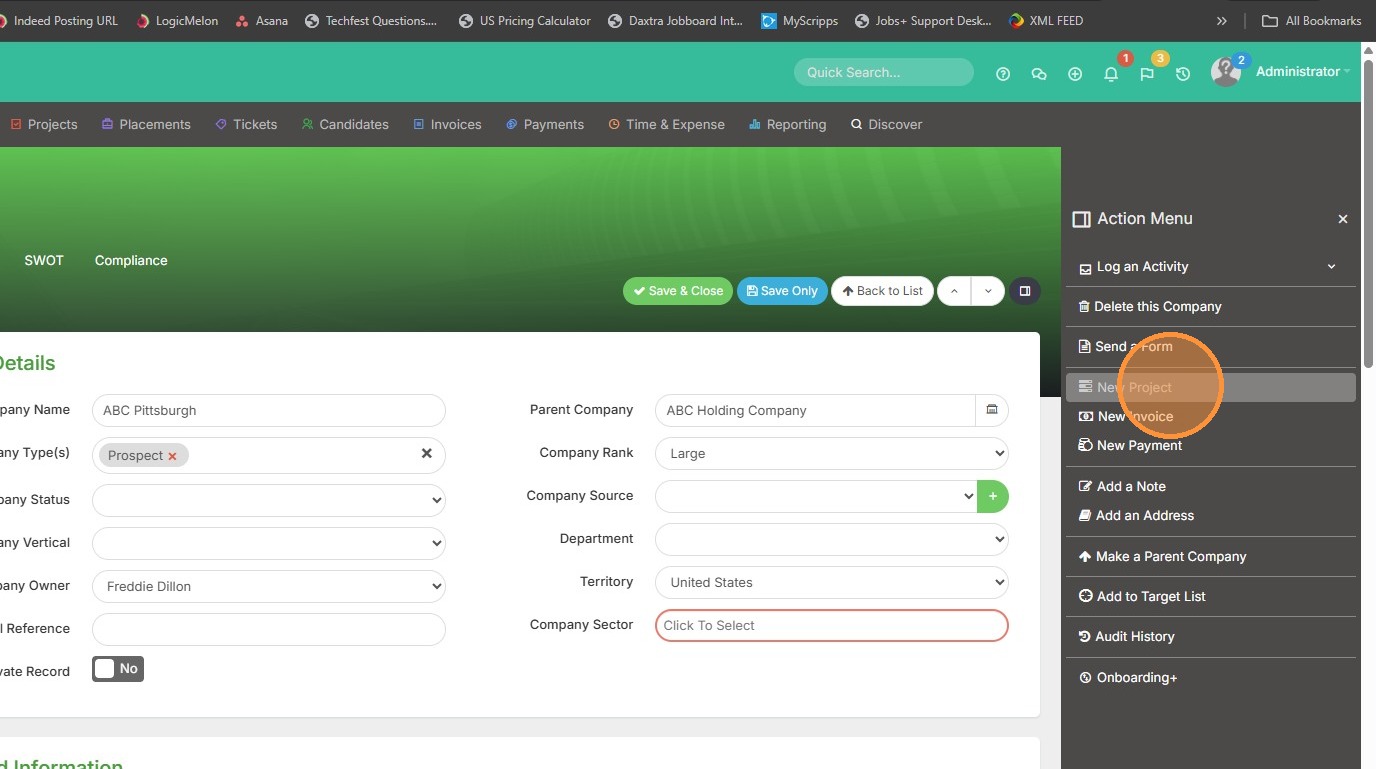
2. Select New Project / Assignment.
3. Add in the Project Name.
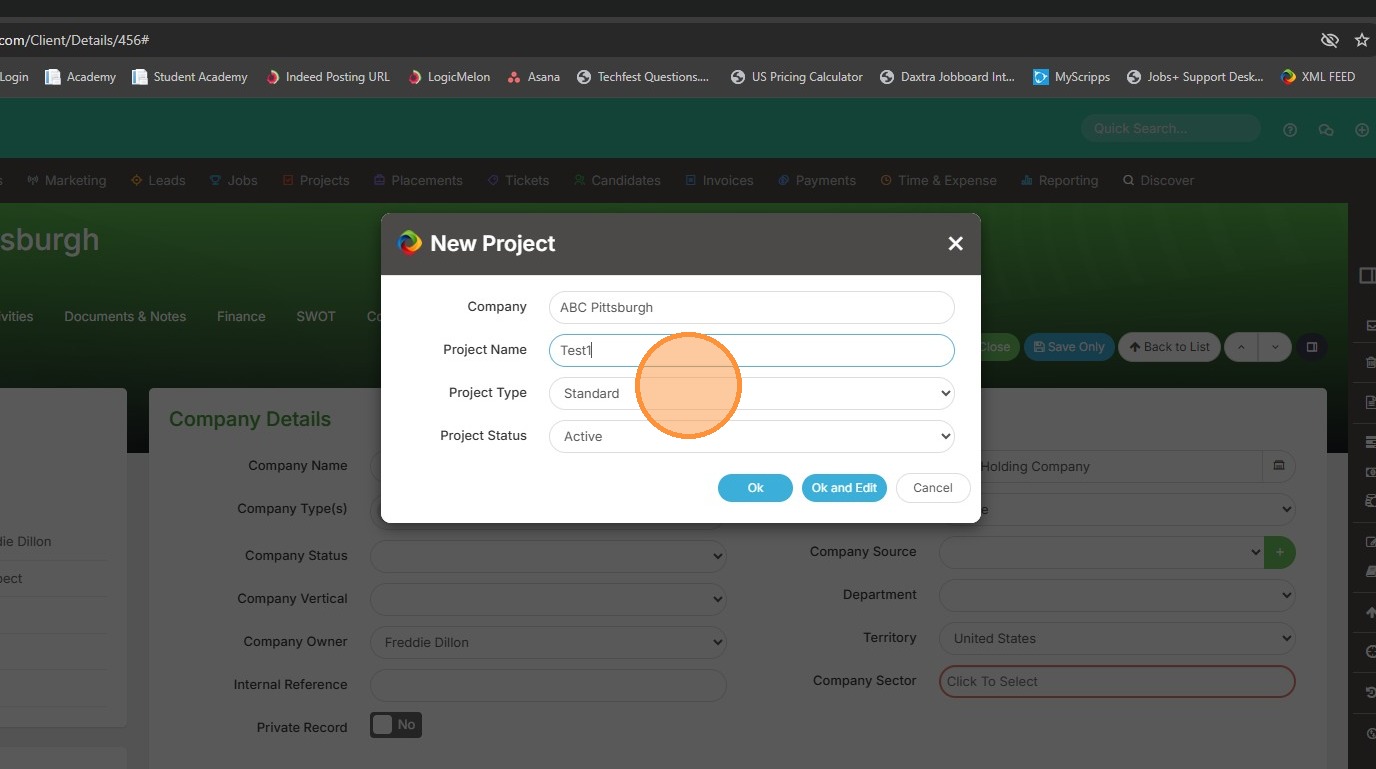
4. The "Project Type" if applicable.
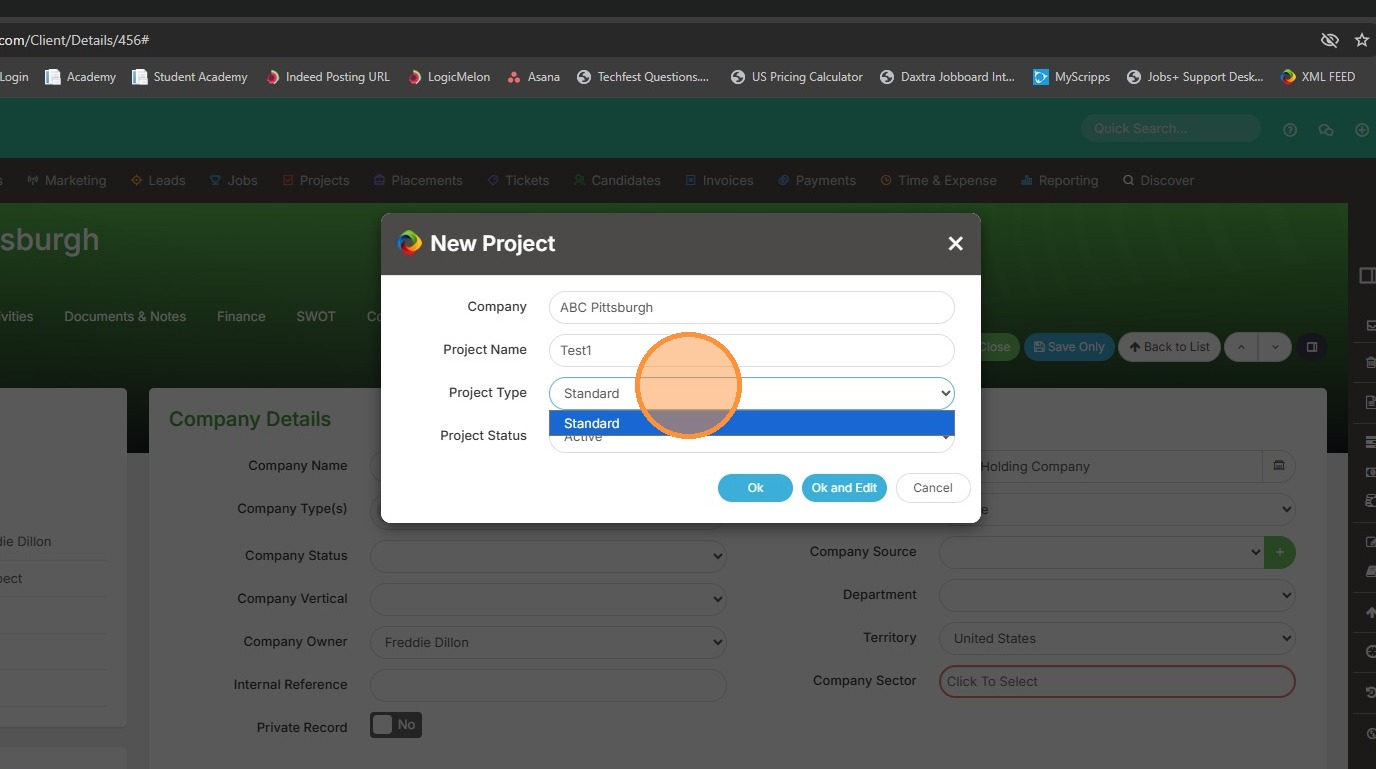
5. And lastly the "Project Status", though it will default to whatever is first in your list. In my case, Active.
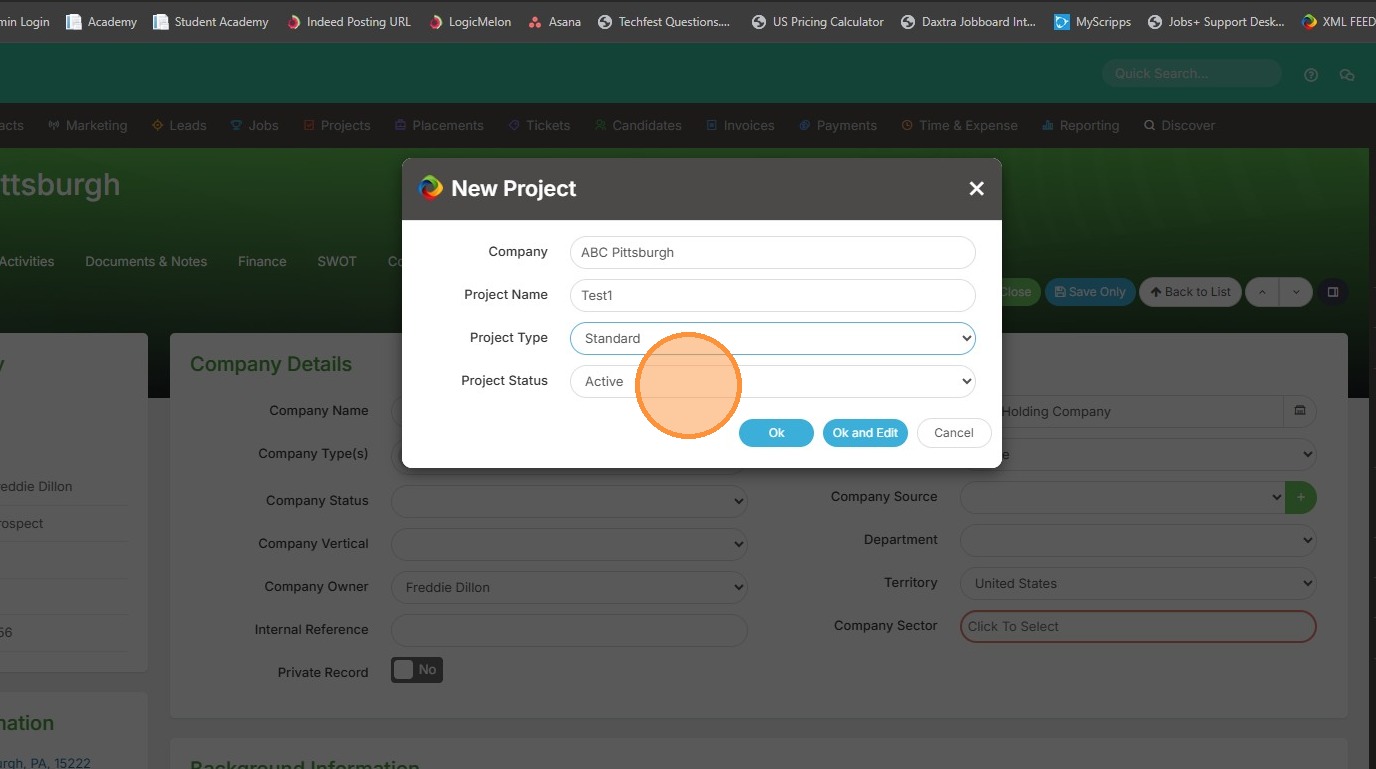
6. Click "Ok and Edit" to open the new project immediately. If you click Ok, it will keep you on the client record.
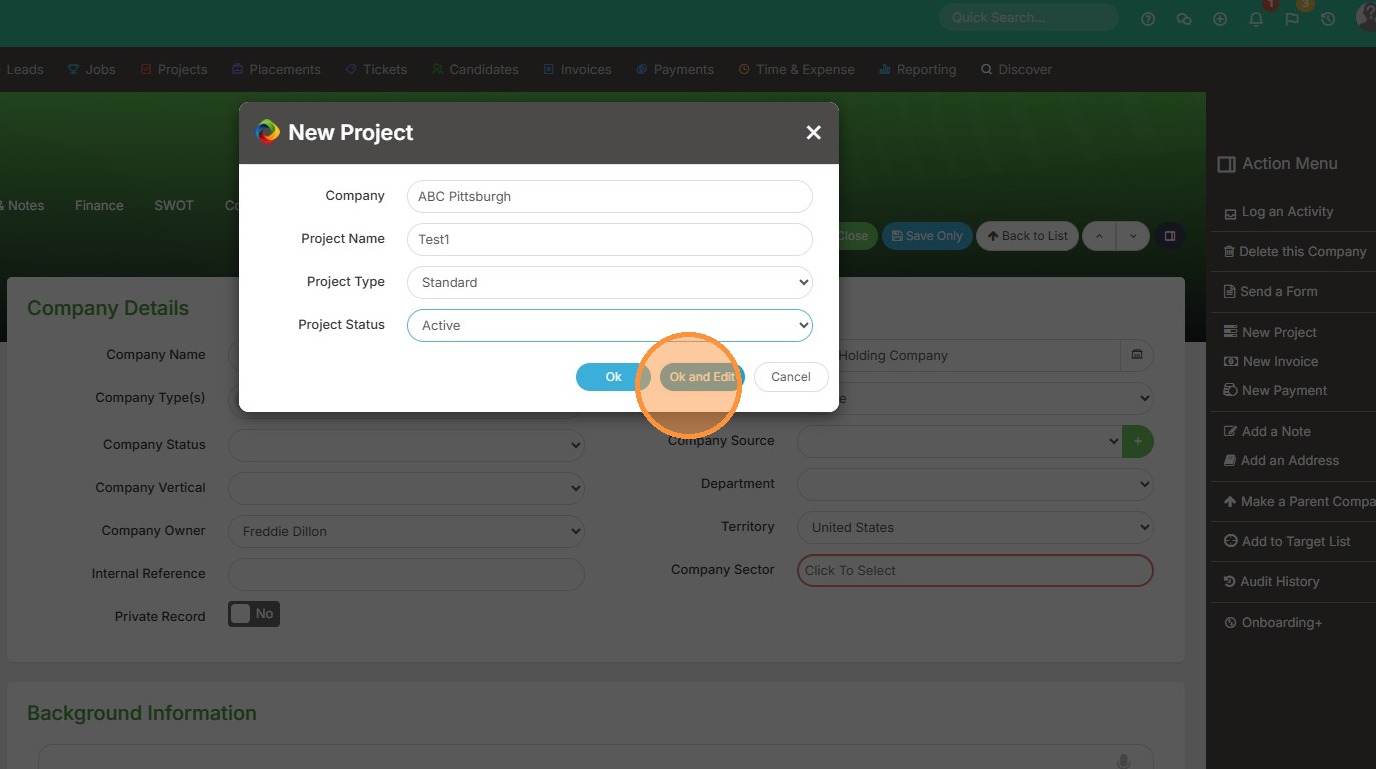
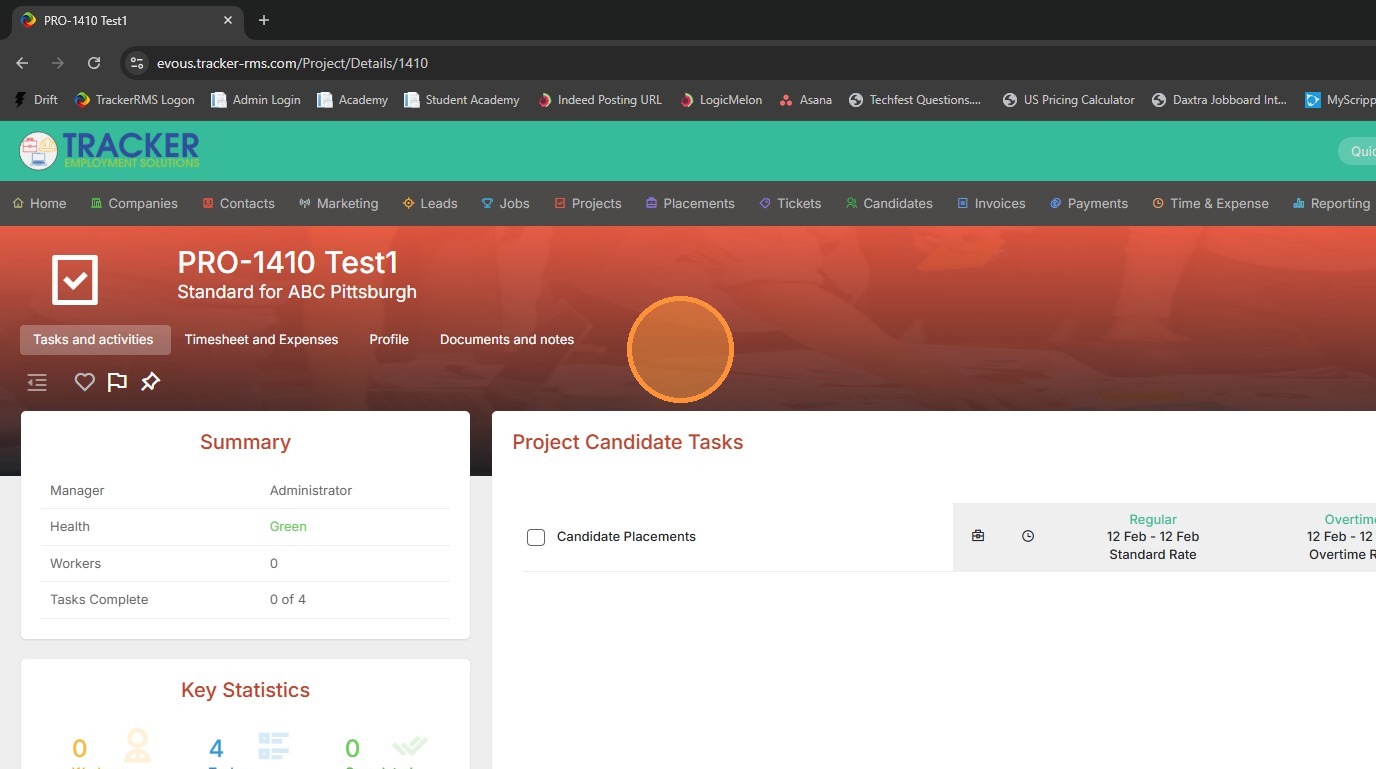
7. You can now view the new project.