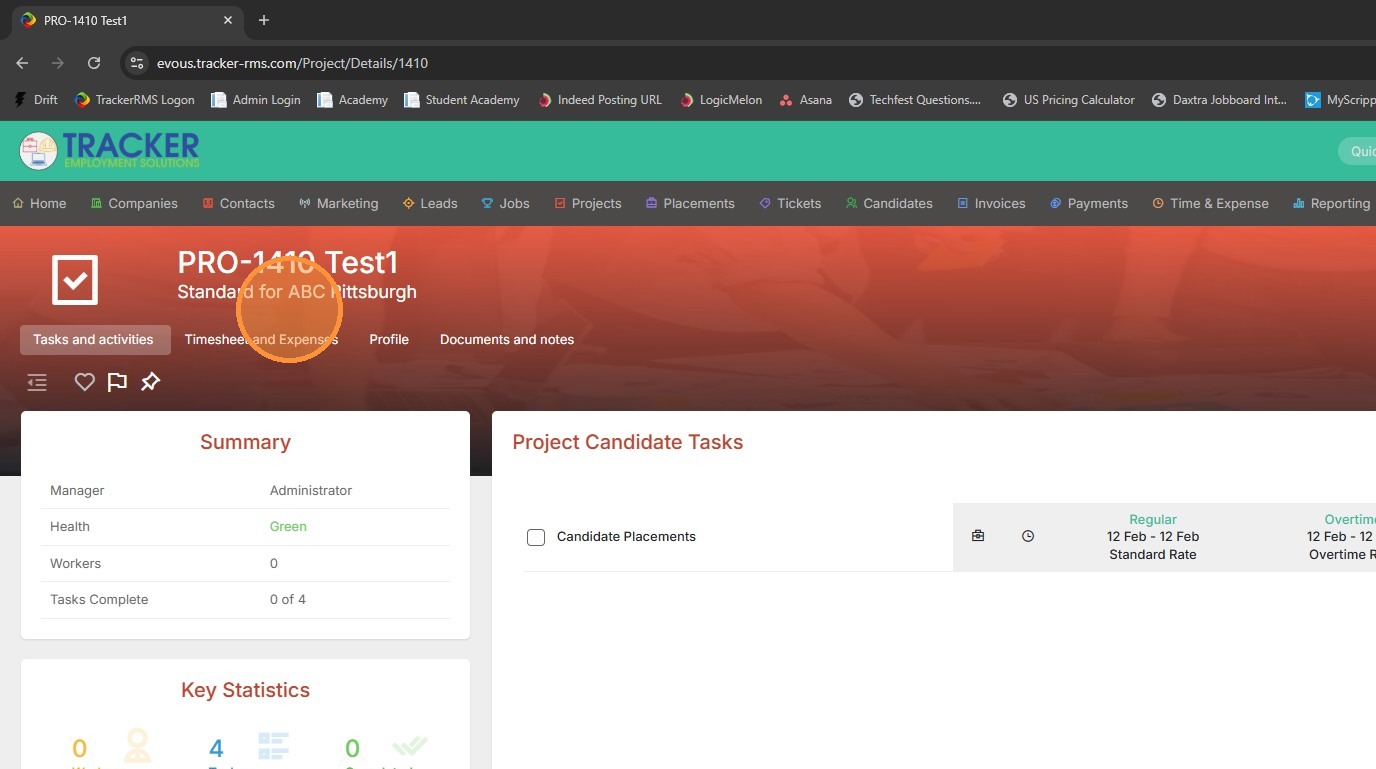
1. Open up the project/assignment you wish to add a working candidate to.
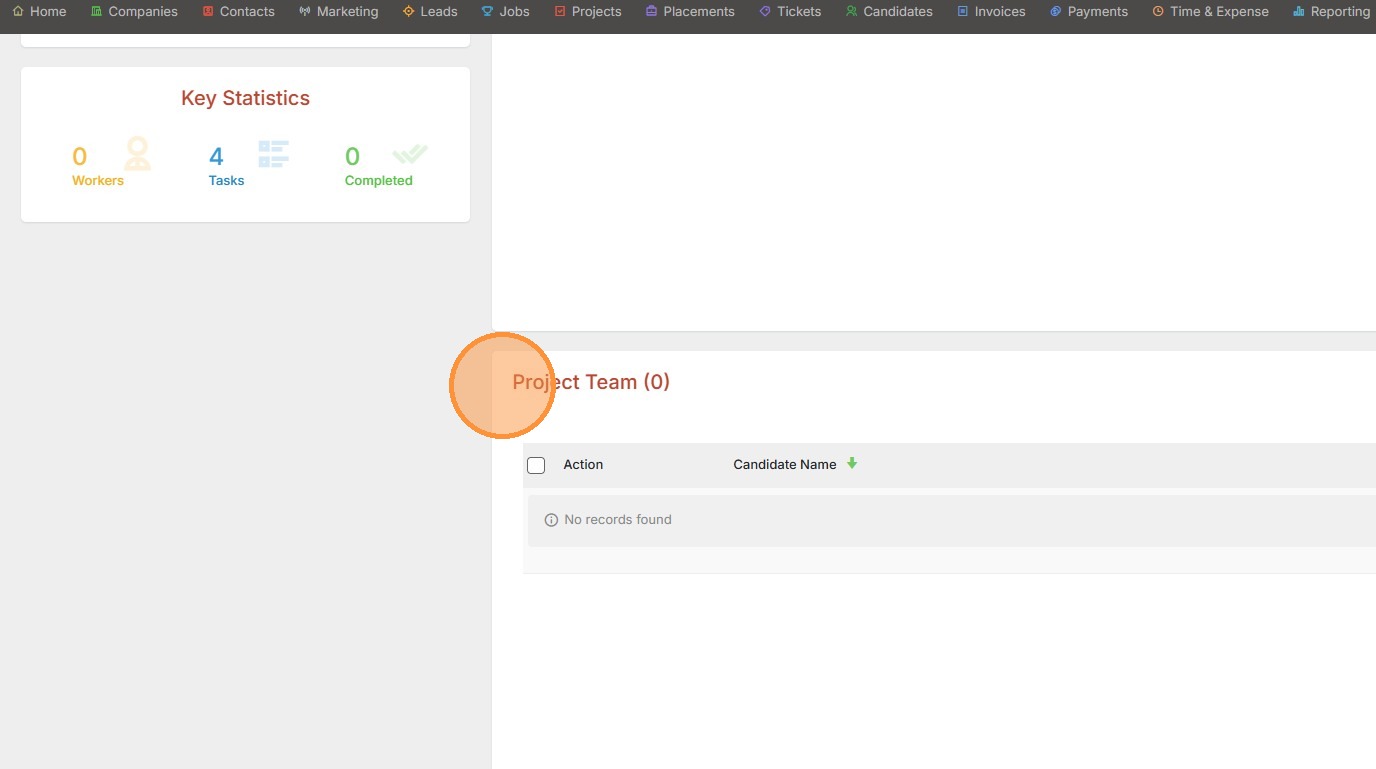
2. Scroll down to the Project / Assignment team section.
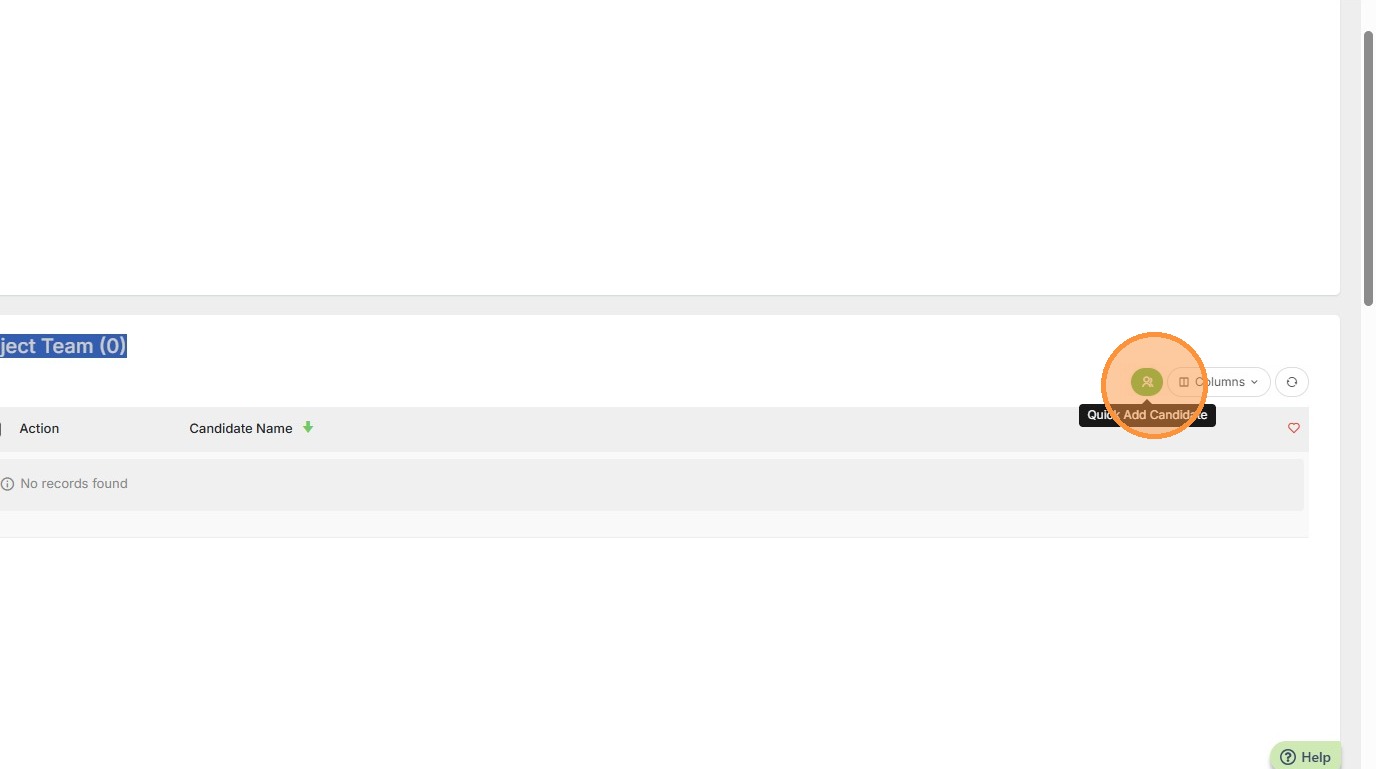
3. Click the green Quick Add Candidate button.
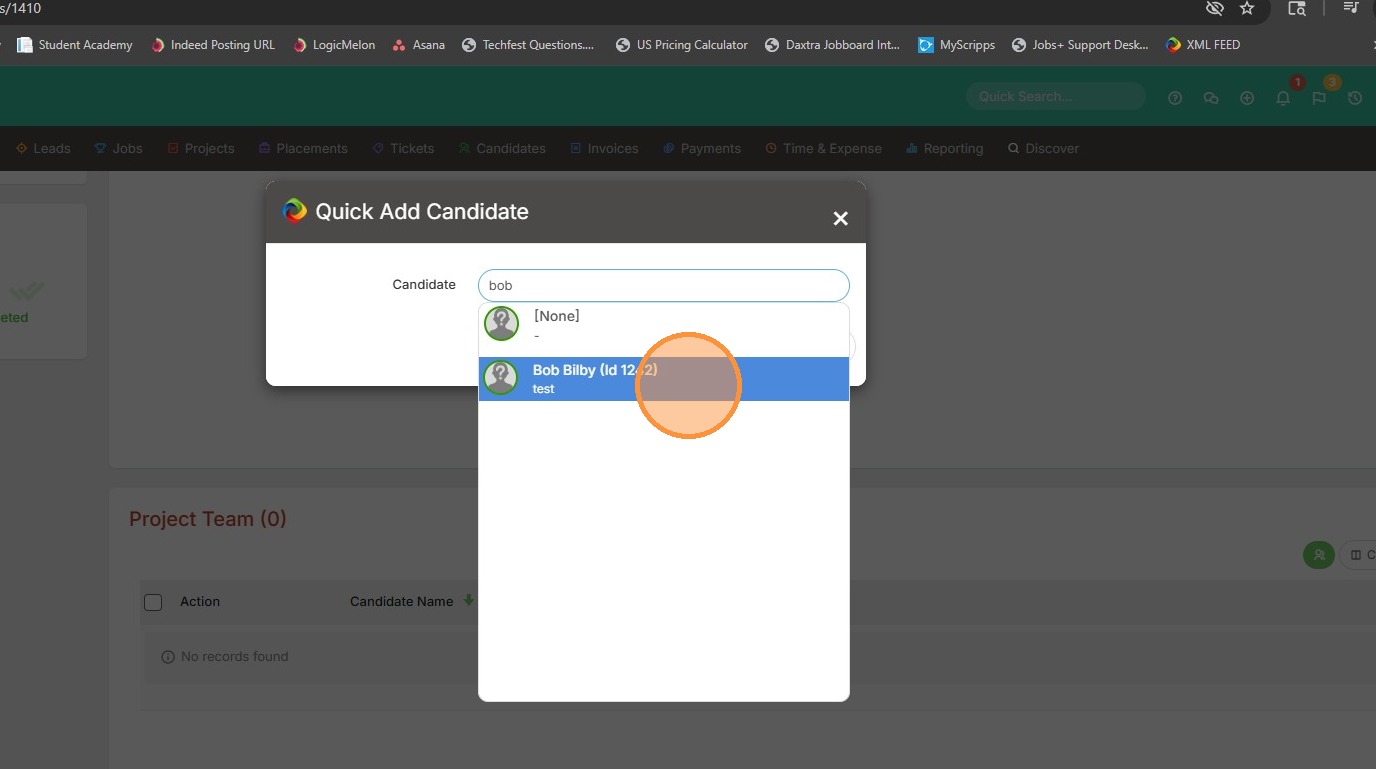
4. Type in the candidate's name or record ID number.
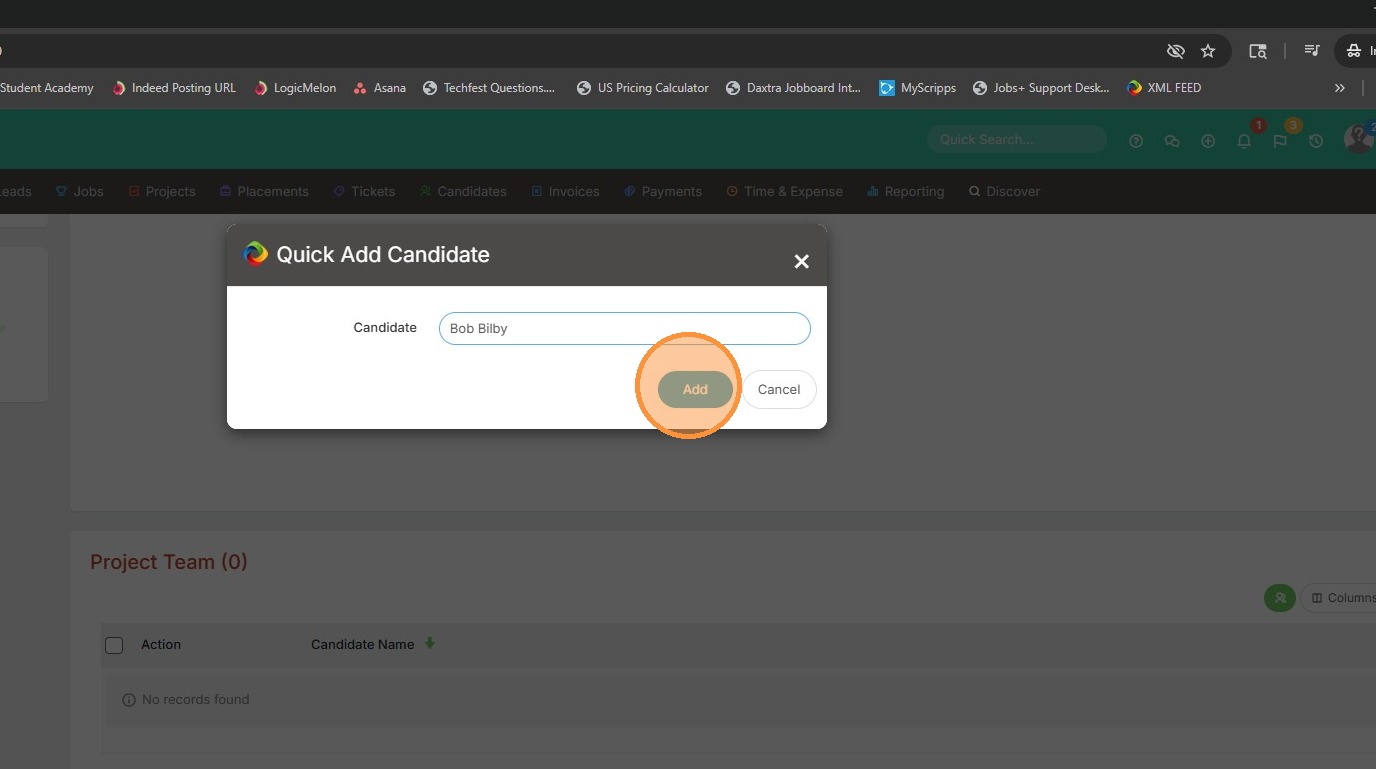
5. Click Add.
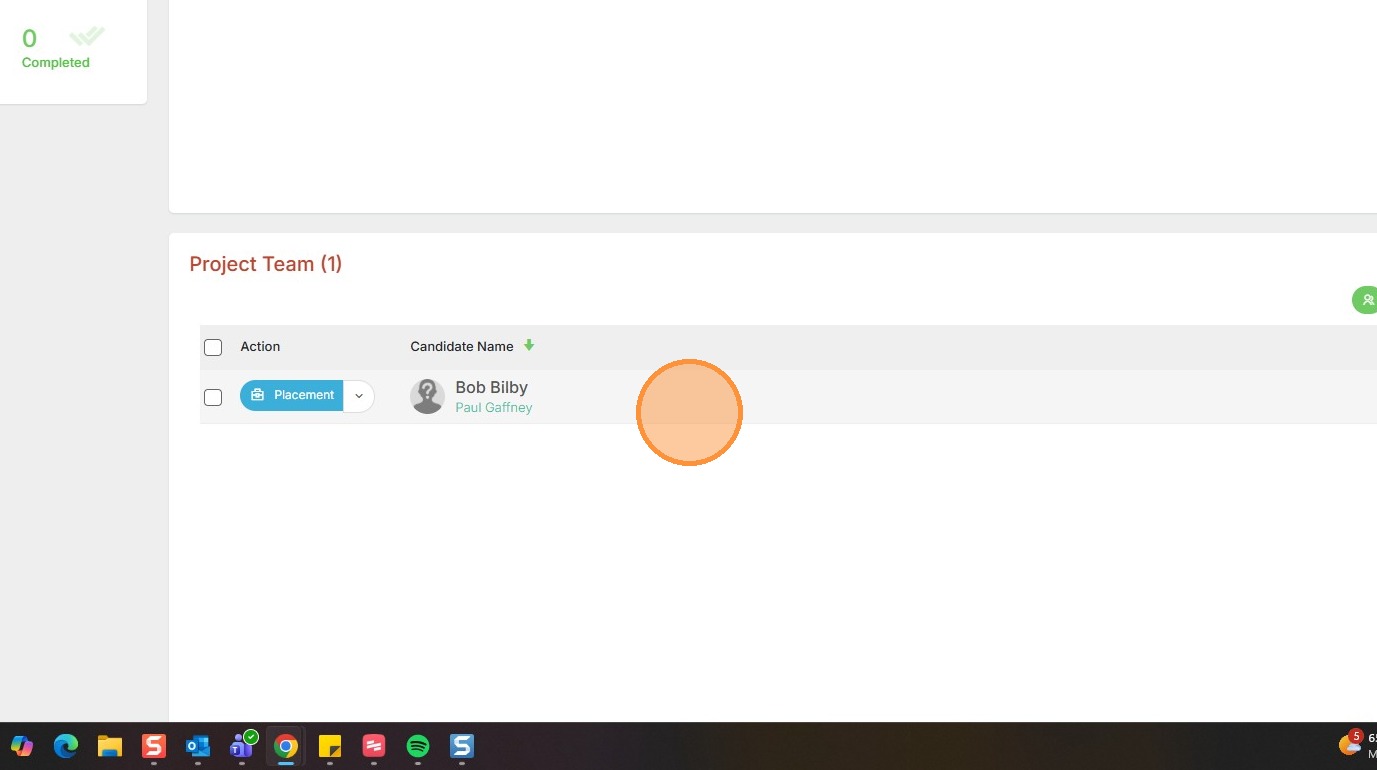
6. The candidate is now on the active Project / Assignment.
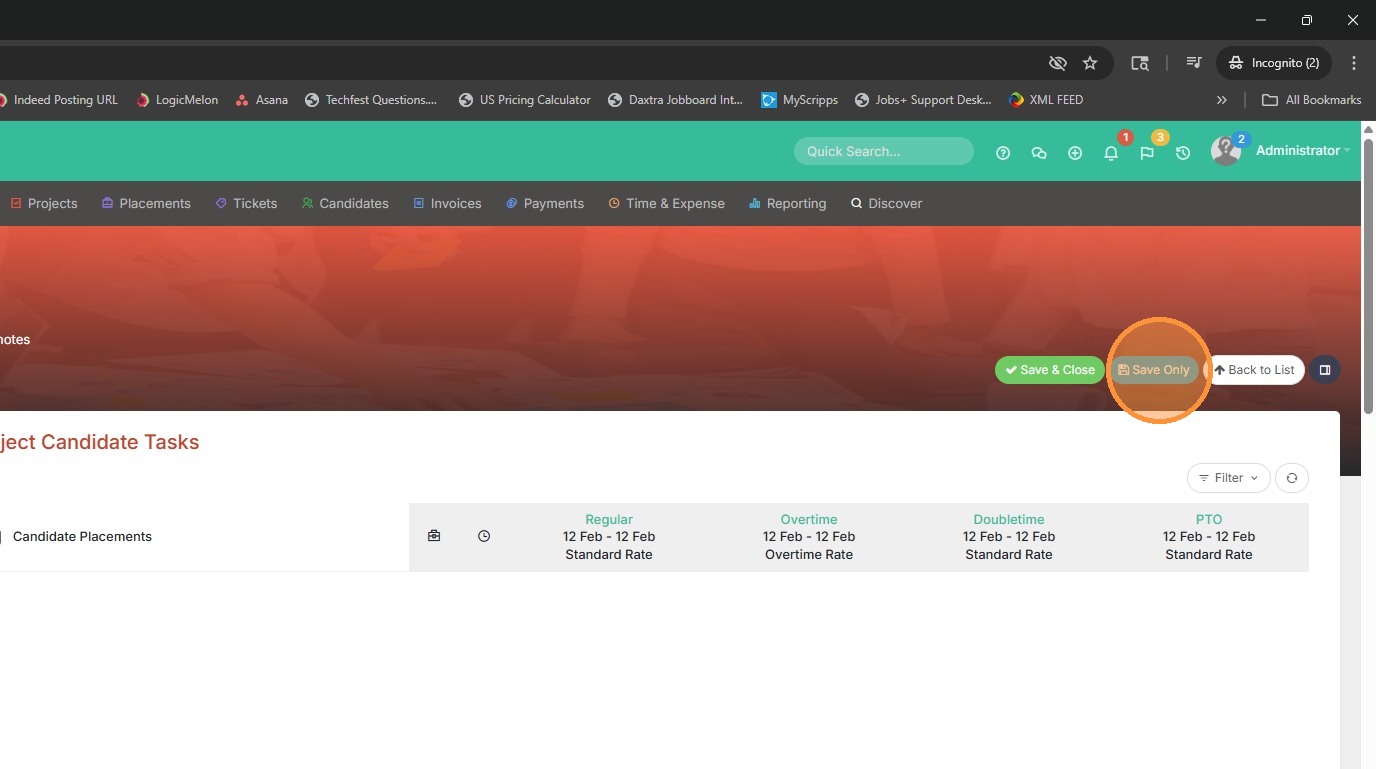
7. Click "Save Only".