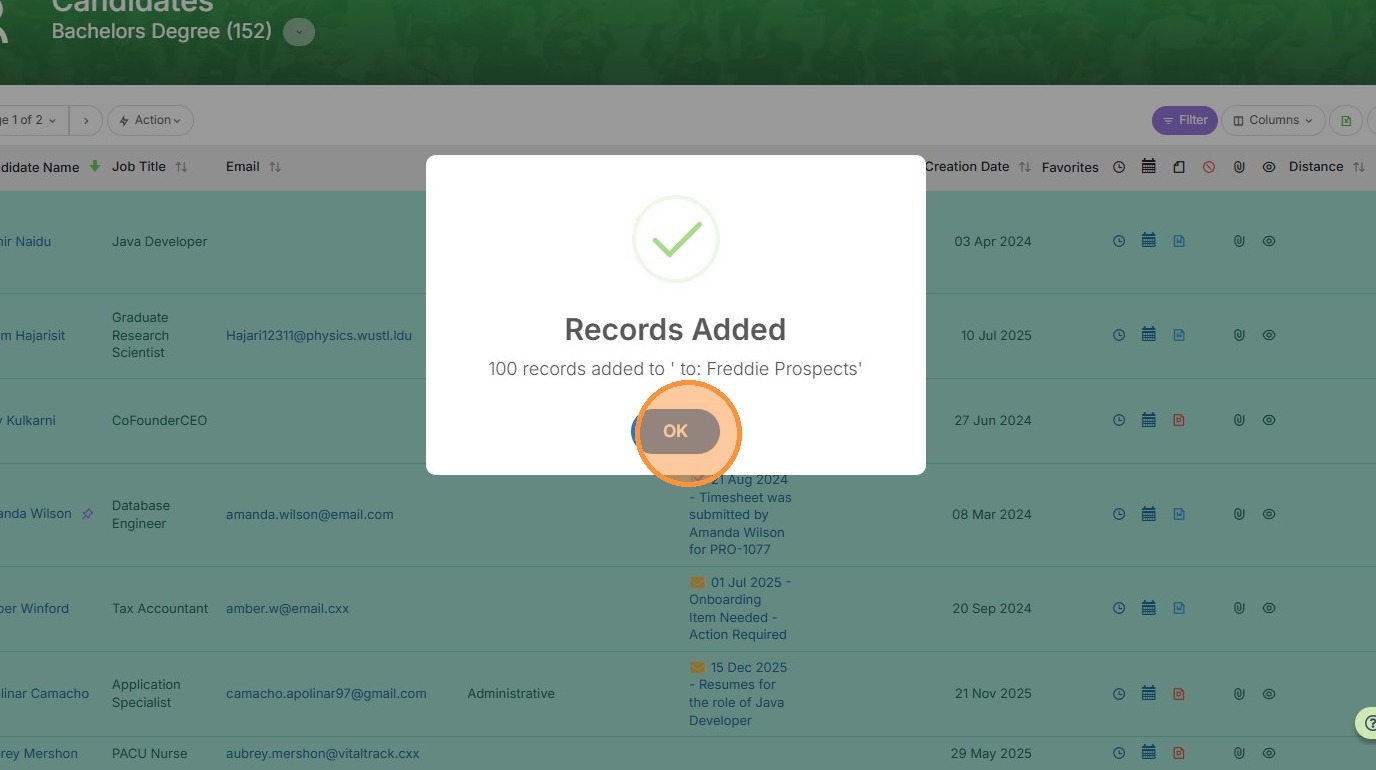
This lesson explains how to create a Send List from an already Filtered List
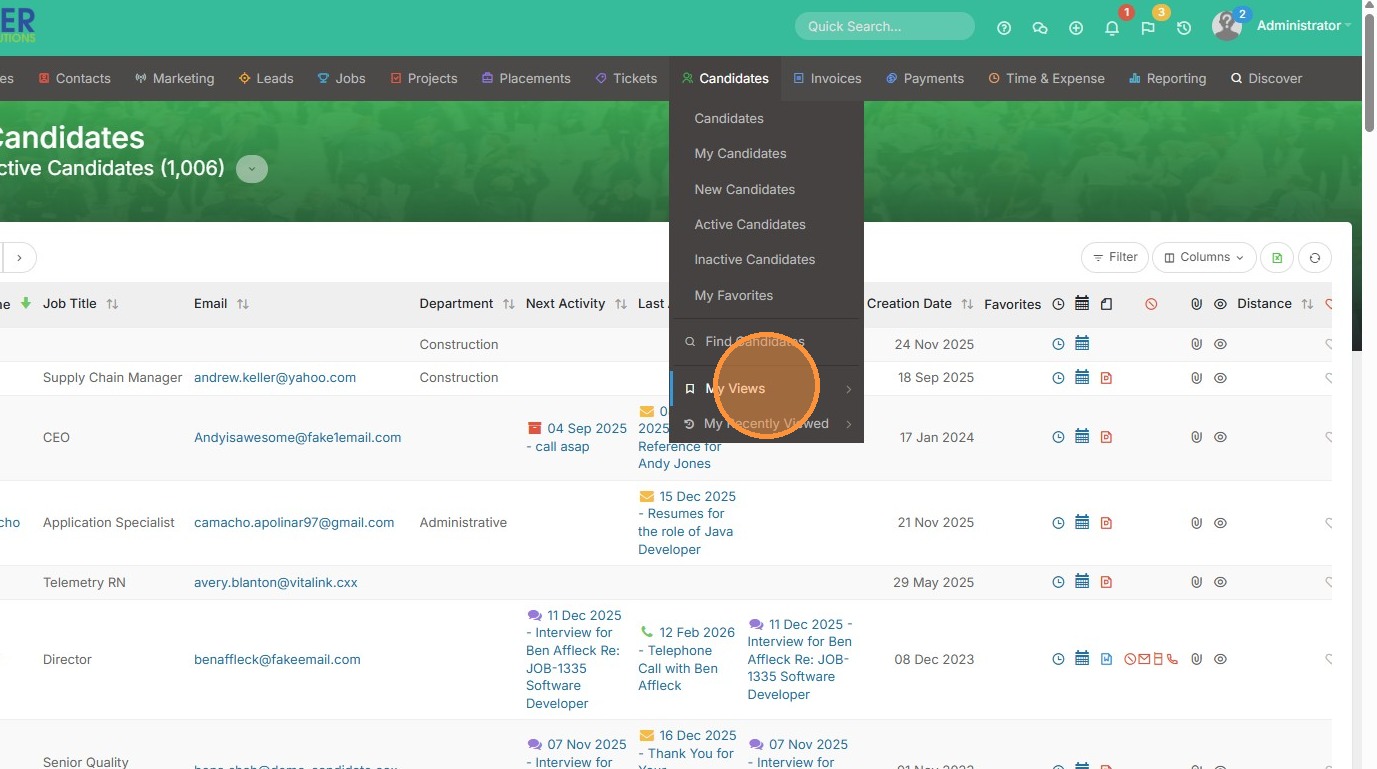
1. Click "My Views" to pick one of your saved list views.
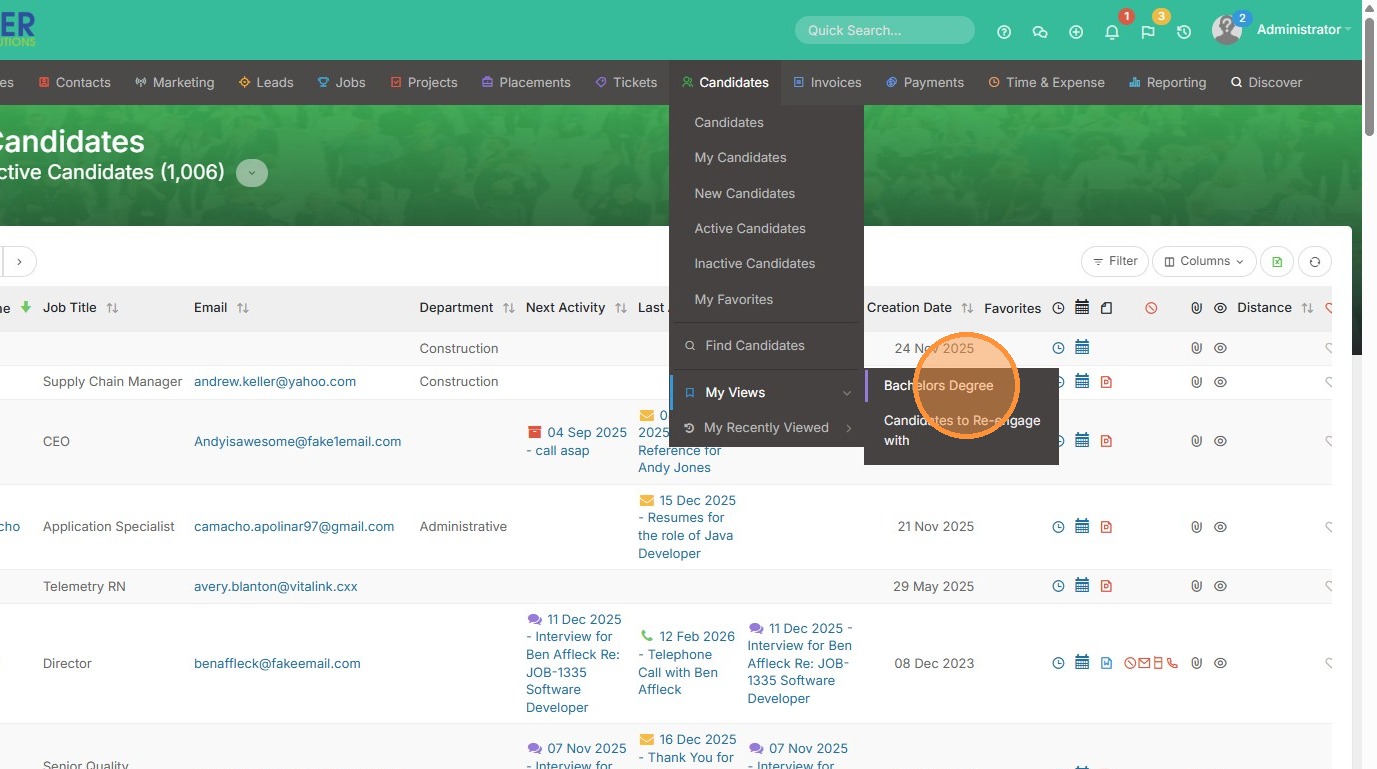
2. In this case, I have a candidate list view filtered to only show candidates with Bachelor Degrees.
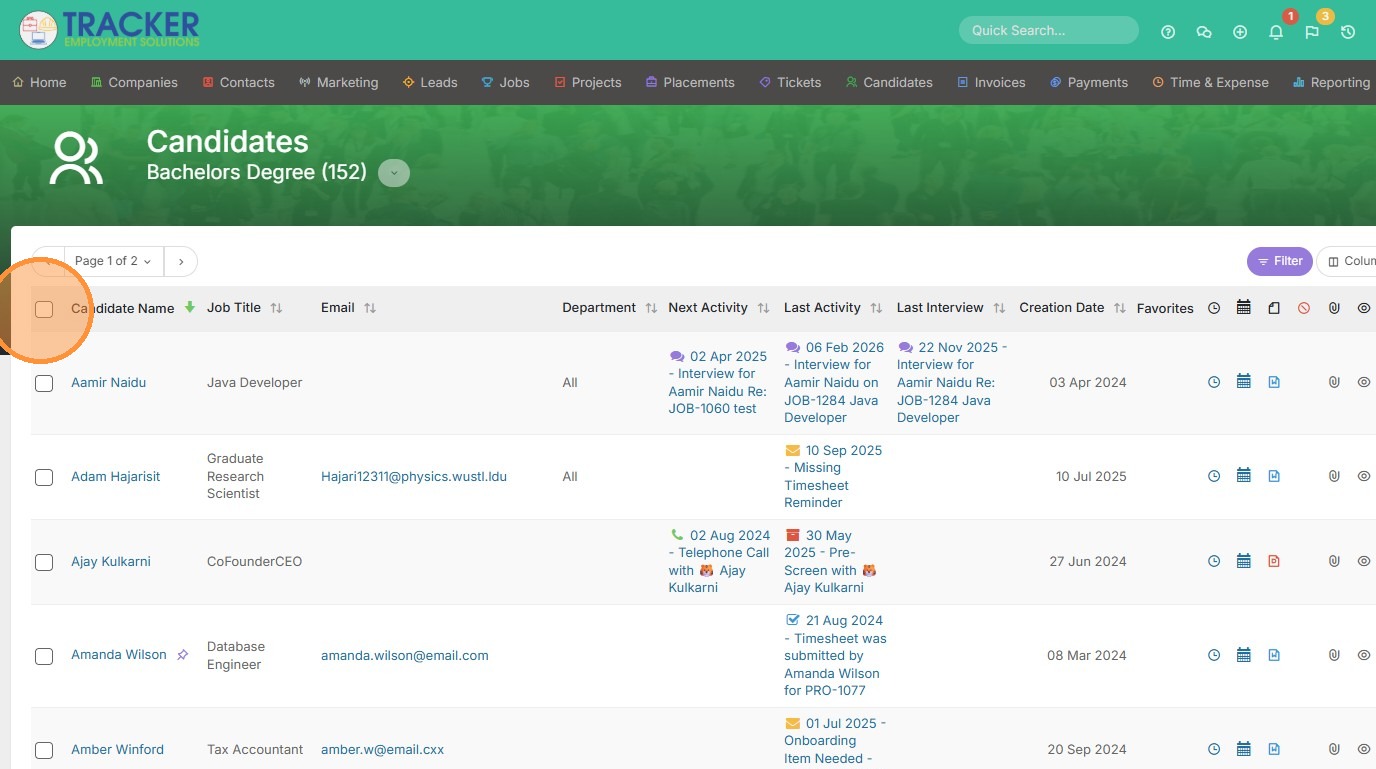
3. Select which candidates from this list you want to add to a sendlist.
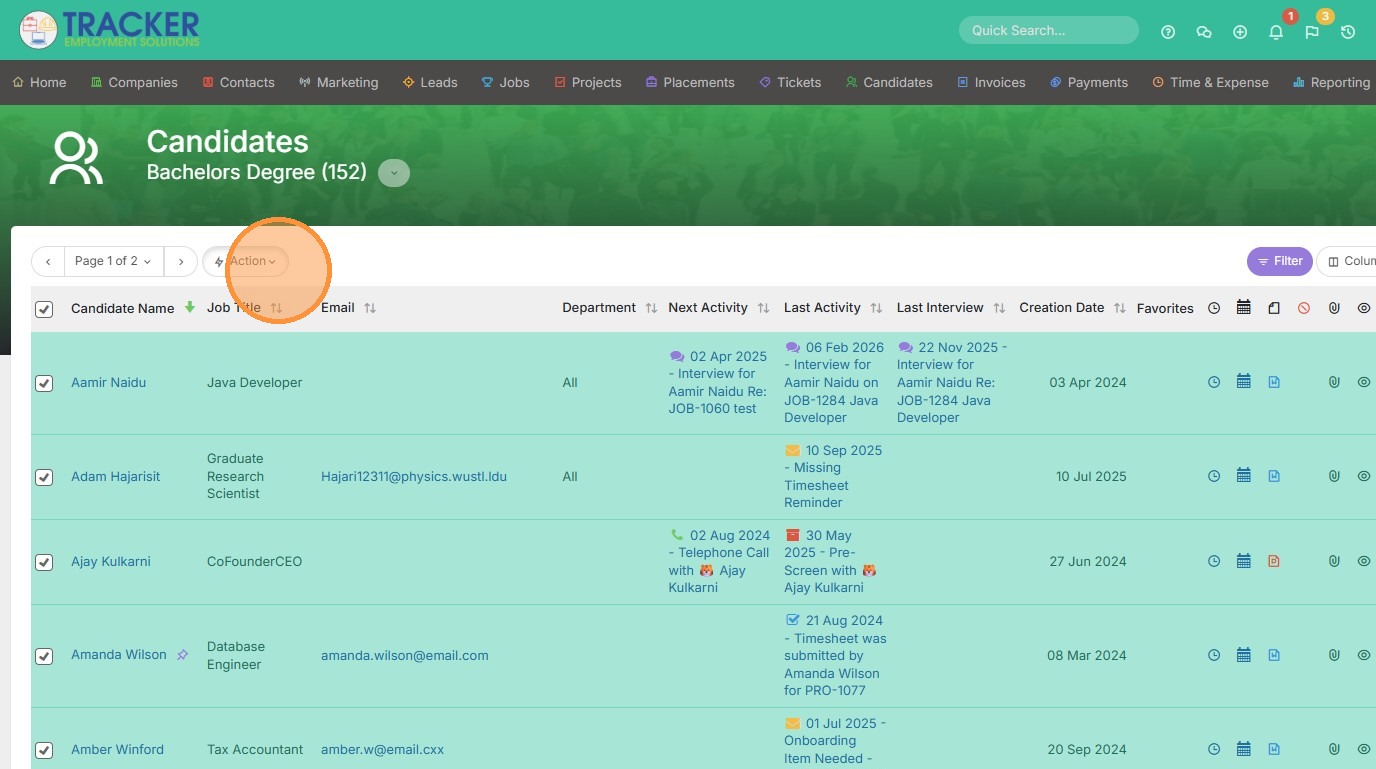
4. Click "Action"
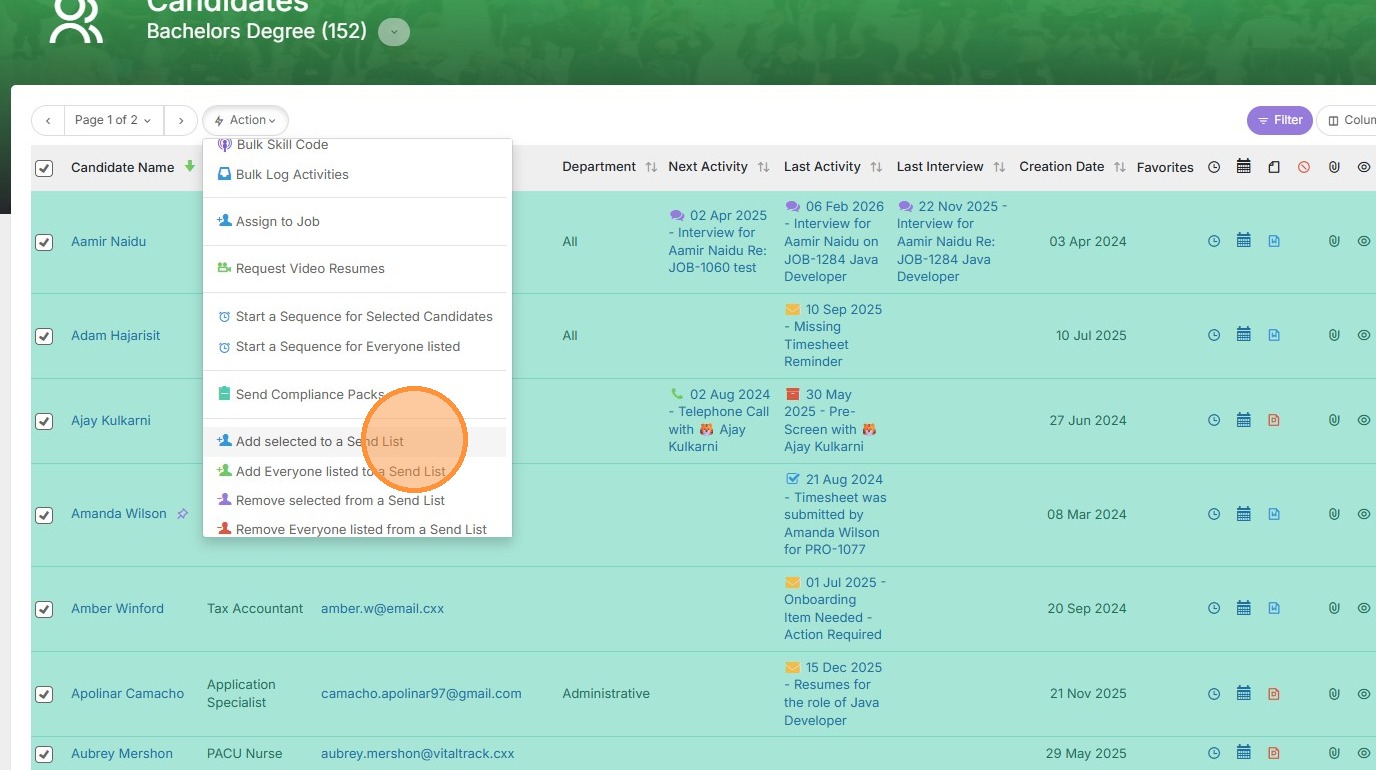
5. Click "Add selected to a Send List"
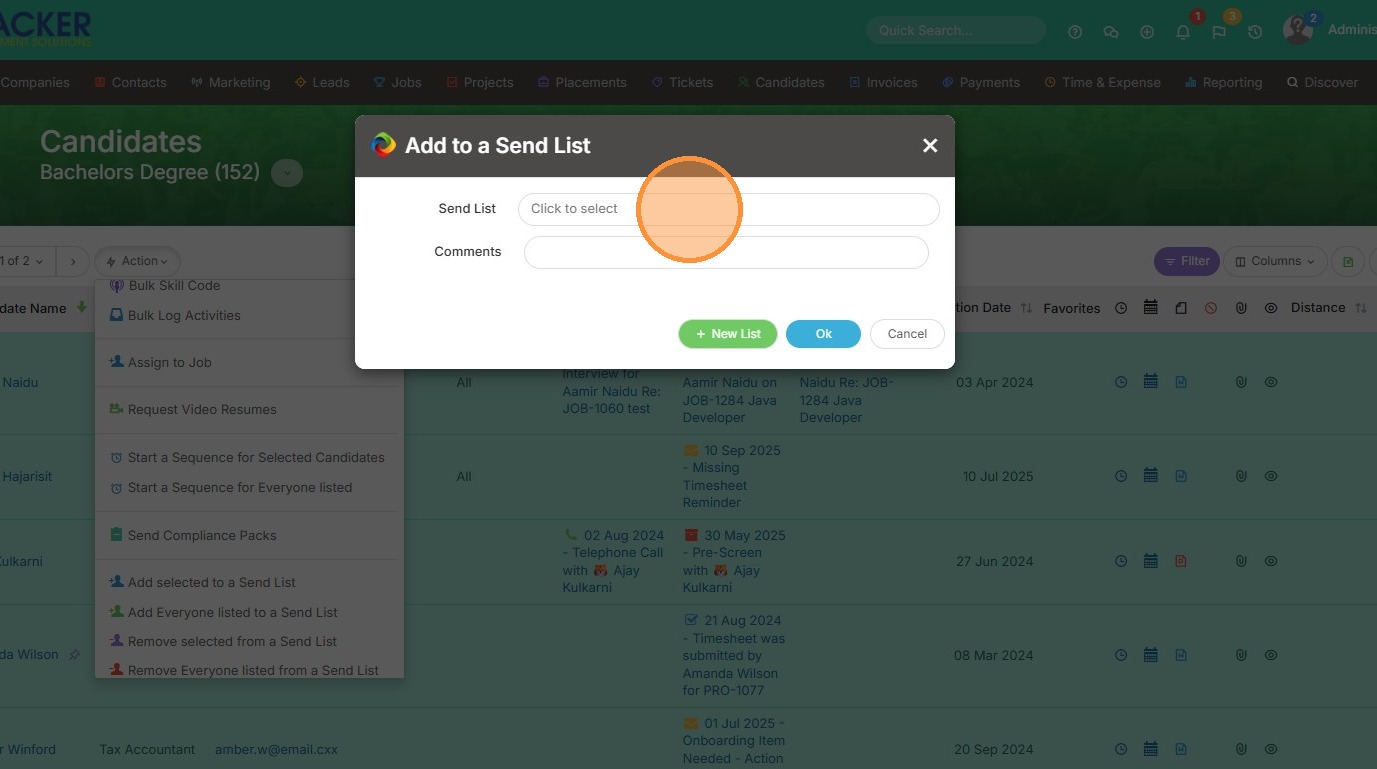
6. Click here to select a pre-existing list. Or select New List in green to create a brand new one.
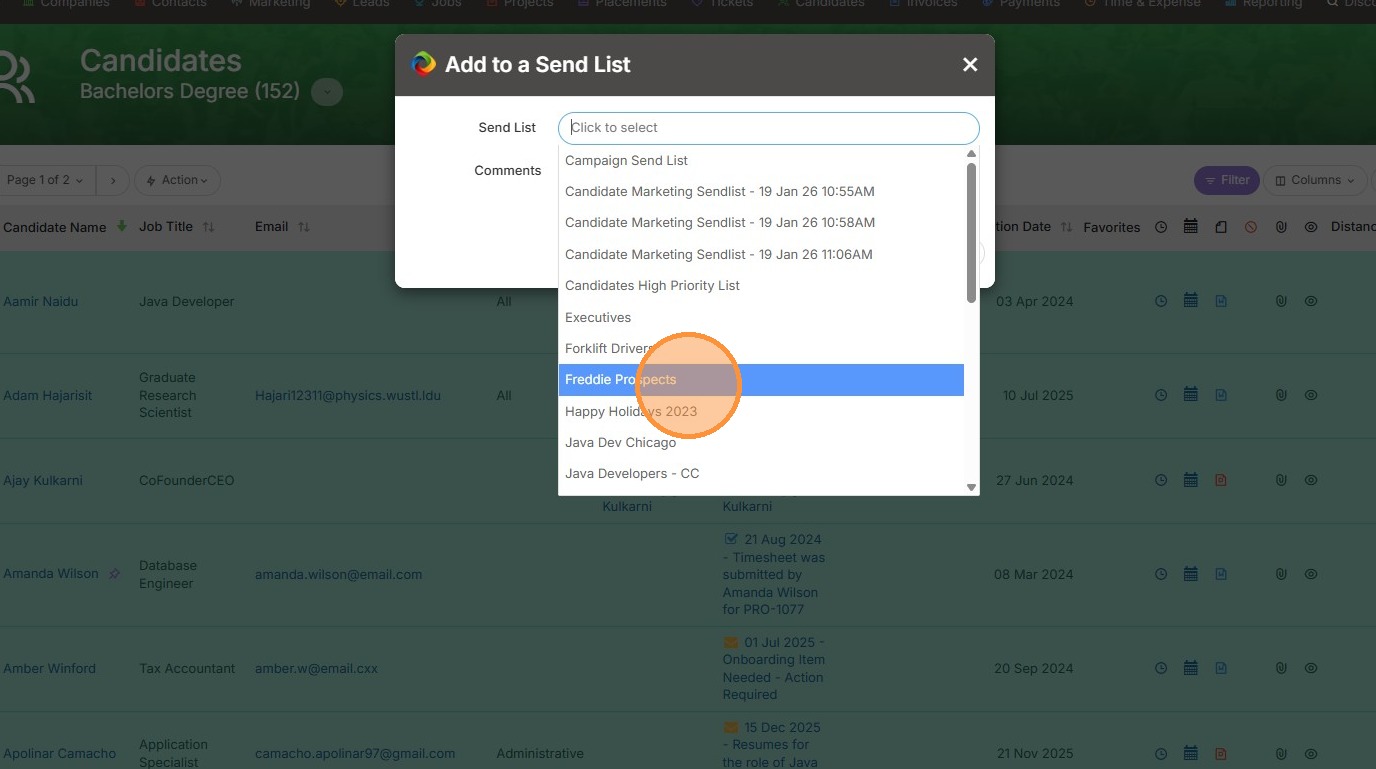
7. In this case, I will add these candidates to Freddie's Prospects.
8. Click "Ok"
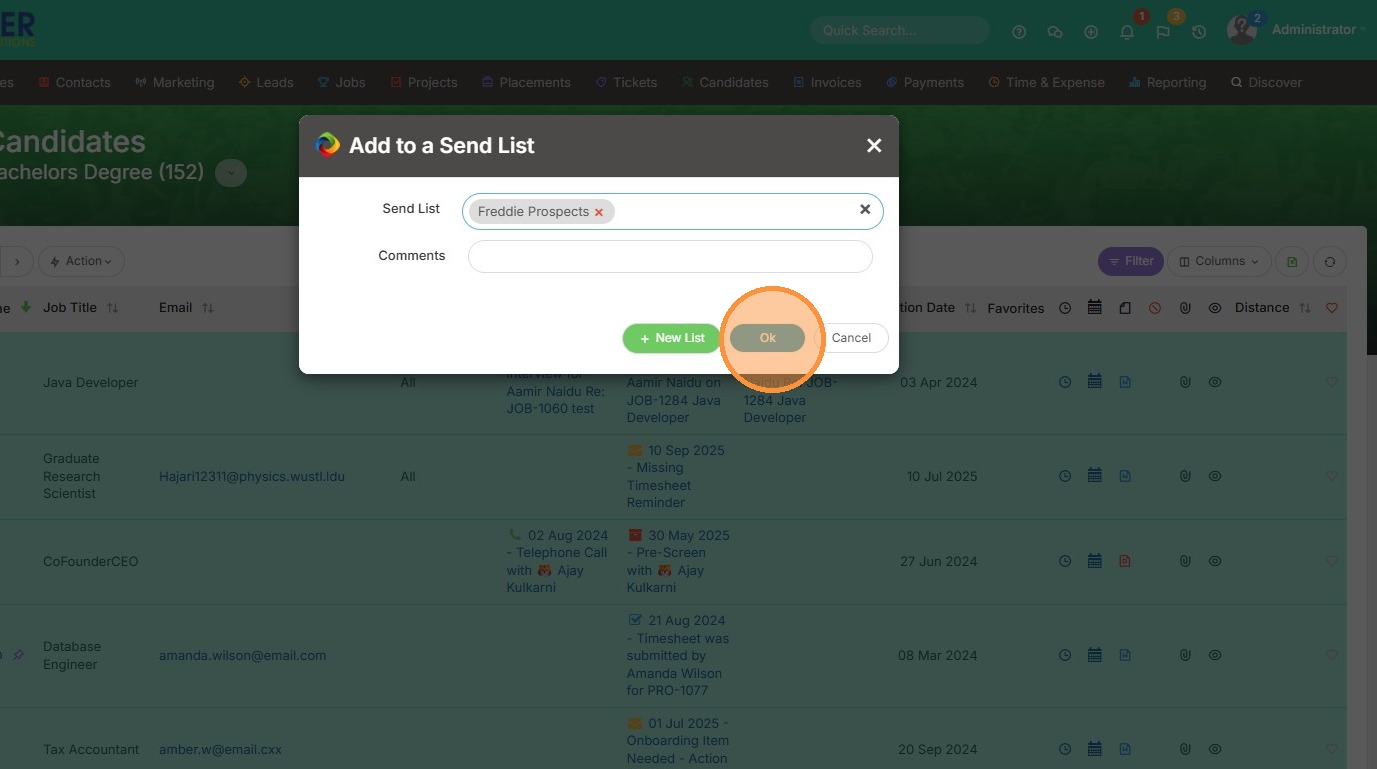
9. Click "OK"