Opportunity Navigation

1. Select the candidate and choose to log an Interview activity.
Interview Invitation Setup

2. Create a calendar invitation event from the Calendar menu. Create Invitation Event means the calendar invite will go to whomever you email this activity to. If you select Create Event, it will only add the calendar invite to your calendar (not the candidate or contact).

3. Open the candidate email composer from the Action menu.
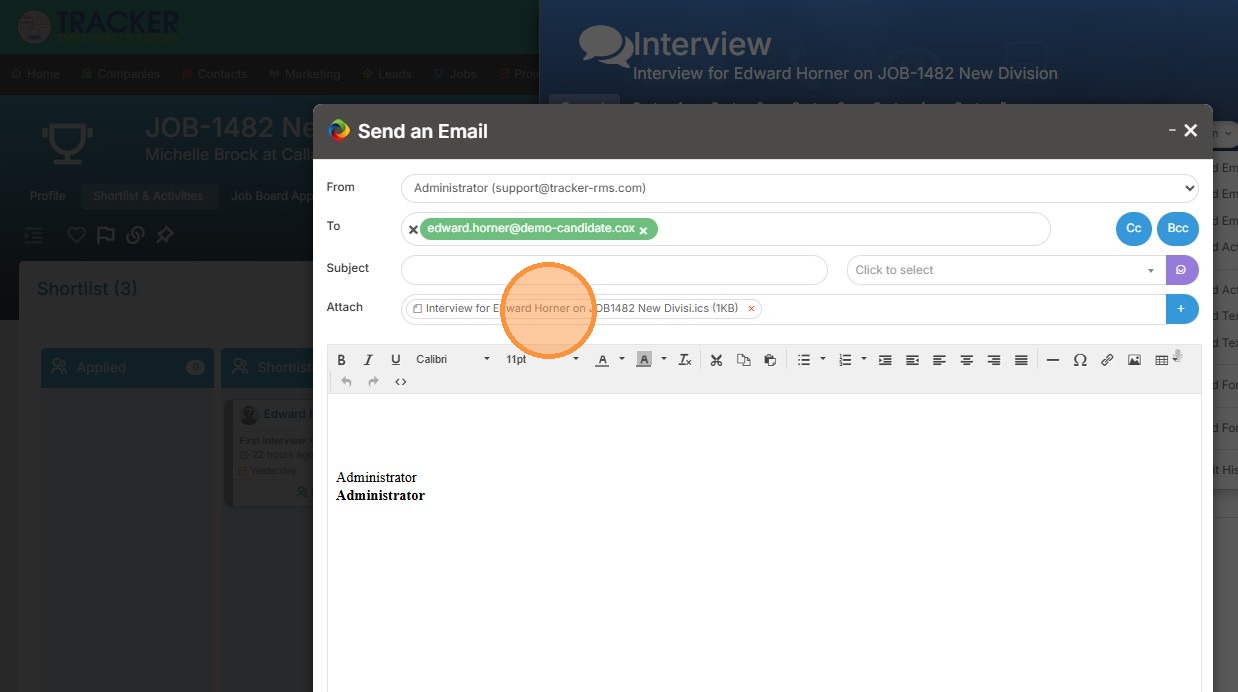
4. Here you can see the calendar invite is attached automatically.
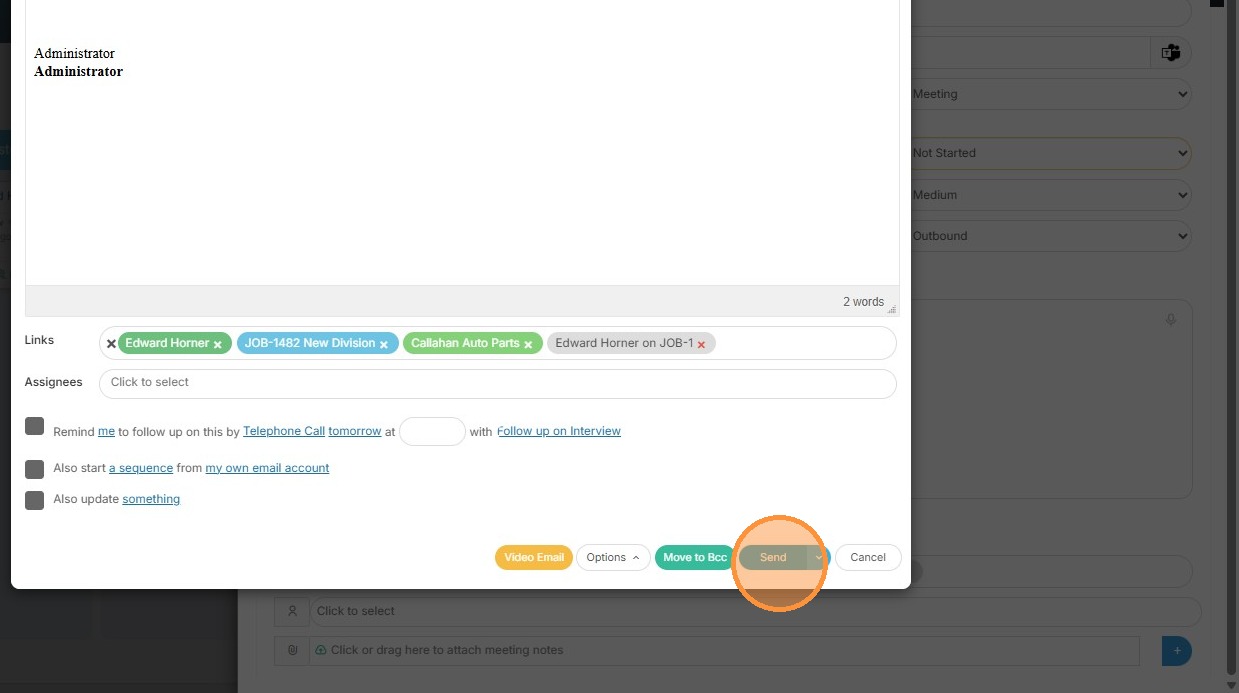
5. Click "Send" once you're happy with the message.
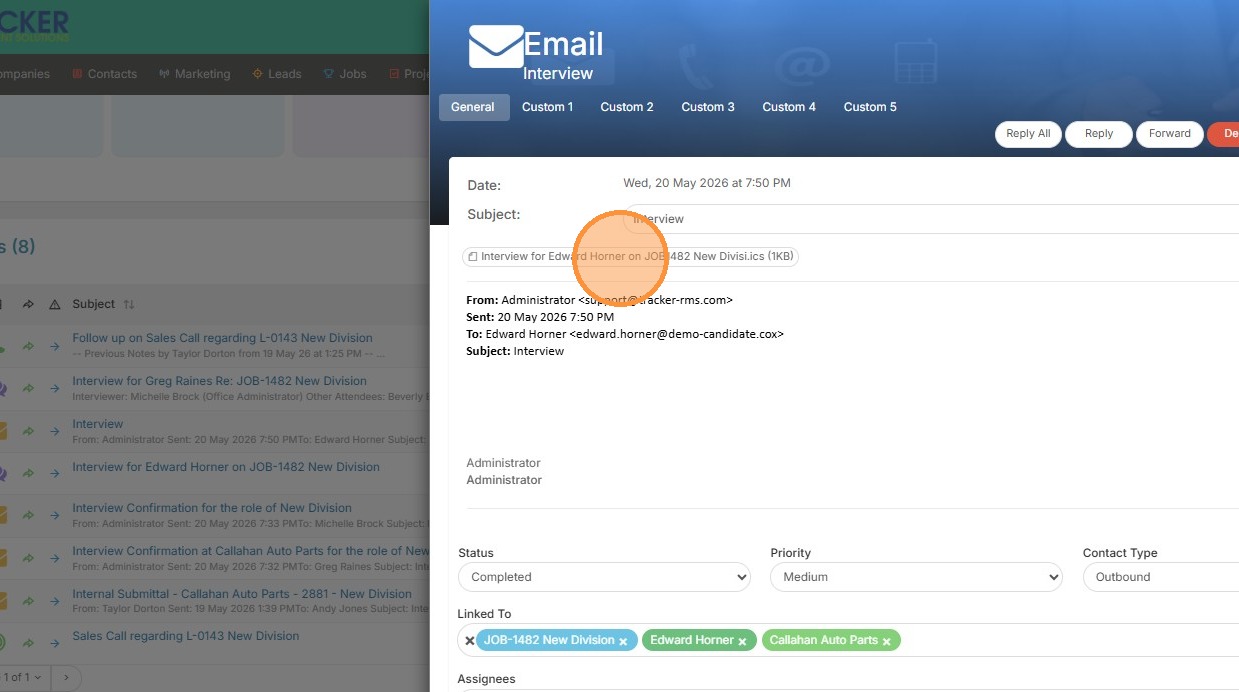
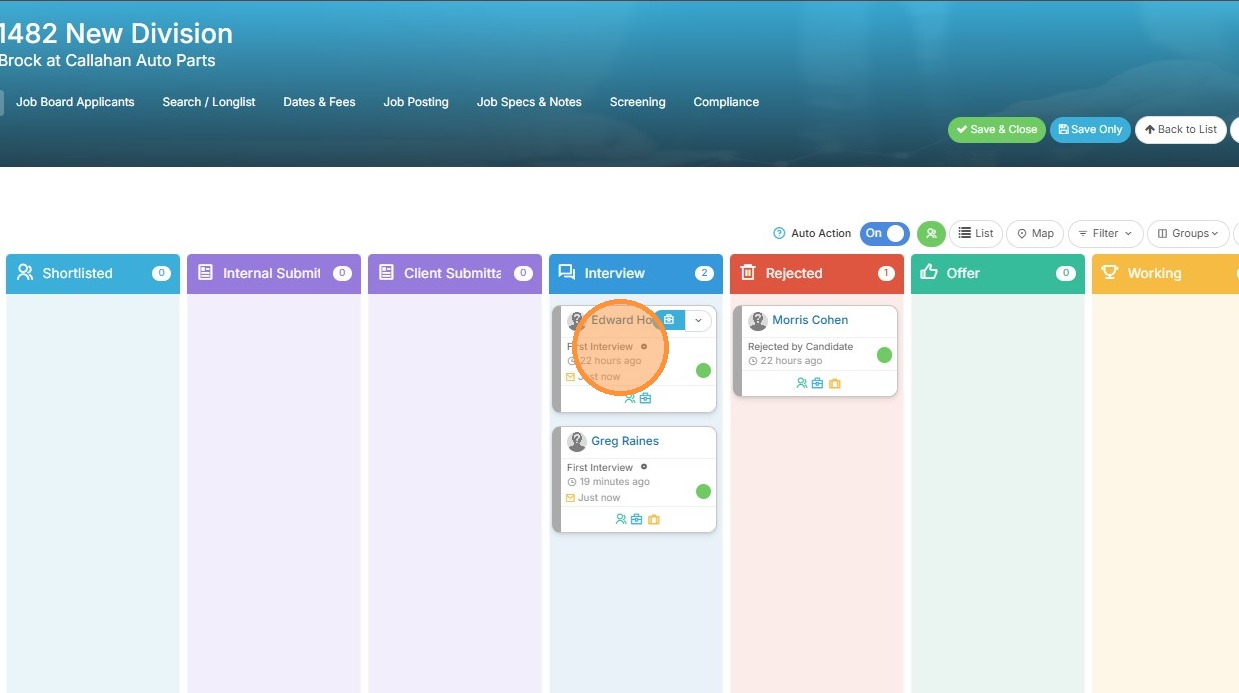
6. You can now see this candidate was moved to the First Interview stage.
Activity Verification
7. The interview email and activity have been created.

8. You can double check in the email that the calendar invite was sent as well.