Candidate Selection

1. Select the candidates you want to interview.
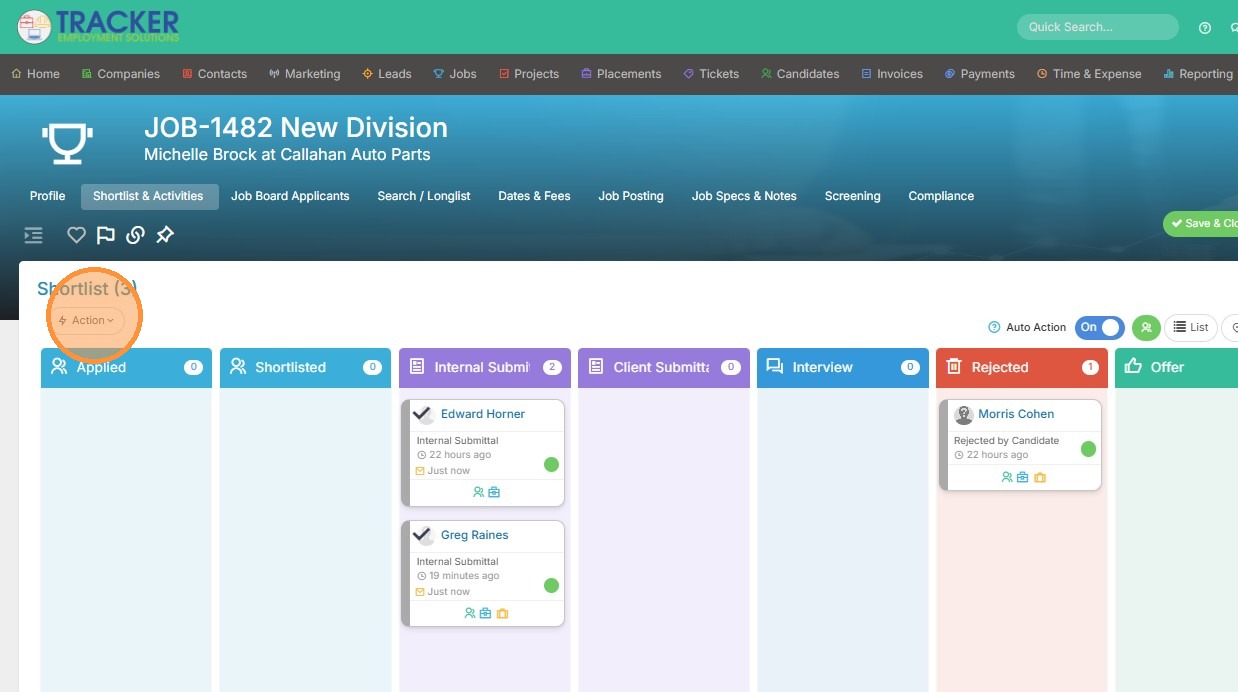
2. Click Action
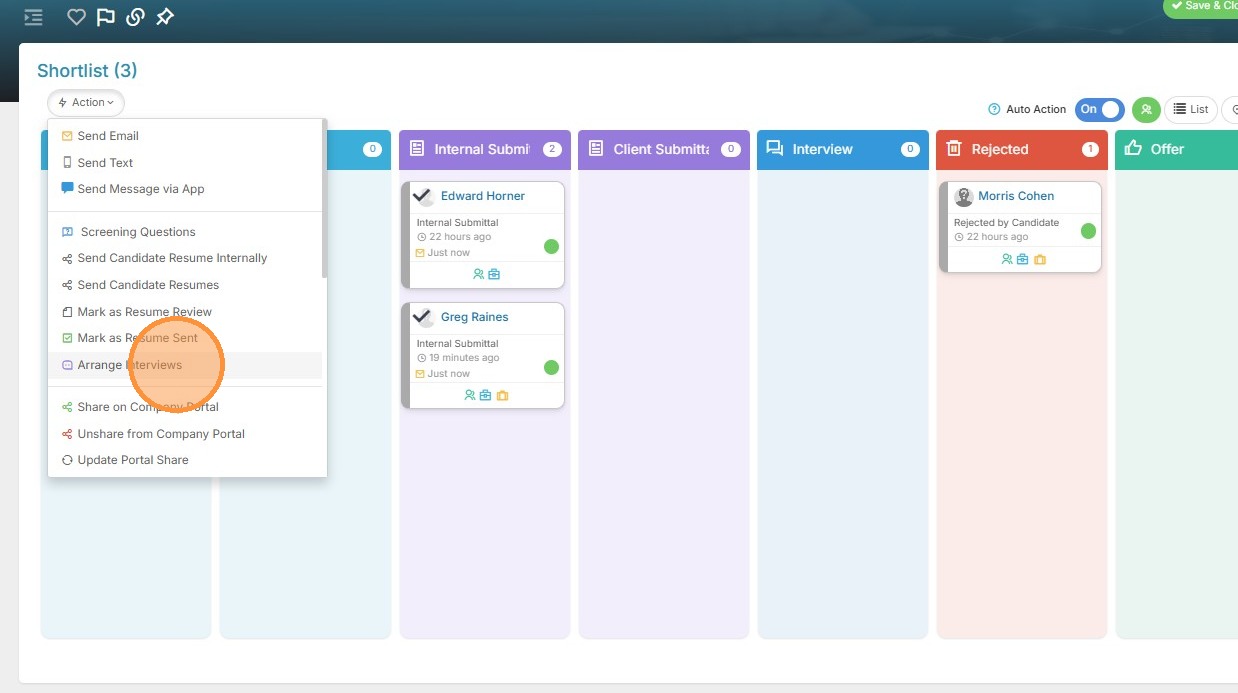
3. Select Arrange Interviews
Interview Details

4. Here you can change the Interviewer (or add), include Other Attendees, change the Interview Type, and update the location.
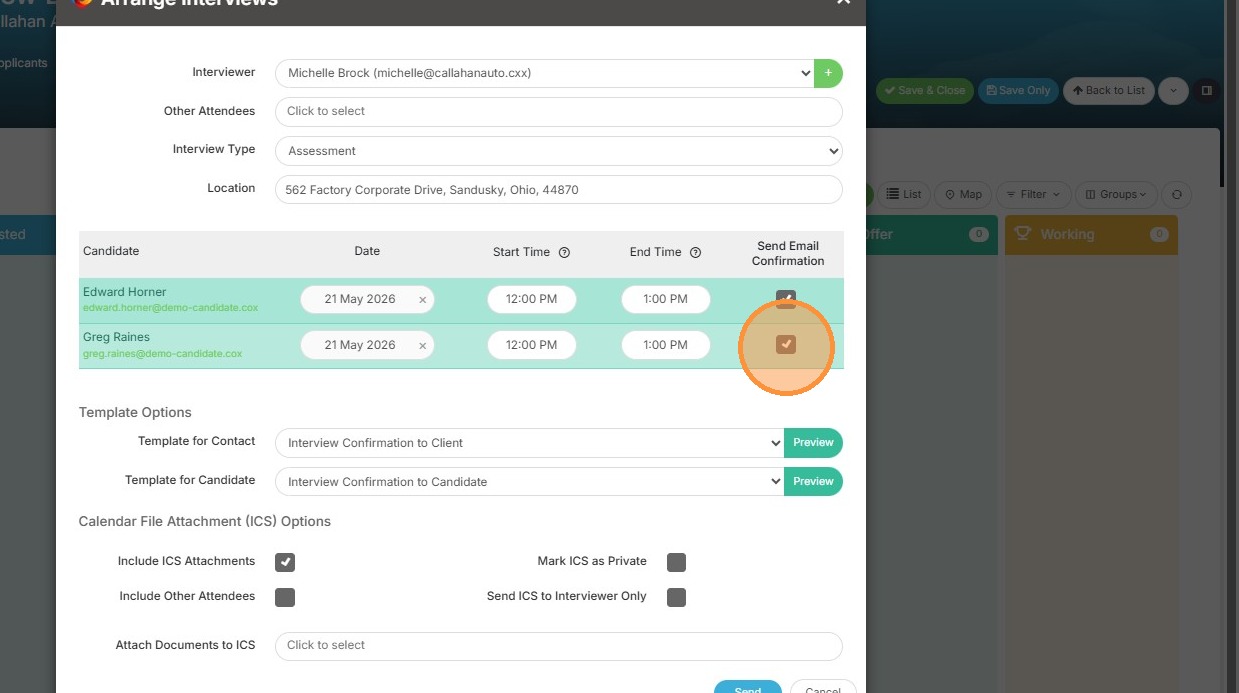
5. Enable email confirmations for the selected candidates, and ensure their interview dates and times are correct.
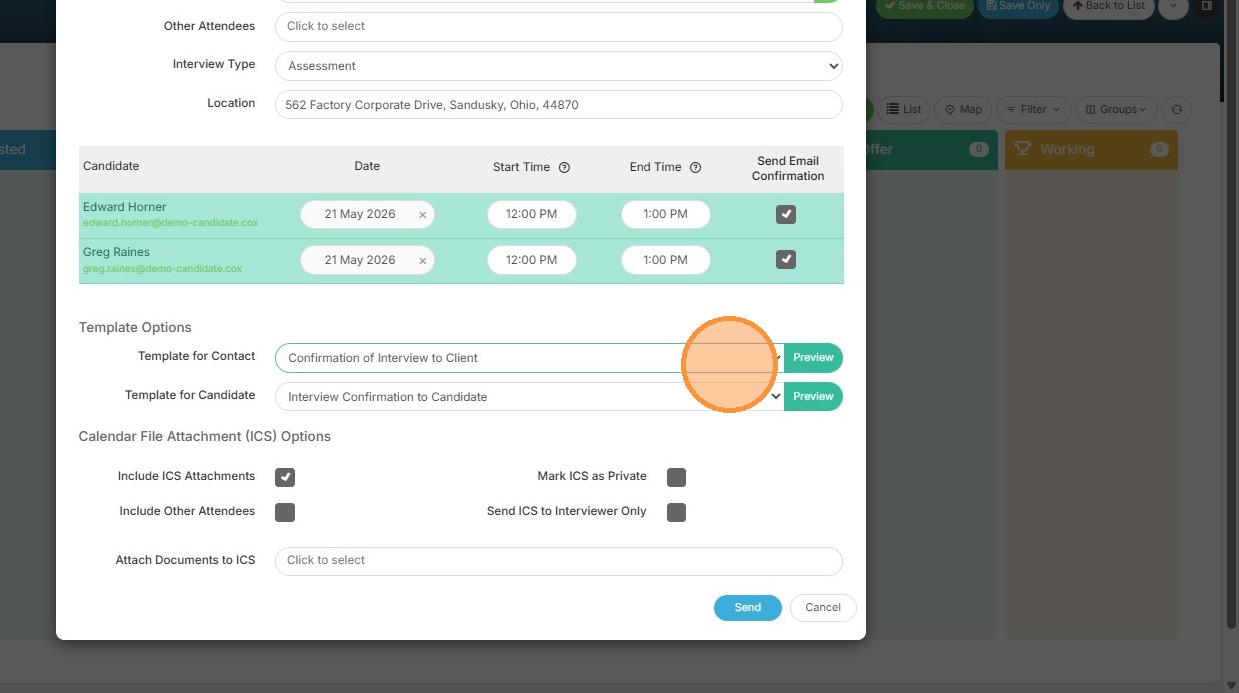
6. If you want to change the email template to the contact or candidate, you can select pre-built templates from this dropdown area. You can also edit ad-hoc by clicking the green Preview button.
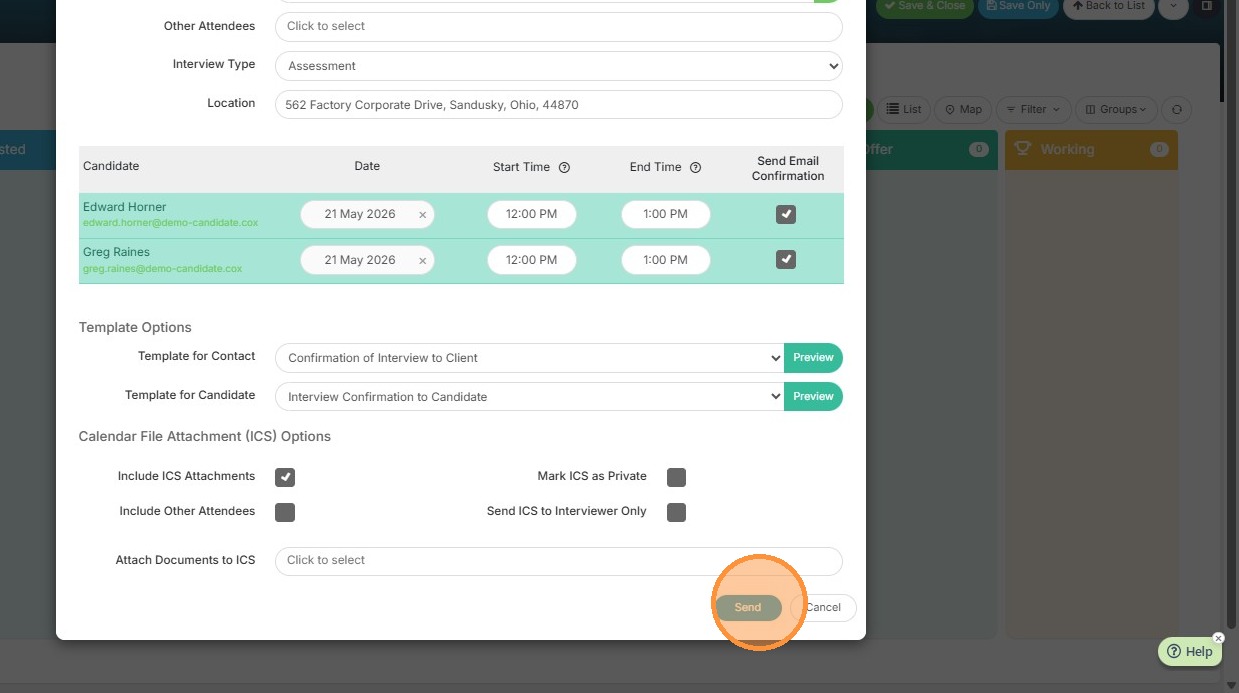
7. Click Send to finalize and schedule the interviews
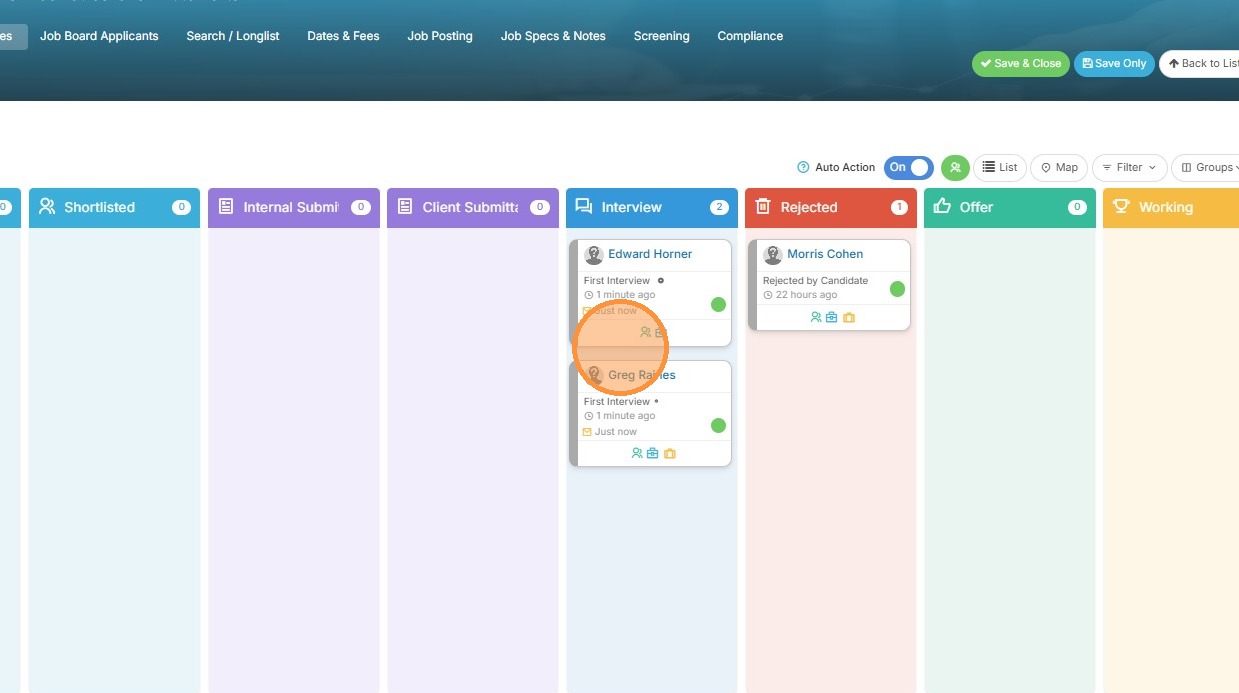
8. Both candidates have moved into the Interview card, and the interview activities have been created.