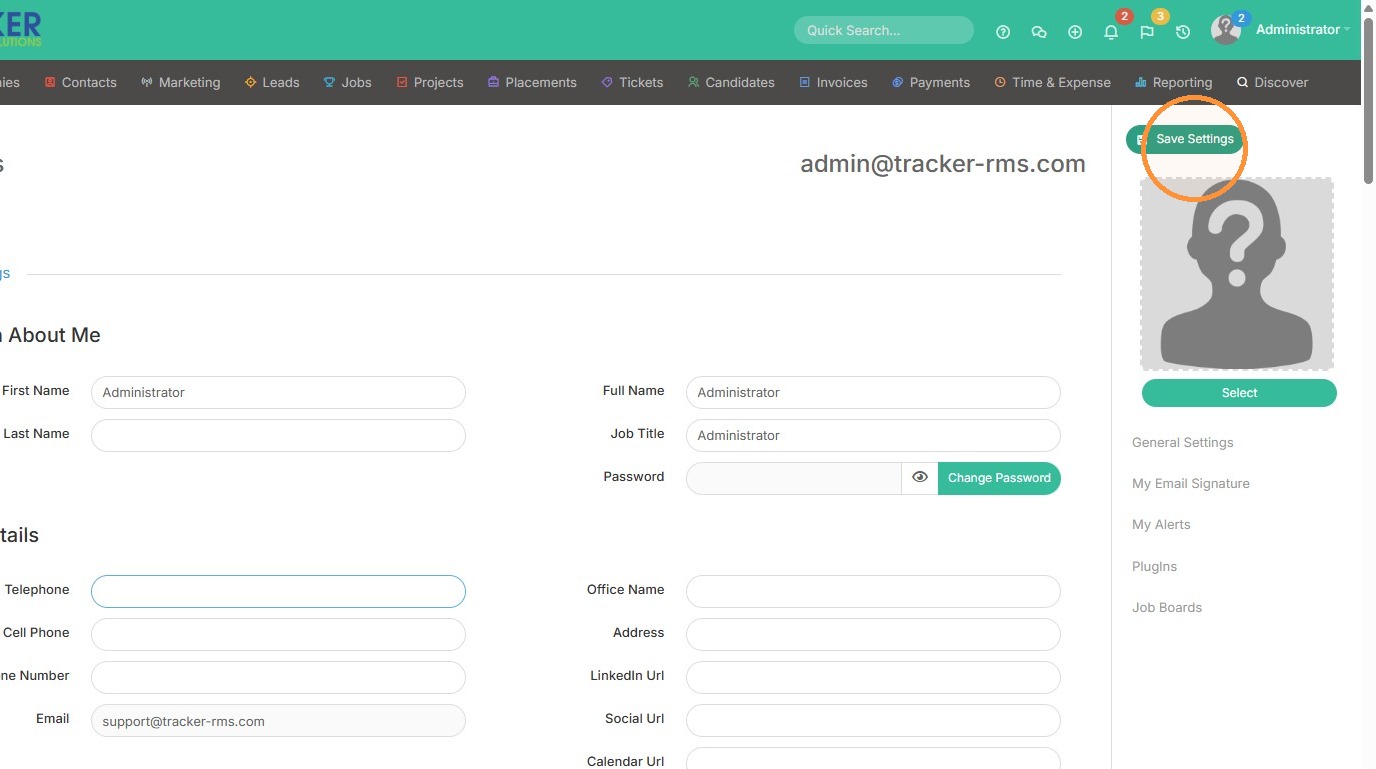
This lesson explains how to update your Personal Details. Your personal details are important to fill out properly as they can be pulled into your email signature as needed through tags. Check out the email signature help file for more information on tags and how they are applied.
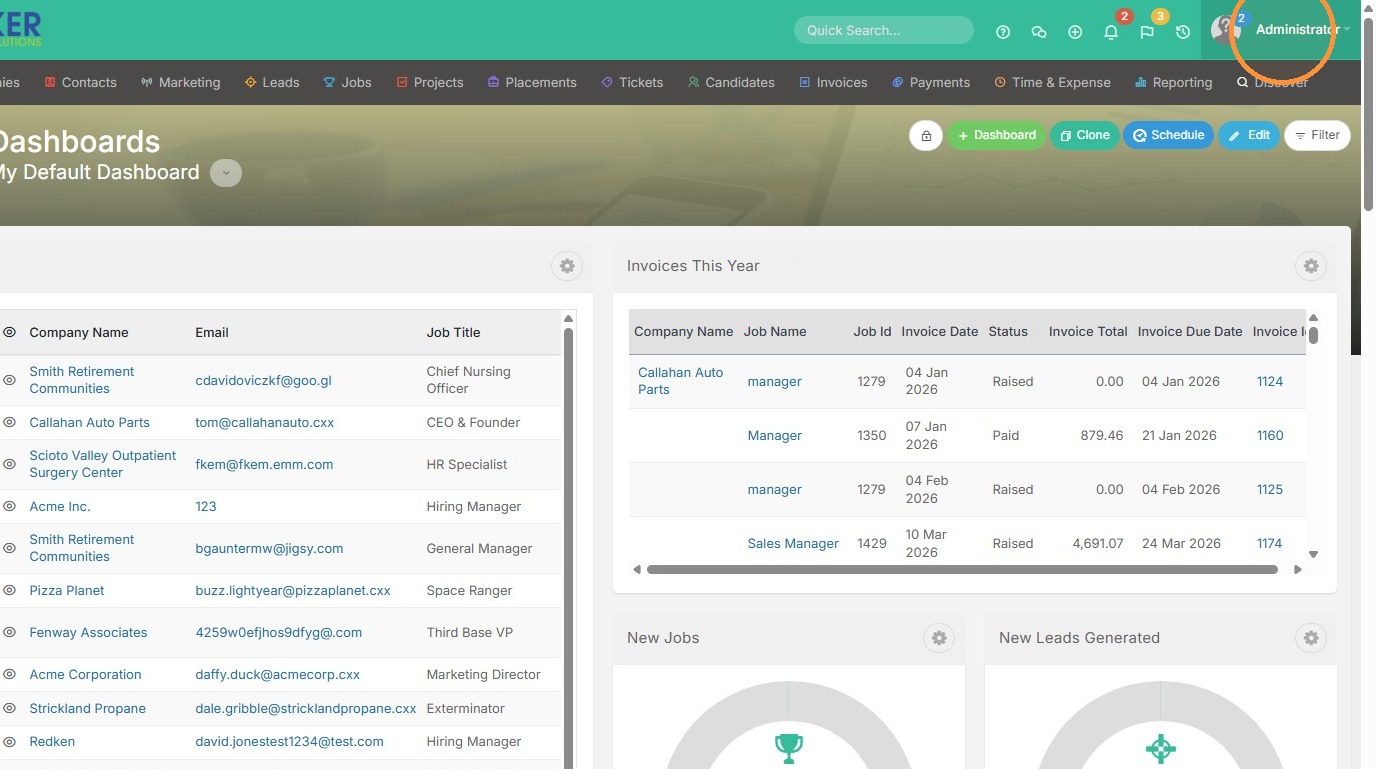
1. Click on your name in the top right corner.
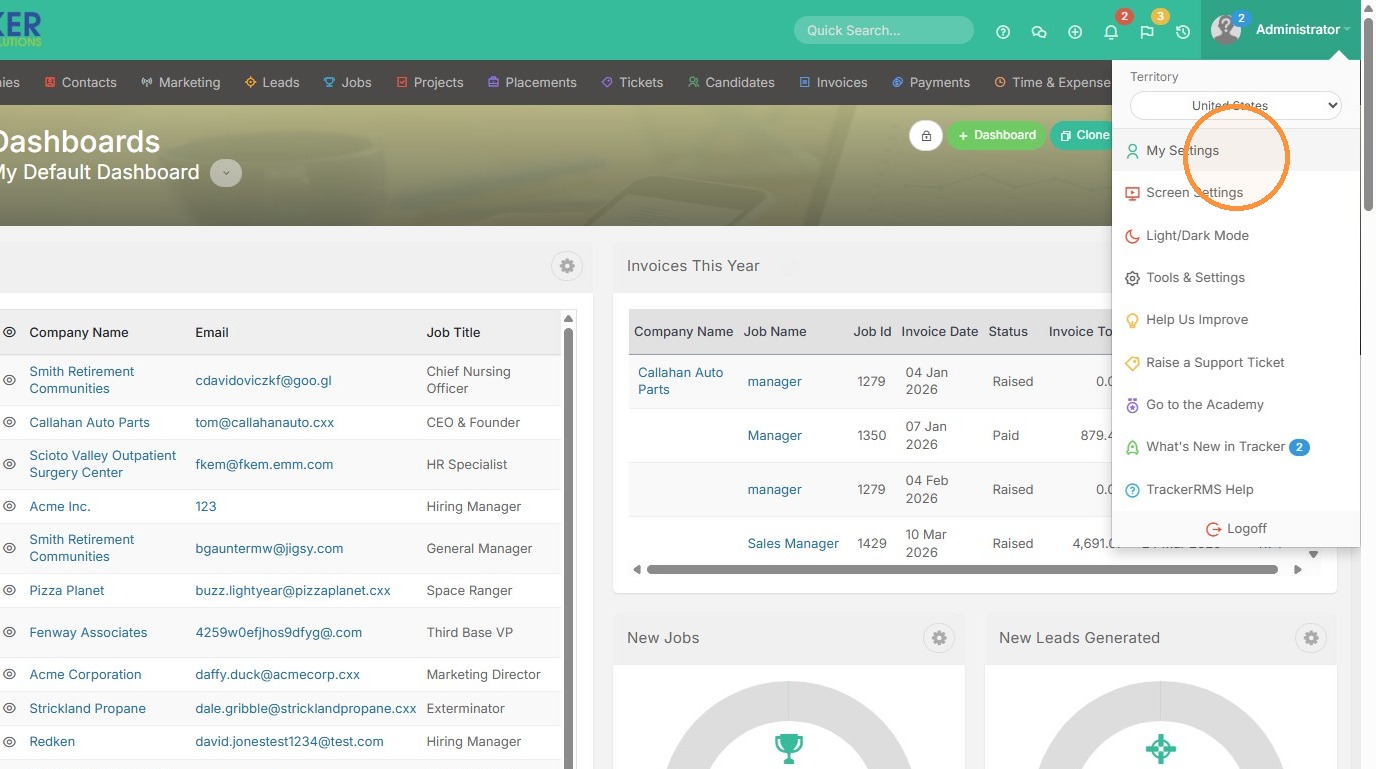
2. Select "My Settings"
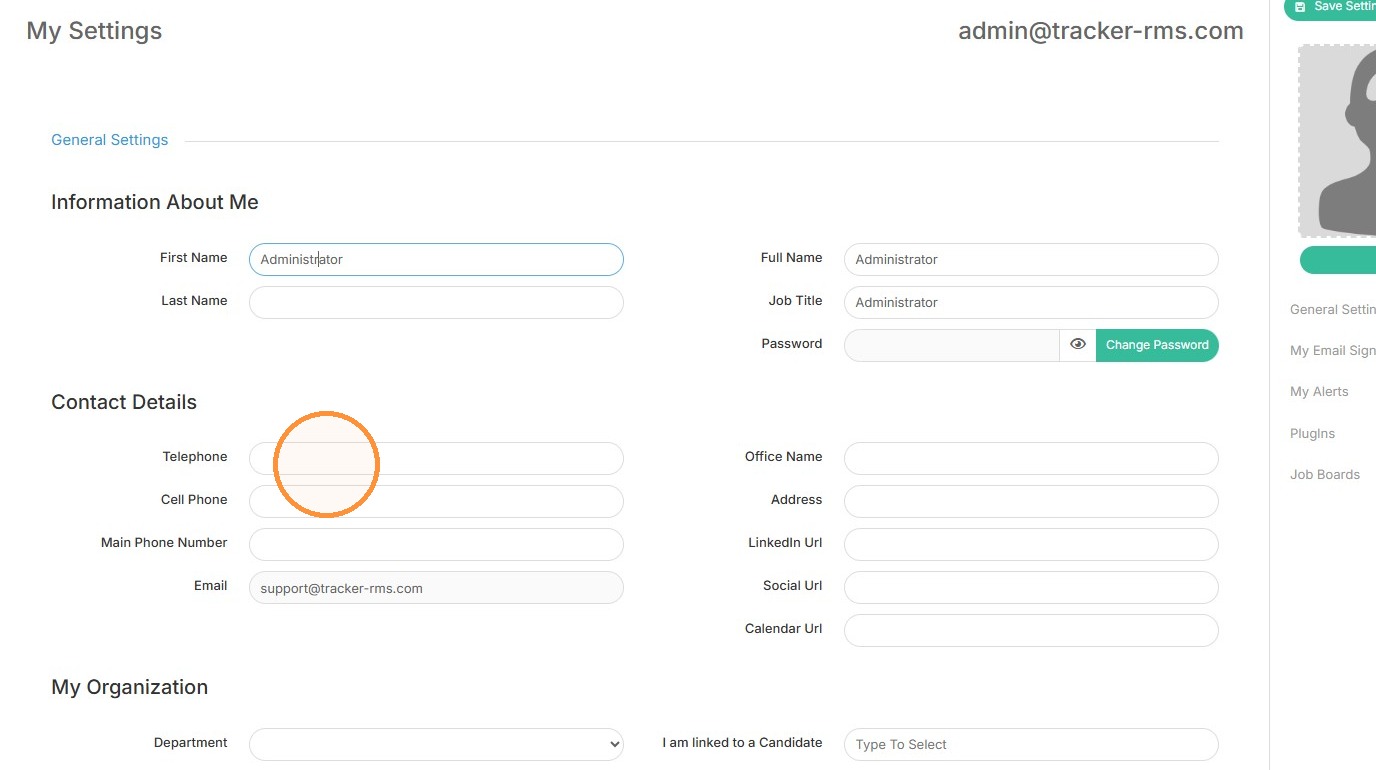
3. Here you can update the Information About Me section.
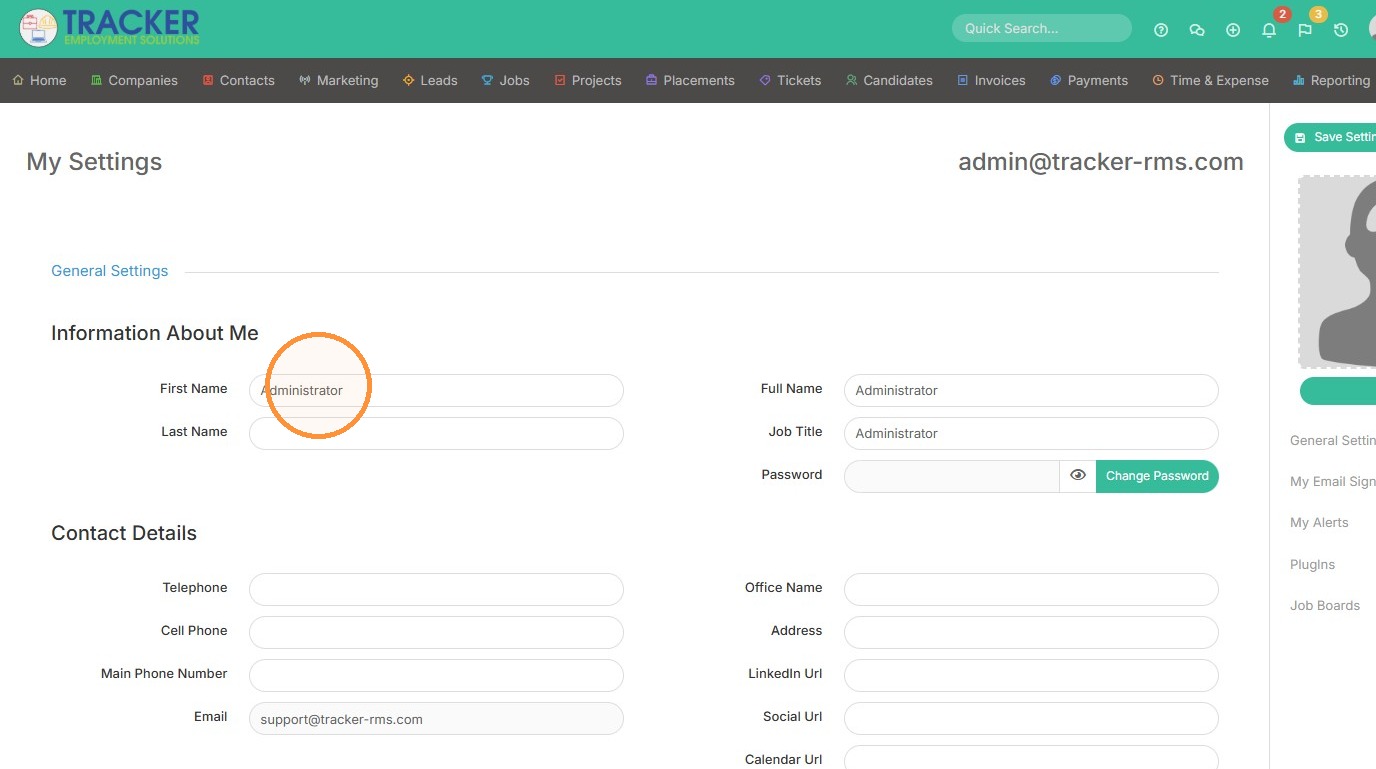
4. Scrolling further down, you can also make edits to your phone number, email, LinkedIn URL and more. These boxes of information can then be used in your email signature.
5. Click "Save Settings"