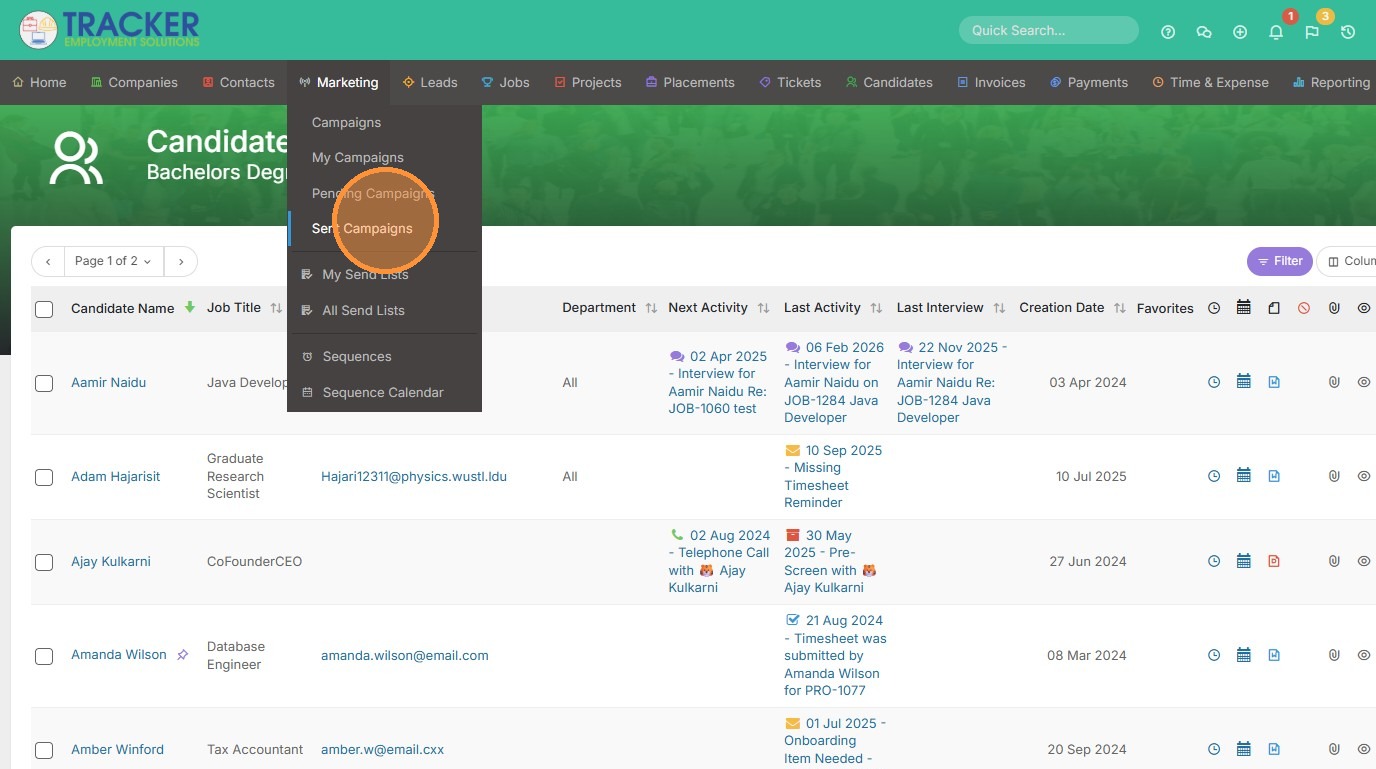
1. To preview campaign results, click "Sent Campaigns" from the Marketing tab.
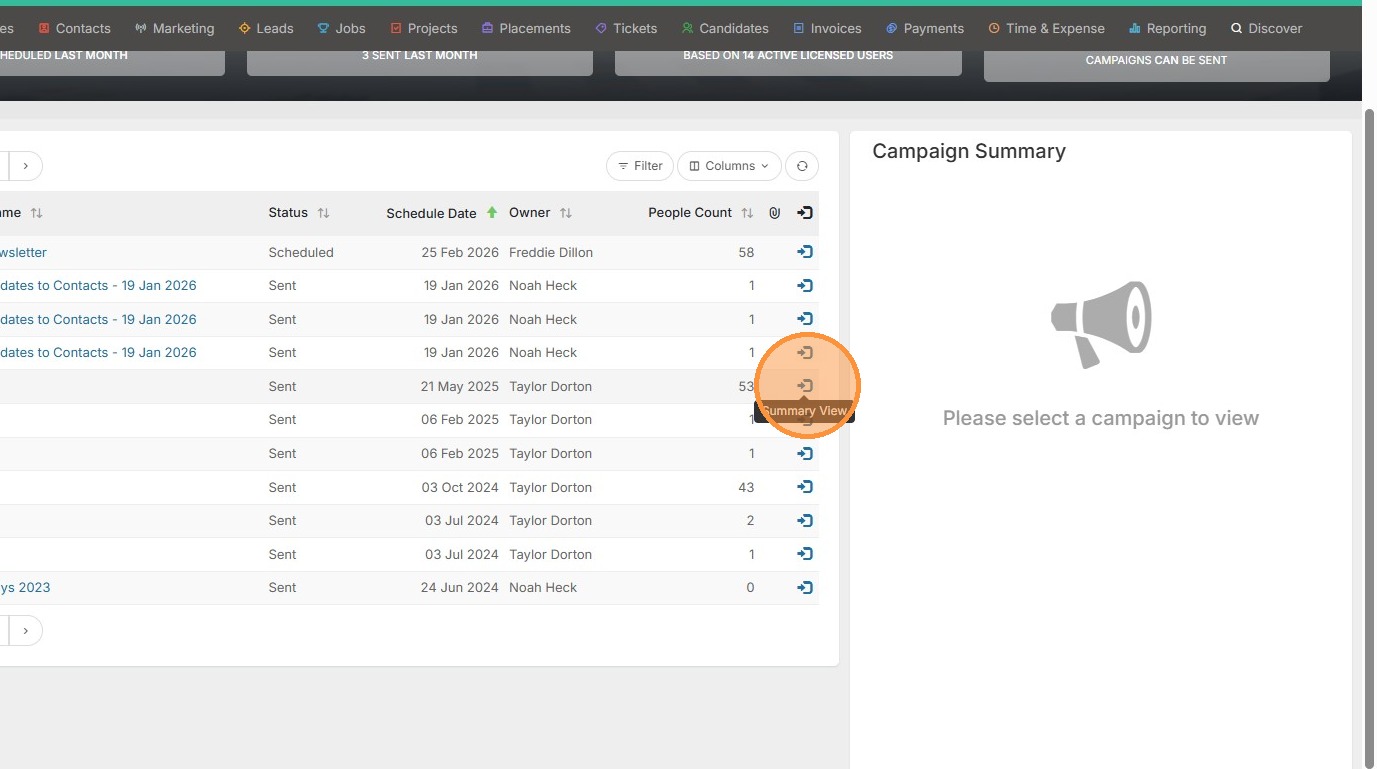
2. Click the Summary view arrow.
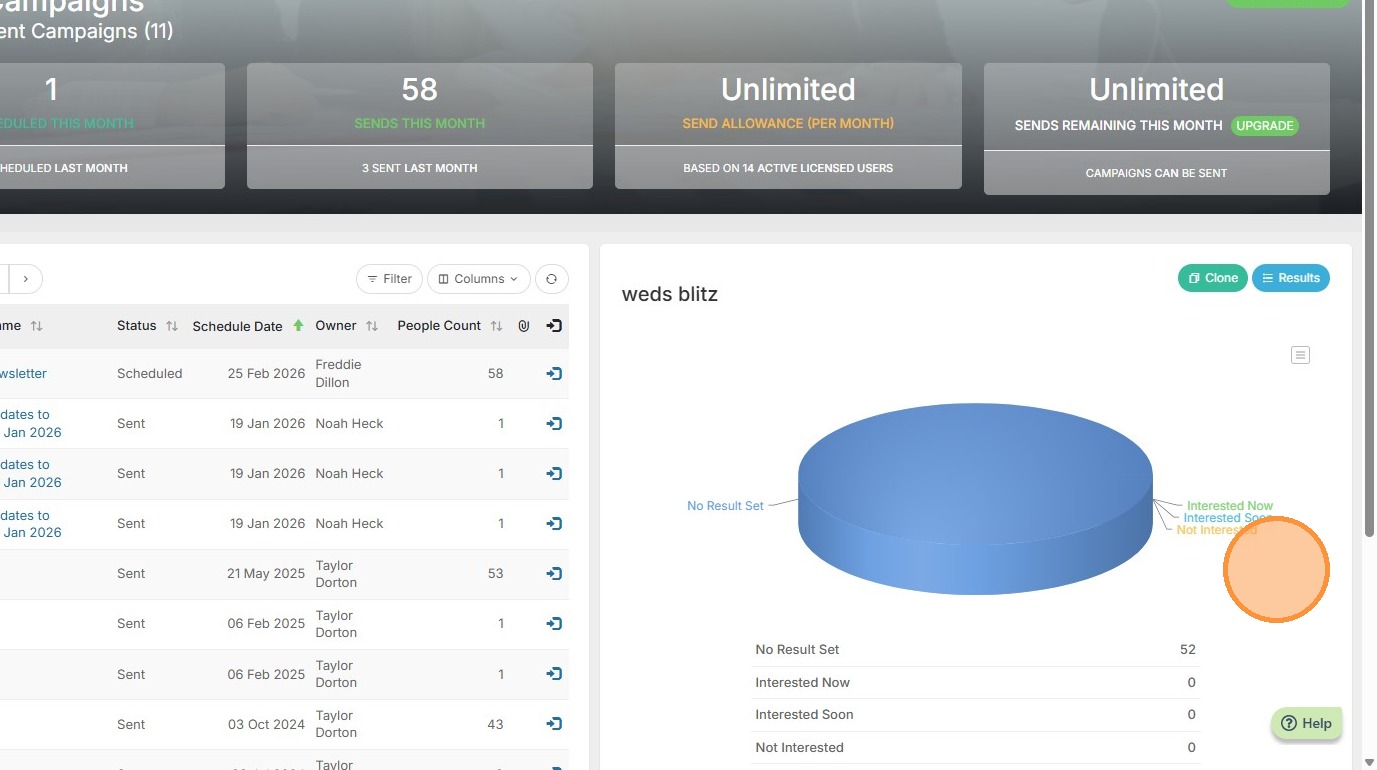
3. This will display a preview of the campaign results page.
Your one-stop shop for help on TrackerRMS
1. To preview campaign results, click "Sent Campaigns" from the Marketing tab.
2. Click the Summary view arrow.
3. This will display a preview of the campaign results page.