Timesheet Status Update
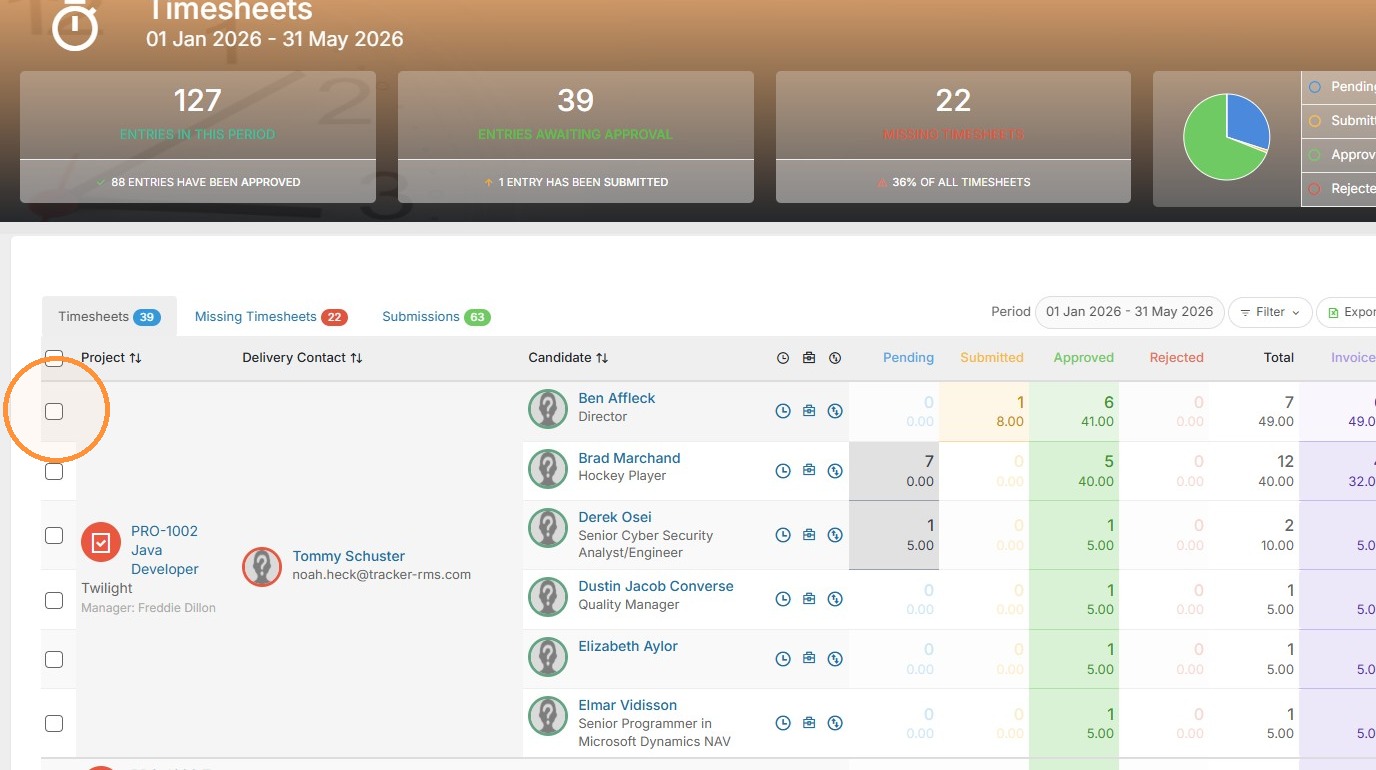
1. To reject a whole week of time, or multiple projects, click the white check box next to the project.
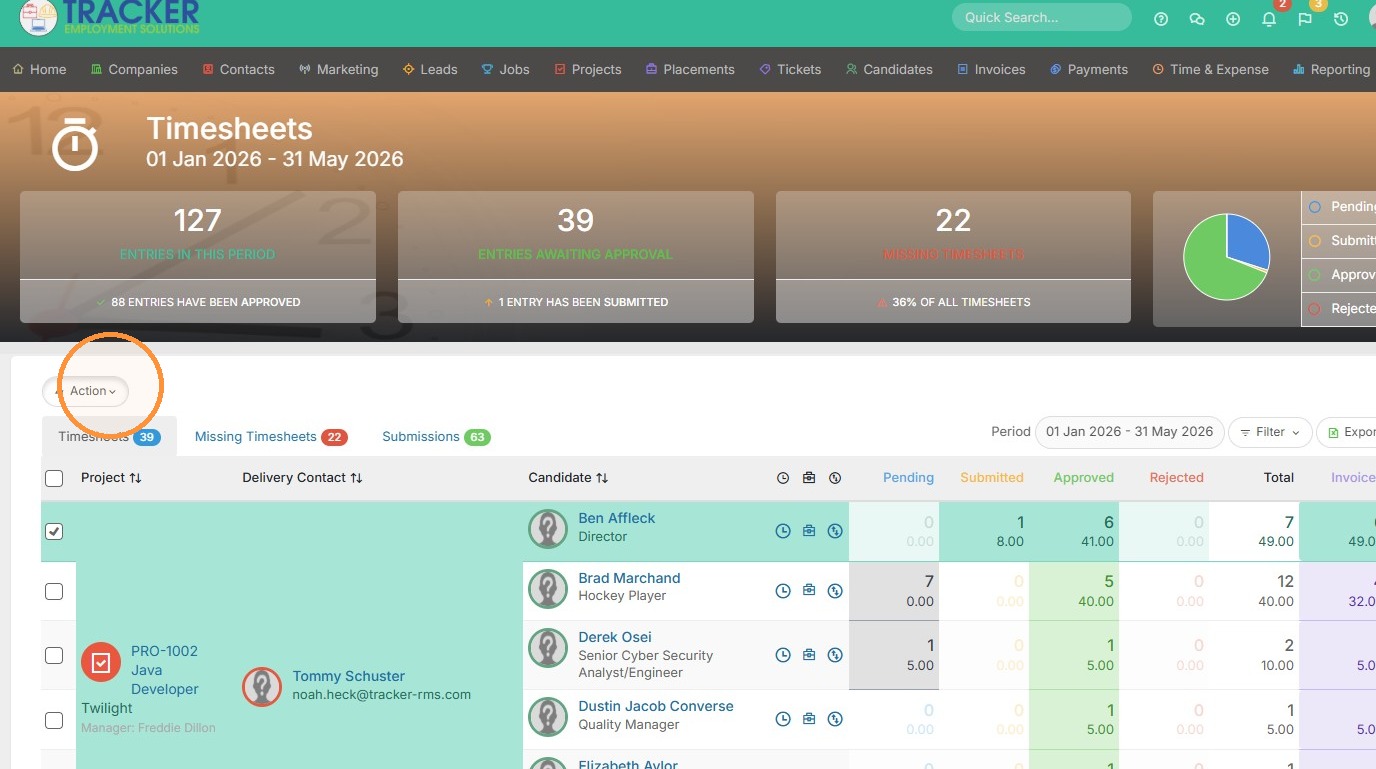
2. Click action.
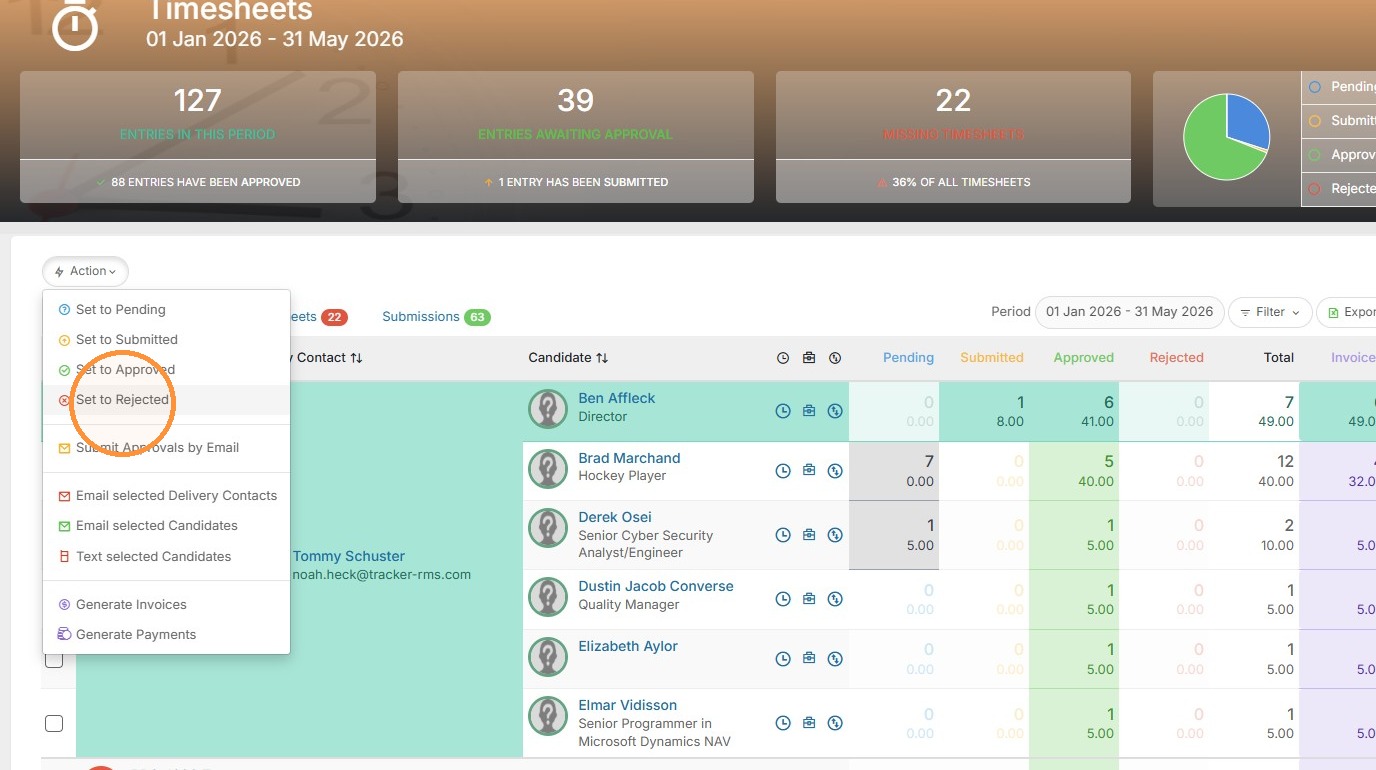
3. Click "Set to Rejected"
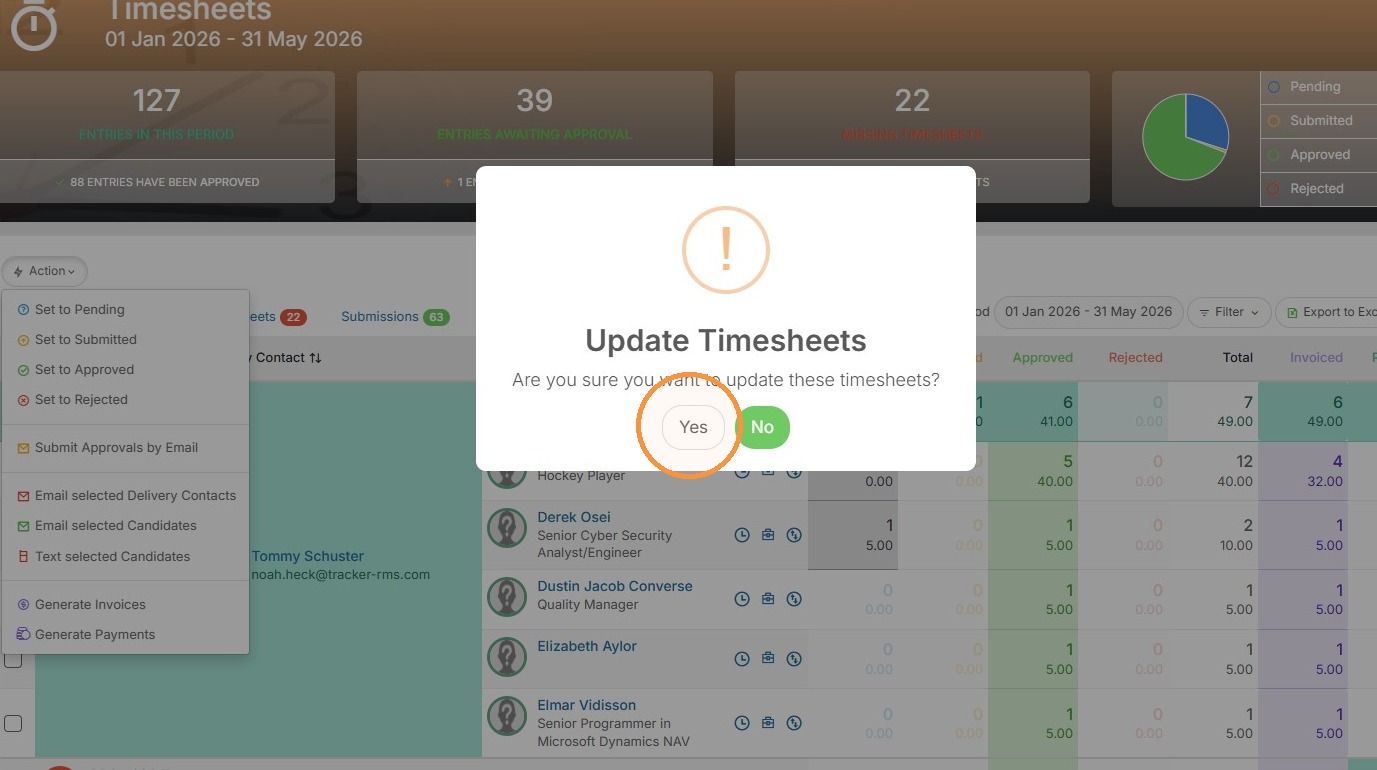
4. Click "Yes"
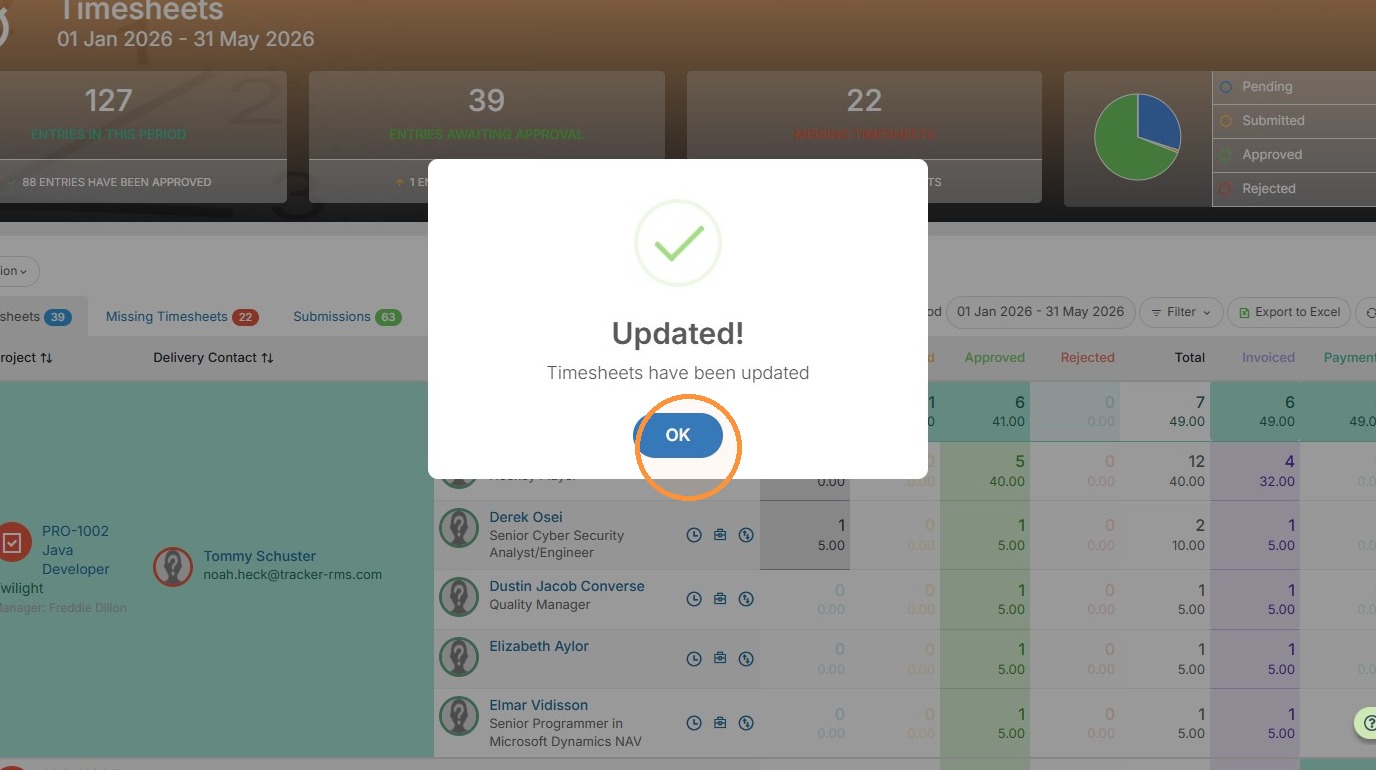
5. Click "OK"
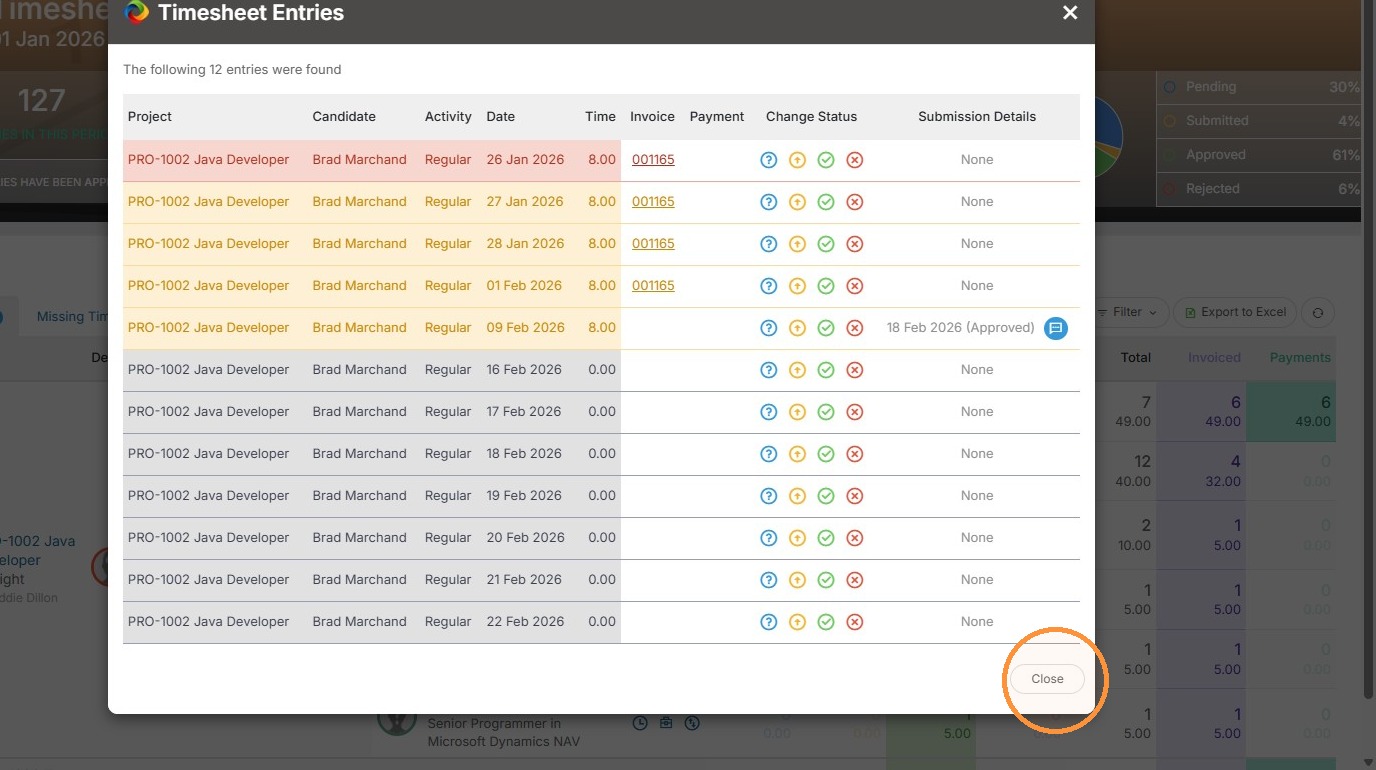
Review Timesheet Entries
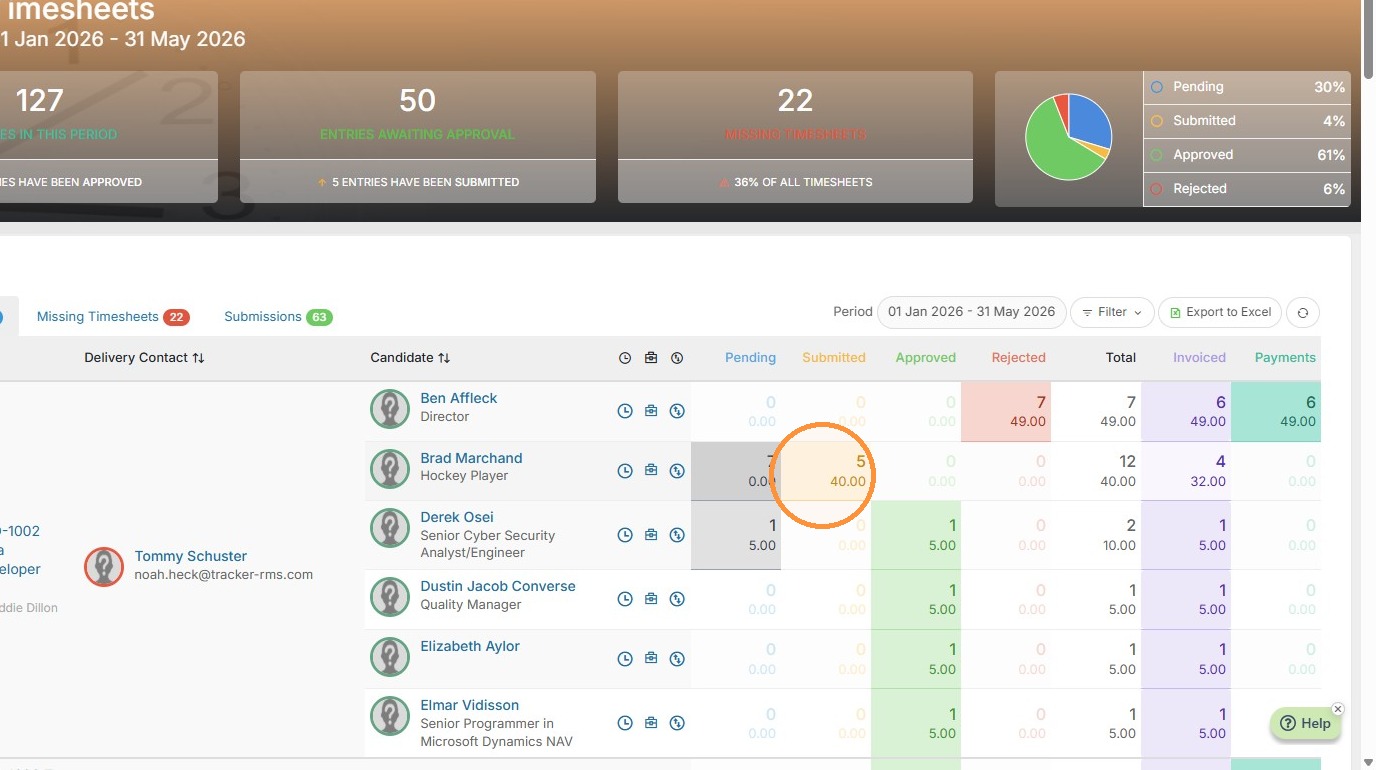
6. You can also individually reject time if needed by clicking on the yellow "Pending Approval" time box.
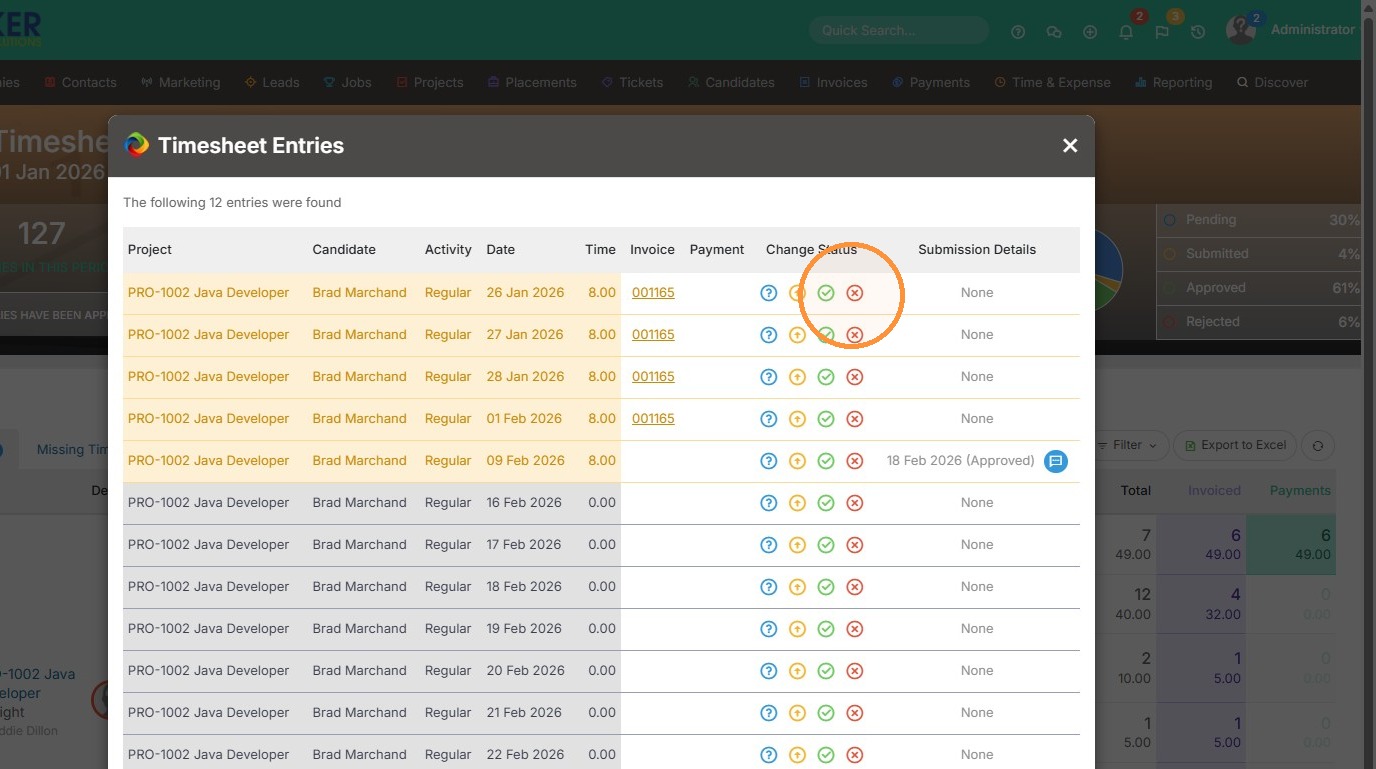
7. Click the red X reject button to reject individual days of time.
8. Click "Close"