Review Timesheet Entries
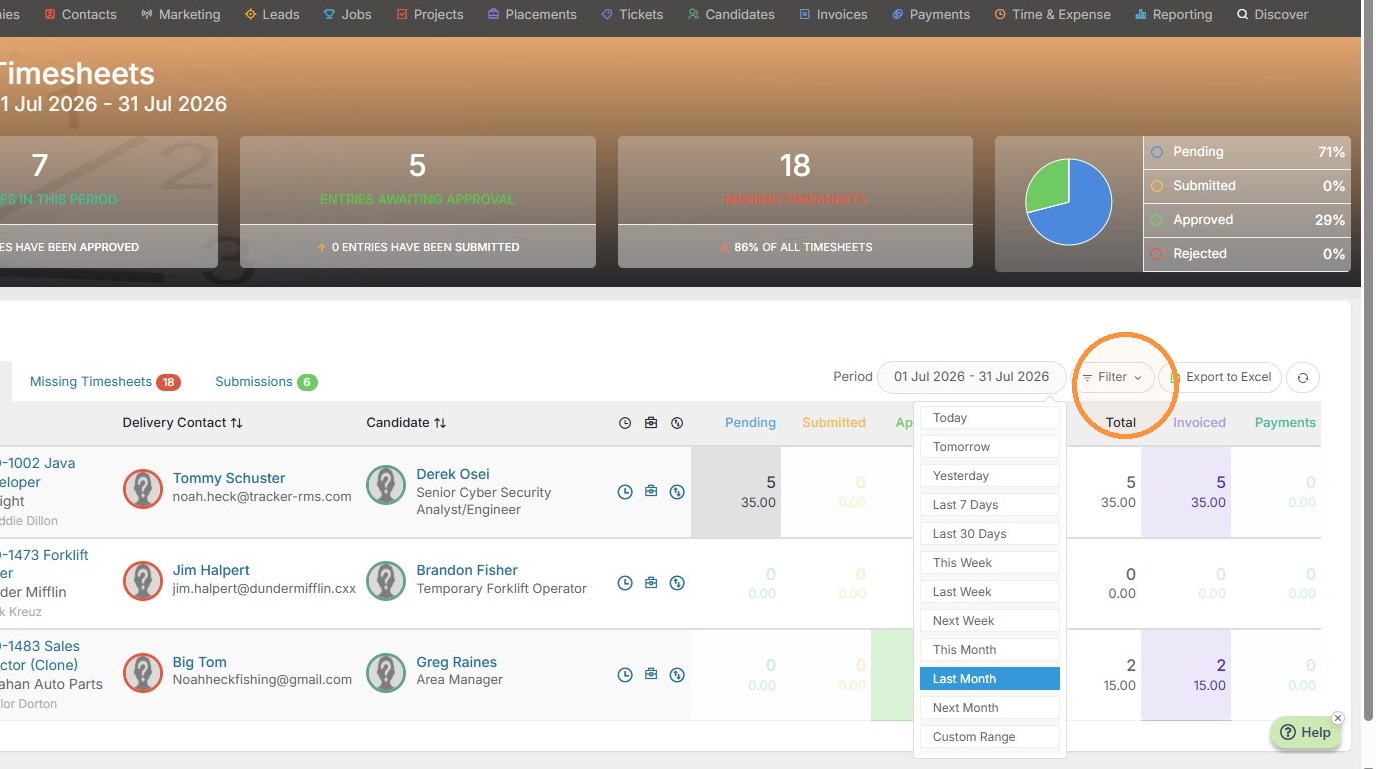
1. To begin setting a specific timesheet back to pending, click into Time & Expense. Here you can adjust the time period or filter by that specific project / candidate etc.
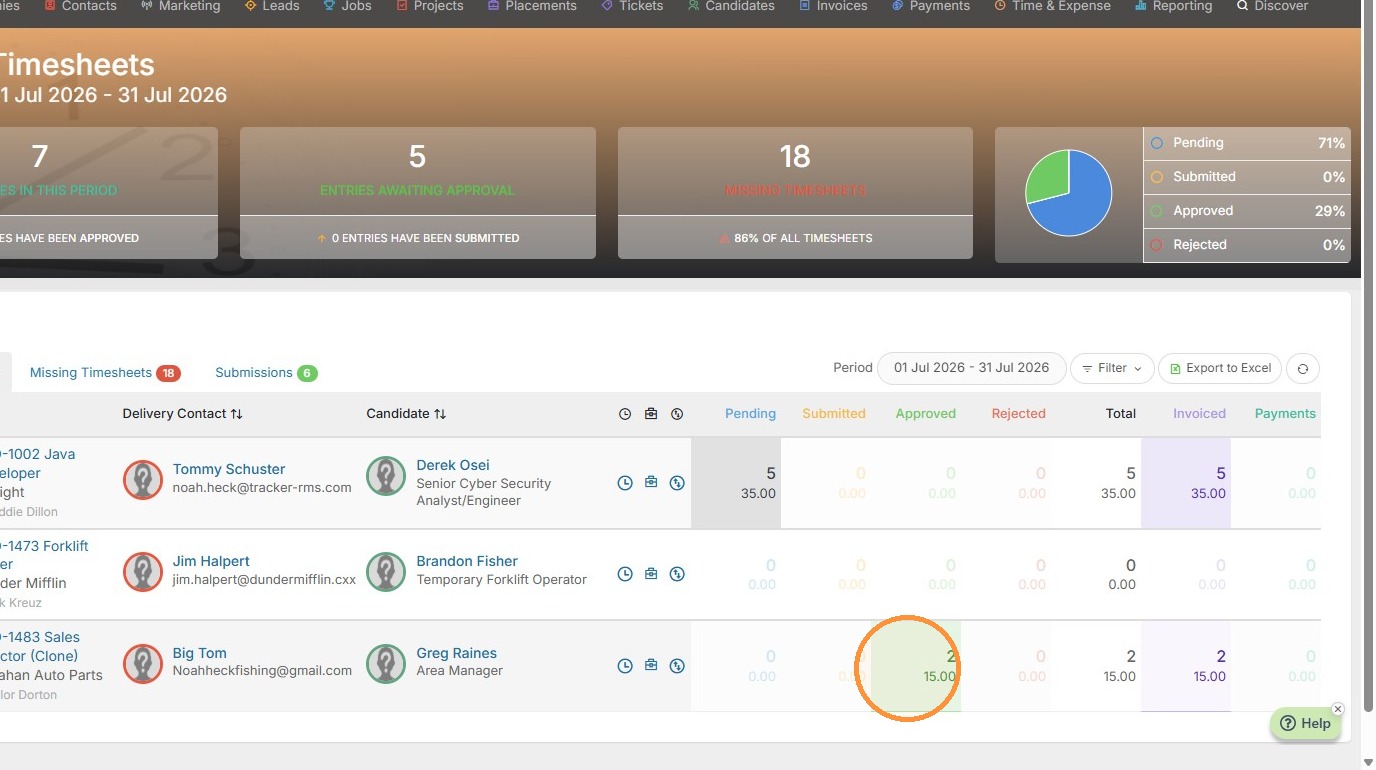
2. Once you have found the candidate/project you need to set back to pending, there are two ways to manage this. If you only need to set a specific day of the week back to Pending, click on the green box.
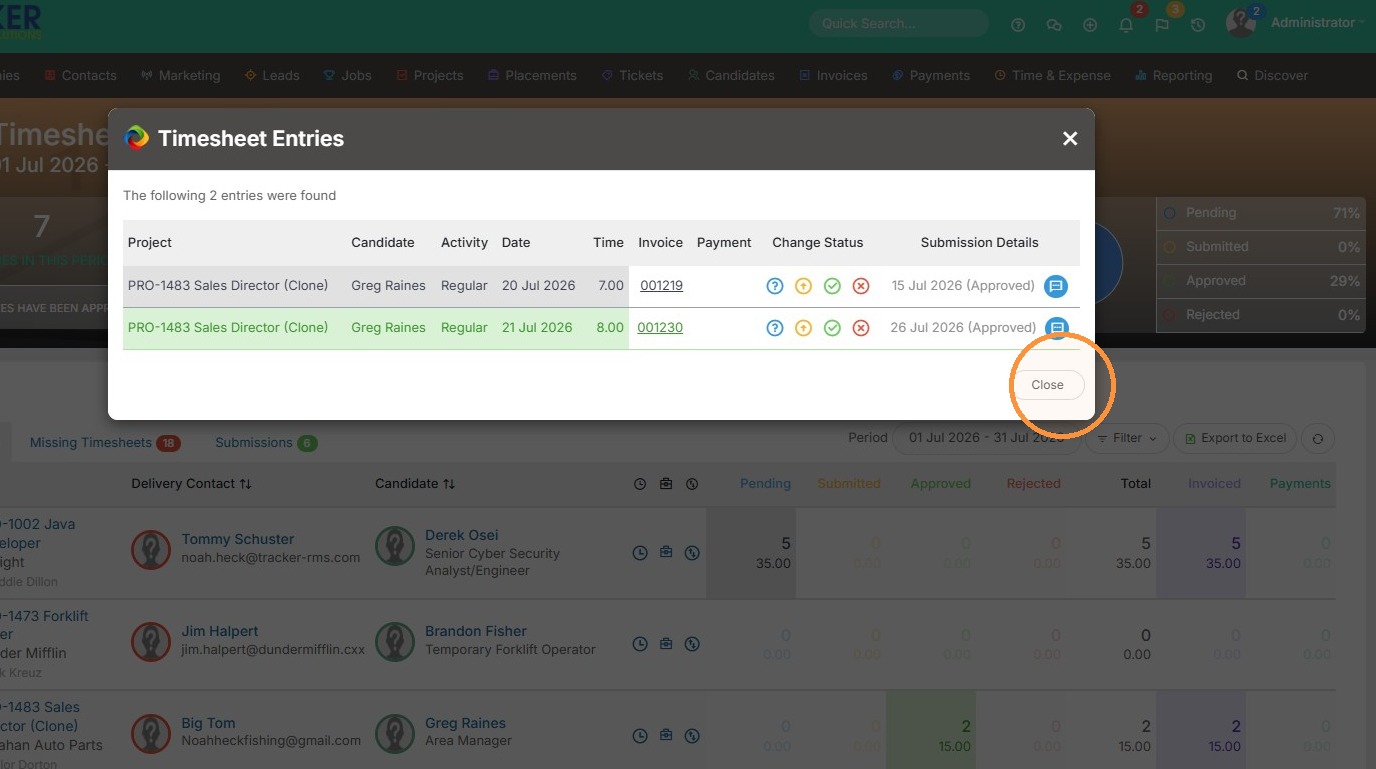
3. Then you can select the blue "?" next to the day you need to set back to Pending.
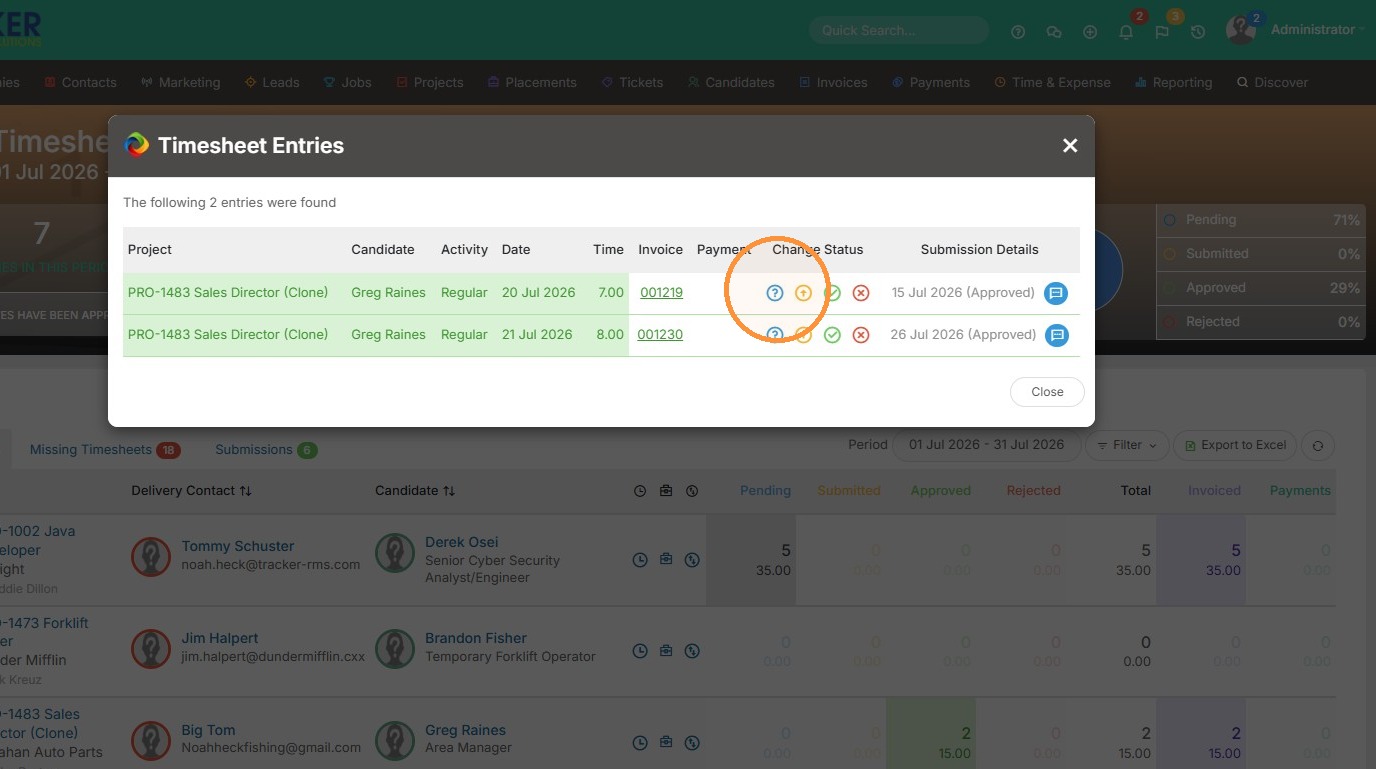
4. Click "Close" to complete.
Update Timesheet Status
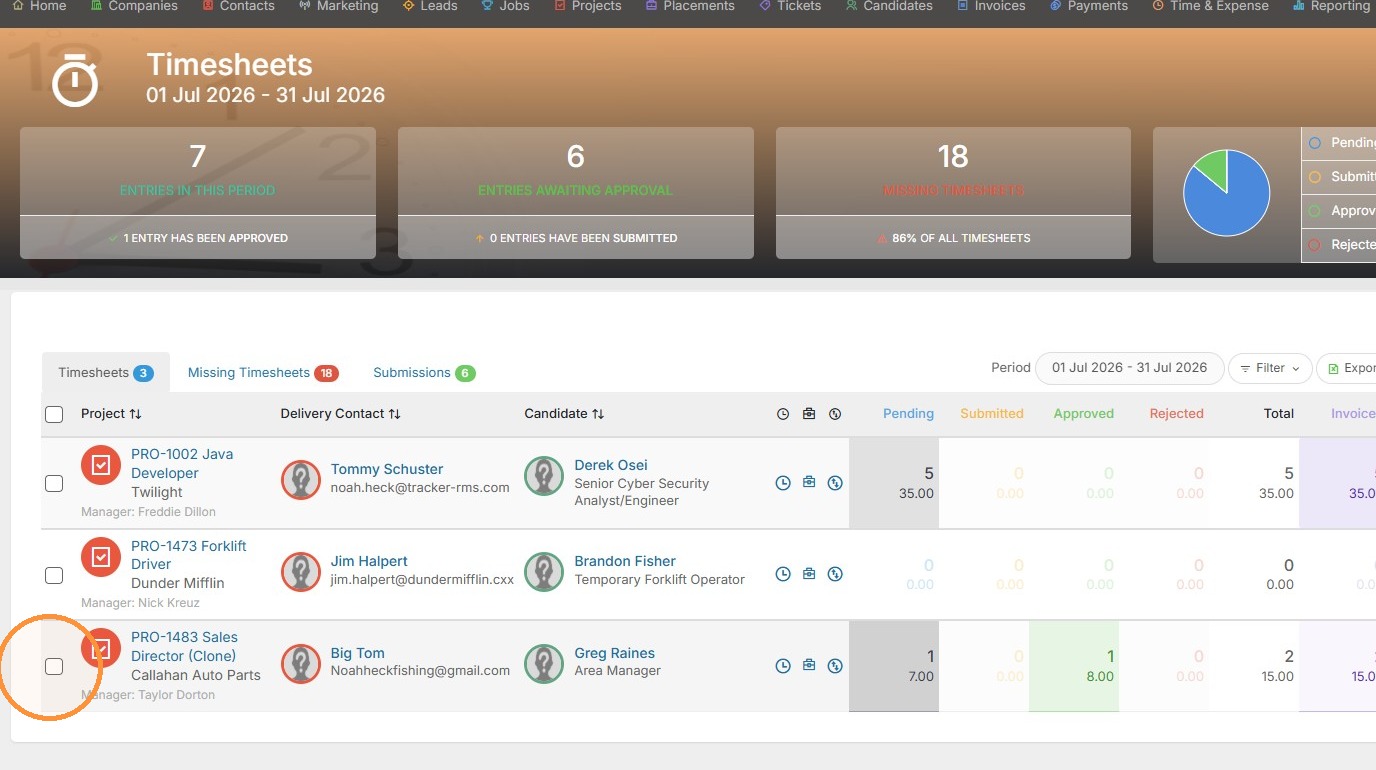
5. If you need to set a whole week back to Pending, click on the checkbox next to the project.
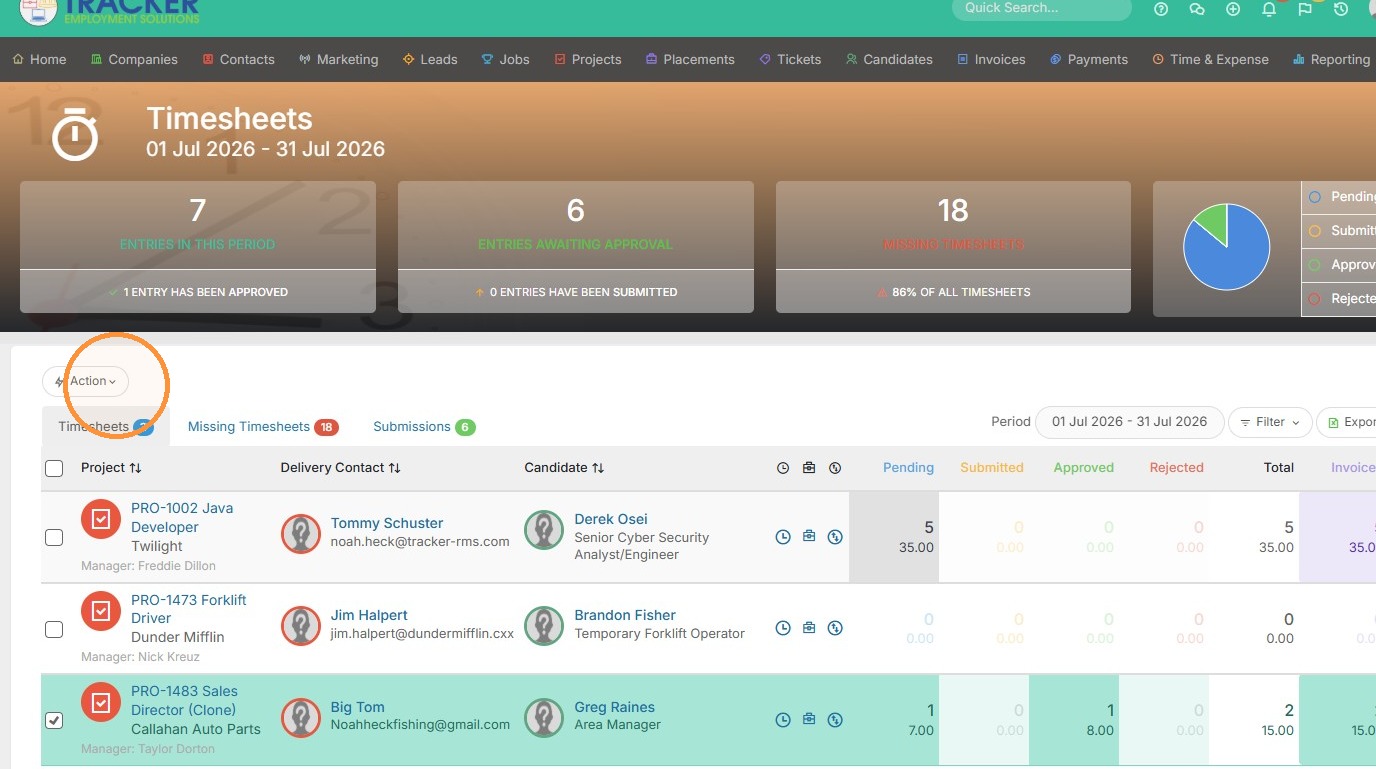
6. Click here.
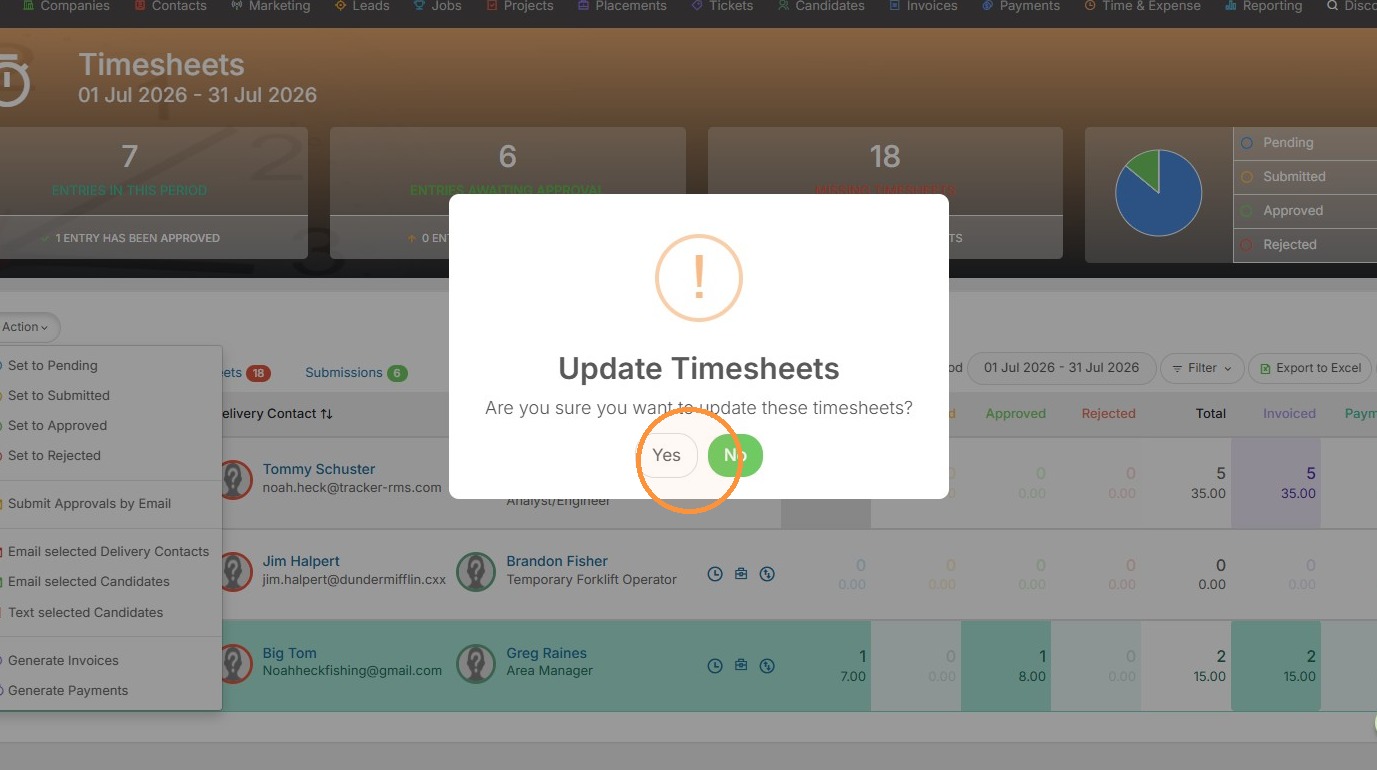
7. Click "Set to Pending"
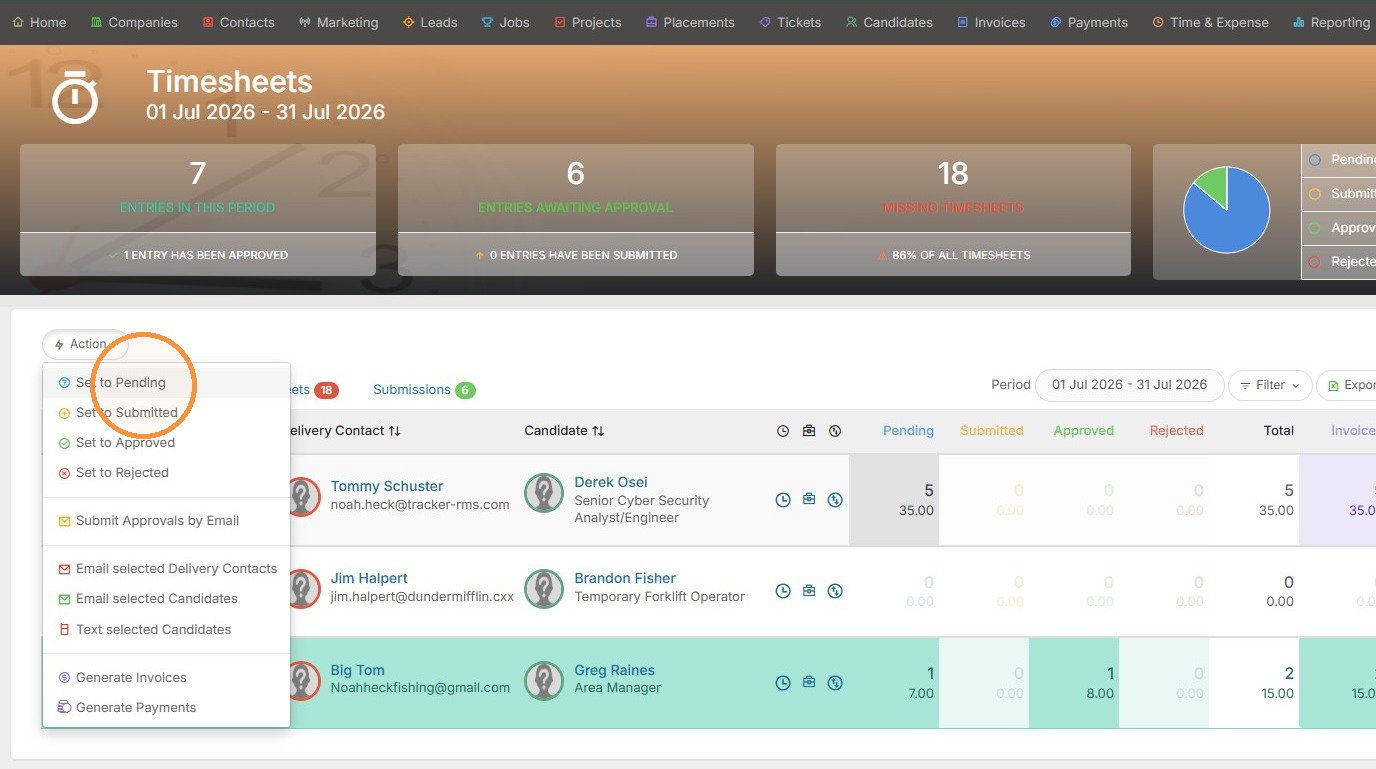
8. Click "Yes". Again, this will set the whole week versus a specific day.