This lesson explains how to Create or Edit the Approval Email.
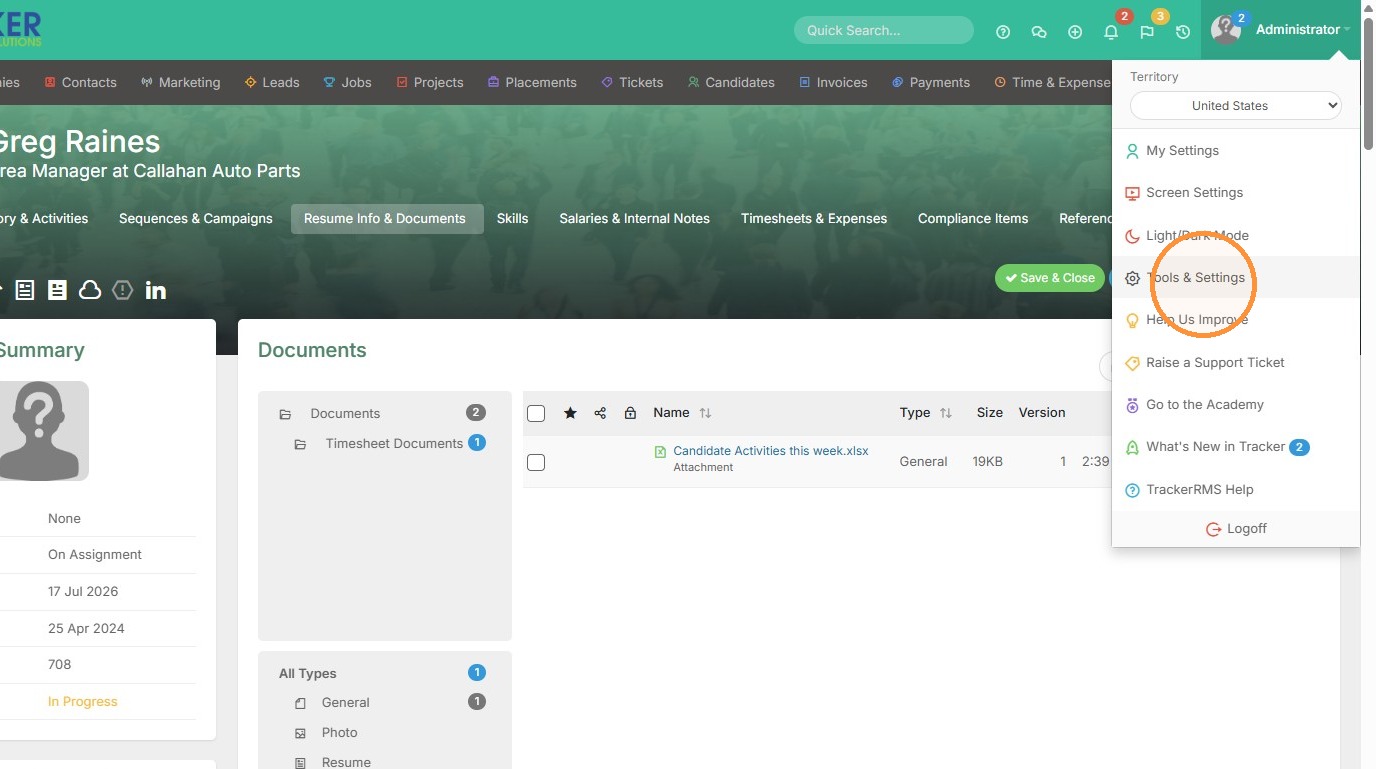
1. If you choose to send timesheet approval emails out to your clients, you have the ability to edit that email and the message. Click on your name, and Tools & Settings to begin.
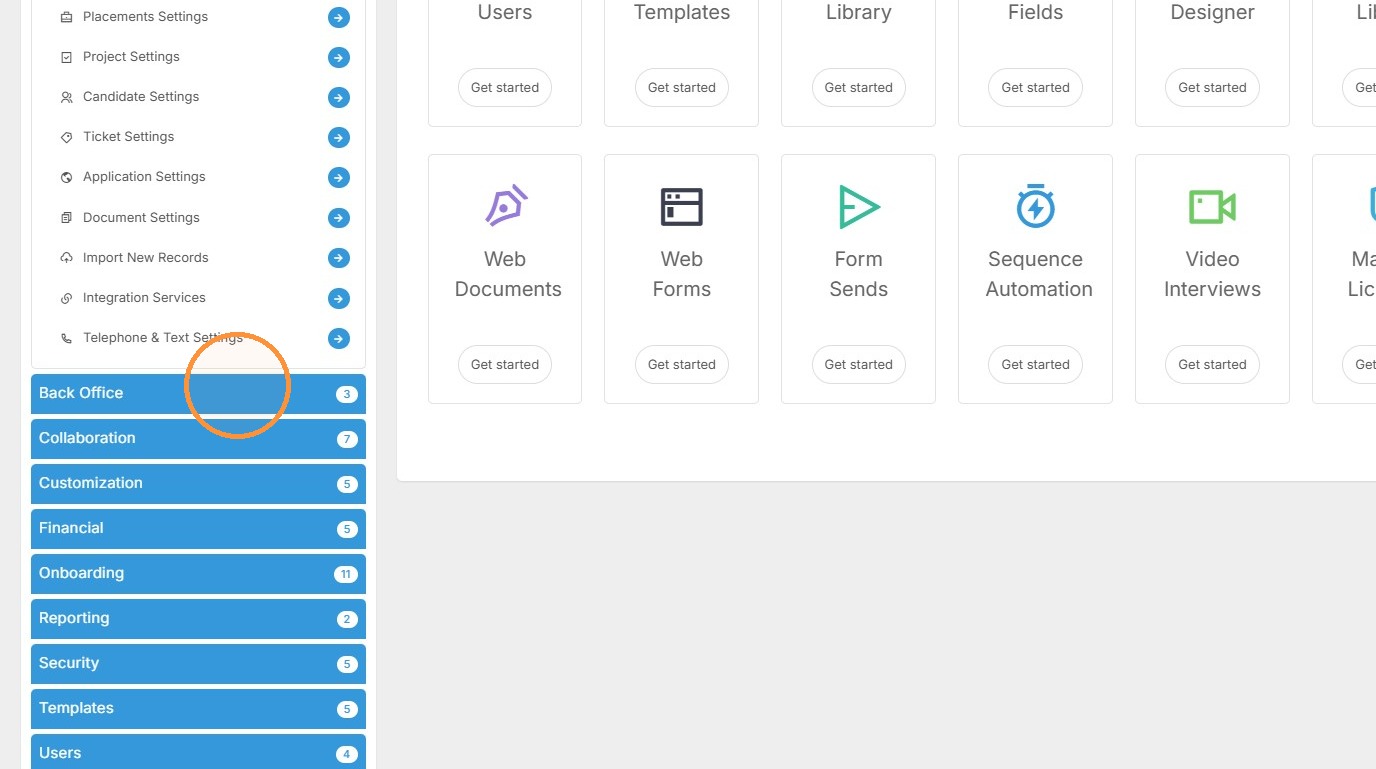
2. Select "Back Office"
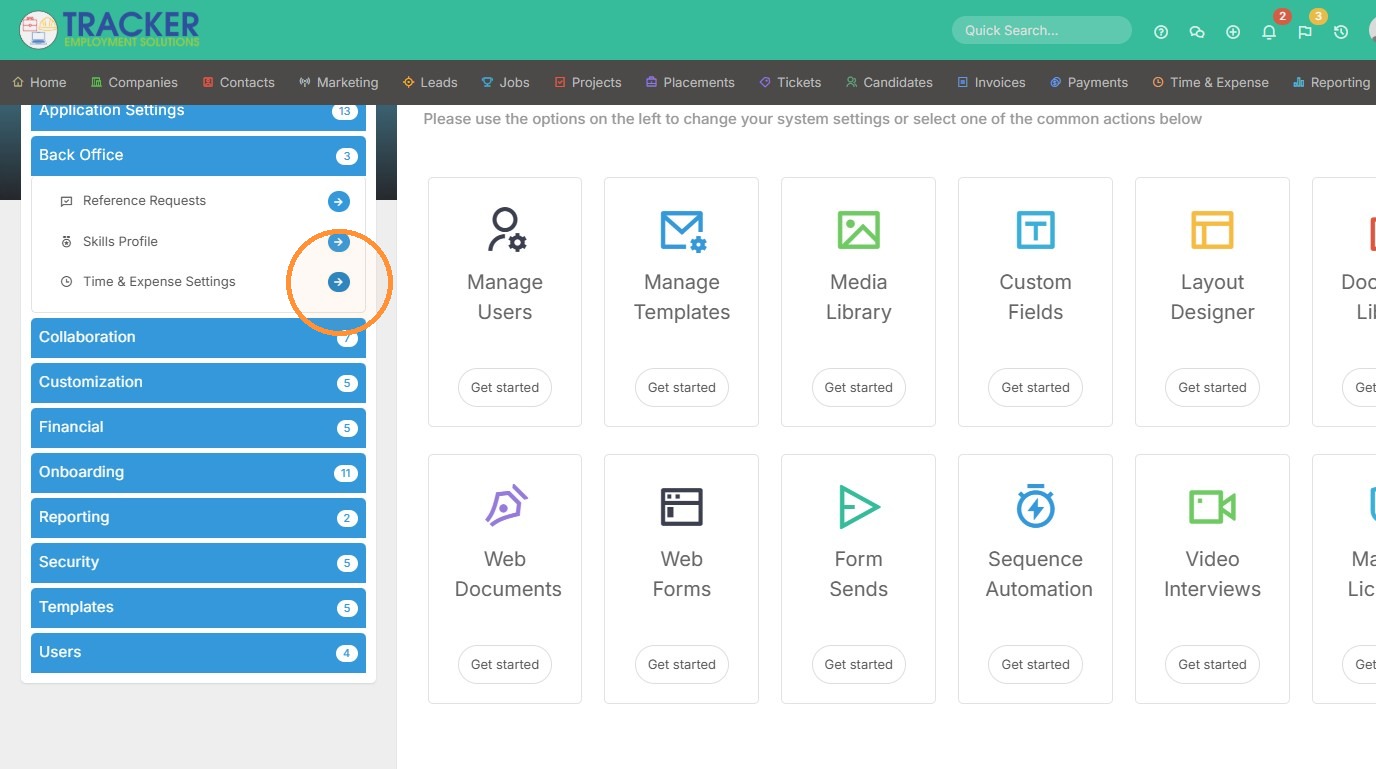
3. Select "Time & Expense Settings"
4. Scroll to the bottom of the page, where you'll see different email options to edit. In this case, I'd like to edit the Timesheet Approval Request email.
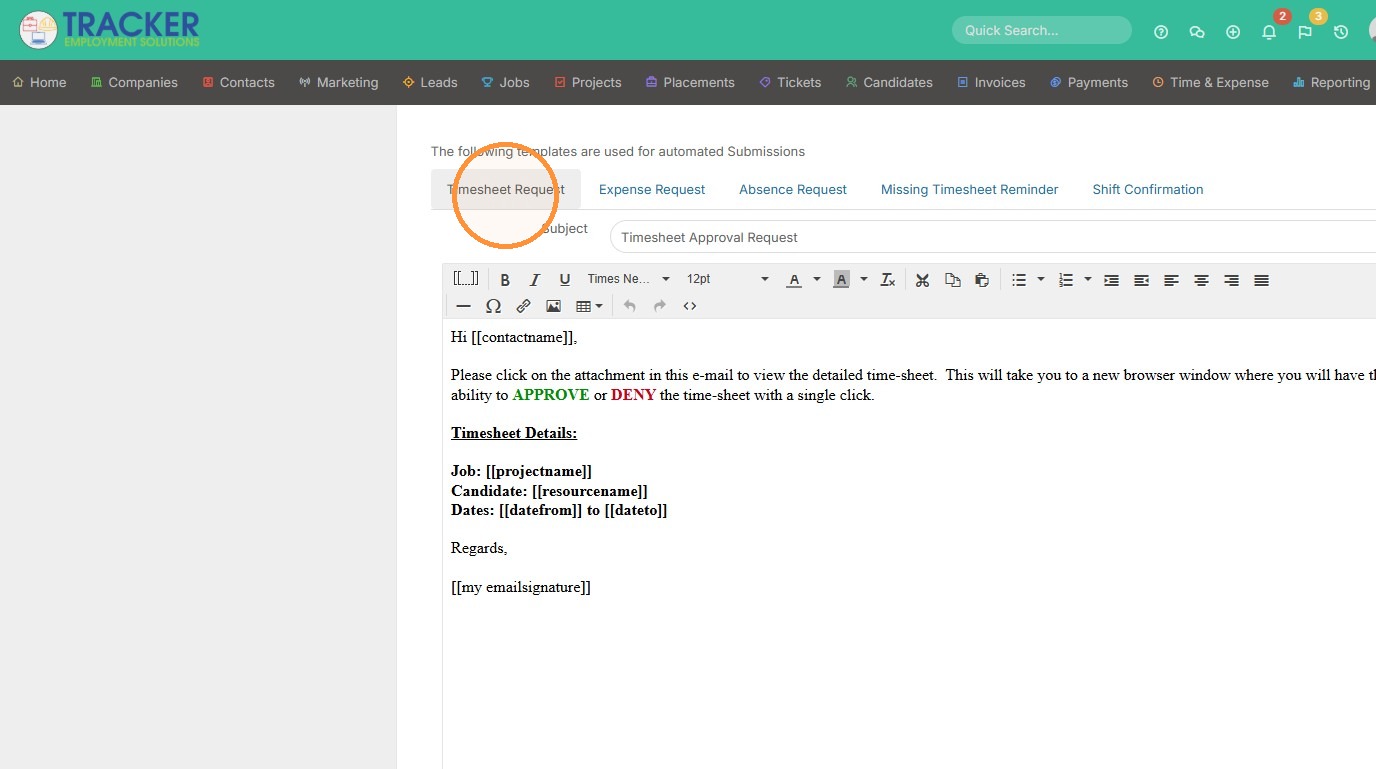
5. From here you can edit the tags, colors, logo and more.
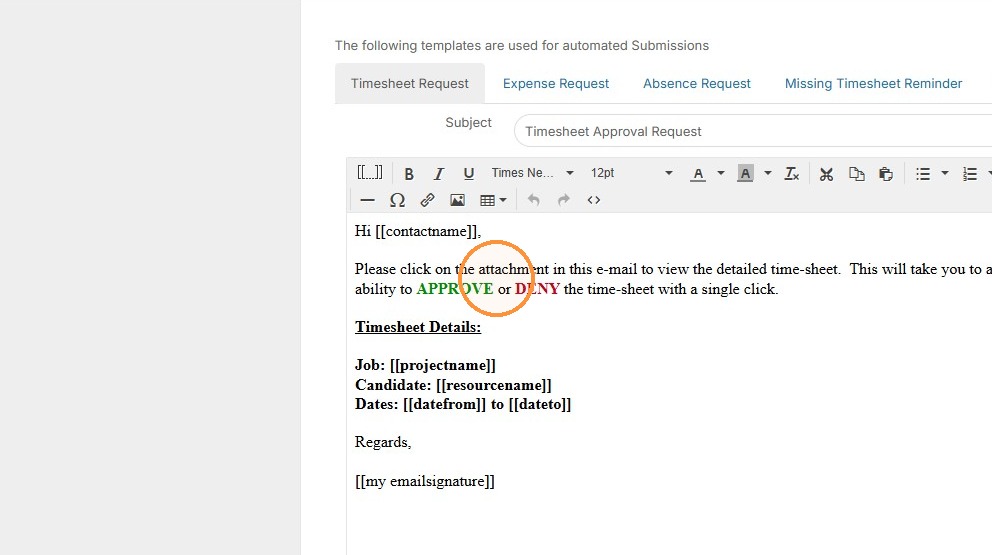
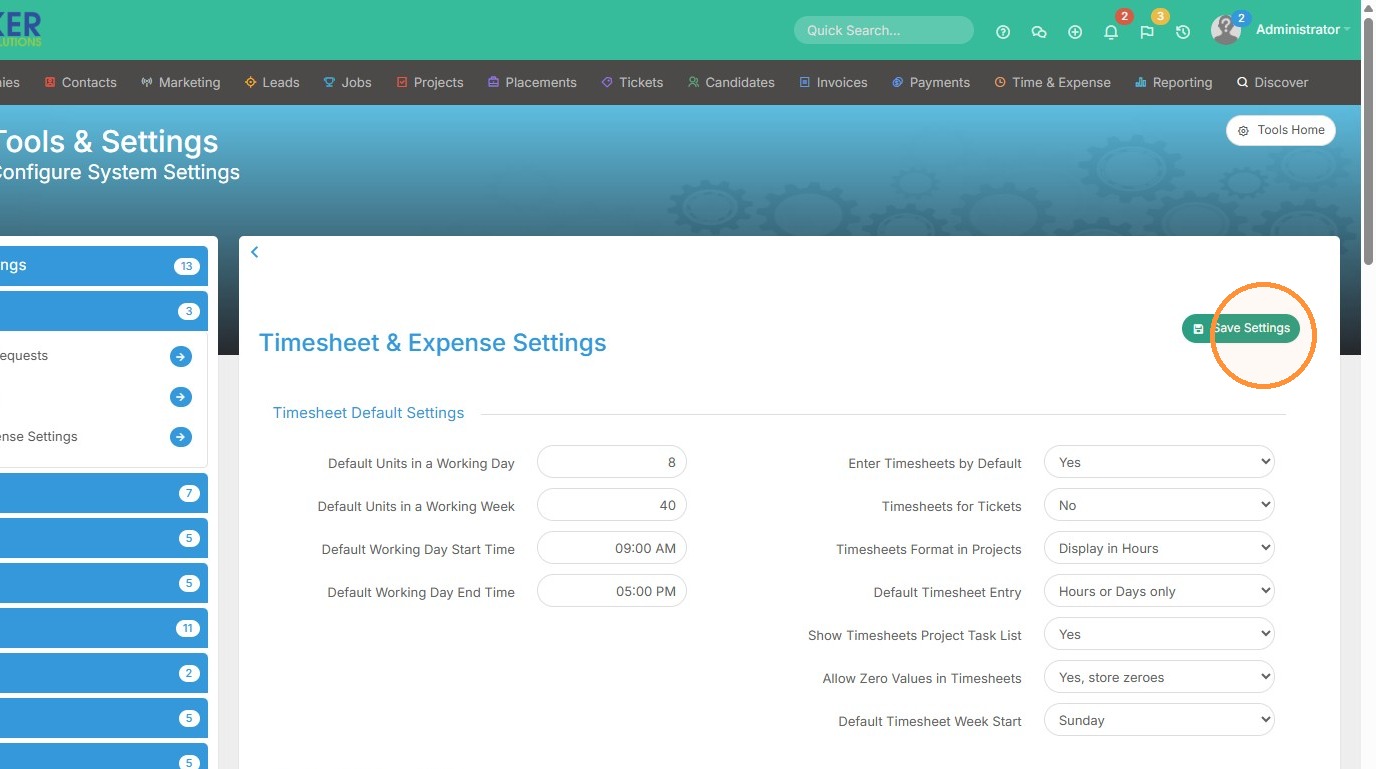
6. Click "Save Settings" to complete.