To add a new company record:
*Note, when adding associating an existing company record to a contact or candidate, it will display the city/state of that company in case you have multiple of the same name in Tracker.
Example:

Adding a Company Record
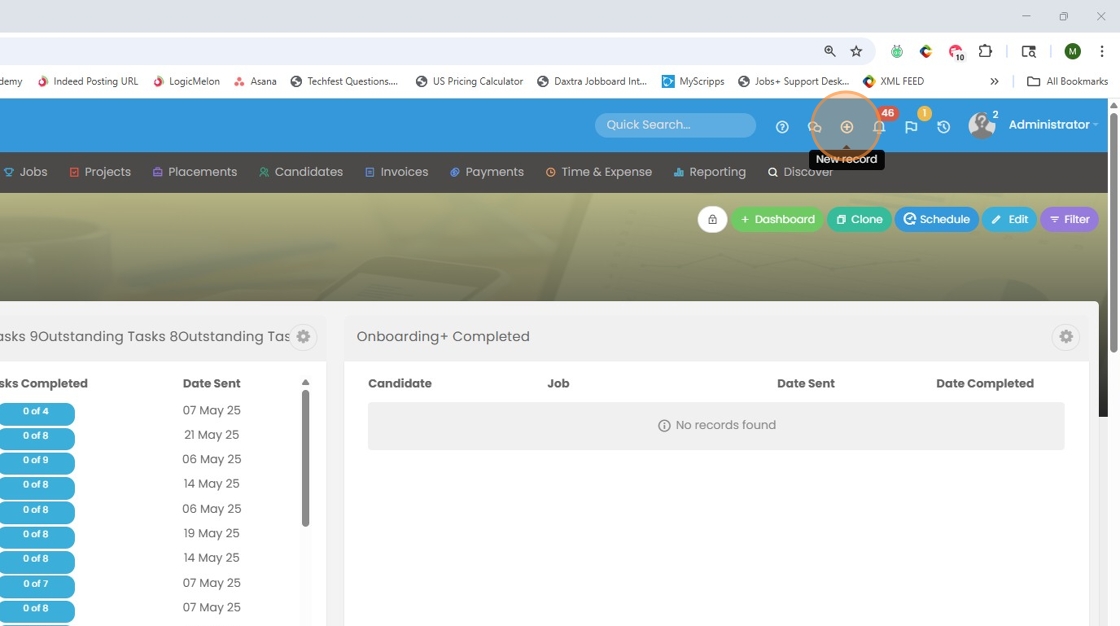
1. Click the "+" button at the top right of your screen to add a new record.
2. Select the green Company record icon.

3. Type in the name of the new company record. Click "Ok and Edit" to open the record and input additional details.

4. Keep in mind if you type in a company name that already exists, Tracker will flag it before you add a duplicate record.
