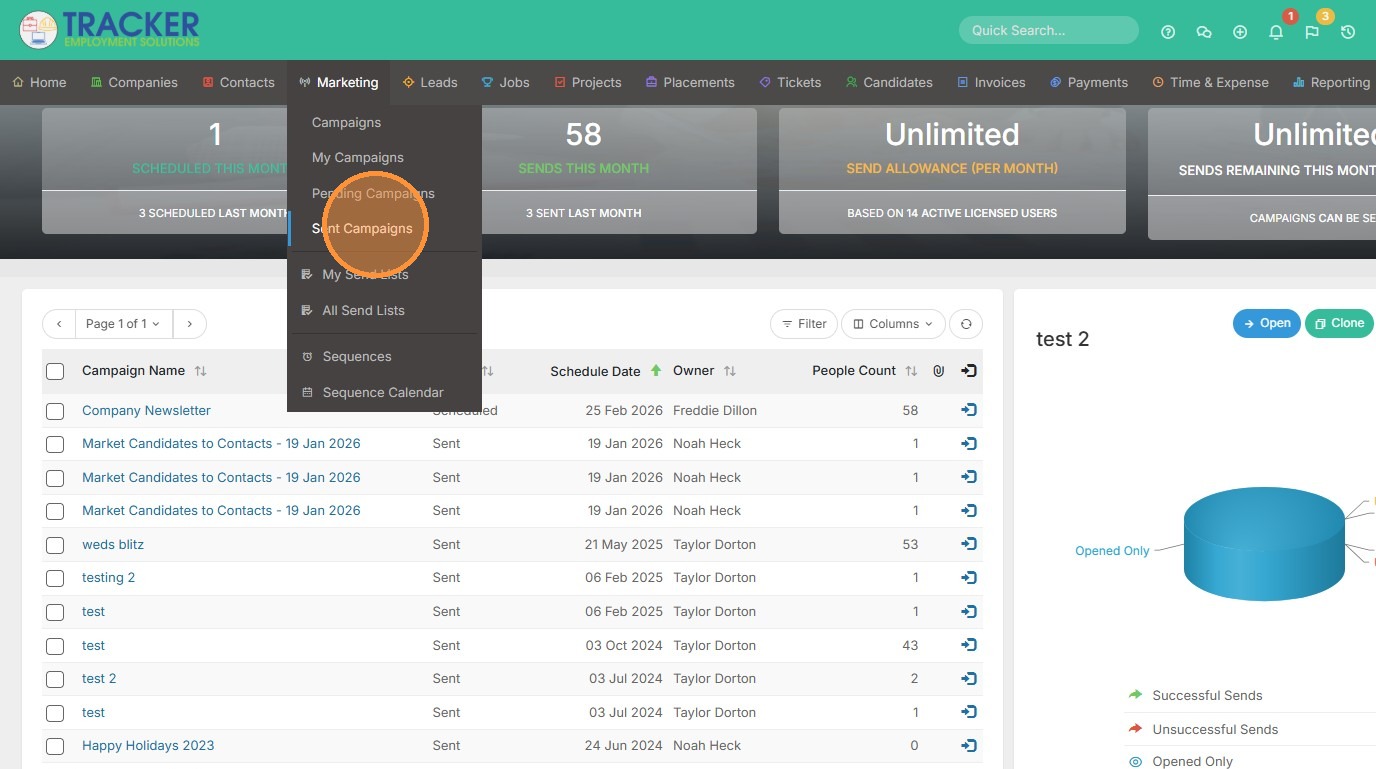
1. From the Marketing tab, click "Sent Campaigns" to view campaign results.
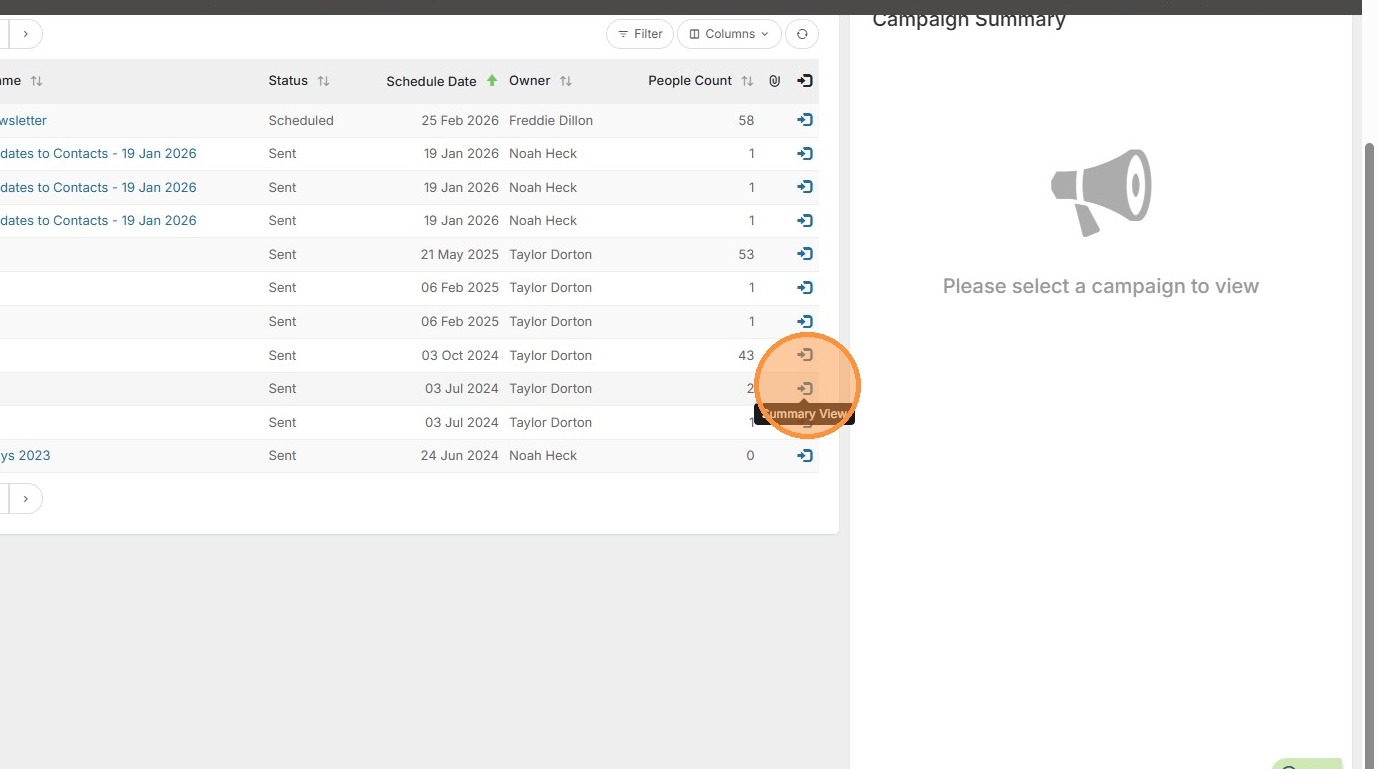
2. Select Summary View for the campaign you want to view results for.
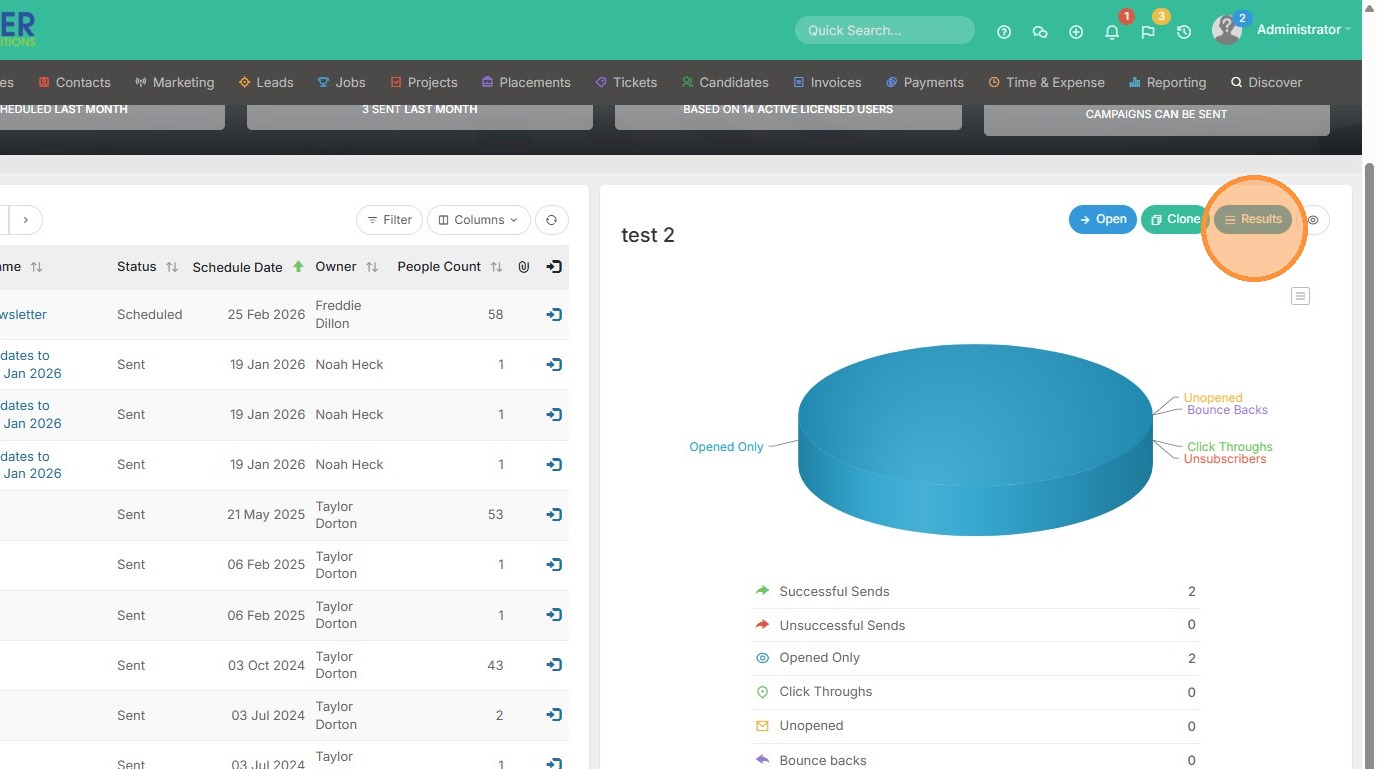
3. Click "Results"
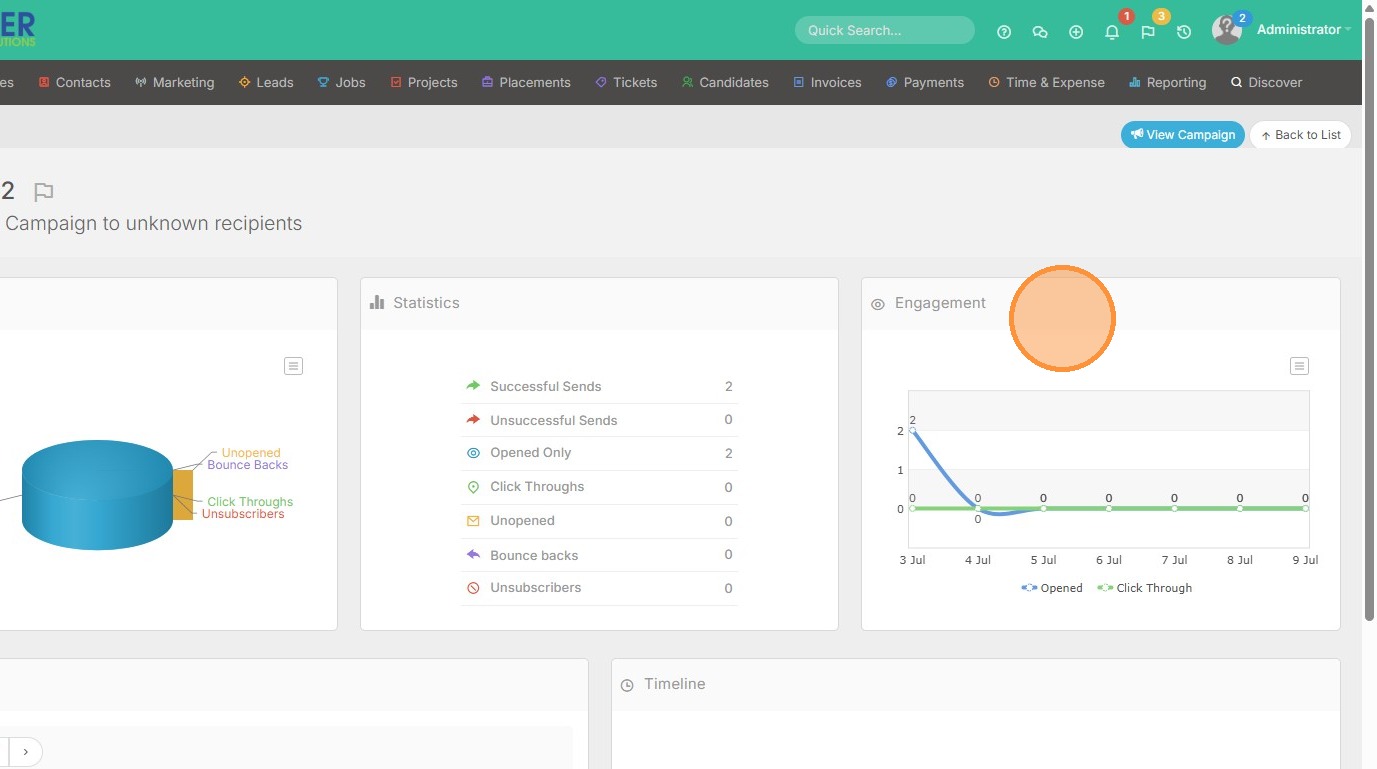
4. Here we have 3 sections to view results from - Summary, highlighted first.
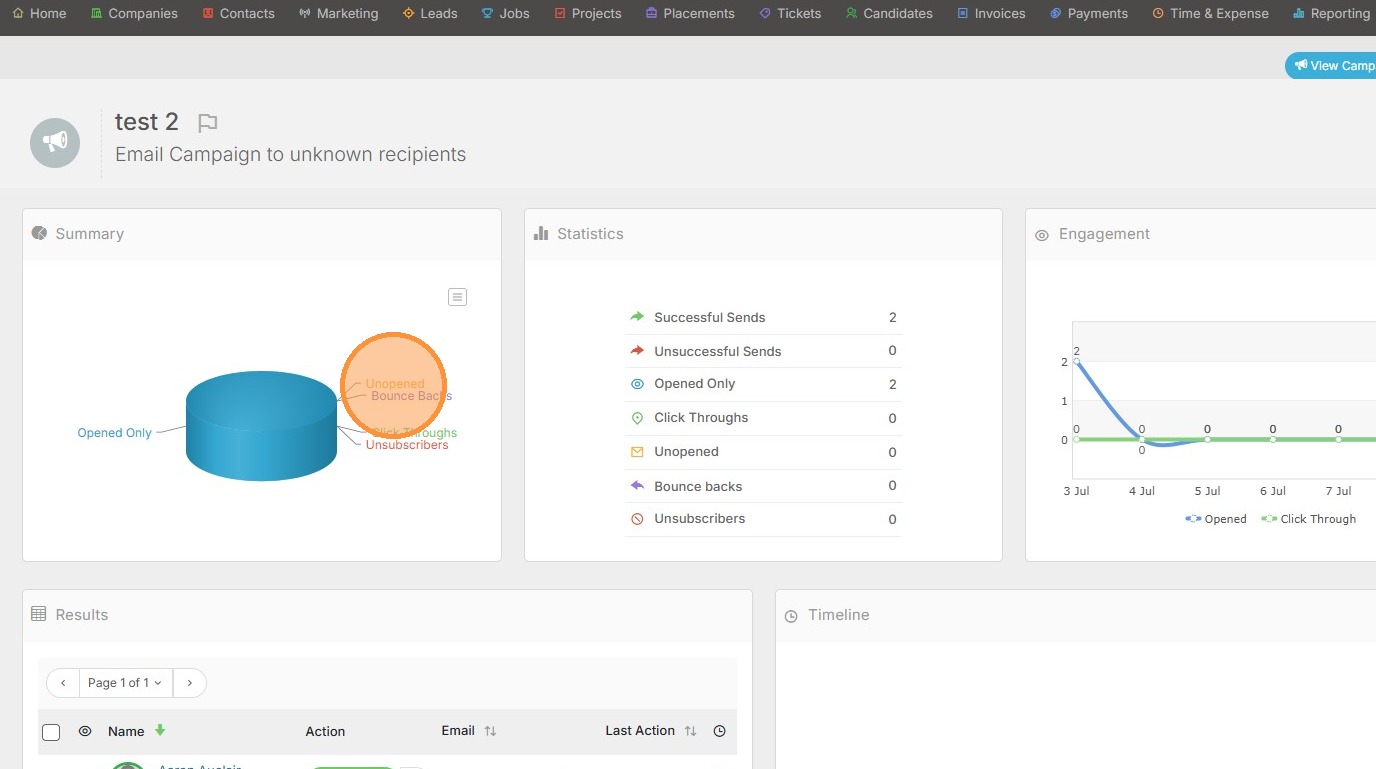
5. Statistics is next. If you click any of these items, such as Successful Sends, it will filter the list of people below to only show the Successful Sends vs All Results.
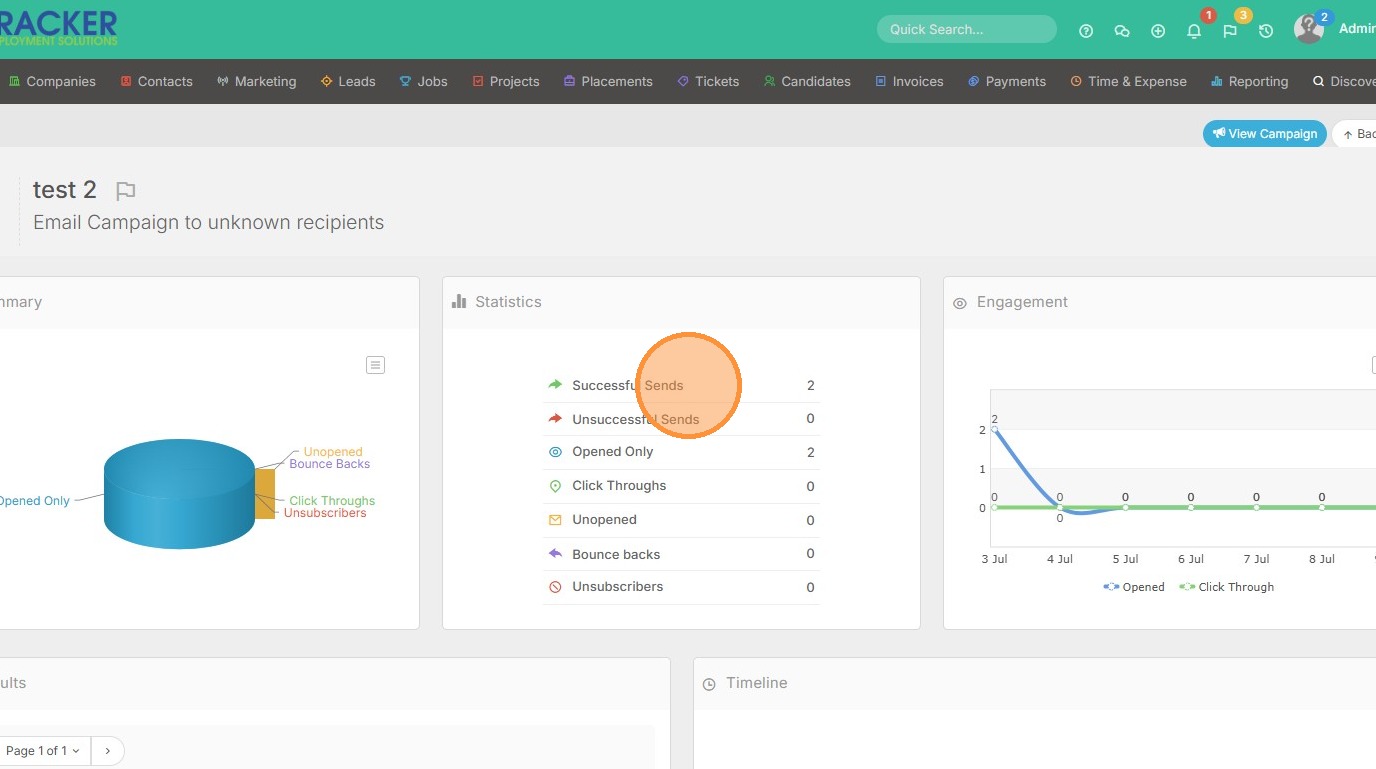
6. Lastly, there is the Engagement line chart.