This lesson shows you how to use the Data Management Tools to clean your Contact Records.
Data Management Navigation
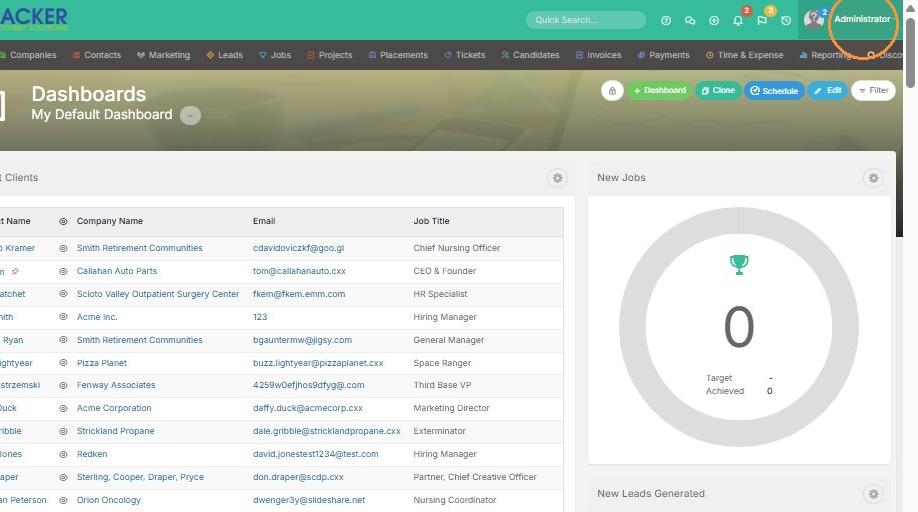
1. Click on your name to access Tools & Settings.
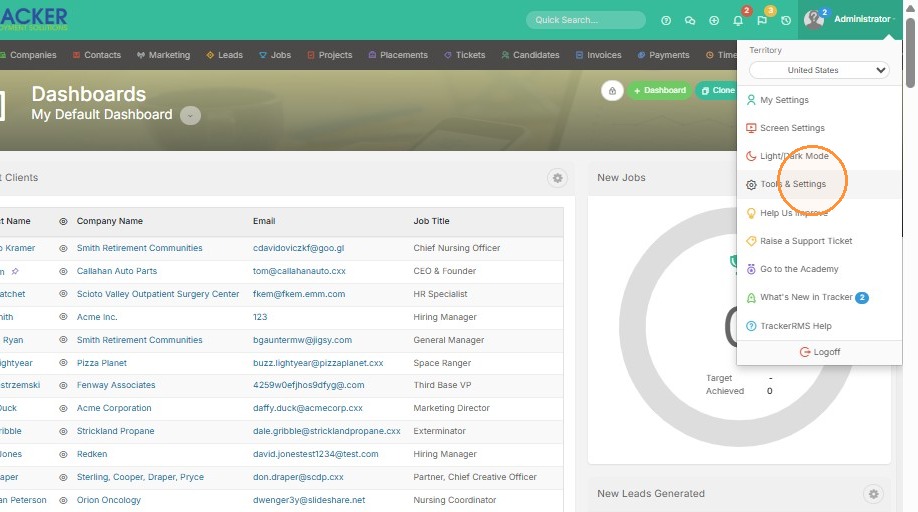
2. Click "Tools & Settings"
3. Click "Security" in the settings sidebar.
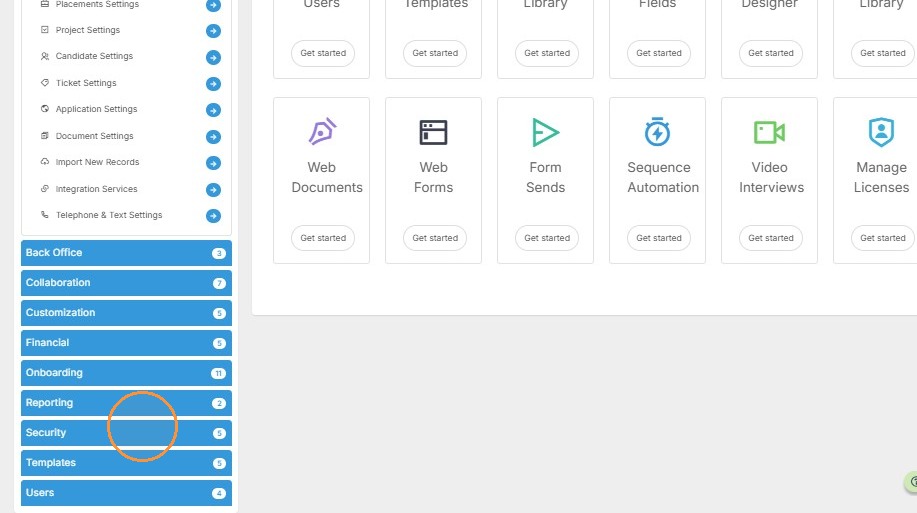
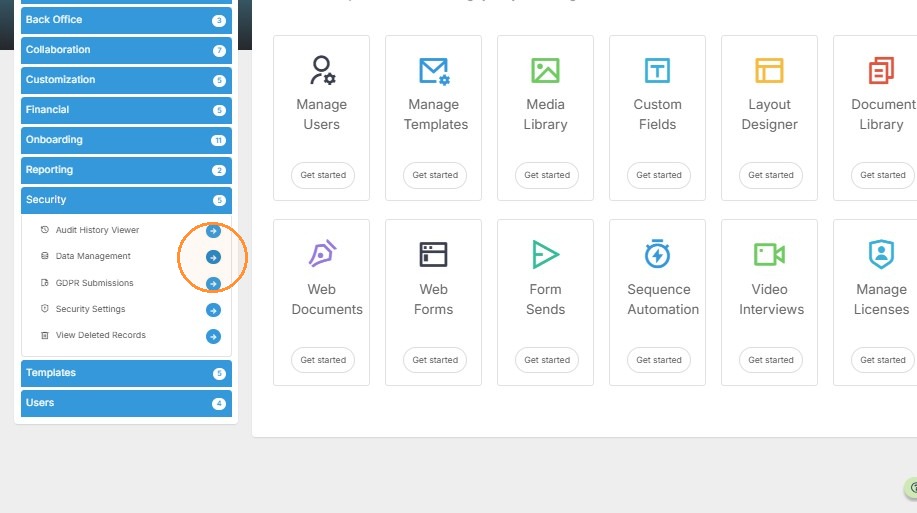
4. Select "Data Management" from the security options.
Search Filter Configuration
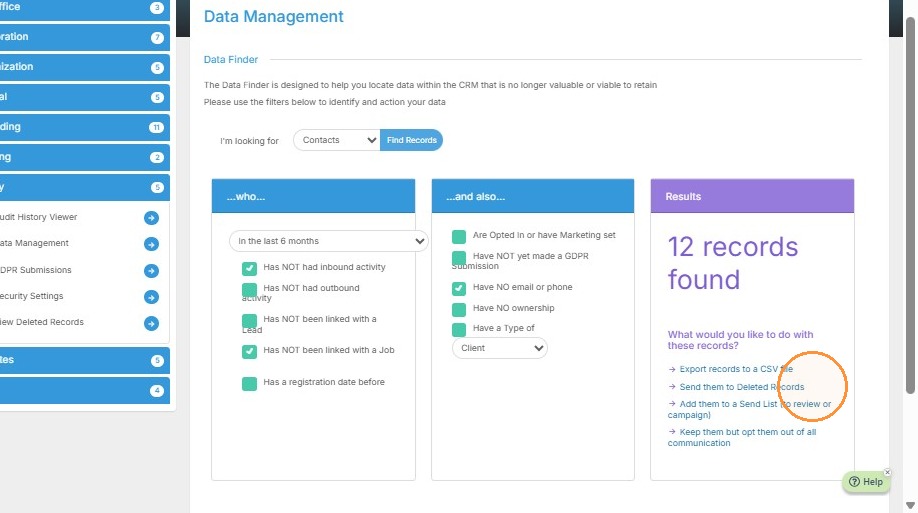
5. From here you can look for contact records with specific criteria. For example, maybe you would like to cleanup any contact records that haven't had an inbound or outbound activity.
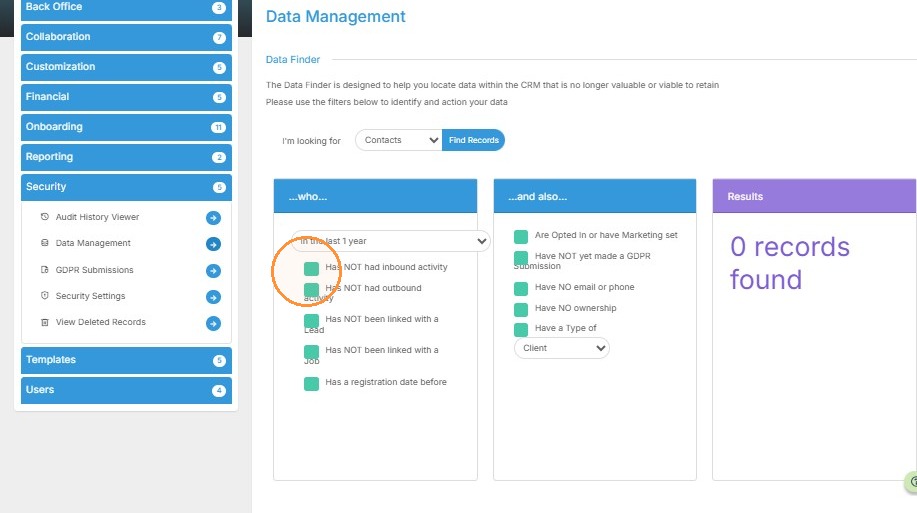
6. I'd also like to cleanup any contacts that haven't ever been linked to a job.
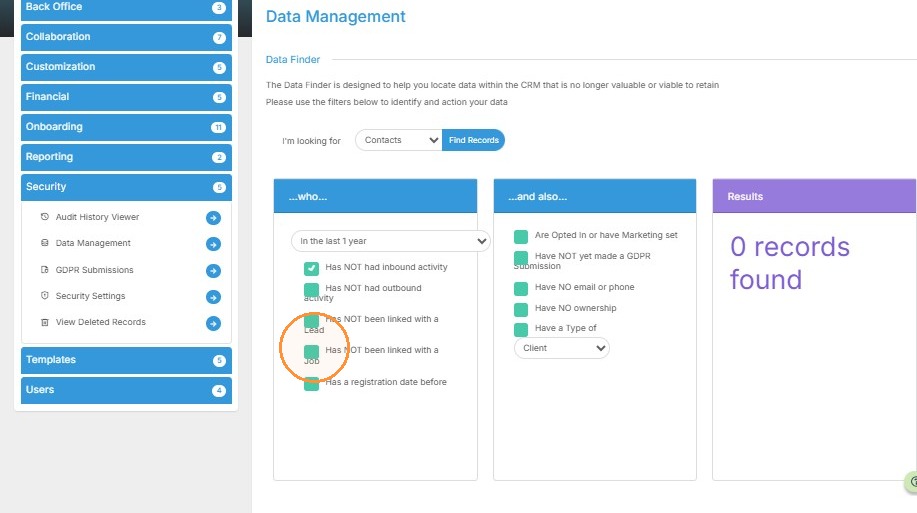
7. Here in the middle box I can select more criteria to narrow the search, such as anyone that doesn't have an email or phone number in their record.
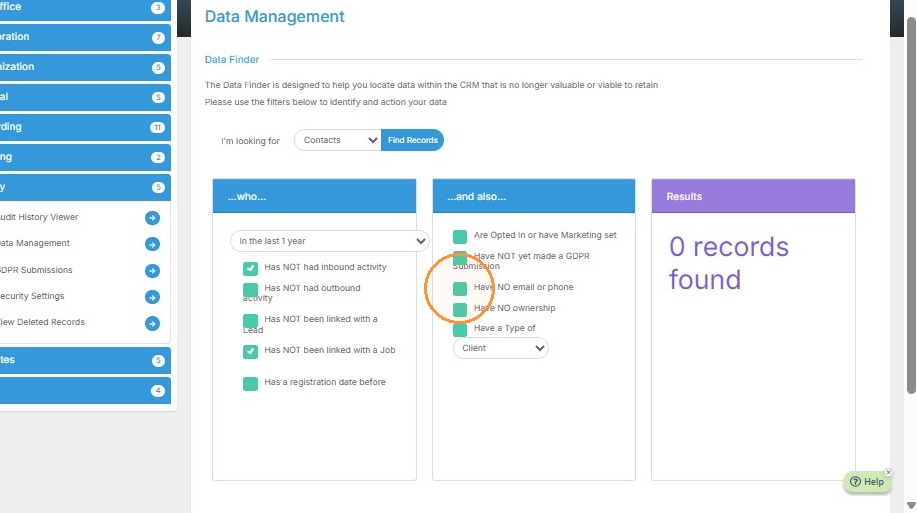
8. Lastly, I can adjust the timeframe. I'll change this to the last 6 months.
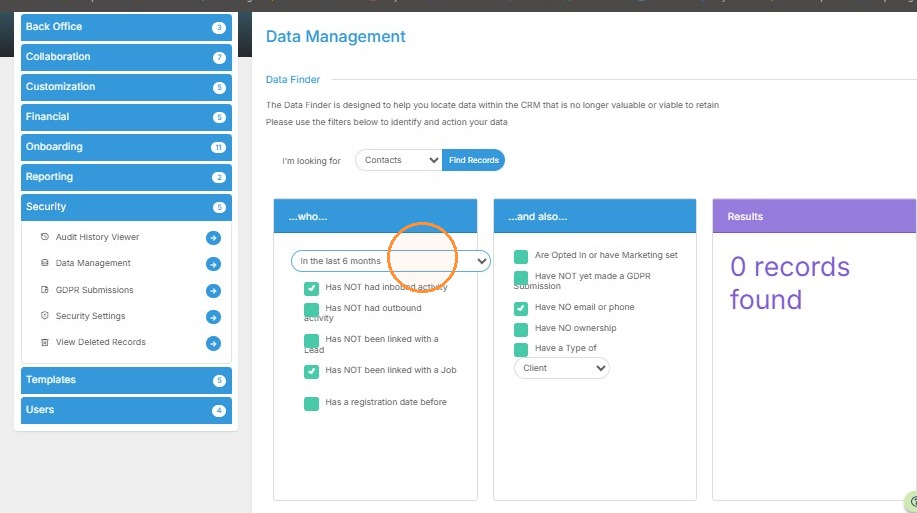
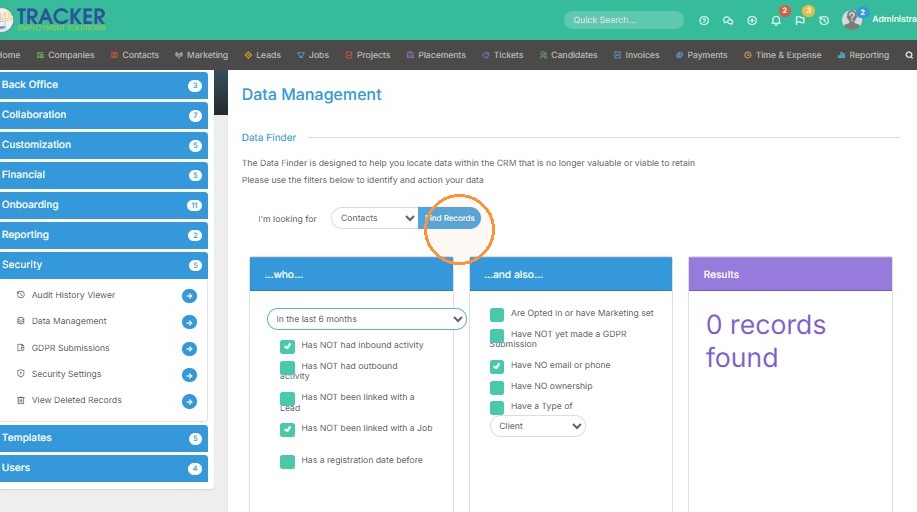
9. Click "Find Records"
Bulk Record Deletion
10. 12 records were found with this criteria, indicated by the purple Results box at the end. This section will give you options to manage these records - download, delete, add to a sendlist or keep them but opt them out of communication.