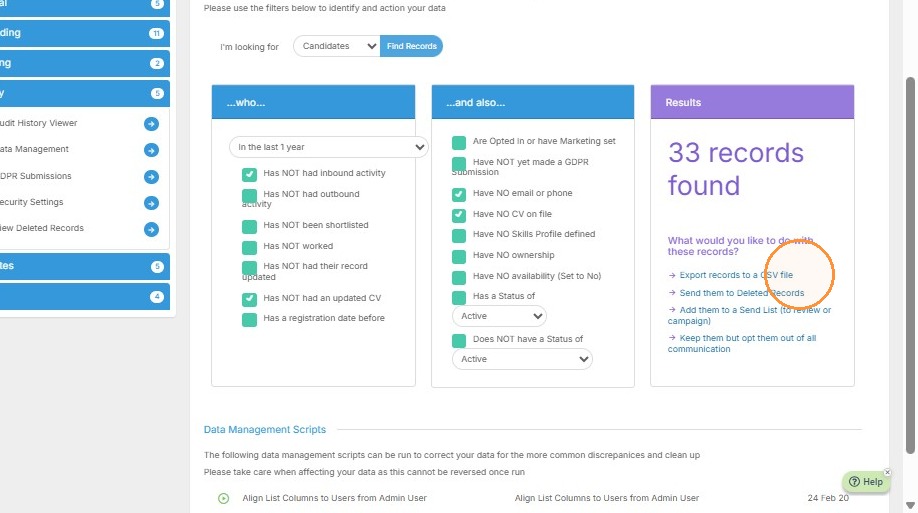
Data Management Access
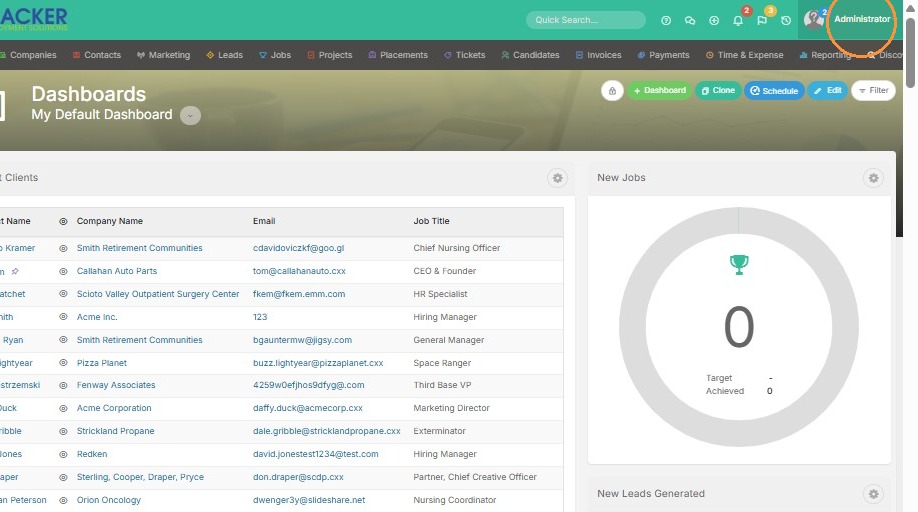
1. Click on your name to access tools & settings.
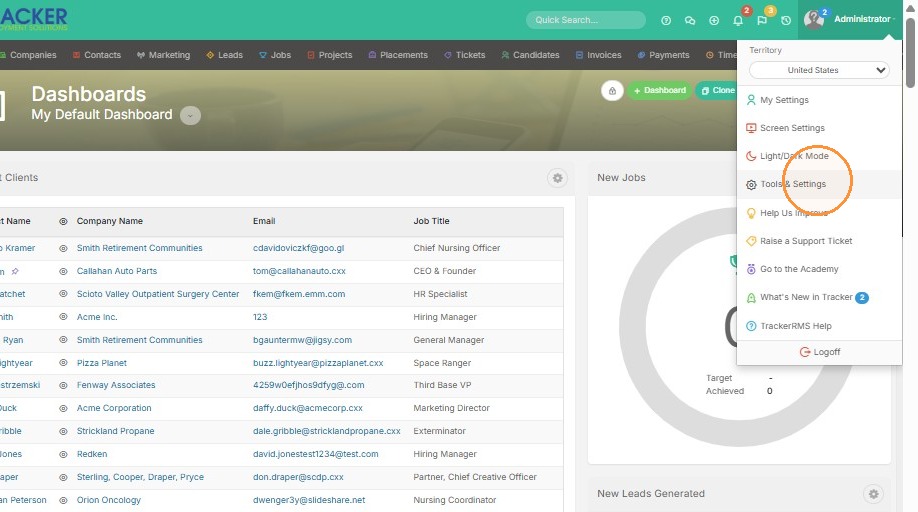
2. Select "Security" from left sidebar.
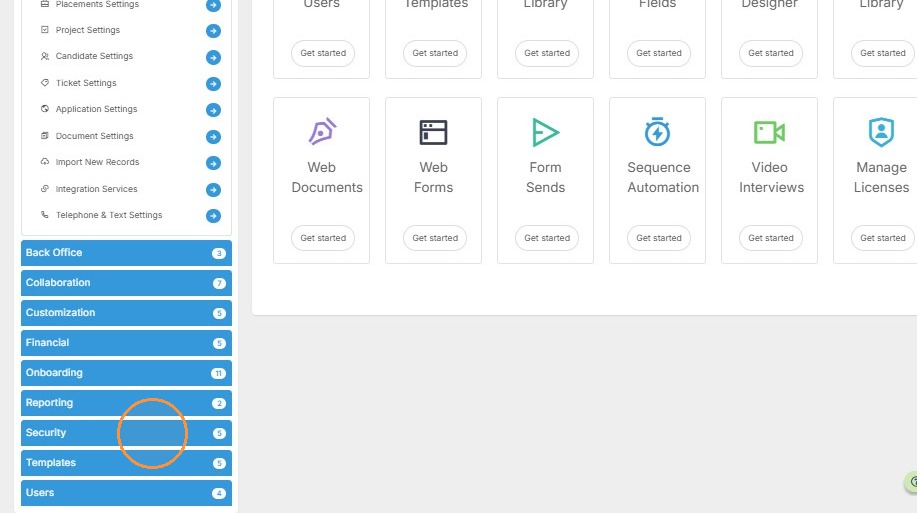
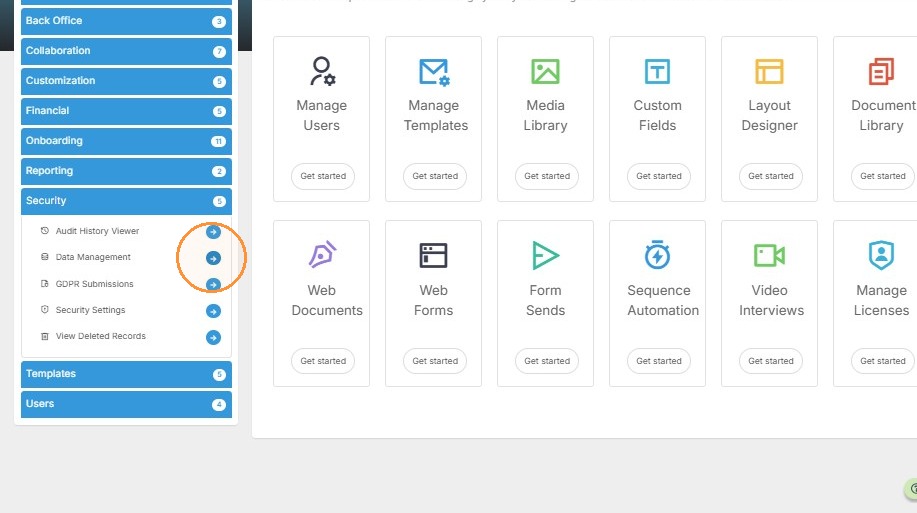
3. Click arrow next to "Data Management" to open tool.
Search Filter Configuration
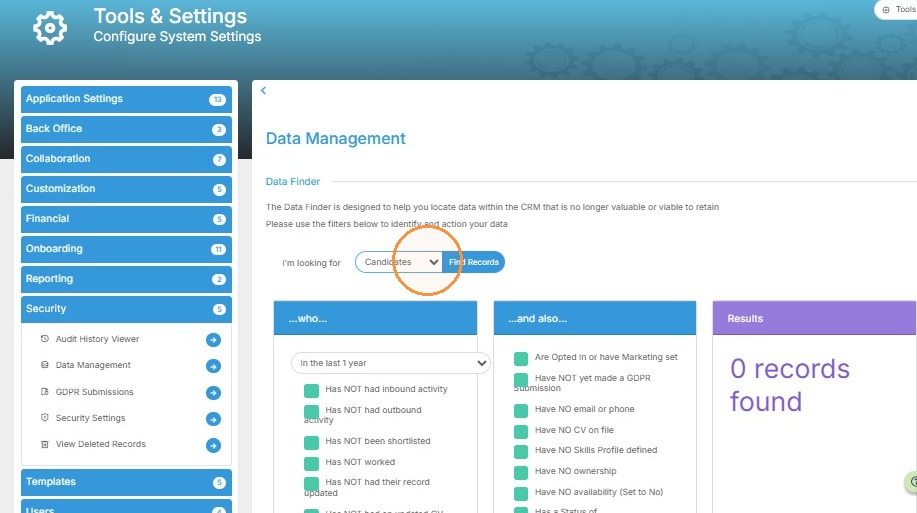
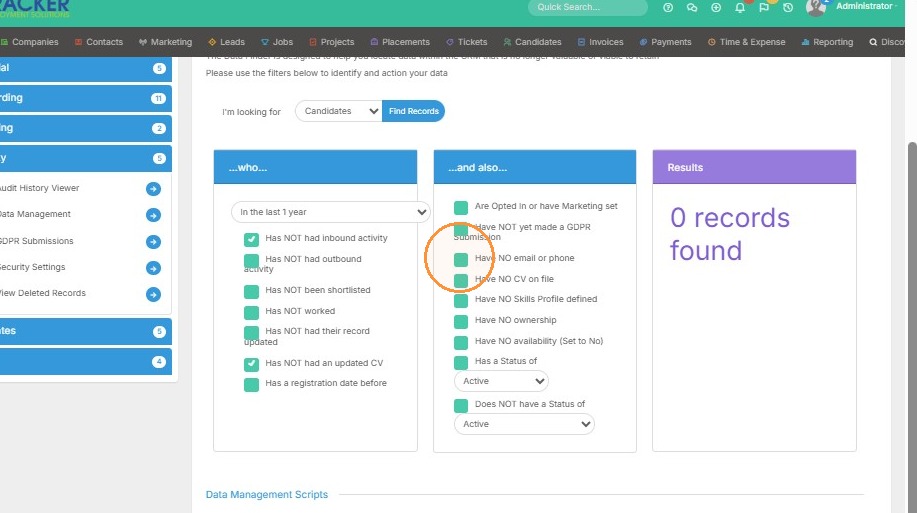
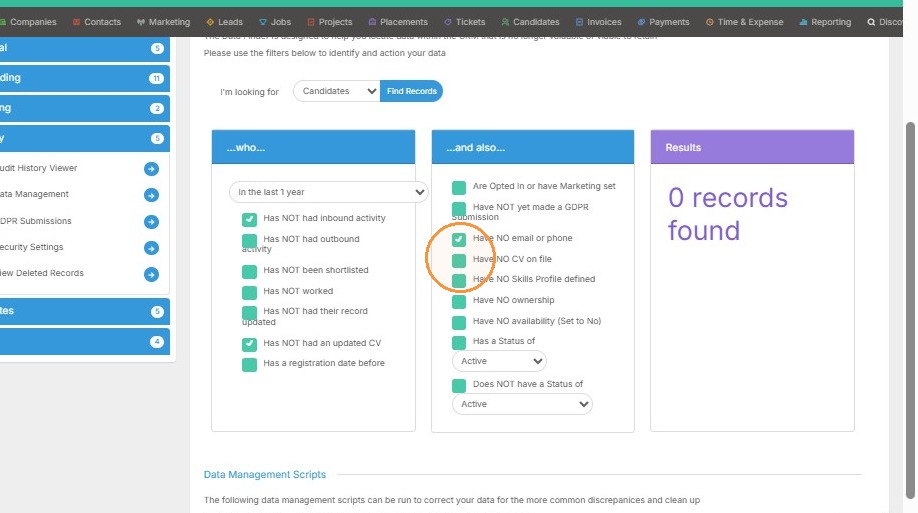
4. Choose "Candidates" from "I'm looking for" dropdown menu.
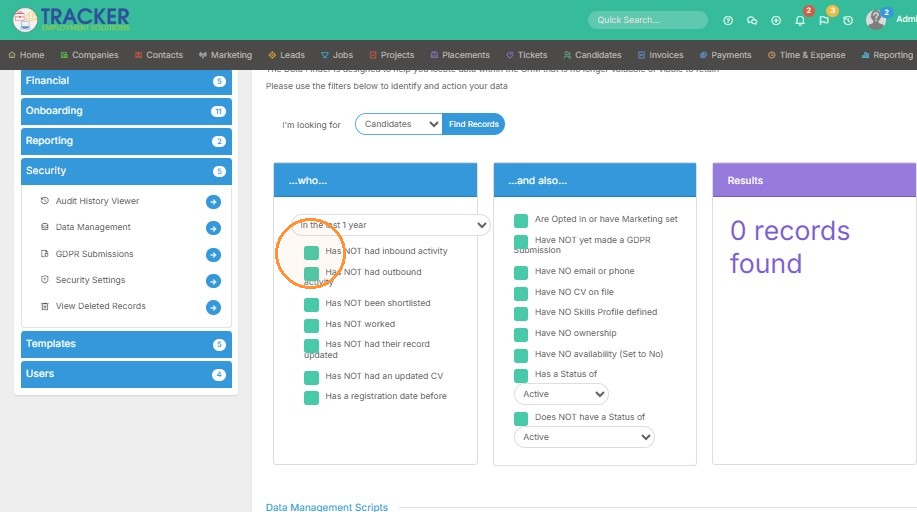
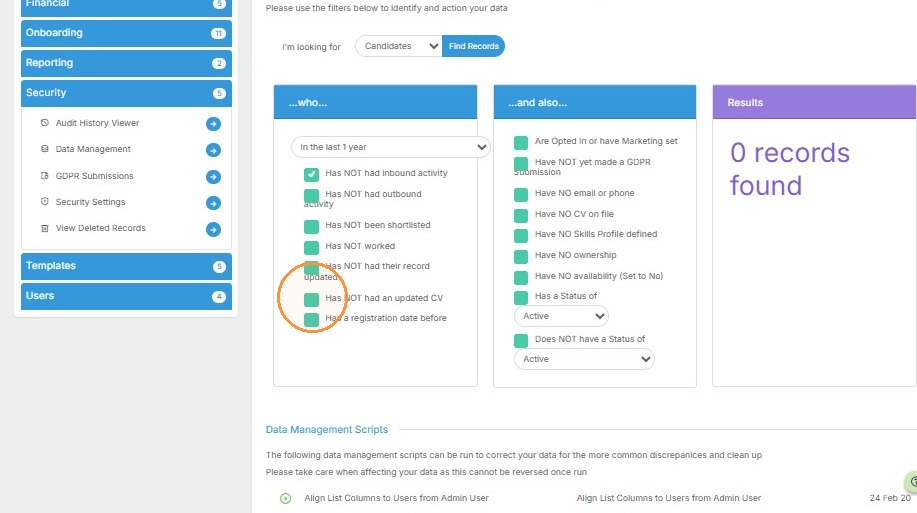
5. Apply search filters. In this case, I want to pull any candidates in the last year that don't have an inbound activity, updated resumes, and that do not have an email or phone.
Search Results Export
6. Click "Find Records" to search database.
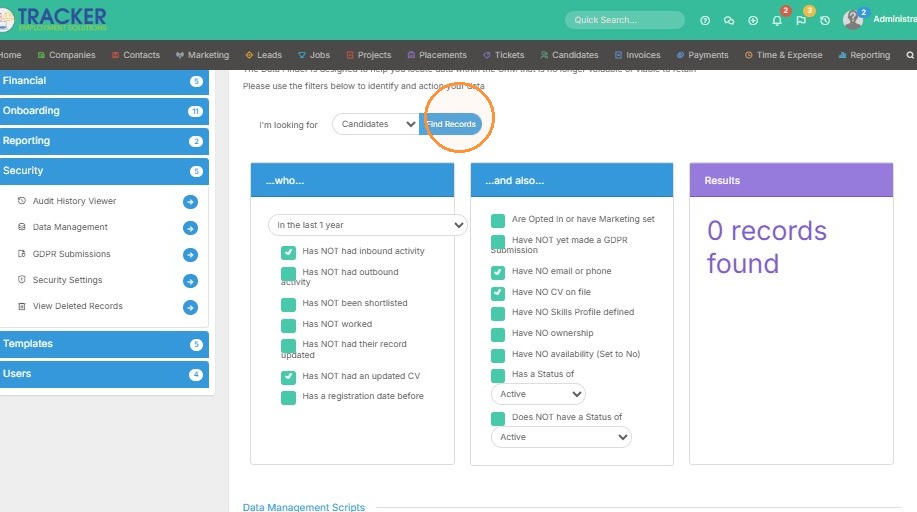
7. From here you can see the 33 results pulled in the purple box on the far right. You can export these records, delete them, add them to a sendlist, or keep them but opt them out of all marketing.