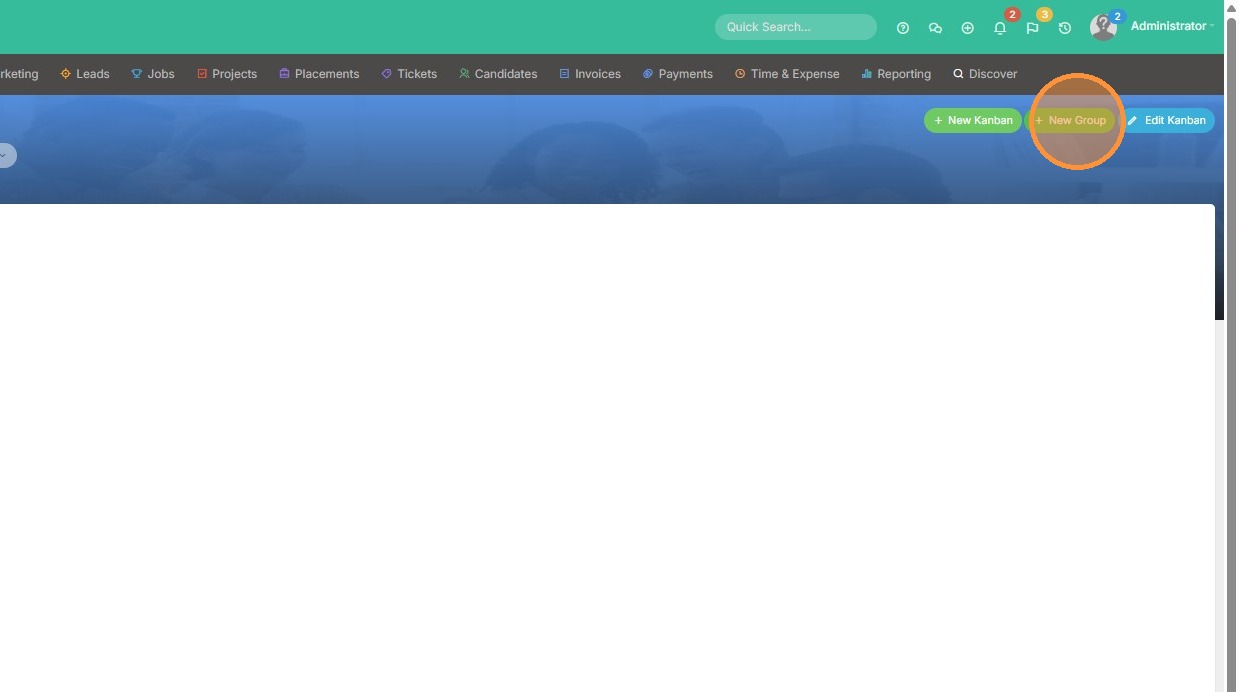
1. Click "New Group" to add tasks to a Kanban dashboard.
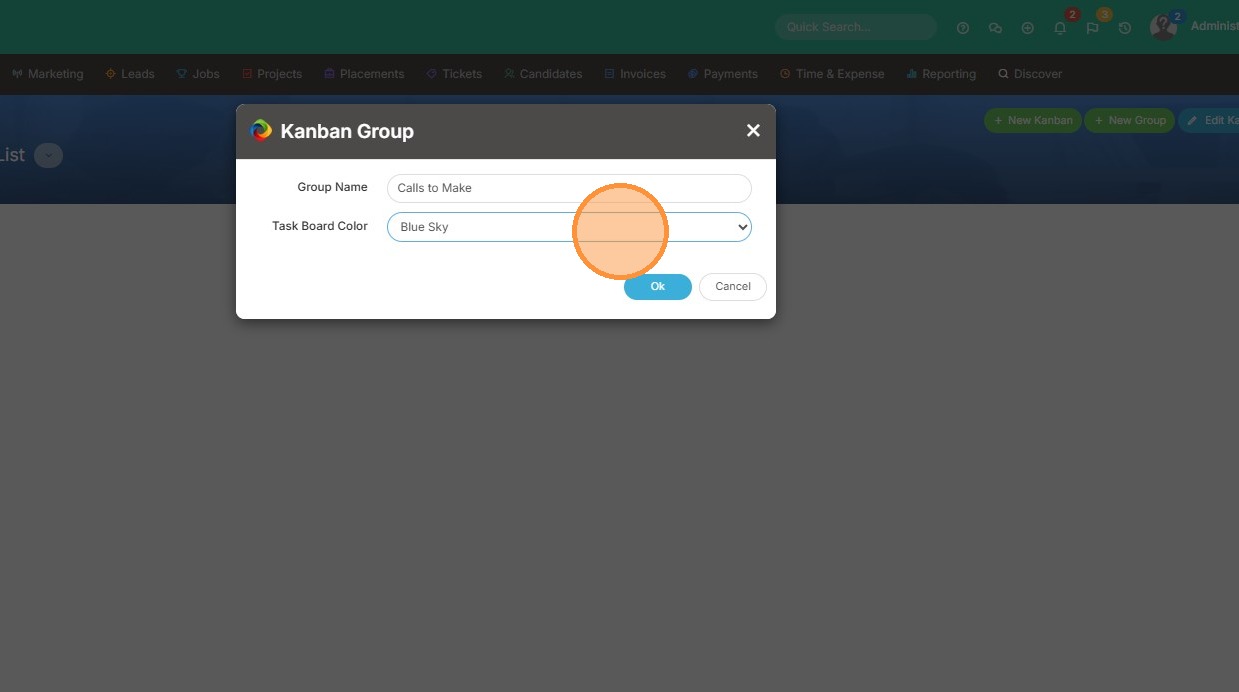
2. Type in the name of the Group of tasks, and select the color.
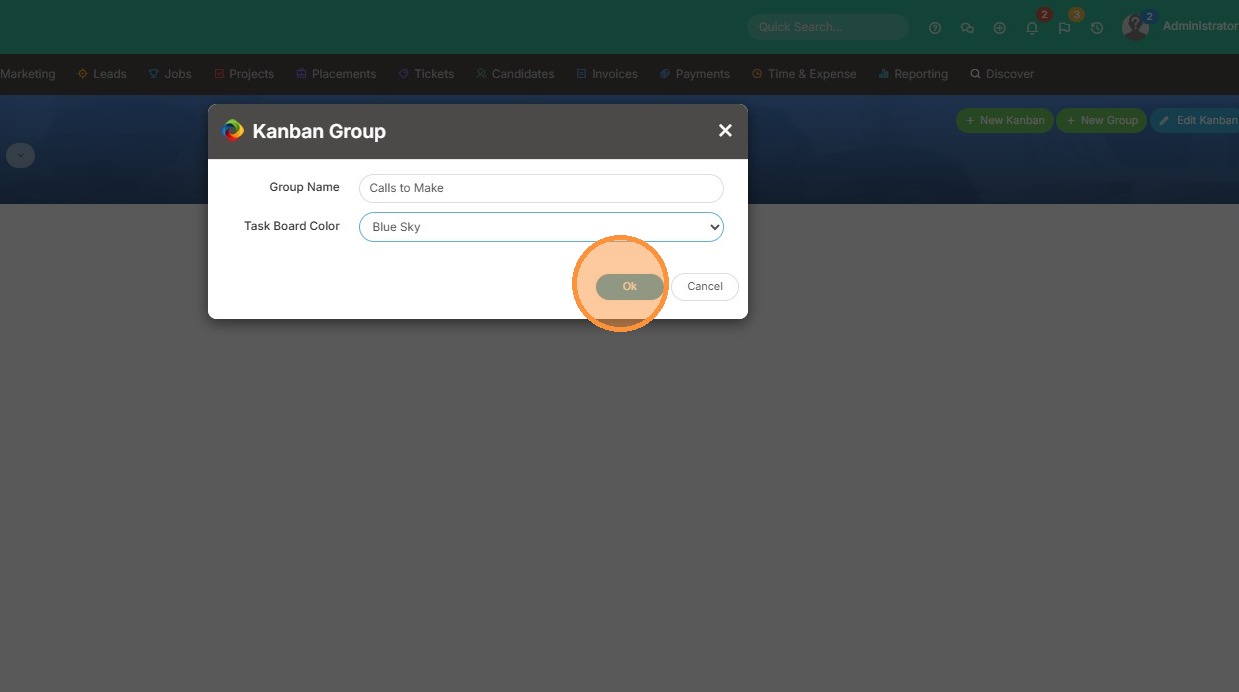
3. Click "Ok"
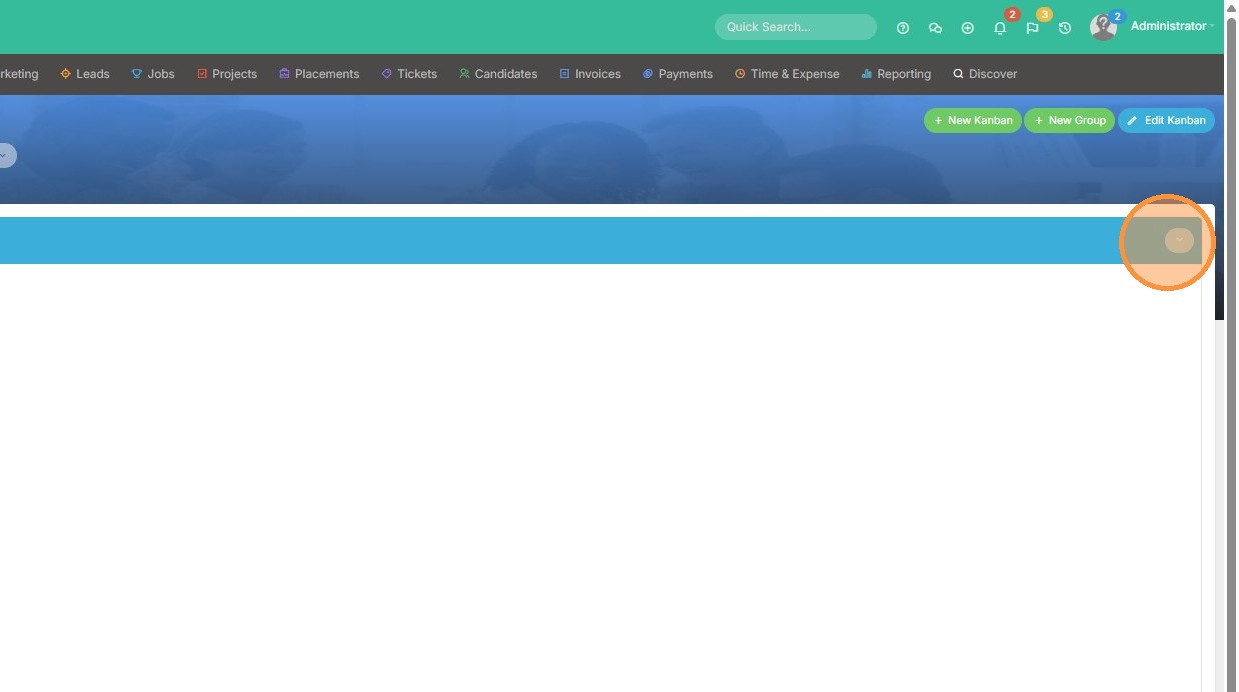
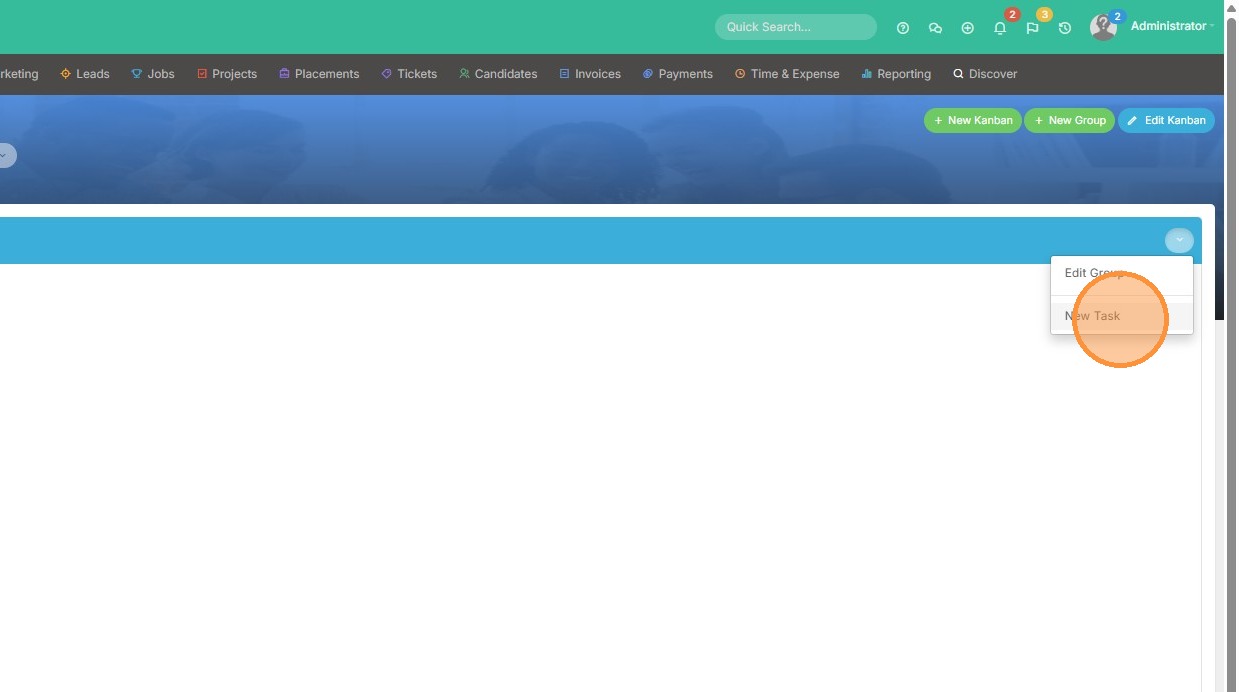
4. Then, to add tasks to that group, click this dropdown arrow.
5. Click "New Task"
Your one-stop shop for help on TrackerRMS
1. Click "New Group" to add tasks to a Kanban dashboard.
2. Type in the name of the Group of tasks, and select the color.
3. Click "Ok"
4. Then, to add tasks to that group, click this dropdown arrow.
5. Click "New Task"