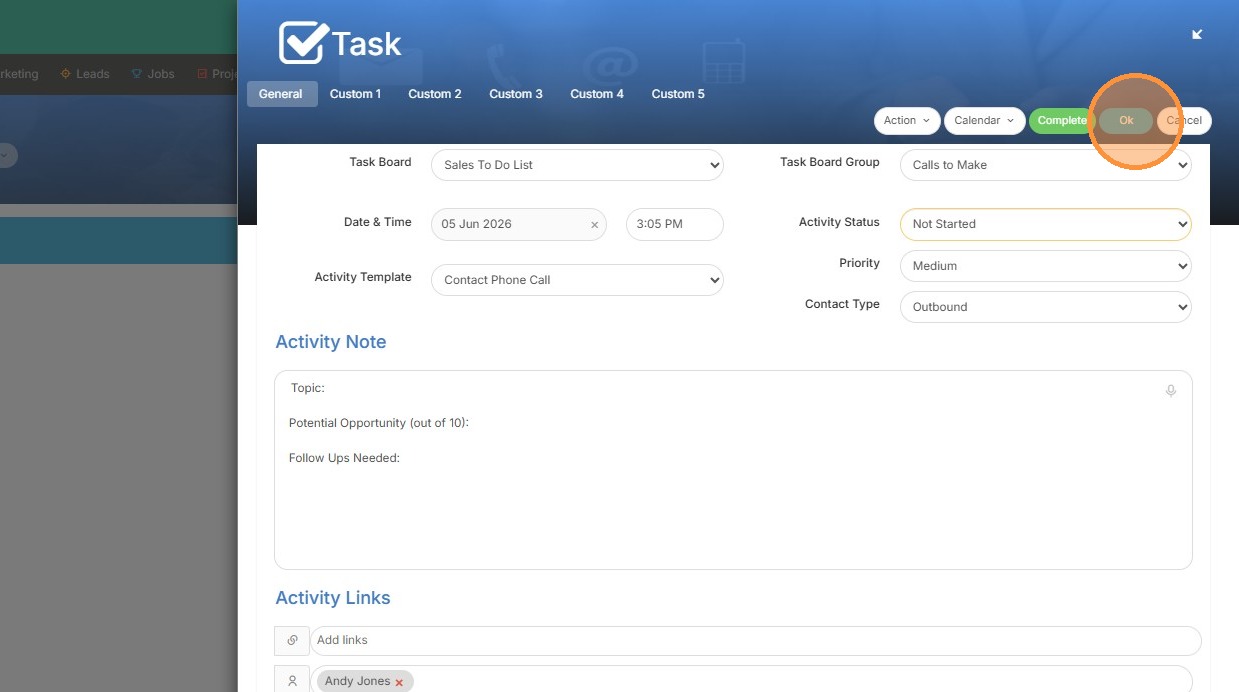
Task Initiation
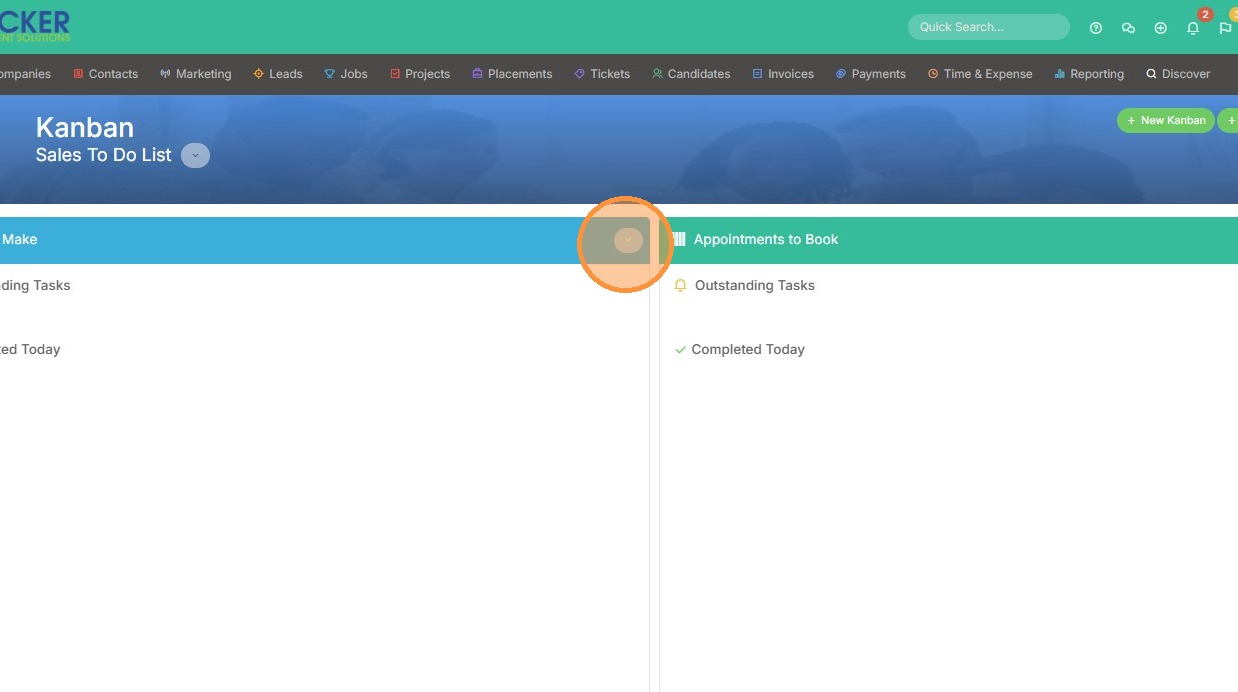
1. To add a task from the Group, click the dropdown arrow.
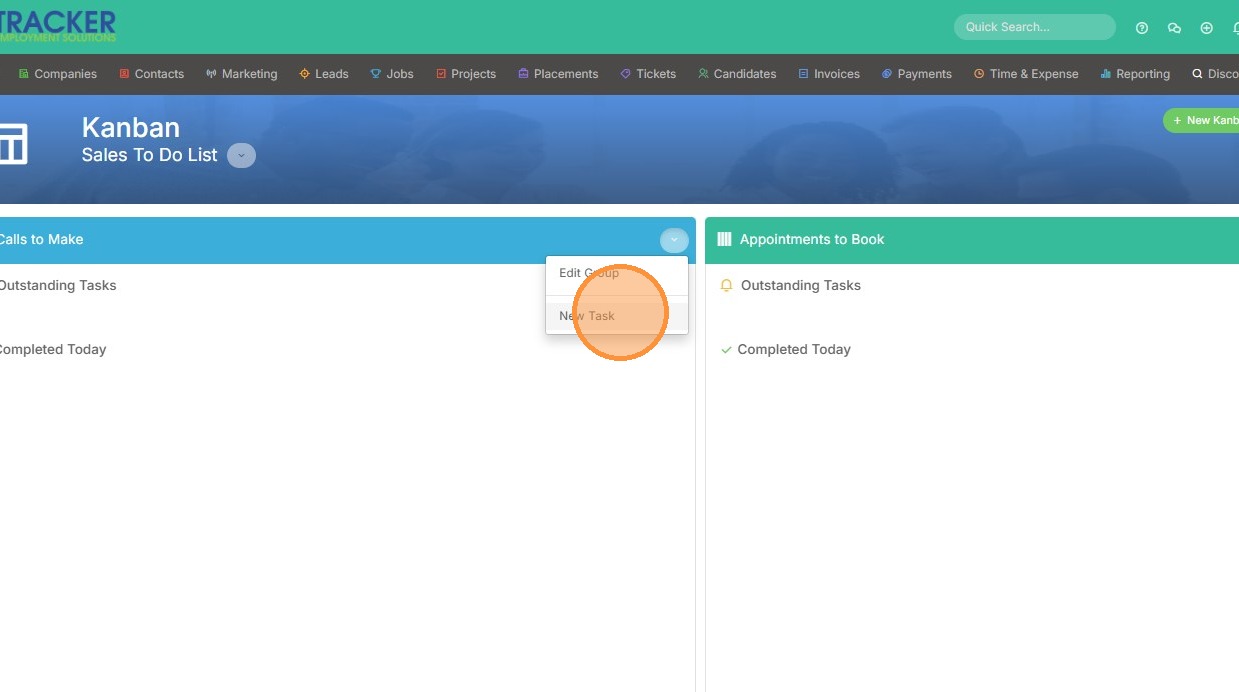
2. Select "New Task".
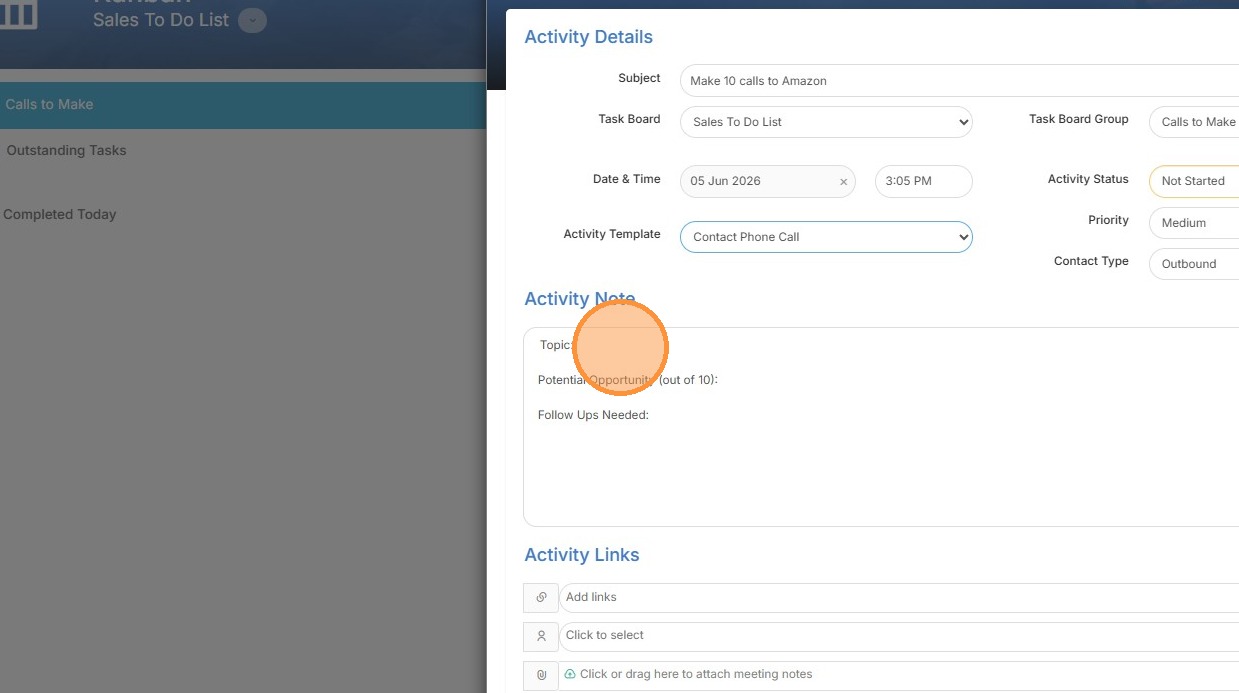
Activity Details
3. Add a subject for the task.
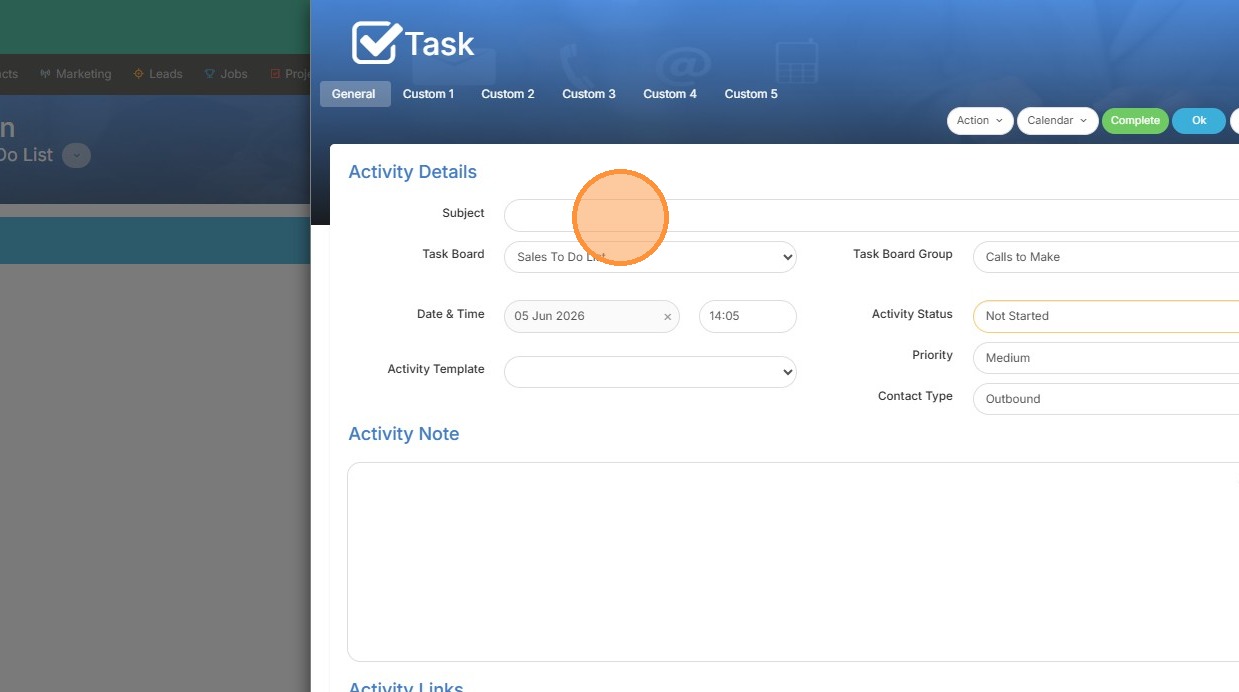
4. Click "Task Board Group" if you want to switch where you're adding this task to.
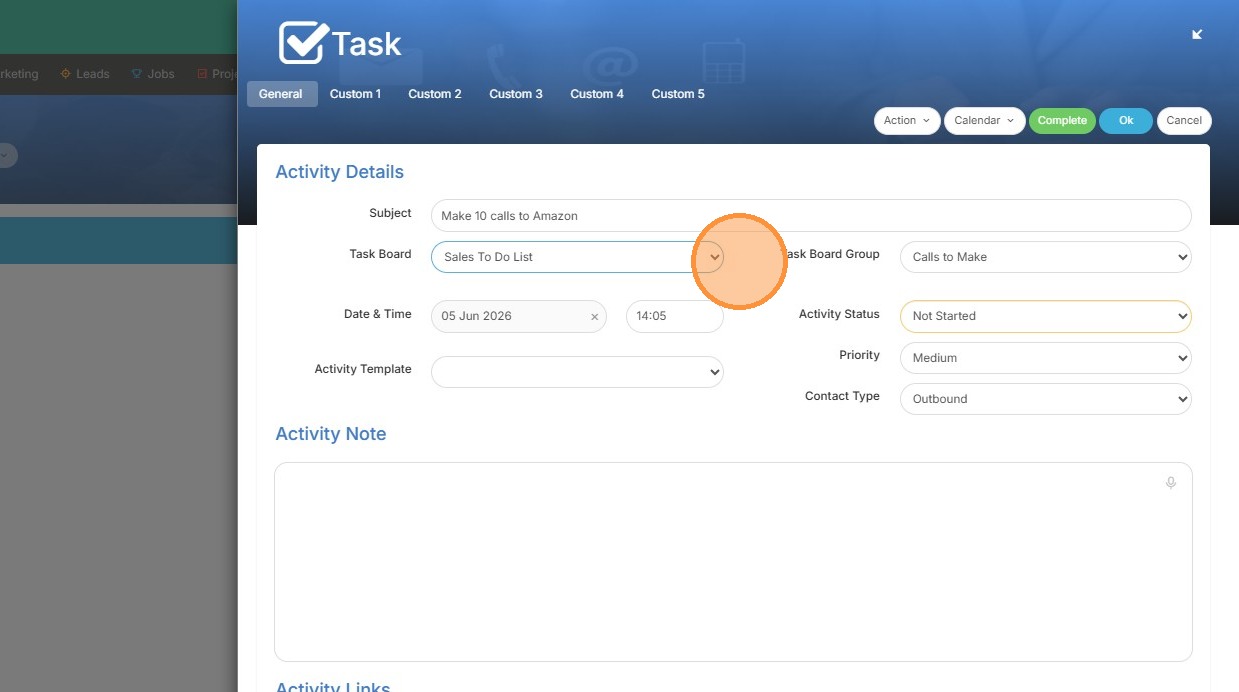
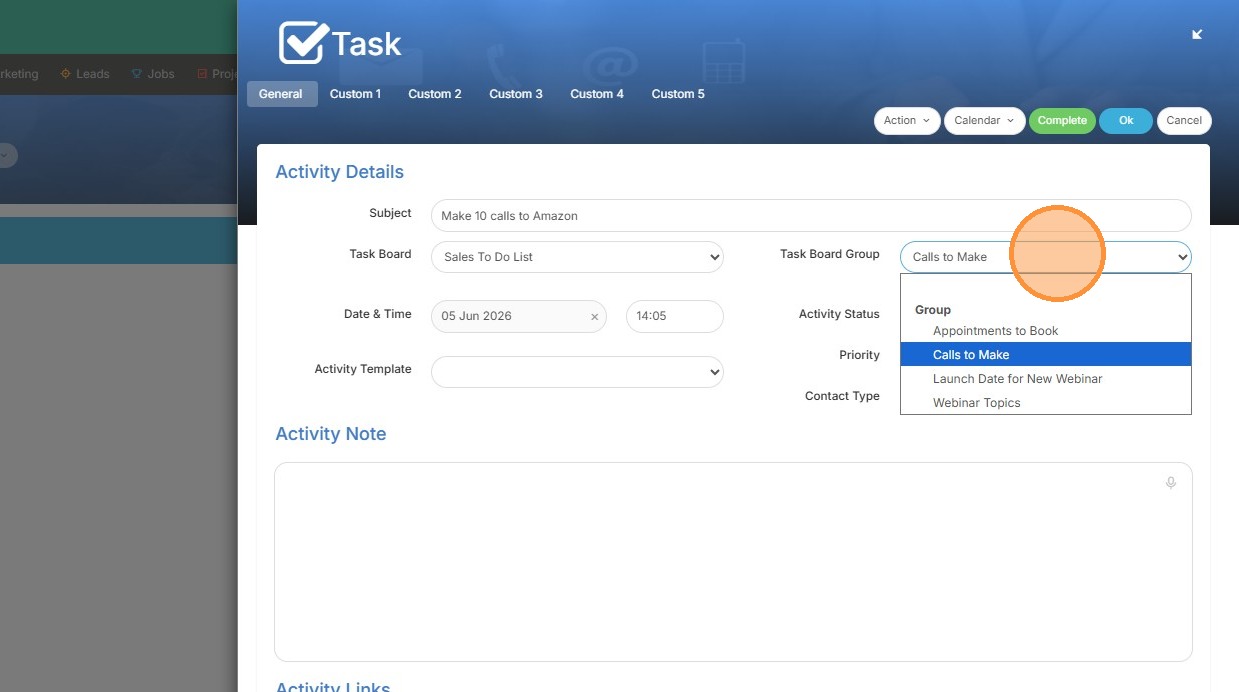
5. Click this dropdown to switch the group, if you would like.
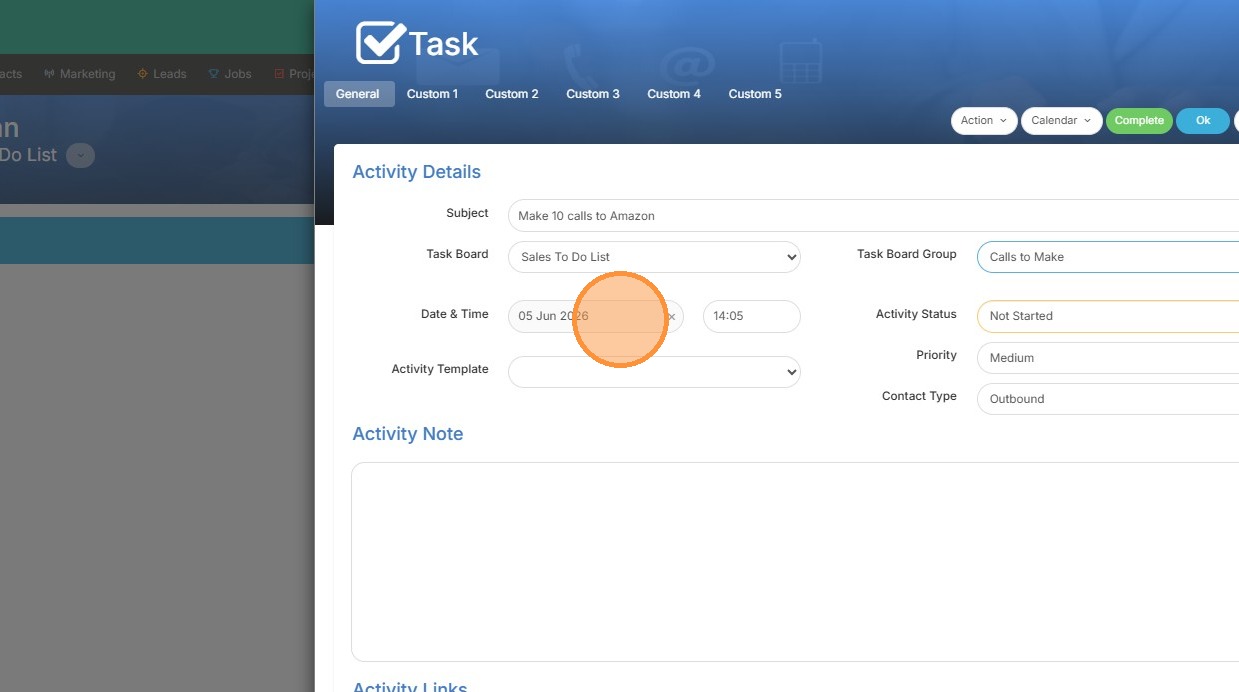
6. Click the "Date & Time" field to edit.
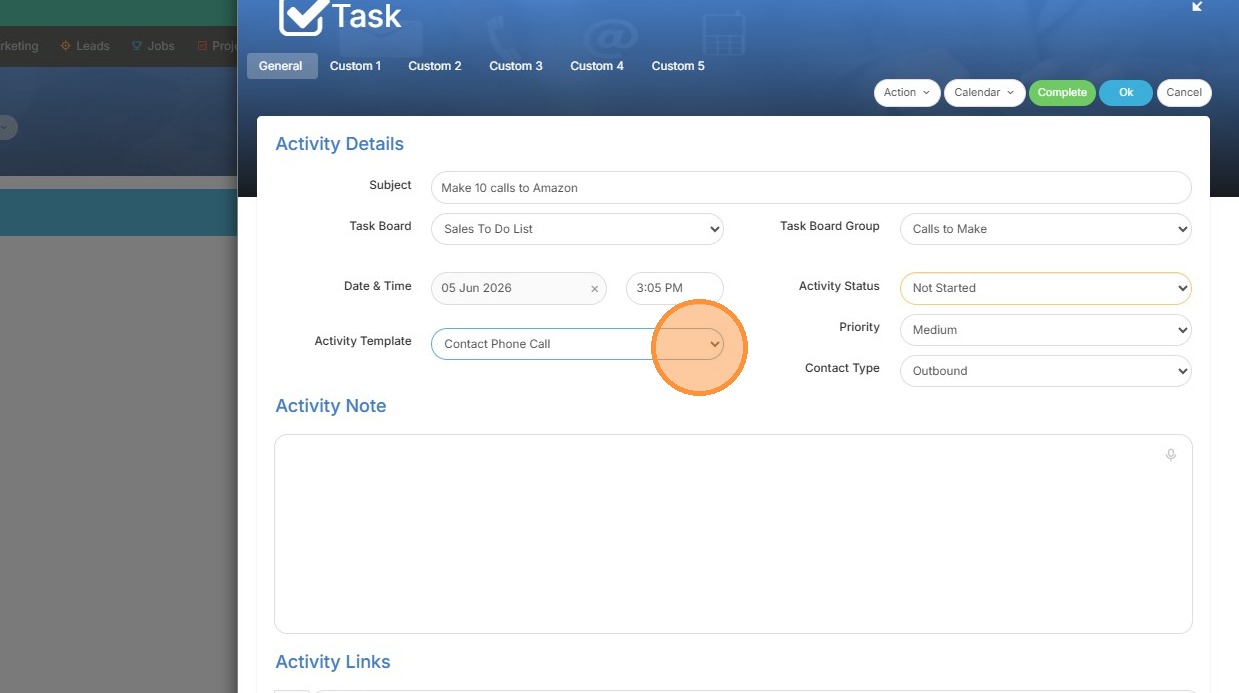
7. If you are interested in using an activity template, you can click this dropdown now to select one.
8. Now you can see text has automatically been added to the Activity Note so that whomever completes this task knows they need to log this information.
Links and Reminders
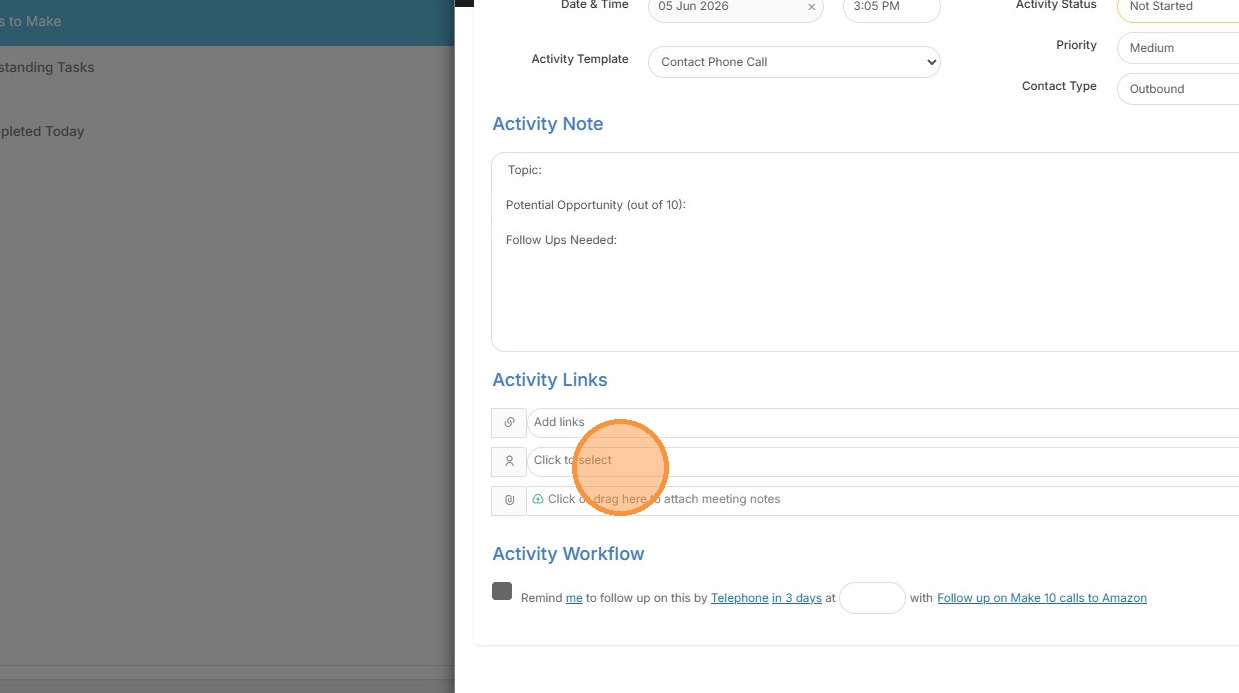
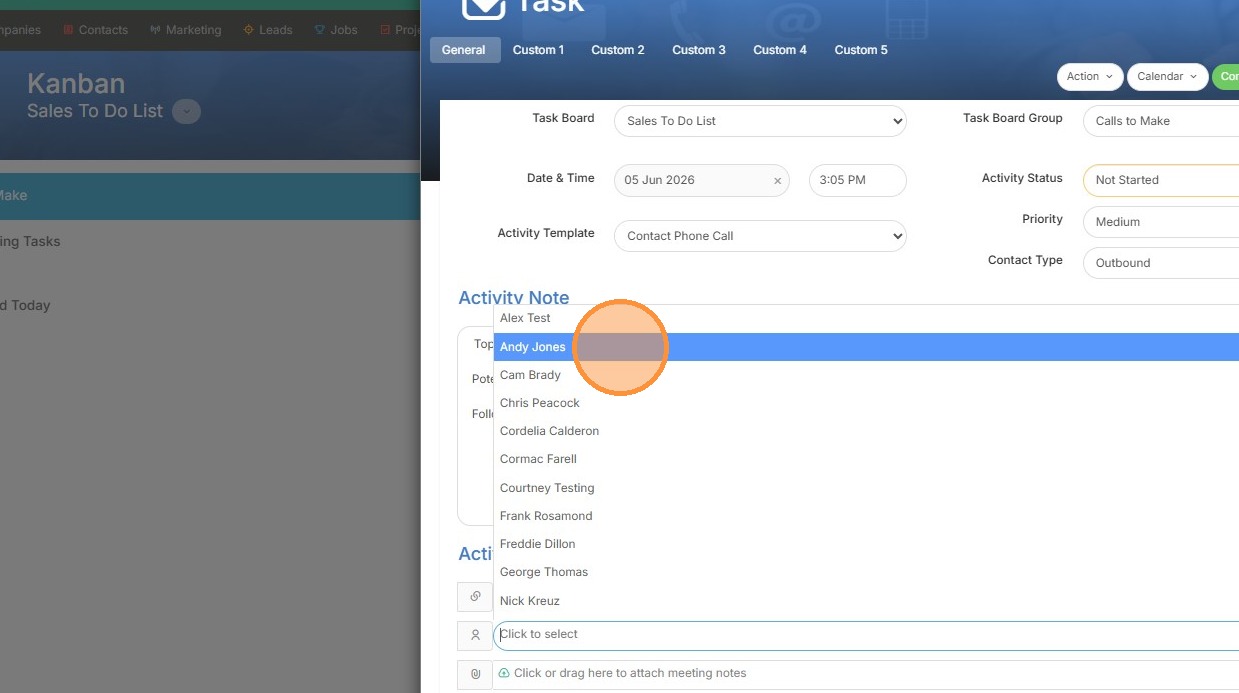
9. Below the activity, you can select who you want to assign it to.
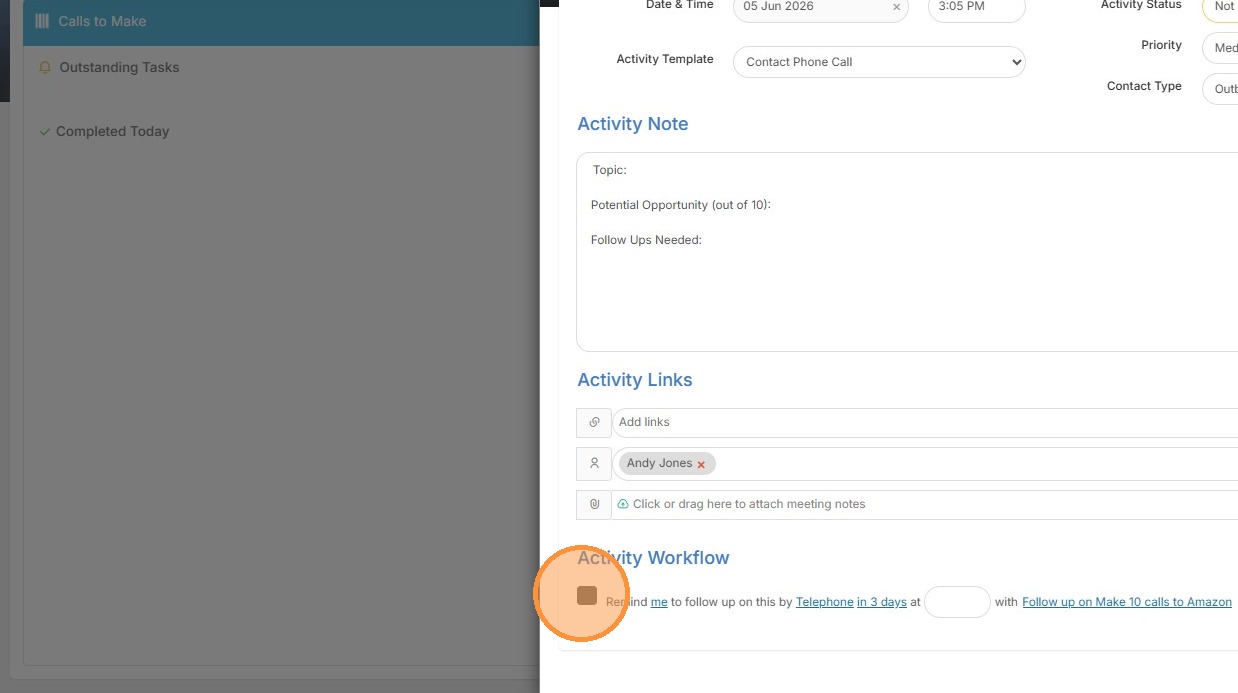
10. You can also set reminders for that person or yourself to follow up.
11. Click "Ok" to create task.