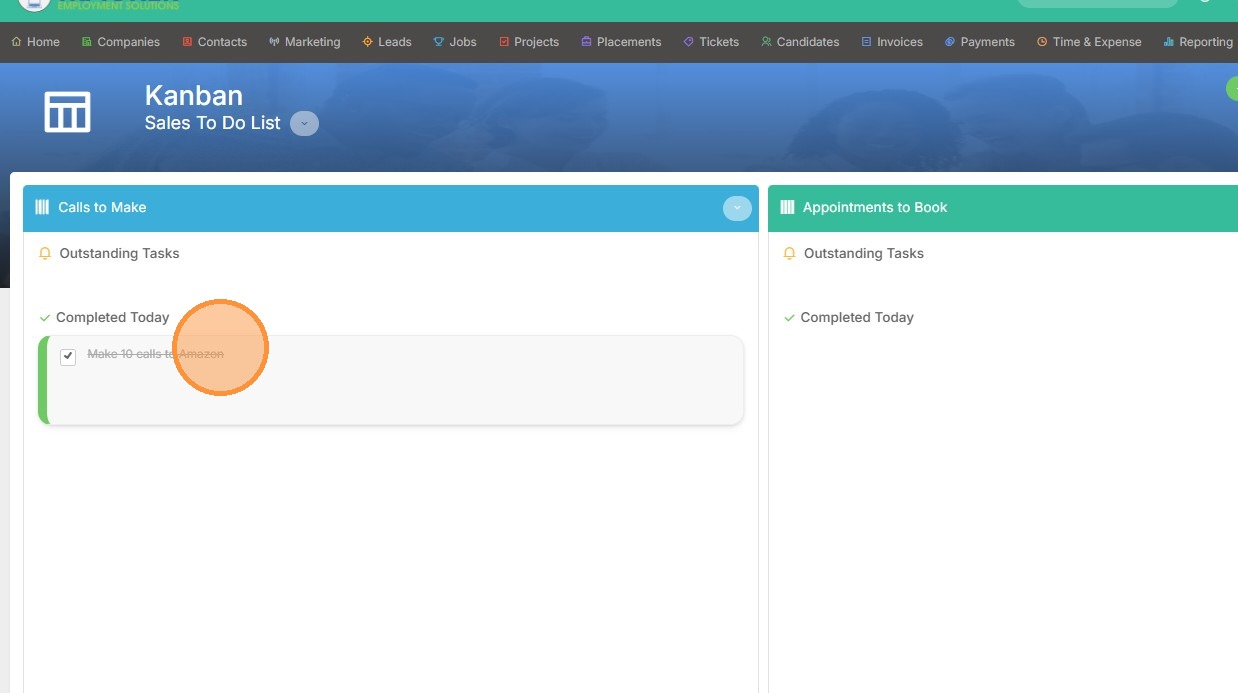
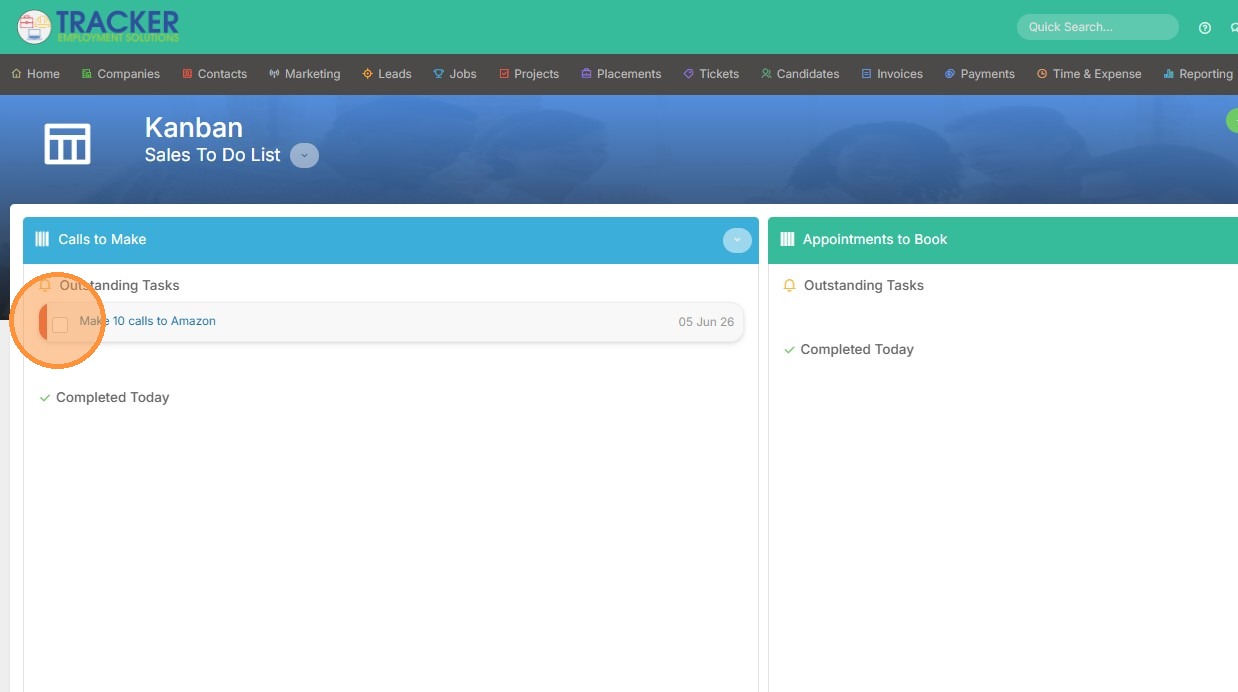
1. There are two ways to complete a task on a Kanban dashboard. Click the checkbox to mark the task as complete.
2. Now you can see it's marked as complete.
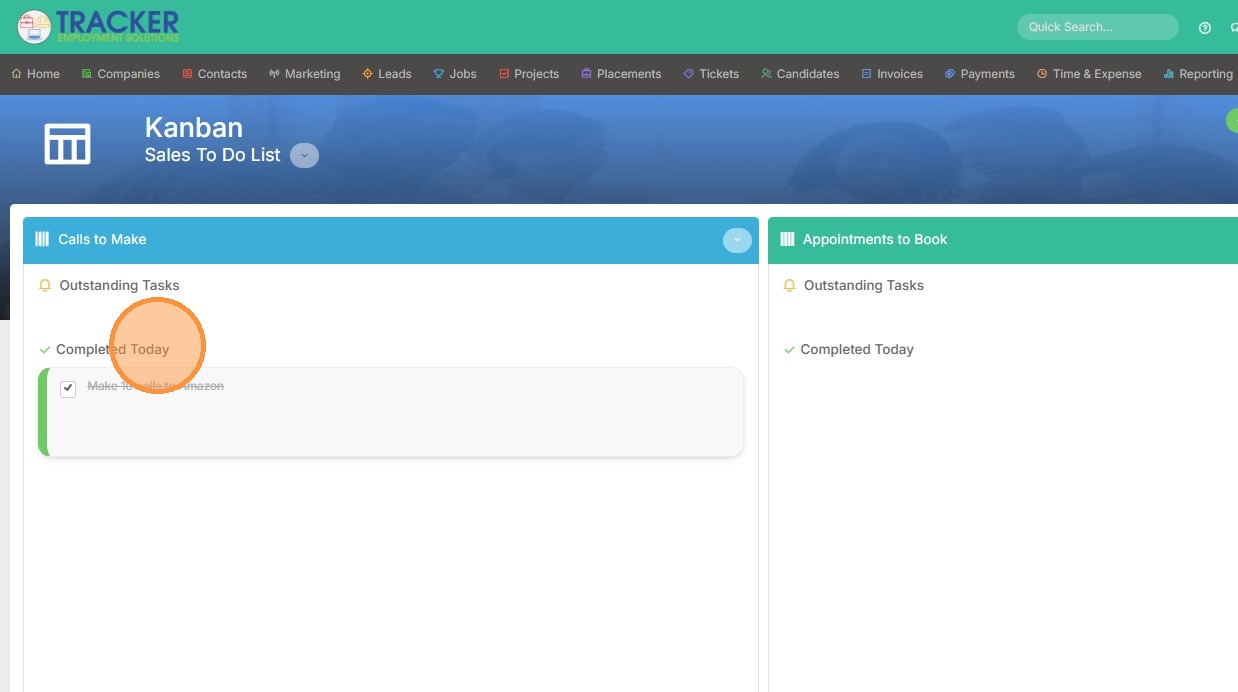
3. Alternatively, you can click on the task itself.
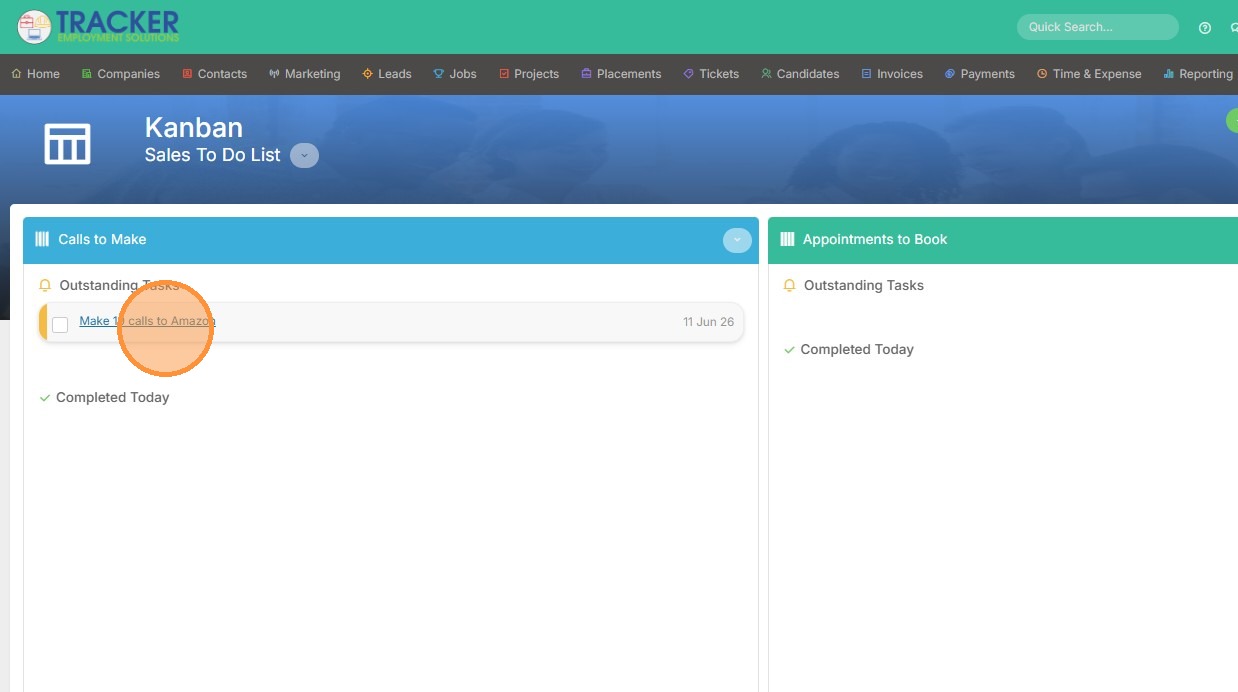
4. Then click complete within the task.
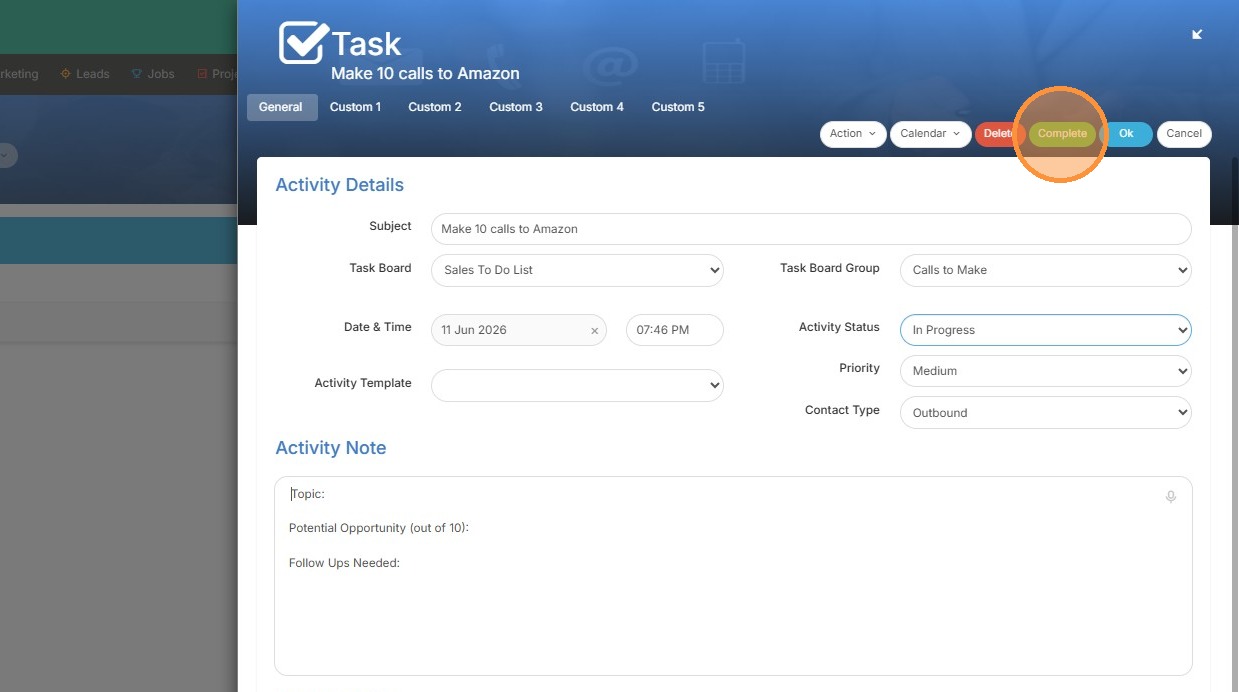
5. Now you can see it is also marked as complete.