This lesson explains the Action Menu within a Lead Record.
1. From within the lead record, we can click on the action menu.

2. We can log an activity.

3. Or delete the lead if we created multiple leads to the same job or opportunity and need to clean things up.

4. We can send an email.

5. From here, we're also able to utilize any template that has an association of lead.

6. We can send an internal email to our colleagues.

7. Click "Send an Internal Email"

8. We can create letters which is useful for anything needed in PDF form.

9. There is also the ability to send texts (reach out to clientsupport@tracker-rms.com if you don't have this ability but would like it added).

10. We have an option to use WhatsApp as well (same deal with texting, please reach out to clientsupport@tracker-rms.com if you would like this ability).

11. You can also send a form, such as a custom form or RightSignature, etc.

12. You can quick add notes as needed.

13. We're also able to convert to a job directly from a lead, which allows information collected on the record to be passed down.
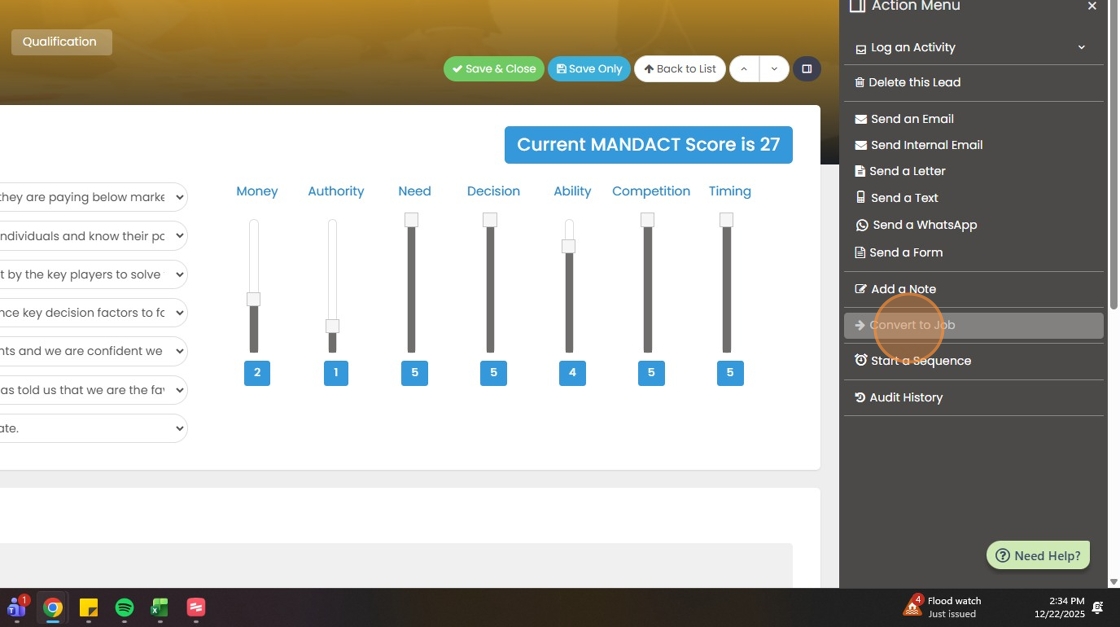
14. If you would like to send a sequence of marketing emails to the lead, you can do so with this option.

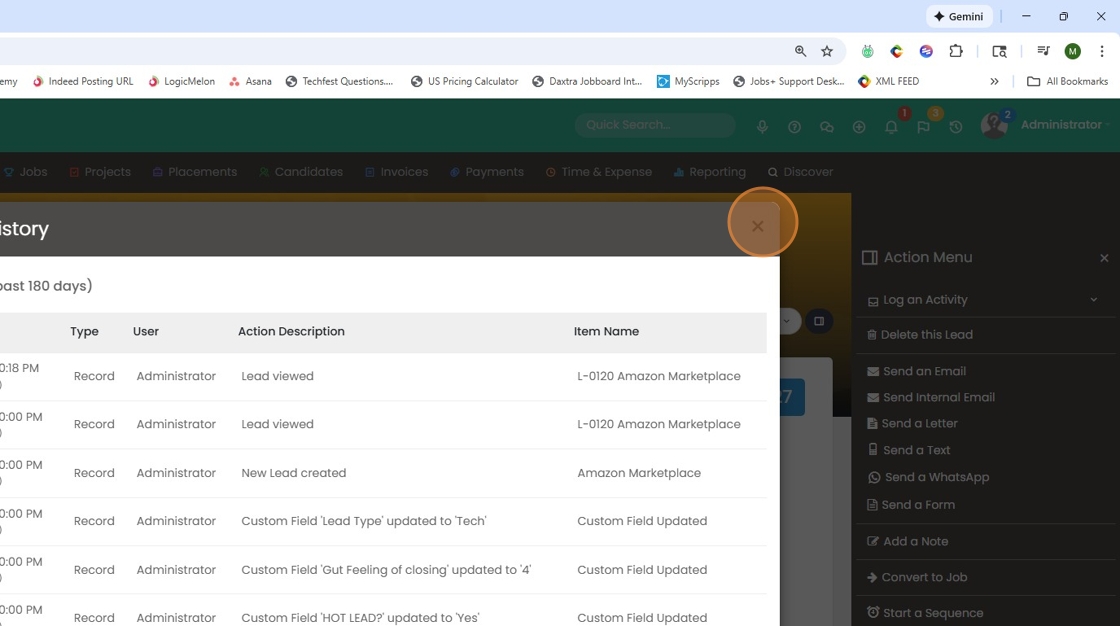
15. Lastly, you can view the audit history on this lead record.
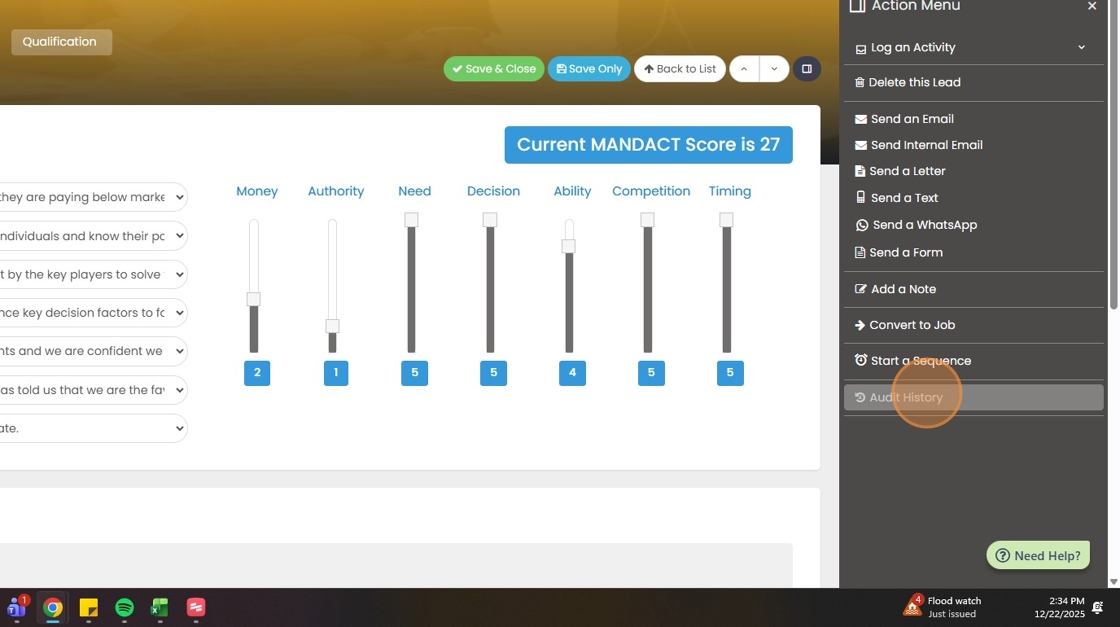
16. The audit history goes back 180 days.