1. The Job Profile section in Tracker is a helpful area to store additional details about the job.

2. The job description field is important especially if you post jobs out to your website. If you fill this in, it will carry over to the Job Posting tab saving you time from having to write something up later.

3. You can also use Tracker's AI to write the job description if you don't have one on hand.

4. Strategy and Commentary allows you to take public notes for anyone else working on the job to view.

5. The company reference field allows you to insert your internal referencing numbers as needed.

6. The contact role field is related to the main contact on the job, and who they are at the company you're hiring for.

7. The location field tells you what area the job is in.
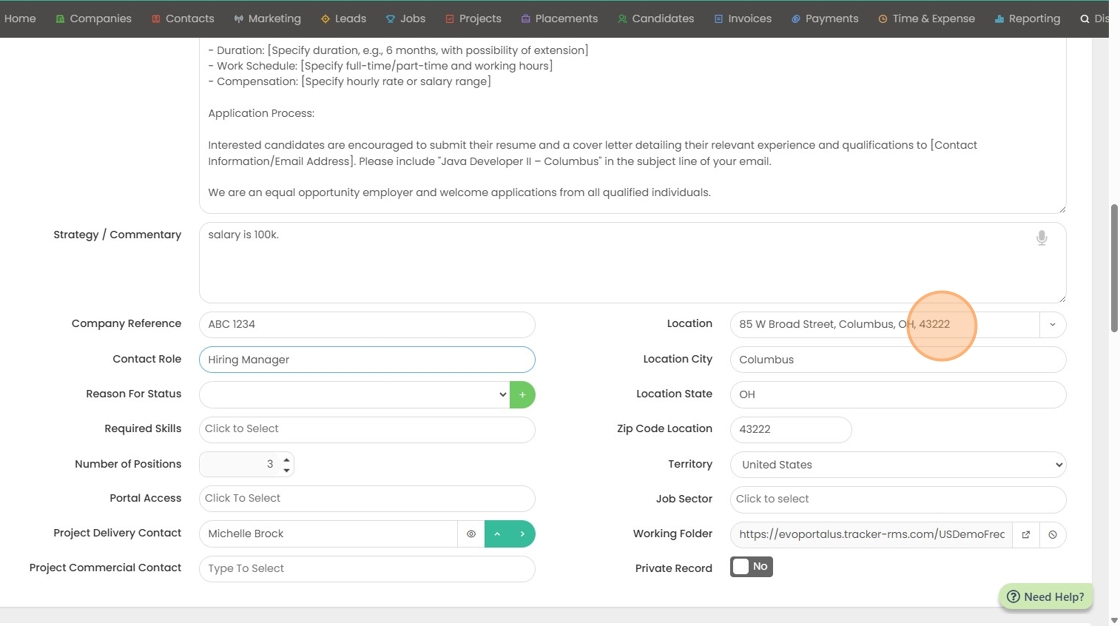
8. You can click the drop down arrow here to select a pre-existing address from the company record address book.

9. If you have multiple territories, you can select another here.
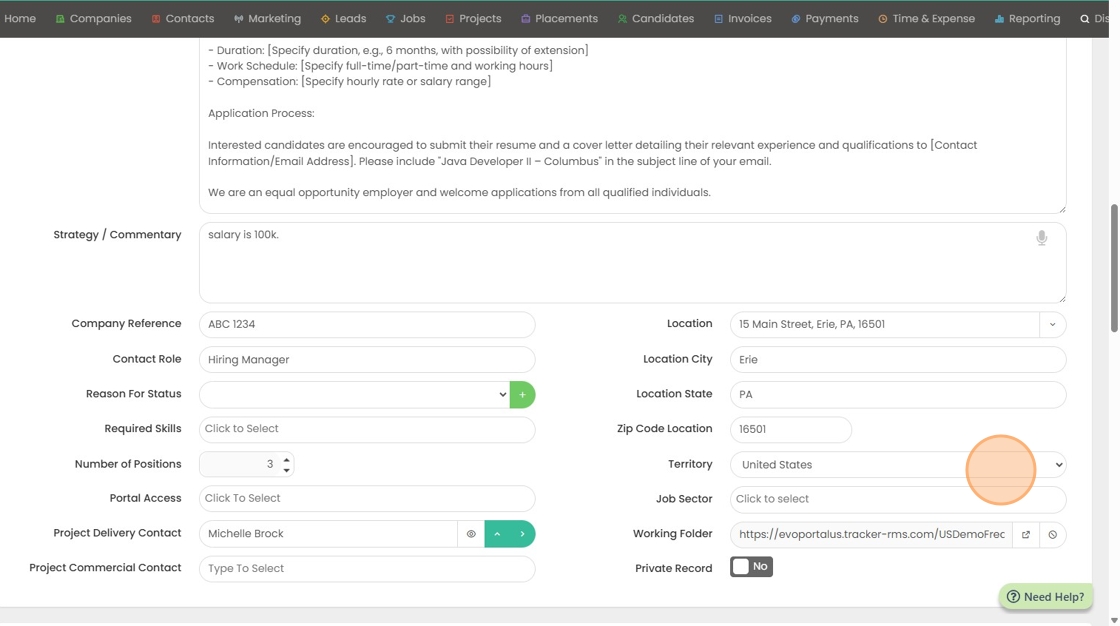
10. You can also select a job sector (or multiple).

11. The reason for status will tell you why a job was canceled. This is important for reporting.

12. You can input additional reasons if you don't like the current list.

13. You can increase the number of positions on the job that may need to be filled. This will keep the job in an open status until every position has been filled.

14. You can decide here what contacts on this company/job should have portal access.

15. You can also select a delivery manager from here, which is typically your timesheet approver if you're planning on using our timesheet area.

16. You can also select a commercial contact, which is typically you're invoicing contact.
