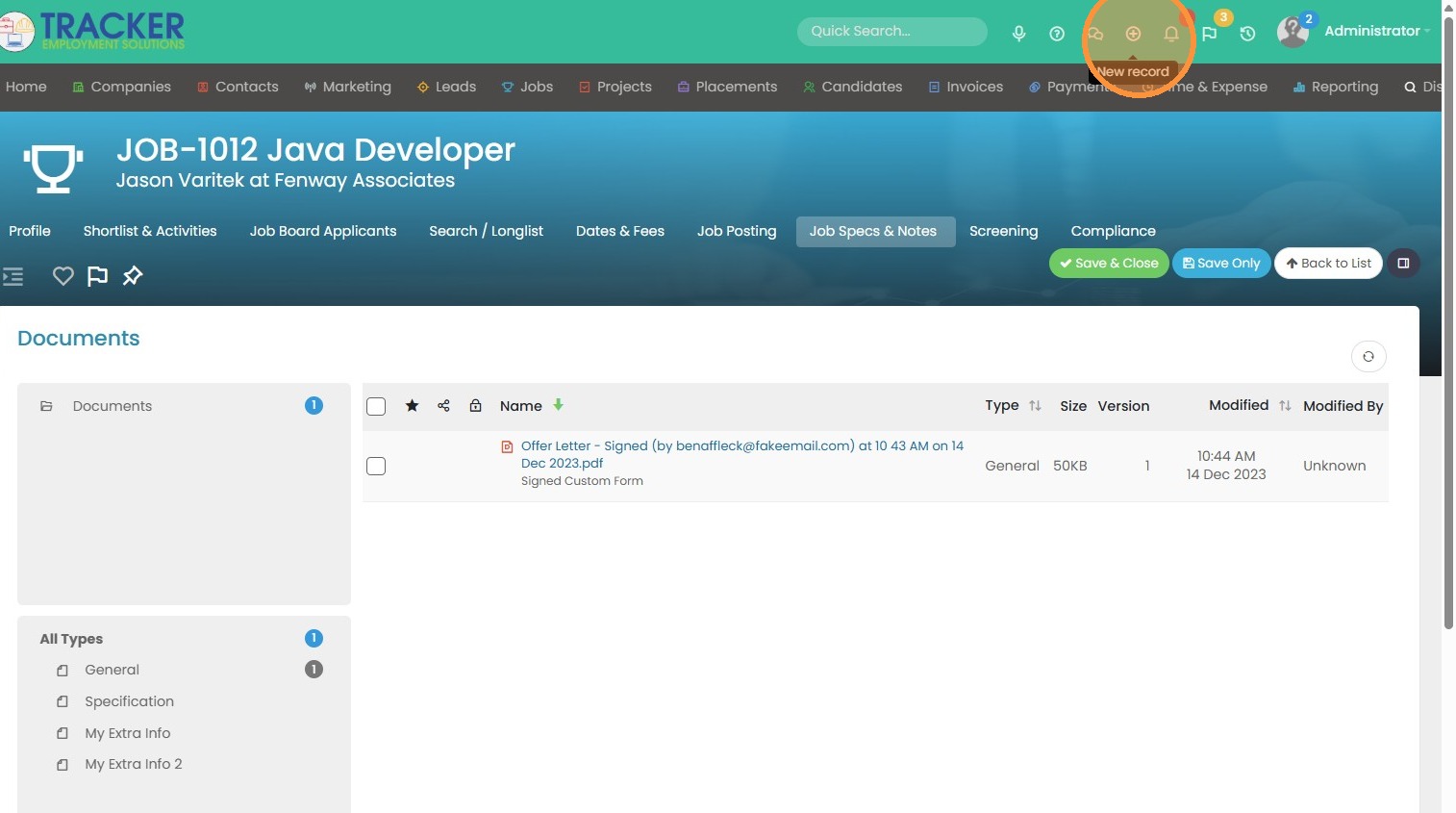
1. To create a job using a job description or specification, click this icon.
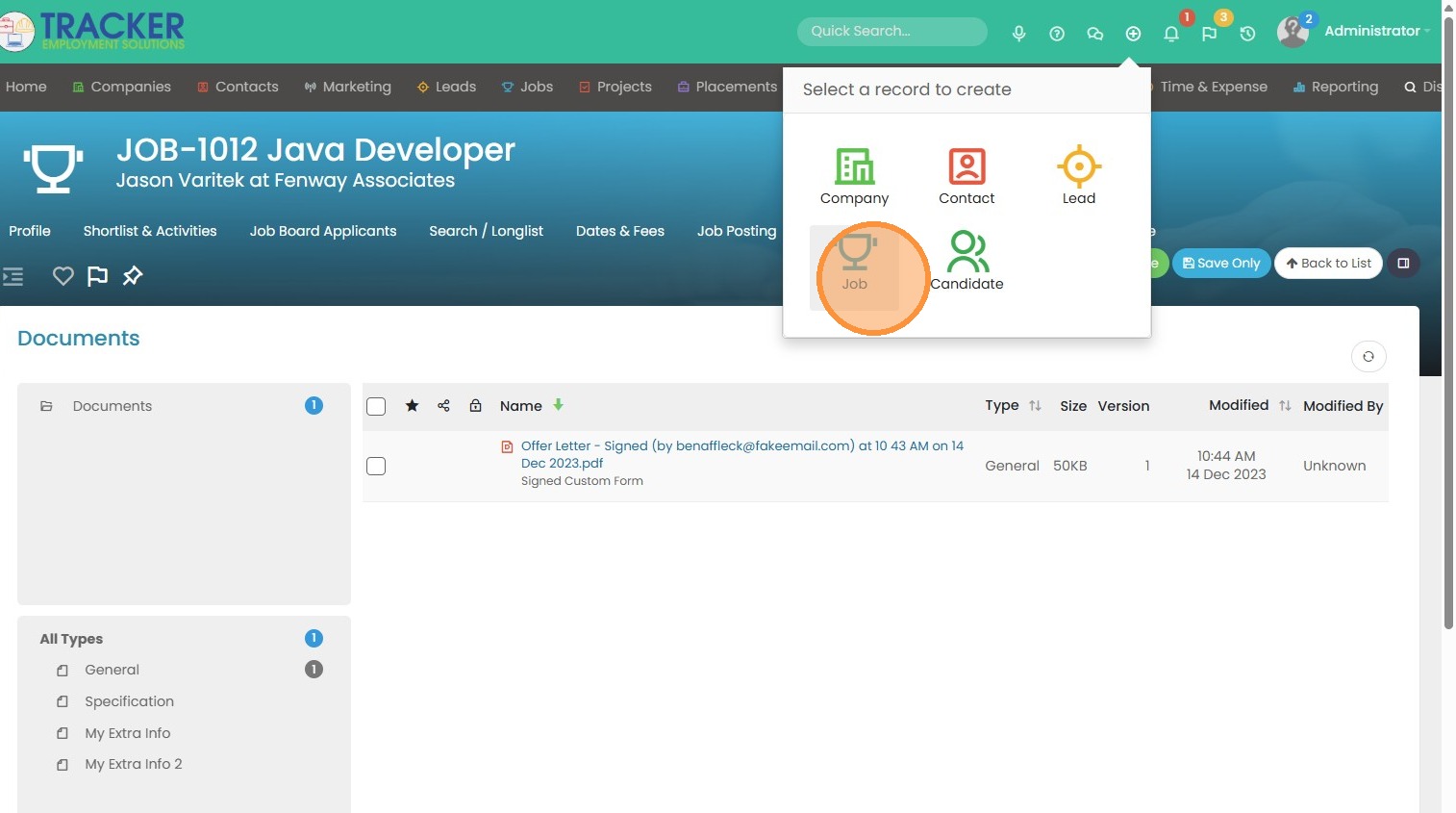
2. Click "Job"
3. Enter in all details as needed.
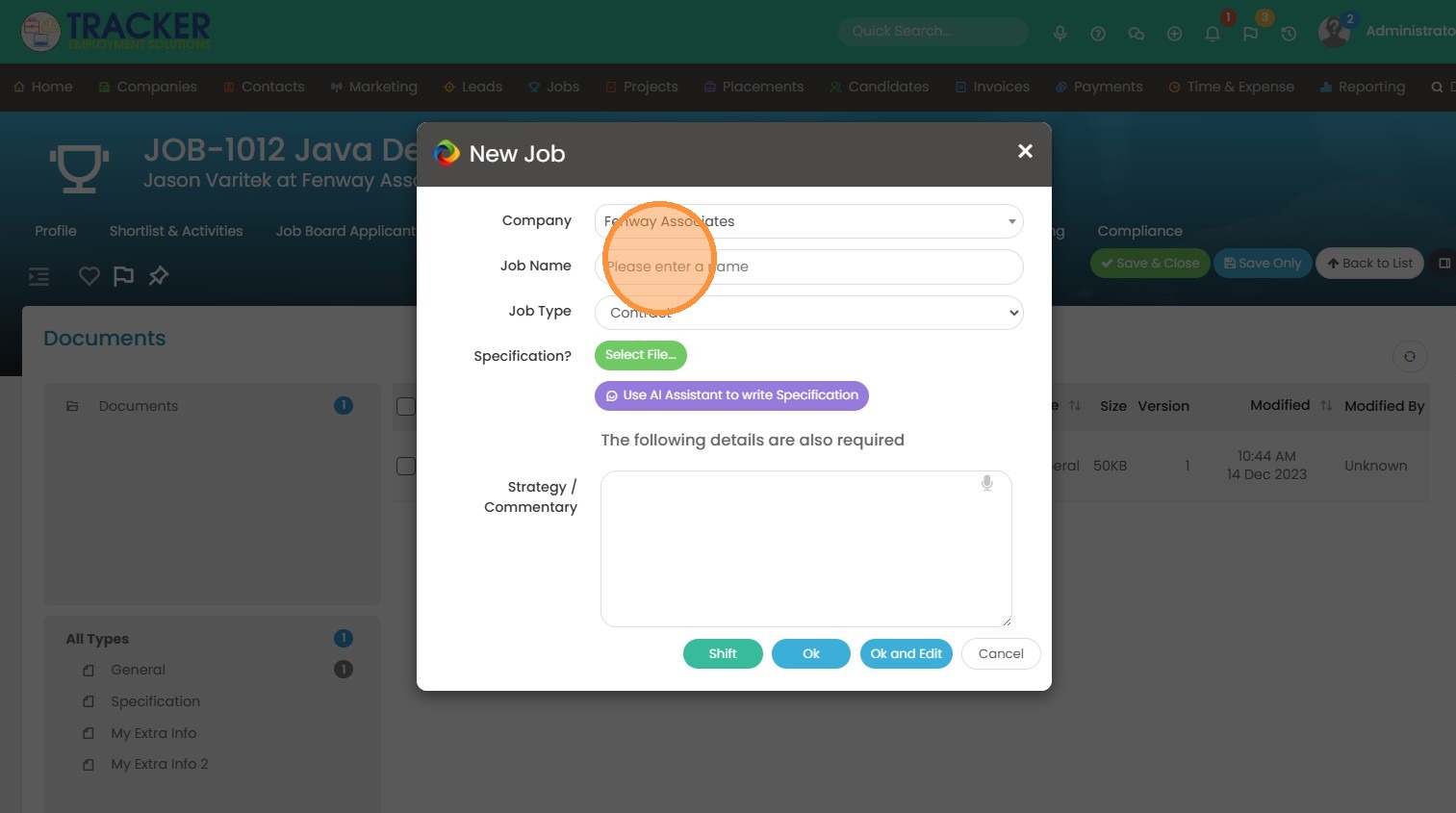
4. Either upload a job description from your computer by clicking on the green "Select File" button, or use our AI tool to write a job description.

5. If you use AI, you'll come to this screen here to input all the details about the job.
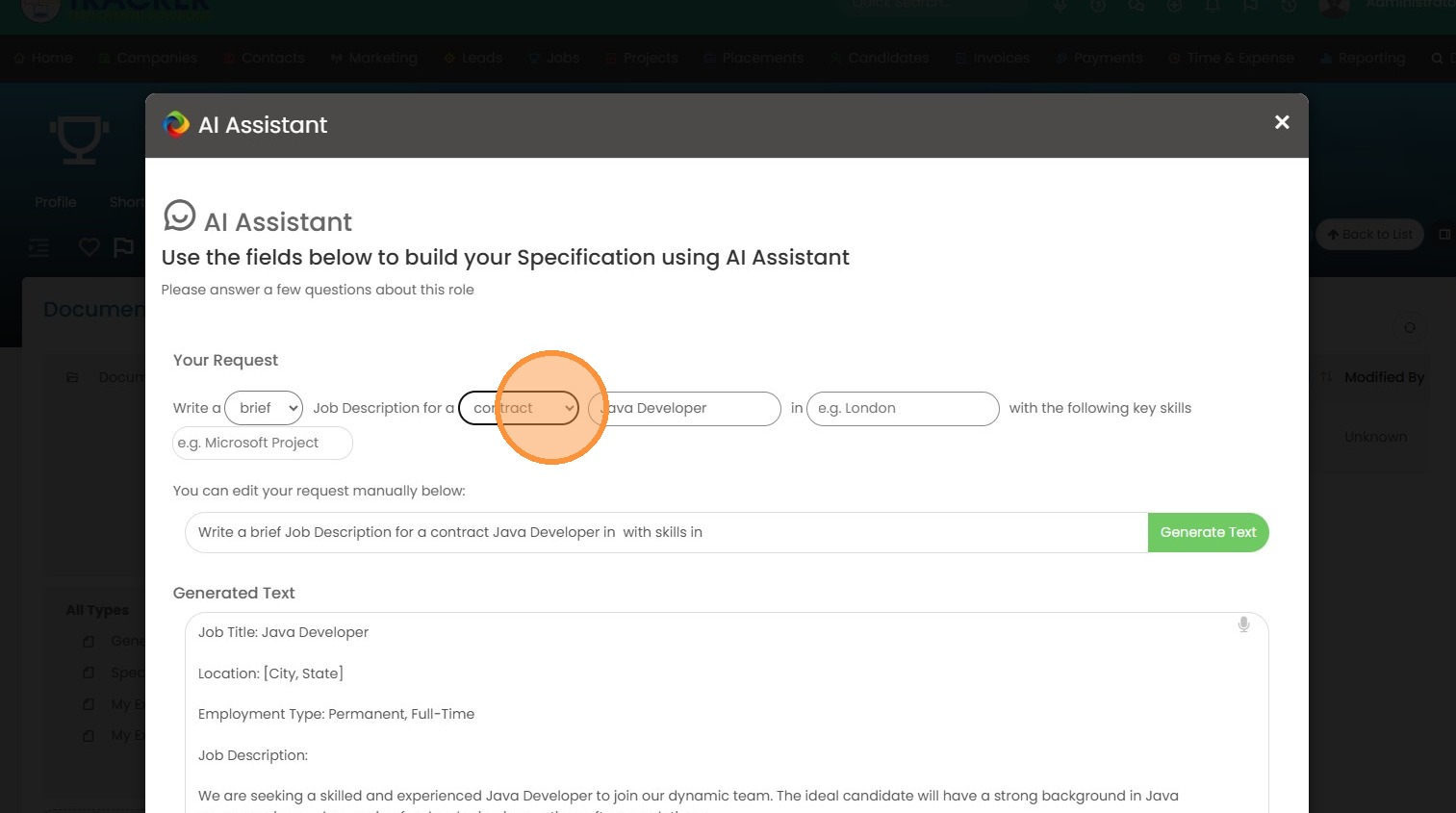
6. Click "Generate Text" when you're ready.
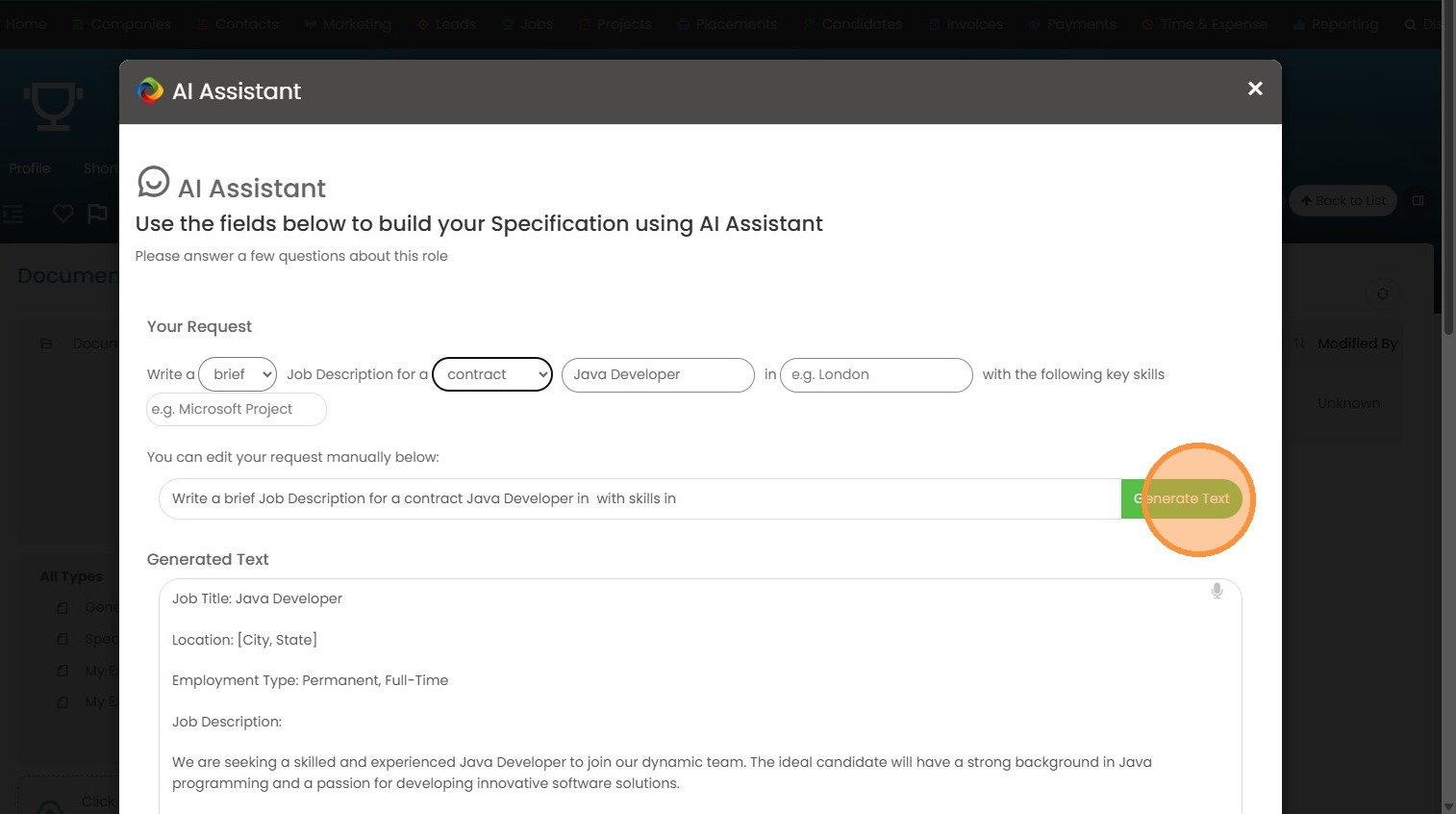
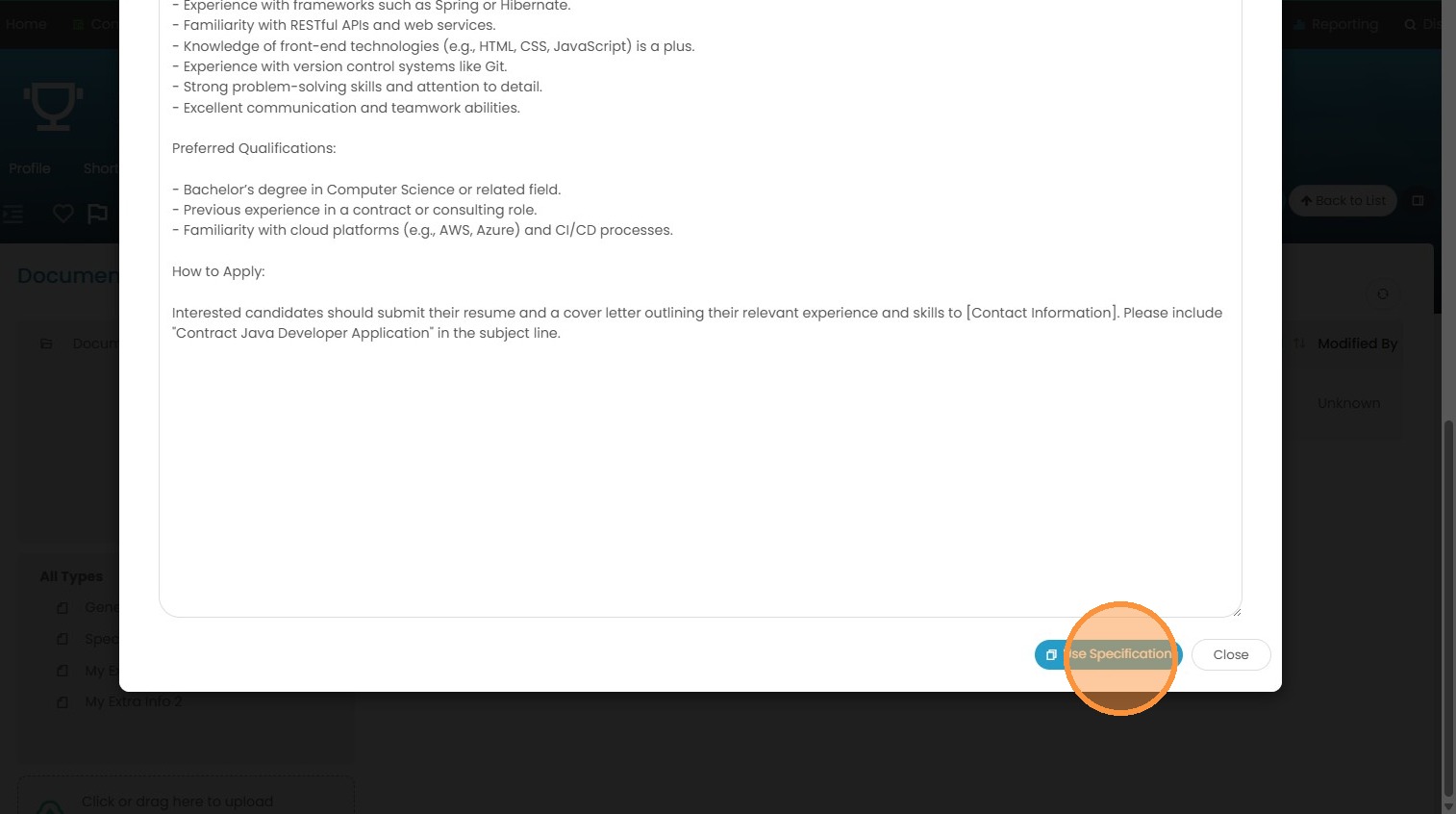
7. Click "Use Specification" if you like what you see.
8. Click "Ok and Edit" to create the job.
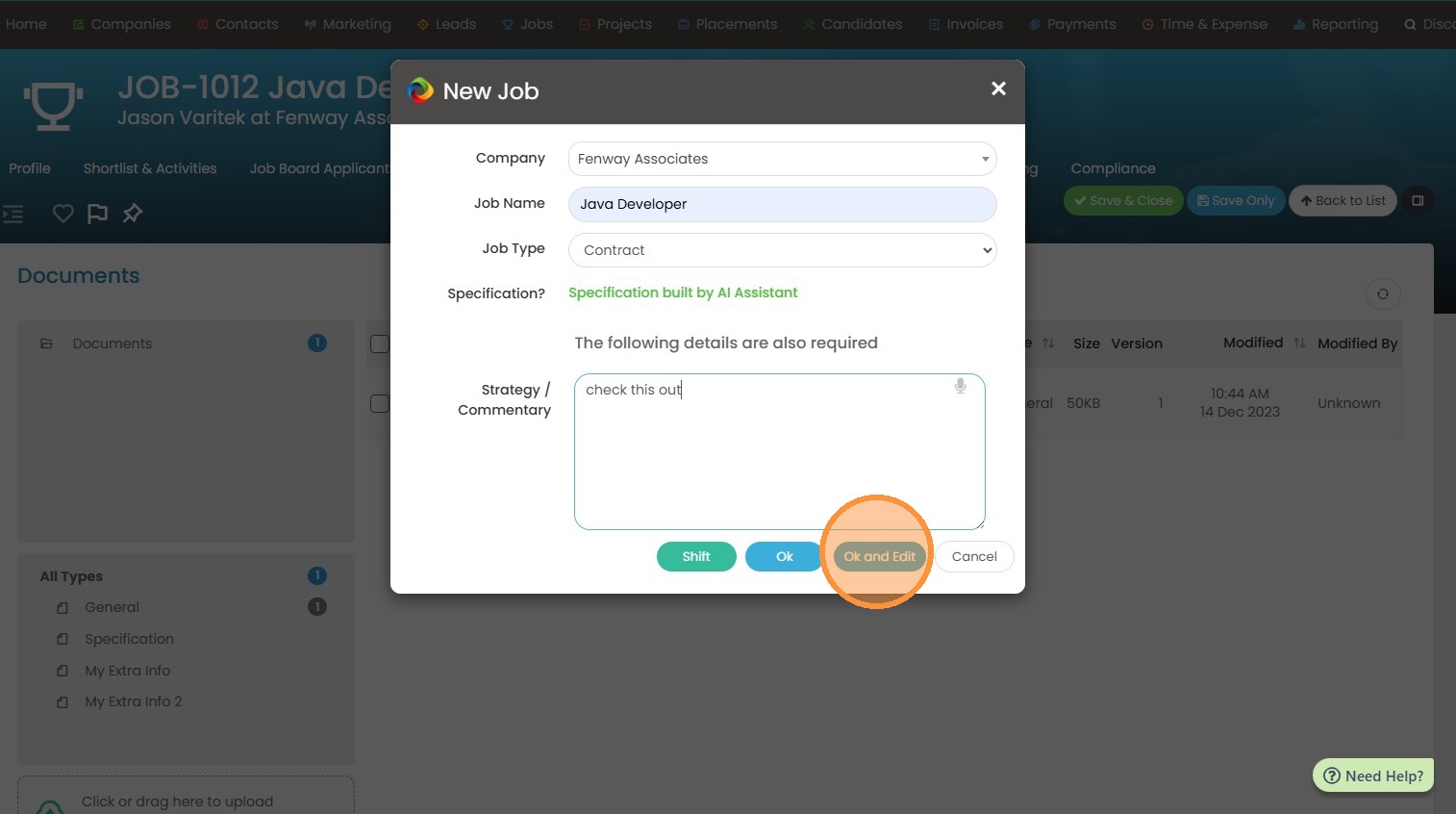
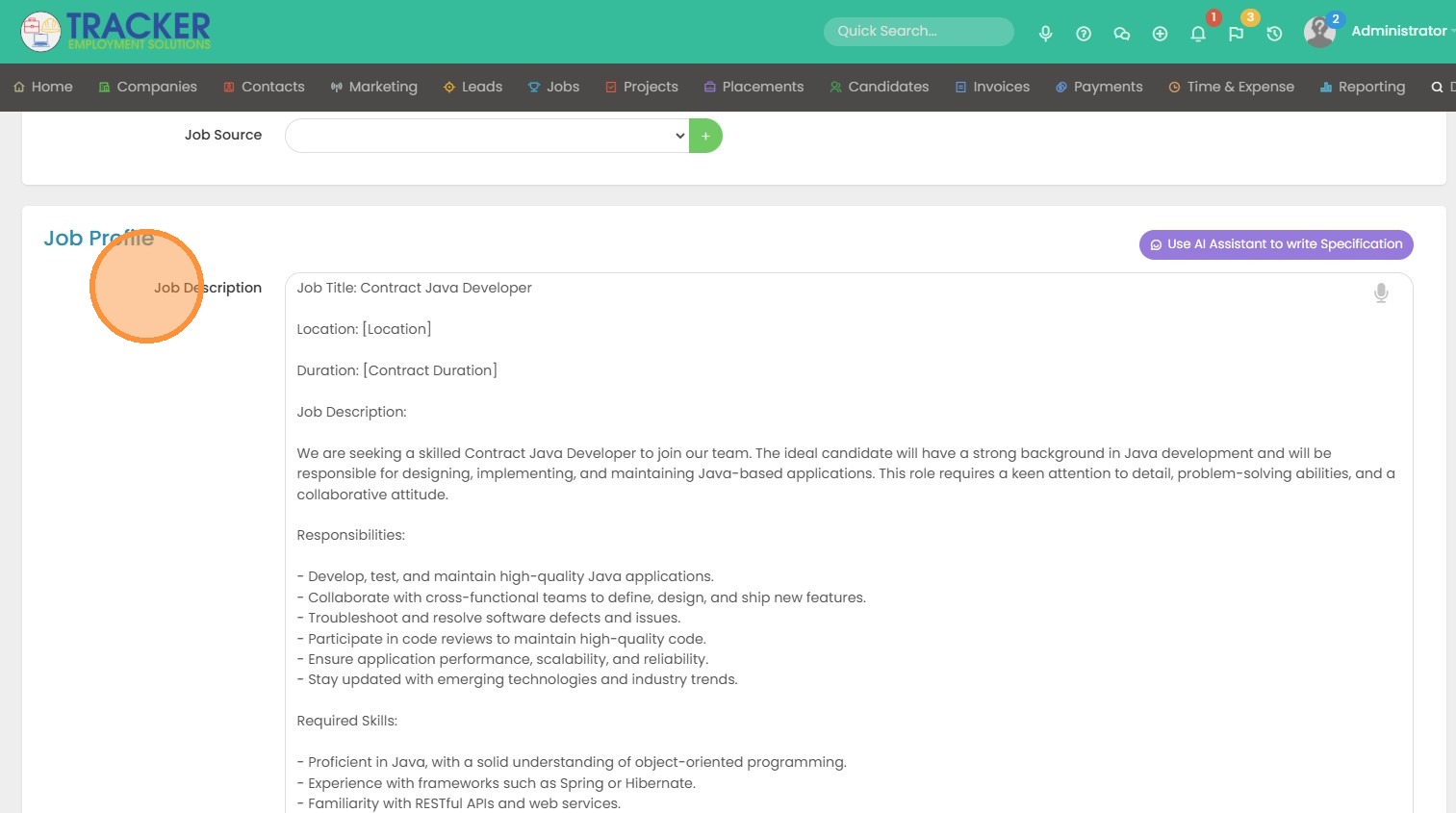
9. You can see our job description field has been filled.
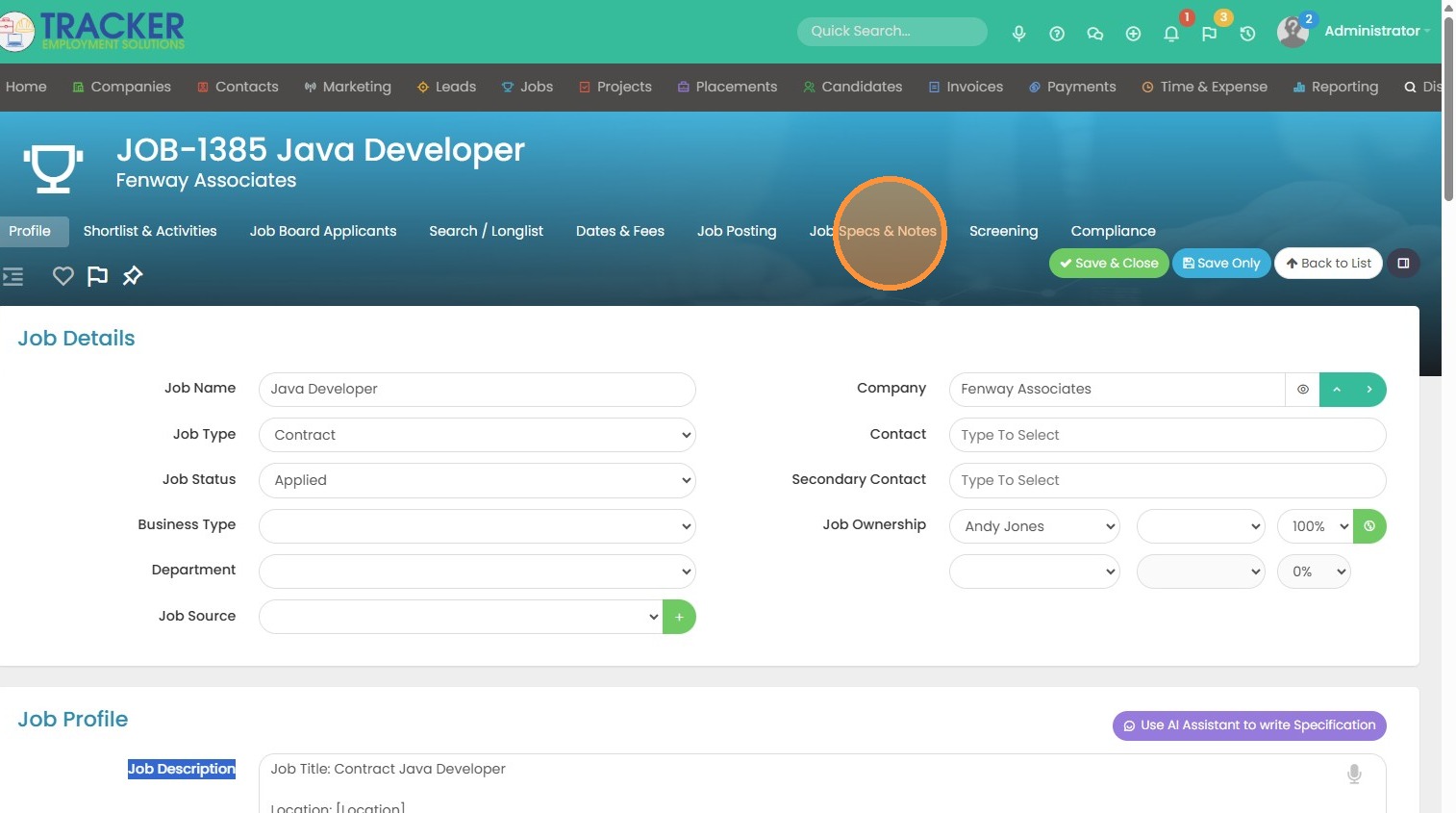
10. Click "Job Specs & Notes"
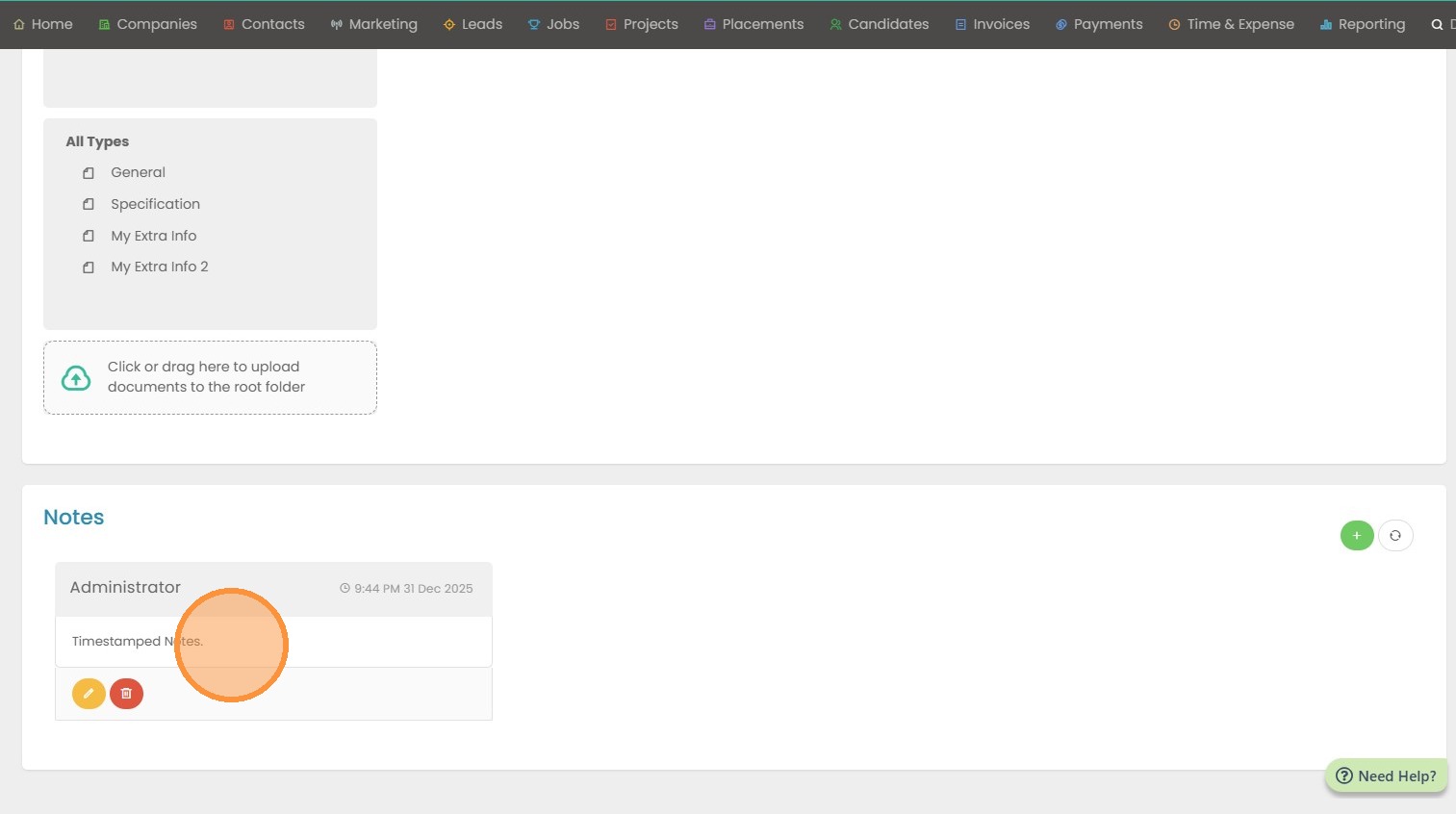
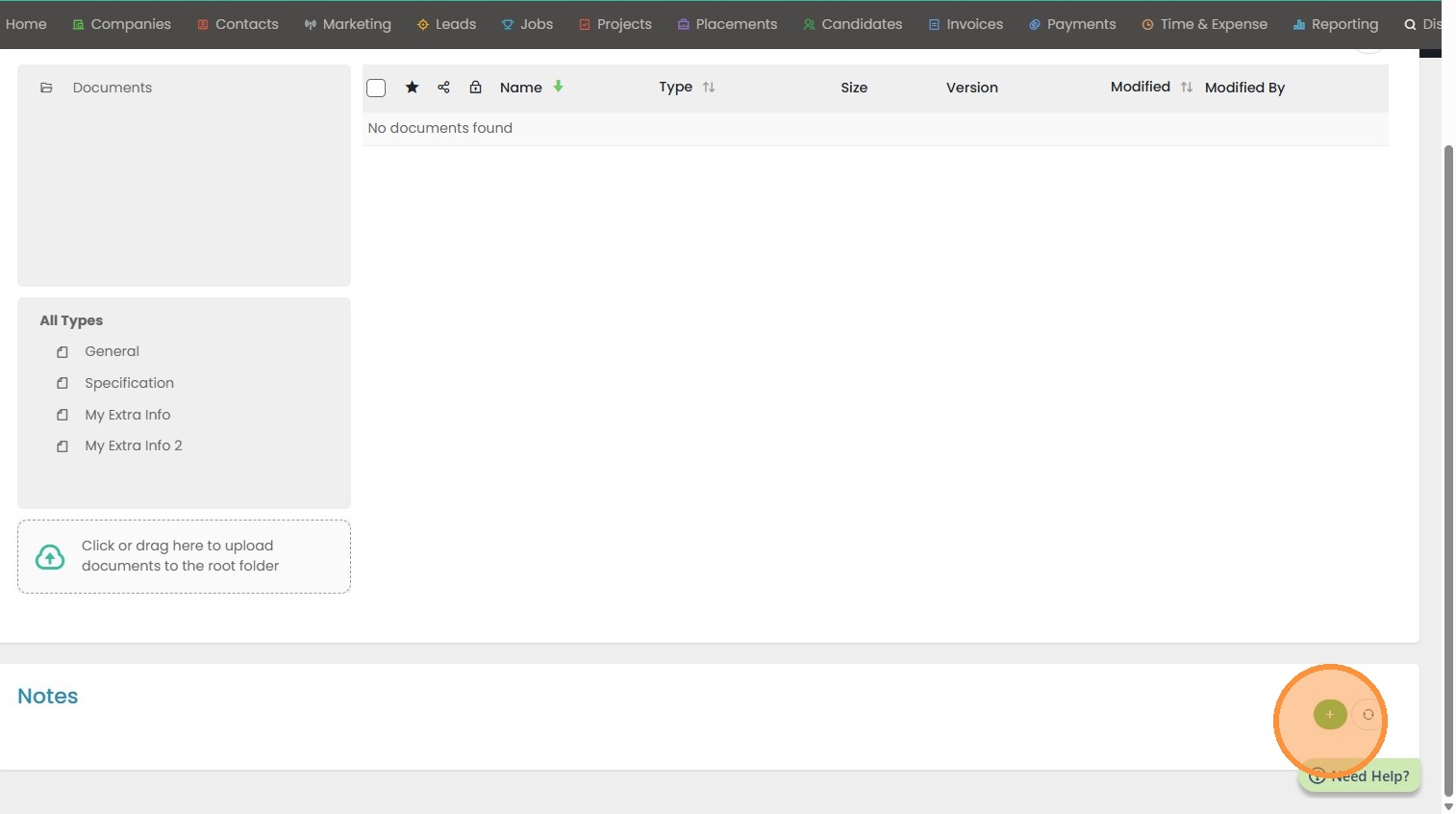
11. Here you can use the notes section to add any timestamped notes.
12. Click "Ok"
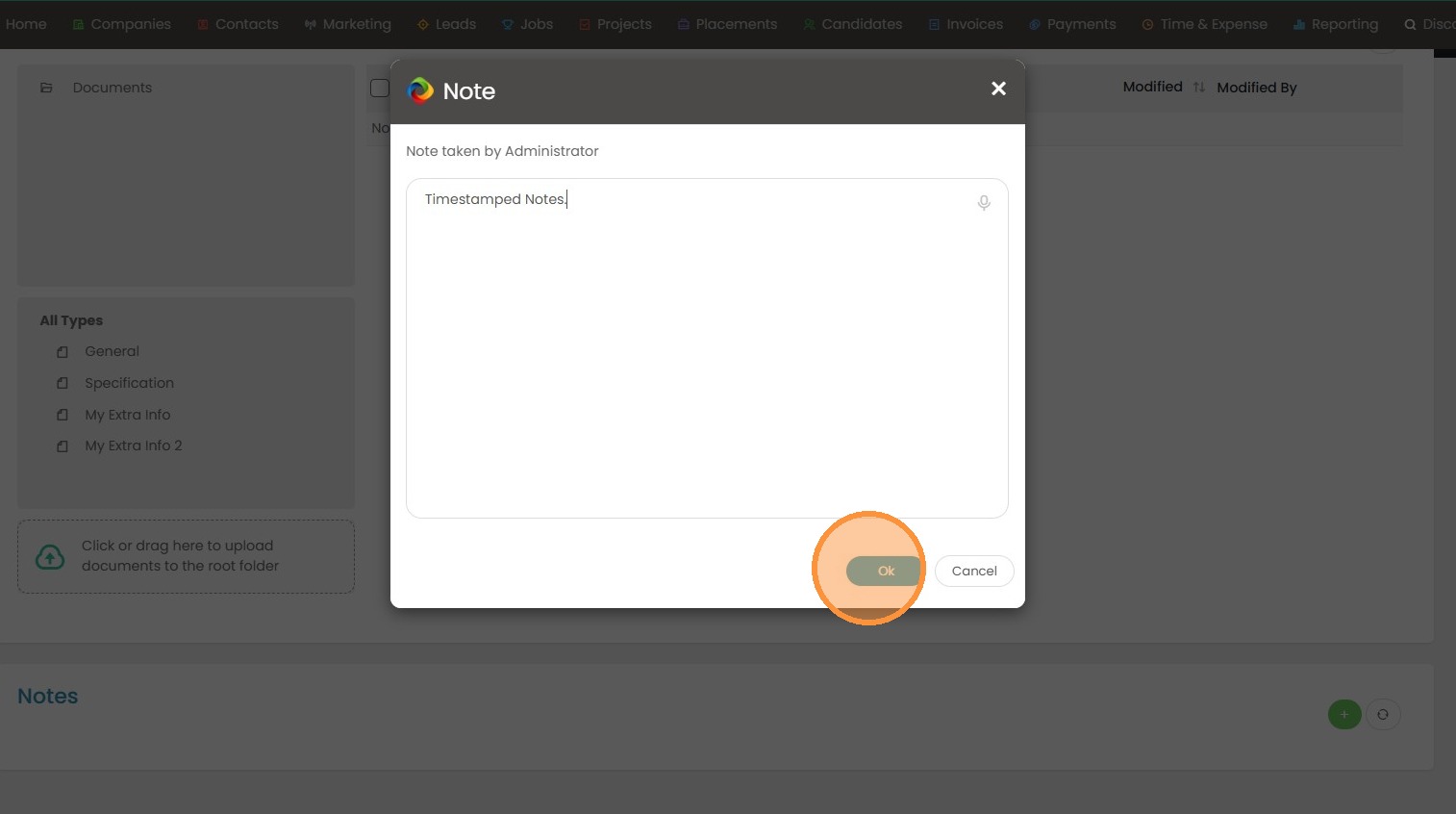
13. View here.