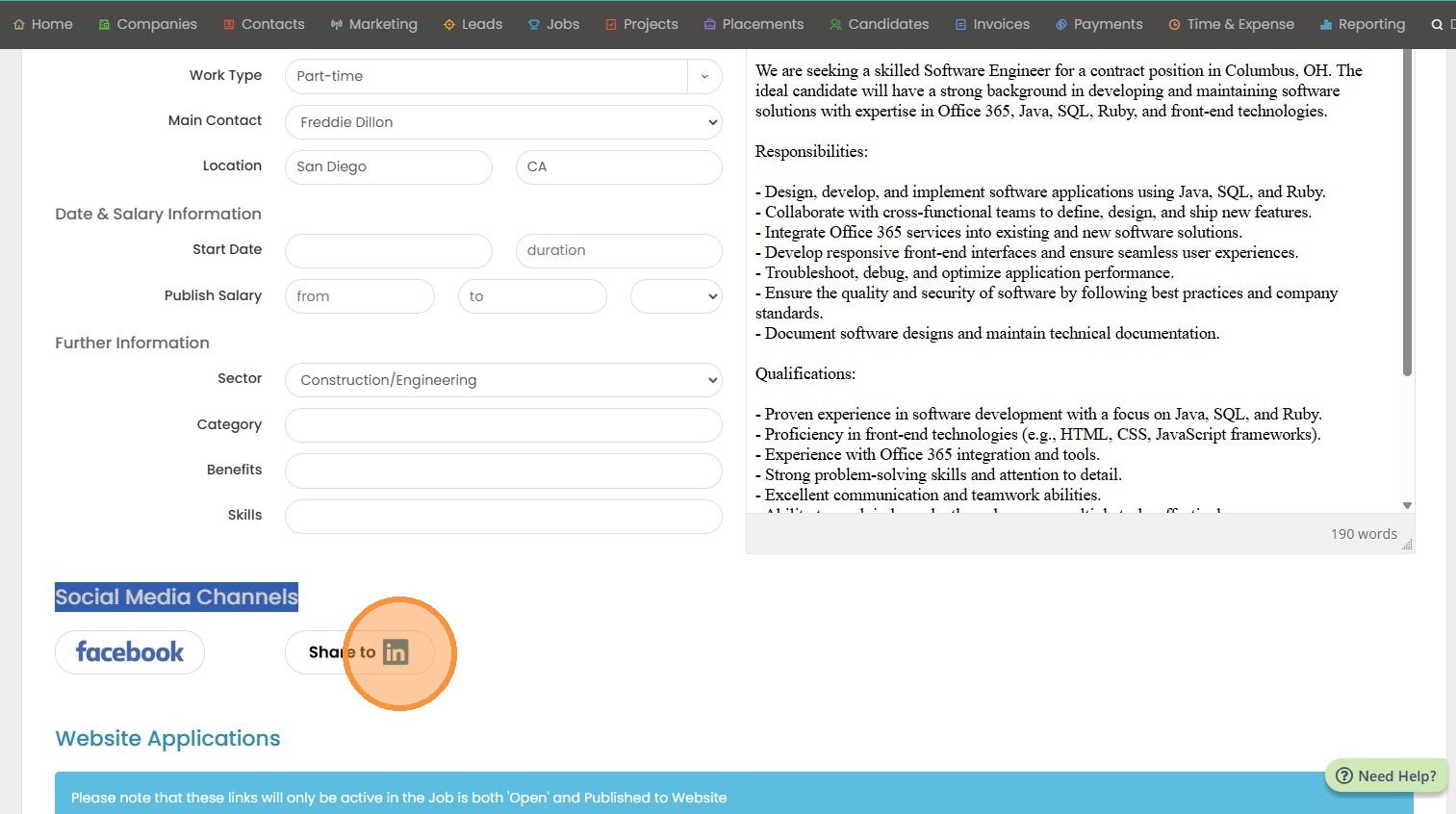
1. There are two areas within a job record that you can post to social media - Facebook, and LinkedIn.
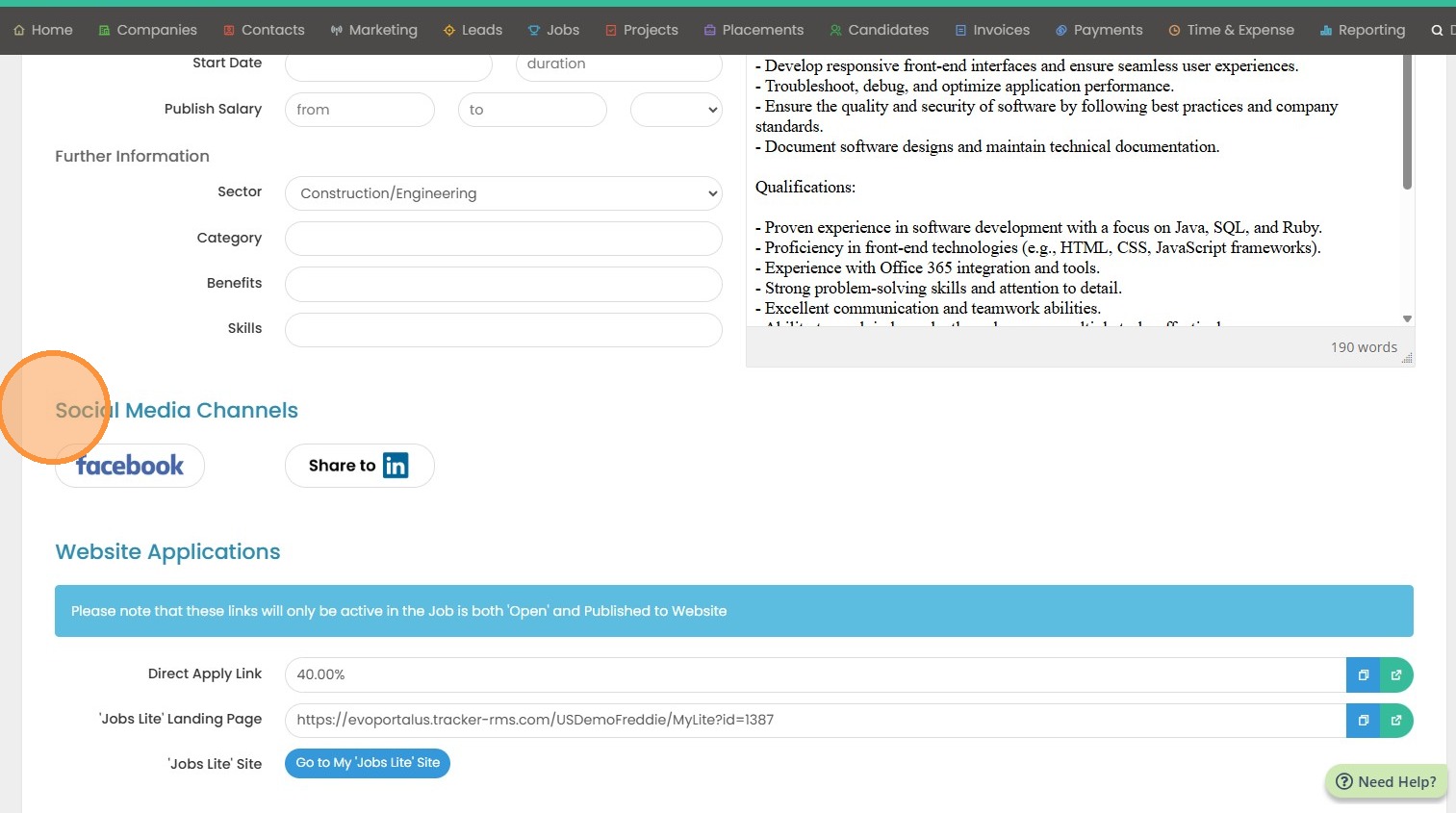
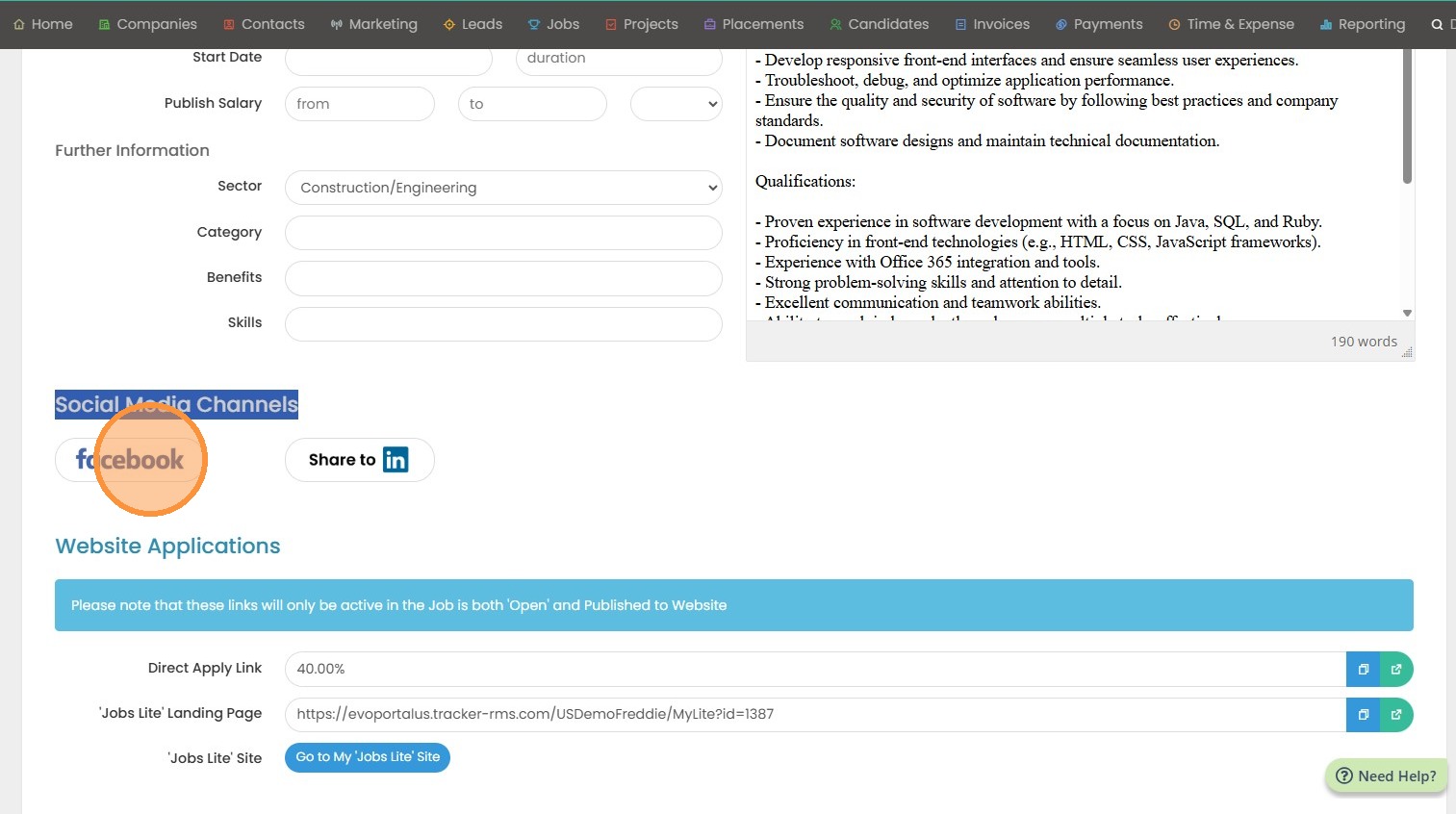
2. Click Facebook to start posting.
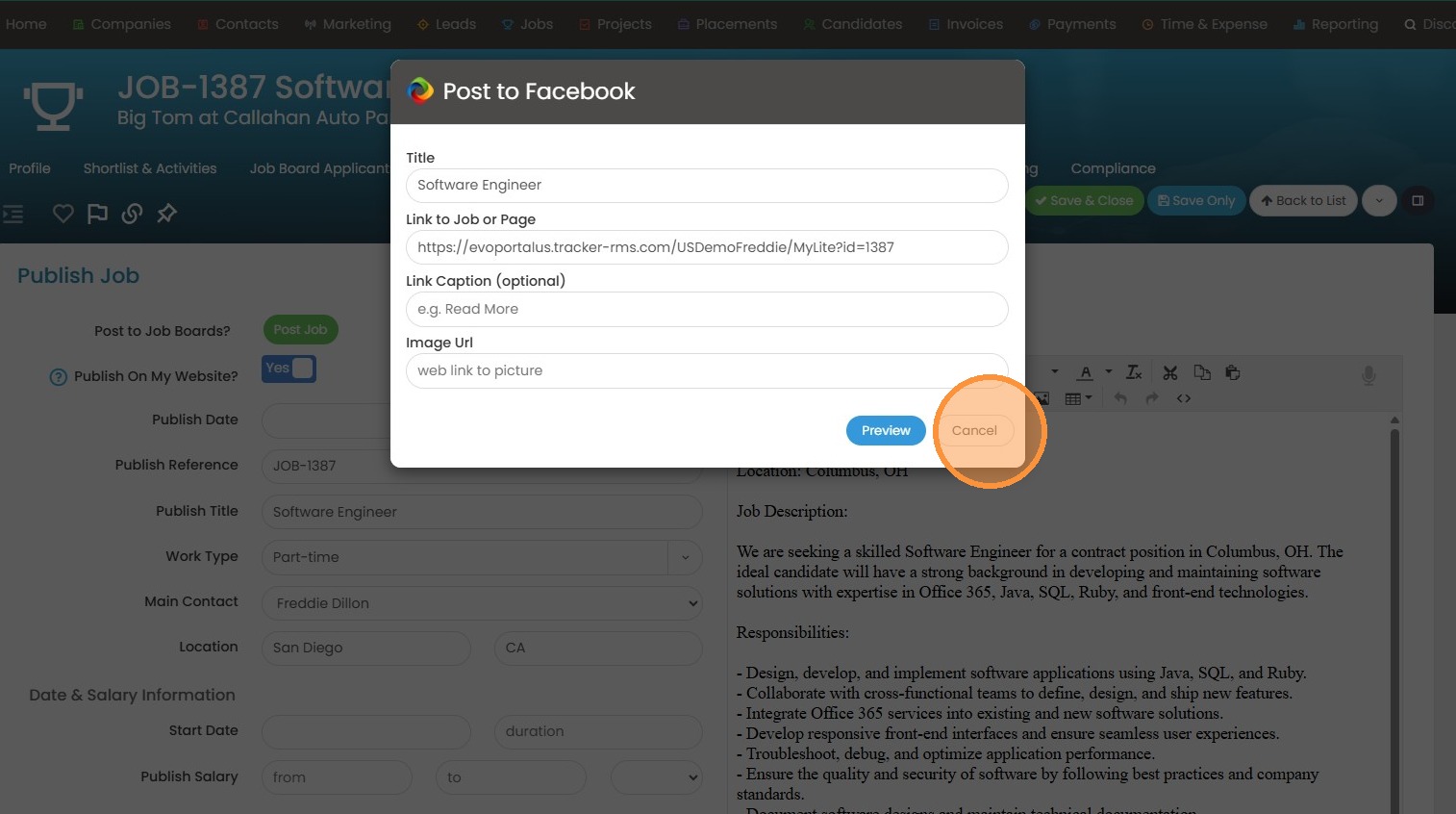
3. This popup will appear where you can fill in the information, and hit Share.
4. Click the LinkedIn Icon to post out to your newsfeed. (It will not post as a LinkedIn job).
5. Ensure you are connected to LinkedIn under My Settings before posting.
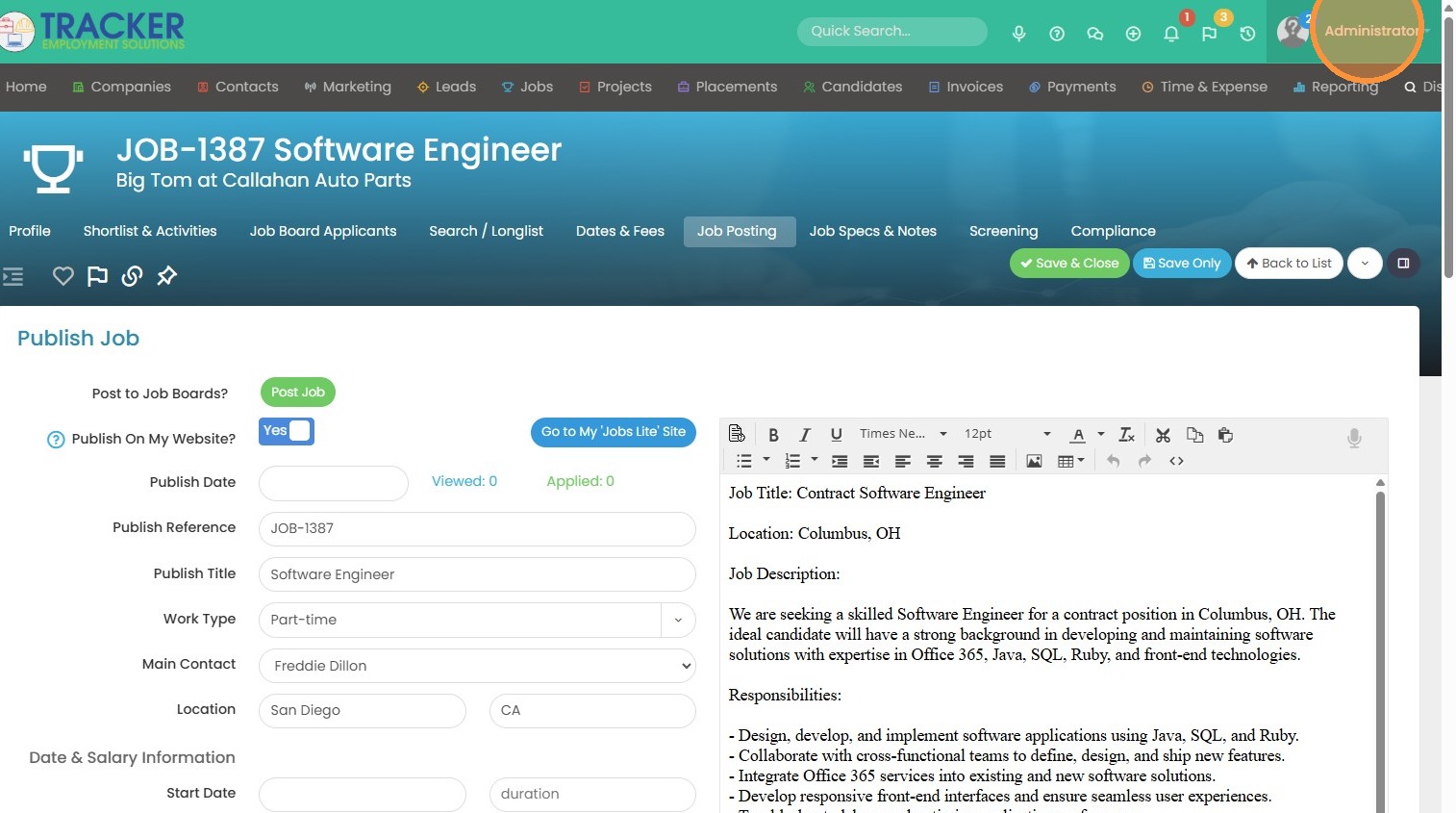
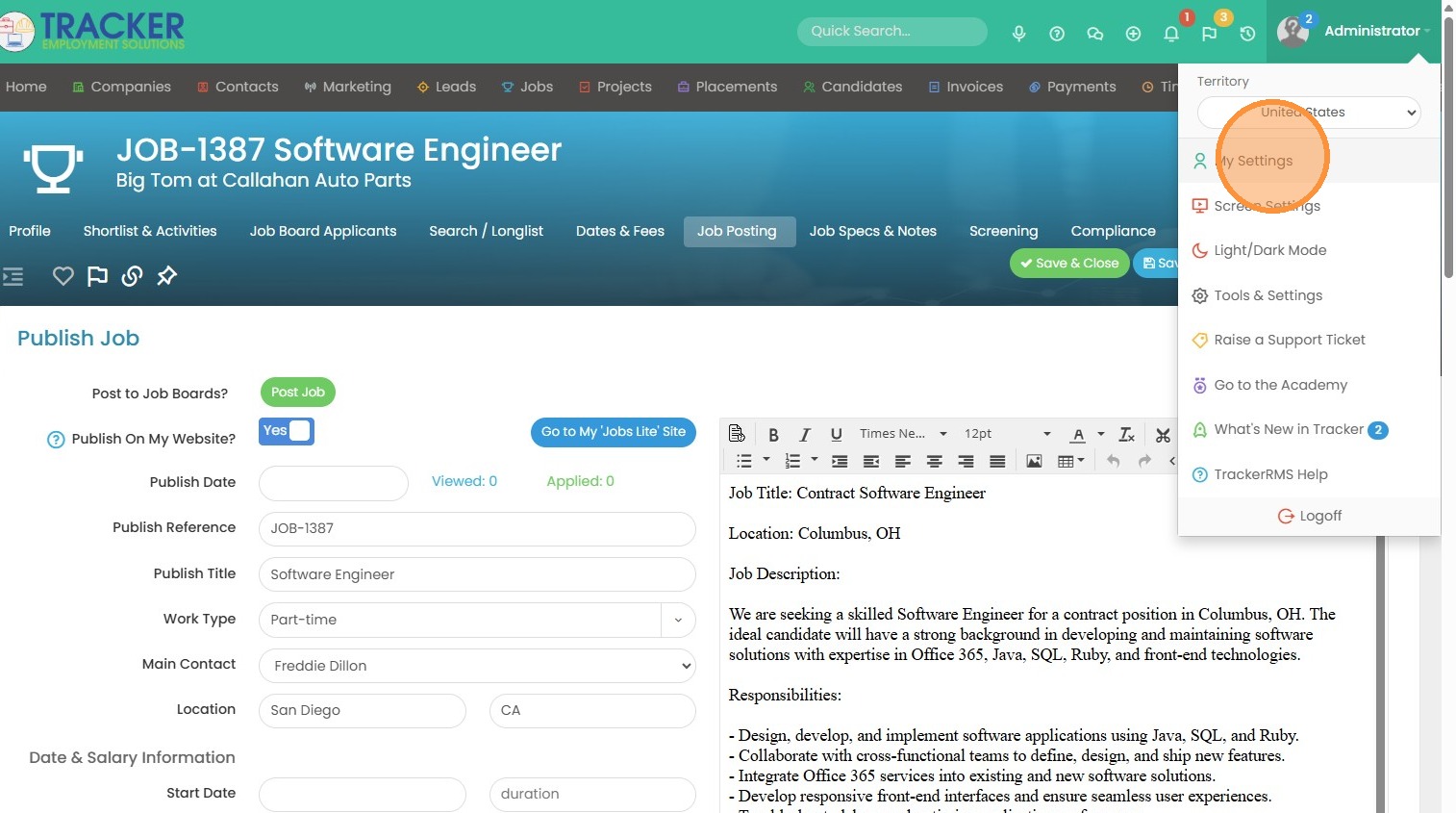
6. Click "My Settings"
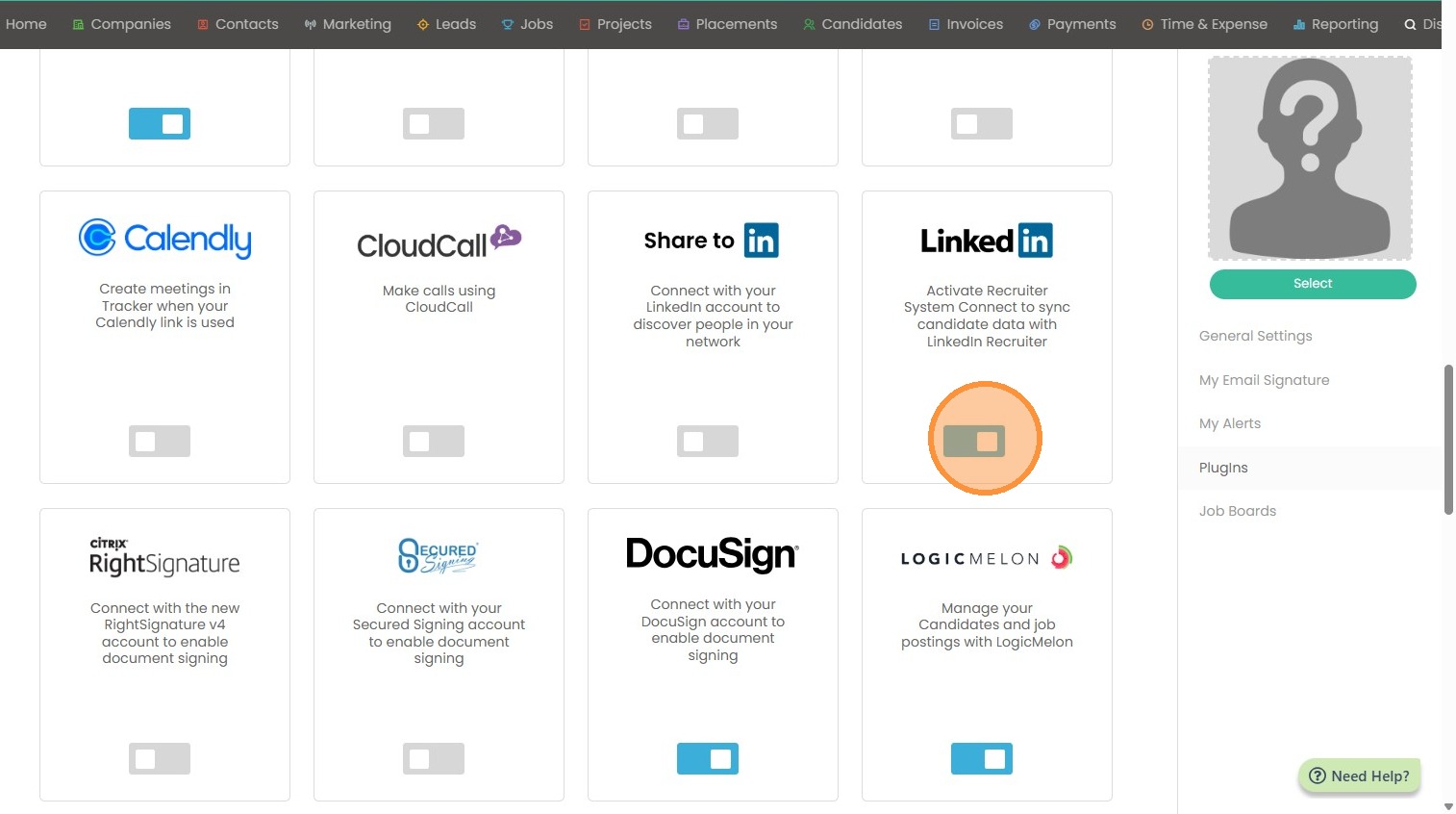
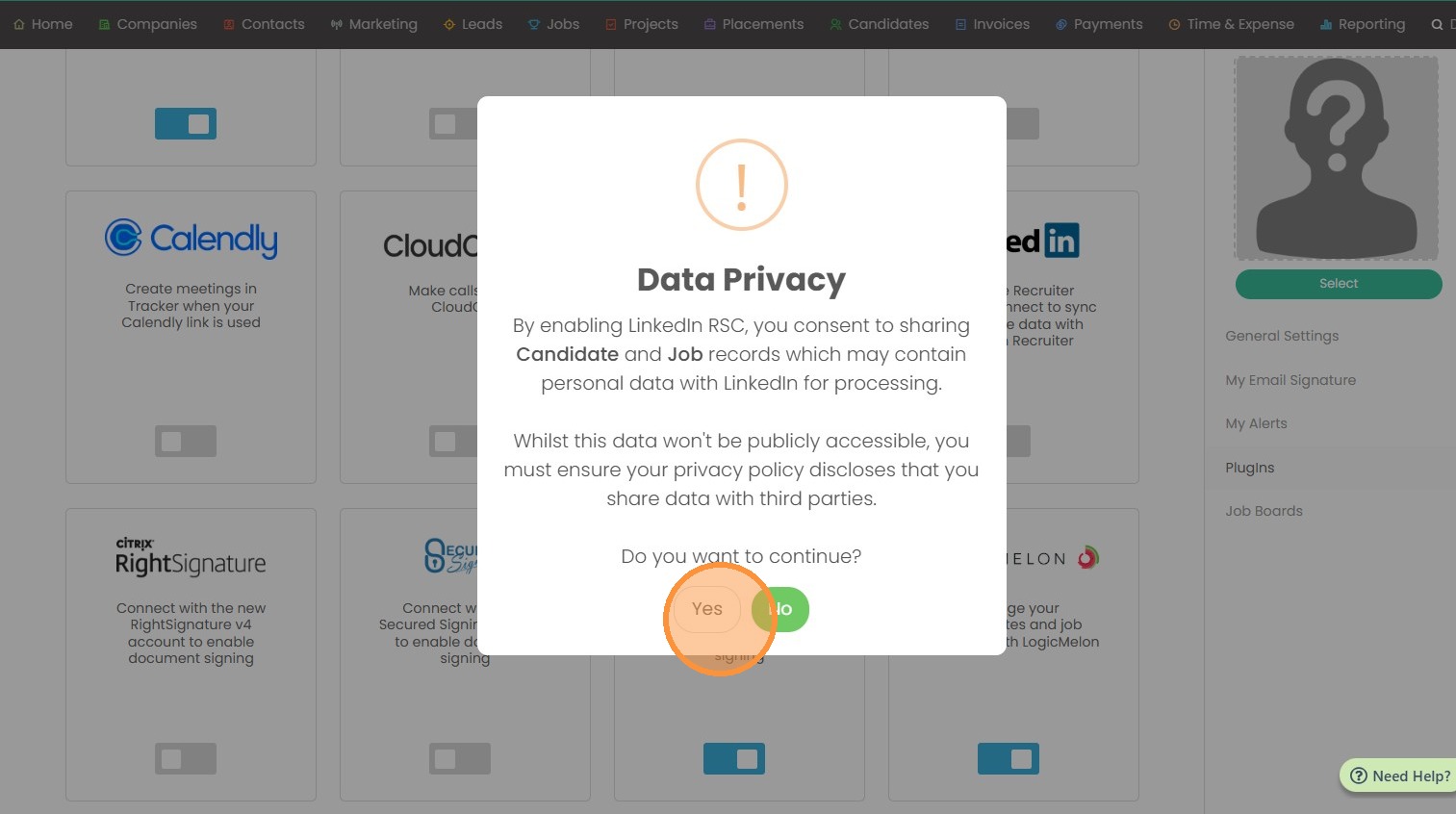
7. Toggle on the LinkedIn social media button.
8. Click "Yes" if you agree.
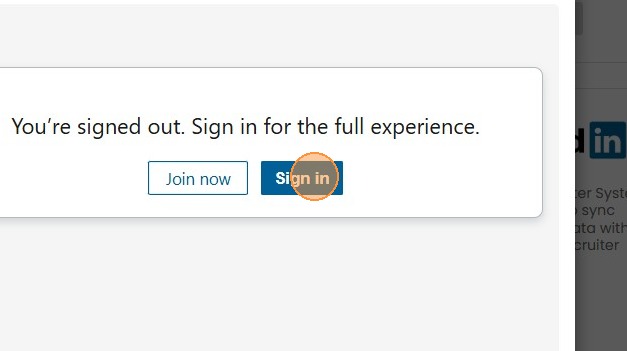
9. Click "Sign in" to complete this step.