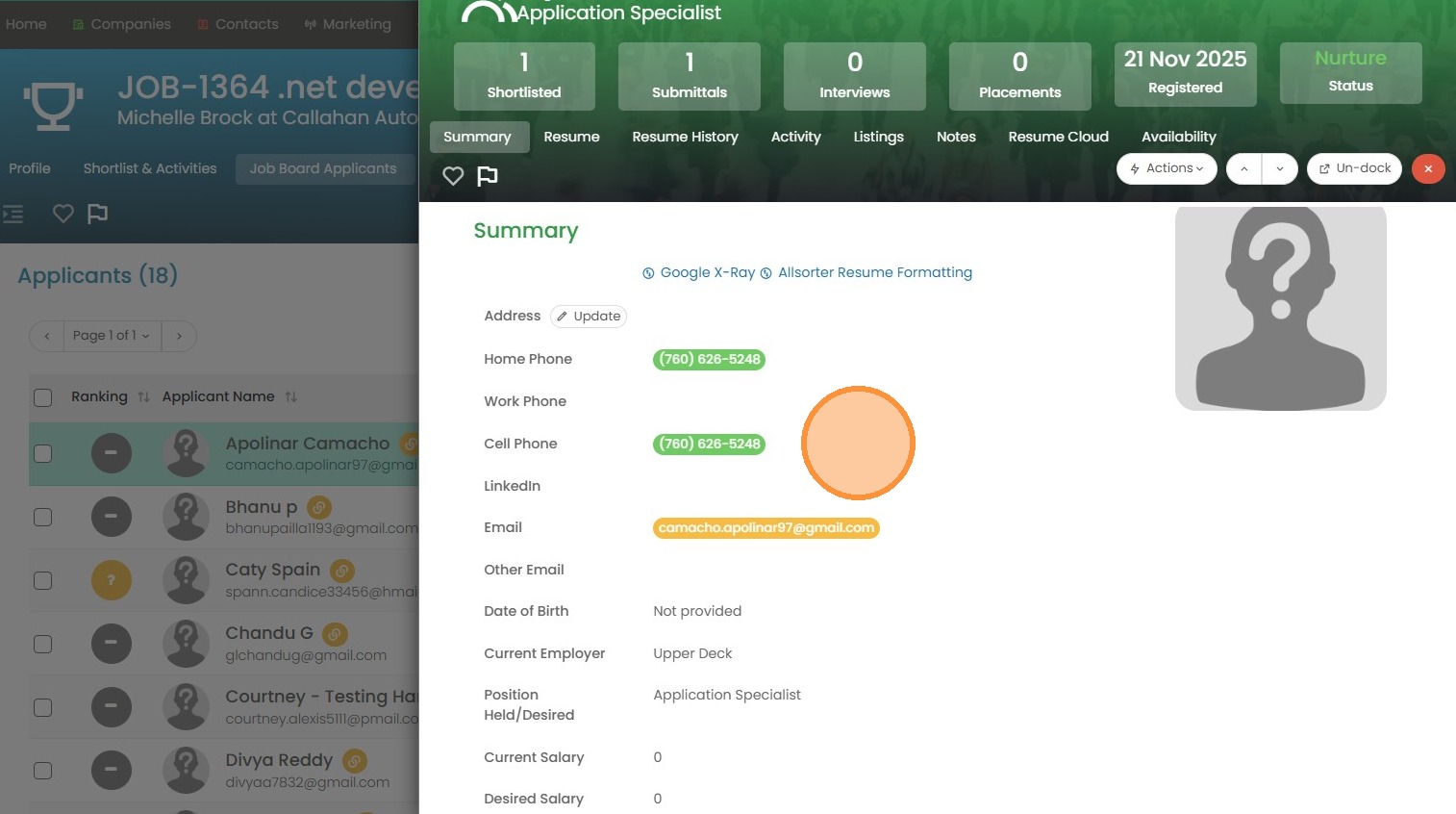
This lesson shows you how to review Candidates who have applied for a Role via a Job Board or your Website.
1. To review job board applicants (those that apply for your jobs on job boards like Indeed, or ZipRecruiter etc.) you will want to make sure you have the Applicants tab added to your Layout Designer under tools & settings.
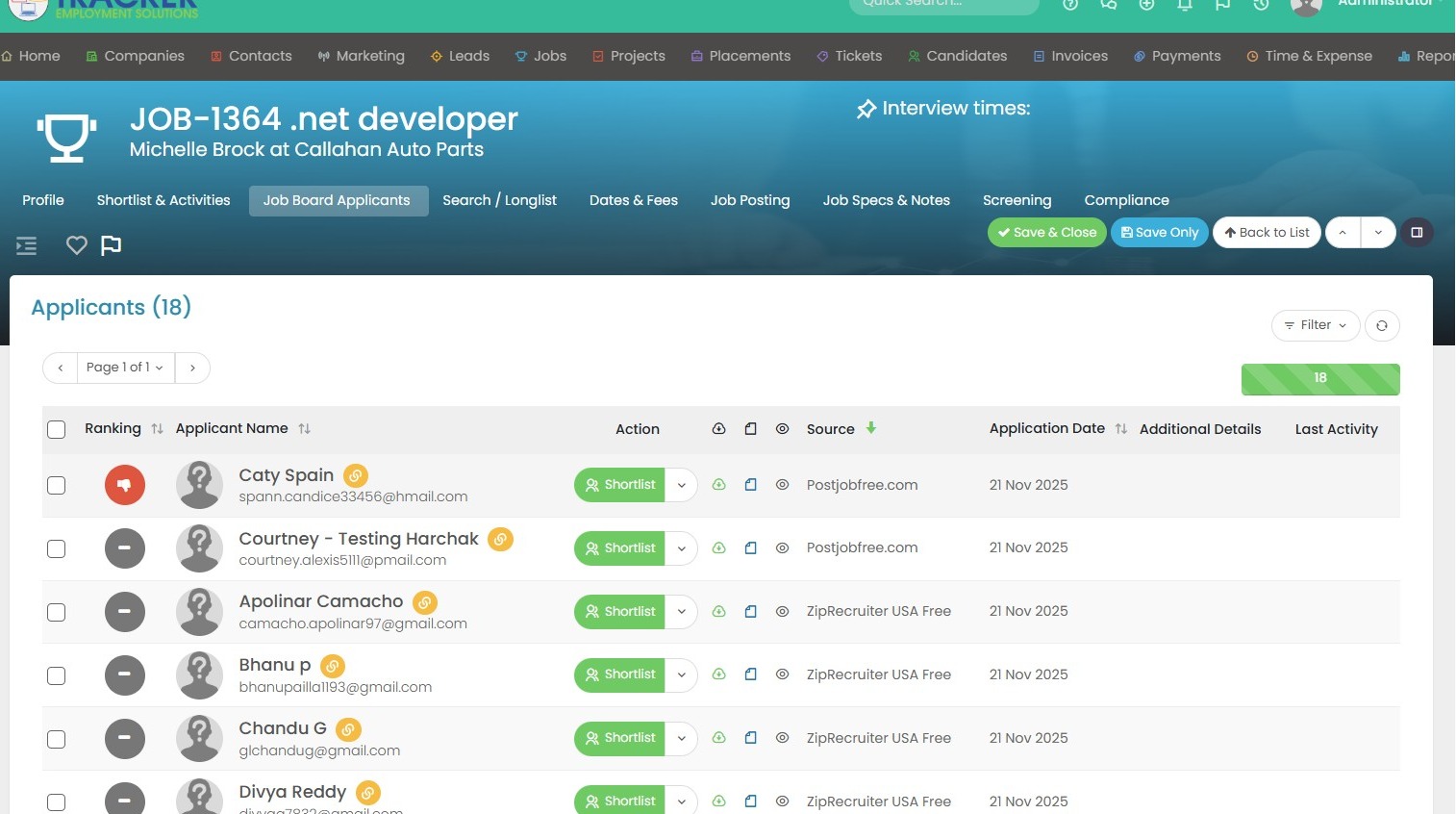
2. Once in the applicants section, you can take action. Such as rank these applicants by color, call them, text, email etc.
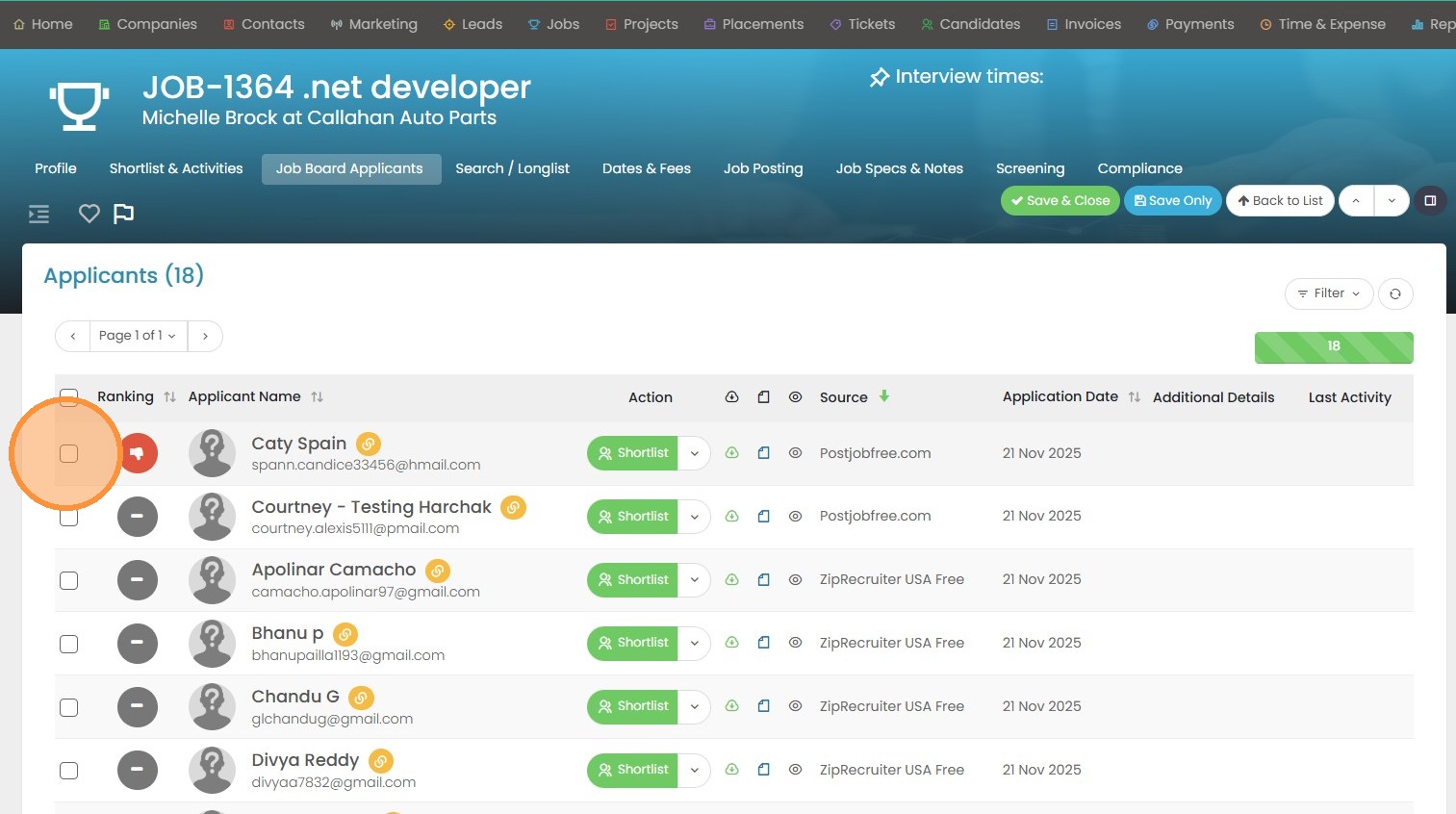
3. Click here to view more actions.
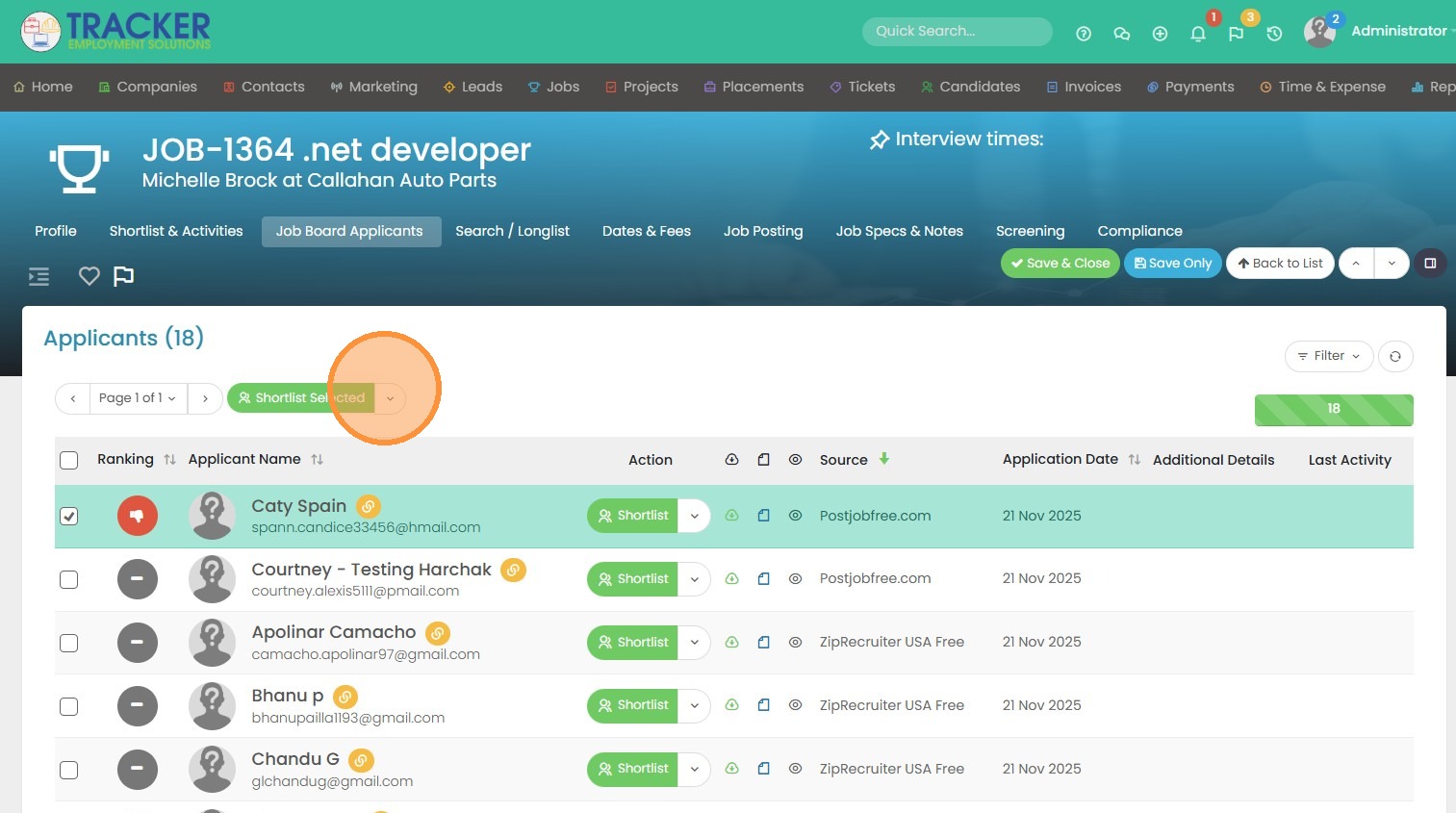
4. You can color code or "Keep"/ download applicants into Tracker by selecting the "Keep Selected" option.
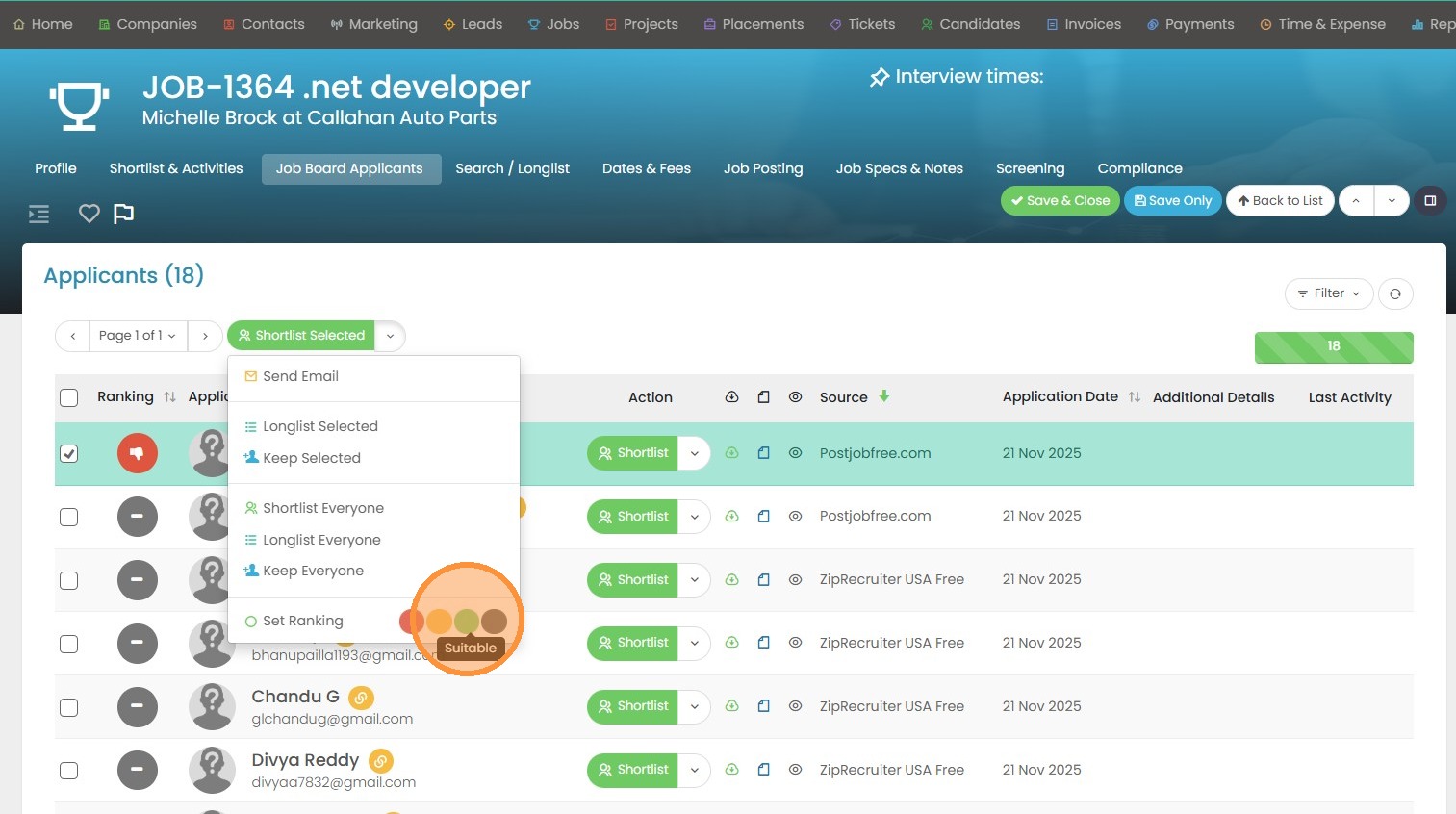
5. Green means the applicant is suitable.
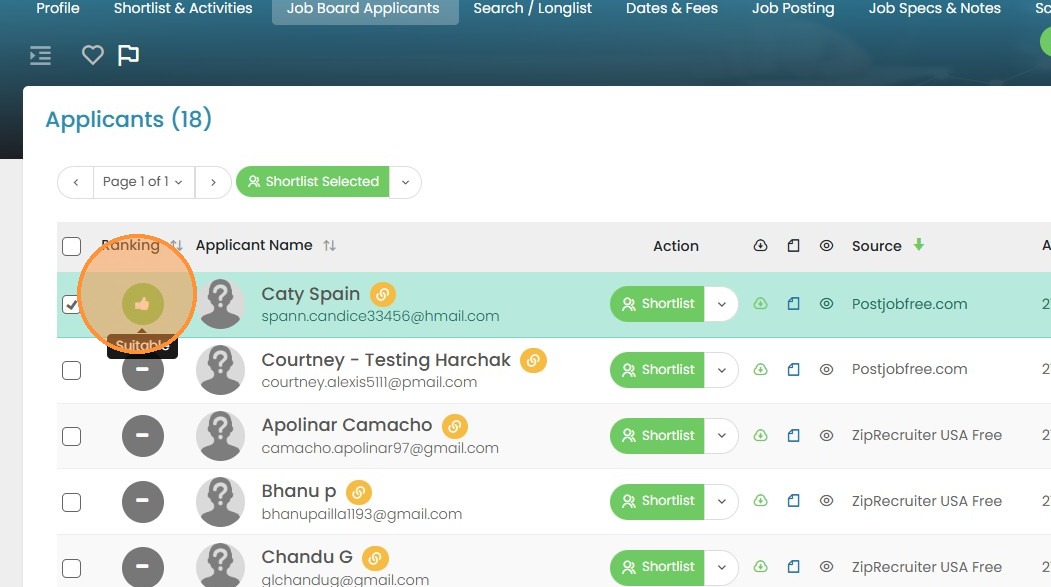
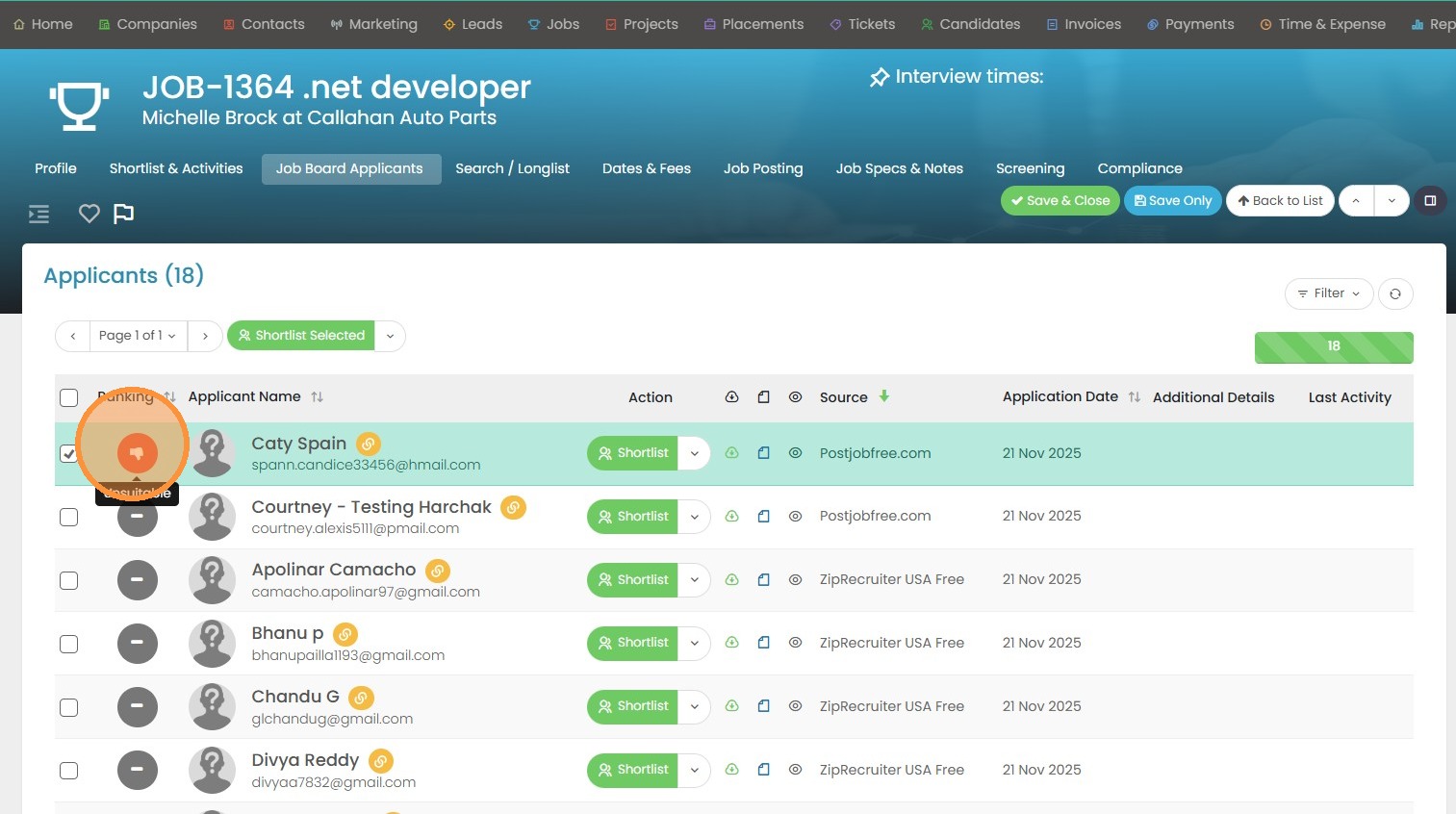
6. Red means unsuitable.
7. And yellow means maybe suitable. If you click this dropdown arrow you will also see those same "Keep"/download options.
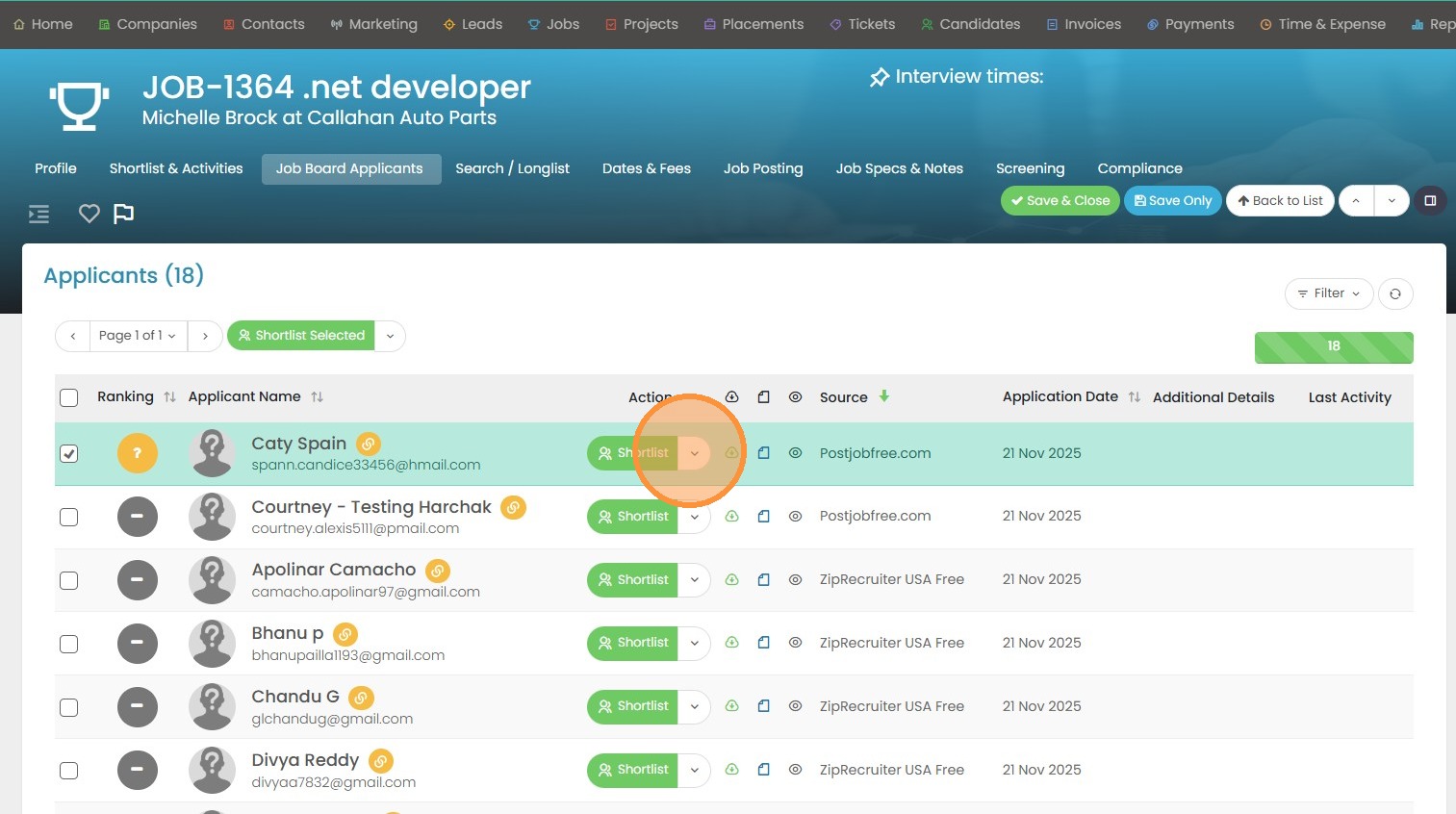
8. Click "Keep" to add the applicant into Tracker and view their resume.
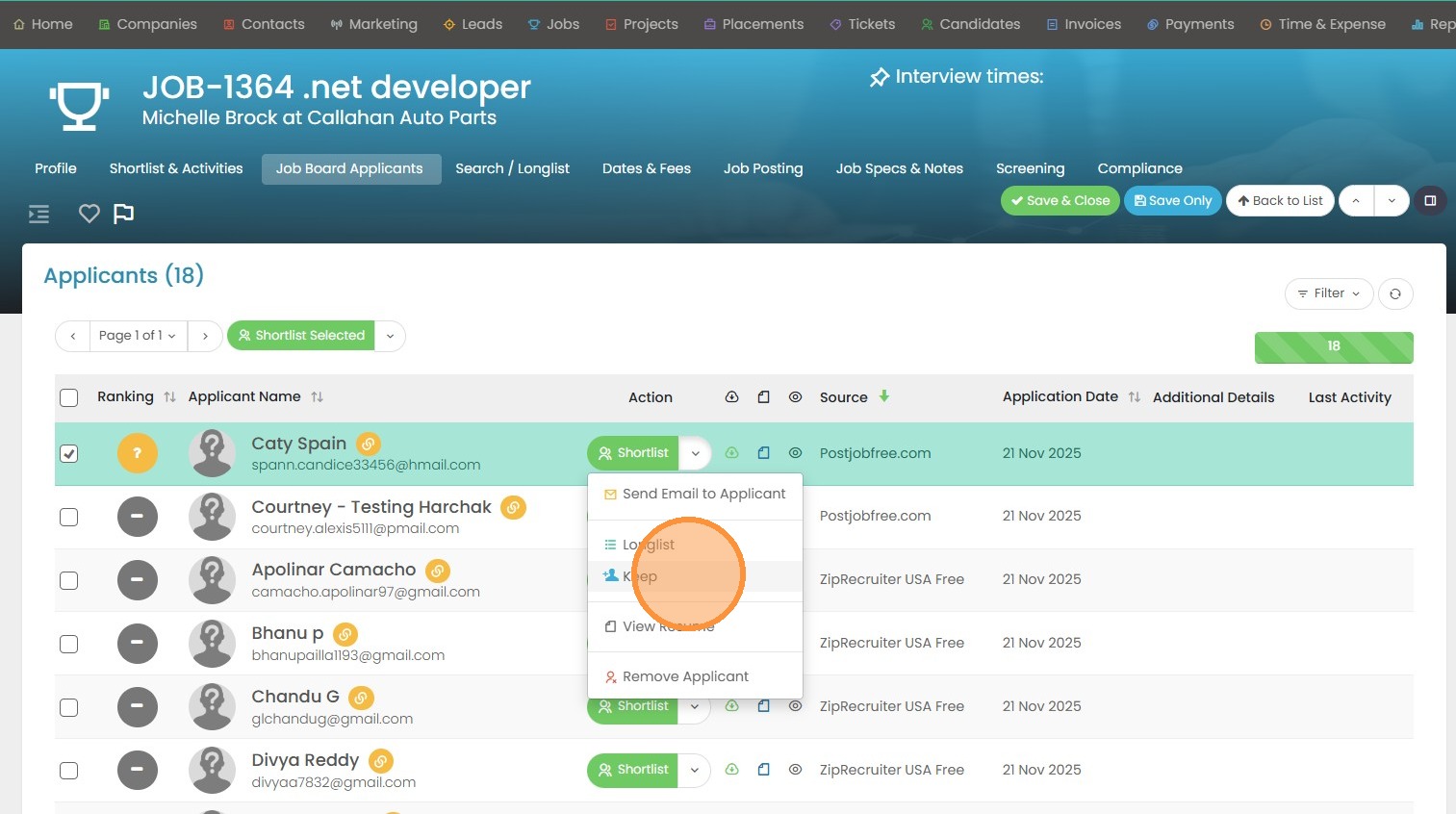
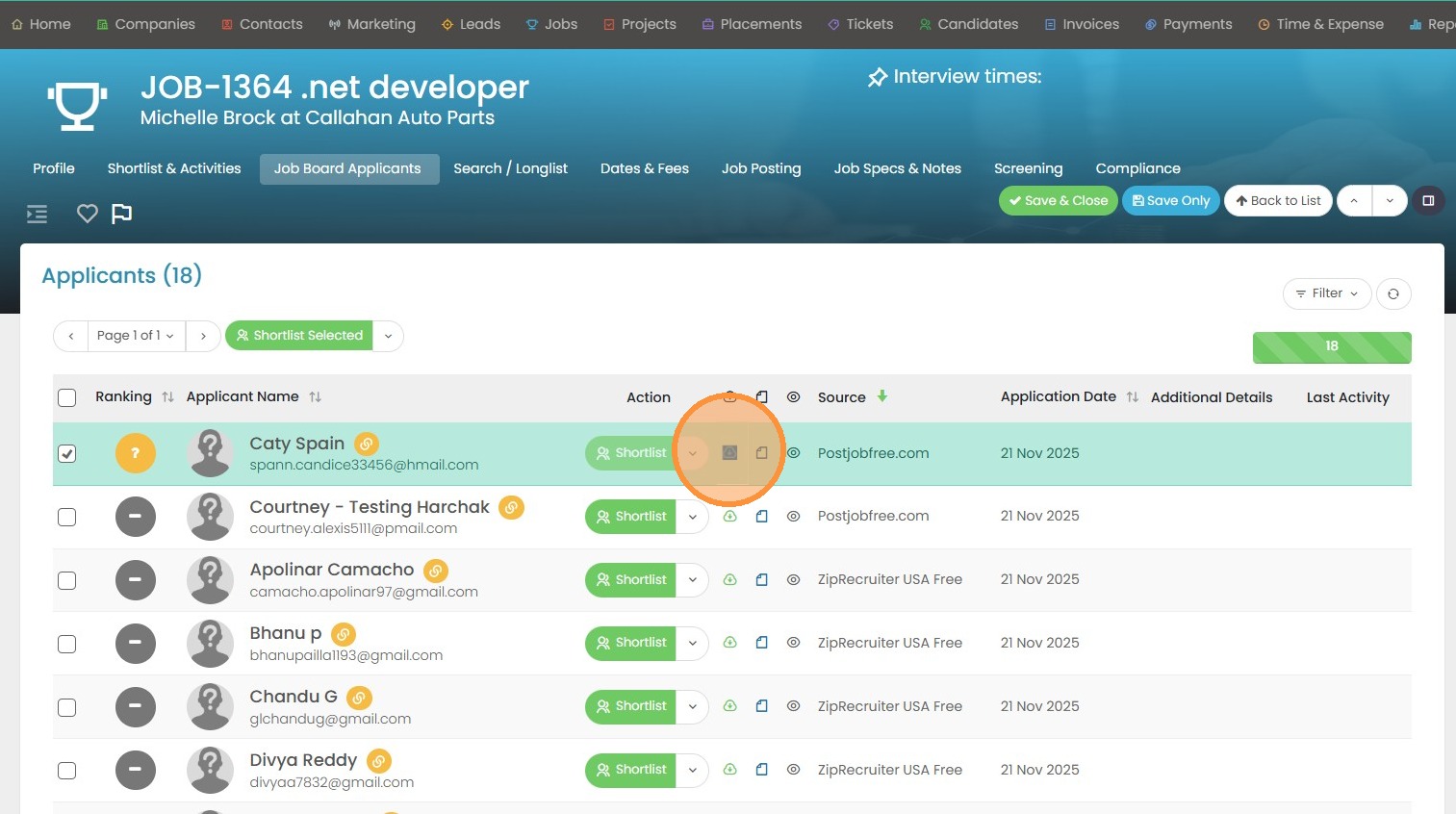
9. They will show as "Pending" until the download has been completed.
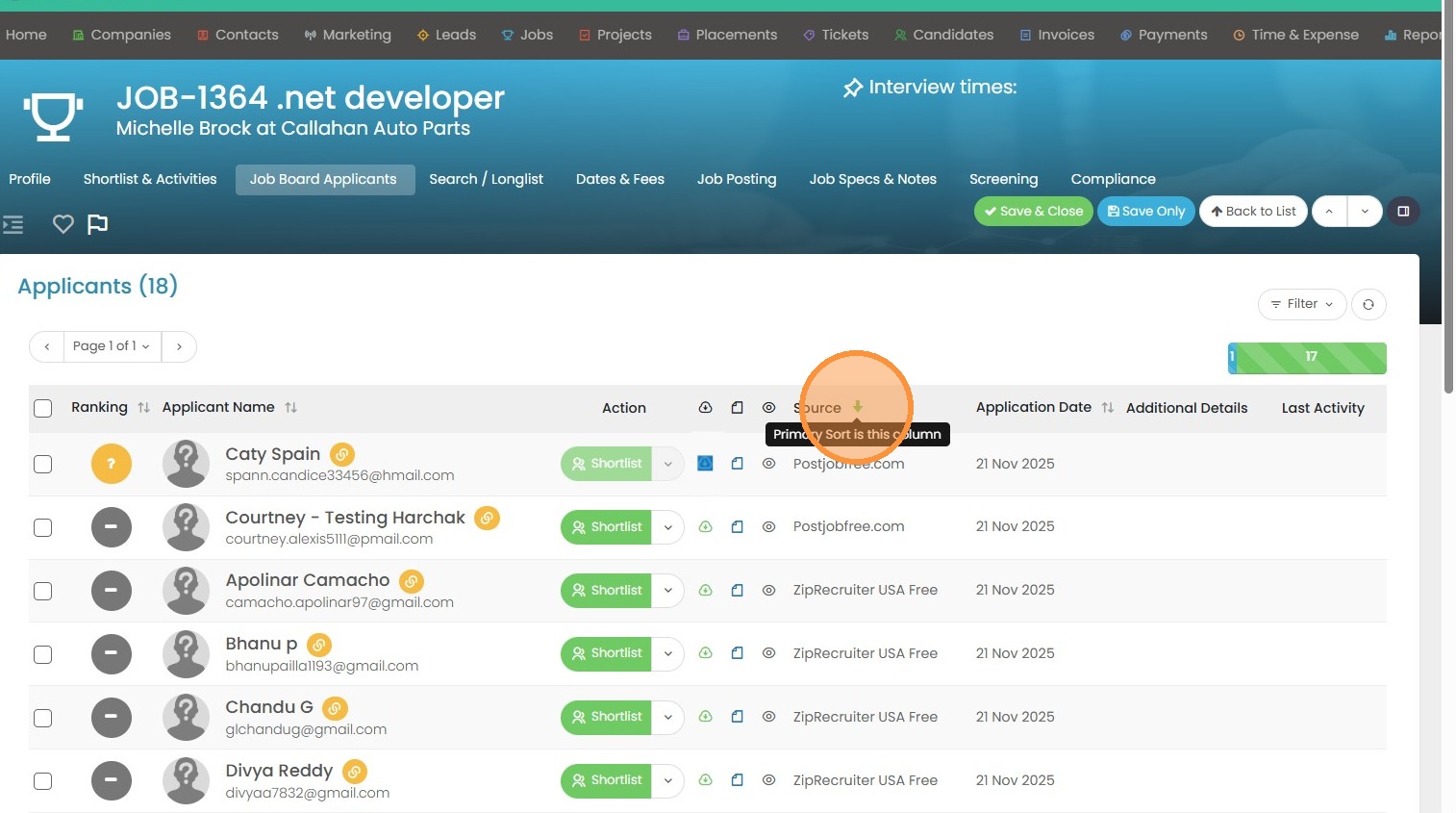
10. You can view what job board the applicant applied through under the source column.
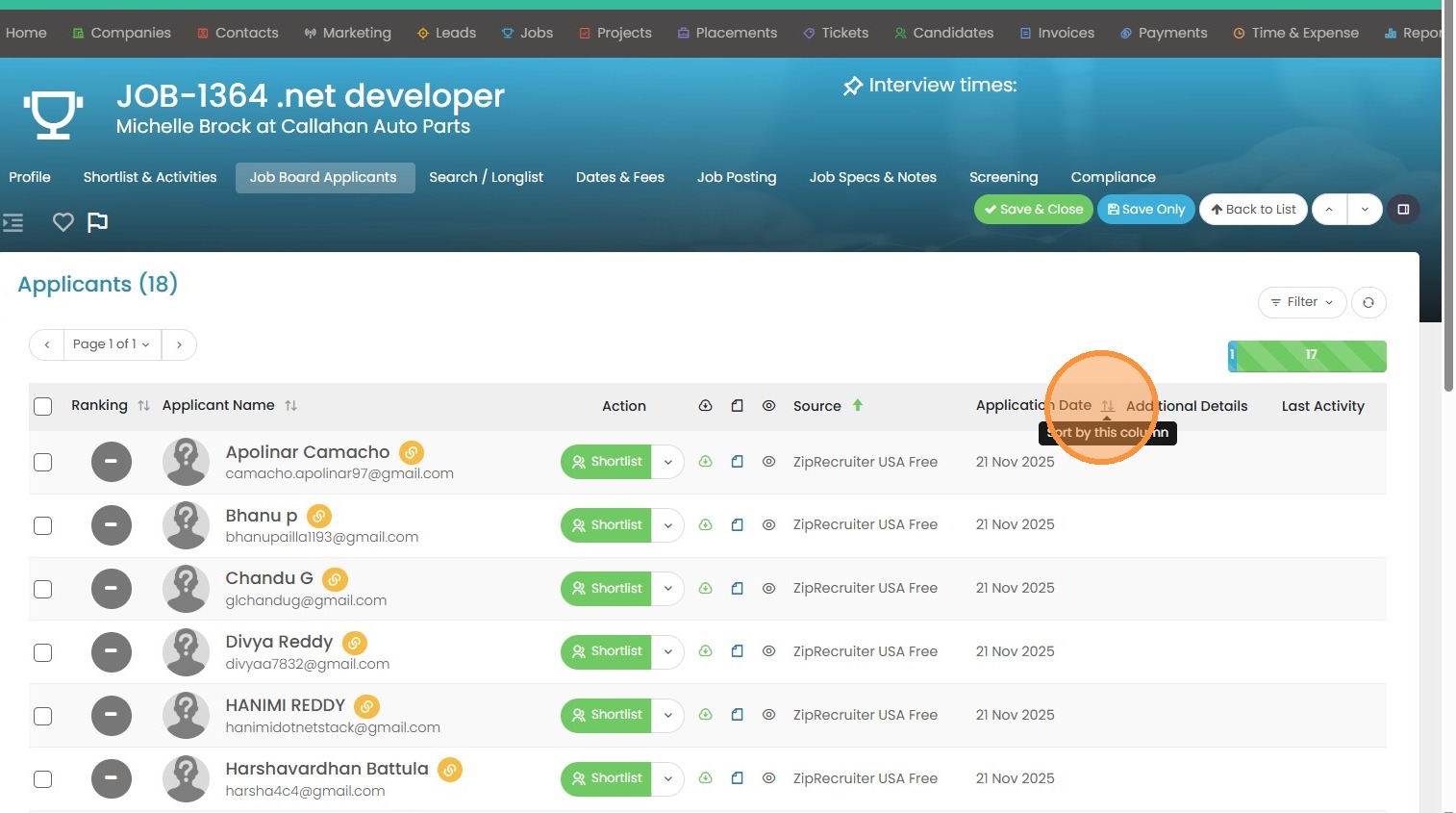
11. You can also sort by the newest application date if this list is pretty large.
12. You can quick-view the resume here once the applicant is downloaded.
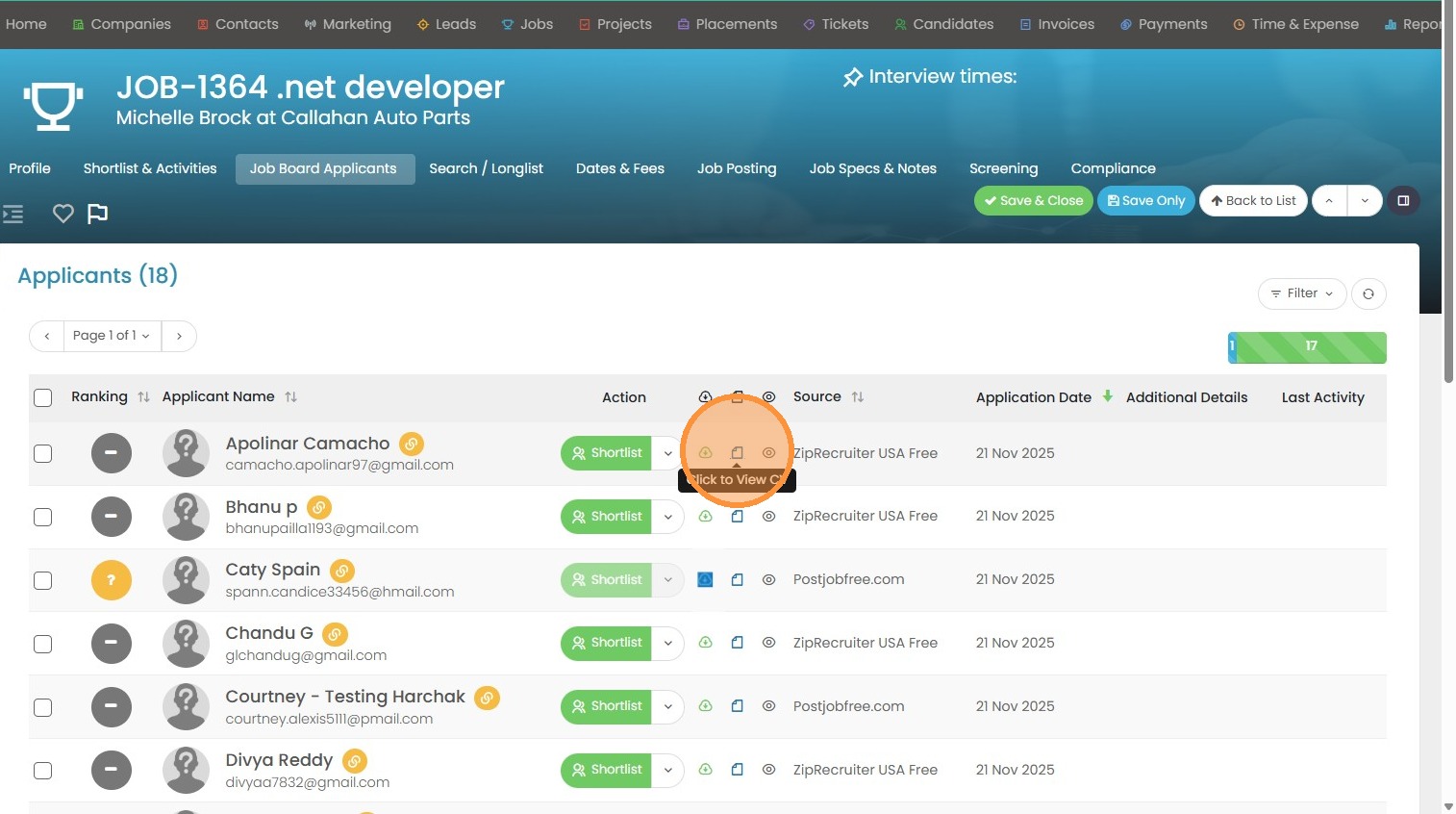
13. Or you can click the Quick View Eye to easily access the applicant's telephone number, email etc.
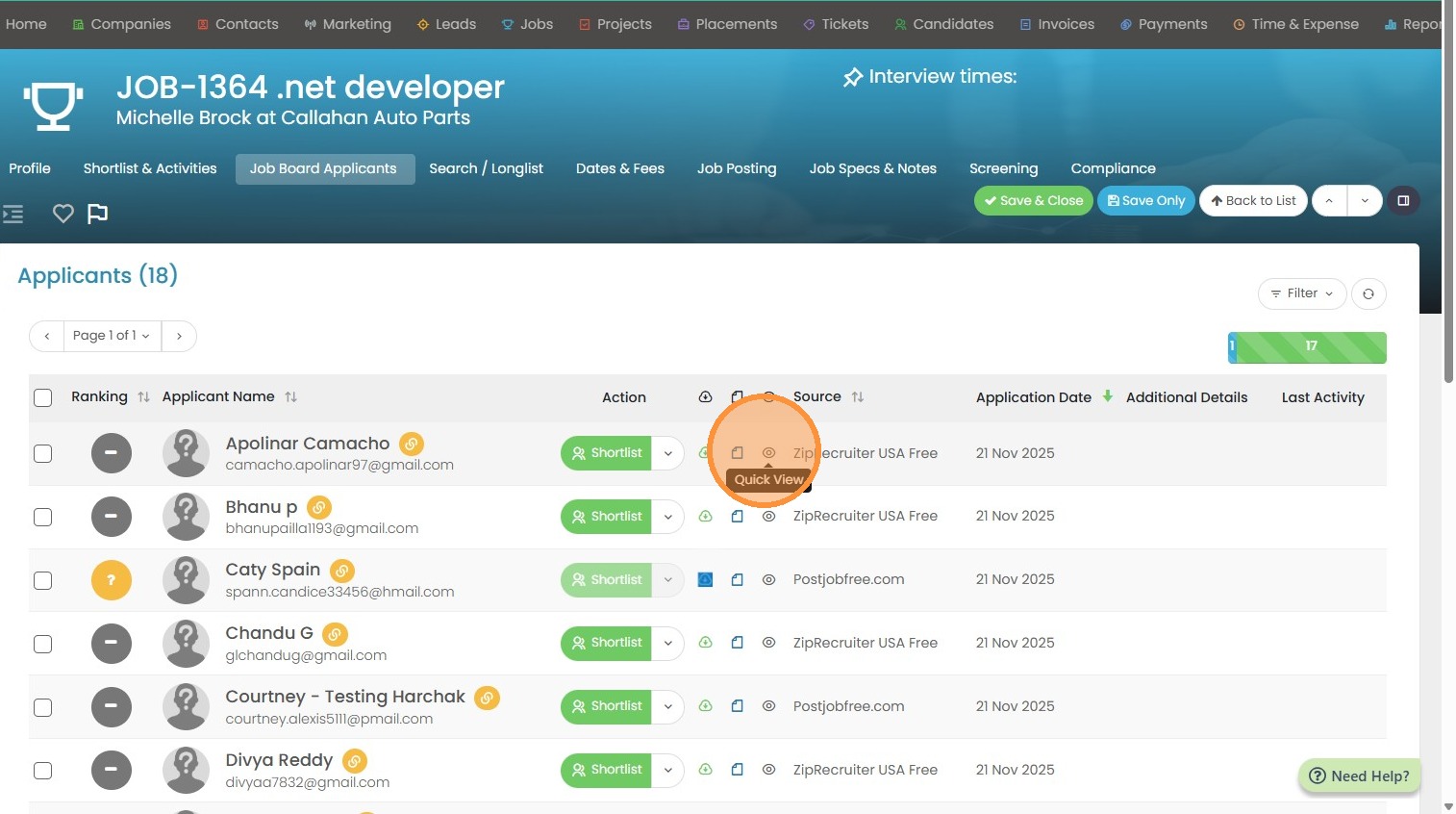
14. Like so.